















What kinds of projects can a 'Canva' expert help with for my business?
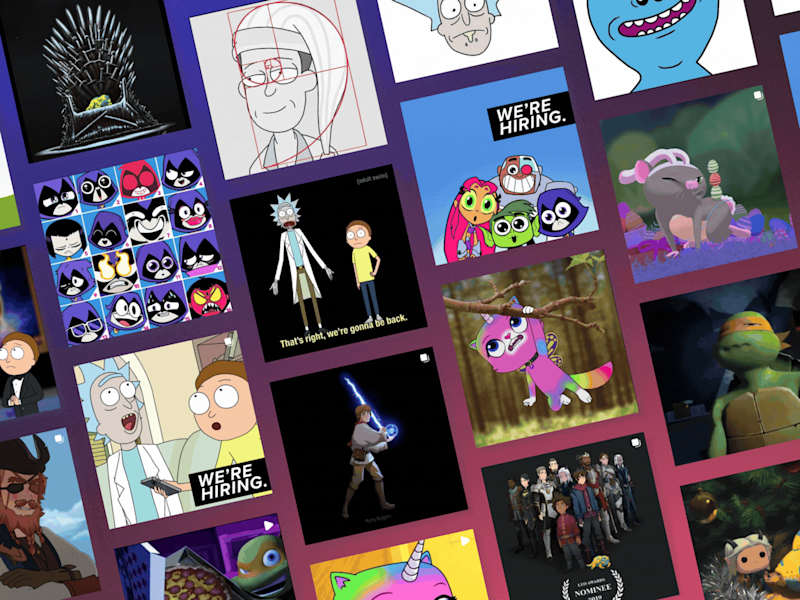
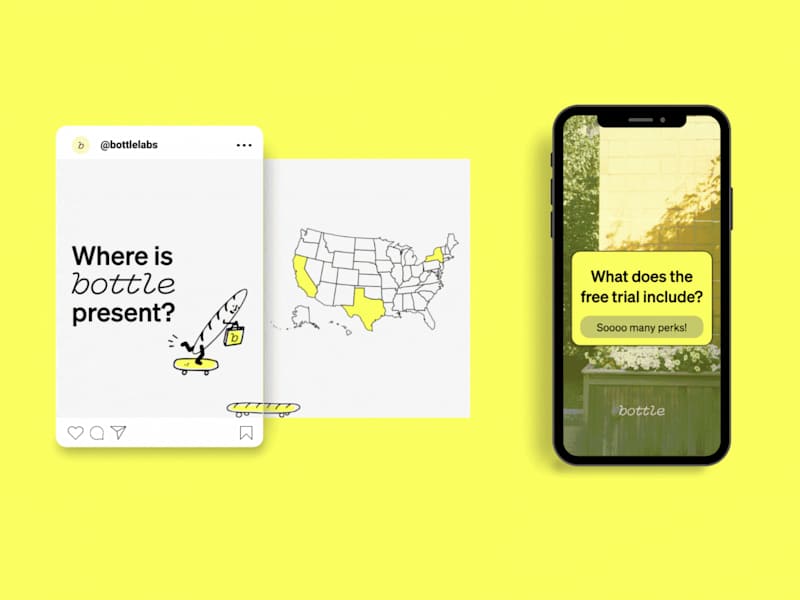
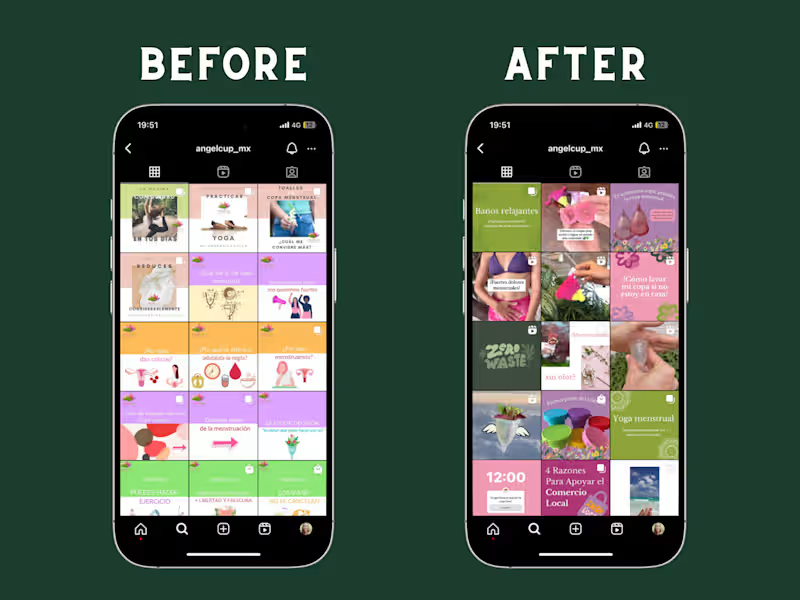
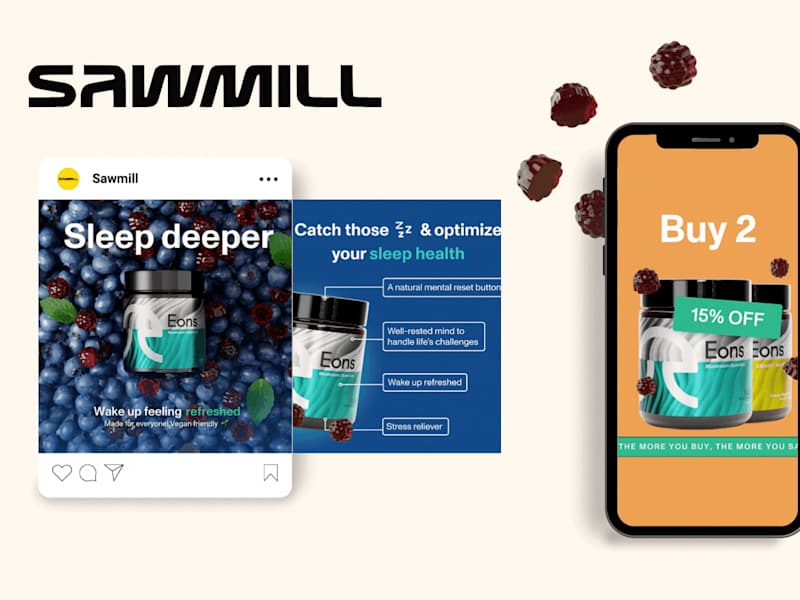
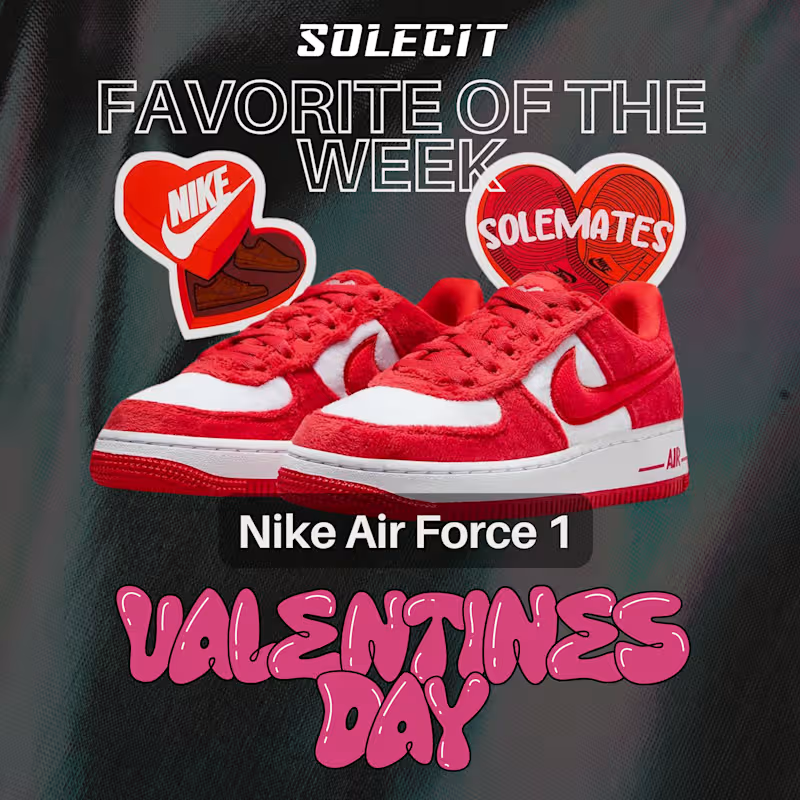
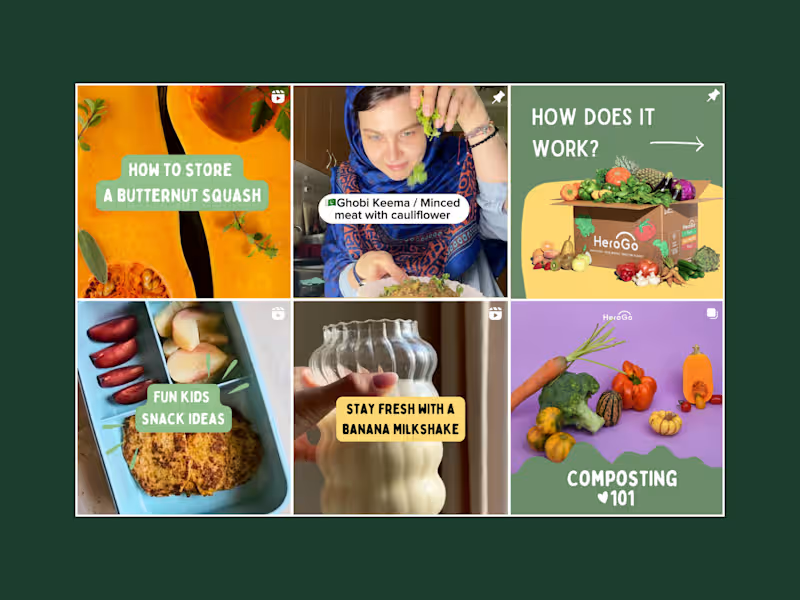
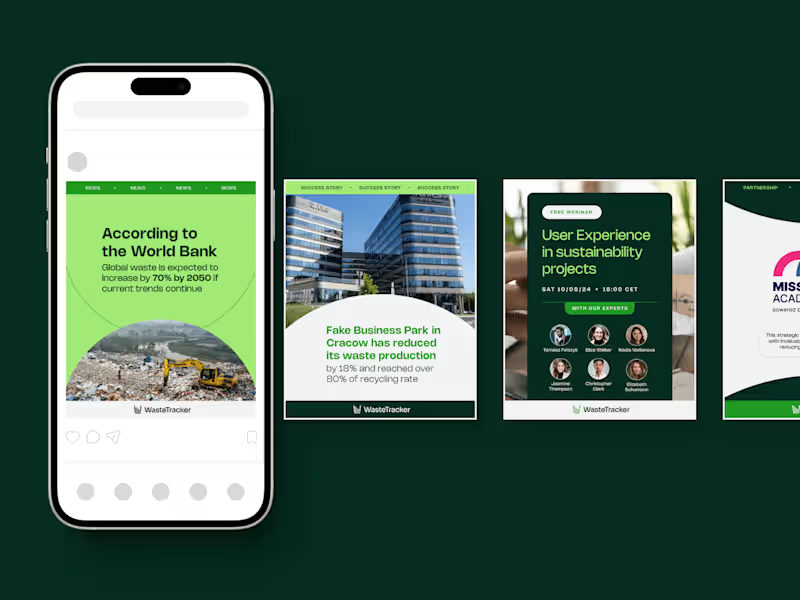
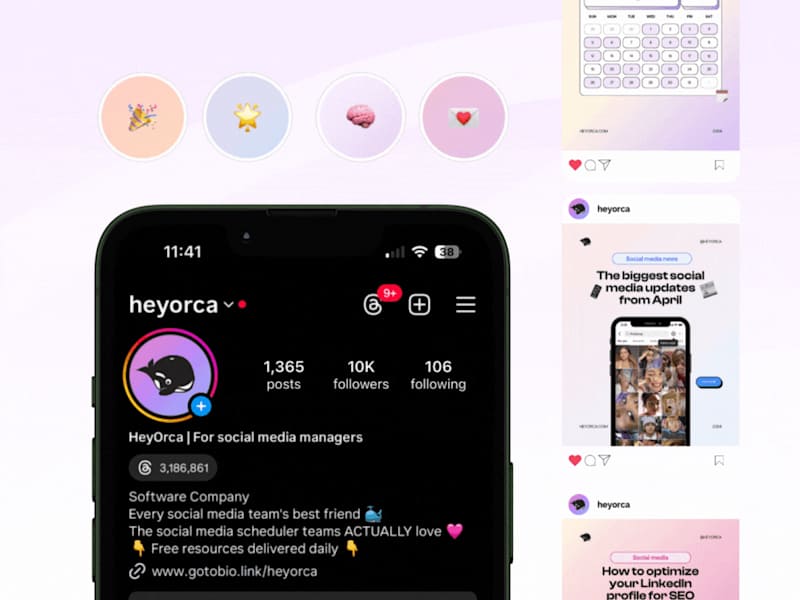
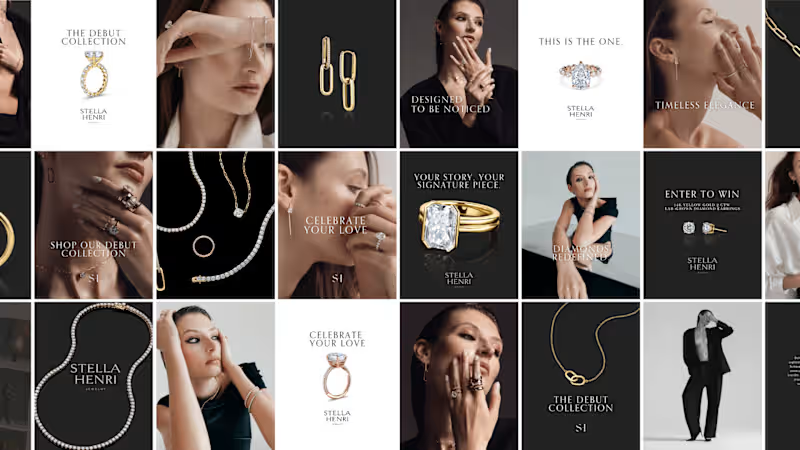
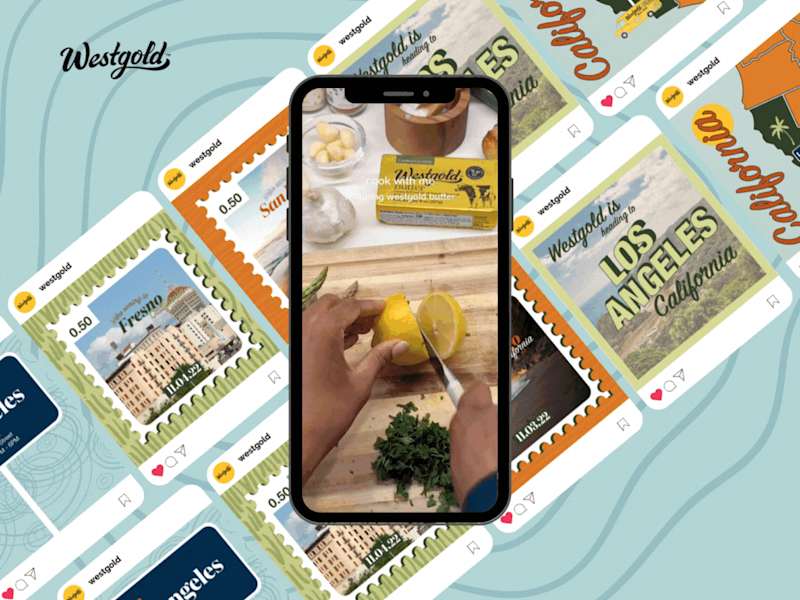
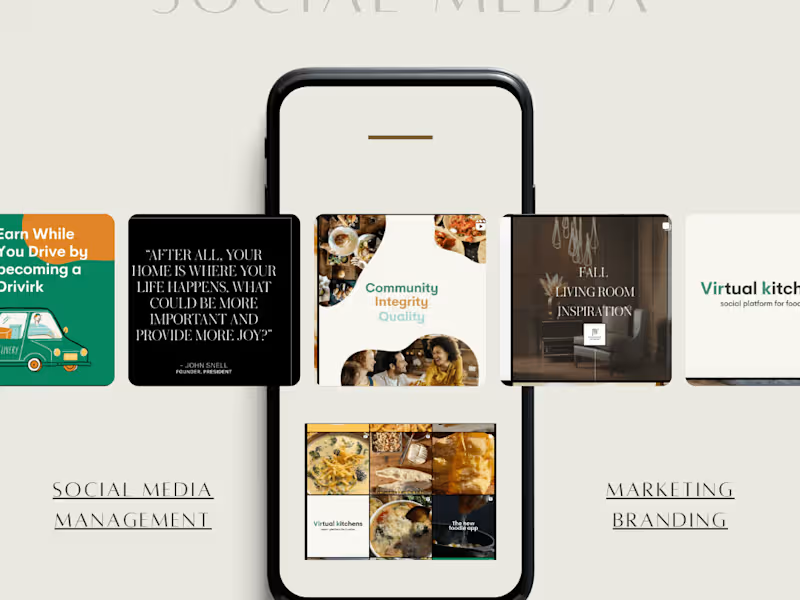
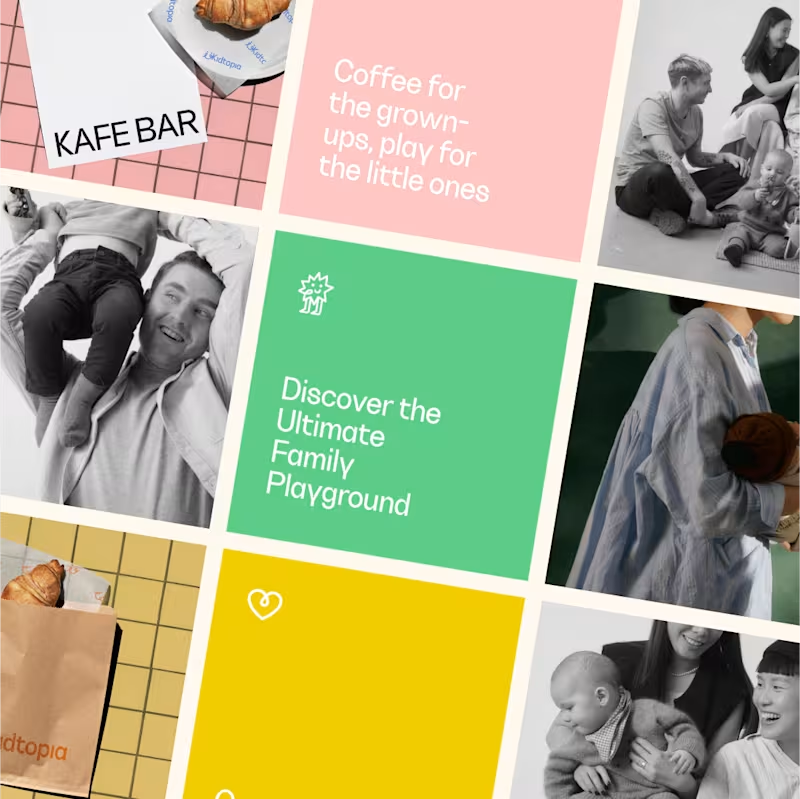
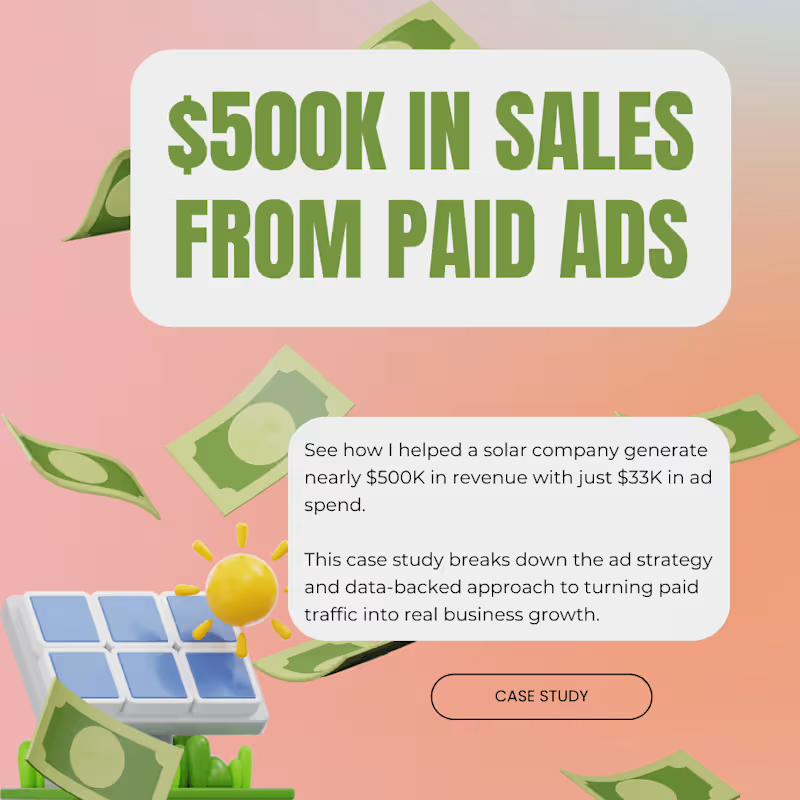
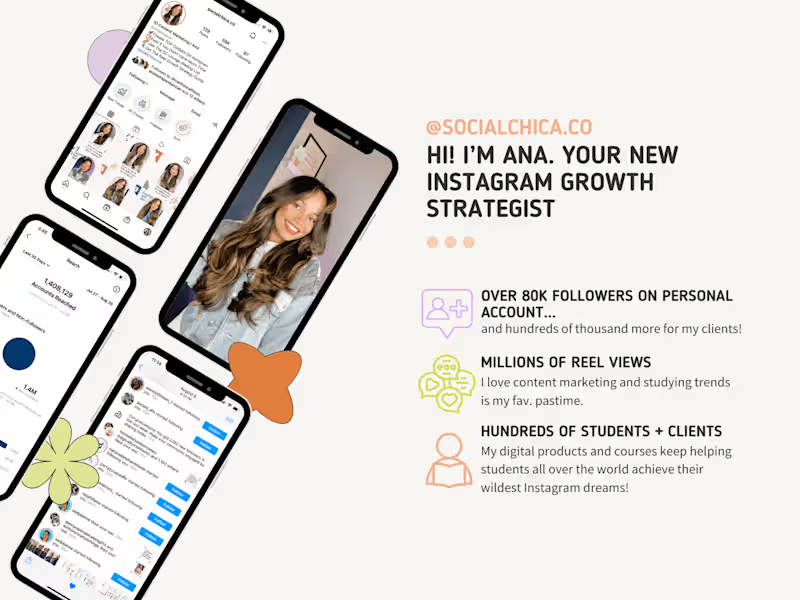
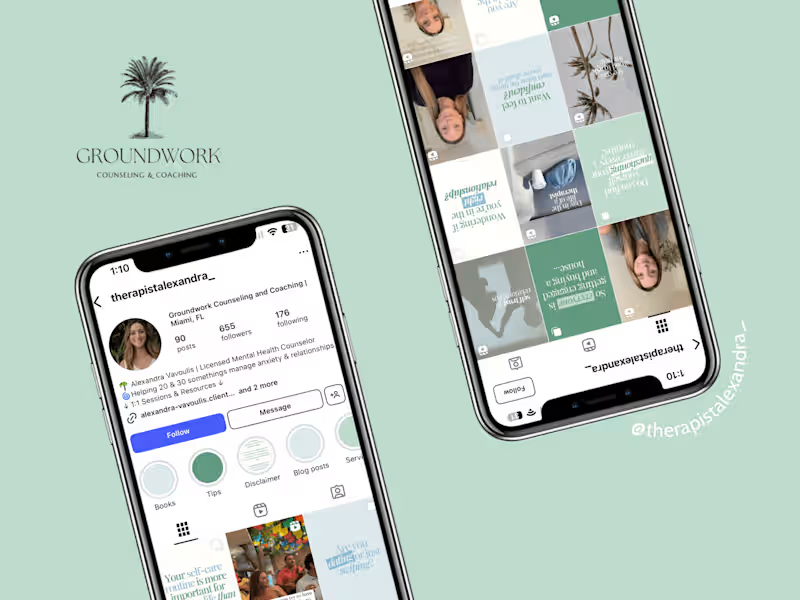
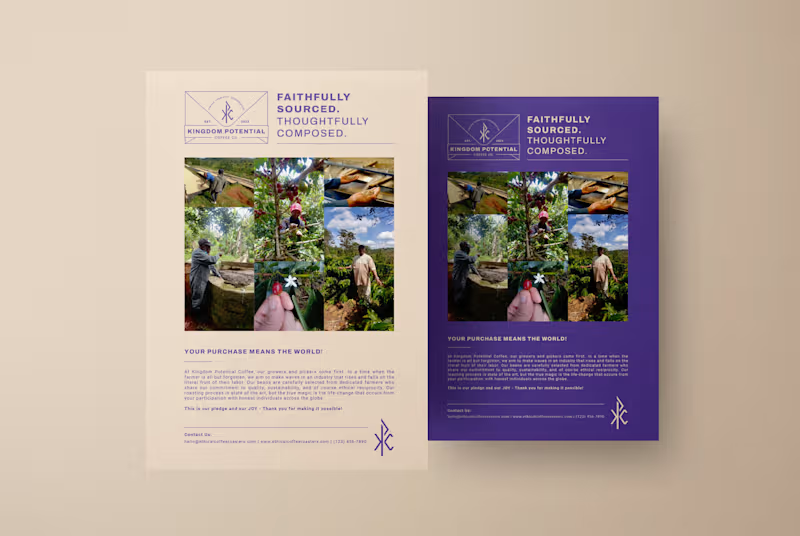
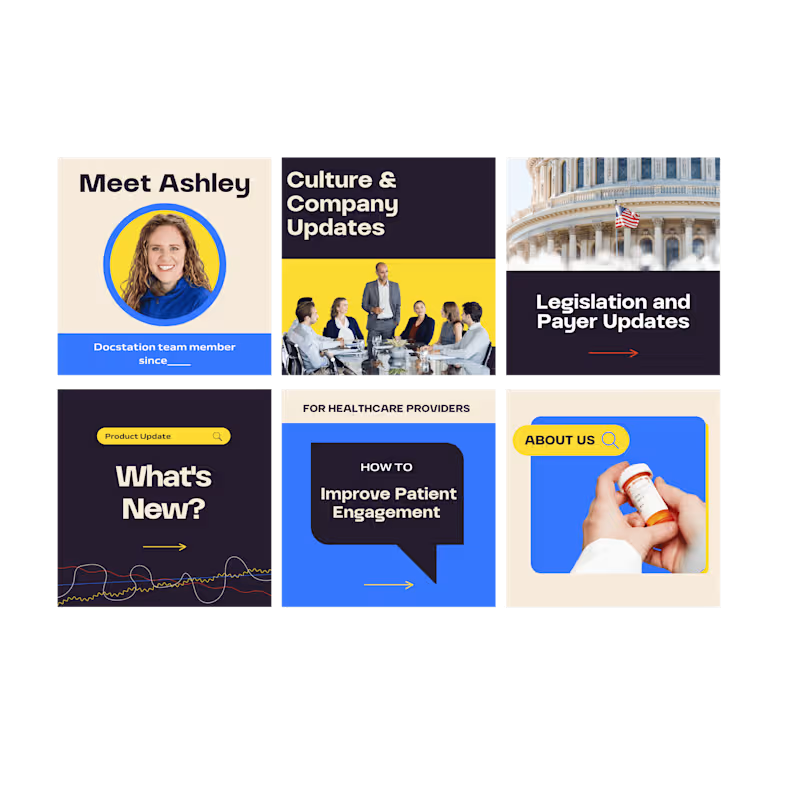
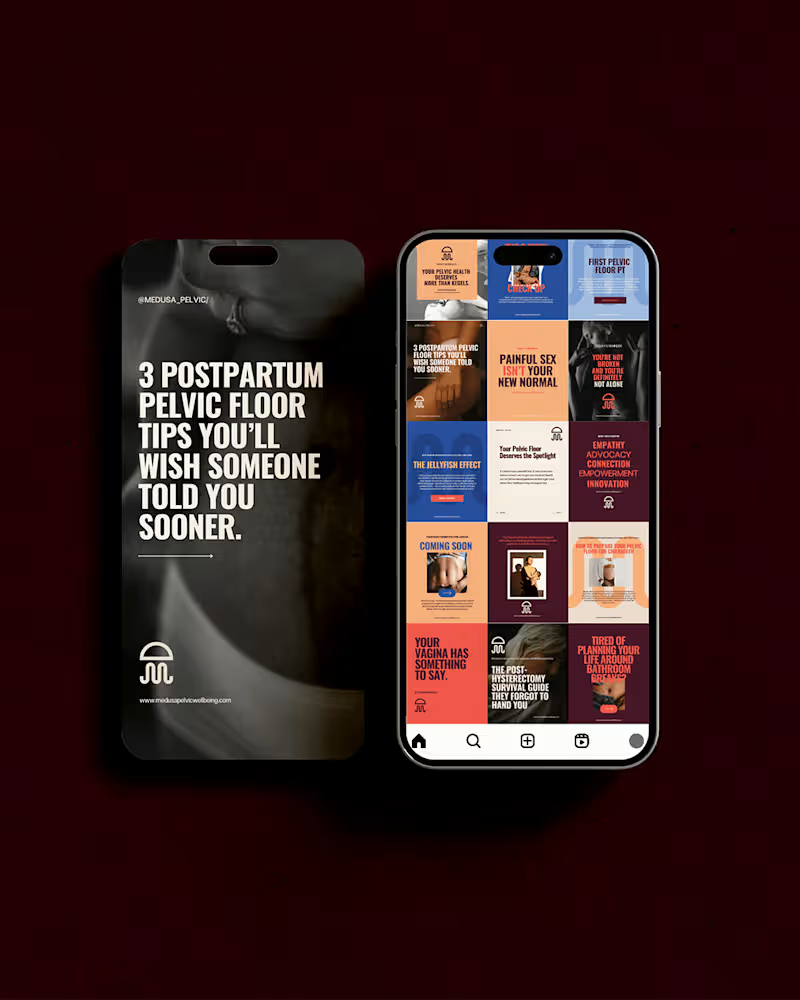
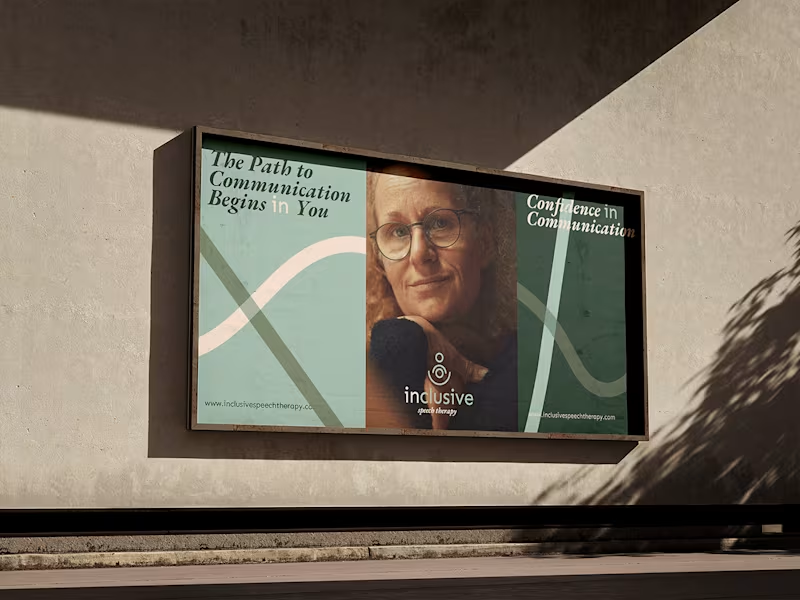
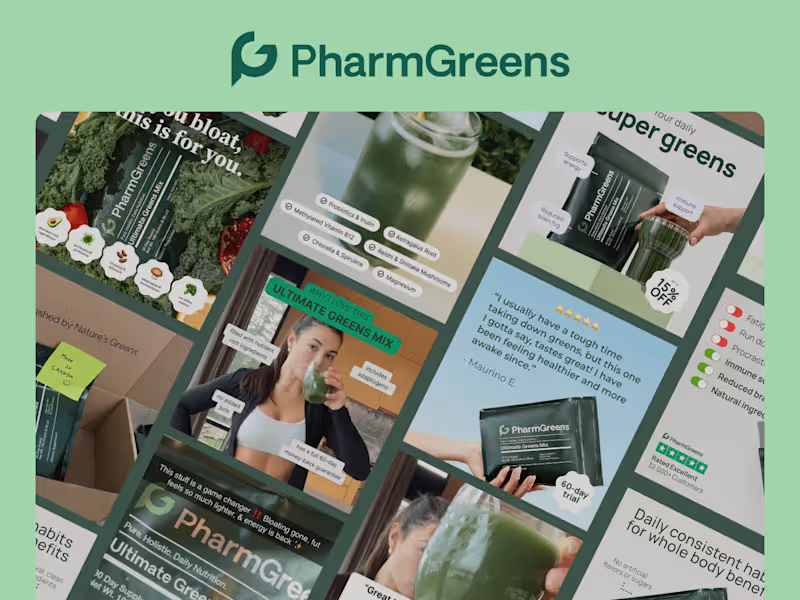
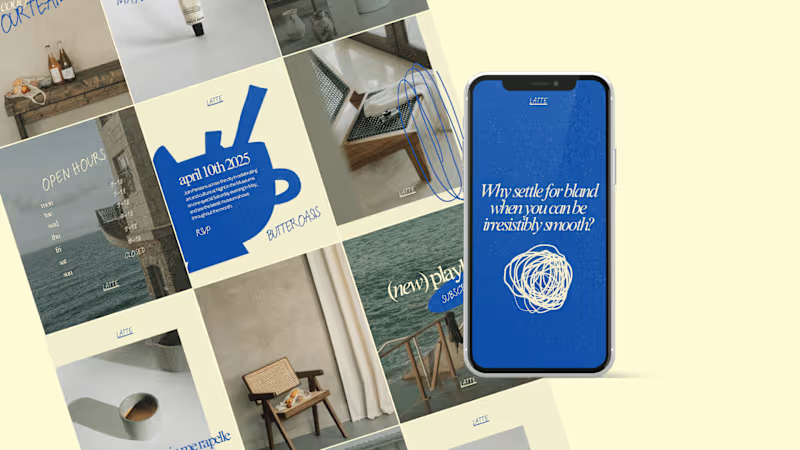
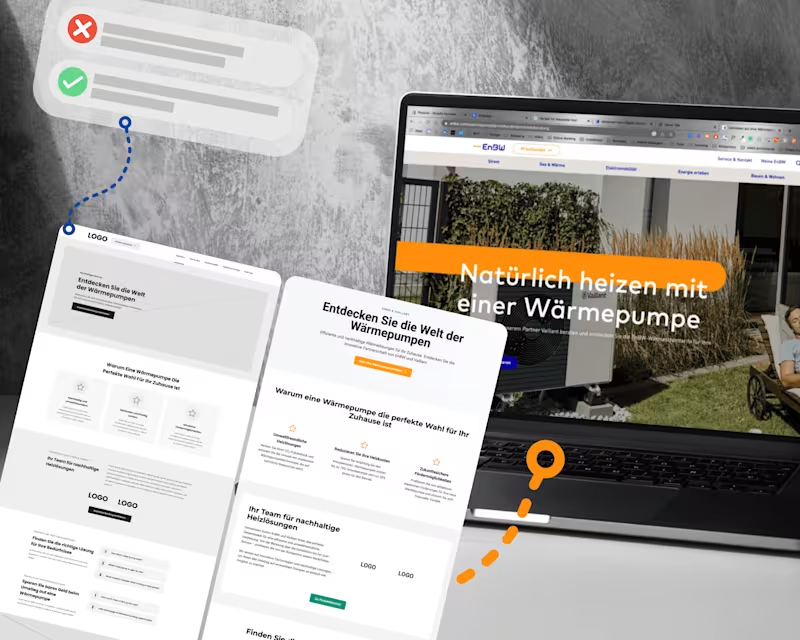
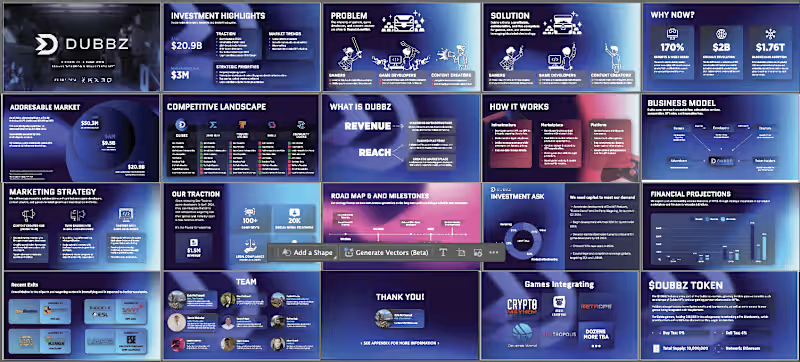
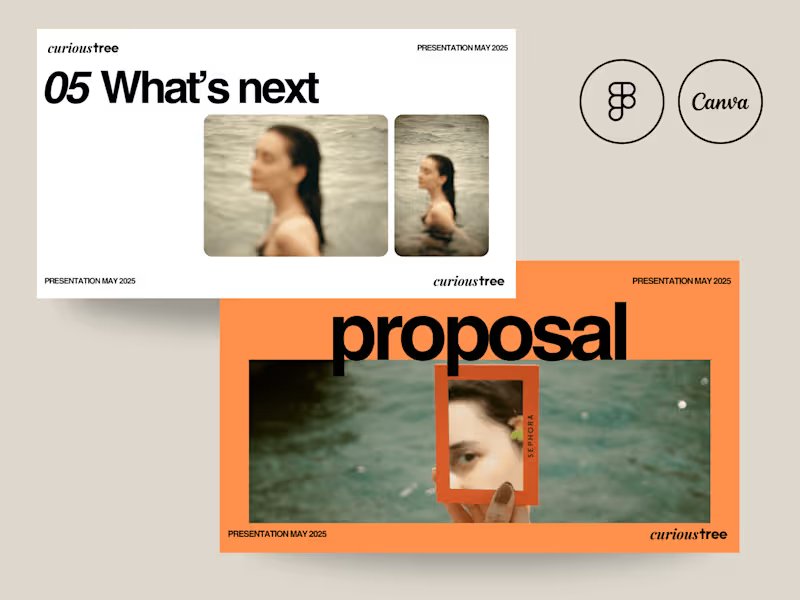
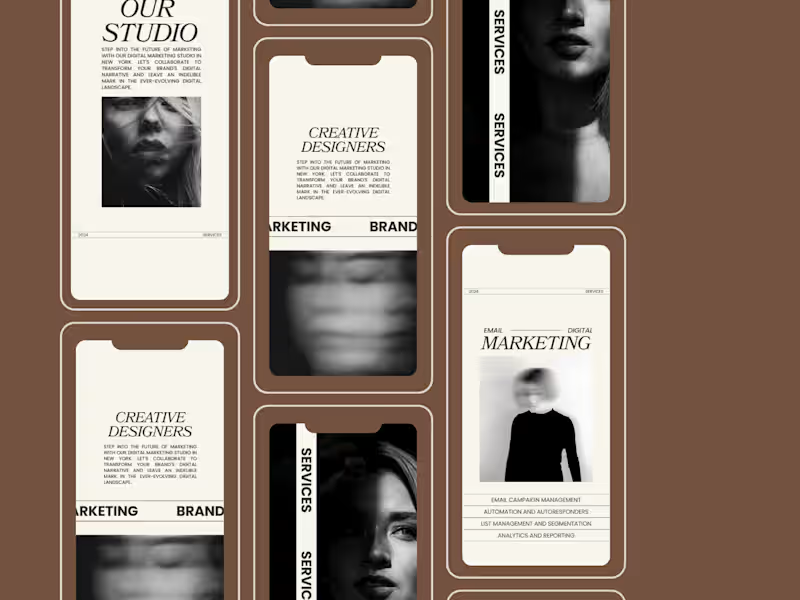
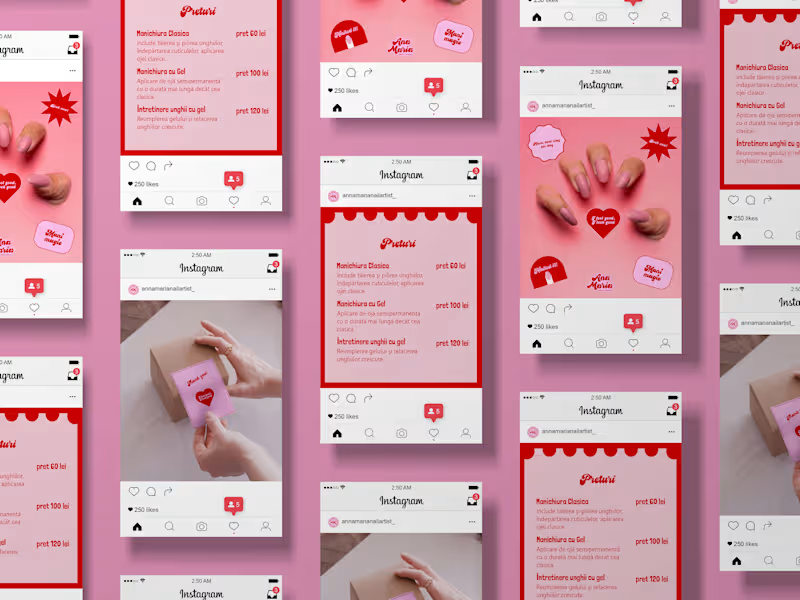
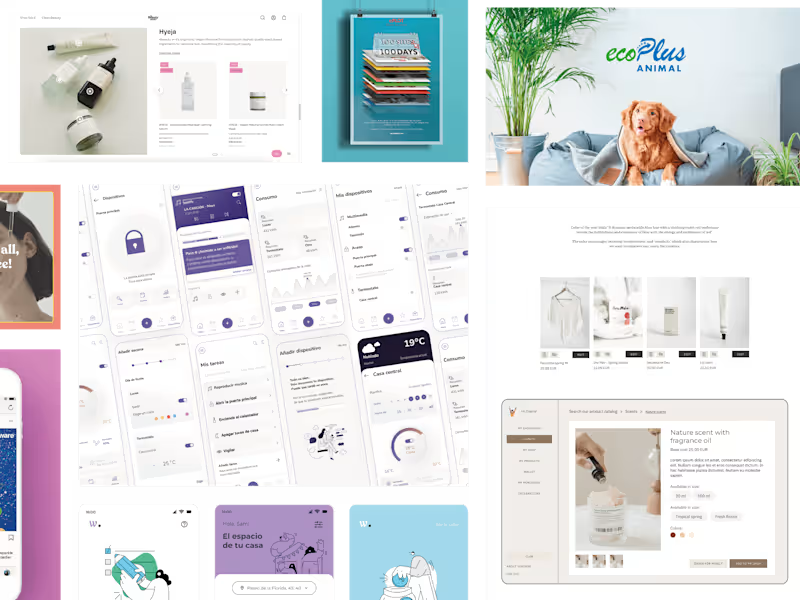
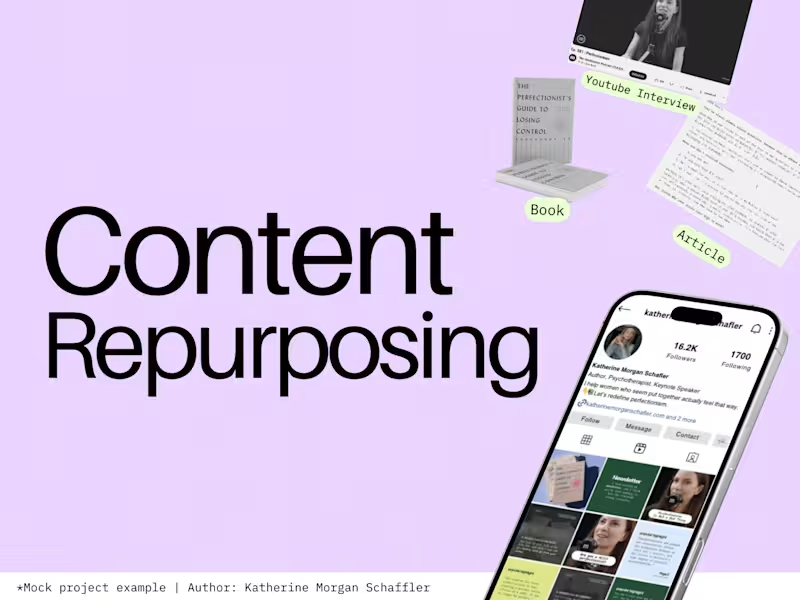
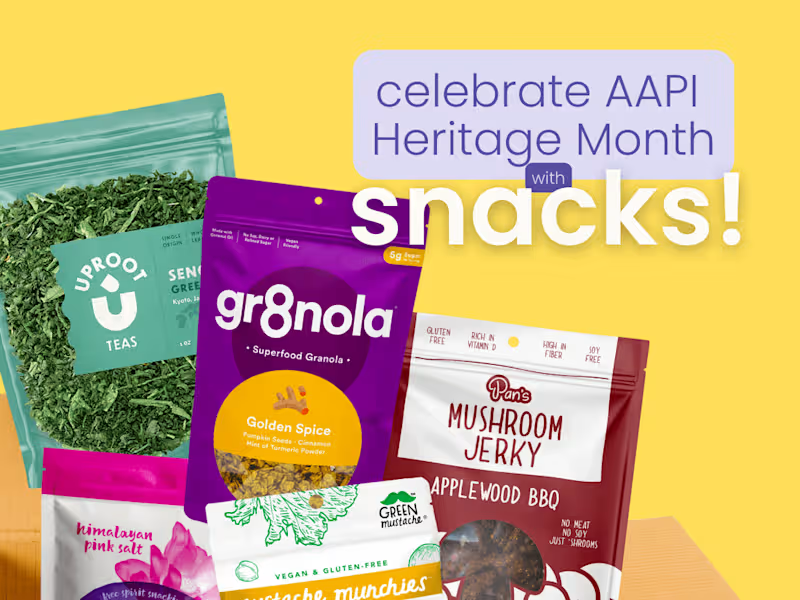
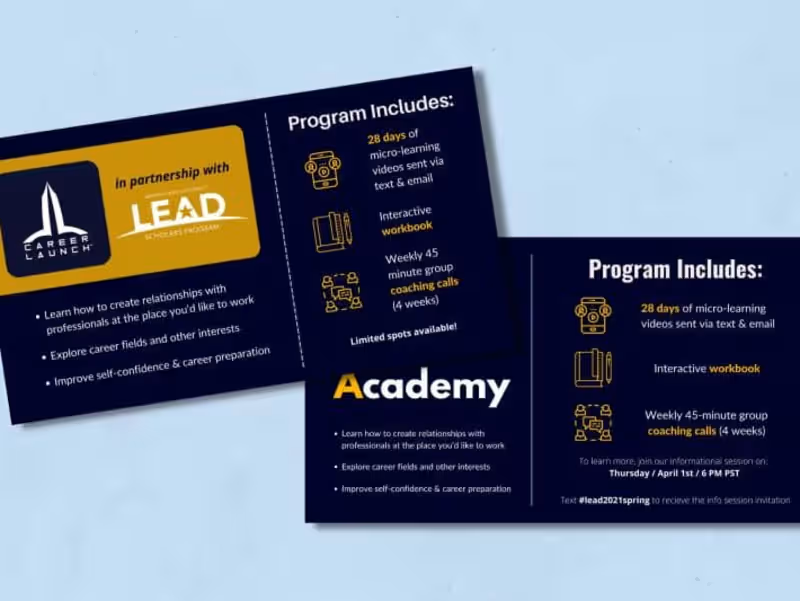
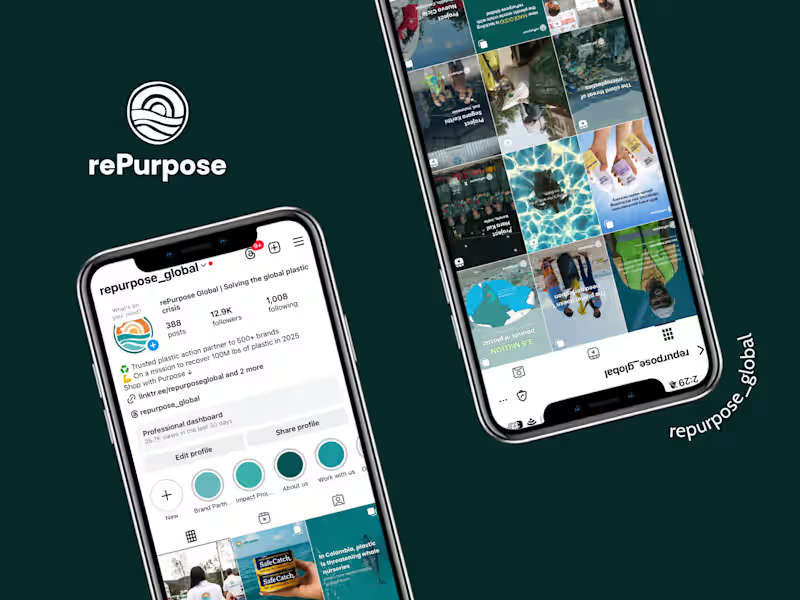
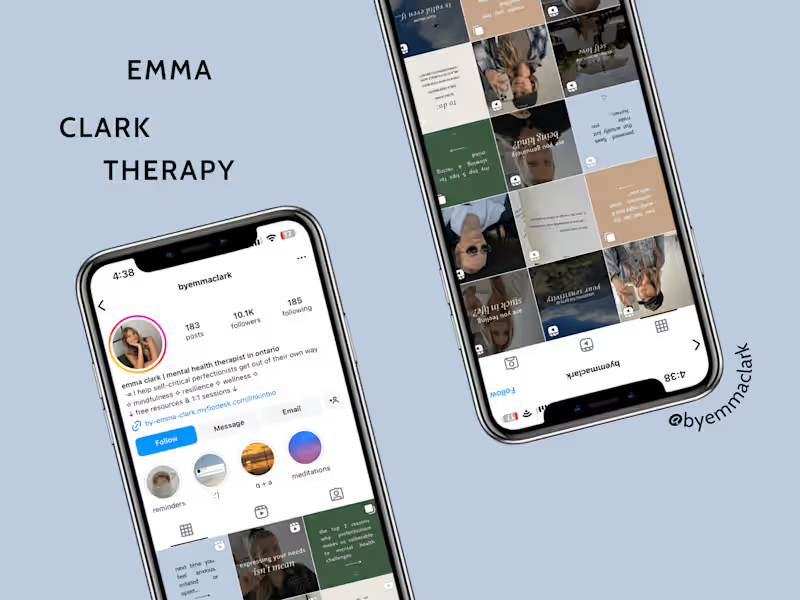
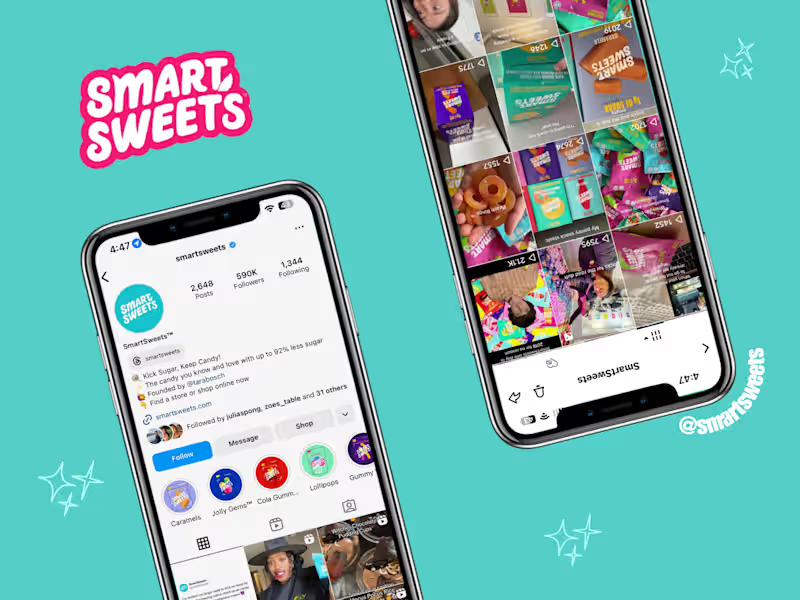
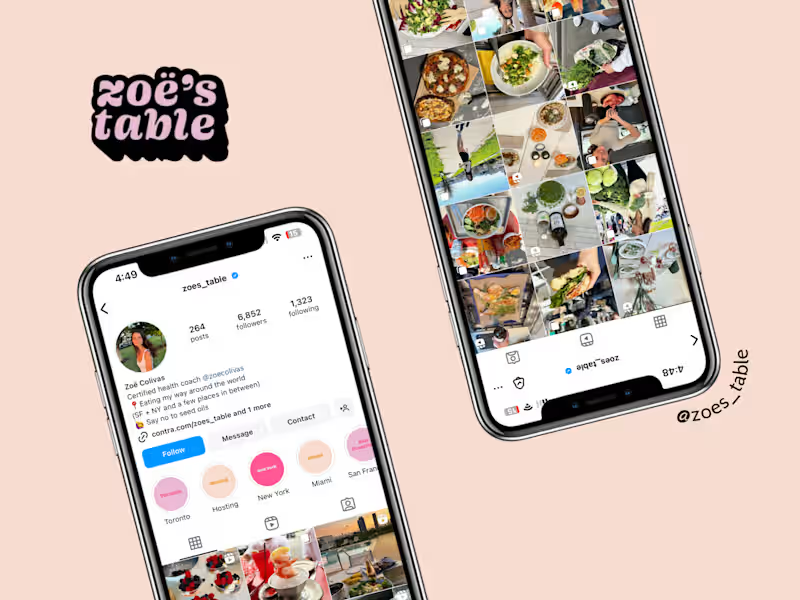
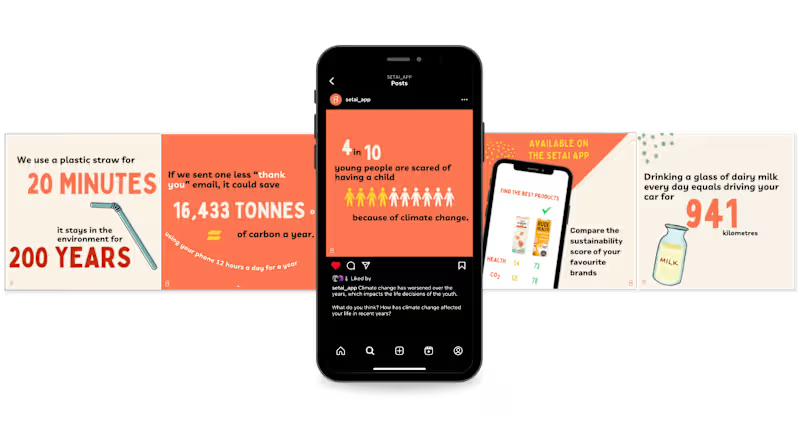
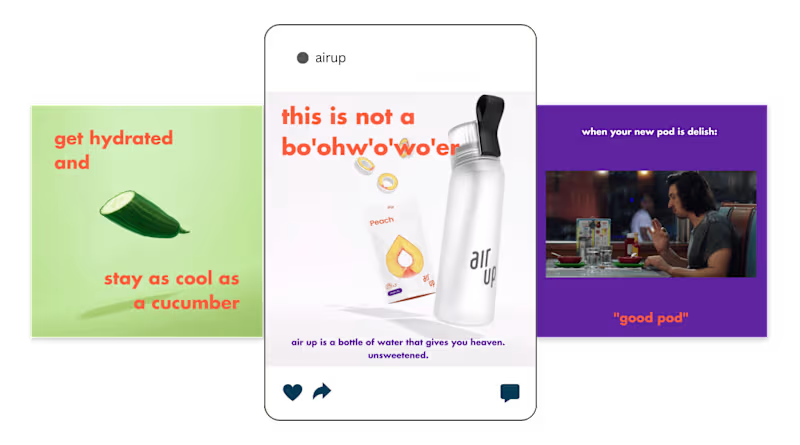
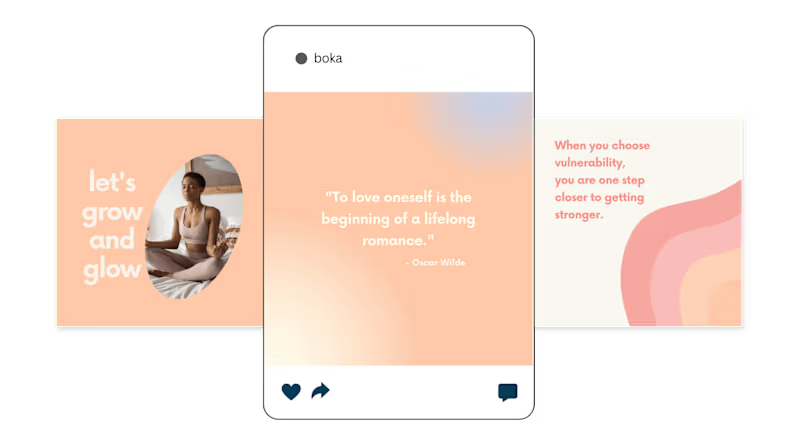
A 'Canva' expert can help with many types of projects. They can design social media posts to make your brand look great online. They can also create eye-catching presentations and marketing materials like brochures and flyers. Tell them what you need, and they can bring your ideas to life!
How can I make sure my 'Canva' project looks great?
First, clearly share your ideas and goals with the 'Canva' expert. Provide examples or inspiration for what you like. Trust their skills to make it look professional. Check in if you have questions during the process.
What should I include in the project brief for a 'Canva' expert?
A good project brief includes what you need designed, like a logo or an infographic. Share your brand colors and fonts if you have them. Mention any styles you like and the message you want to share. This helps the expert understand your vision better.
What tools does a 'Canva' expert use to make designs?
A 'Canva' expert primarily uses Canva for creating designs. Canva has many built-in features like templates and images that make designing easier. They might also use other tools for special effects, but Canva is their main tool.
How long does it usually take for a 'Canva' expert to finish a project?
The time it takes depends on how big your project is. Small projects like a social media post can be done in a day or two. Bigger projects like designing a brochure might take a week or more. Ask your expert for an estimate based on your needs.
How can I track the progress of my 'Canva' project?
Ask your 'Canva' expert for regular updates. They can share drafts and test samples with you. This way, you stay informed and can give feedback. It's important to communicate often for the best results.
What file types do I get once the 'Canva' project is done?
When your project is finished, you can get different types of files like PNG, JPG, or PDF. These are useful for printing or sharing online. If you need a specific file type, let the expert know early on so they can prepare it for you.
How should I give feedback to a 'Canva' expert on their design?
Be specific about what you like or want changed in the design. If you don't like a color, mention which one and why. Share suggestions and ideas to help them improve. Good communication helps the expert make the design perfect for you.
What questions should I ask myself before hiring a 'Canva' expert?
Think about what designs you need and what your project goals are. Consider your budget and timeline too. Knowing these helps you explain your needs to the expert. Clear goals make the hiring process smoother.
Why should I choose a 'Canva' expert for my design project?
A 'Canva' expert is skilled in using Canva's tools to create high-quality designs. They know how to use templates and customize them beautifully. Working with an expert saves you time and gives your project a professional touch. It's a great choice to make your brand stand out!
Who is Contra for?
Contra is designed for both freelancers (referred to as "independents") and clients. Freelancers can showcase their work, connect with clients, and manage projects commission-free. Clients can discover and hire top freelance talent for their projects.
What is the vision of Contra?
Contra aims to revolutionize the world of work by providing an all-in-one platform that empowers freelancers and clients to connect and collaborate seamlessly, eliminating traditional barriers and commission fees.