

















How can I describe my project when hiring a Canva expert?
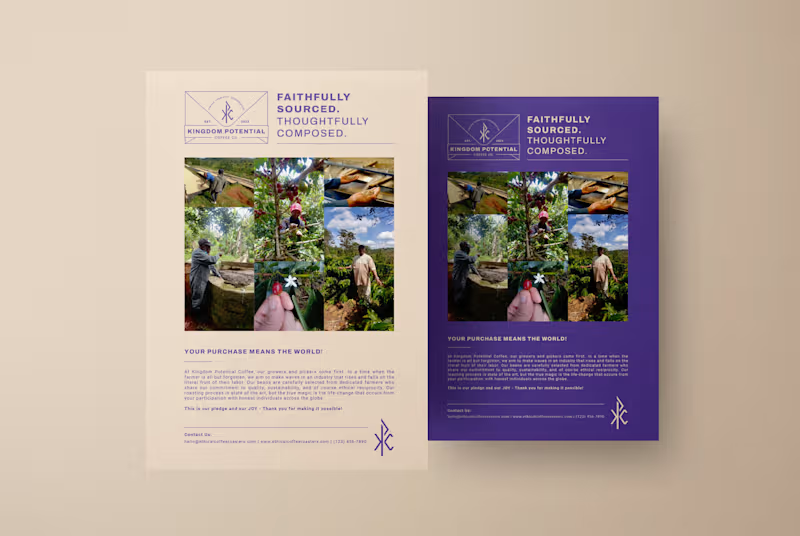
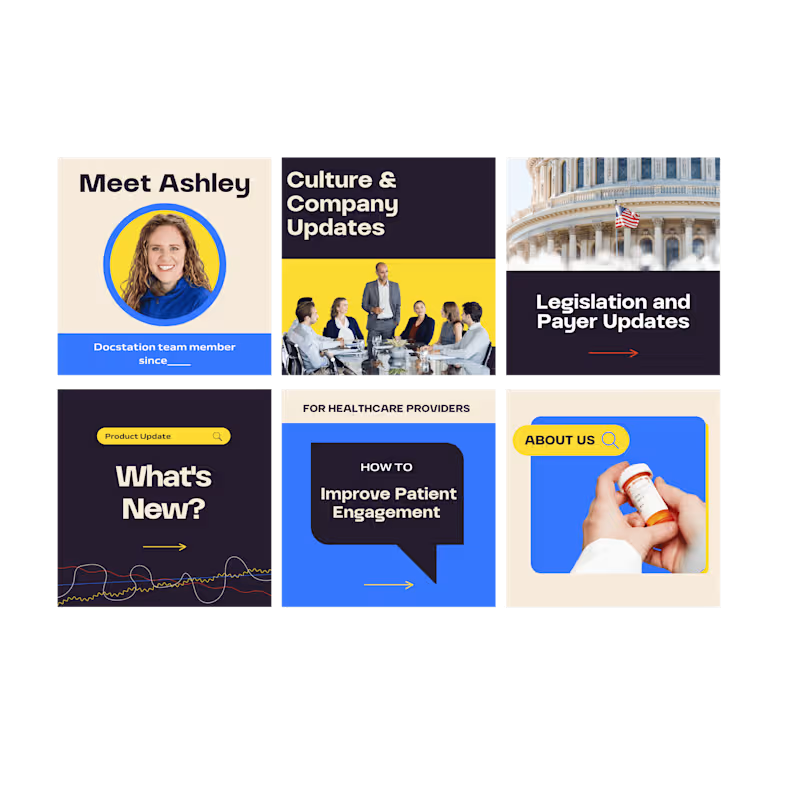
Start by explaining what you want to make, like a flyer or a social media post. Share all the important details you can think of. This helps the Canva expert understand what you need.
What should I look for in a Canva freelancer's portfolio?
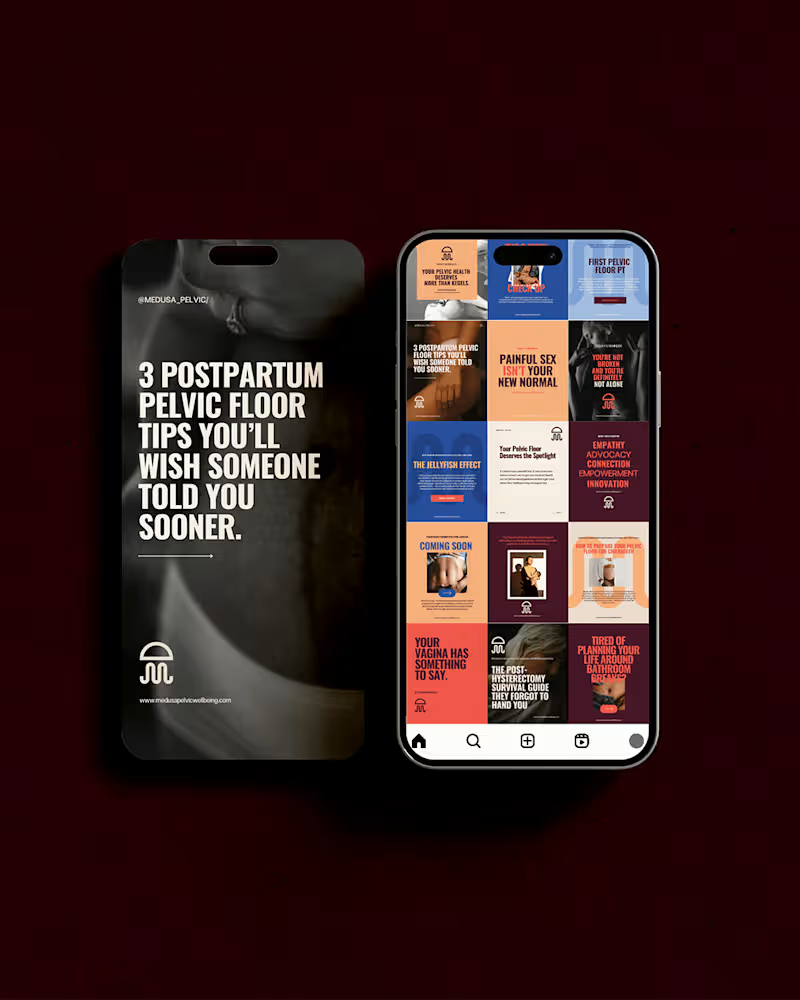
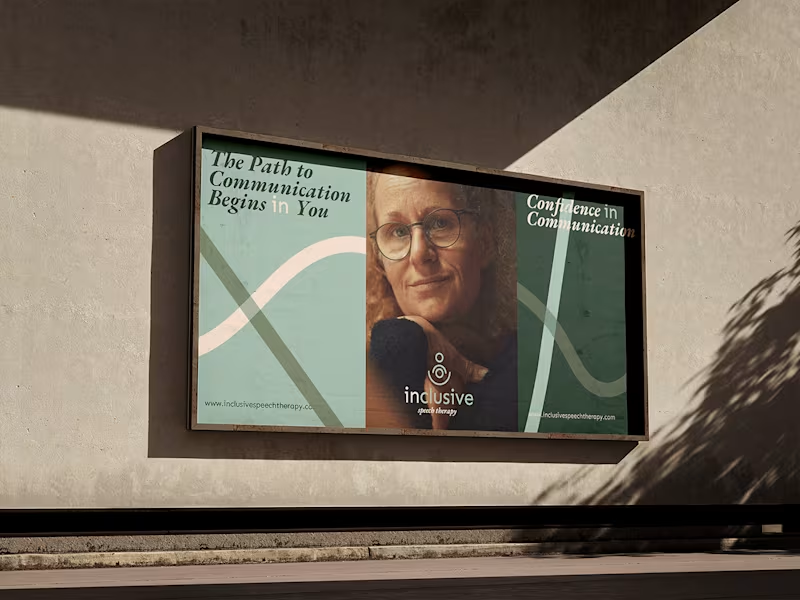
Check if they have made designs like what you need before. Look for styles that you like and think your audience will like too. A good portfolio shows they have the right skills.
How can I agree on what needs to be done with a Canva expert?
Make a list of all the things you need them to create. Talk about the size and style you want. Clear ideas make it easier for the expert to do exactly what you want.
What should I discuss about the timeline with a Canva freelancer?
Decide when you want the project completed. See if the expert can finish it by then. A schedule helps everyone stay on track.
How do I ensure good communication with a Canva expert?
Tell them the best way to reach you, like by email or chat. Decide how often you want updates. This helps everyone stay informed and avoids surprises.
Why is it important to know the Canva expert’s design process?
Understanding how they work helps you know what to expect. Ask them to break down their steps. This makes collaboration smoother.
How can I make sure the designs fit my brand?
Share your brand colors and logos with the expert. Tell them the mood or feeling your brand should show. This keeps all your designs looking just right.
What is valuable about asking for a project draft from a Canva expert?
Ask for a sketch or first version of the design they make. This way, you can give feedback before the final version. It helps you and the expert create the best result together.
How do I decide on the deliverables with a Canva expert?
List what files and formats you need in the end, like PDFs or images. Make sure they know if you want them ready for printing. This makes sure you get everything you need.
What should I talk about regarding revisions with a Canva expert?
Ask how many changes are included in the project. Understanding the revision policy makes adjusting designs easier. It sets expectations for when tweaks are needed.
Who is Contra for?
Contra is designed for both freelancers (referred to as "independents") and clients. Freelancers can showcase their work, connect with clients, and manage projects commission-free. Clients can discover and hire top freelance talent for their projects.
What is the vision of Contra?
Contra aims to revolutionize the world of work by providing an all-in-one platform that empowers freelancers and clients to connect and collaborate seamlessly, eliminating traditional barriers and commission fees.