How can I specify what I want my Canva expert to create?
Start by listing all the things you need. Include details like colors, styles, and sizes. This will help the Canva expert know exactly what you want.
What should I look for in a Canva expert's portfolio?
Check if they have made designs similar to what you need. Look for creativity and style in their previous work. It shows if they can create the designs you imagine.
How do I make sure we have a clear project timeline?
Agree on dates for all tasks before starting. Write down when each part of the project should be done. This helps you and the Canva expert stay organized.
What should I include in a design brief for a Canva expert?
Write down all your ideas and what you expect. Tell them about your brand, colors, and things to avoid. A clear brief guides your Canva expert and improves results.
How can I ensure good communication with my Canva expert?
Decide how you will talk, like using email or chat. Agree on check-in times to discuss progress. Good communication prevents misunderstandings.
What should I do if I like the expert's style but have specific needs?
Discuss your needs and see if they can adapt their style to fit. Show examples of designs you admire. This helps the expert understand and meet your expectations.
How do I understand the Canva expert's process?
Ask them to explain how they start and finish a design. Learn about any steps, like sketching and revisions. Knowing their process helps in planning the project better.
How can I make sure the designs fit my brand?
Share your brand guidelines with the Canva expert. Let them see your existing materials for consistency. This ensures the designs match your brand's look and feel.
What should I clarify about design files and formats?
Tell the expert the file types you need for final delivery. Mention if you need files for print, web, or both. This ensures you receive usable designs.
Why is it important to agree on revisions before starting?
Decide how many times you can make changes without extra cost. Set expectations on how feedback will be handled. This helps manage the project's flow smoothly.
Who is Contra for?
Contra is designed for both freelancers (referred to as "independents") and clients. Freelancers can showcase their work, connect with clients, and manage projects commission-free. Clients can discover and hire top freelance talent for their projects.
What is the vision of Contra?
Contra aims to revolutionize the world of work by providing an all-in-one platform that empowers freelancers and clients to connect and collaborate seamlessly, eliminating traditional barriers and commission fees.
Explore Canva Task Management projects on Contra
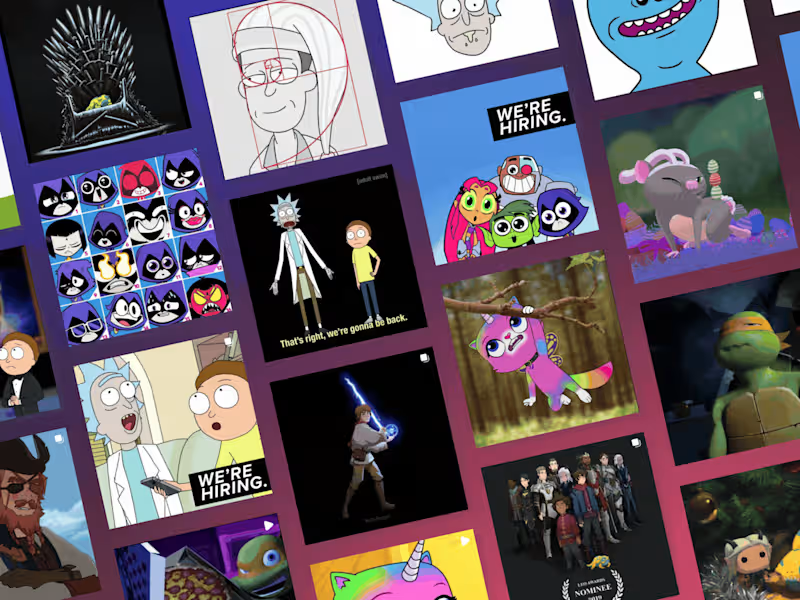
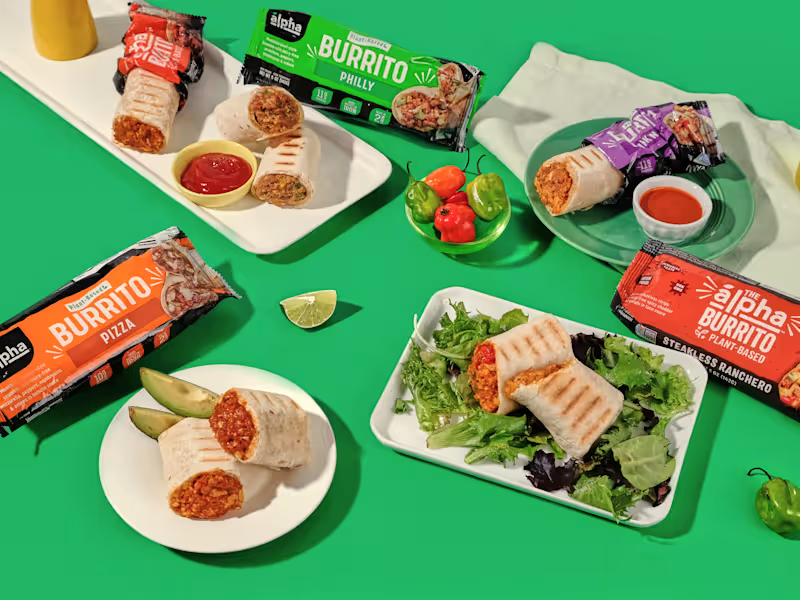

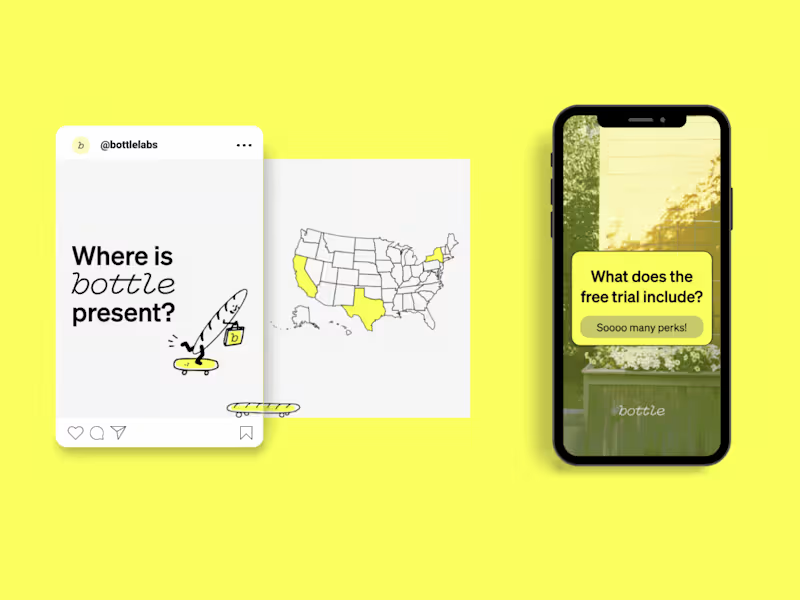


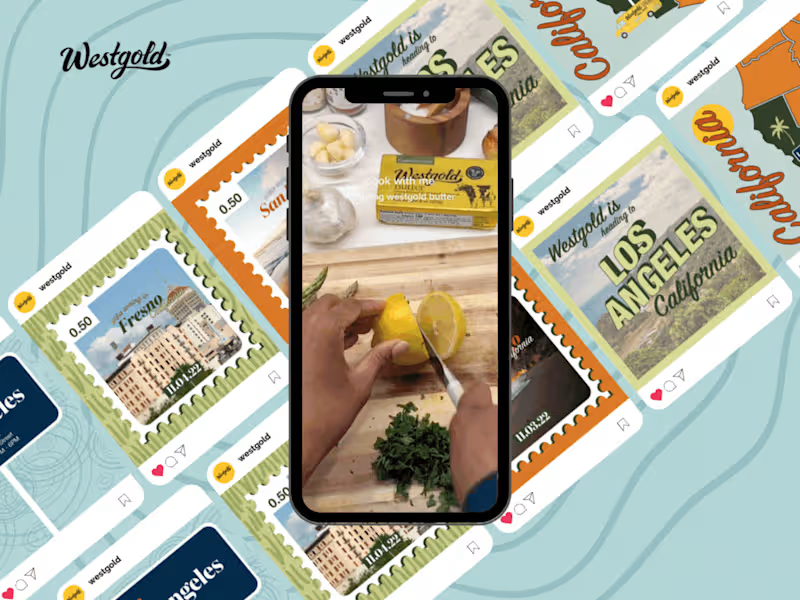
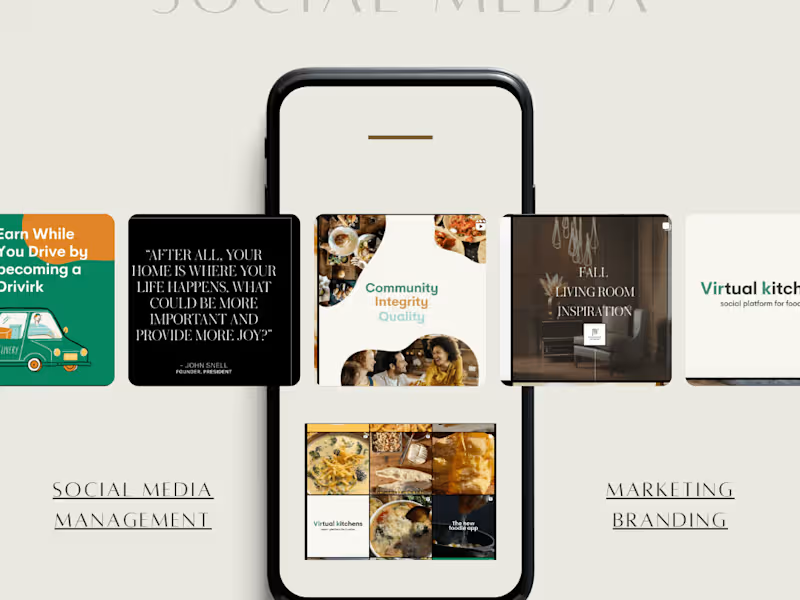
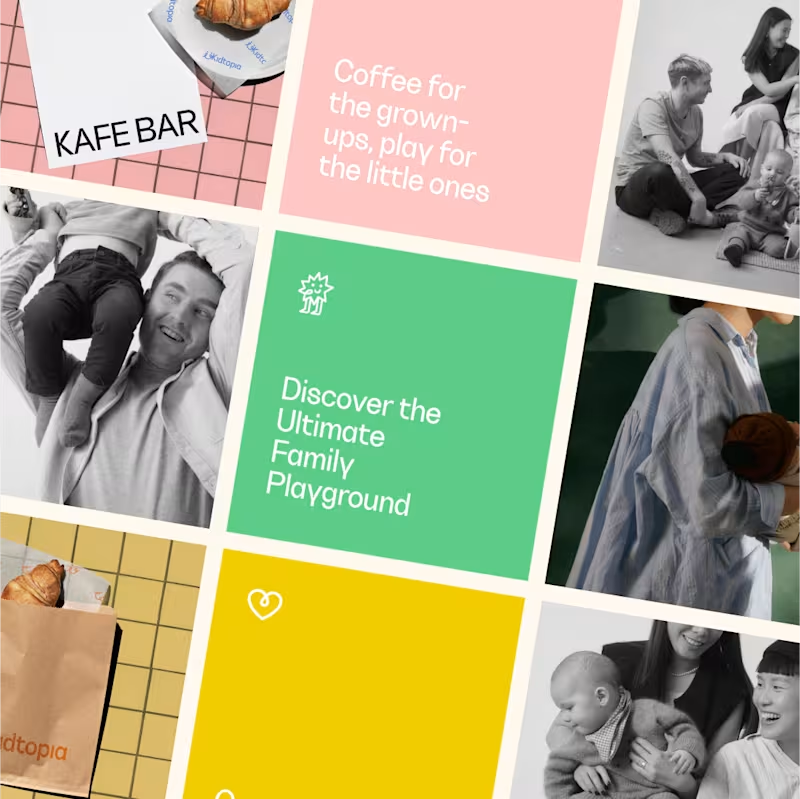

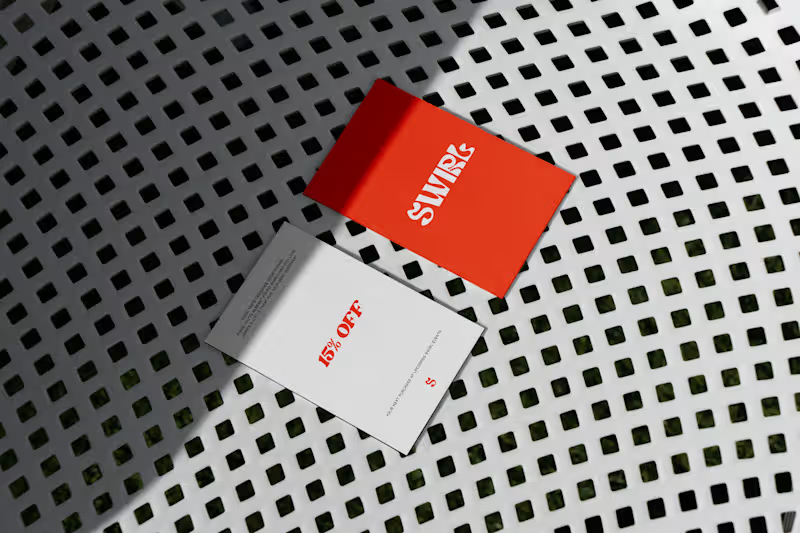

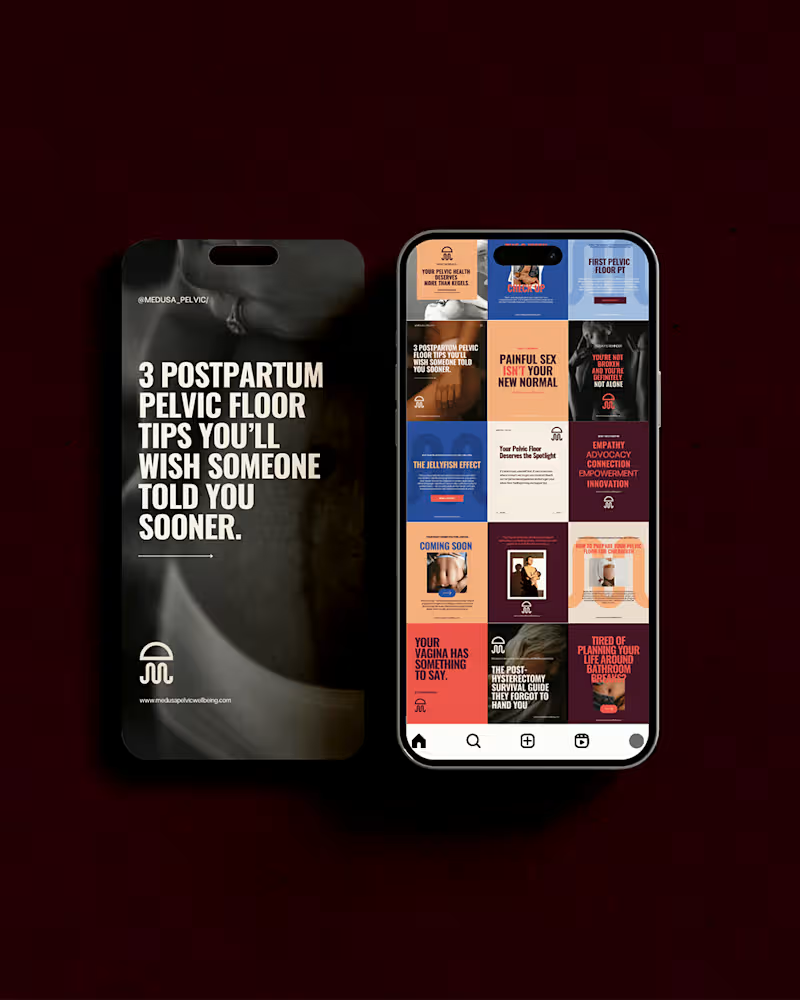
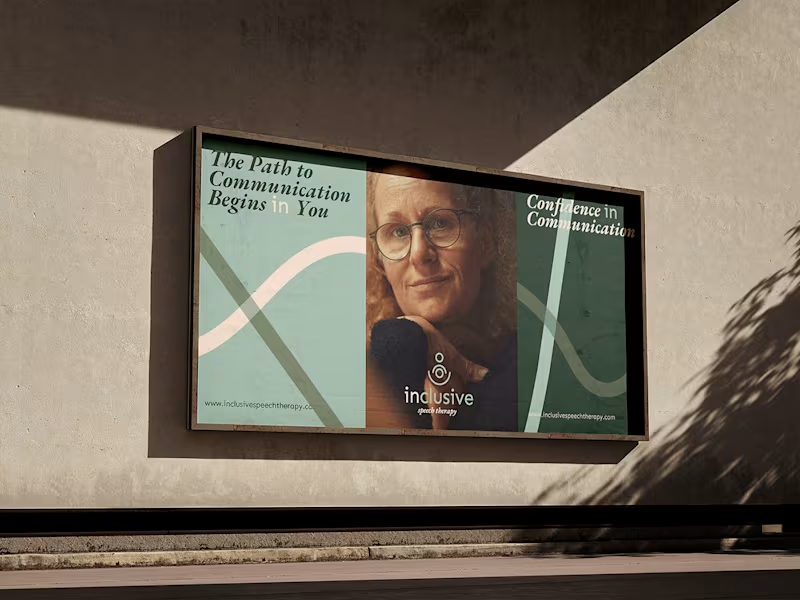

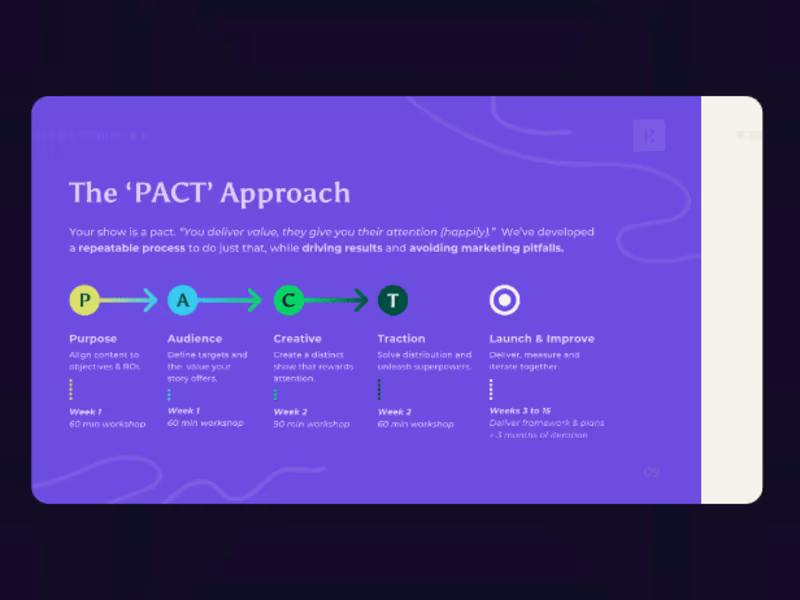


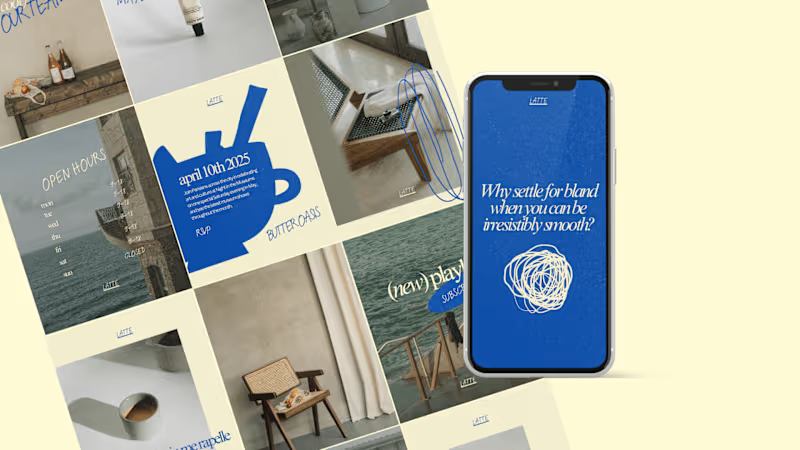
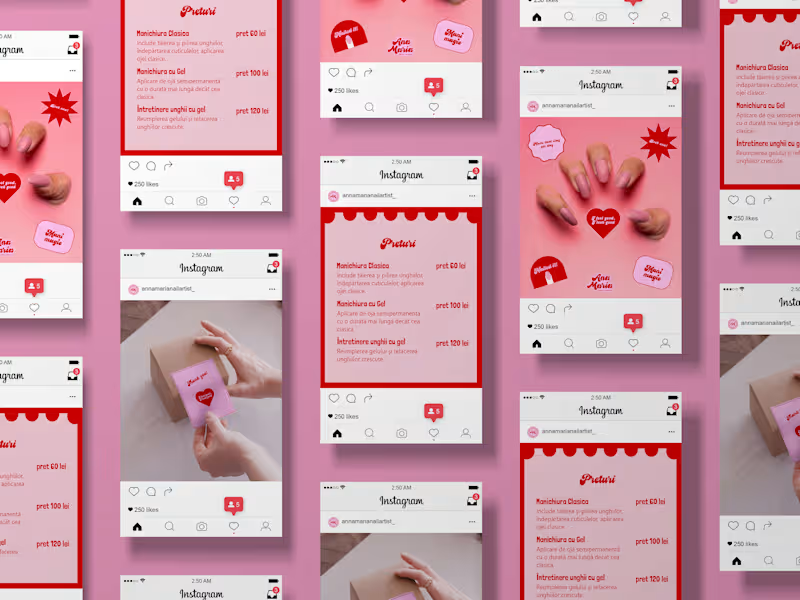
Top services from Canva freelancers on Contra
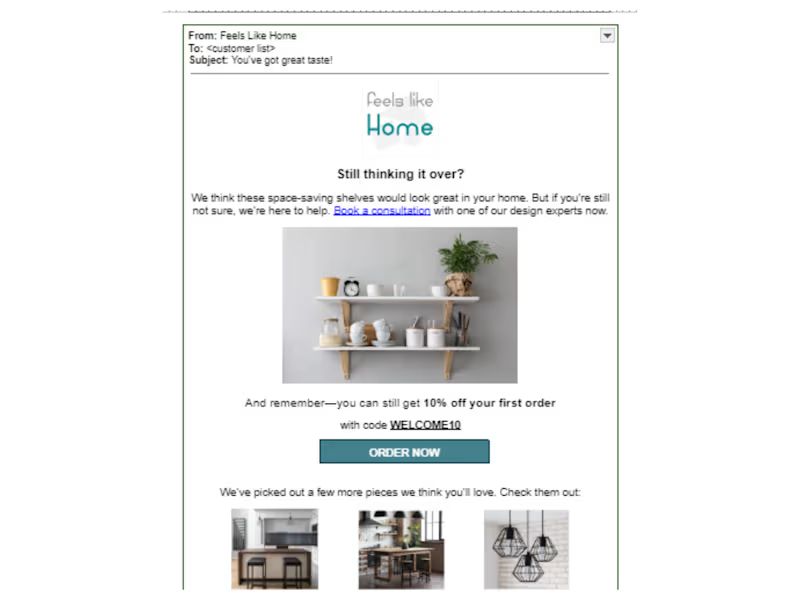

Canva
Email Marketer
Email Development
Elevate Your Marketing Game with Expert Email Copywriting
$500
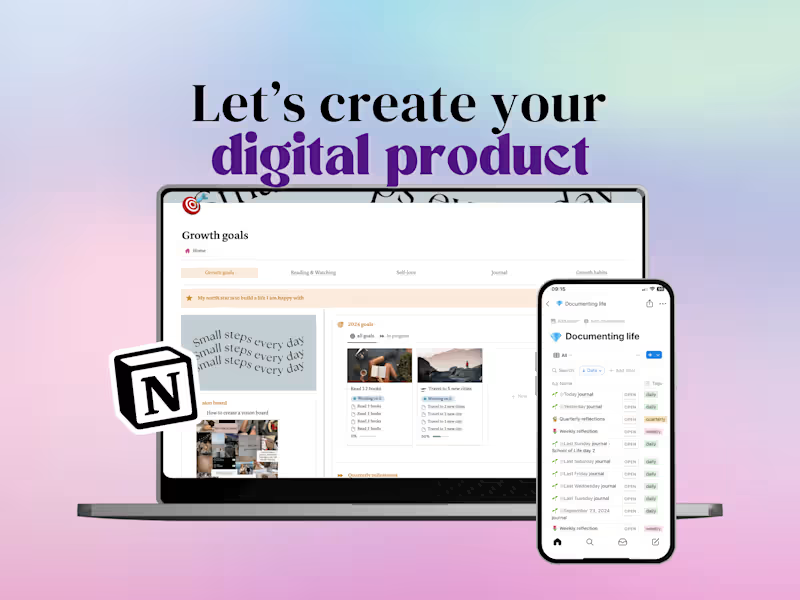
Canva
Product Designer
Consultant
Custom Digital Products For Your Business
Contact for pricing

Amazon Ads
eCommerce Manager
Digital Marketing Specialist
E-Commerce, Inventory & 3PL Management + Digital Marketing
$21/hr