What should I look for in a freelance Canva expert's portfolio?
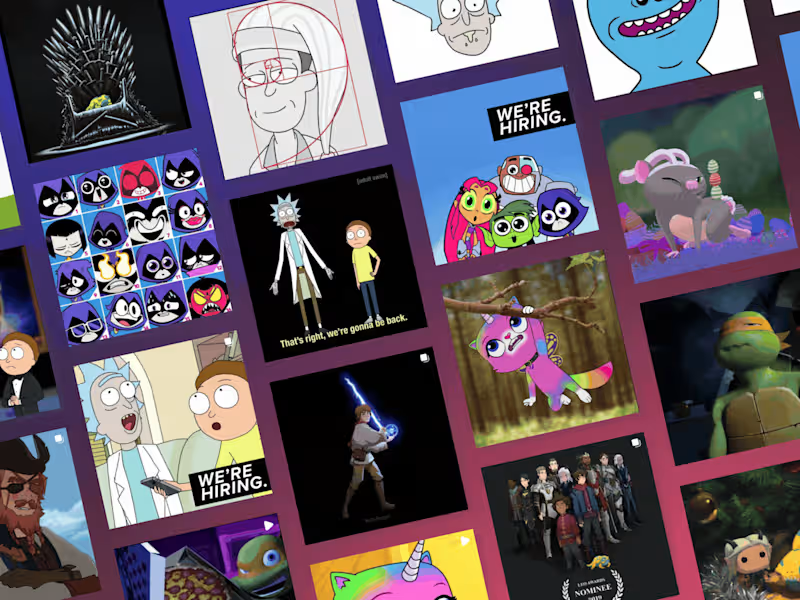
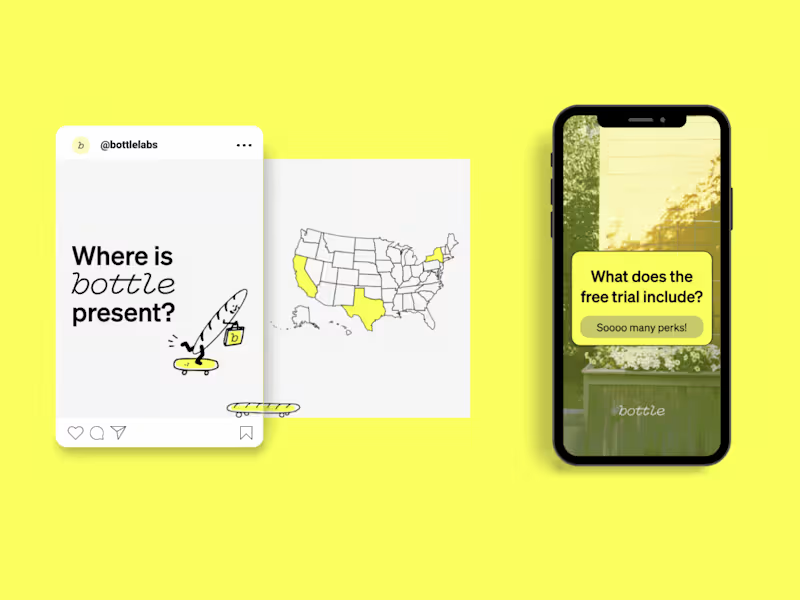
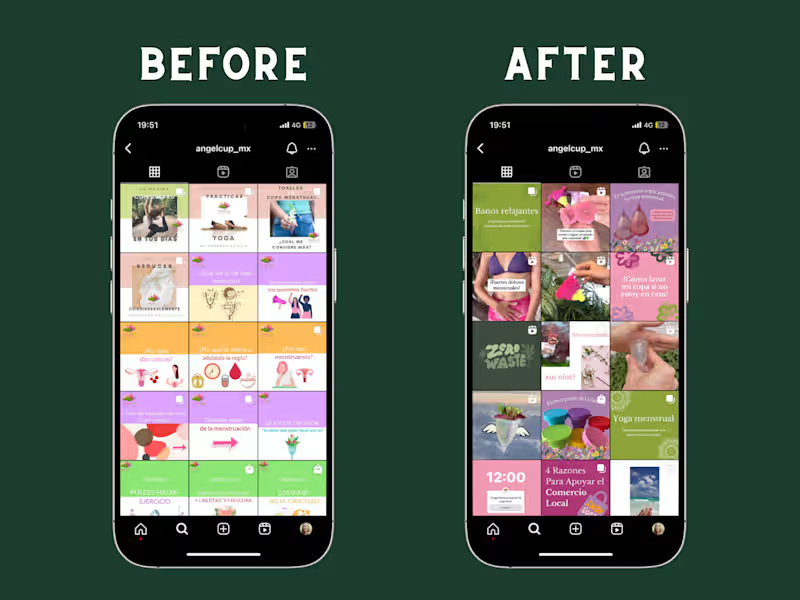
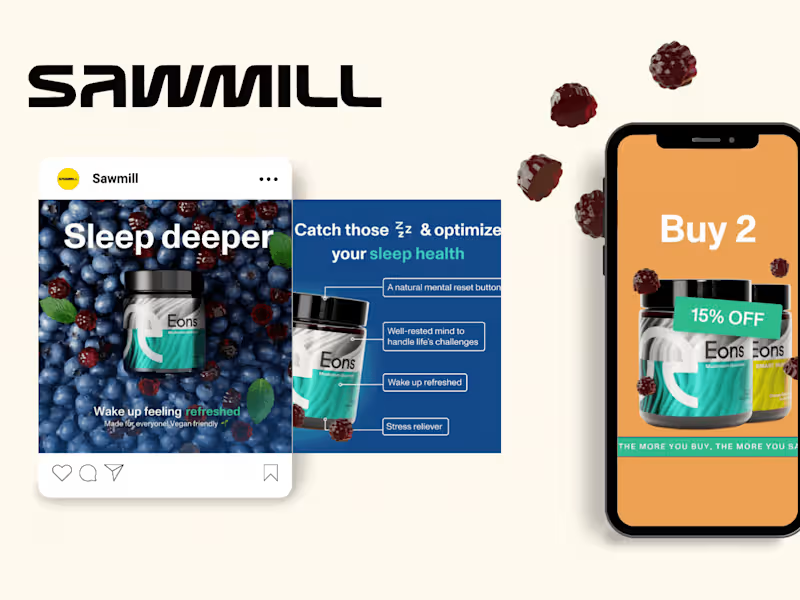
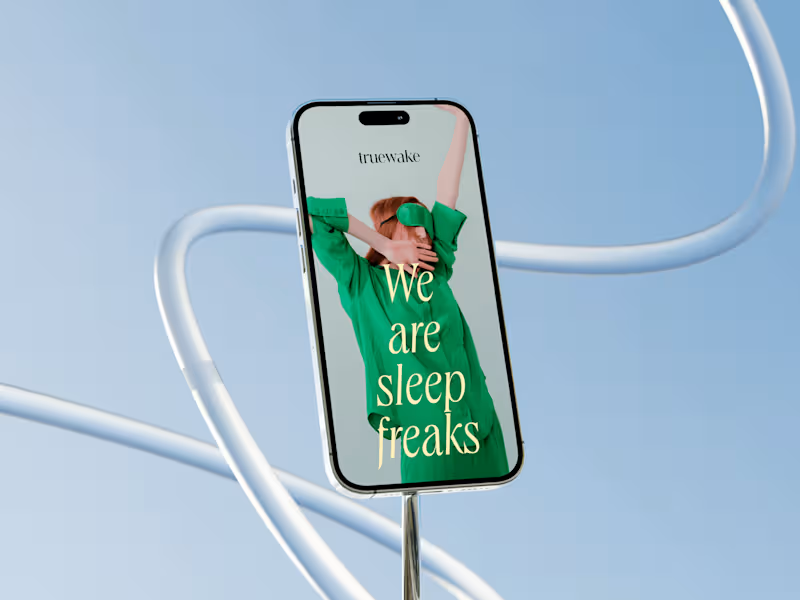
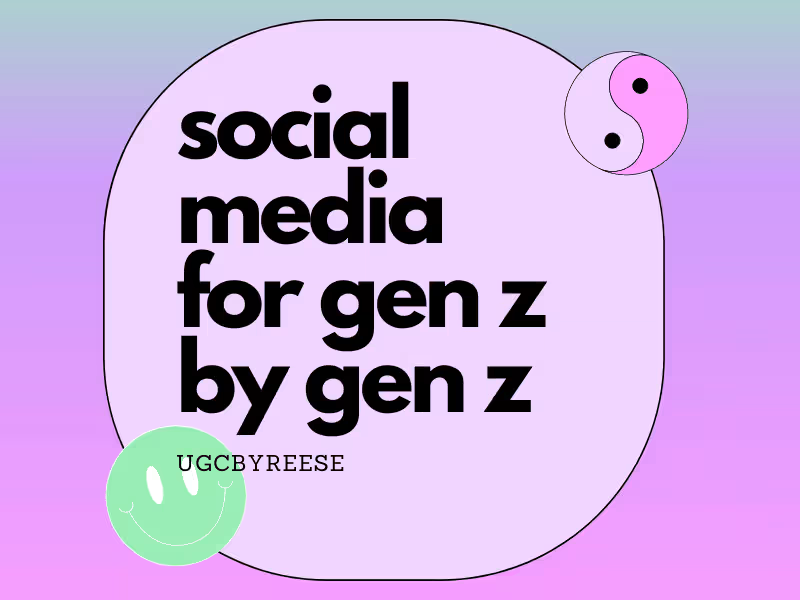
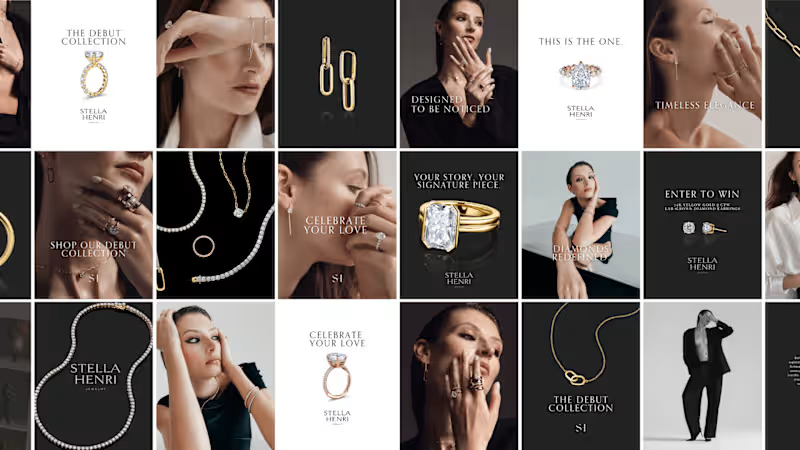
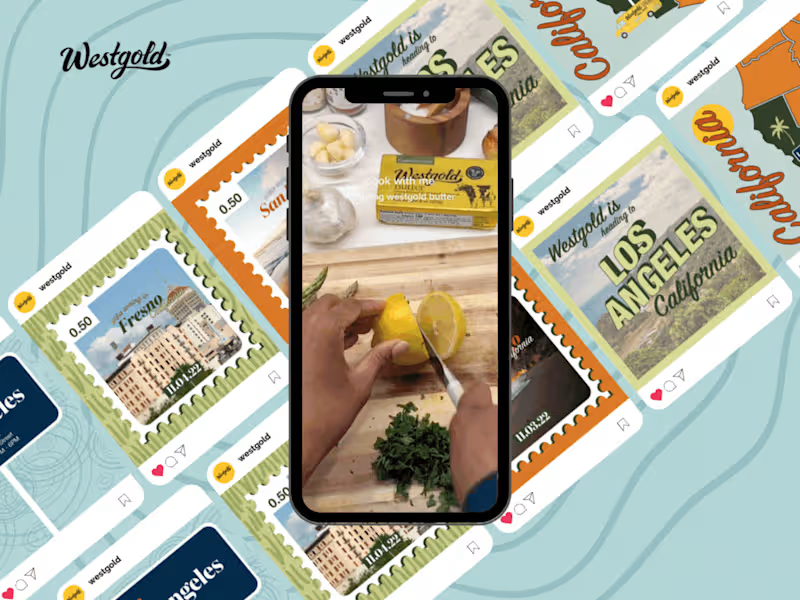
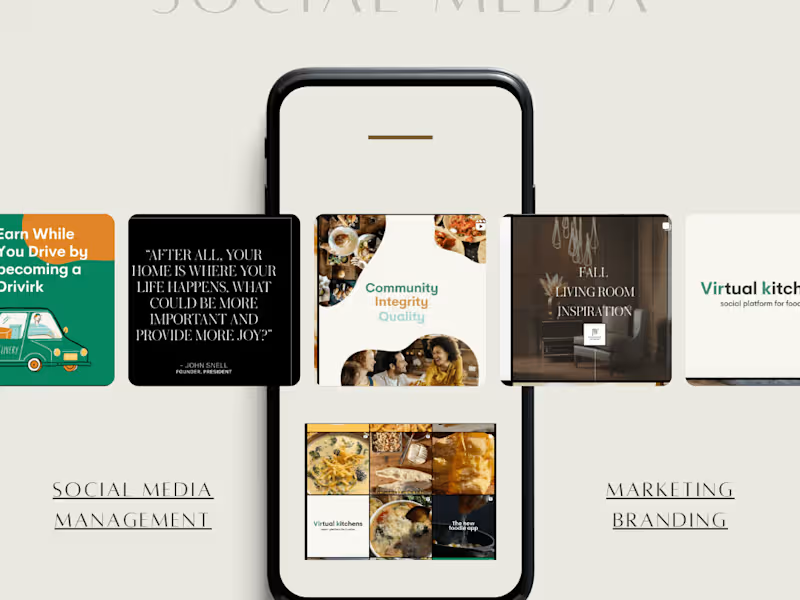
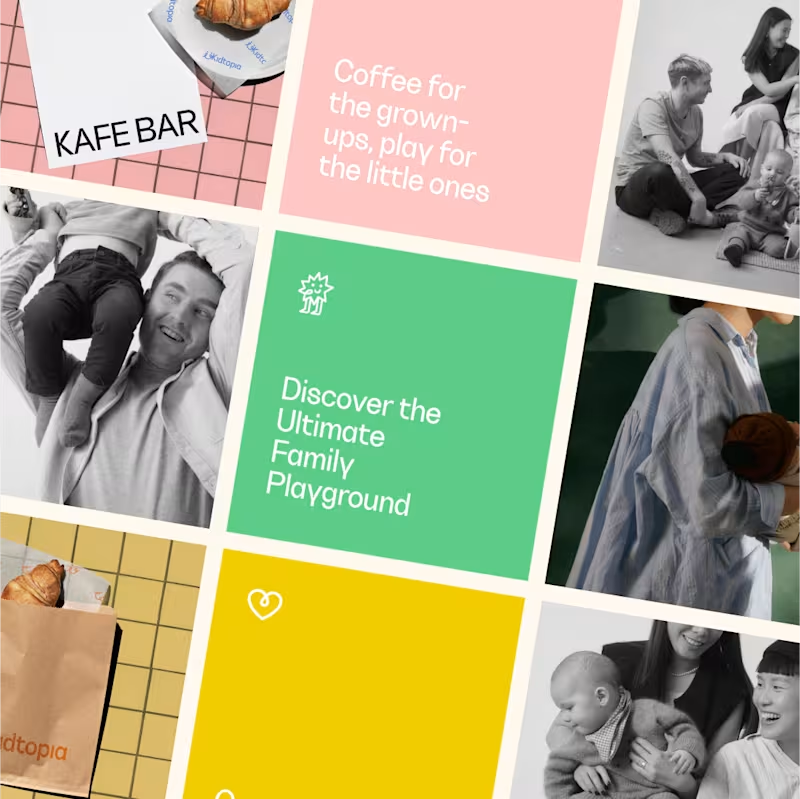
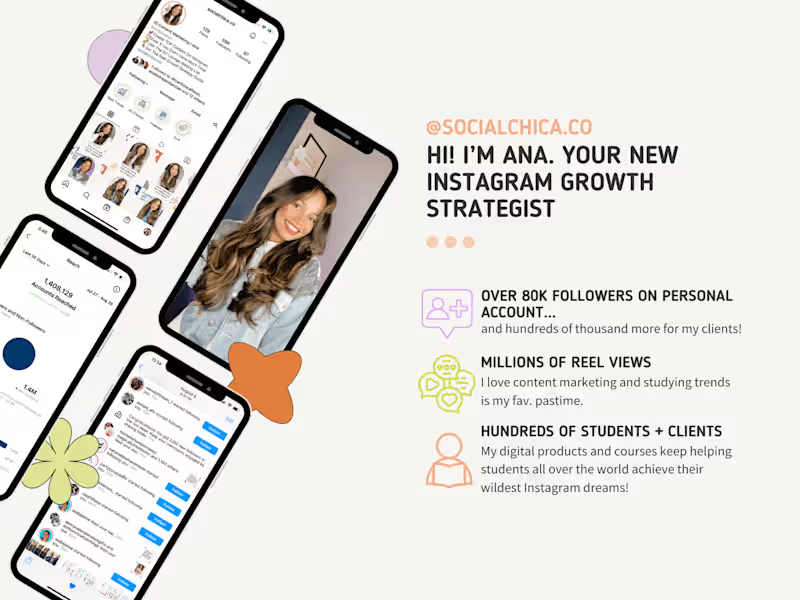
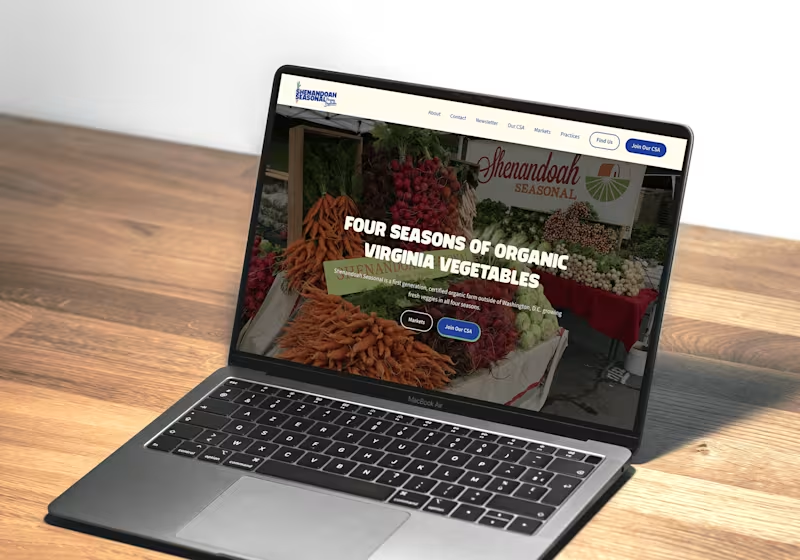
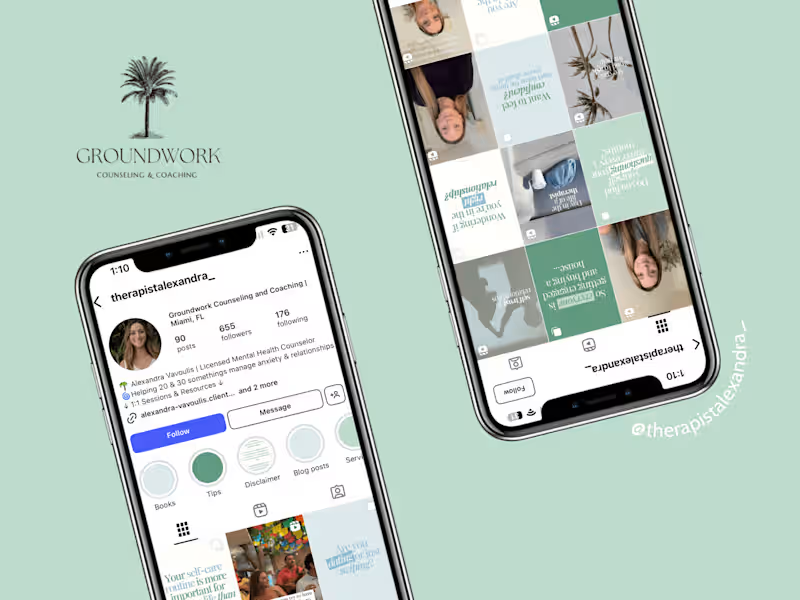
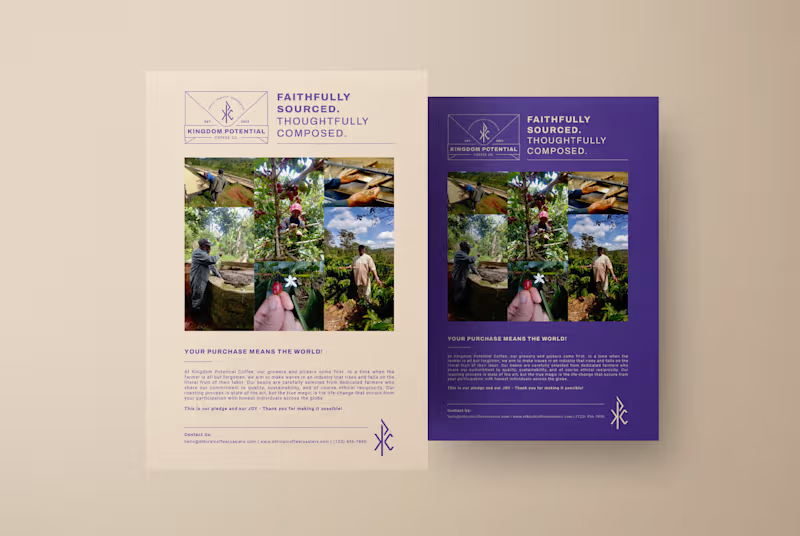
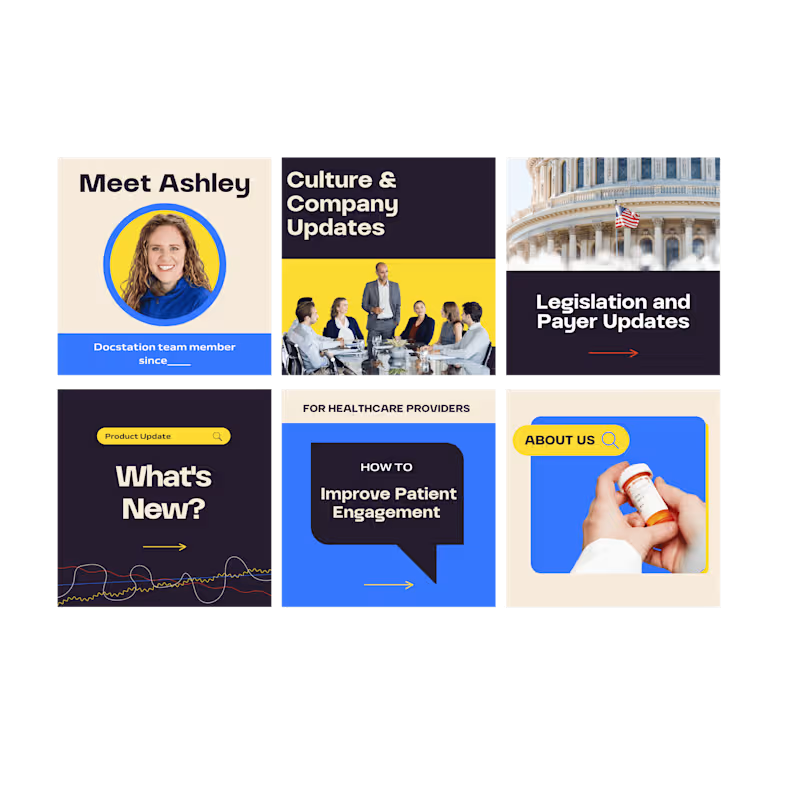
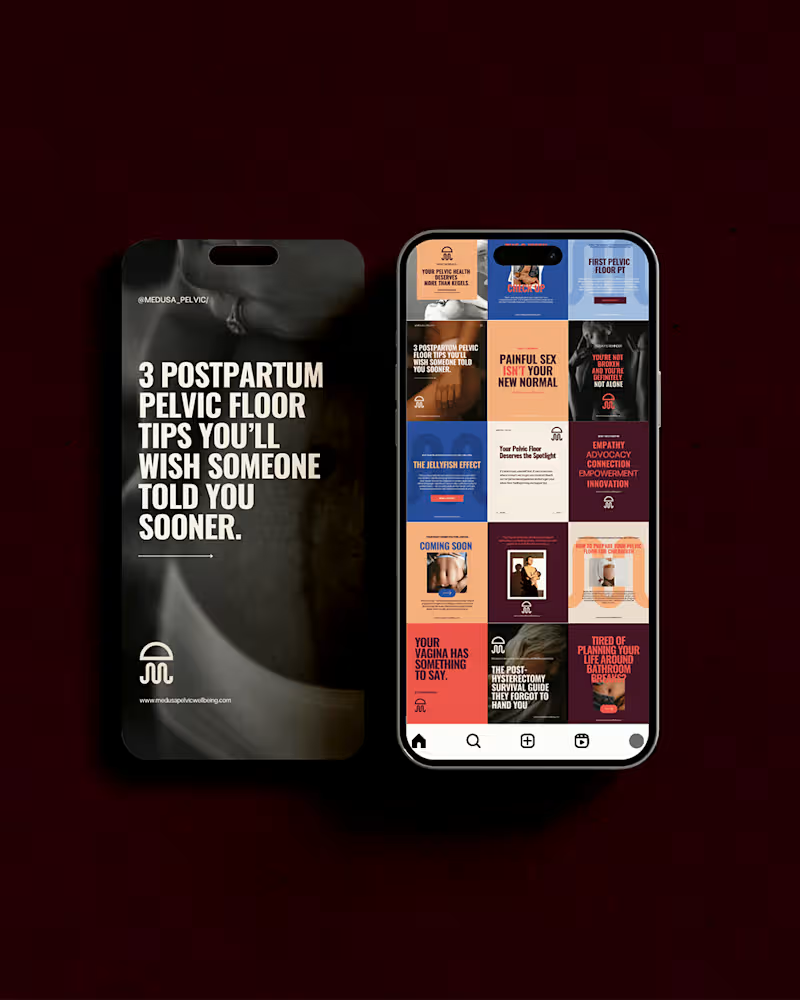
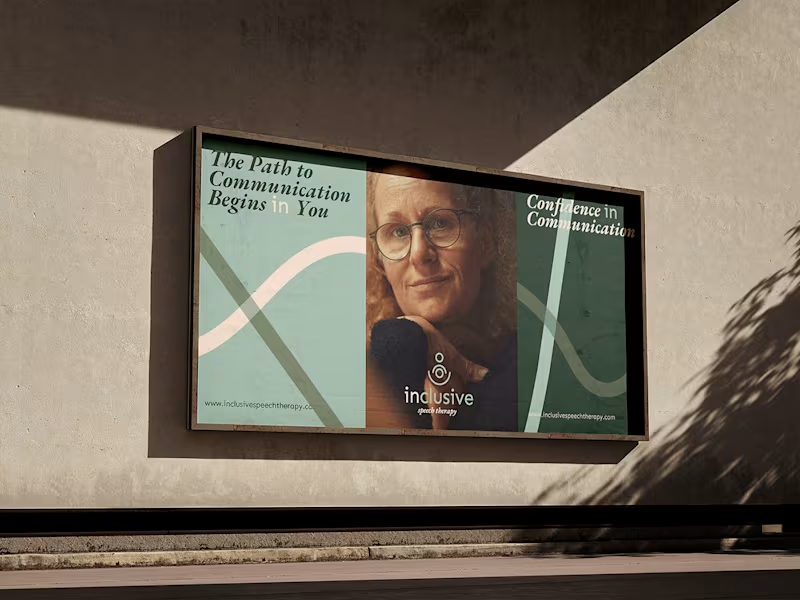
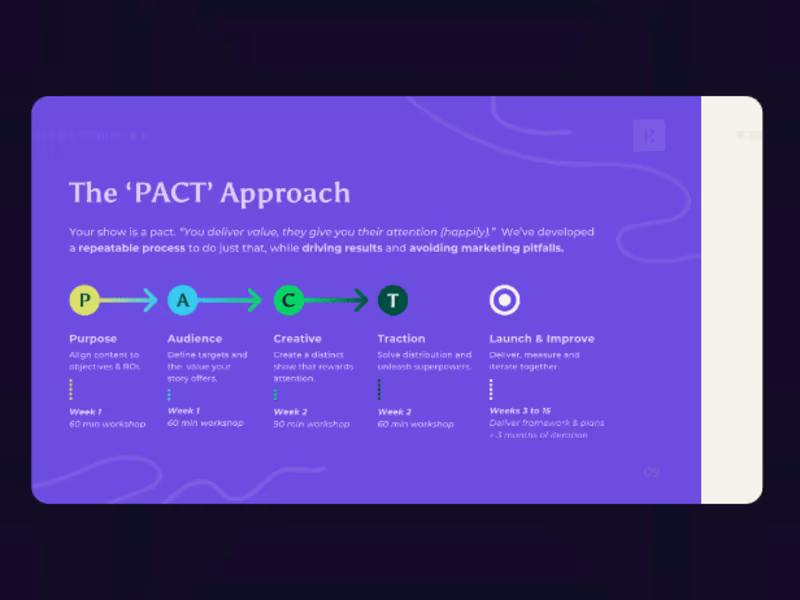
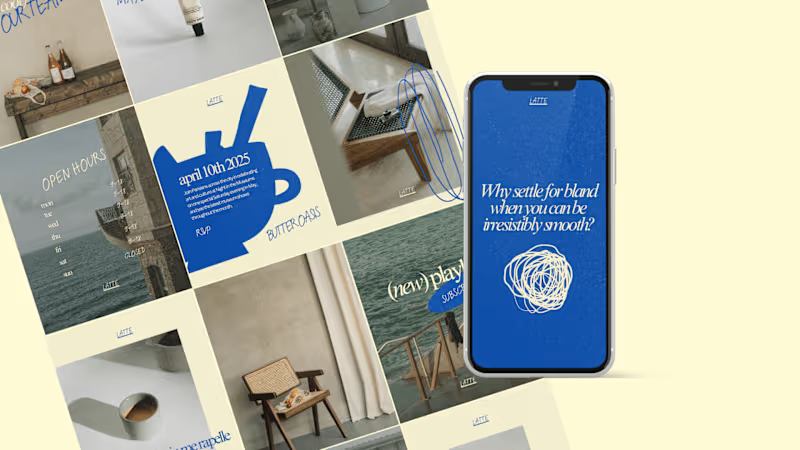
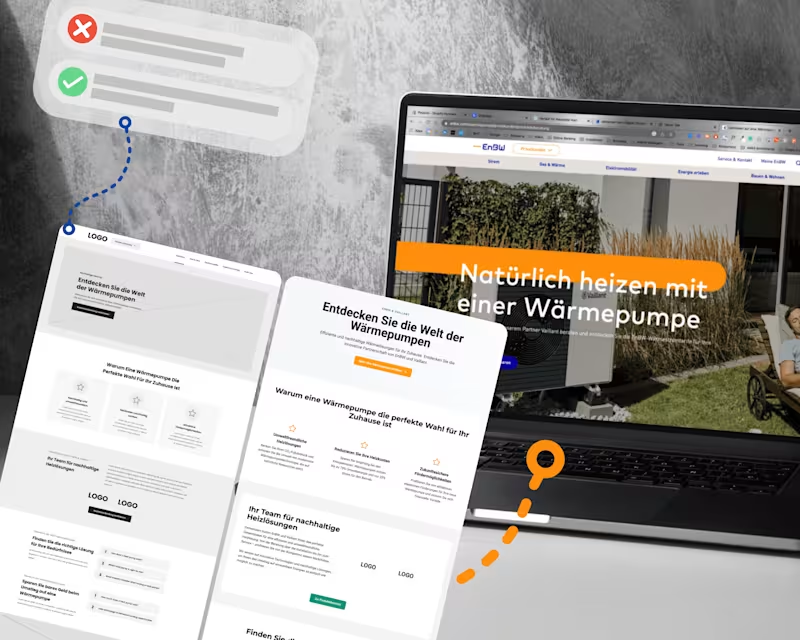
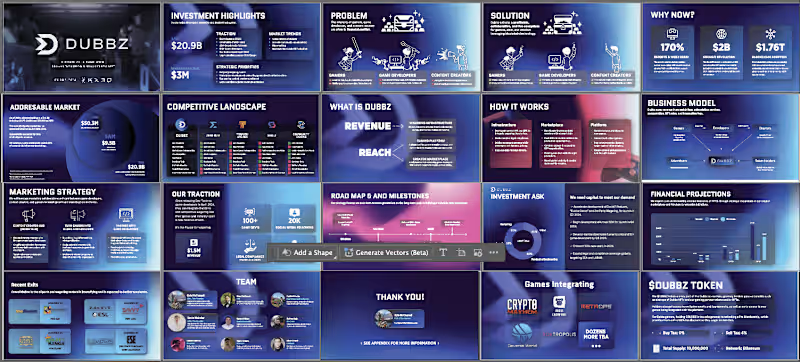
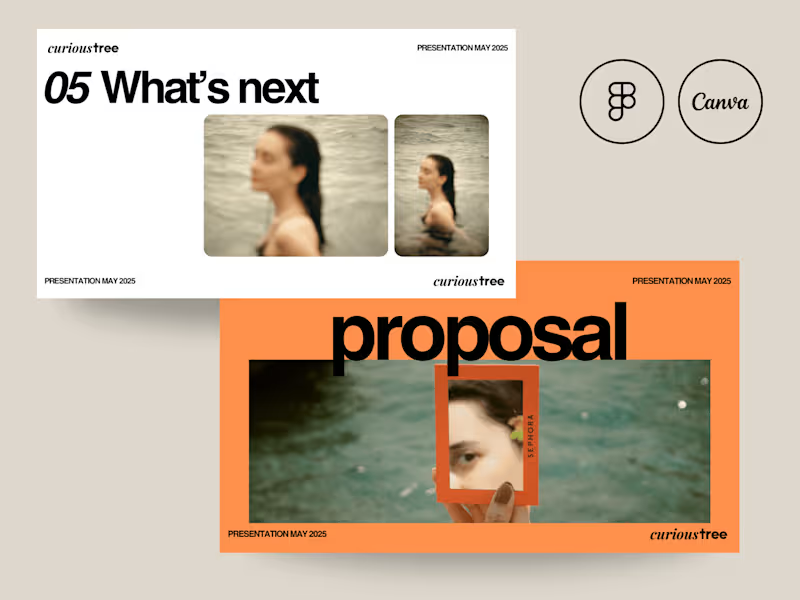
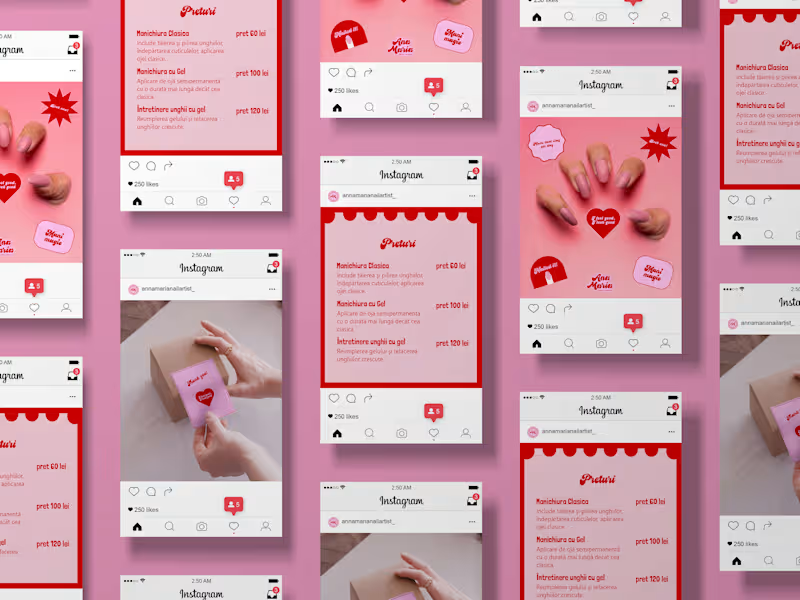
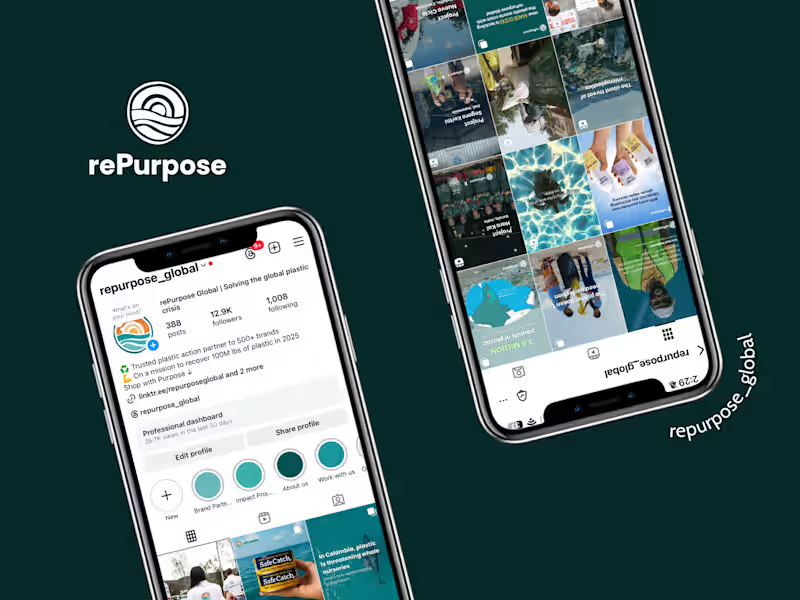
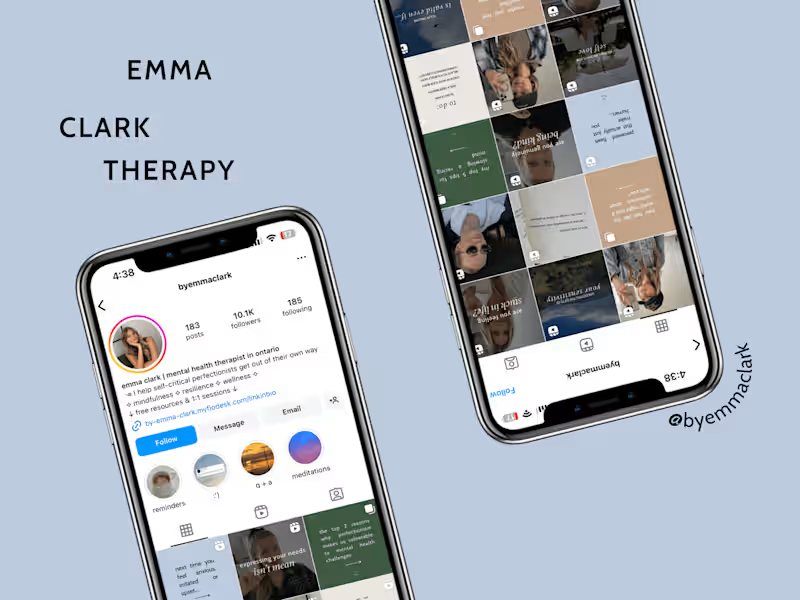
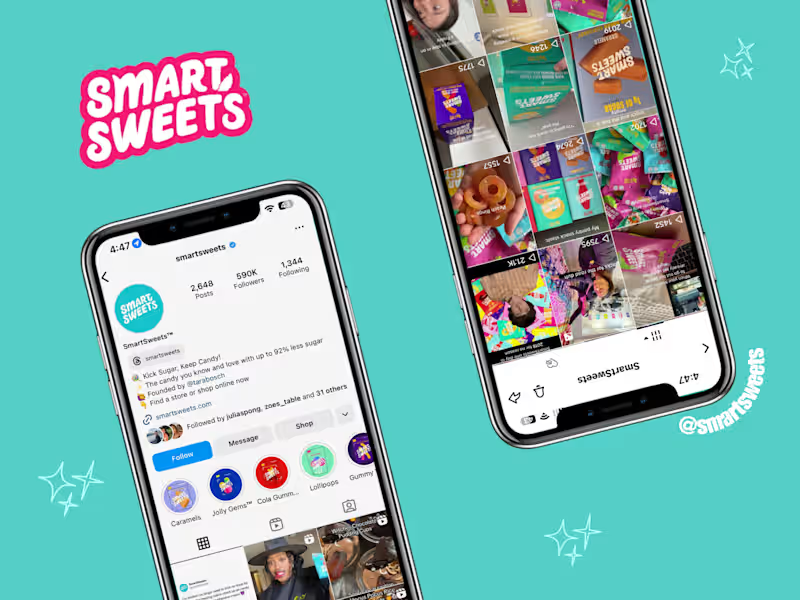
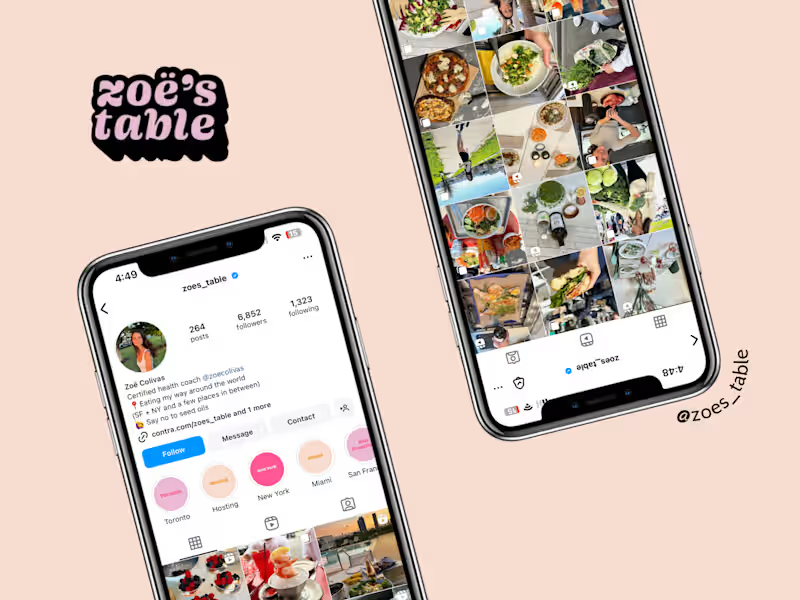
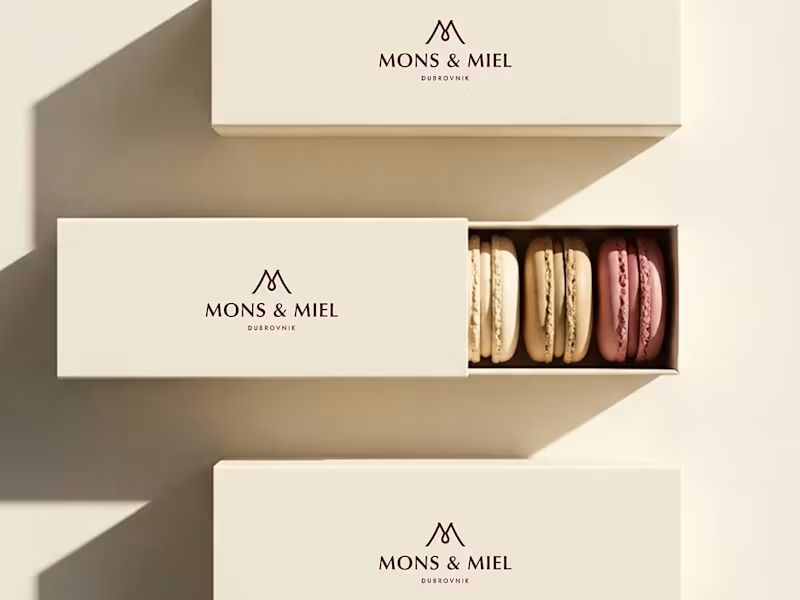
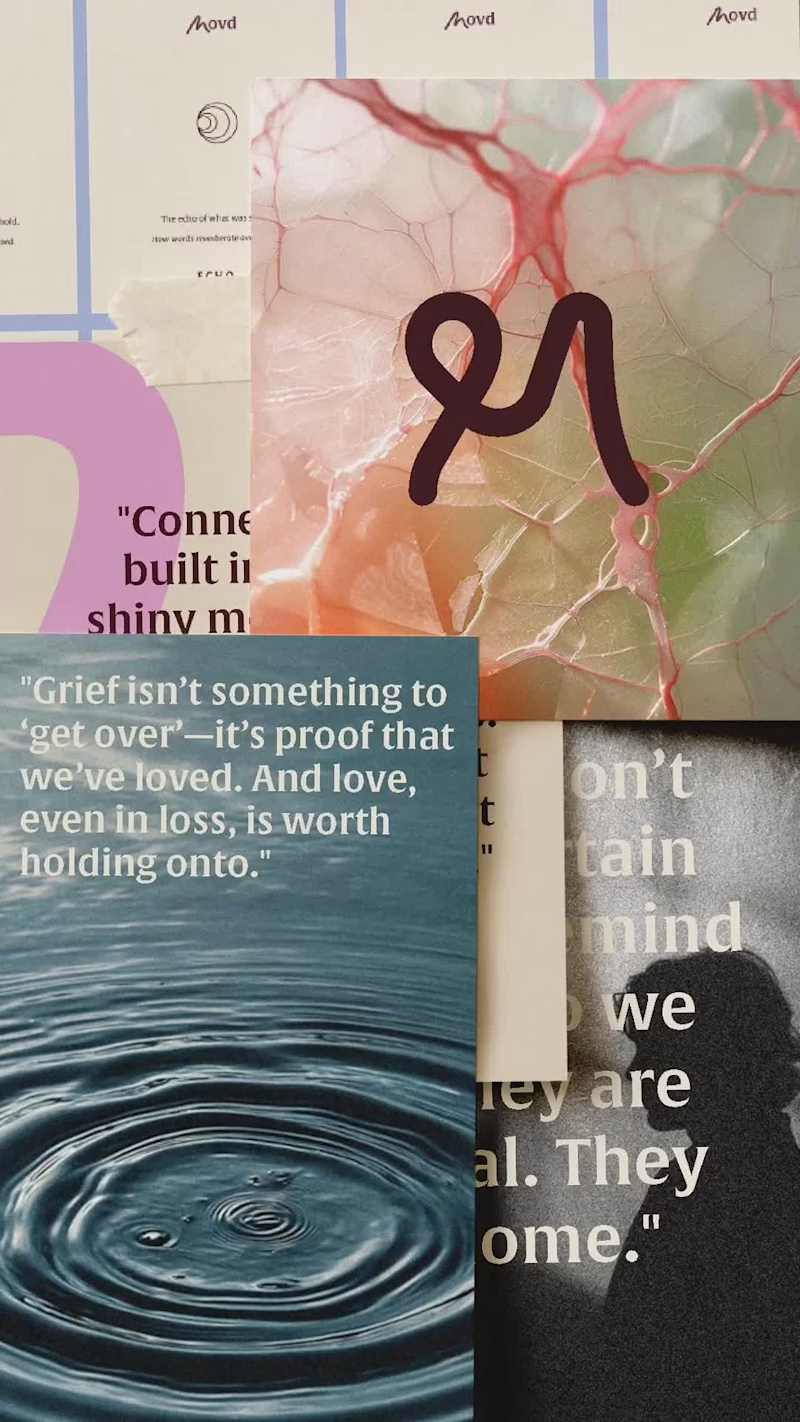
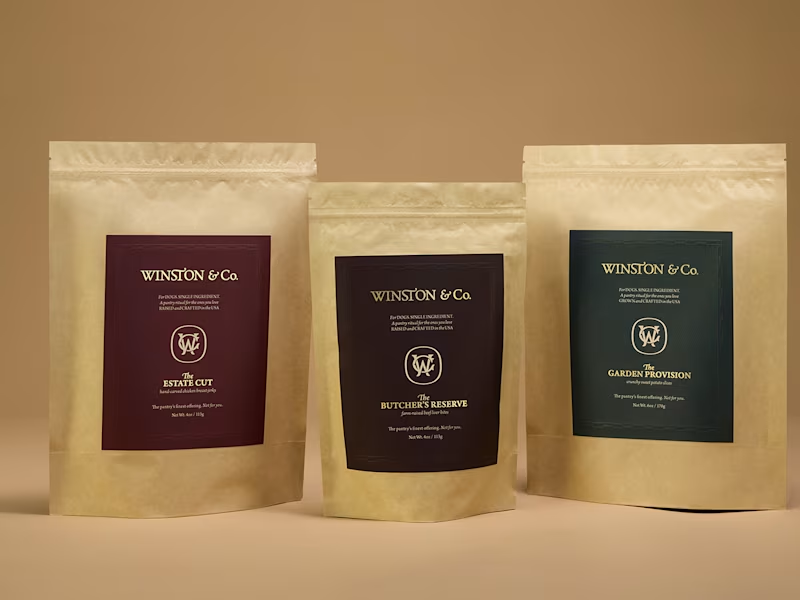
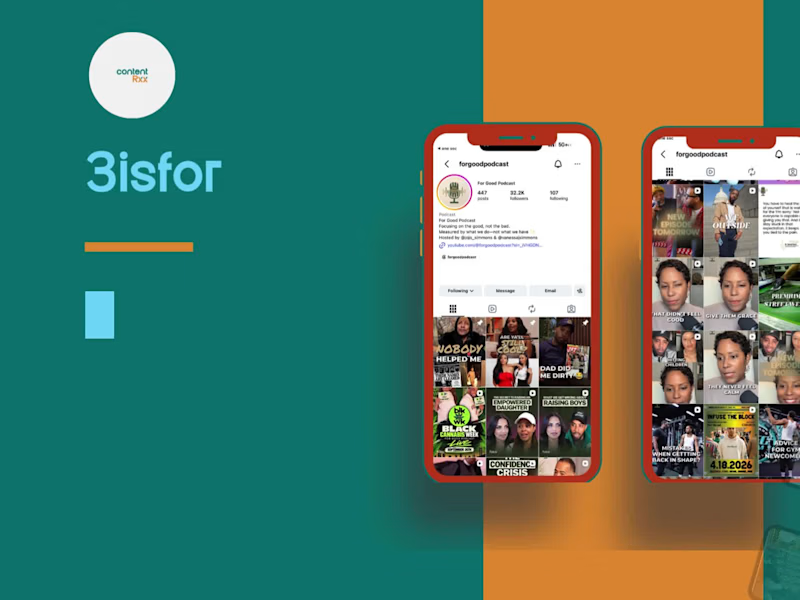
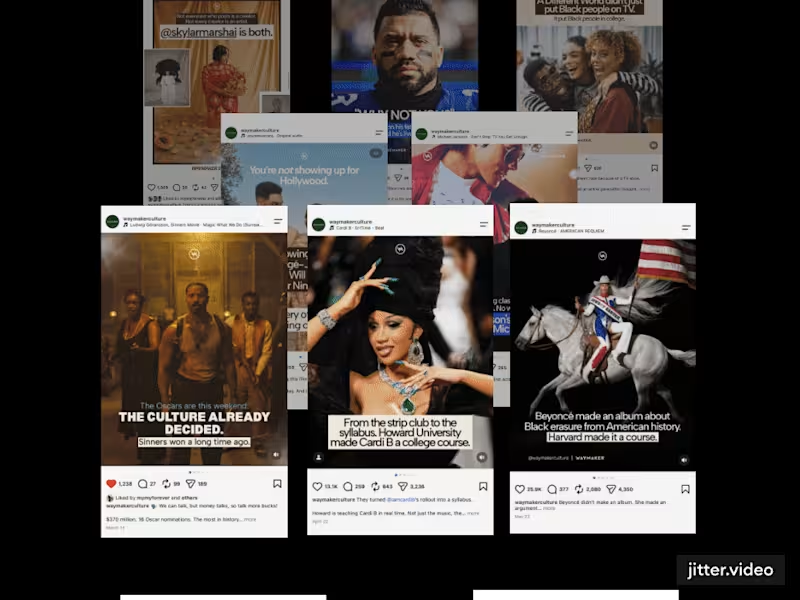
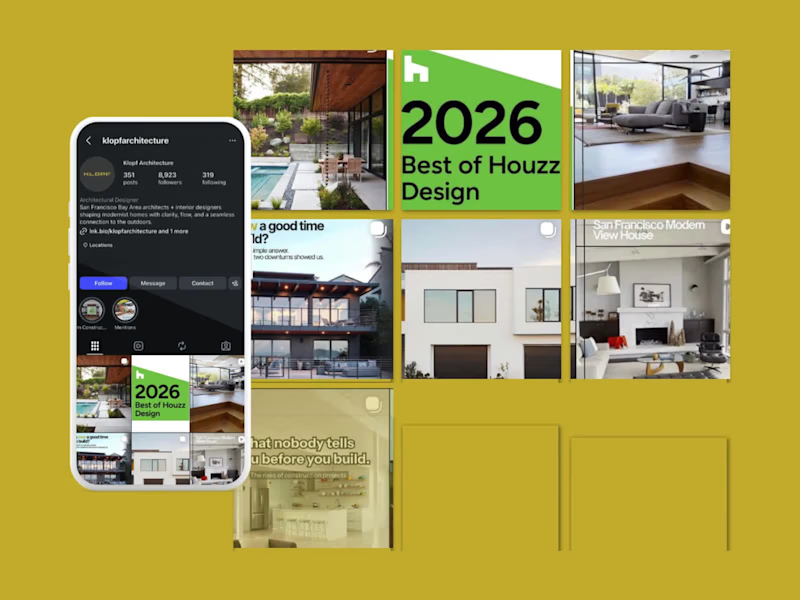
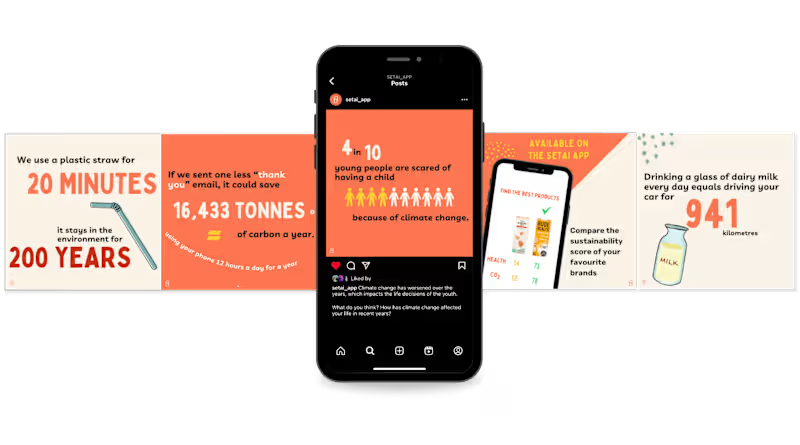
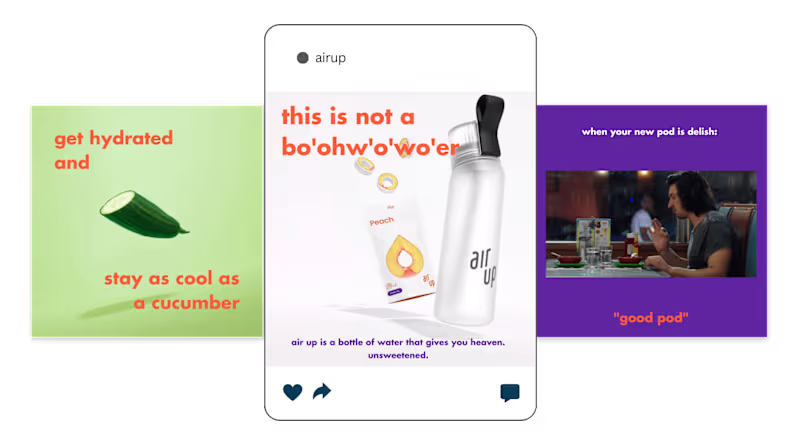
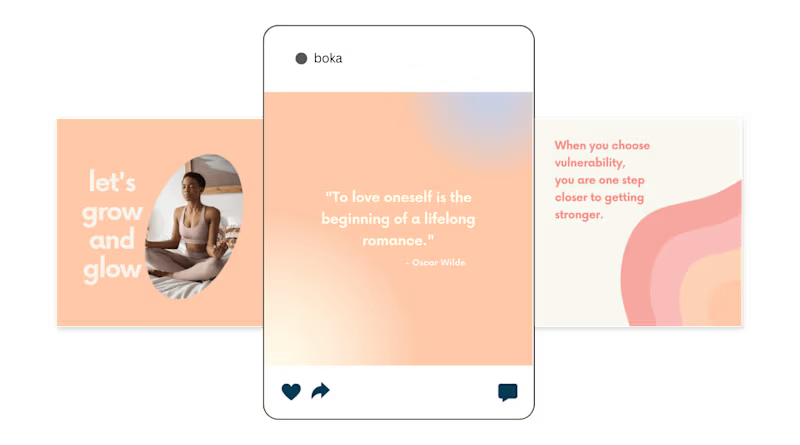
Check if their past work matches your style. Look for variety in their designs like social media graphics, presentations, and logos. Make sure they can create the type of design you need.
How do I describe my project so the Canva expert understands?
Start with an overview of what you need, like a brochure or a logo. Explain your brand colors and style. Share examples of designs you like.
What kind of timeline should I discuss with a Canva expert?
Set clear deadlines for the project. Talk about when you need the first drafts. Make sure there is time for changes if needed.
How should I share my brand materials with a Canva expert?
Gather your logos, brand colors, and fonts. Use a shared folder like Google Drive or Dropbox. Make sure everything is organized for easy access.
What is the best way to communicate expectations in a Canva project?
Be clear about what you want from the start. Use messages or emails to keep records of your talks. It helps to have everything written down.
How can I ensure the Canva expert understands my brand's voice?
Explain how you want your brand to feel, like fun or professional. Give examples of other brands you like. This helps the expert know your style better.
What should I do if I need changes to a Canva design?
Let the expert know as soon as possible. Be specific about what needs changing. This makes it faster for them to update the design.
How can I clarify the deliverables with a Canva expert?
List all the items you expect, like images and formats. Make sure both of you agree on the final output. It's important to have this in writing.
What questions can I ask to ensure the freelancer stays on track?
Ask for updates at key stages of the project. Request to see drafts before final approval. This helps catch any issues early.
How can I give constructive feedback to a Canva expert?
Be clear about the parts you like and don't like. Suggest solutions or ideas for improvement. Positive feedback helps the expert do a better job next time.
Who is Contra for?
Contra is designed for both freelancers (referred to as "independents") and clients. Freelancers can showcase their work, connect with clients, and manage projects commission-free. Clients can discover and hire top freelance talent for their projects.
What is the vision of Contra?
Contra aims to revolutionize the world of work by providing an all-in-one platform that empowers freelancers and clients to connect and collaborate seamlessly, eliminating traditional barriers and commission fees.