What should I look for in a freelance Canva expert?
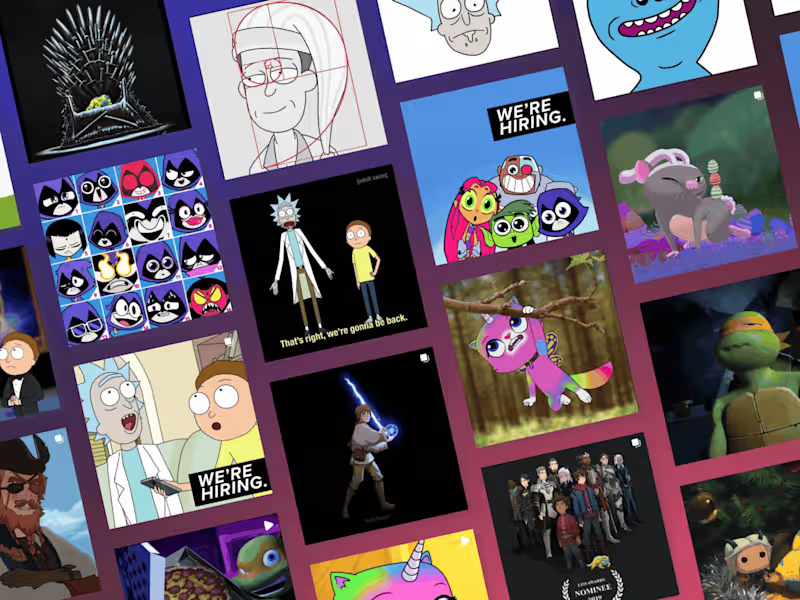
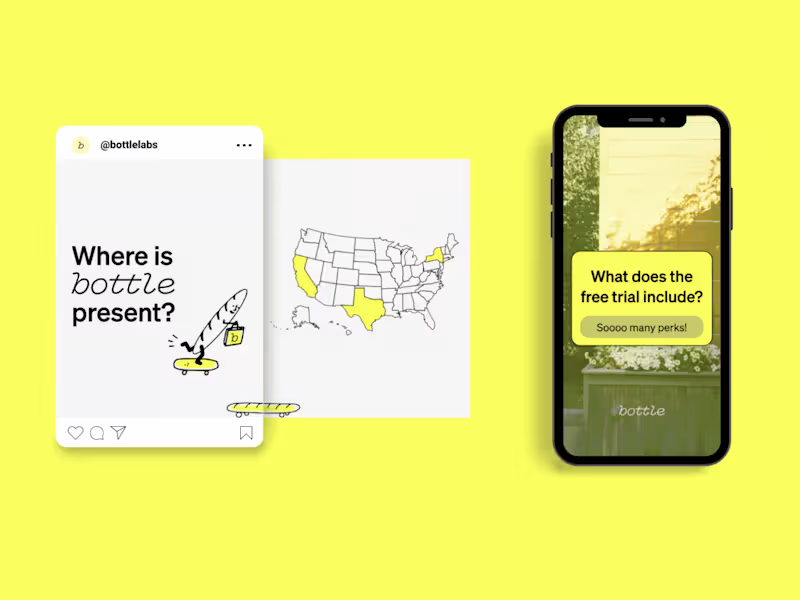
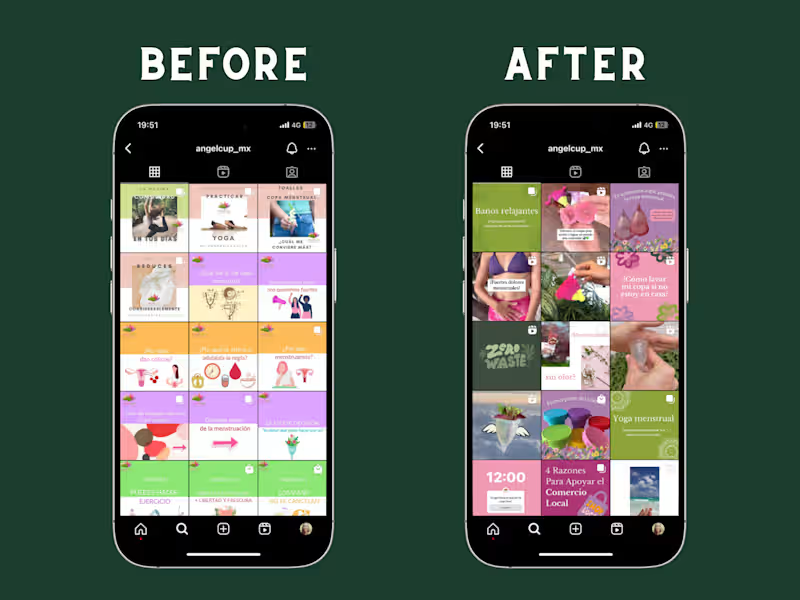
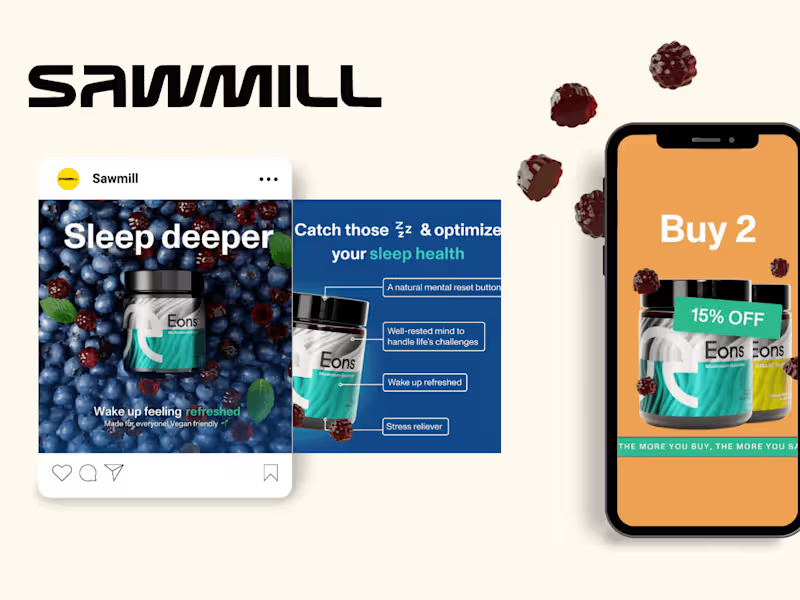
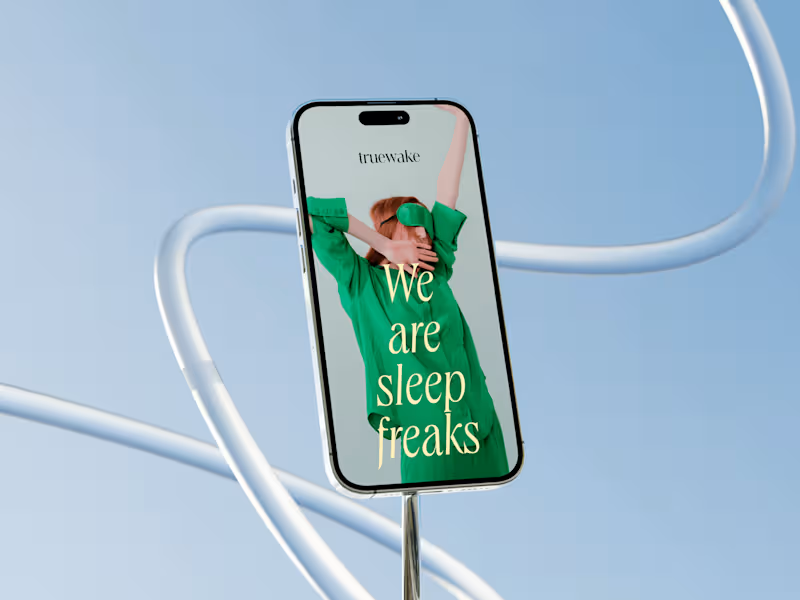
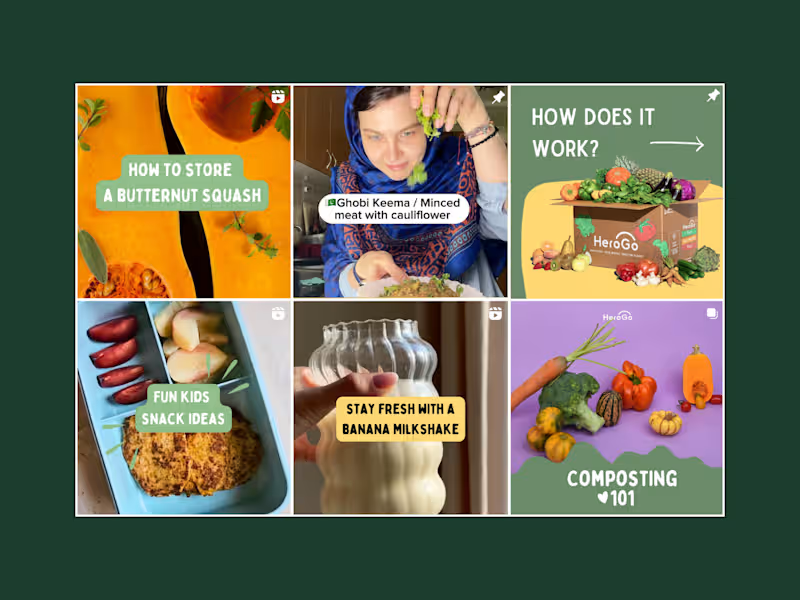
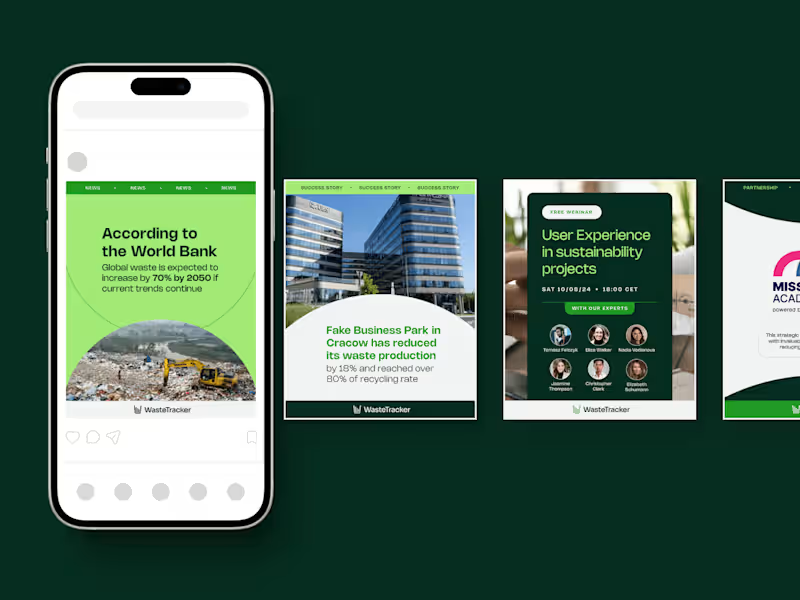
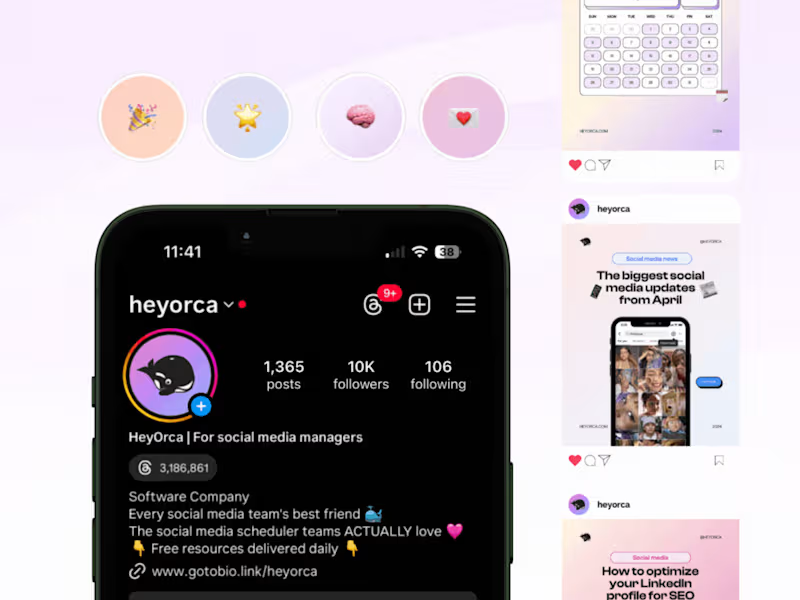
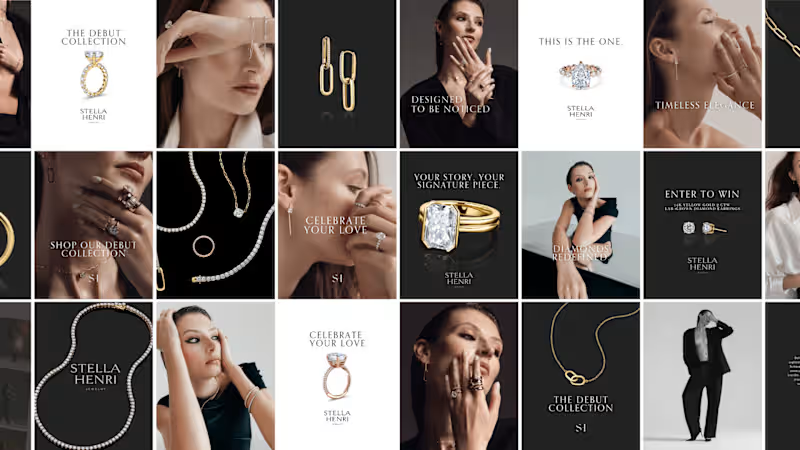
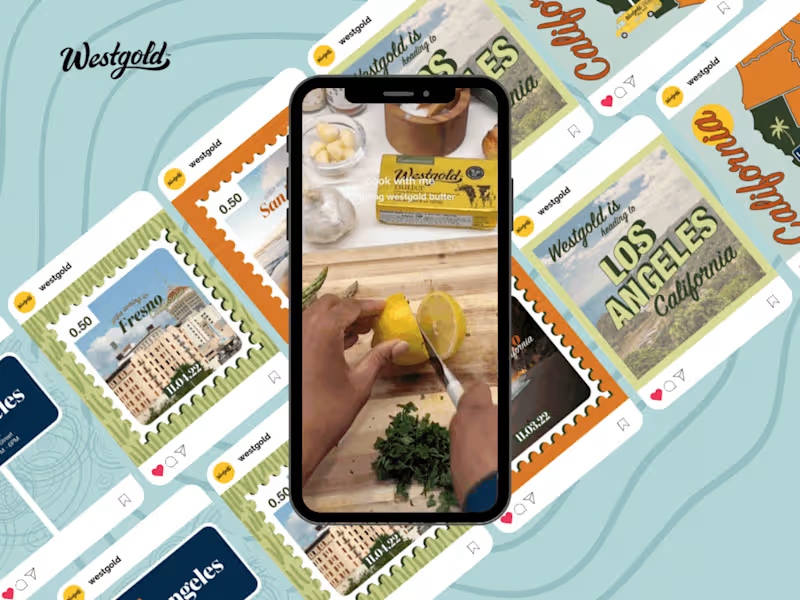
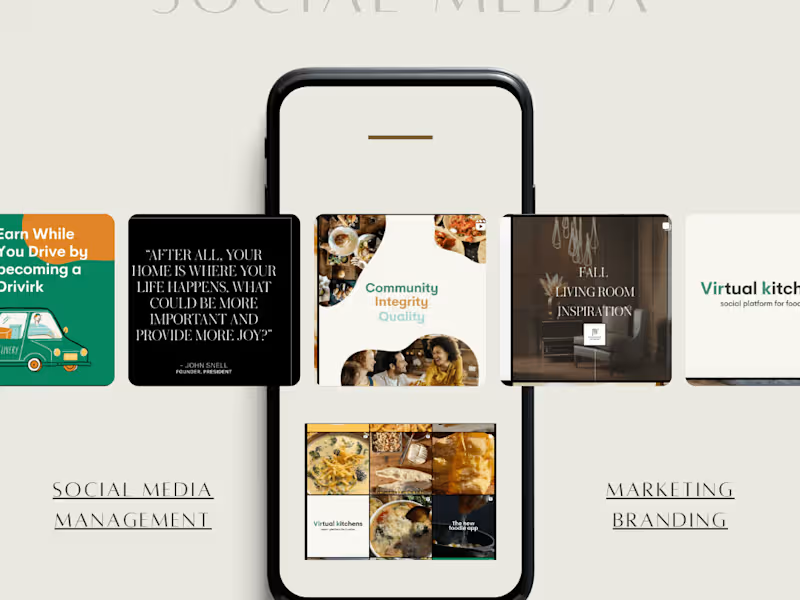
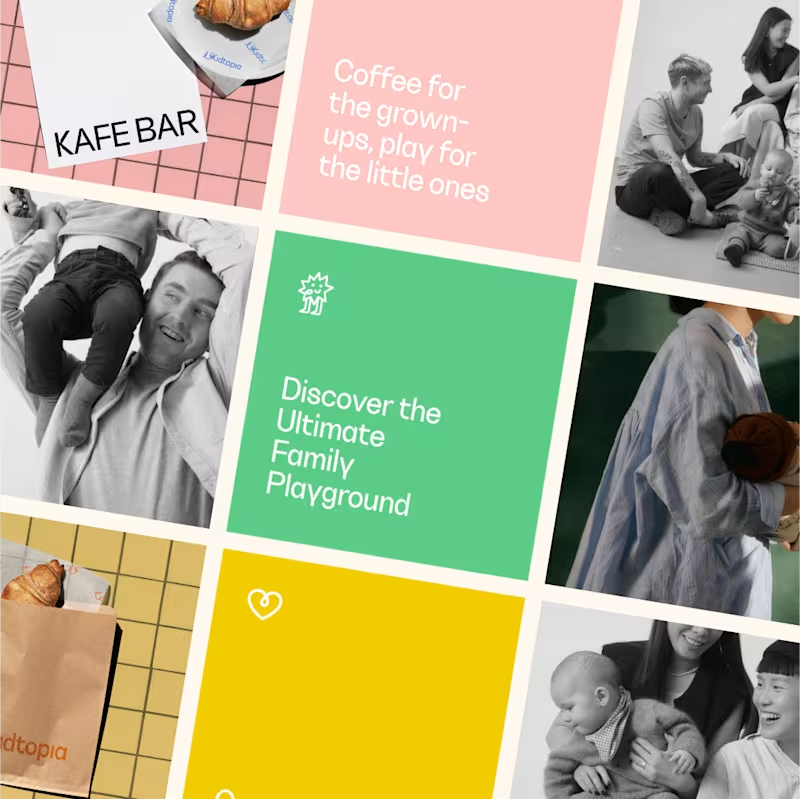
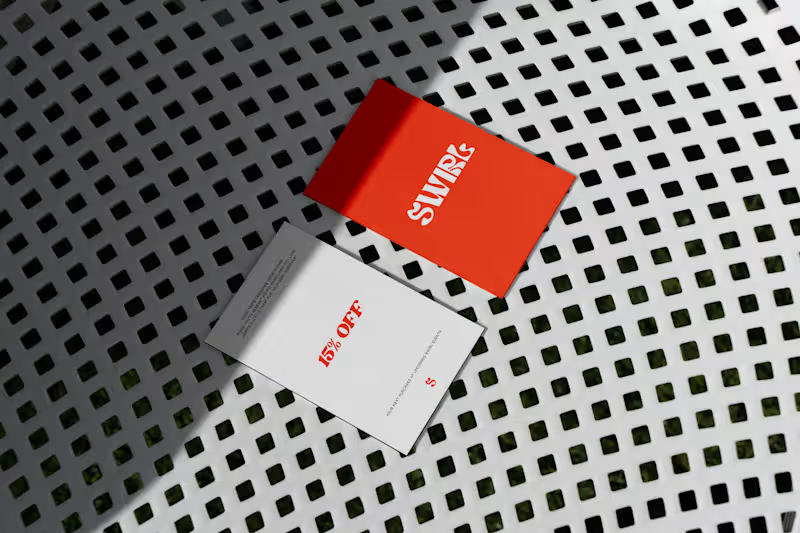
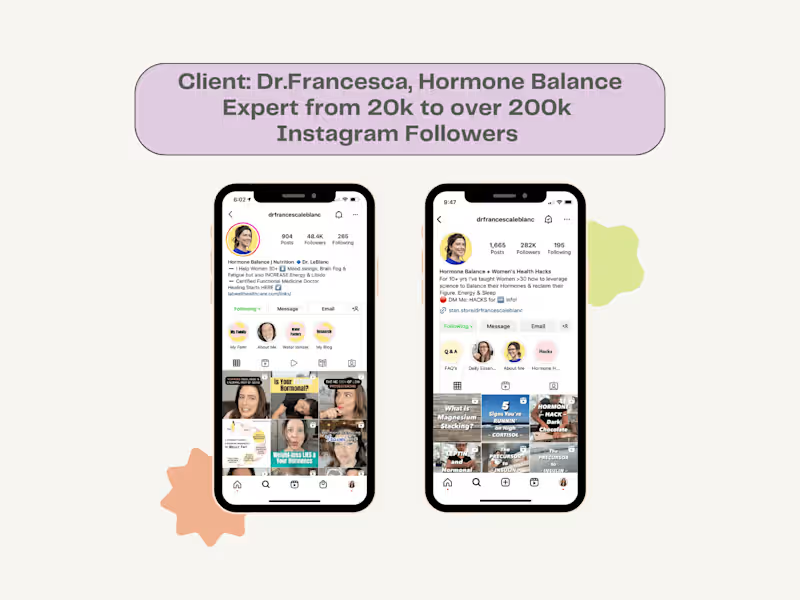
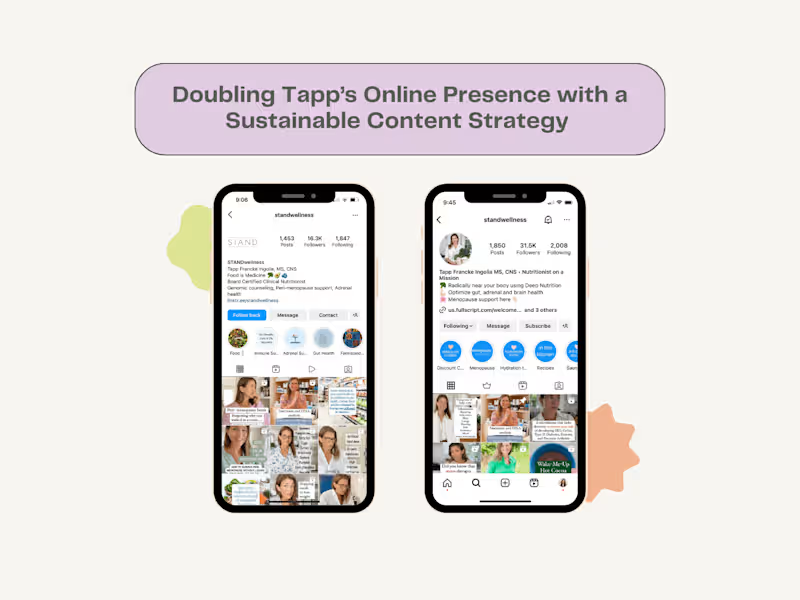
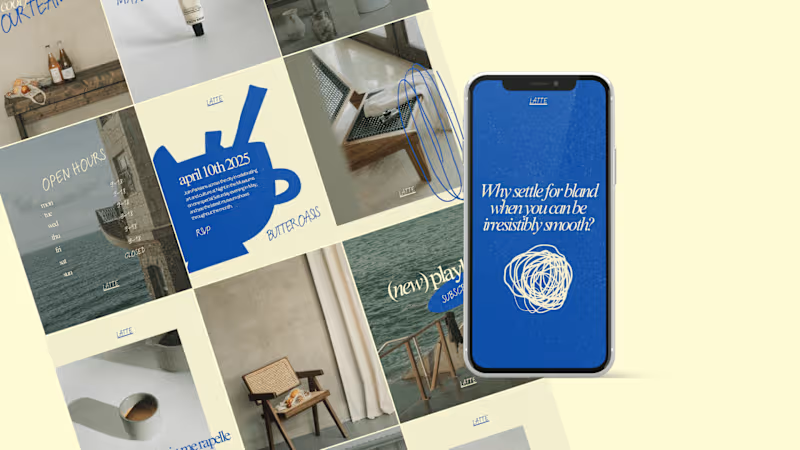
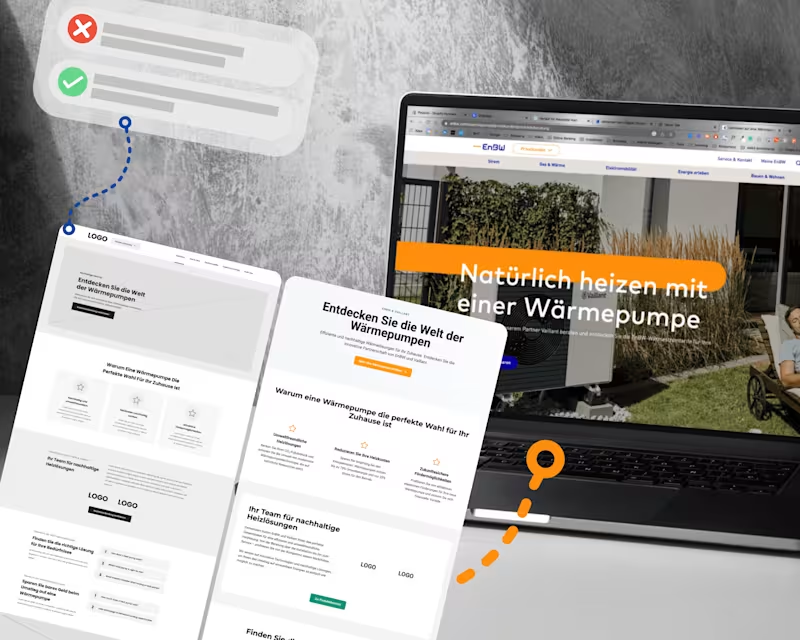
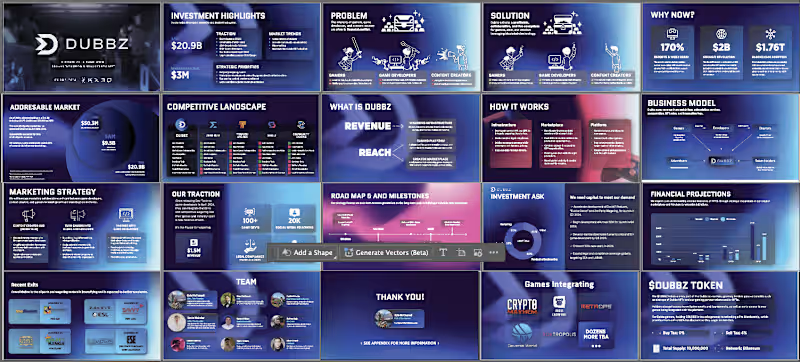
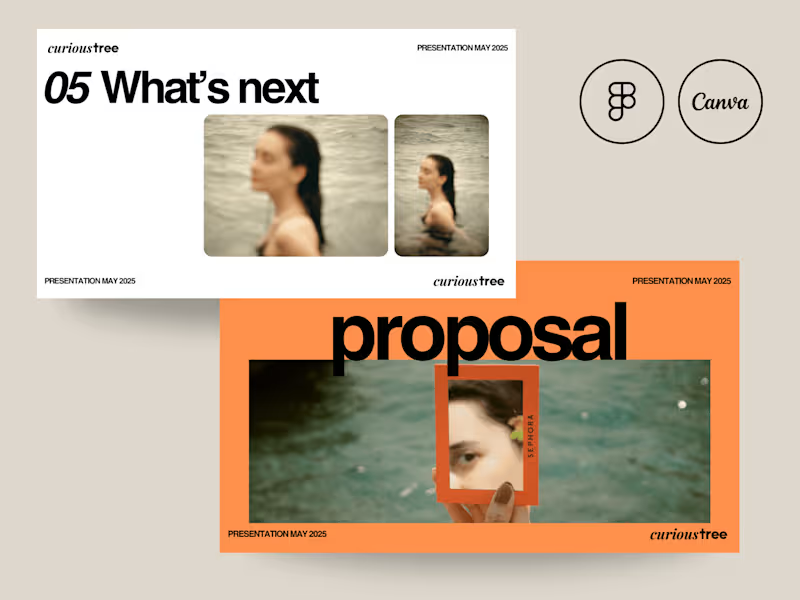
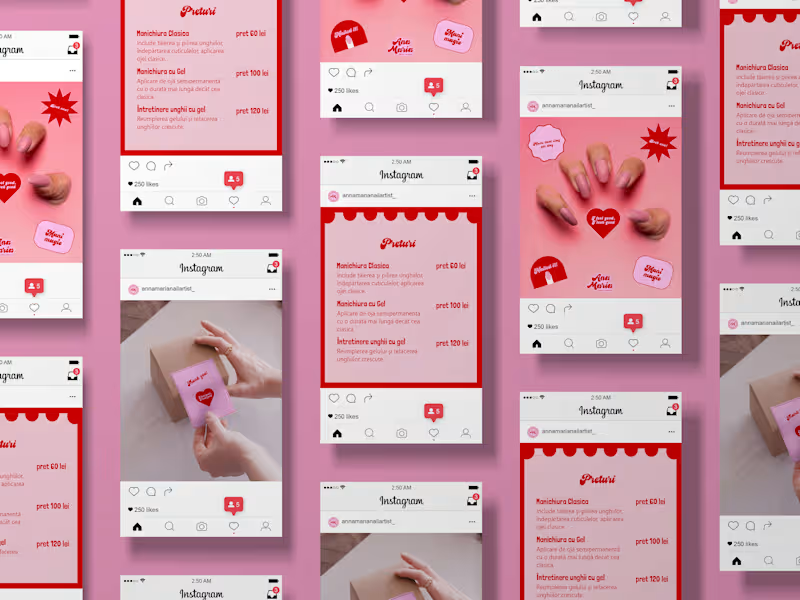
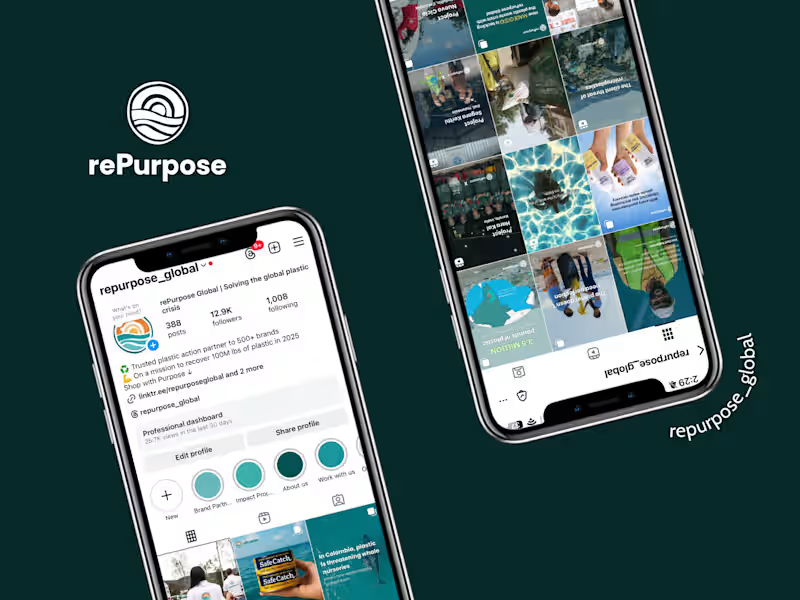
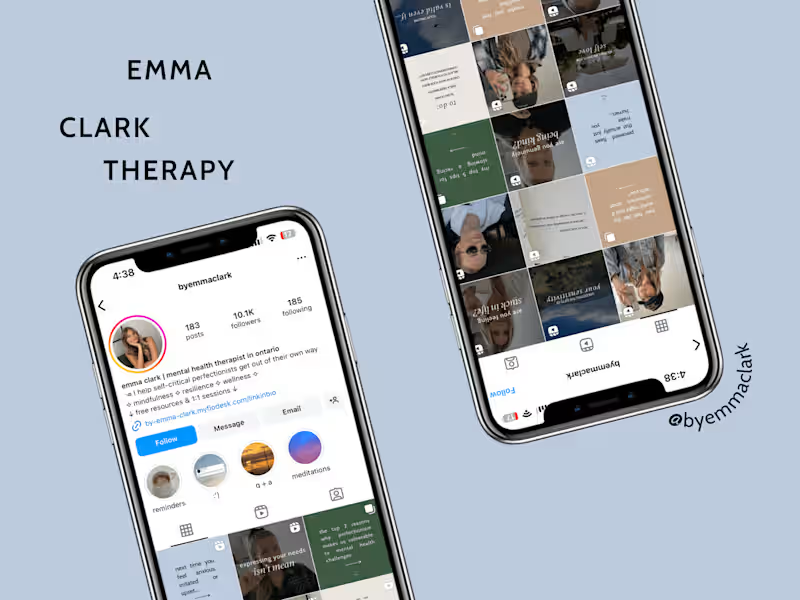
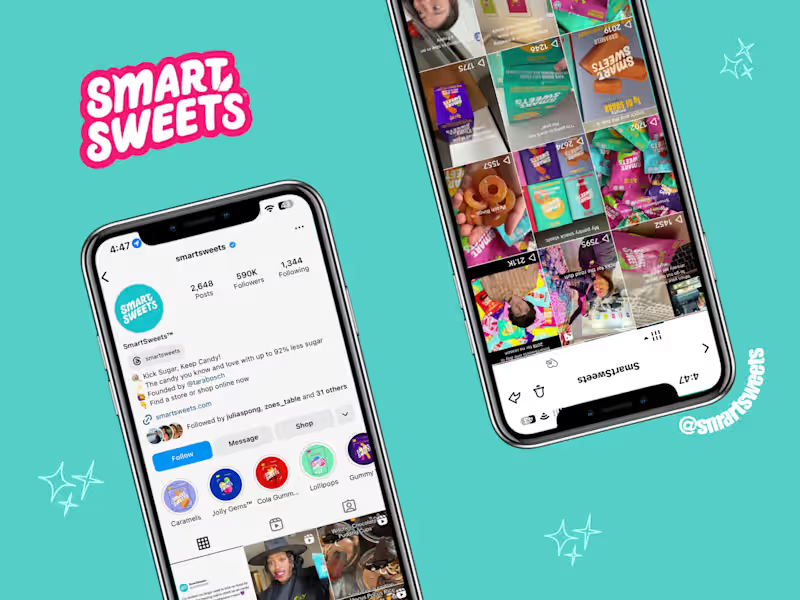
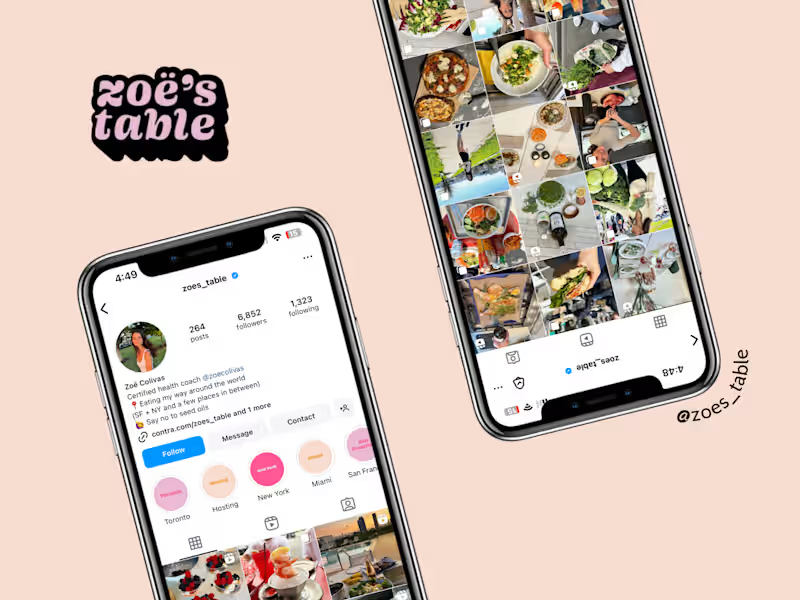
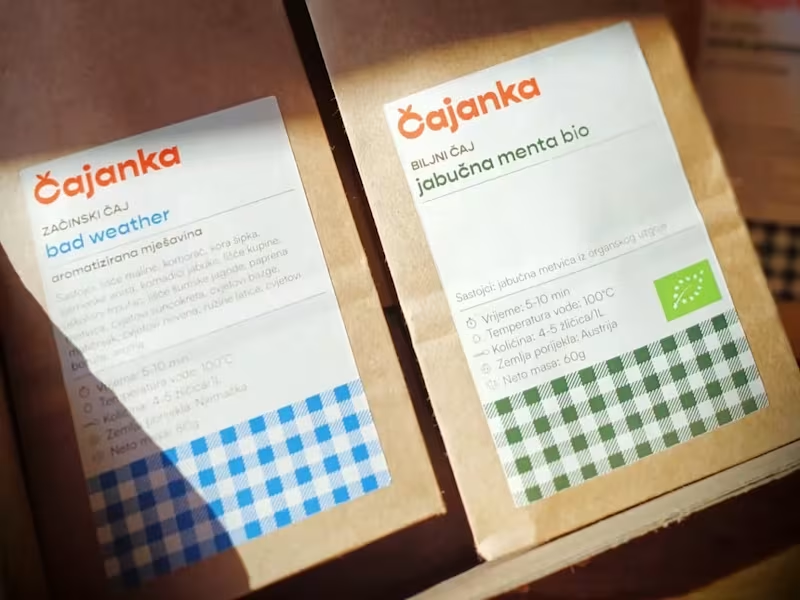
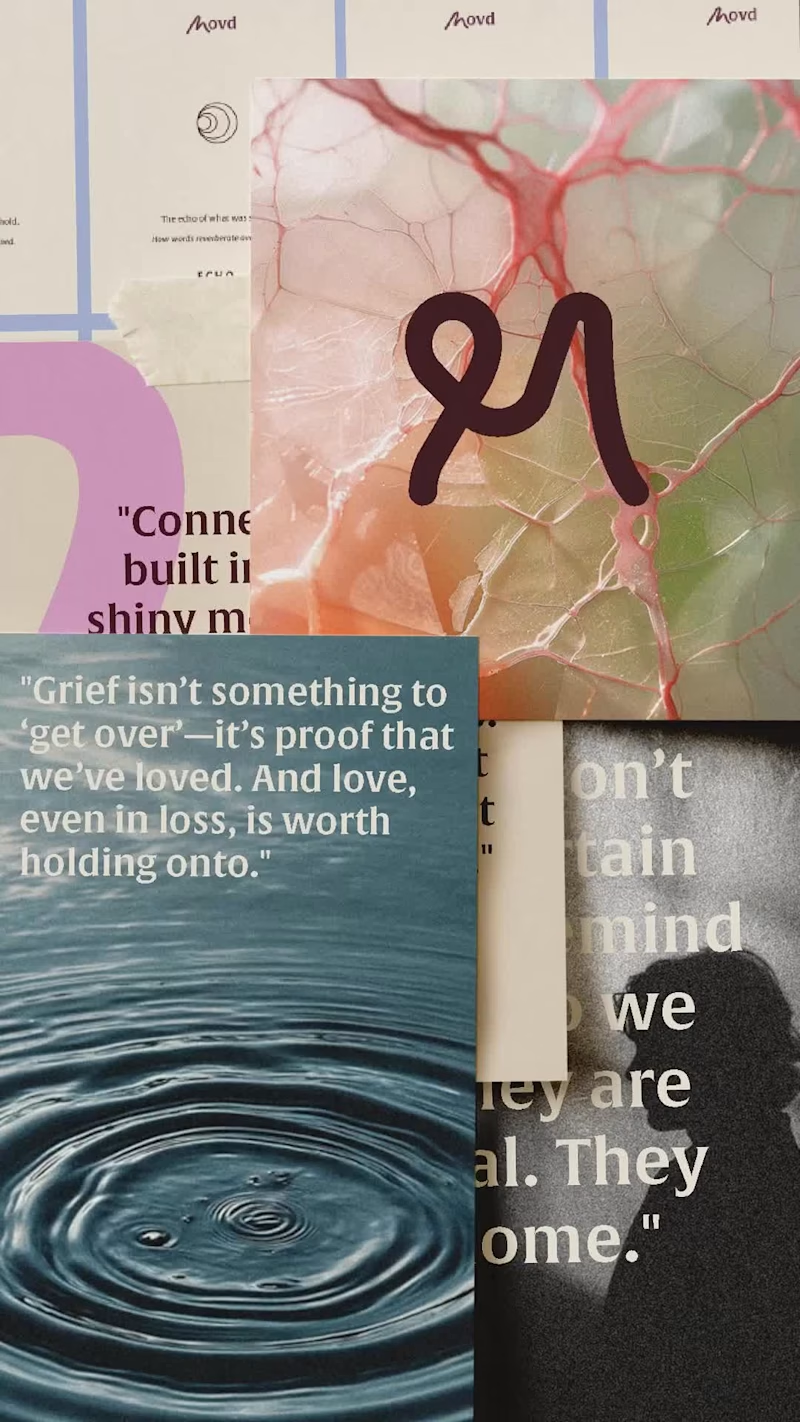
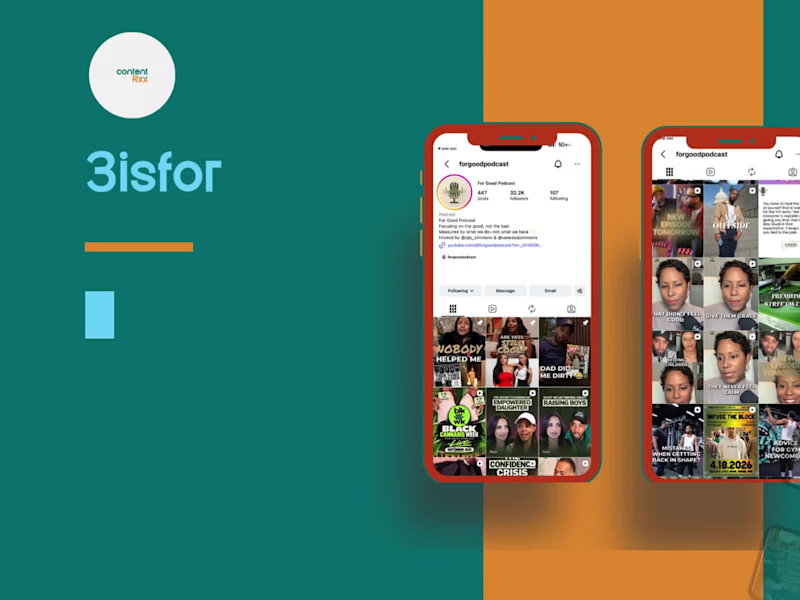
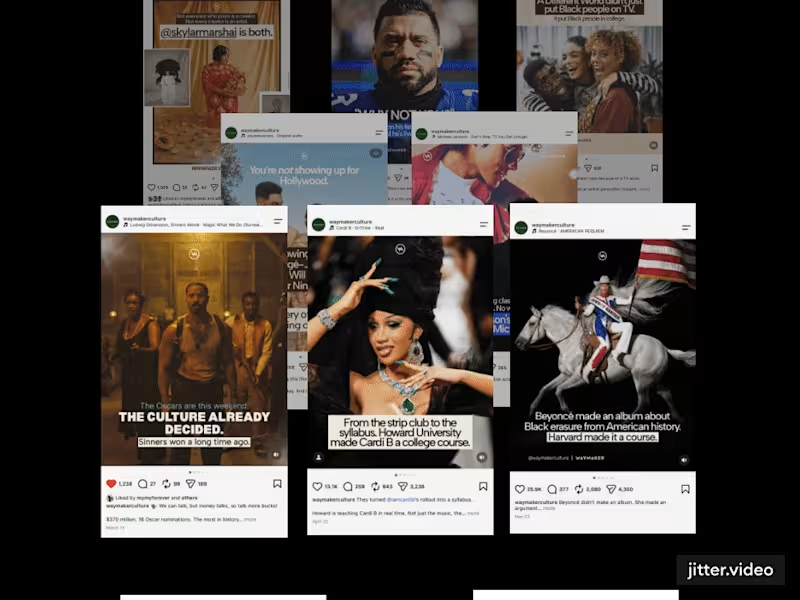
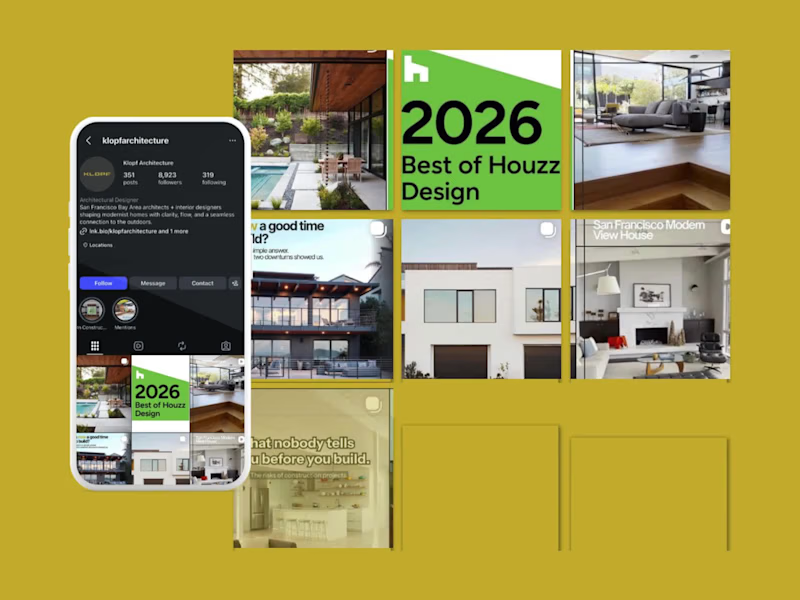
Look for someone who has a lot of experience using Canva and has a strong portfolio. Make sure they have worked on projects similar to what you need. Read reviews from other clients to see if they are reliable and creative.
How can I tell if the Canva expert understands my needs?
Ask them to share their previous work that matches your project. Check if they ask questions about your brand and goals. A good expert will want to know more about your vision to make sure they can help you.
What should I agree on before starting the project?
Make sure you both agree on the project timeline and deliverables. Discuss the style and design elements you prefer. Good communication at the start helps the freelancer understand what you want.
Why is it important to understand their Canva styles?
Each designer has their own style. Look at their work to see if it matches what you like. This helps ensure your project will look the way you want it to.
How can I ensure the quality of the deliverables?
Discuss quality standards and provide examples of designs you like. Set clear expectations for the finished product. Check in regularly to review drafts and give feedback.
What tools should I expect them to use besides Canva?
While Canva is their main tool, they might use image editing software like Photoshop for advanced tasks. Ask if they can use these tools if your project needs it. It’s good to know they have more skills and resources.
What is the importance of setting milestones?
Milestones help you track progress and stay on schedule. Set clear checkpoints for when parts of the project should be completed. Milestones make sure you’re happy with the work every step of the way.
How can I ensure the designs fit my brand identity?
Provide brand guidelines like color schemes and fonts at the start. Share examples of your past materials and talk about your brand’s message. The more they know about your brand, the better they can match it.
Why is ongoing communication important?
Regular updates help make sure everyone is on the same page. It prevents misunderstandings and keeps the project moving smoothly. Choose a platform or method for easy and quick communication.
How should I handle feedback with the Canva expert?
Give clear and specific feedback on what you like and don't like. Be open to their ideas and suggestions too. Good feedback helps them make changes that better meet your needs.
Who is Contra for?
Contra is designed for both freelancers (referred to as "independents") and clients. Freelancers can showcase their work, connect with clients, and manage projects commission-free. Clients can discover and hire top freelance talent for their projects.
What is the vision of Contra?
Contra aims to revolutionize the world of work by providing an all-in-one platform that empowers freelancers and clients to connect and collaborate seamlessly, eliminating traditional barriers and commission fees.