How can I describe the project well to my freelance Canva expert?
Start by telling your Canva expert what you need. Is it a logo, an infographic, or a social media post? Be clear about colors or styles you want. This helps your expert understand your vision.
How do I decide what skills a Canva expert should have for my project?
Think about what your project needs. Do you need someone good at making eye-catching designs? Maybe someone who can use templates well? Match their skills to your project goals.
What information should I gather before meeting my Canva expert?
Create a list of things you want in your project. Gather examples of designs you like. This will help guide the expert in the right direction and save time.
How do I set clear deadlines for the Canva expert?
First, decide when you need the project finished. Tell your expert this date when you start. Make sure it’s realistic so they have enough time to make it great.
How should I discuss project updates with a Canva expert?
Decide on a schedule for updates. Maybe weekly check-ins work best? This way, you’re always in the loop, and can give feedback along the way.
What file formats should I ask my Canva expert to deliver?
Think about how you'll use the design. Do you need a JPEG for social media or a PDF for printing? Tell your Canva expert which formats work best for you.
How can I make sure my brand is well represented in the designs?
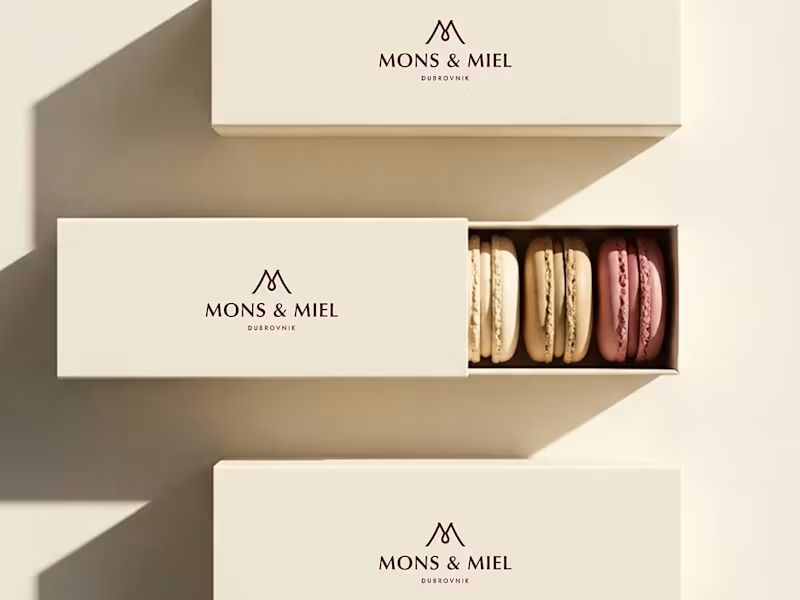
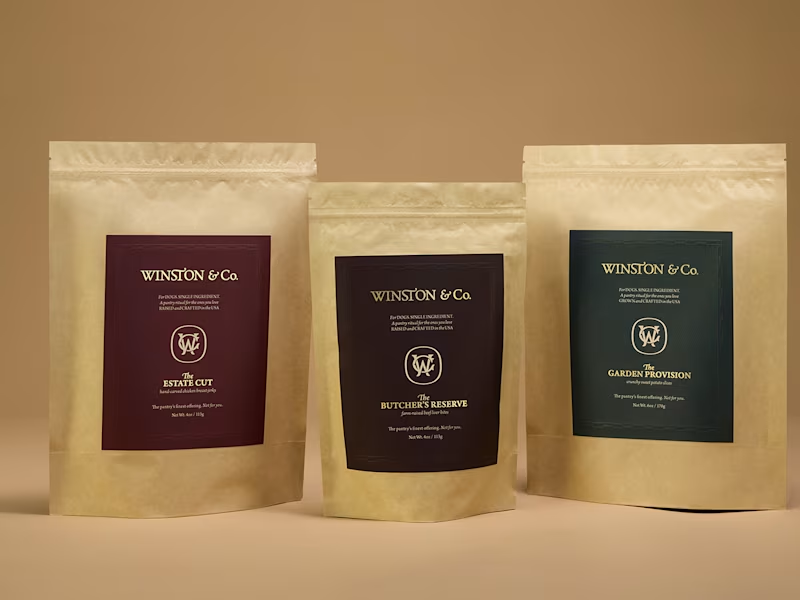
Share your brand colors, fonts, and any logos with your Canva expert. This helps them design something that matches your brand style. They can create cohesive visuals that reflect your brand well.
How do I ensure my expectations align with the Canva expert’s abilities?
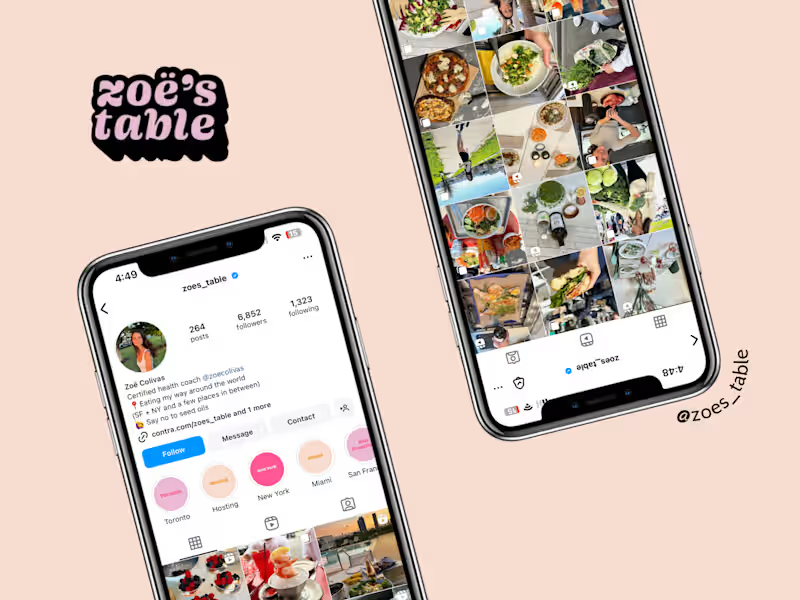
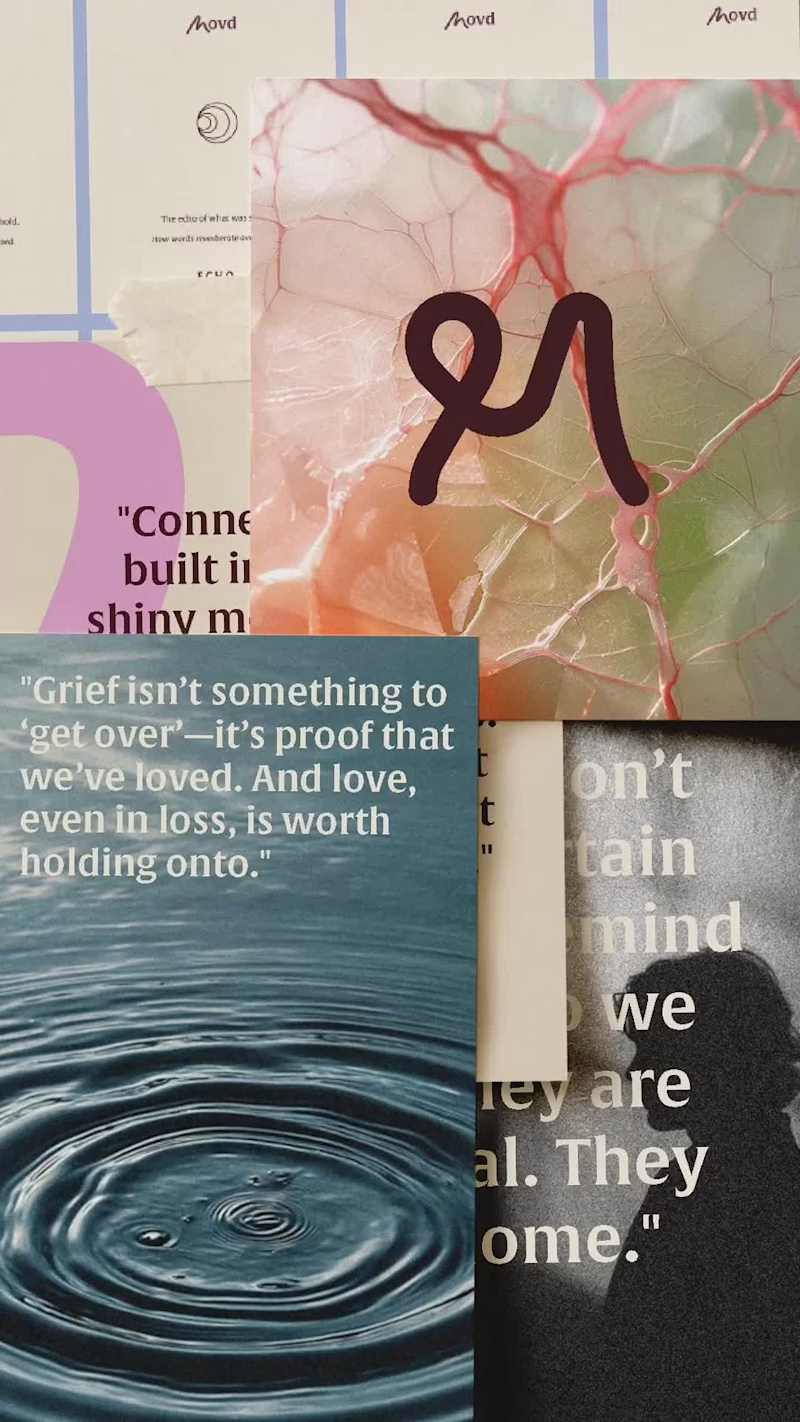
Ask them about their experience with similar projects. Look at their past work. This helps you feel confident they can meet your needs.
What’s the best way to provide design feedback to a Canva expert?
Be specific about what you like or don’t like. Use clear visuals to show examples. This helps your expert make changes quickly and accurately.
How can I assess the success of my project with a Canva expert?
Look at the final design compared to your original ideas. Did it meet your goals? Check if it represents your brand and message well. This ensures you’re happy with the work they did.
Who is Contra for?
Contra is designed for both freelancers (referred to as "independents") and clients. Freelancers can showcase their work, connect with clients, and manage projects commission-free. Clients can discover and hire top freelance talent for their projects.
What is the vision of Contra?
Contra aims to revolutionize the world of work by providing an all-in-one platform that empowers freelancers and clients to connect and collaborate seamlessly, eliminating traditional barriers and commission fees.