What should I include in my project brief?
When creating a project brief for hiring a Canva expert, be clear and simple. Include what you want the designs to look like and why you need them. Make sure to say what type of designs you need, like a logo or an infographic, and when you'd like them finished.
How can I evaluate a Canva expert’s portfolio?
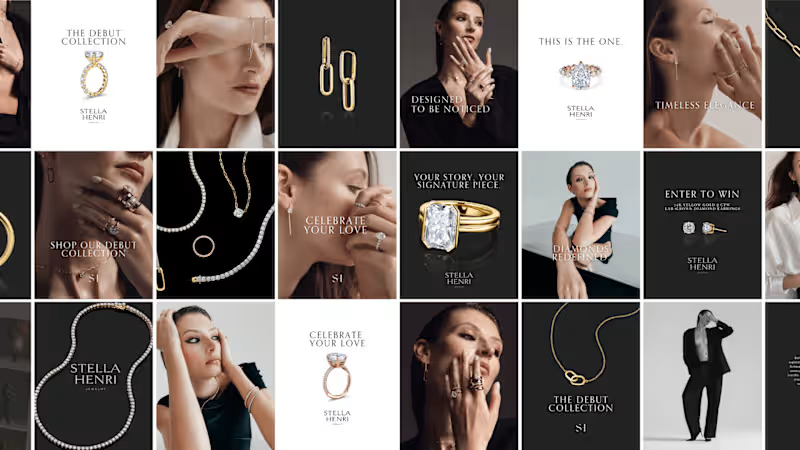
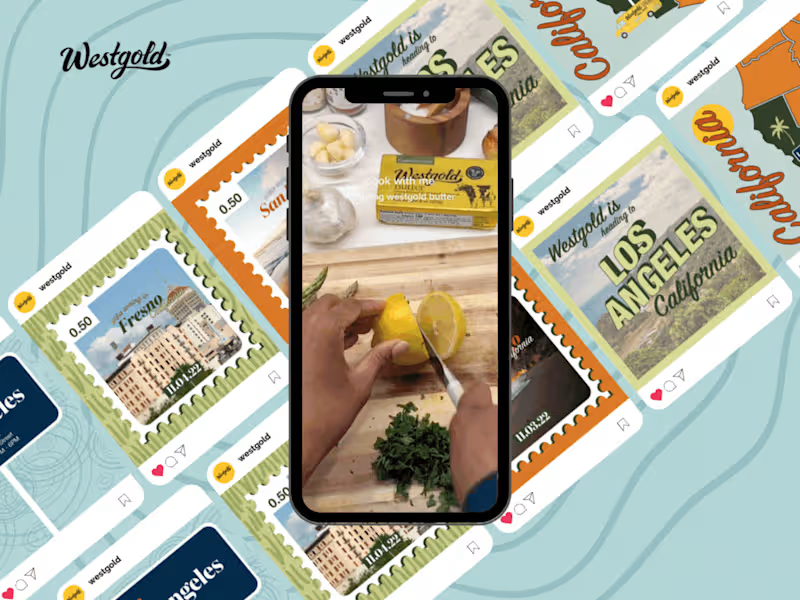
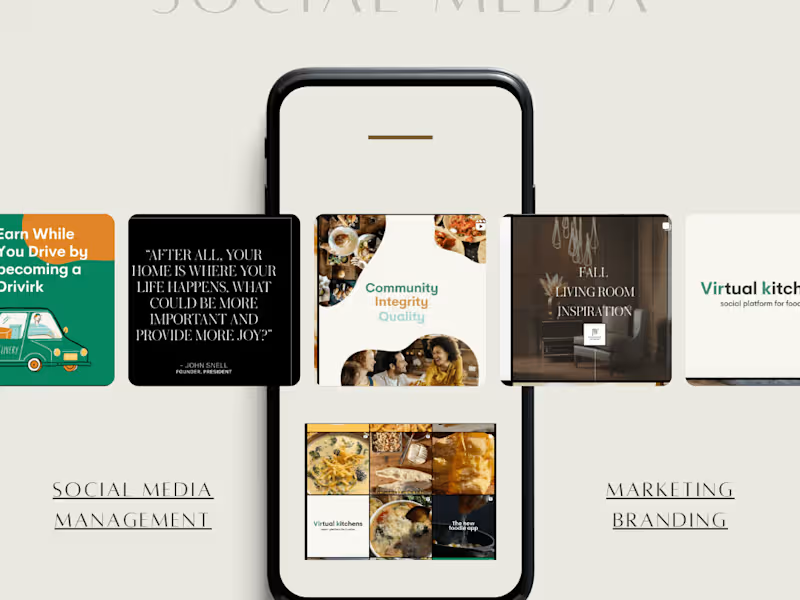
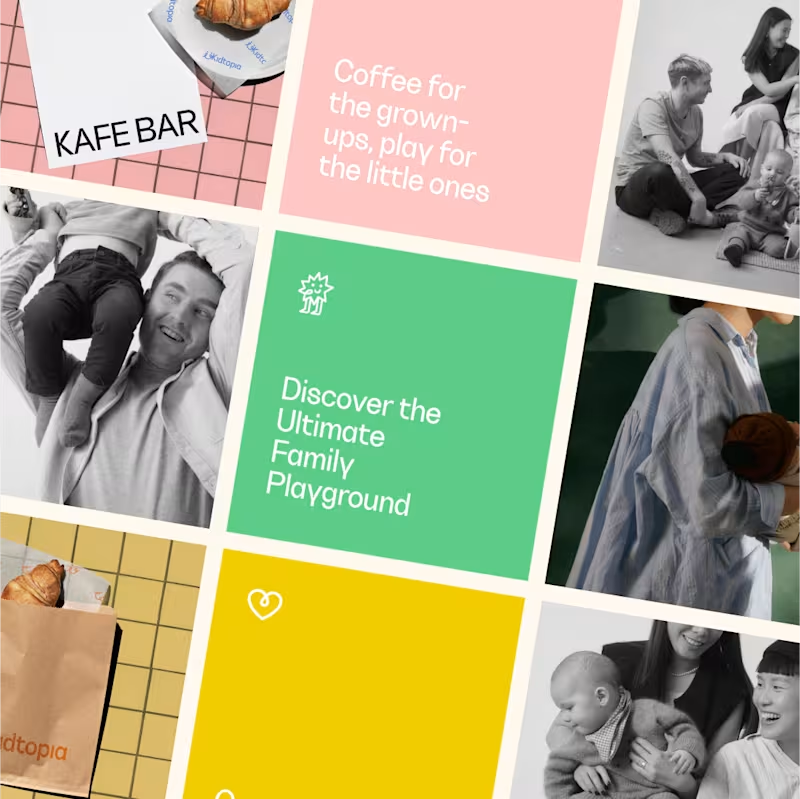
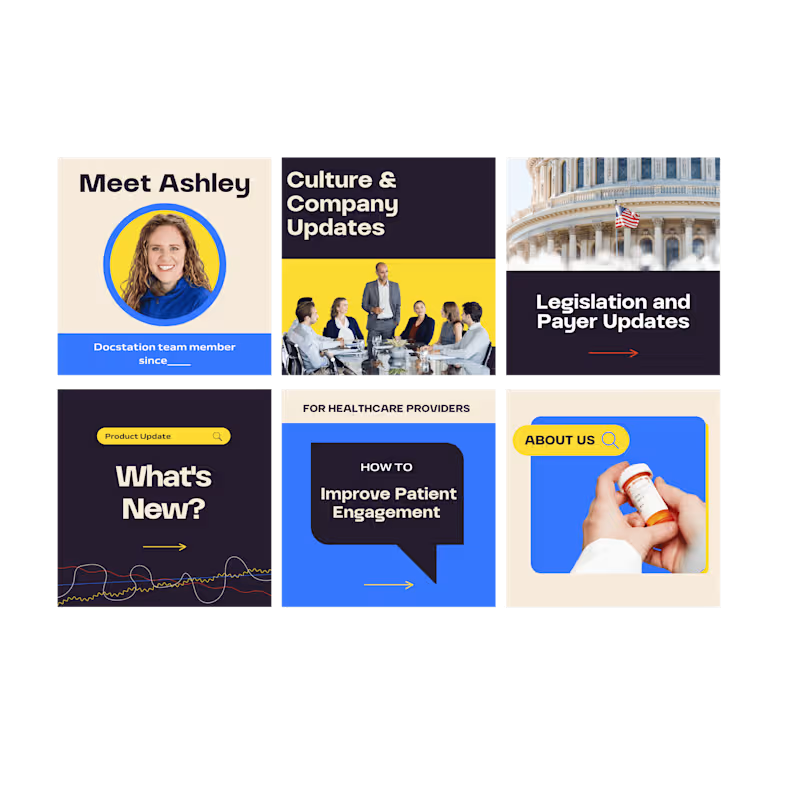
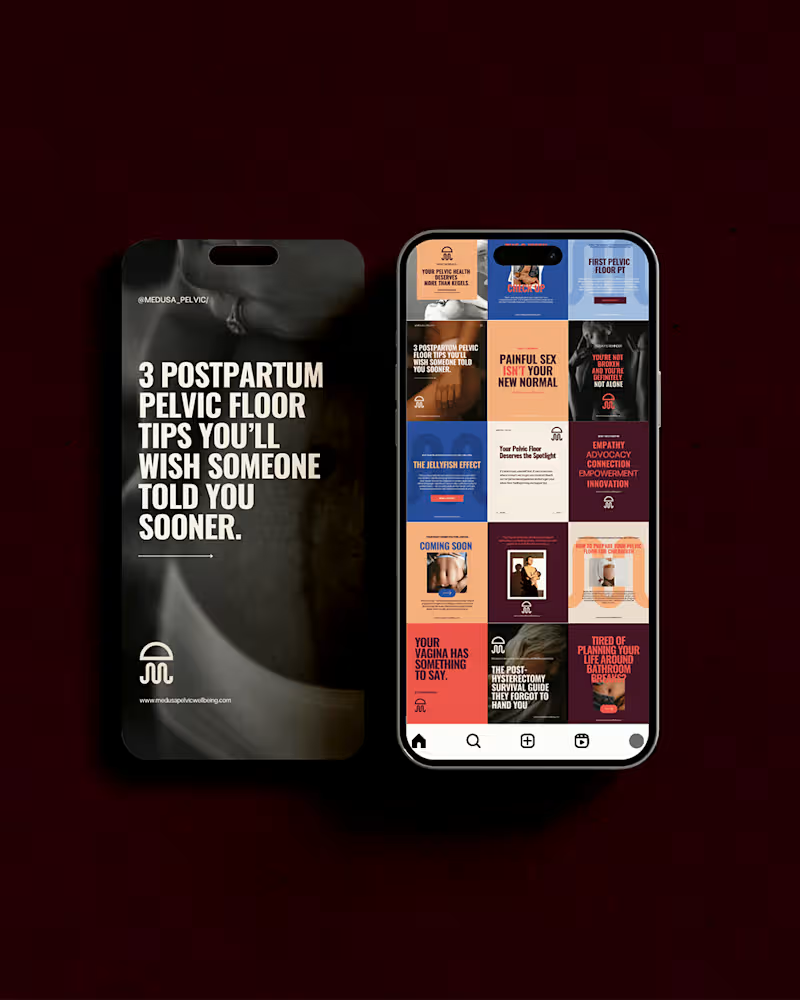
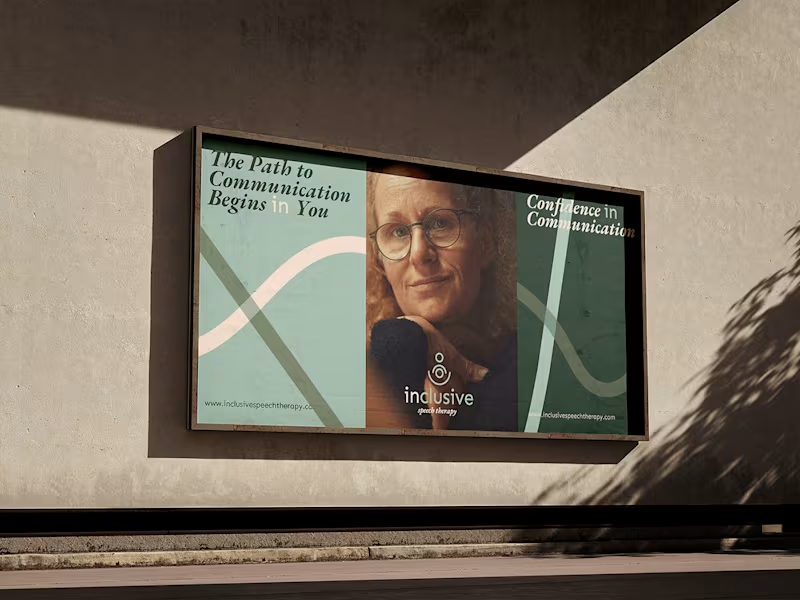
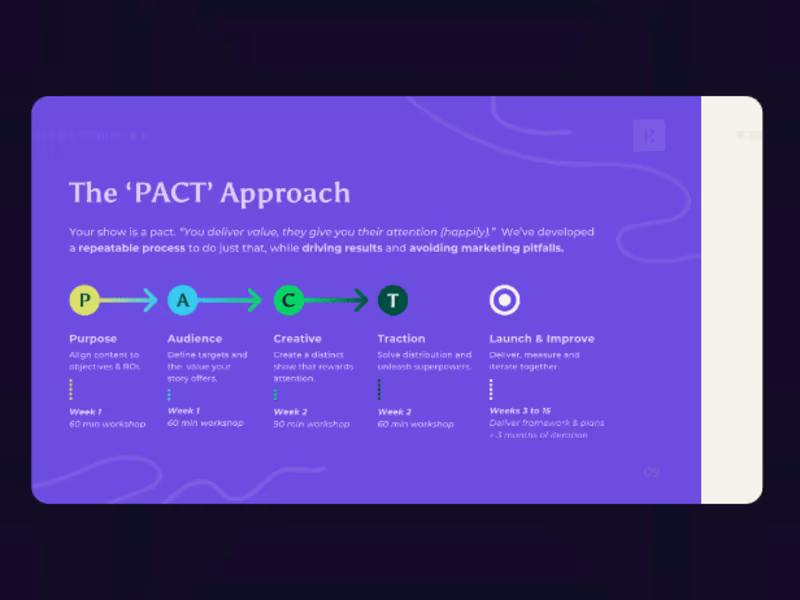
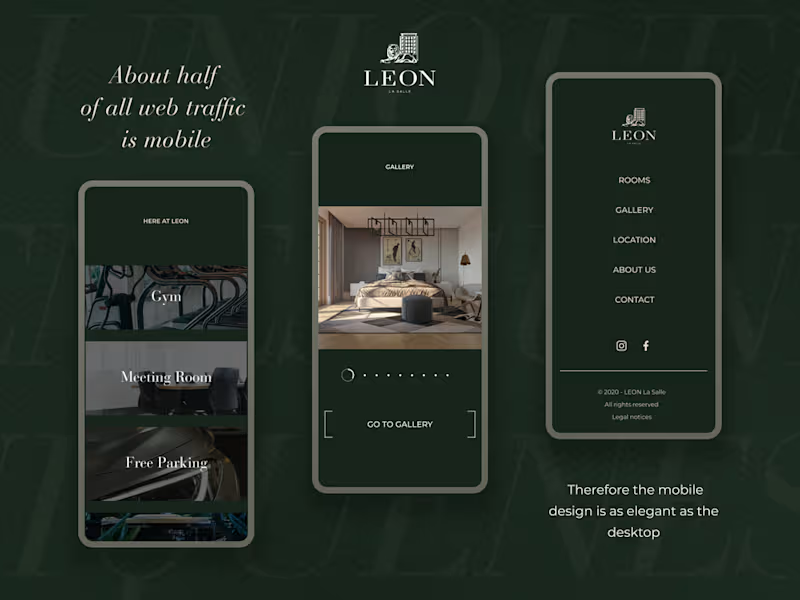
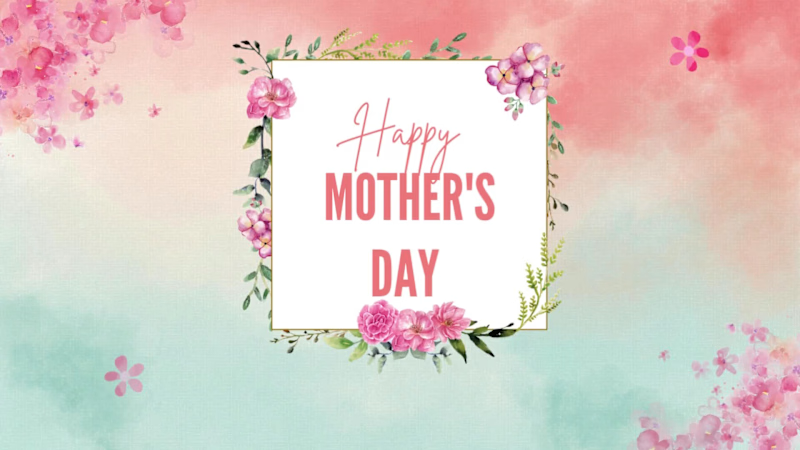
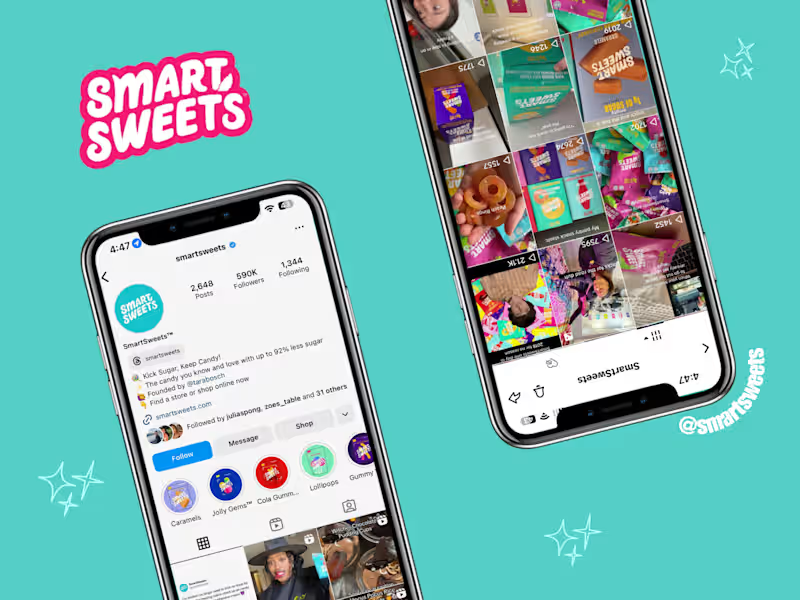
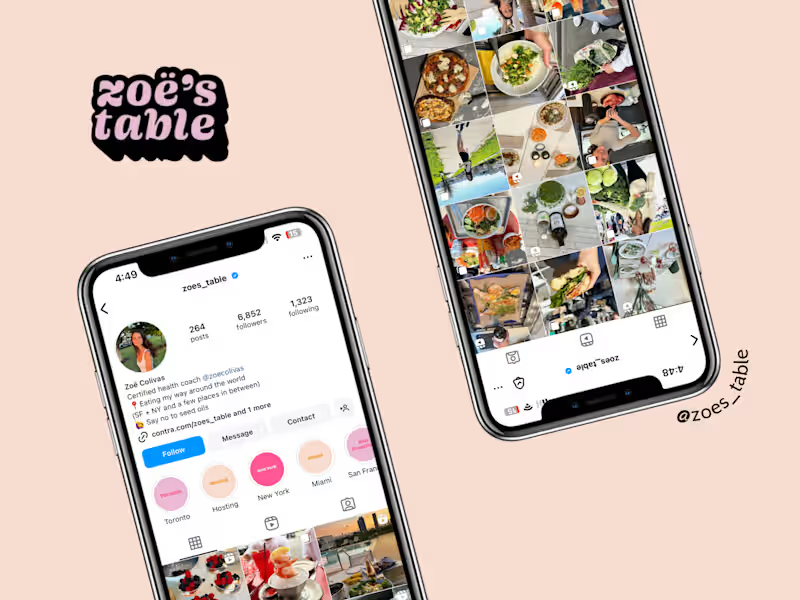
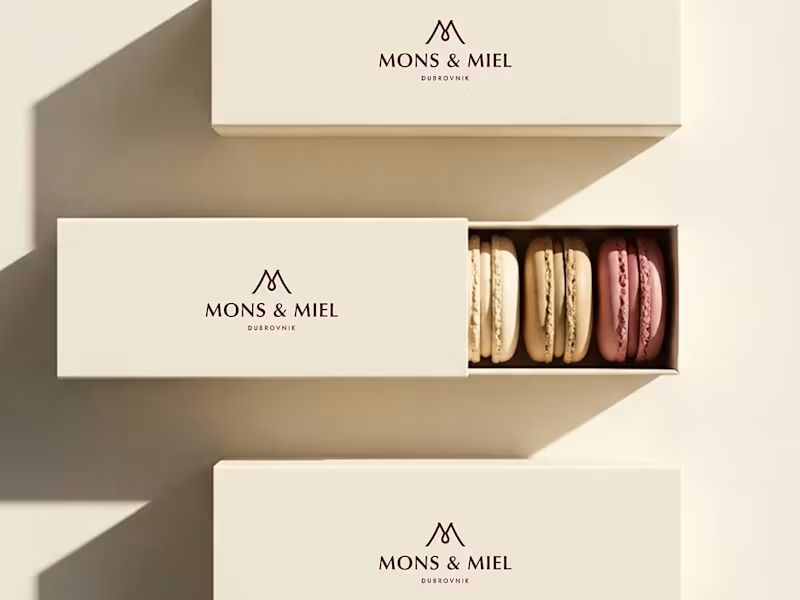
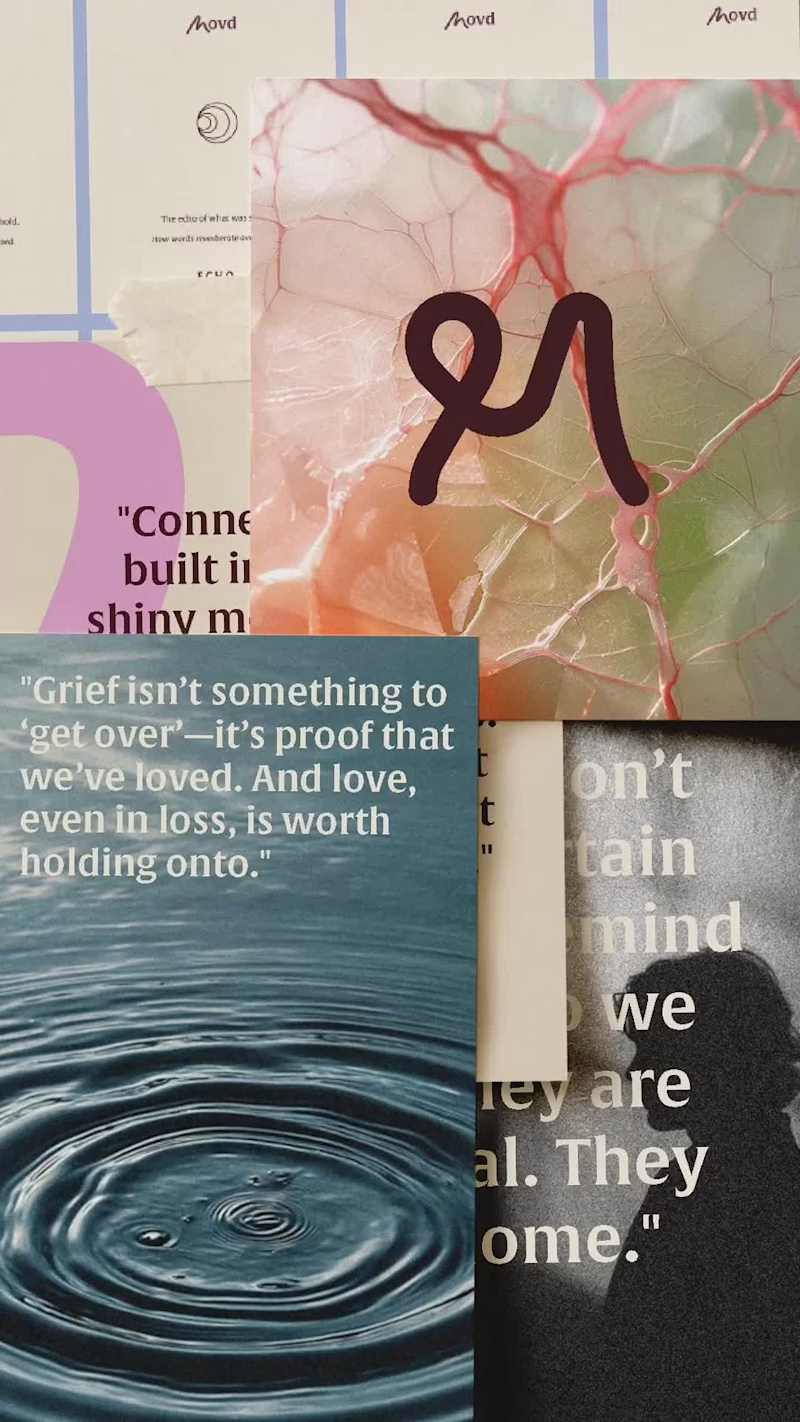
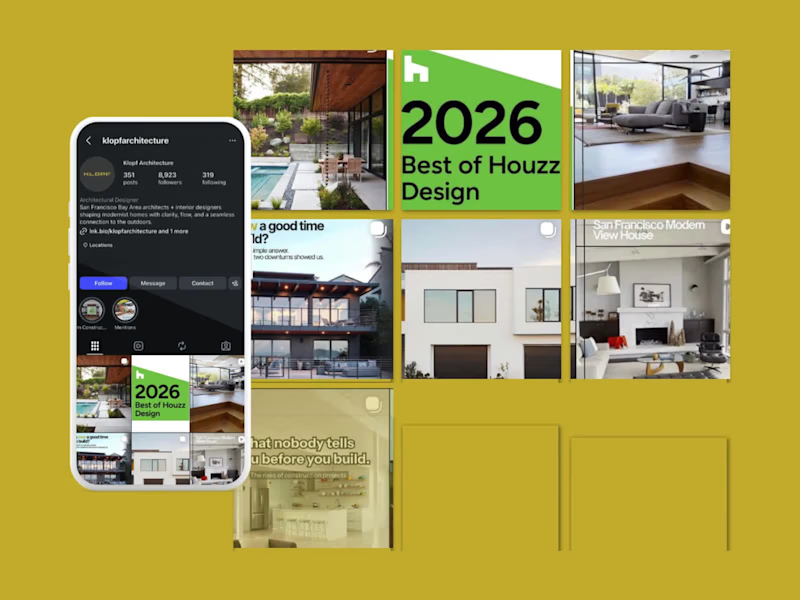
Look at the Canva expert's past work to see if you like their style. Check if their designs look professional and match what you need. Look for designs similar to what you have in mind for your project.
What skills should I seek in a Canva expert?
The Canva expert should be good at graphic design and understand storytelling through images. They should know how to use Canva tools to create eye-catching designs. They should also have creativity and the ability to bring your ideas to life.
How do I define the project deliverables with a Canva expert?
Talk with the expert about what you need and make sure you both agree. Decide on the number and type of designs you want. It’s important to set clear goals so the expert knows exactly what to deliver.
How can I ensure a smooth project kickoff with a Canva expert?
Start by having a friendly conversation with the Canva expert. Share your project ideas with them and ask for their thoughts. Make sure you both have the same understanding of the project before they begin work.
What should I expect during the design process with a Canva expert?
Expect the Canva expert to share drafts with you and ask for your feedback. Be ready to give your thoughts on their designs so they can make changes if needed. Good communication will help create the best designs for your project.
How important is setting a timeline with a Canva expert?
Setting a timeline is very important because it helps keep the project on track. Talk to the Canva expert about your deadlines and make sure they can meet them. A clear timeline helps both you and the expert know when things need to be done.
How can collaboration with a Canva expert be made more effective?
Use simple messages and open communication to work better with the Canva expert. Share all the necessary details and encourage them to ask questions. Effective collaboration will lead to great design results.
What online tools can help manage project updates?
Use simple online tools like Email or chat apps to share updates. These tools help you and the Canva expert stay in touch easily. Regular updates ensure everyone knows how the project is progressing.
How can I provide constructive feedback to a Canva expert?
Give feedback in a friendly and clear way so the Canva expert knows how to improve. Be specific about what changes you want and why. Good feedback helps make the final designs look great.
Who is Contra for?
Contra is designed for both freelancers (referred to as "independents") and clients. Freelancers can showcase their work, connect with clients, and manage projects commission-free. Clients can discover and hire top freelance talent for their projects.
What is the vision of Contra?
Contra aims to revolutionize the world of work by providing an all-in-one platform that empowers freelancers and clients to connect and collaborate seamlessly, eliminating traditional barriers and commission fees.