What are the key skills a Canva expert should have?
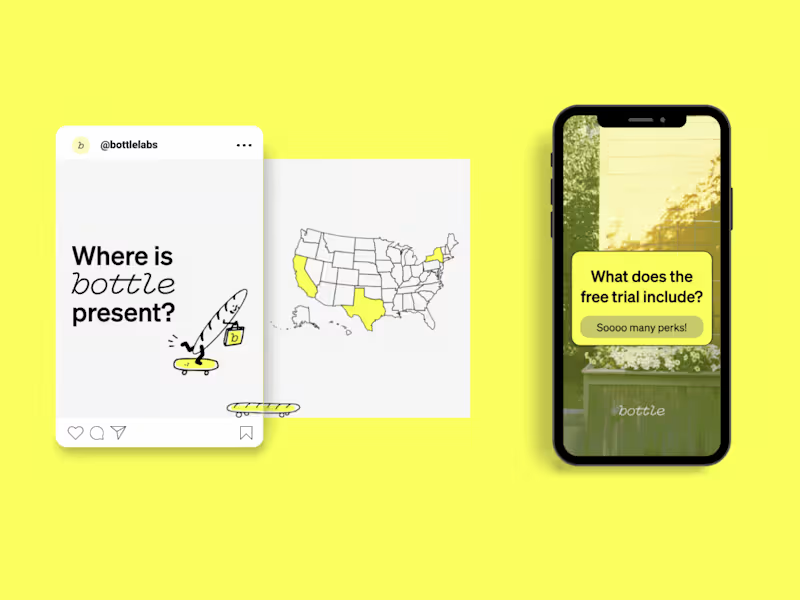
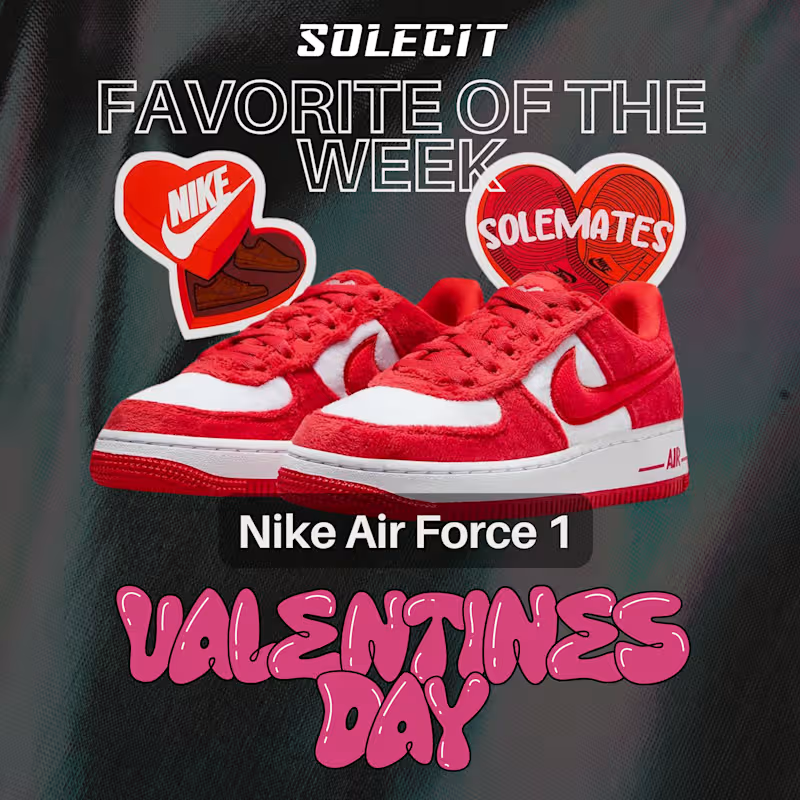
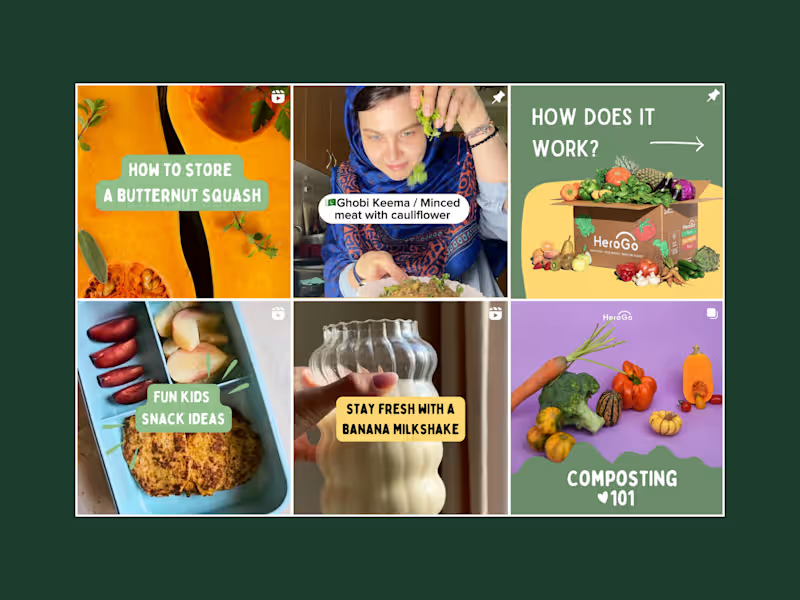
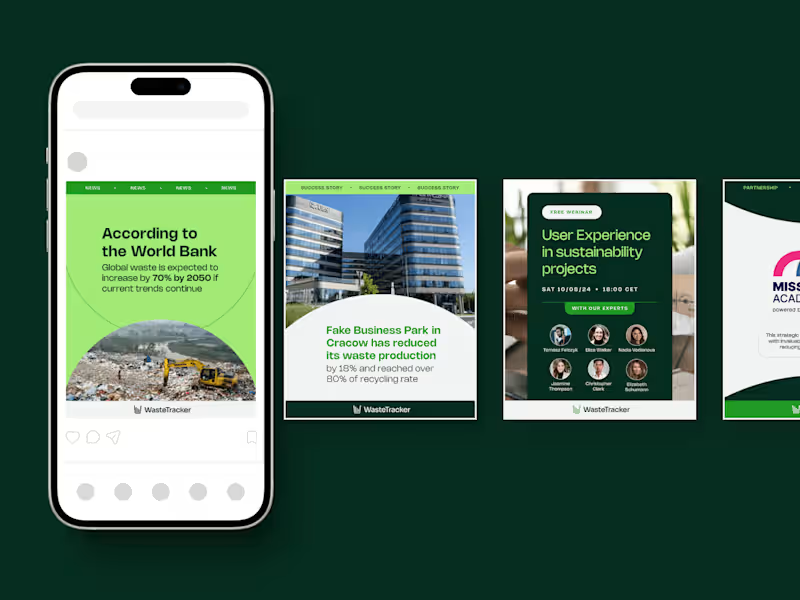
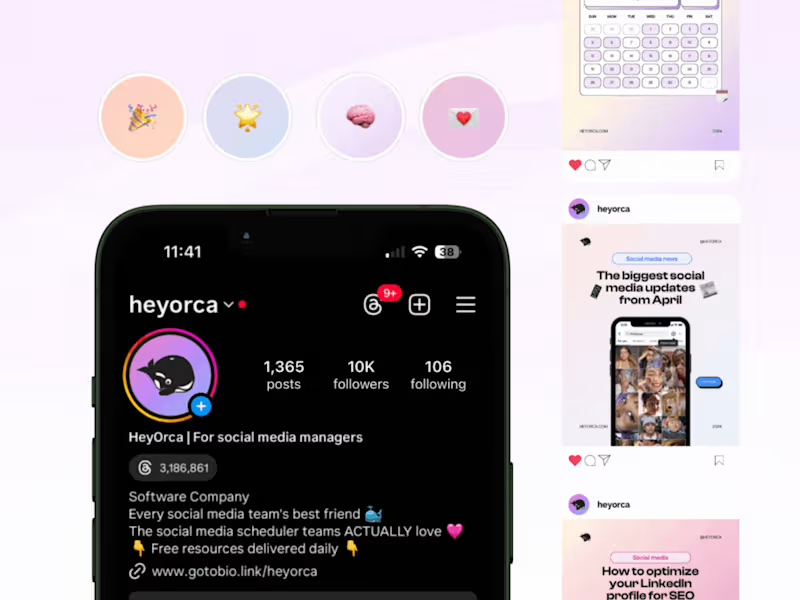
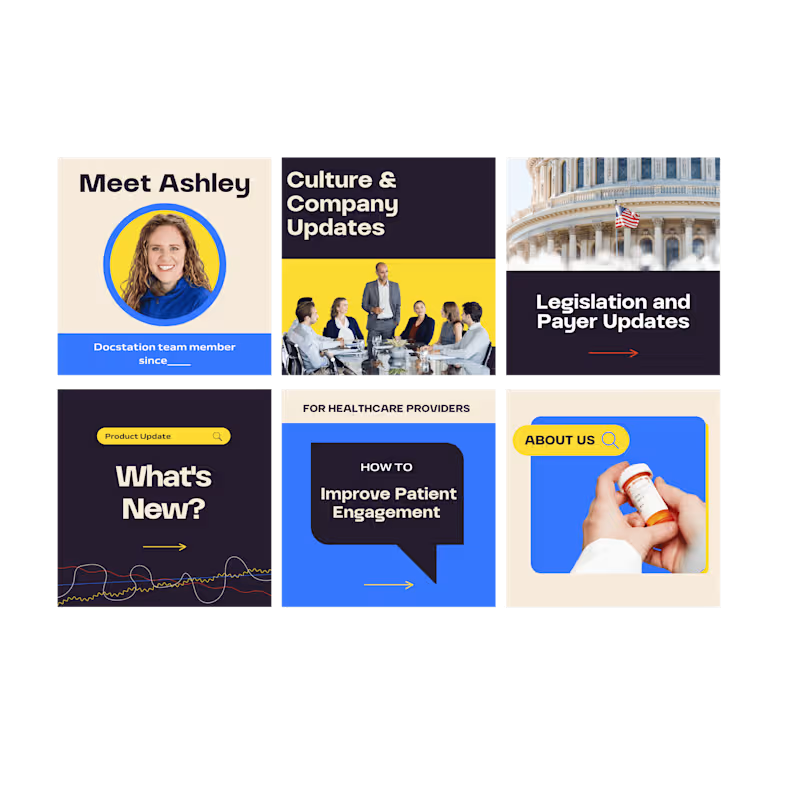
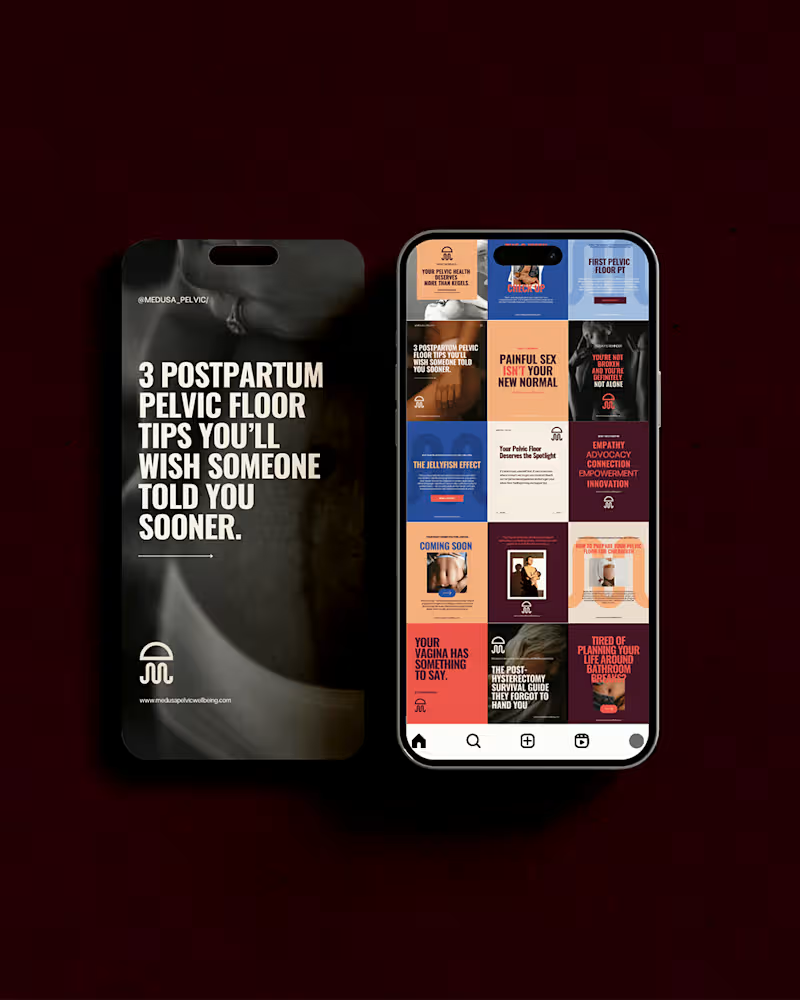
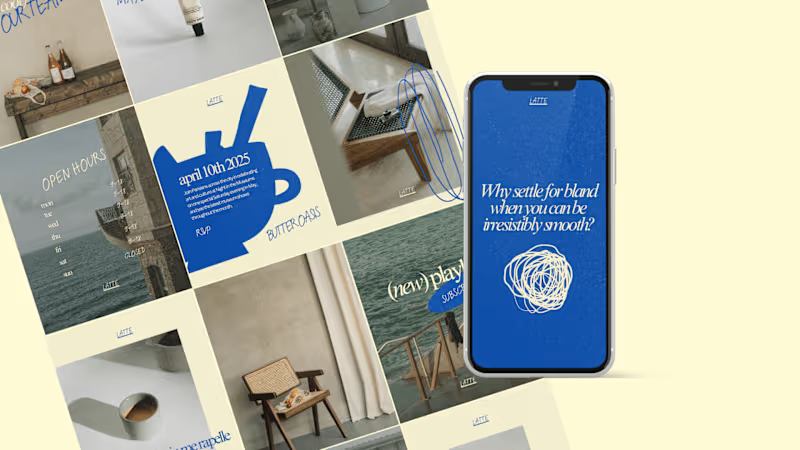
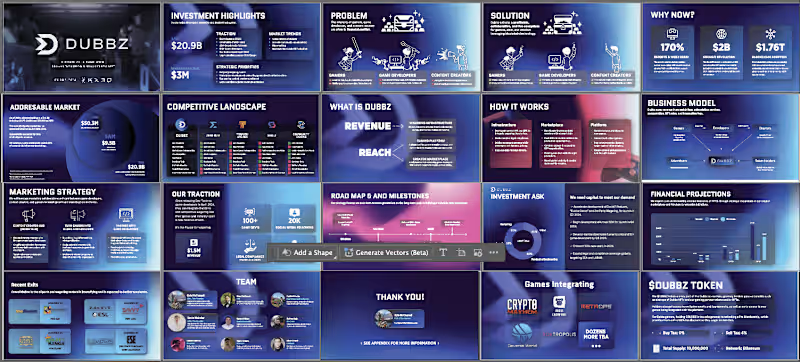
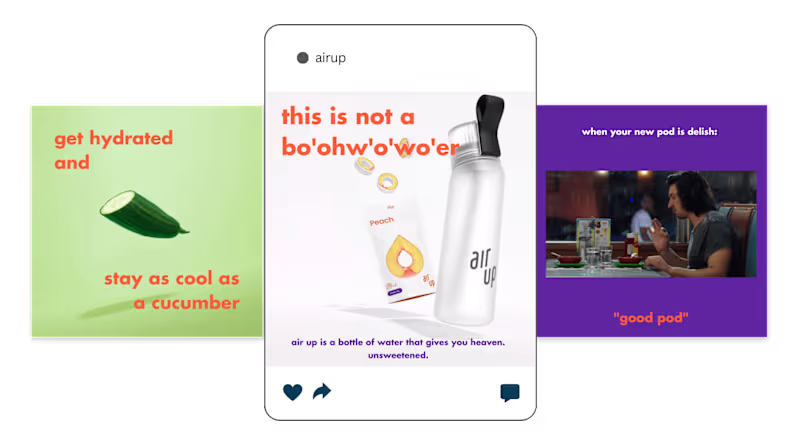
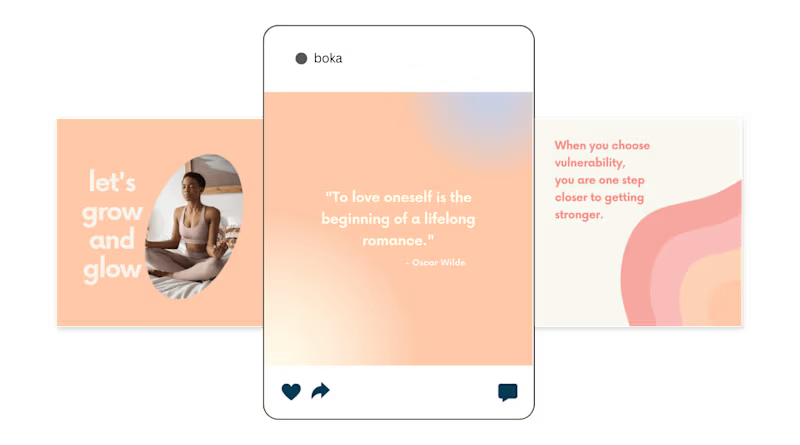
A Canva expert should know how to use the platform's tools to create attractive designs. They should be familiar with creating templates for social media, presentations, and marketing materials. It's also helpful if they know about design principles like color theory and typography.
How can I evaluate a Canva expert's experience?
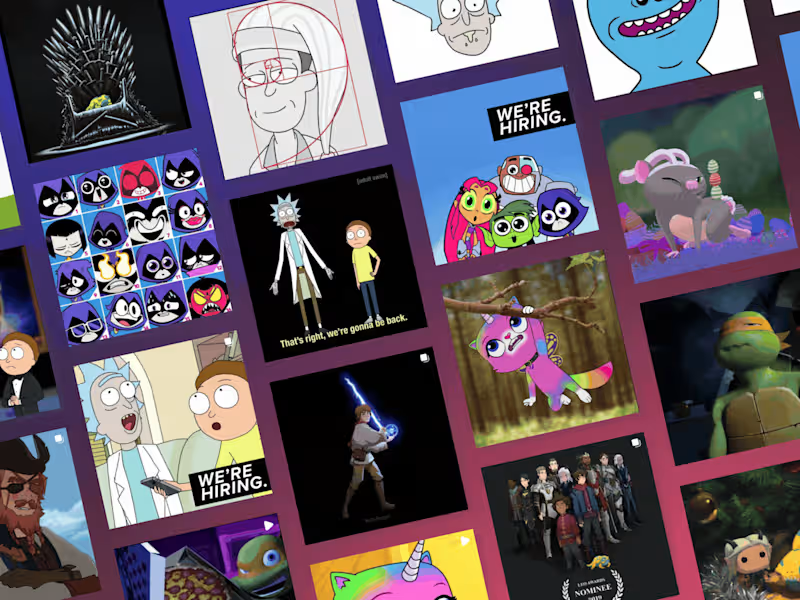
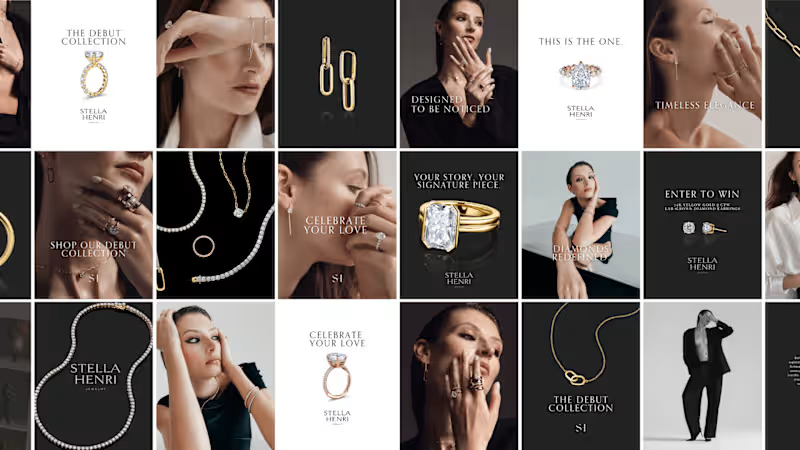
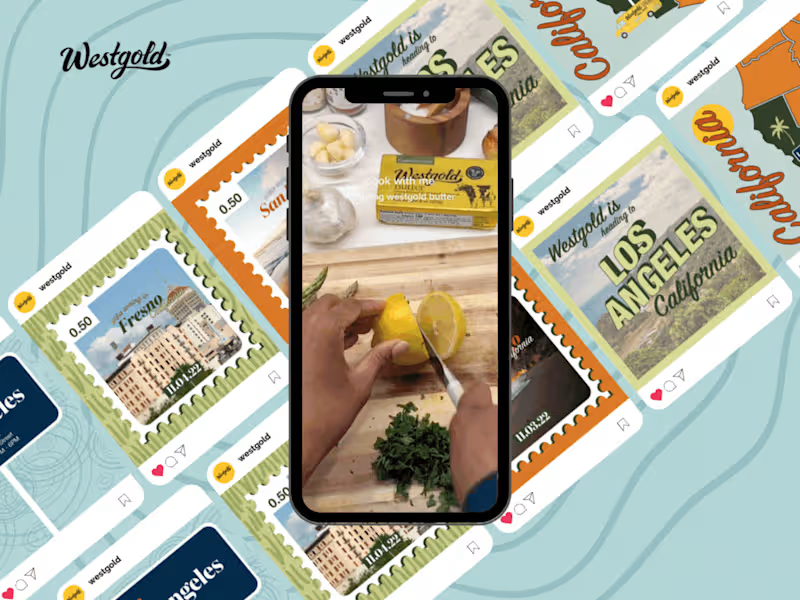
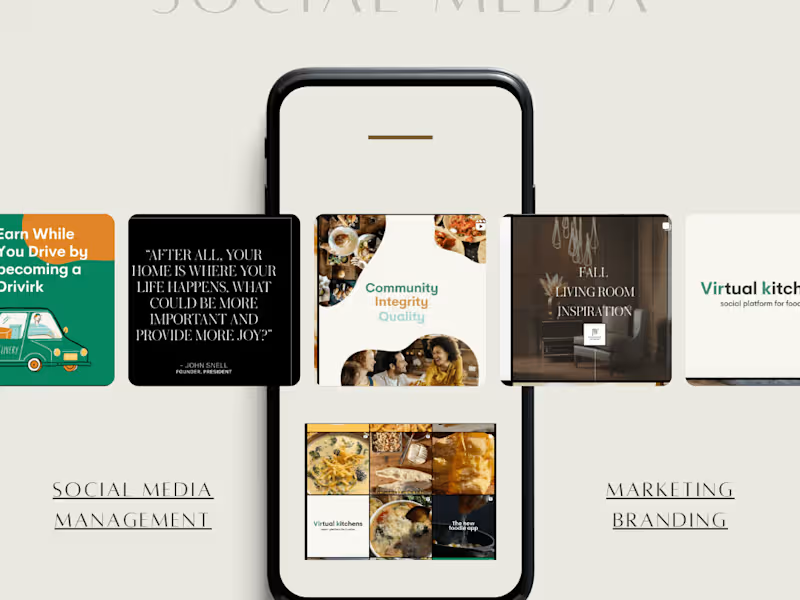
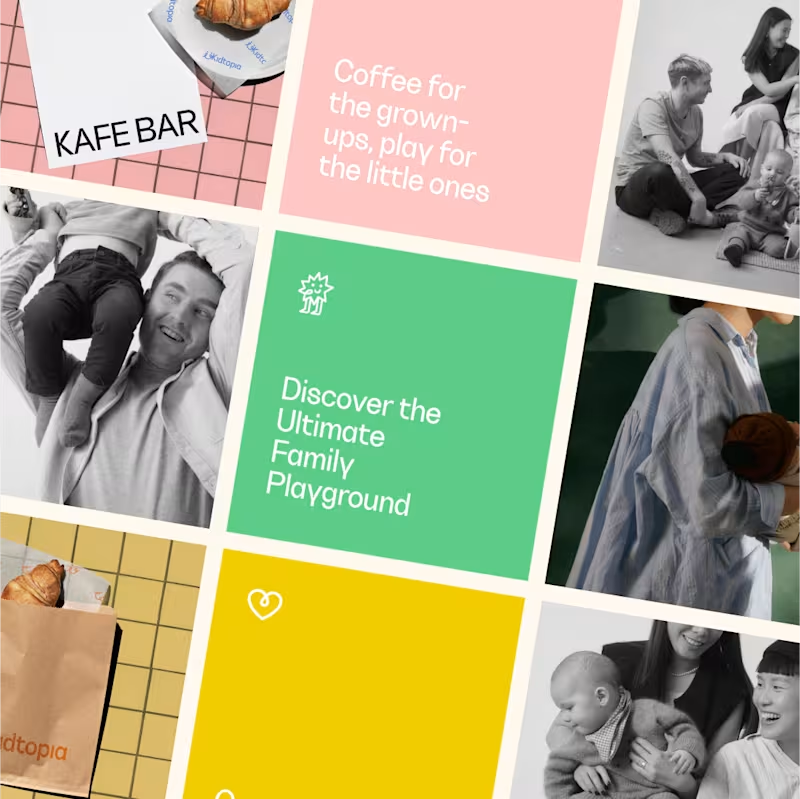
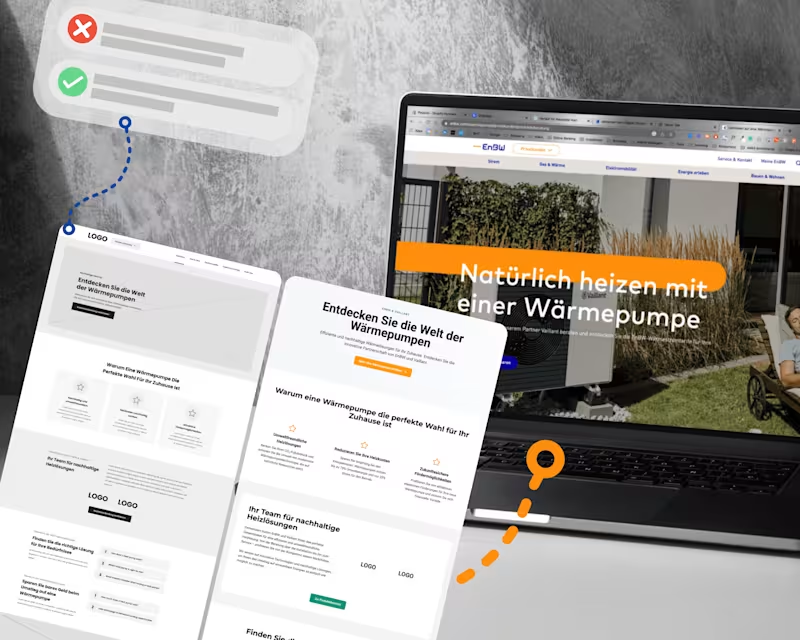
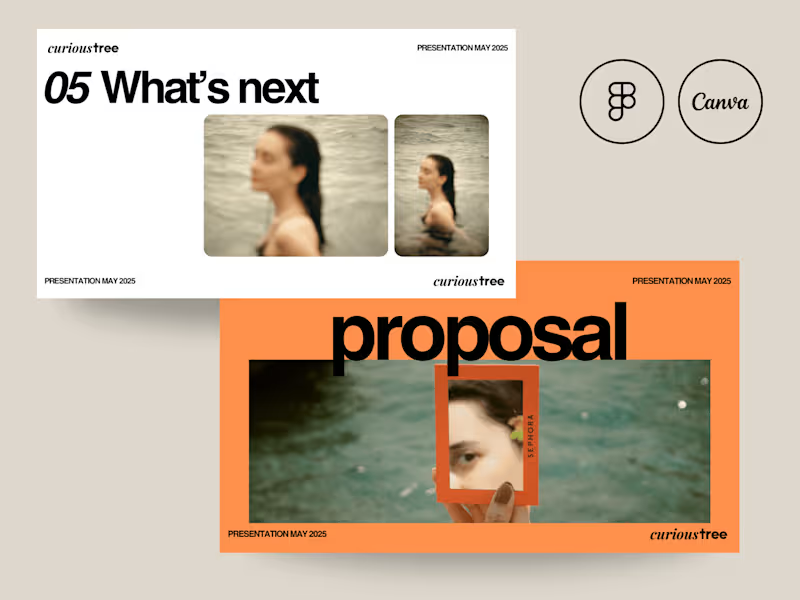
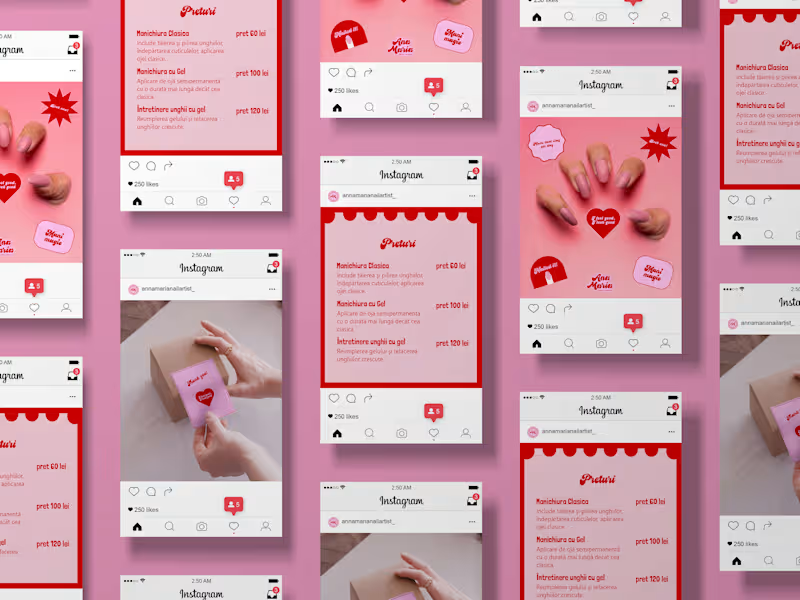
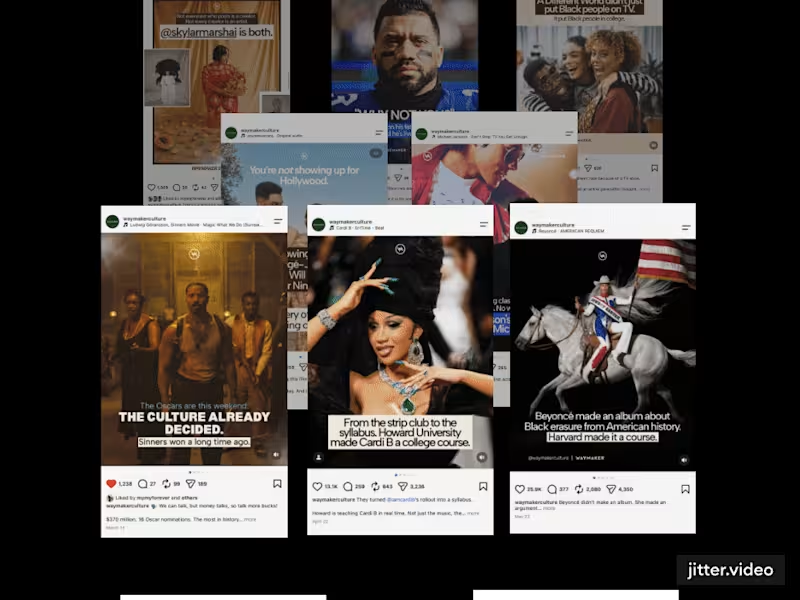
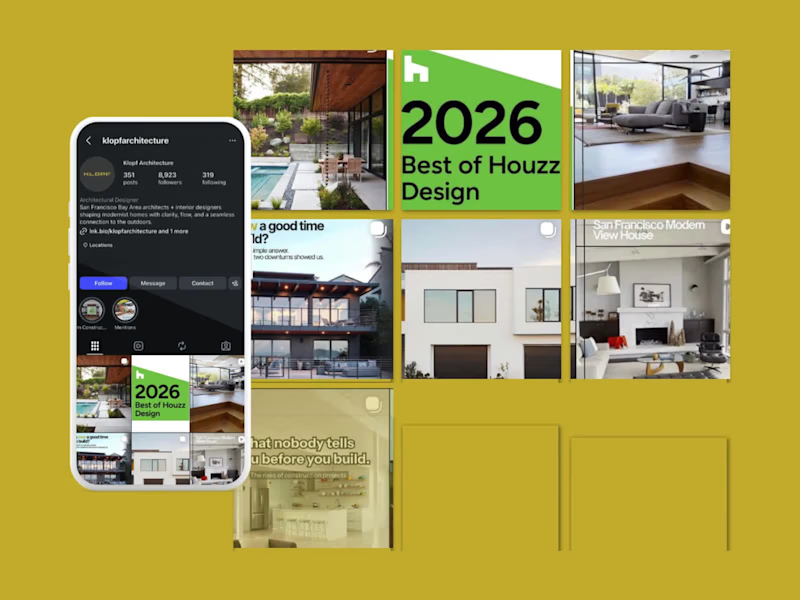
Check their portfolio to see examples of their work. Look for projects similar to what you need, like logos or infographics. Read reviews from other clients they've worked with.
What should I discuss in the project's initial meeting?
Talk about the project's goals and what you want to achieve. Share any specific ideas or styles you like. Discuss the timeline and when you need the project completed.
How can I clearly define the project scope with a Canva expert?
Write down all the things you need, like the number of designs or types of materials. Be clear about your brand colors, fonts, and any special features. Agree on what a successful project will look like.
What is a reasonable timeline for Canva project deliverables?
The timeline depends on the size and complexity of your project. Small projects like a social media post can take a few days. Bigger projects, like a full brand kit, might take a few weeks.
How do I ensure the Canva expert understands my brand?
Provide a brand guideline document if you have one. Share examples of designs you like and explain why they fit your brand. Having a conversation about your brand's personality can also help.
What is the best way to communicate with a Canva expert during the project?
Decide on a communication method, like emails or messaging apps, that works best for both of you. Set regular check-in times to discuss progress. Being clear about your feedback helps, too.
Can I ask for revisions on the Canva designs?
Yes, you should agree on how many revisions are included before starting. It helps both you and the expert understand the process. Make sure to give clear and specific feedback to guide the revisions.
How can I assess the final designs made by a Canva expert?
Compare the final designs against your initial goals and brand requirements. Check if the design elements like colors and fonts are consistent. Make sure the designs are clear and easy to understand for your audience.
Who is Contra for?
Contra is designed for both freelancers (referred to as "independents") and clients. Freelancers can showcase their work, connect with clients, and manage projects commission-free. Clients can discover and hire top freelance talent for their projects.
What is the vision of Contra?
Contra aims to revolutionize the world of work by providing an all-in-one platform that empowers freelancers and clients to connect and collaborate seamlessly, eliminating traditional barriers and commission fees.