What should I look for in a freelance Canva expert's profile?
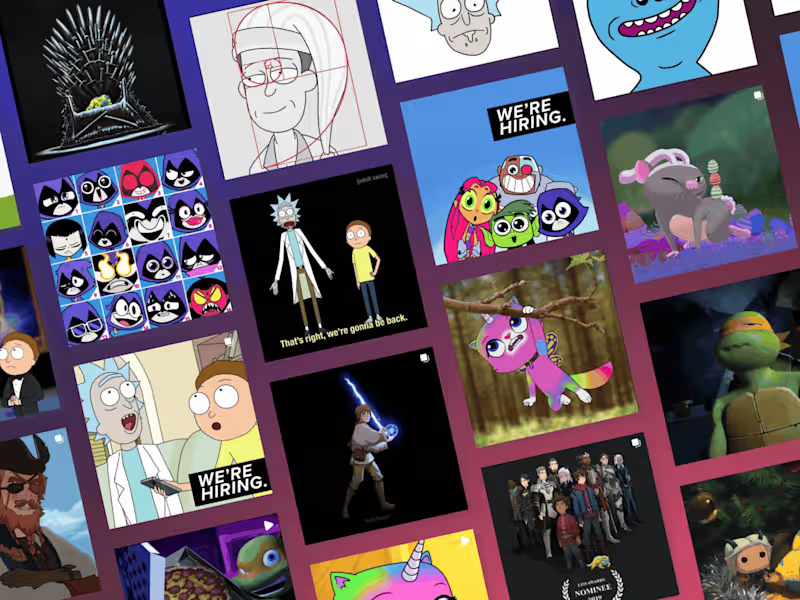
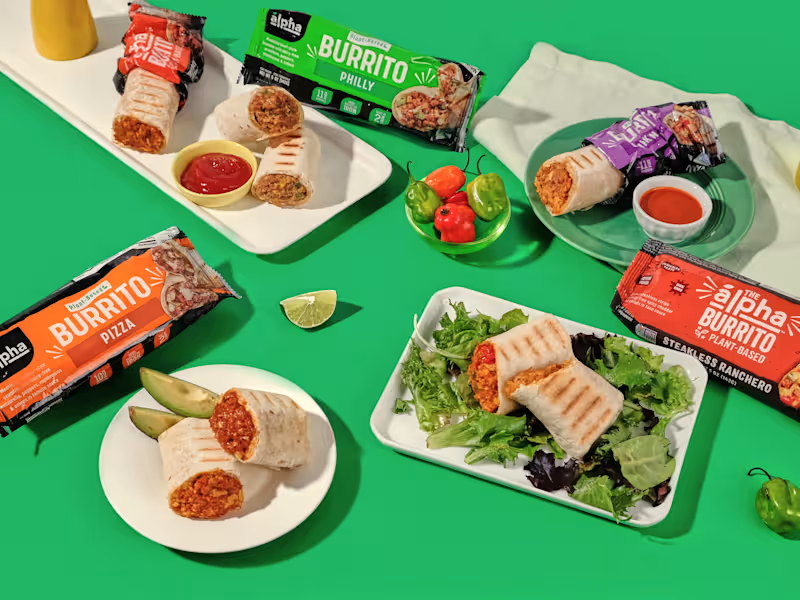
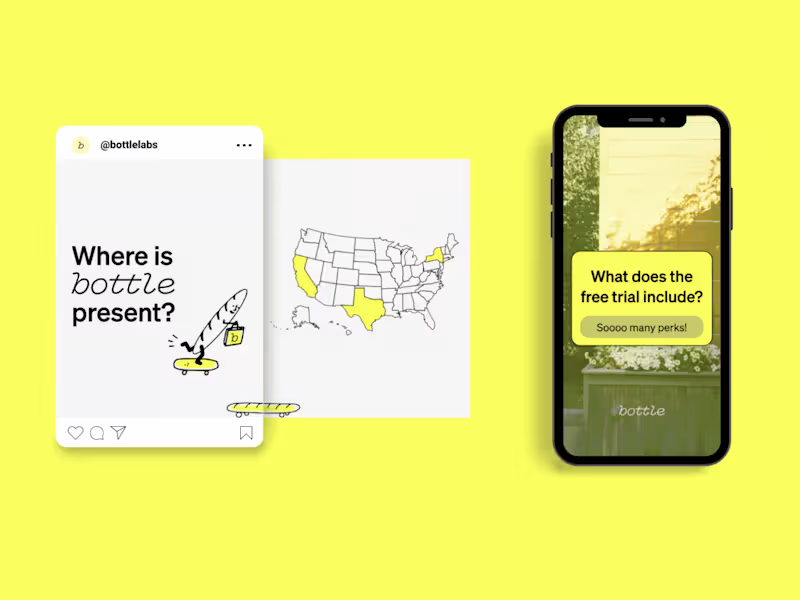
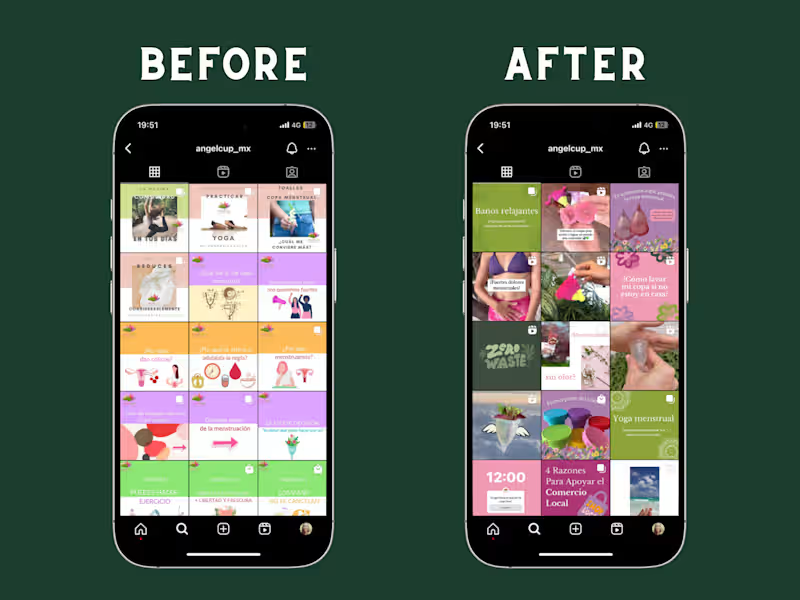
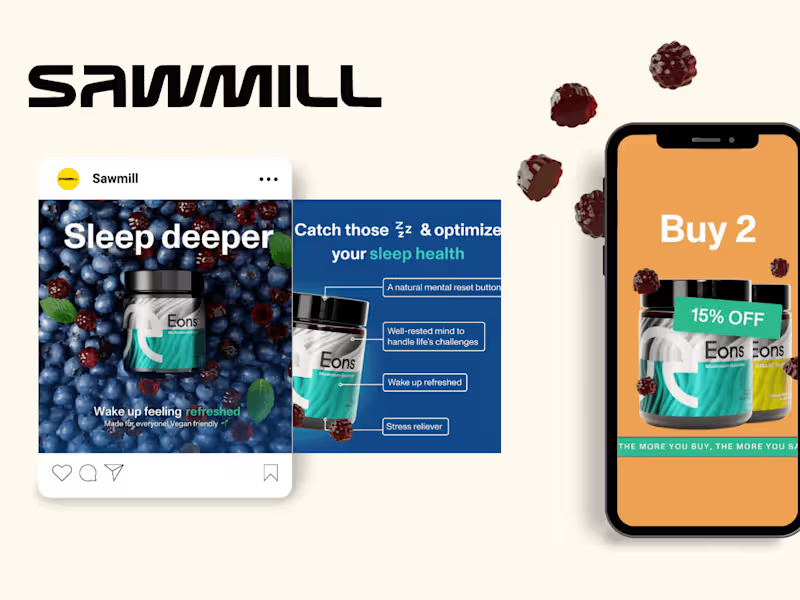
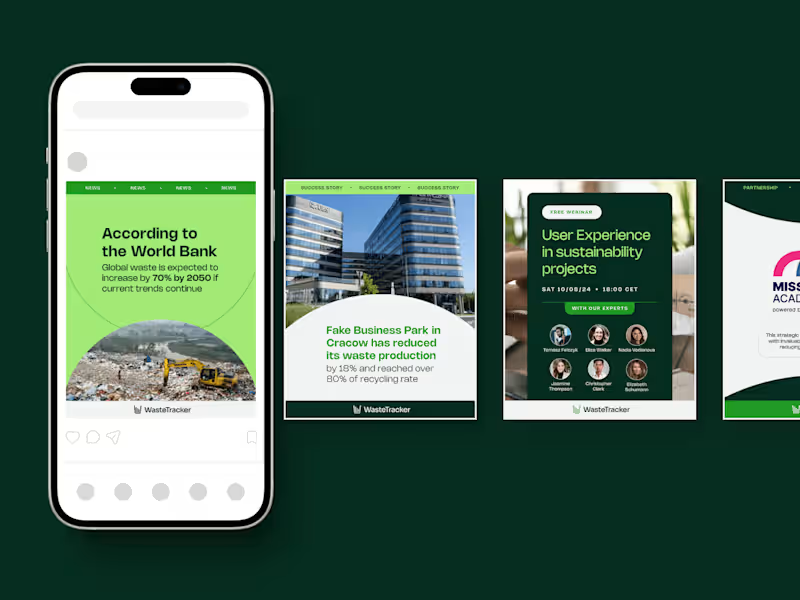
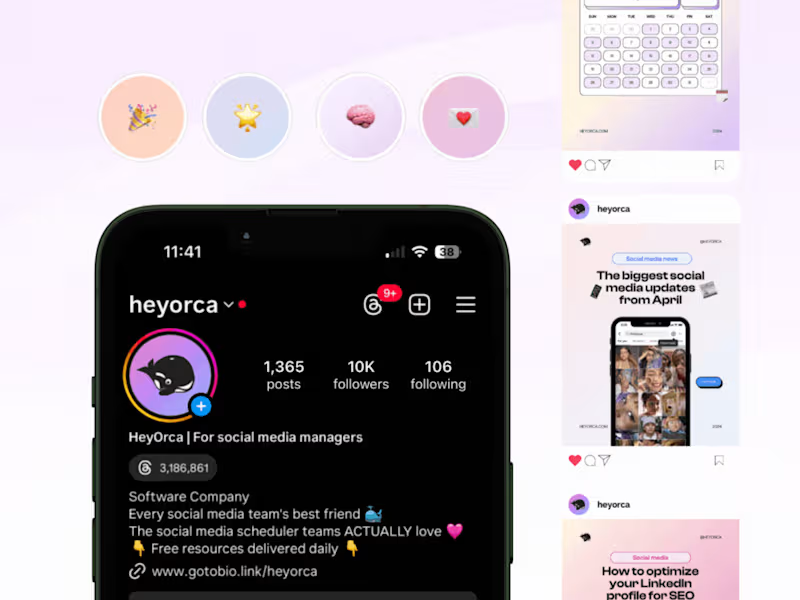
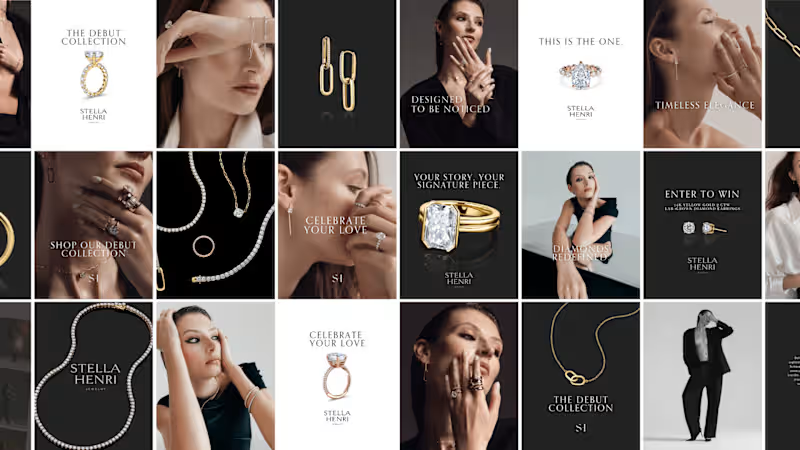
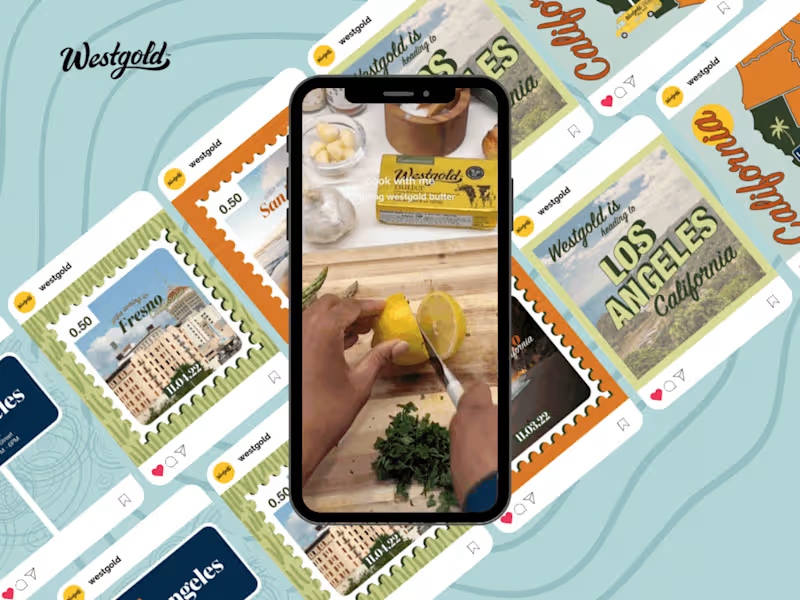
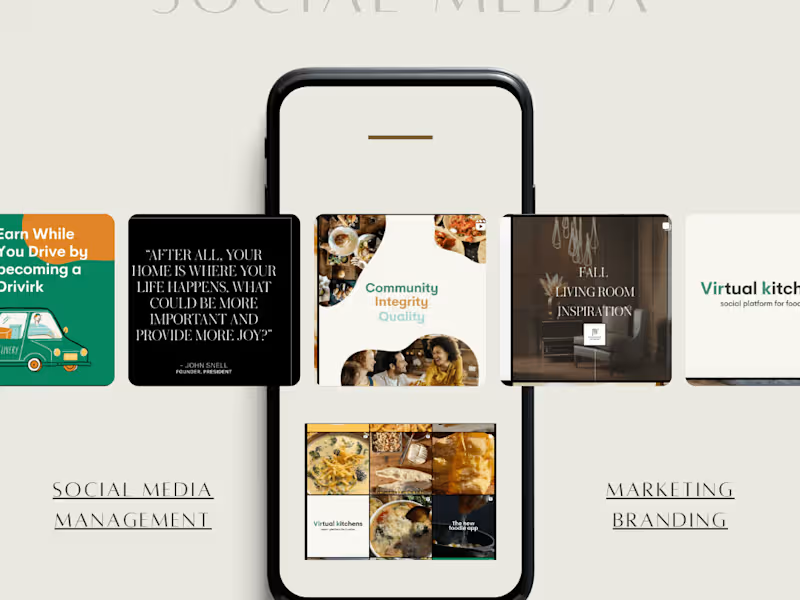
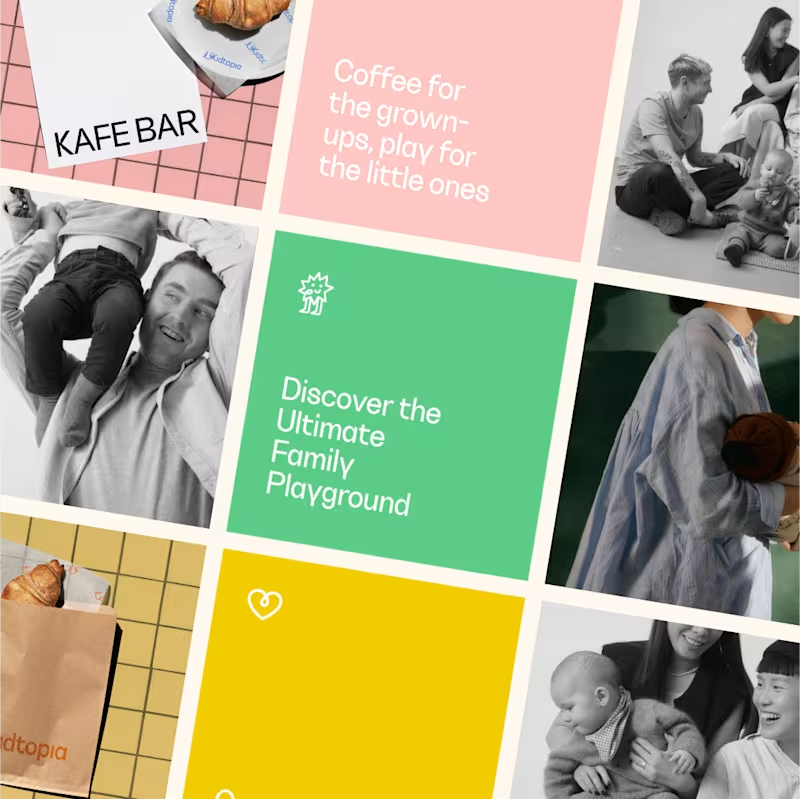
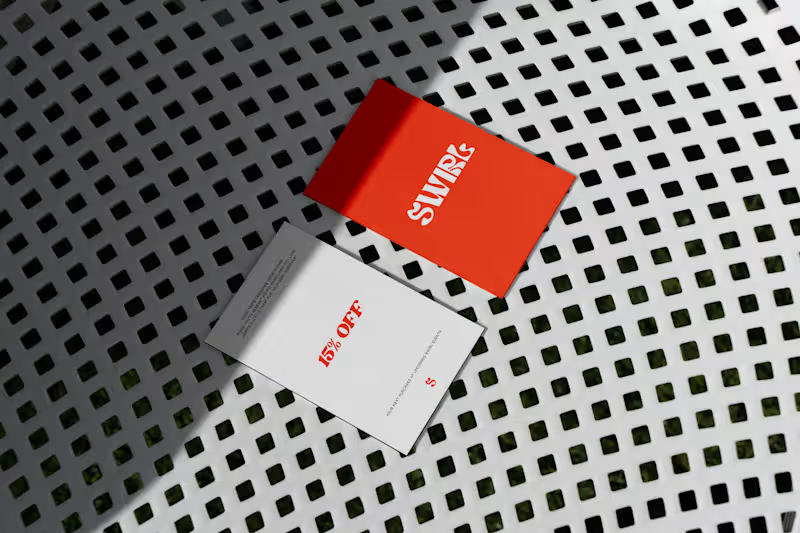
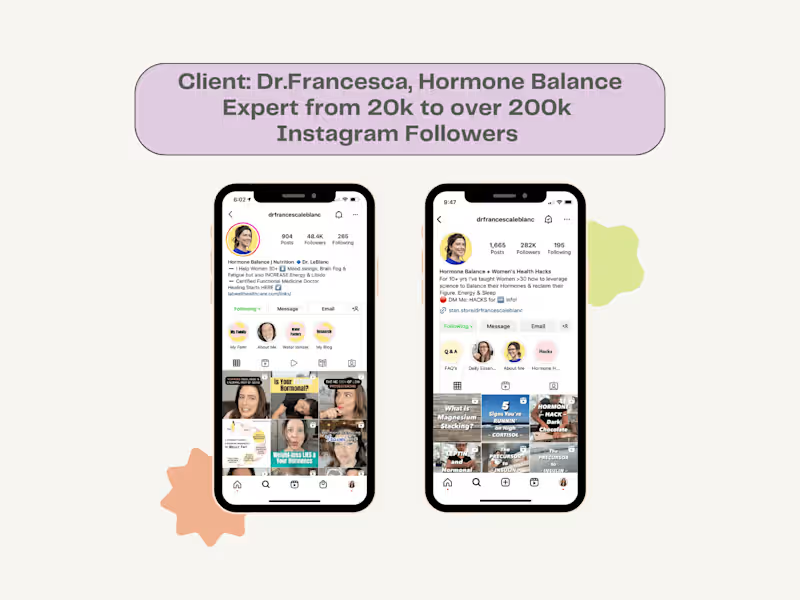
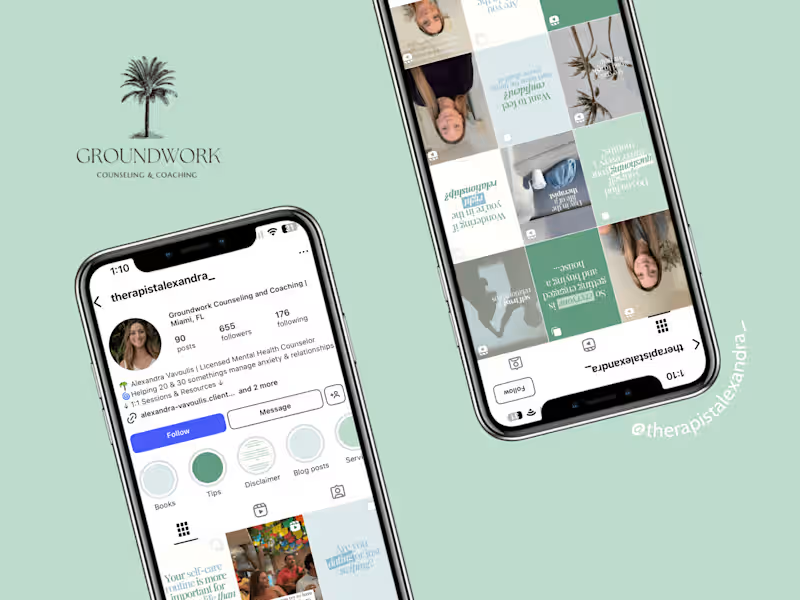
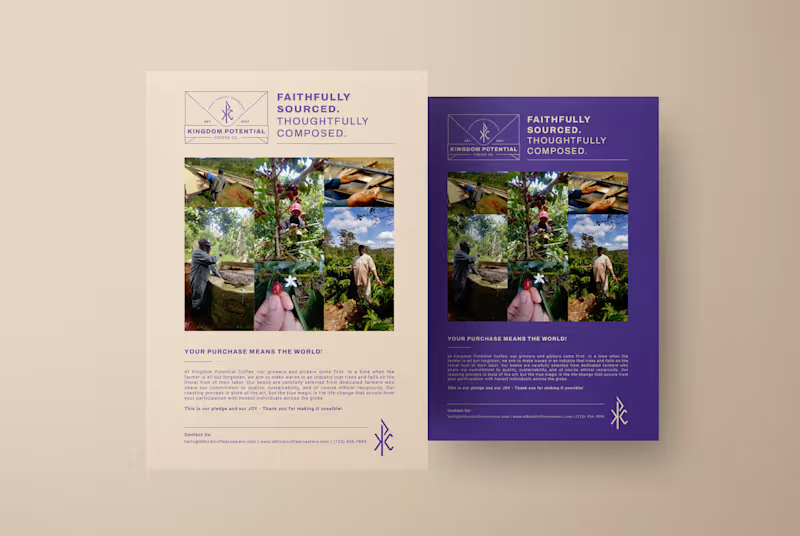
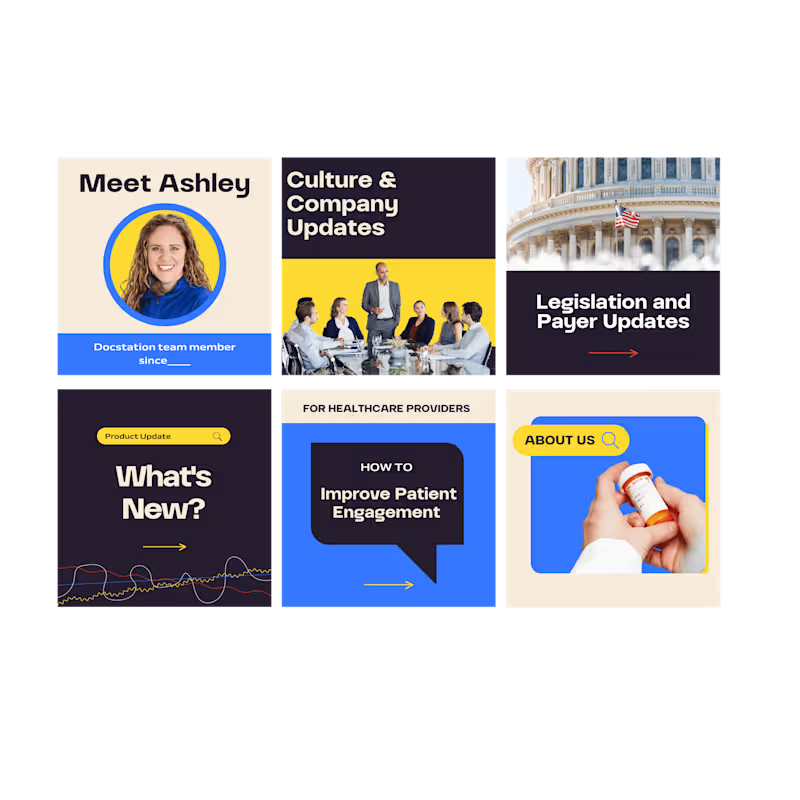
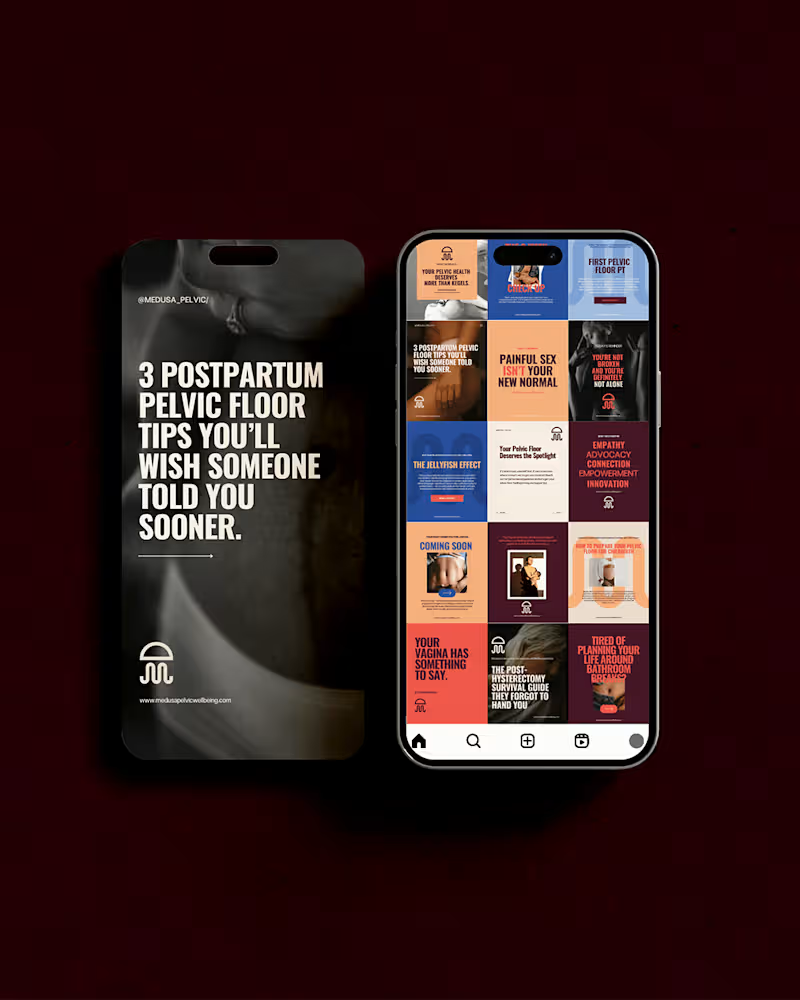
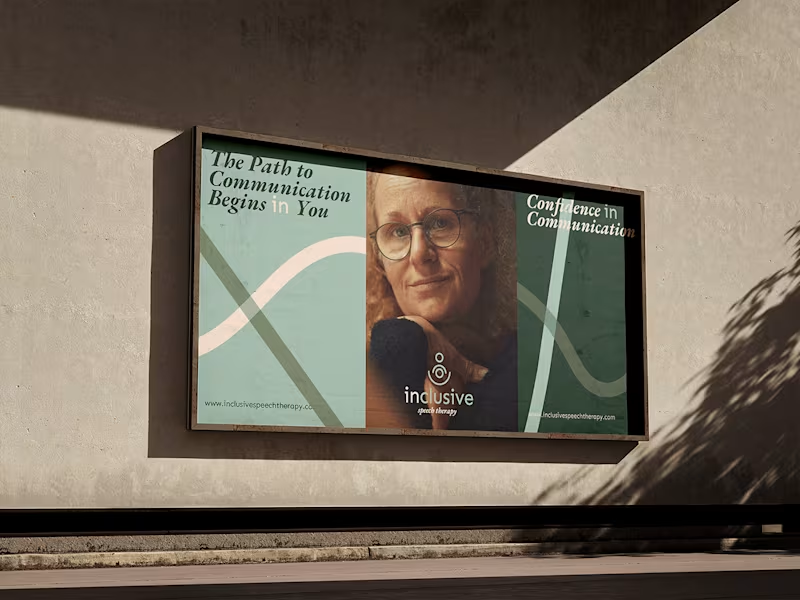
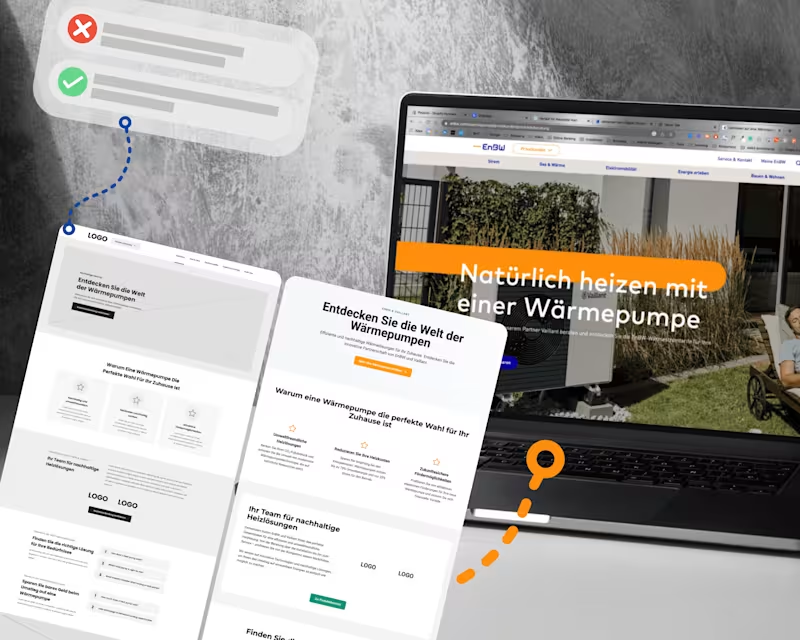
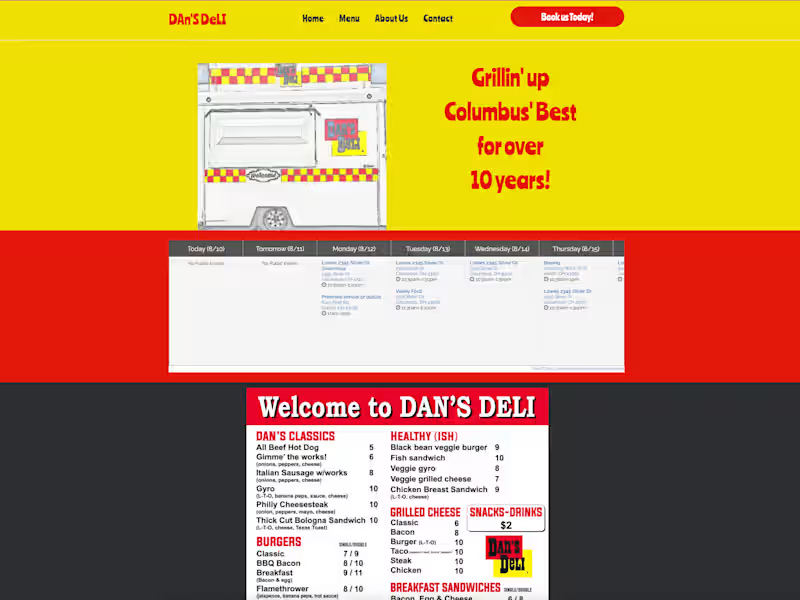
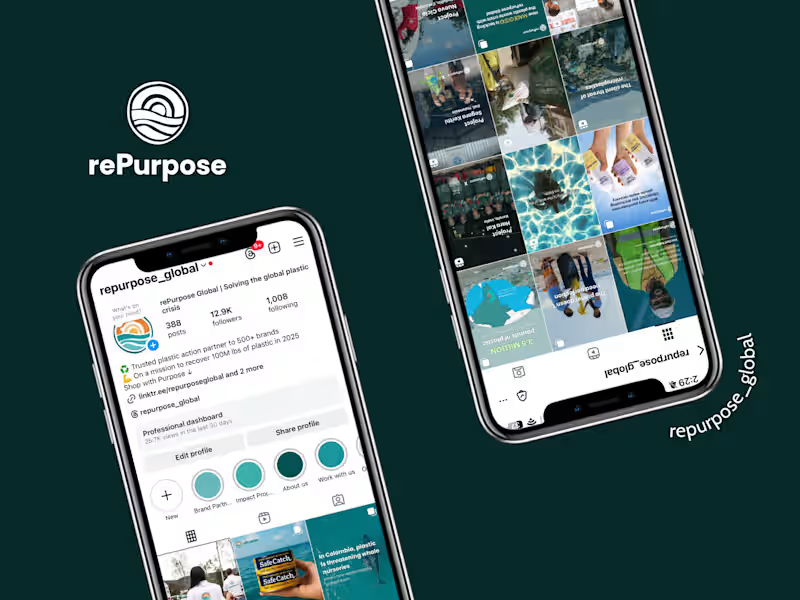
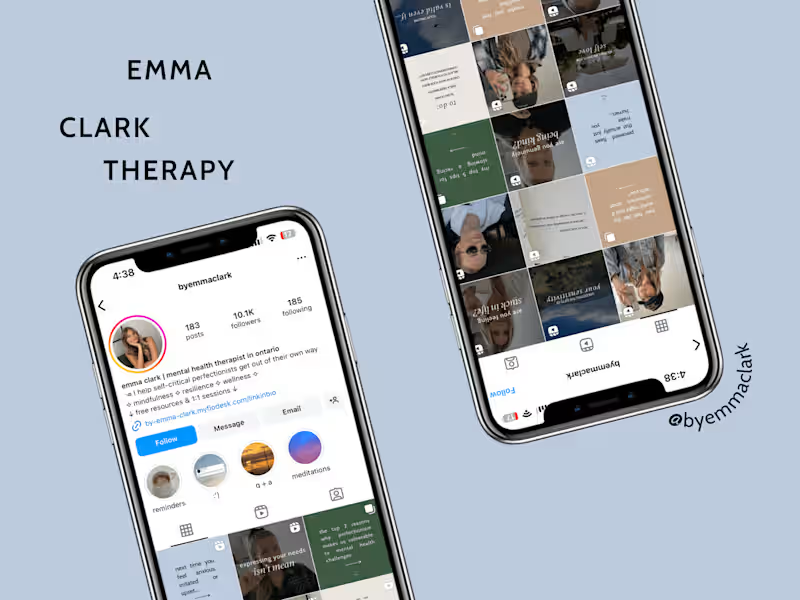
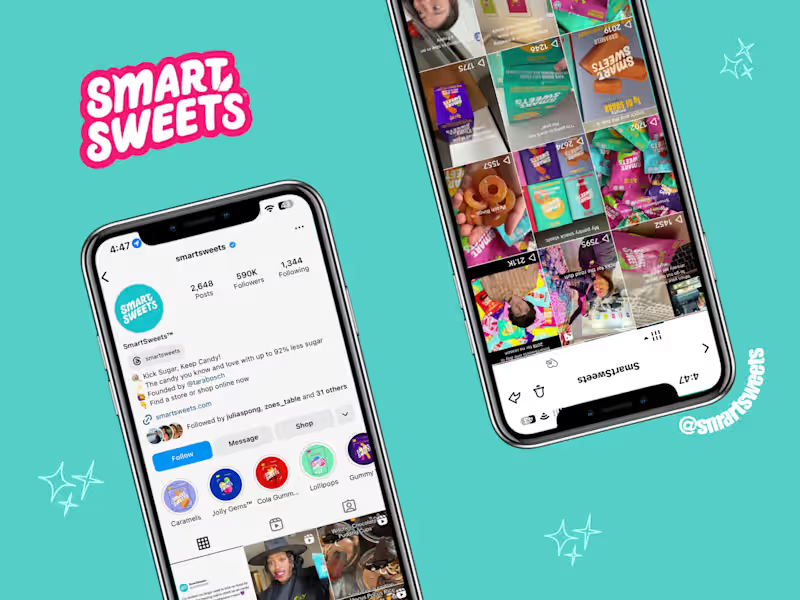
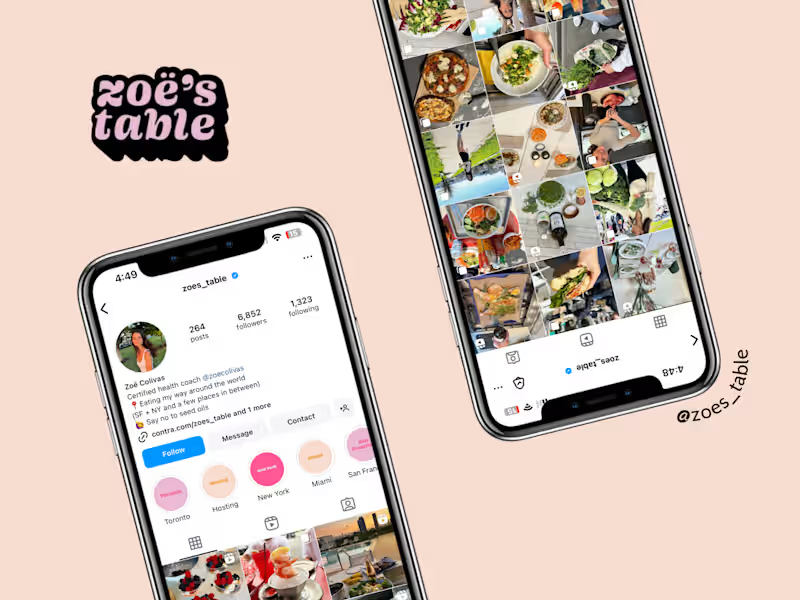
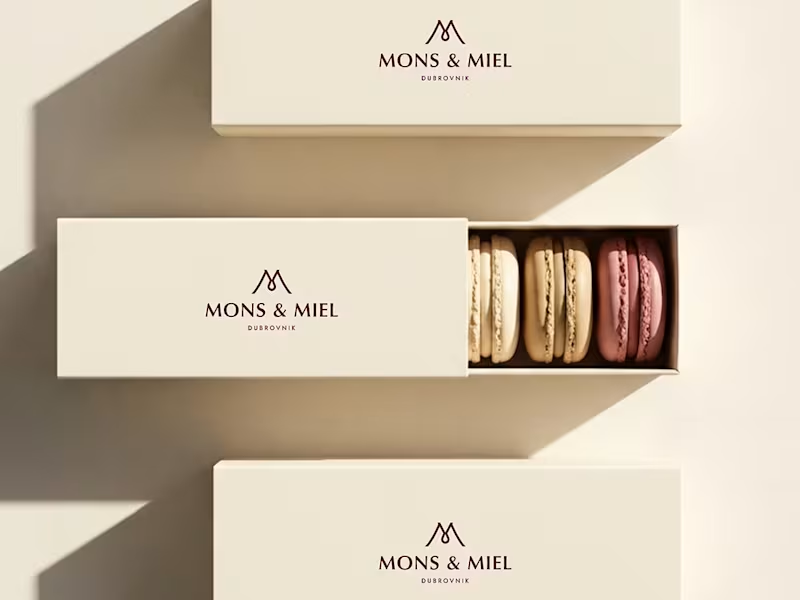
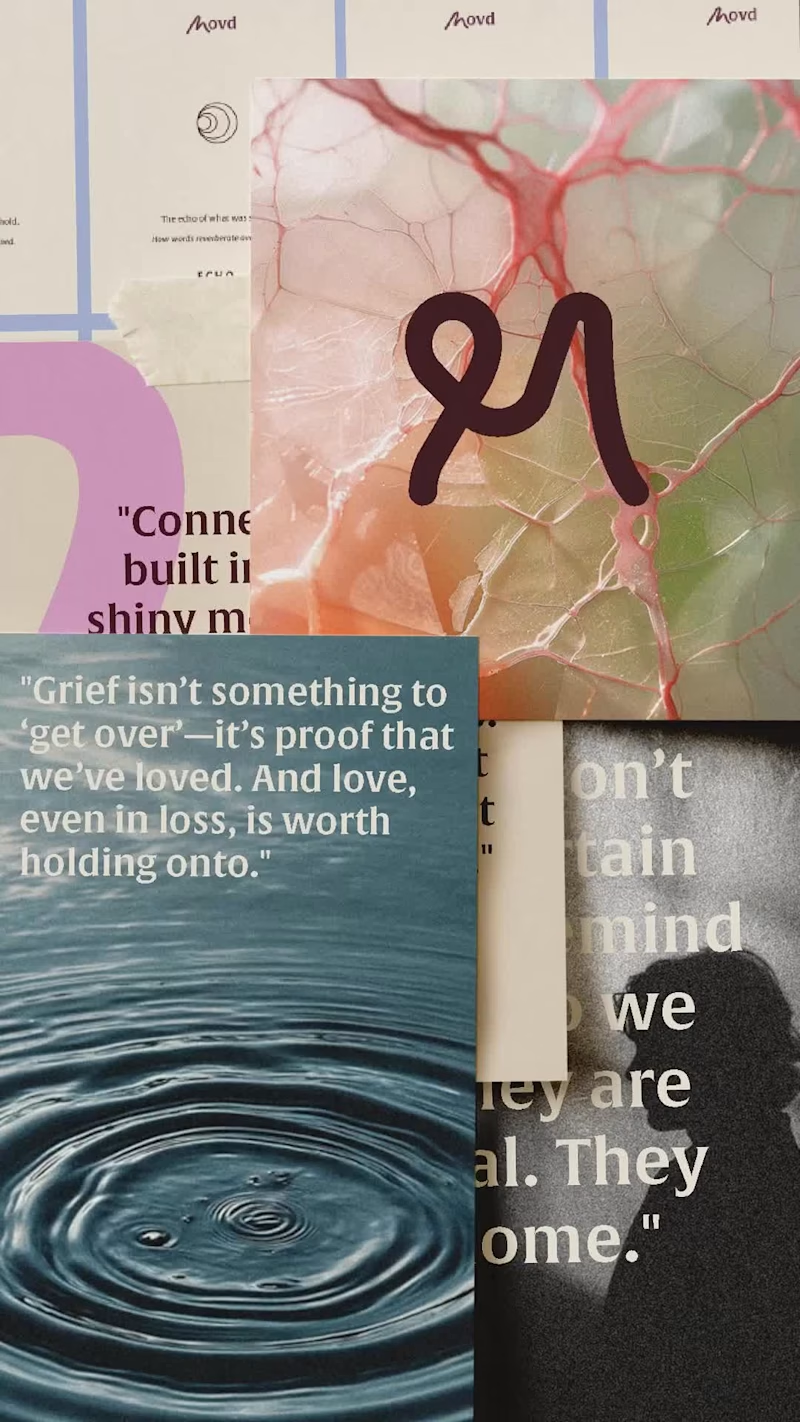
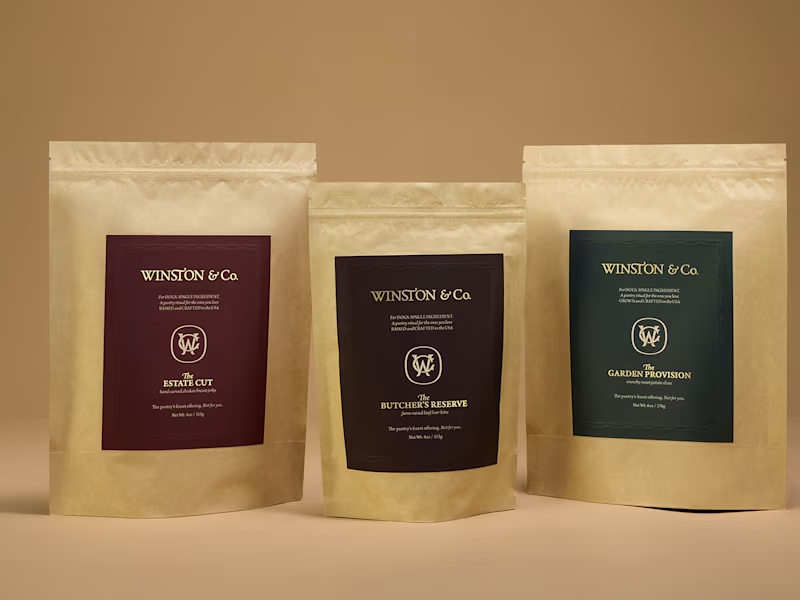
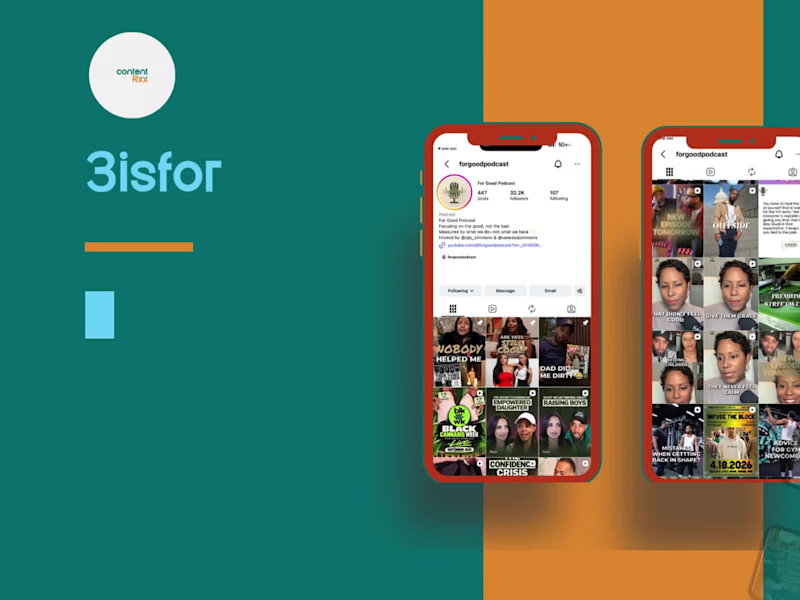
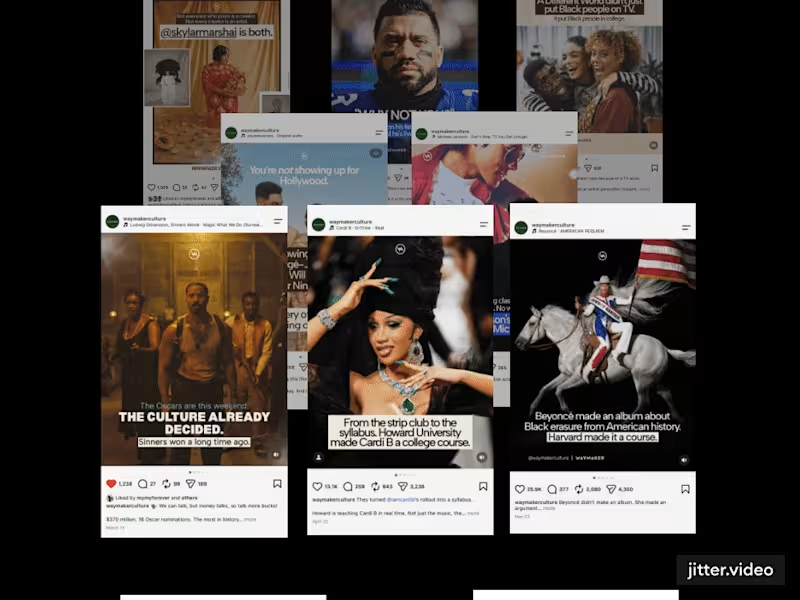
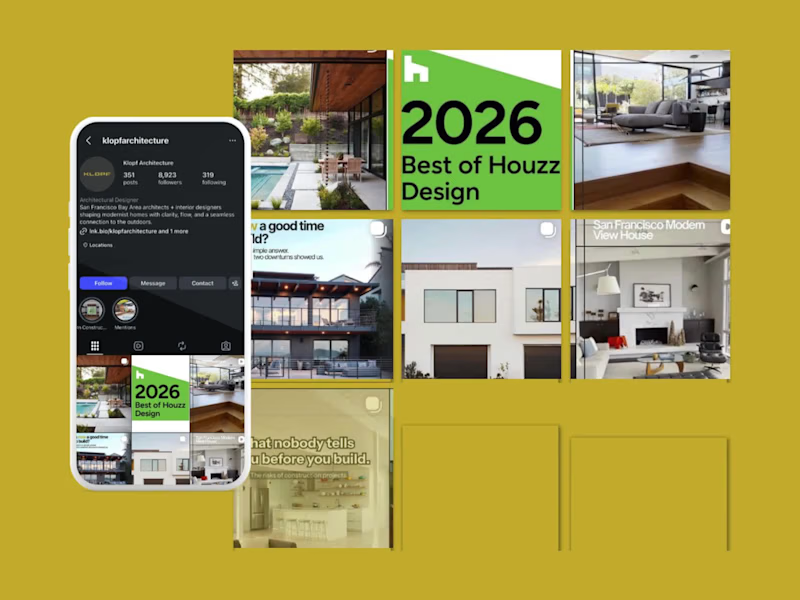
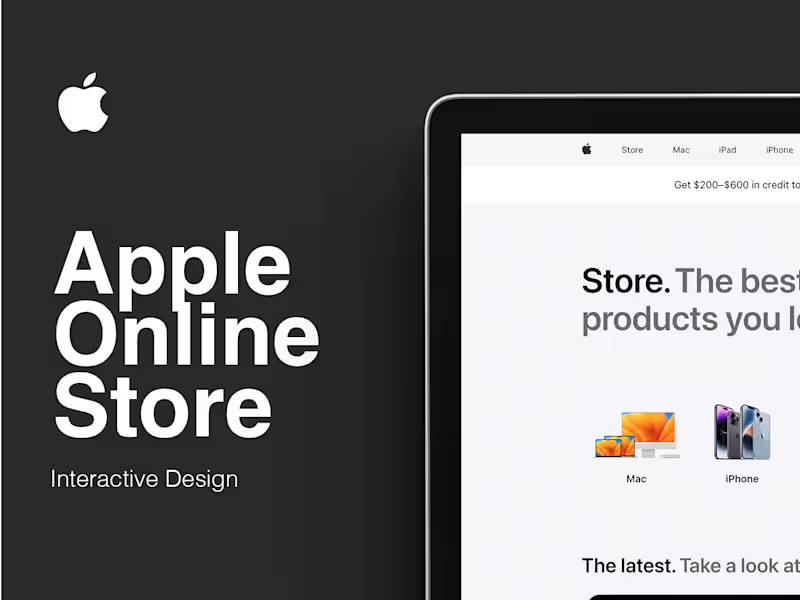
Look for their past work examples. Check if they have experience with similar designs you need. See if they have good reviews from other clients.
How can I judge if a Canva expert's style matches my project?
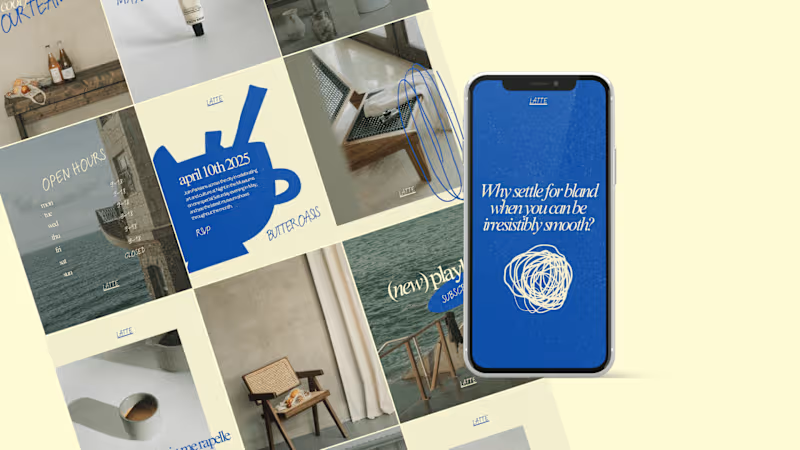
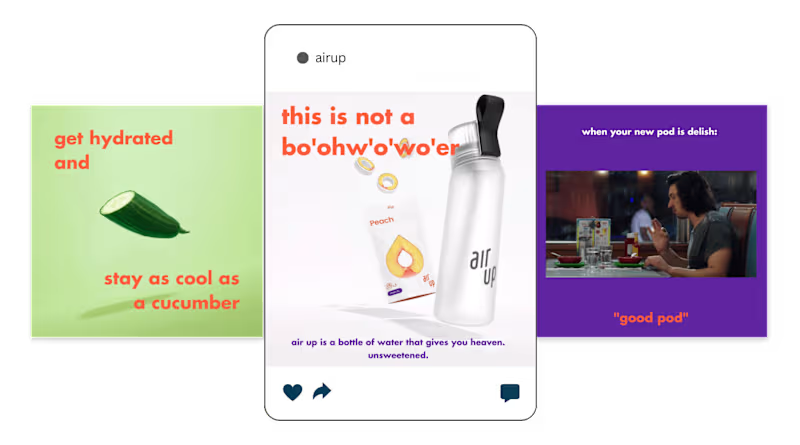
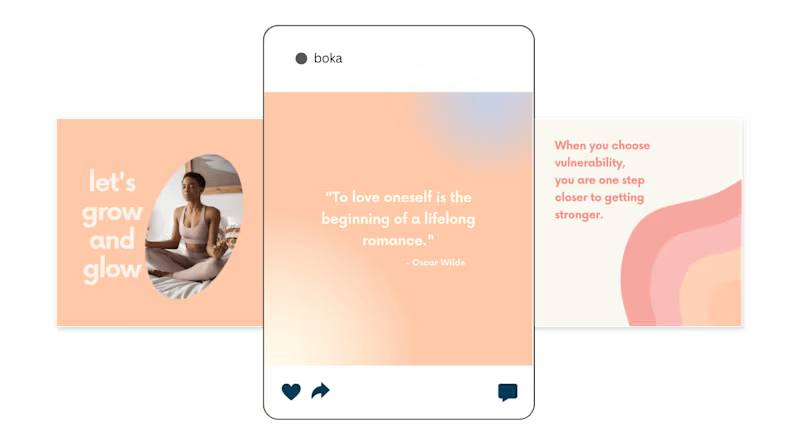
Review the freelancer’s portfolio for designs you like. Notice color schemes and style of graphics. See if their work matches your vision.
What's important to understand about a Canva expert's process?
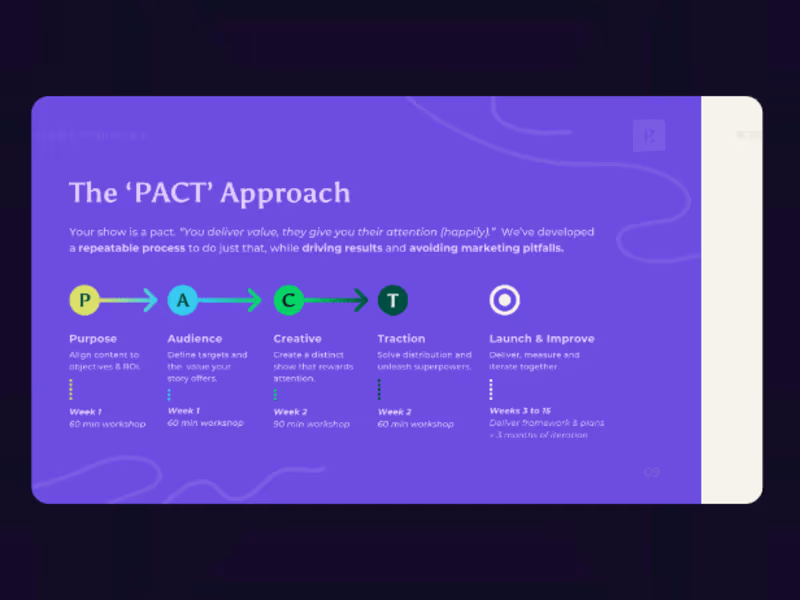
Ask them how they start creating designs. Check if they ask for specifics like colors or themes. Understand how they share drafts with you.
How should I communicate my project needs to a Canva freelancer?
Be clear about what you want designed, like brochures or posts. Share any brand guidelines or ideas you have. Use examples to show your style.
What deliverables should I discuss with a Canva freelancer?
Talk about the format you need, like PDF or PNG. Make sure you agree on sizes and resolutions. Clarify how many design versions you'll receive.
How can we ensure the project starts smoothly with a Canva expert?
Set clear timelines for when drafts and final designs are due. Decide how you will provide feedback. Agree on regular updates to stay on track.
How do I know if a Canva freelancer is reliable?
Look for freelancers with strong, positive reviews. Check their reply speed to your messages. See if they have completed past projects on time.
What should I include in a project brief for a Canva expert?
Include details about your brand colors and fonts. Describe the target audience for the designs. Attach any inspiration or examples you like.
Why is it important to agree on revision rounds with a Canva freelancer?
Make sure you are happy with the final design. It sets expectations for how often changes can be made. Helps avoid misunderstandings later.
How can I ensure I get the right creative solution from a Canva freelancer?
Discuss your goals and what message the designs should communicate. Make sure the freelancer understands your brand identity. Share any specific ideas or expectations you have.
Who is Contra for?
Contra is designed for both freelancers (referred to as "independents") and clients. Freelancers can showcase their work, connect with clients, and manage projects commission-free. Clients can discover and hire top freelance talent for their projects.
What is the vision of Contra?
Contra aims to revolutionize the world of work by providing an all-in-one platform that empowers freelancers and clients to connect and collaborate seamlessly, eliminating traditional barriers and commission fees.