How do I know if a Canva expert is the right fit for my project?
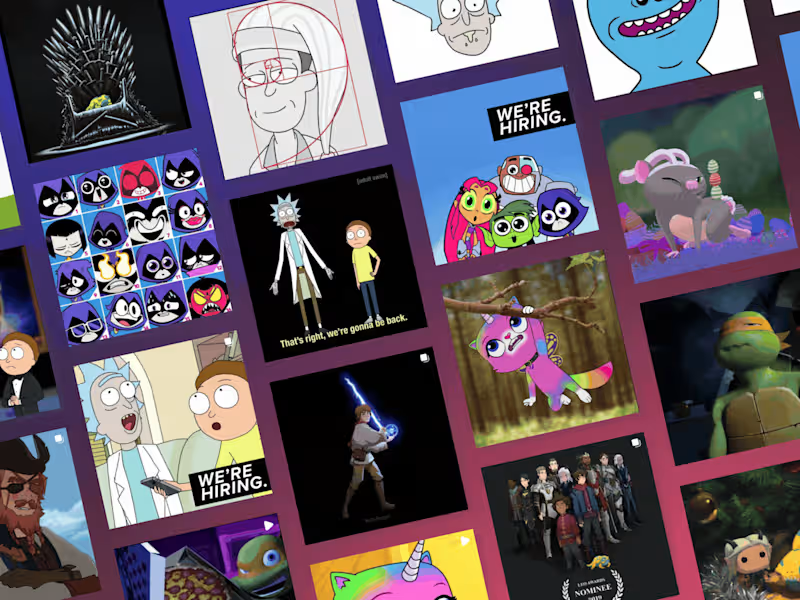
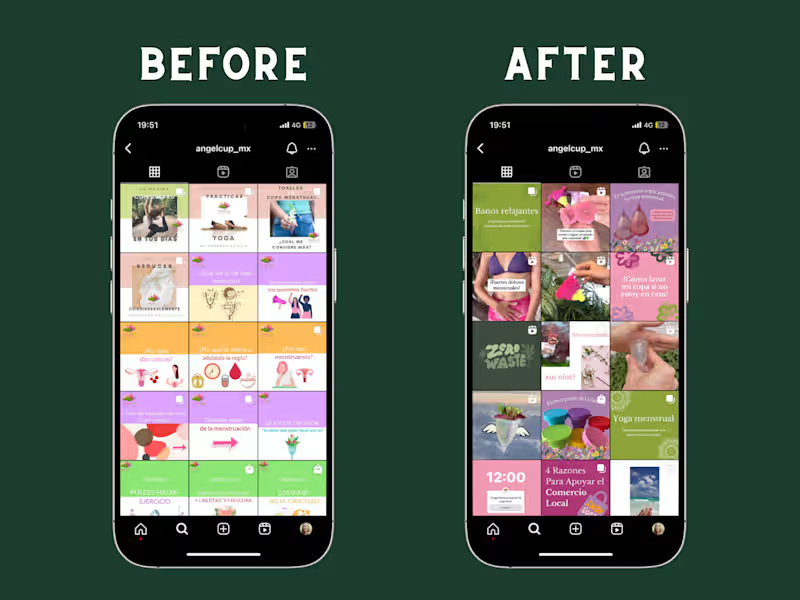
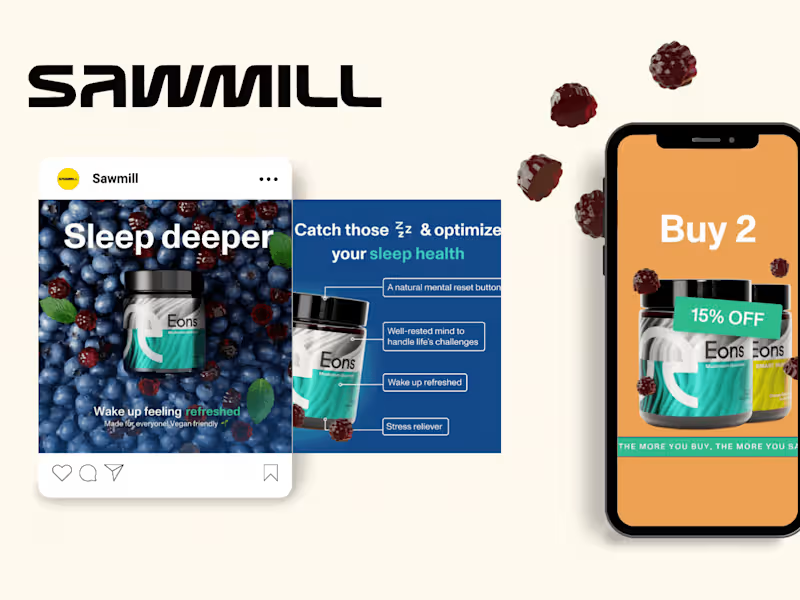
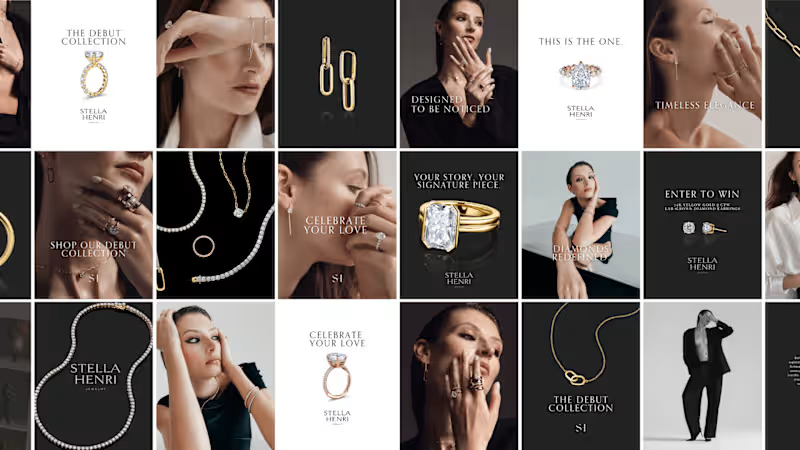
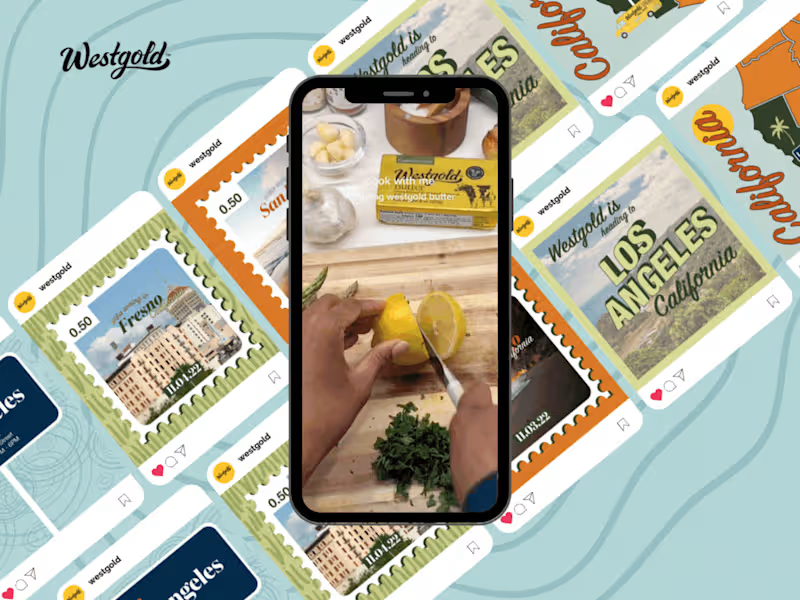
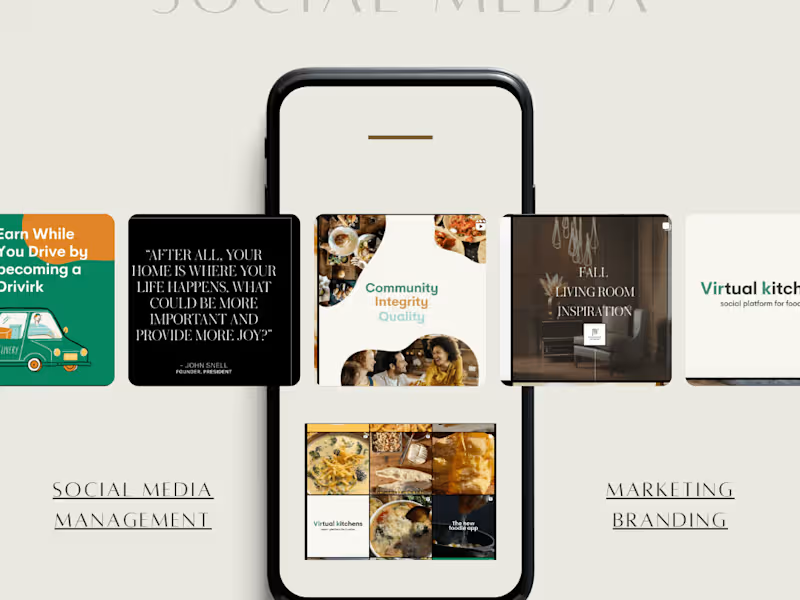
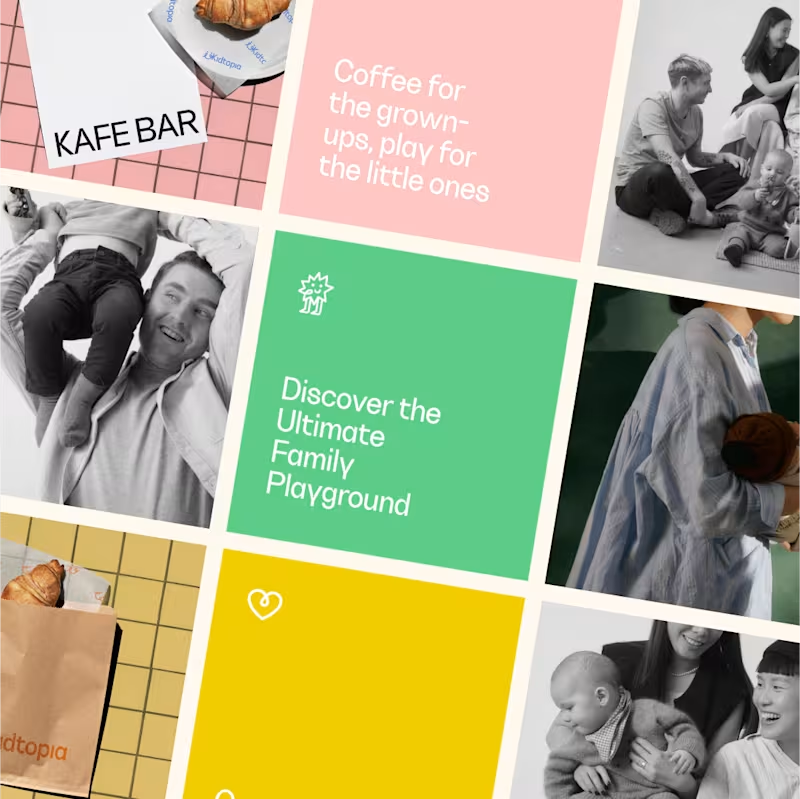
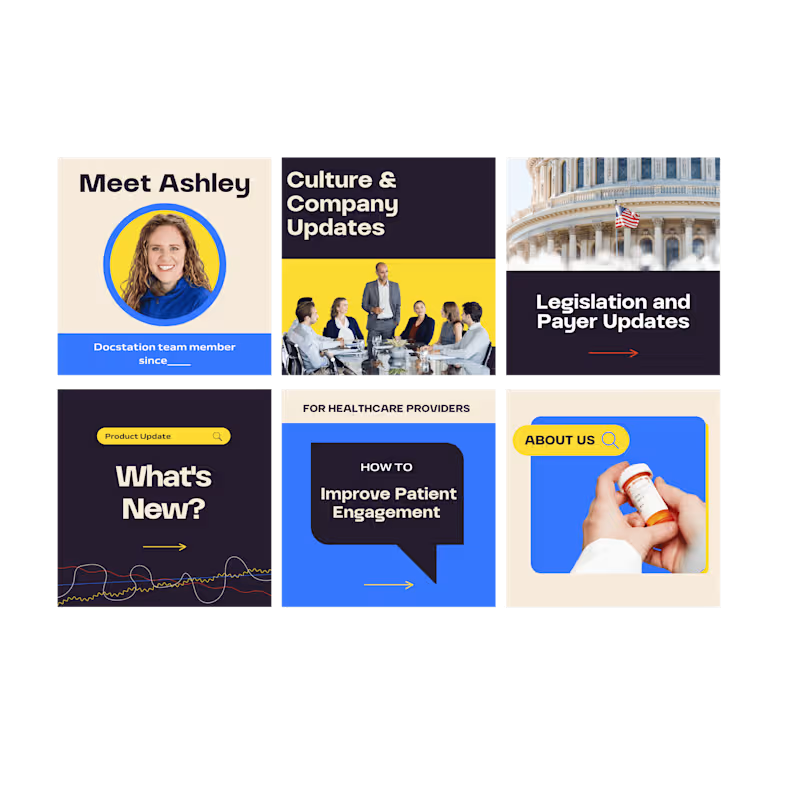
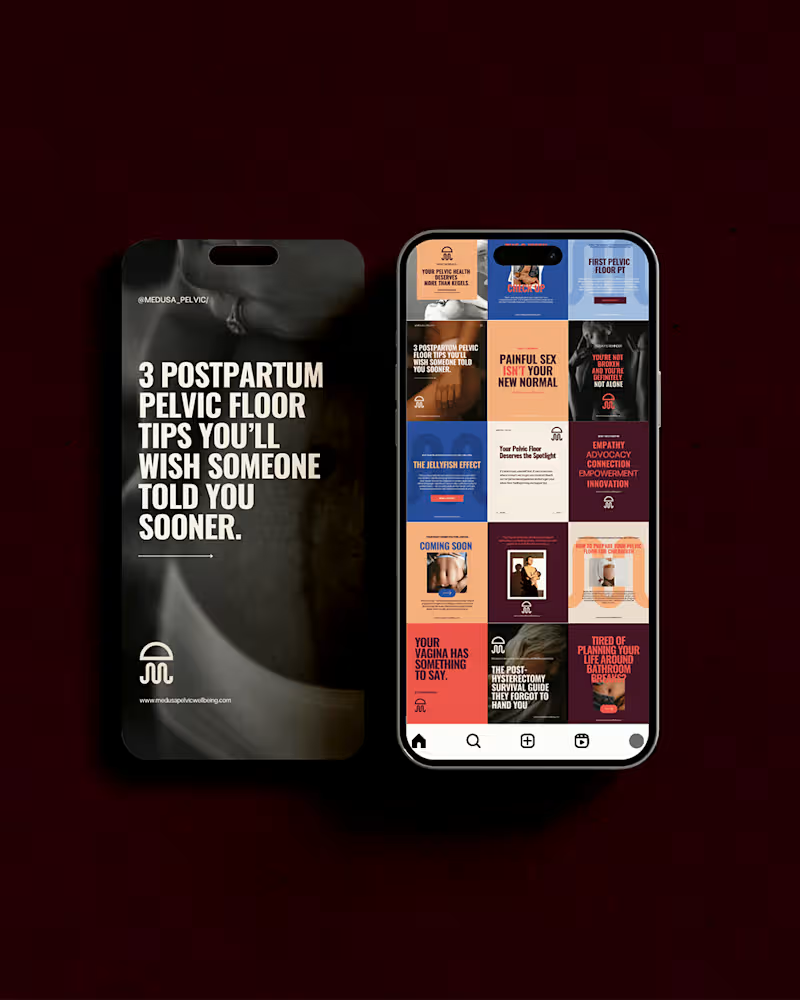
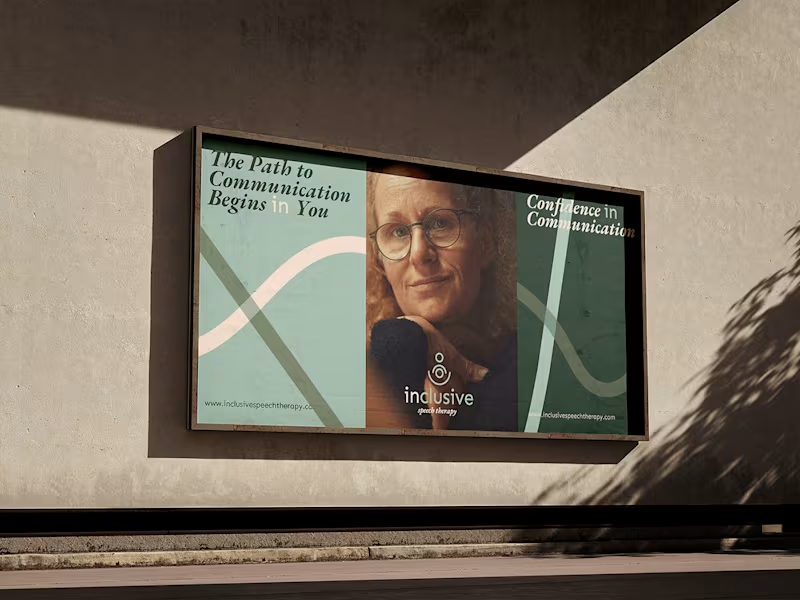
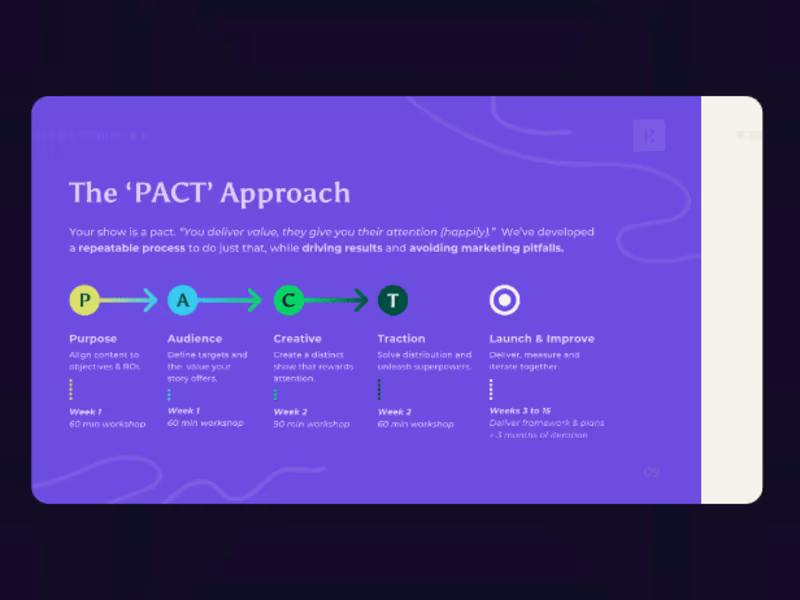
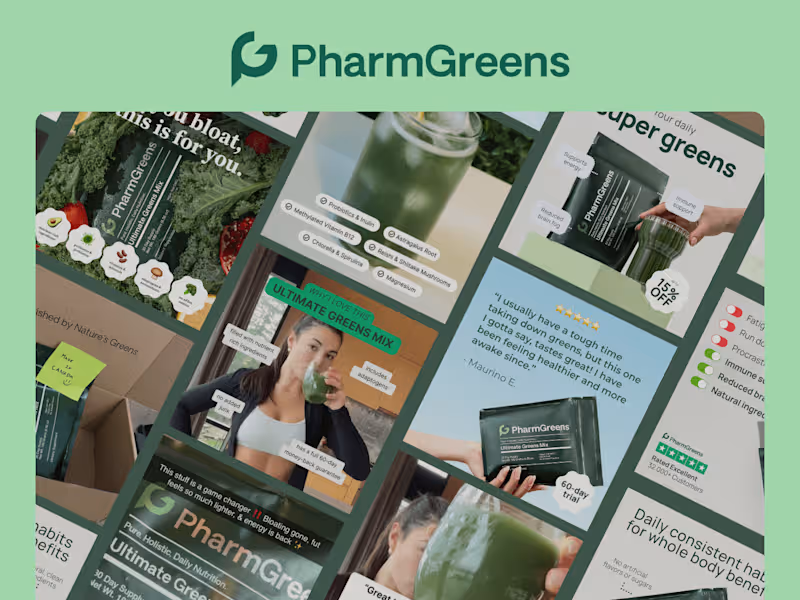
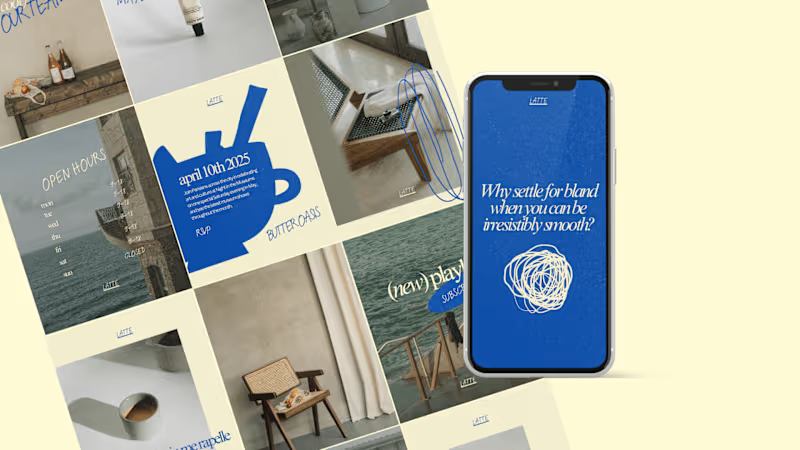
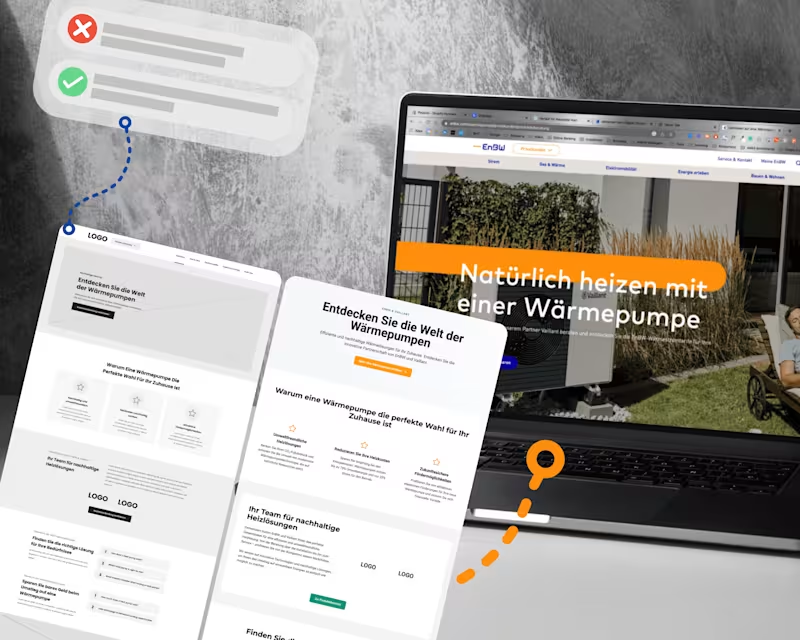
First, check their portfolio. Look at the designs they've made before. See if their style matches what you want. Read reviews from other people who have worked with them. This will give you an idea of their skills and how they work with others.
What should I include in my project brief for a Canva designer?
Start by explaining what you want the designer to create, like a logo or social media post. Share your brand colors, fonts, and any pictures you want to use. Set a deadline for when you need the work done. The more details you give, the better your Canva expert can understand your needs.
How should I communicate my project goals to a Canva expert?
Tell them exactly what you want to achieve with the design. Explain who will see or use the design and why it's important. Be clear about what success looks like for you. This way, the Canva expert knows what they need to do to make you happy with the finished work.
What details are important to discuss before a Canva project starts?
Talk about the style and theme you want for your design. Share examples of designs you like. Decide on a timeline for when drafts and the final design should be done. Discuss how you will give feedback throughout the project.
How can I ensure the Canva designer understands my brand?
Share your brand's mission and values with the designer. Provide examples of previous designs or campaigns that reflect your brand. Let them know who your target audience is. This helps the designer create work that fits your brand perfectly.
How do I agree on project deliverables with a Canva expert?
List all the items you want completed, like specific graphics or templates. Set clear deadlines for each deliverable. Make sure both you and the Canva expert agree on these details. This helps avoid any misunderstandings later.
What's the best way to give feedback to a Canva freelancer?
Be specific about what you like and don't like. Use kind words and focus on how the design can improve. Share your feedback as soon as possible, so changes can be made quickly. This helps the freelancer get closer to what you want.
What roles do drafts and revisions play in Canva projects?
Drafts let you see a rough version of the design before it's finished. Revisions allow changes based on your feedback. Agree on how many rounds of revisions are included in the project. This helps make sure you're happy with the final result.
How should I set a budget for a Canva project?
Think about how complex the design is and how much time it might take. Consider the experience level of the Canva expert you want to hire. Discuss the budget openly with the designer to make sure it meets both of your expectations. This way, both sides know what's fair.
What should I consider when setting deadlines for a Canva design?
Make sure the deadline is realistic for the type of work you want. Allow some extra time for any revisions after the first draft. Communicate clearly with the Canva expert to agree on timing. This will help ensure the project is finished on time and to your standards.
Who is Contra for?
Contra is designed for both freelancers (referred to as "independents") and clients. Freelancers can showcase their work, connect with clients, and manage projects commission-free. Clients can discover and hire top freelance talent for their projects.
What is the vision of Contra?
Contra aims to revolutionize the world of work by providing an all-in-one platform that empowers freelancers and clients to connect and collaborate seamlessly, eliminating traditional barriers and commission fees.