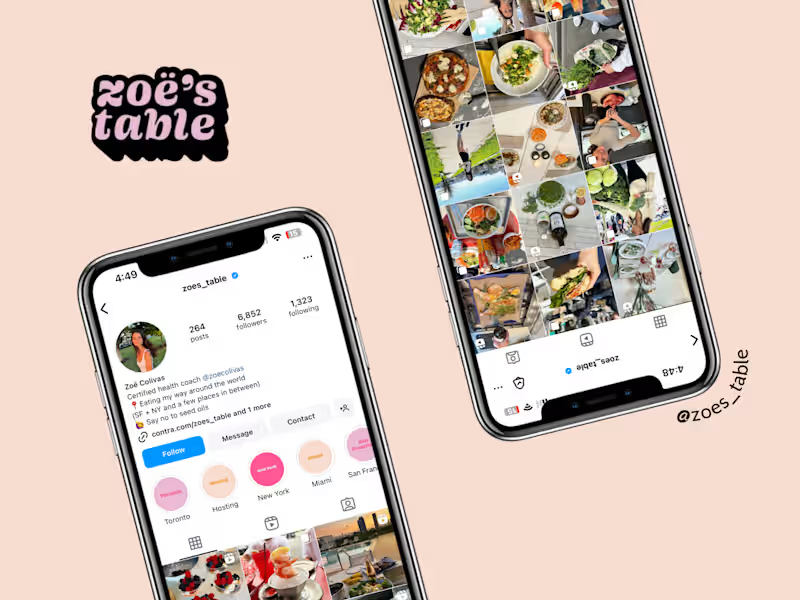
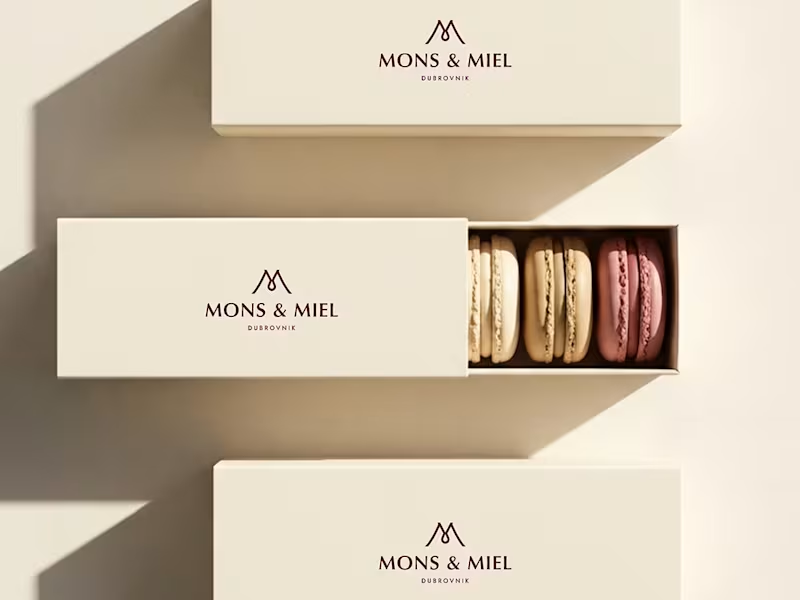
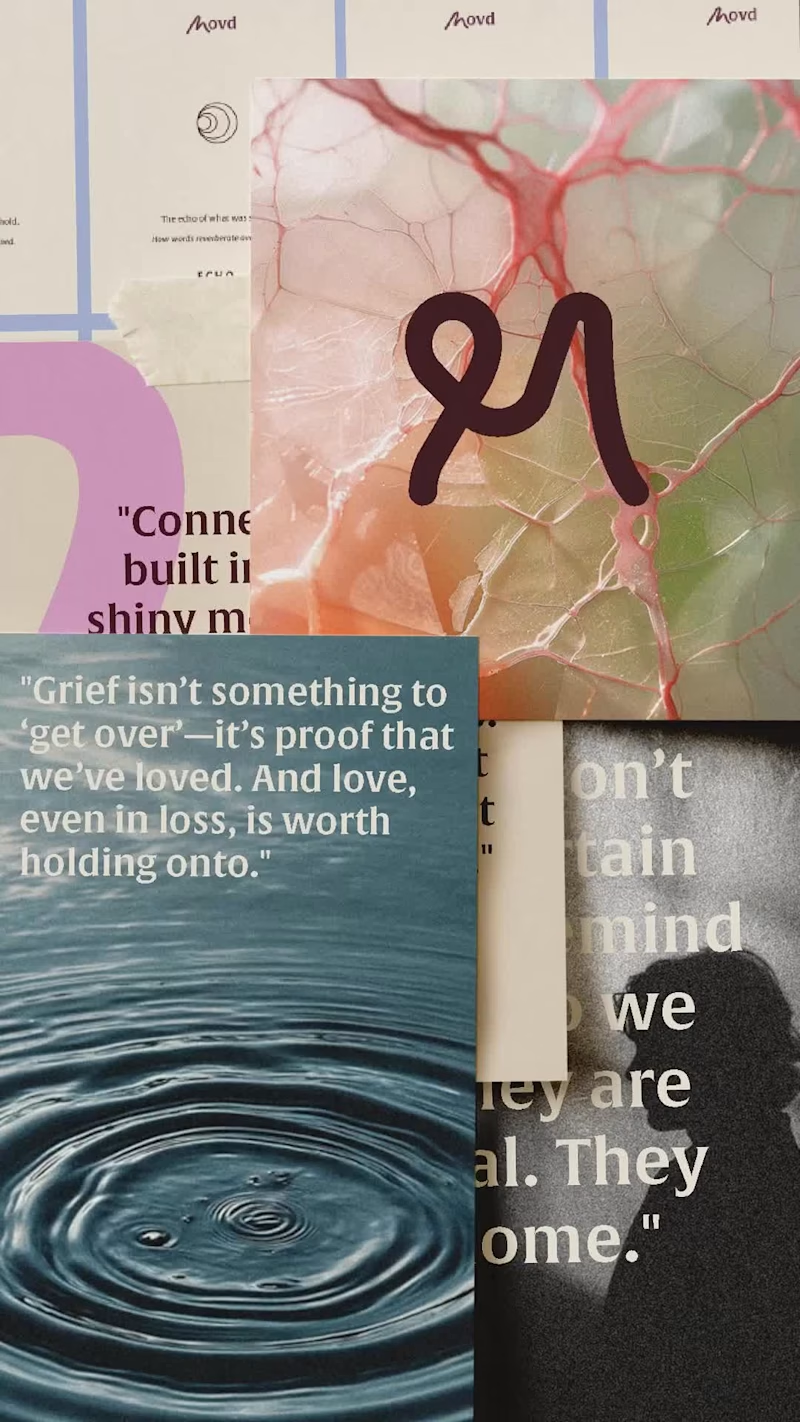
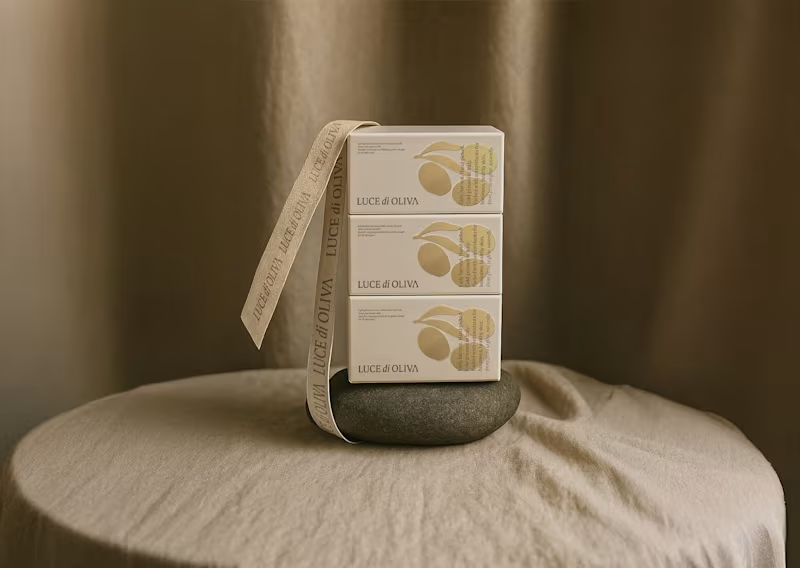
How can I describe my project so Canva experts know what I need?
Start by saying what kind of design you want, like a logo or a social media post. Mention the colors or themes you like. If you have any samples or ideas, share those too. This helps the expert understand your style.
What skills should I look for in a Canva expert?
Look for someone who knows how to use Canva very well and has a good eye for design. They should know about colors, fonts, and layouts. It's nice if they have a portfolio with past work to show what they can do.
How do I make sure the Canva expert understands my brand?
Share your brand's story and what makes it special. Provide any brand guides or logos. Encourage the expert to ask questions if they're unsure about anything.
How do I set clear deliverables for my Canva project?
List everything you want the expert to make, like a certain number of graphics. Be specific about sizes and formats needed. Set deadlines for when you expect each part to be done.
How can I keep track of progress once the project starts?
Set regular check-ins with the expert to talk about how the project is going. Ask them to show unfinished work to make sure it's on track. It's important to stay in touch and fix any issues early.
How do I know if the Canva expert's style matches my project?
Look at their past work to see if you like their design style. Ask them to create a small sample based on your needs. This helps you see if their style suits your project.
What should I do if I have changes after the Canva expert provides the design?
Write down exactly what you want to change and why. Share this feedback with the expert in a nice way. It's good to have a few revision rounds so you get what you want.
How do I ensure the Canva expert sticks to the timeline?
Agree on deadlines before the project starts. Check in regularly to see if the project is moving on time. Setting reminders can help everyone stay on track.
How can I ensure clear communication with the Canva expert?
Decide on the best way to talk, like through emails or a chat app. Be clear and quick with your messages. Make sure both of you understand each step and decision.
How can I make sure both I and the Canva expert are happy with the project result?
Be clear about what you expect from the beginning. Keep communication open to avoid misunderstandings. Celebrate the hard work together once the project is done!
Who is Contra for?
Contra is designed for both freelancers (referred to as "independents") and clients. Freelancers can showcase their work, connect with clients, and manage projects commission-free. Clients can discover and hire top freelance talent for their projects.
What is the vision of Contra?
Contra aims to revolutionize the world of work by providing an all-in-one platform that empowers freelancers and clients to connect and collaborate seamlessly, eliminating traditional barriers and commission fees.