What skills should I look for in a Gmail expert?
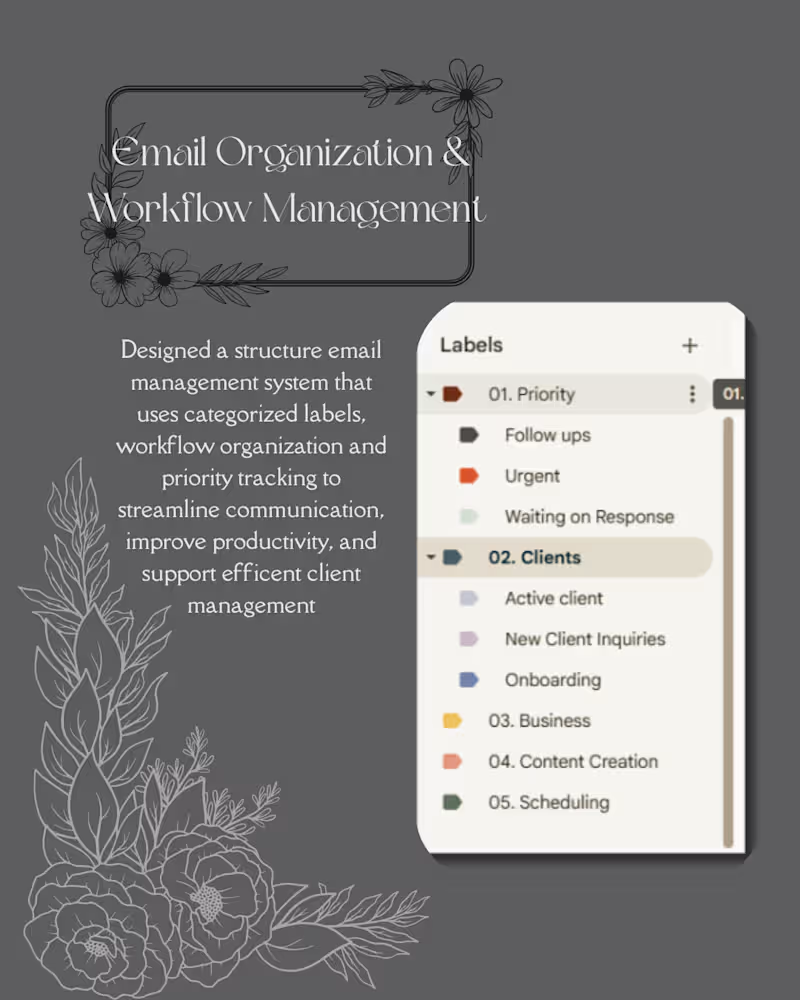
Look for someone who knows Gmail inside and out. They should be able to organize emails, use filters, and manage labels. They should also understand how to integrate Gmail with other tools like Google Drive and Calendar.
How can I ensure the Gmail expert understands my needs?
Have a clear project outline ready. Explain your goals and any specific challenges you face with Gmail. Ask the expert to suggest solutions or improvements.
What deliverables should I expect from a Gmail expert?
Deliverables might include a cleaned-up inbox, automated rules, and organized folders. They might also train you or your team on using Gmail efficiently. Ask for periodic updates to stay on track.
How do I know if the Gmail expert has done their job well?
You should see a difference in how your email is managed. Your inbox should be more tidy and organized. Make sure they meet all agreed-upon deliverables.
What tools can a Gmail expert use to enhance email management?
Gmail experts might use tools like Google Workspace. They can also integrate third-party apps for better efficiency. Check if they can tailor these tools to fit your needs.
How can a Gmail expert help with spam and security?
A Gmail expert can set up filters to manage spam better. They can also teach you about security features like two-factor authentication. Ensure they prioritize keeping your information safe.
What should I discuss before the Gmail expert starts working?
Talk about the timeline and key milestones. Make sure they understand your goals. Agree on the best way to communicate during the project.
Can a Gmail expert help with team training?
Yes, they can. They can train team members on best practices. This helps everyone use Gmail more effectively.
What communication skills should a Gmail expert have?
They should listen well and explain things simply. They need to understand your needs and preferences. Clear communication is key to achieving your project goals.
Who is Contra for?
Contra is designed for both freelancers (referred to as "independents") and clients. Freelancers can showcase their work, connect with clients, and manage projects commission-free. Clients can discover and hire top freelance talent for their projects.
What is the vision of Contra?
Contra aims to revolutionize the world of work by providing an all-in-one platform that empowers freelancers and clients to connect and collaborate seamlessly, eliminating traditional barriers and commission fees.