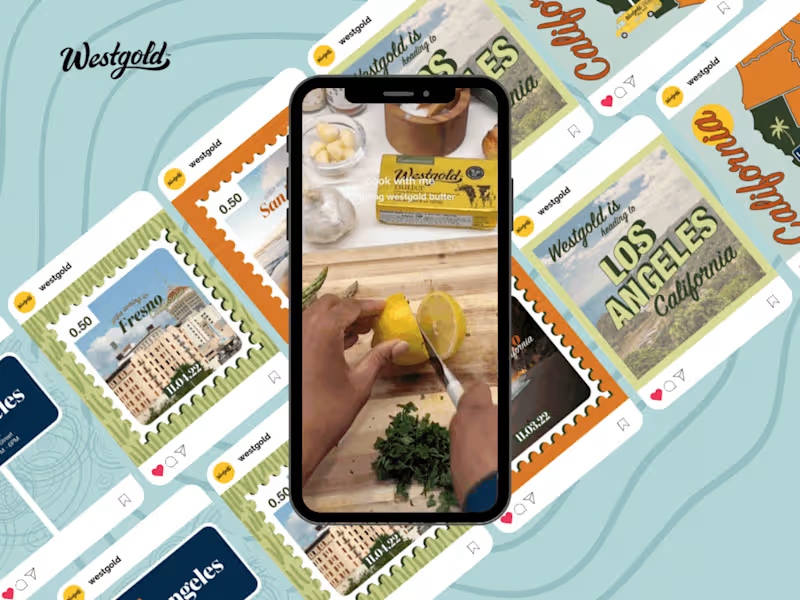
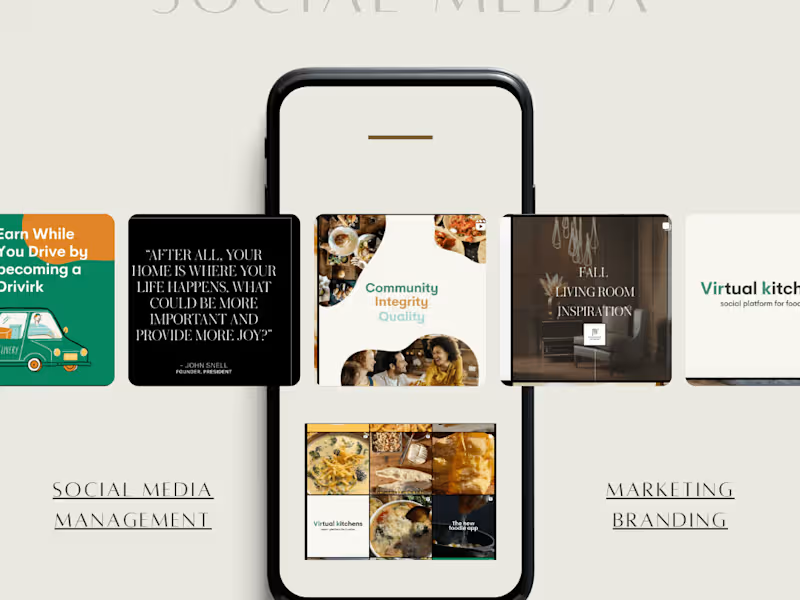
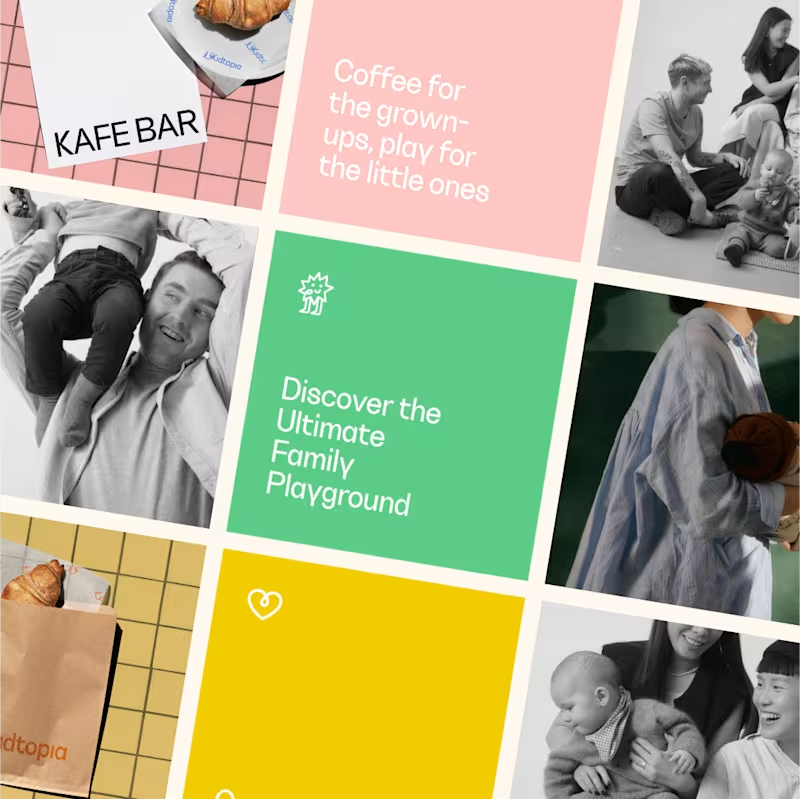
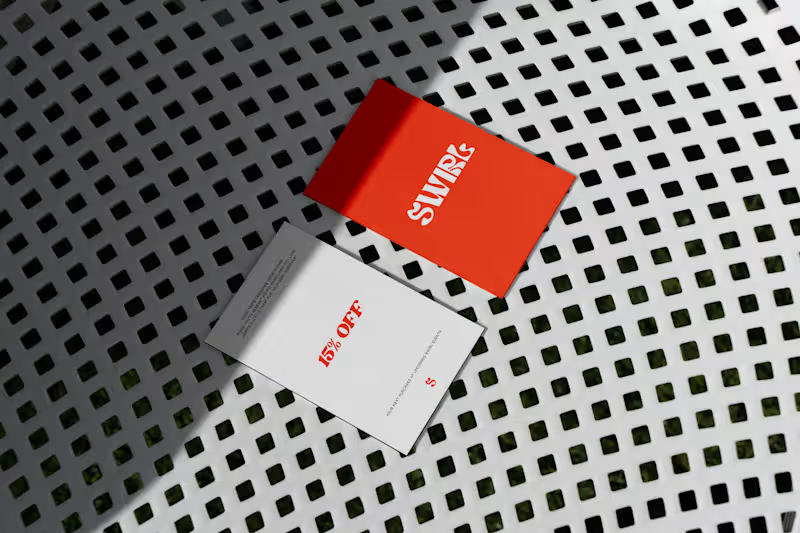
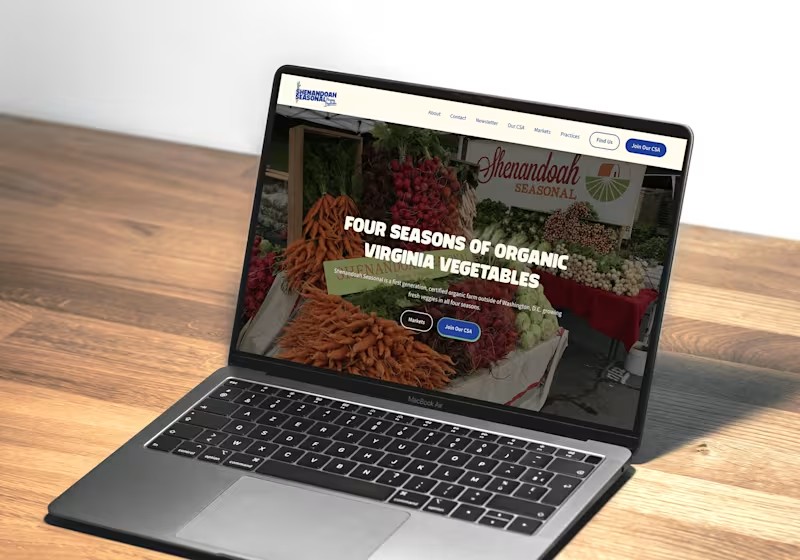
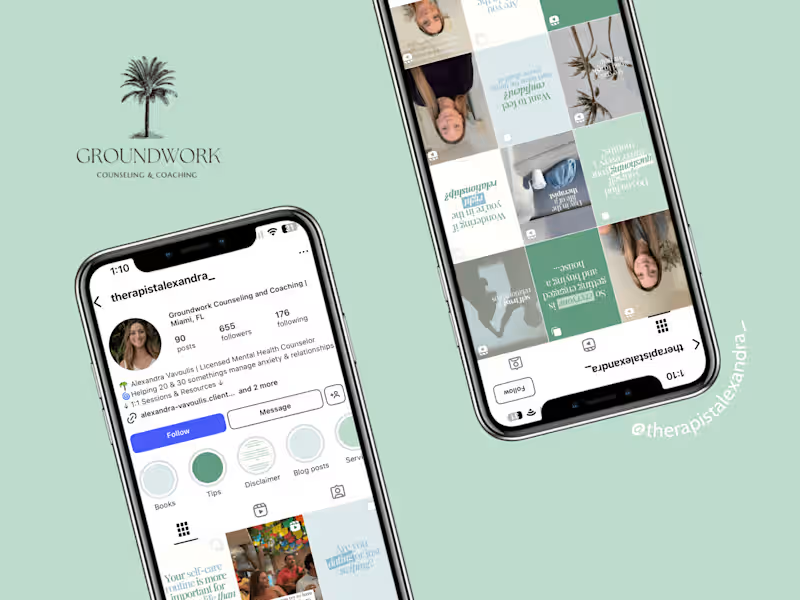
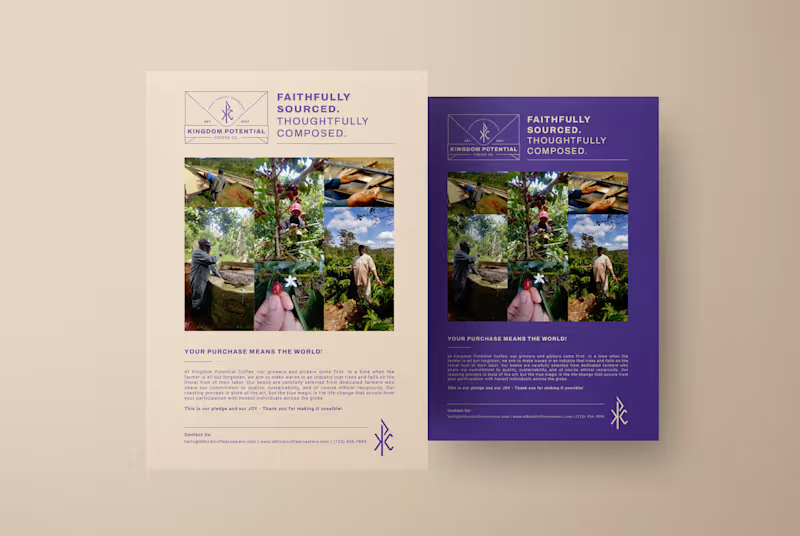
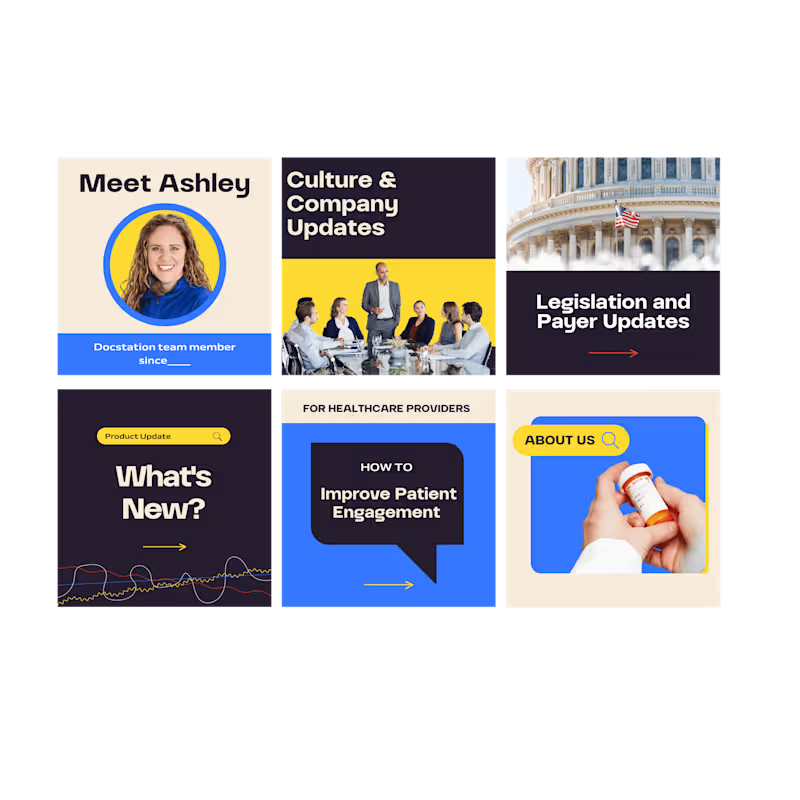
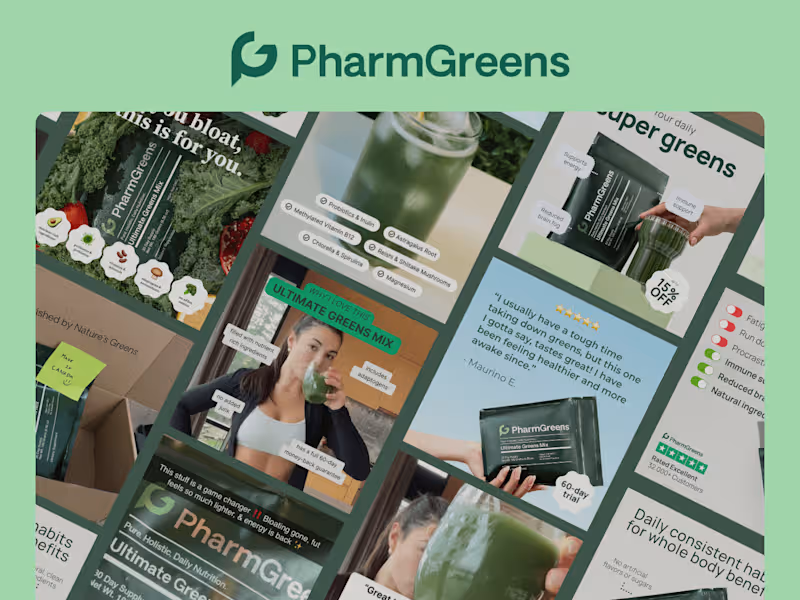
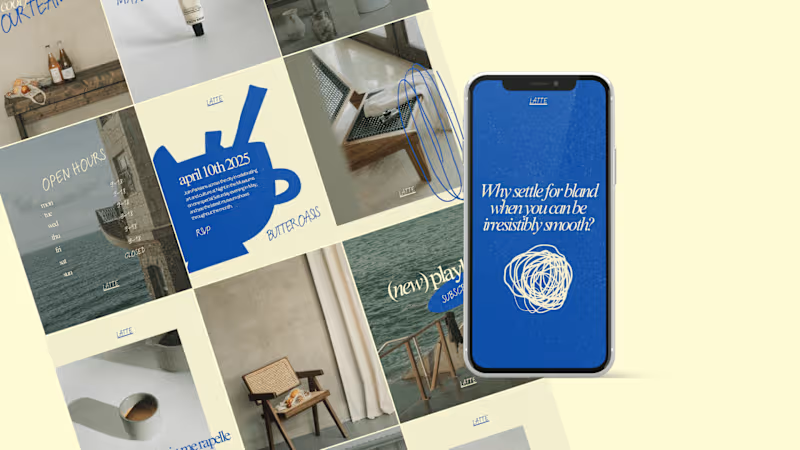
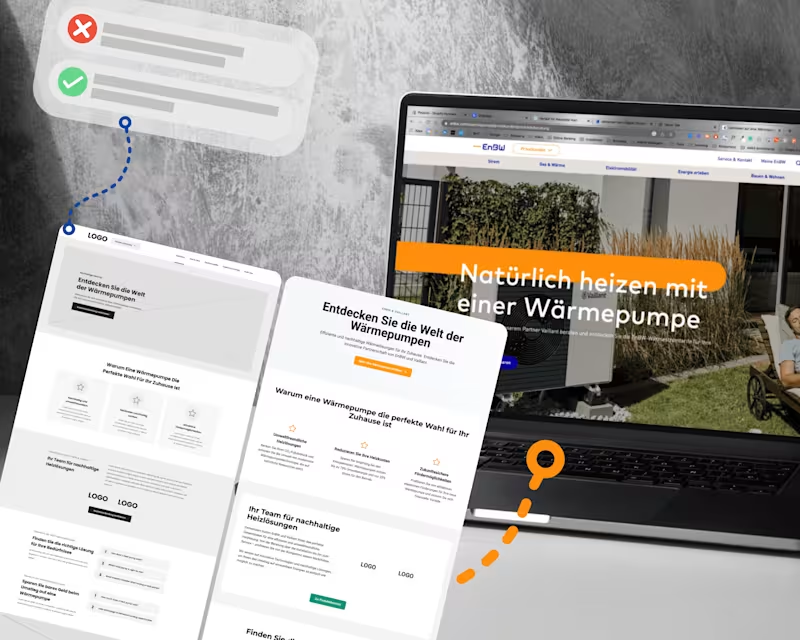
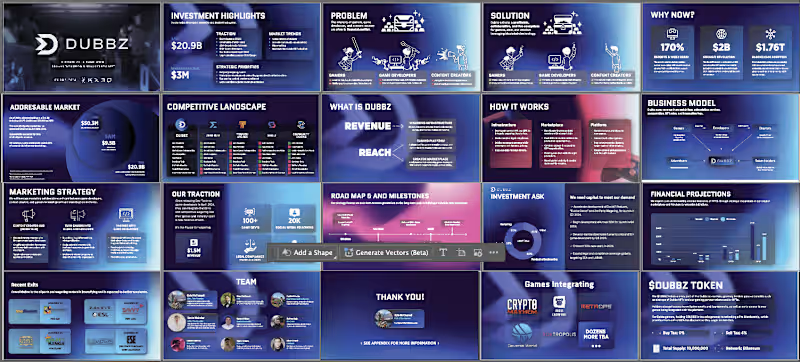
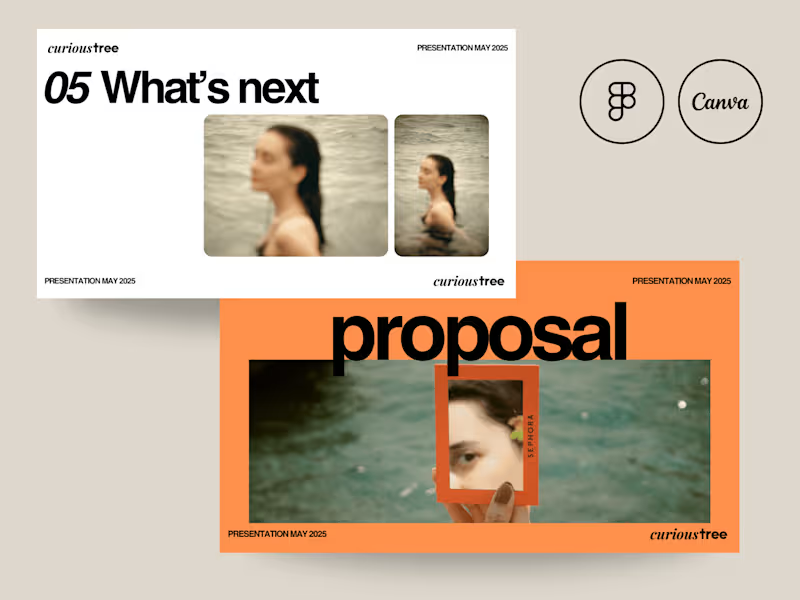
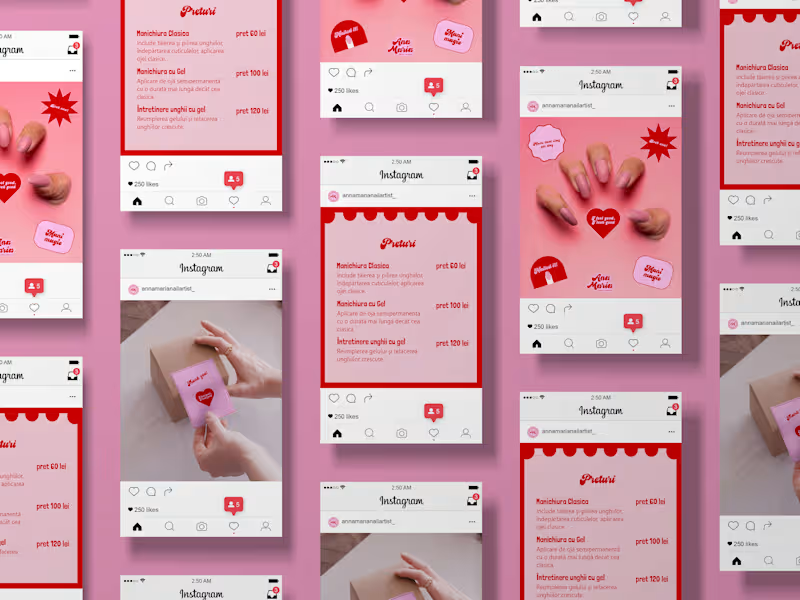
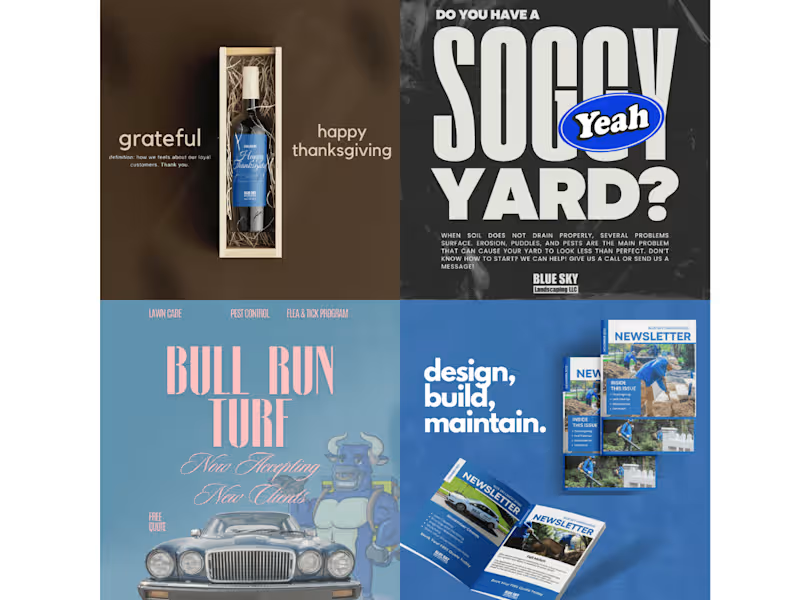
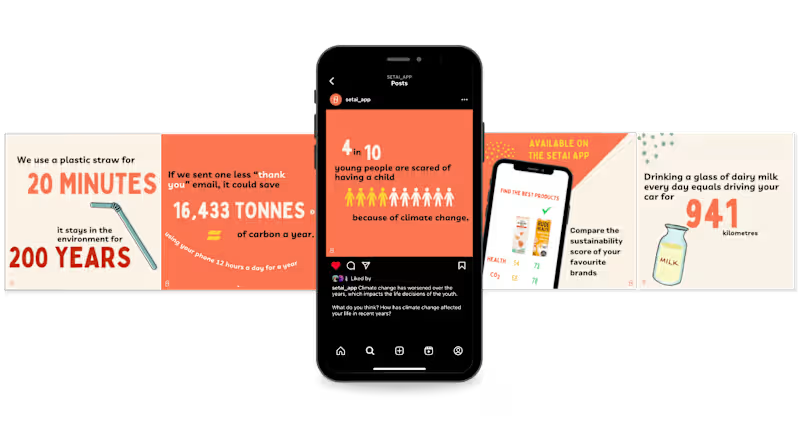
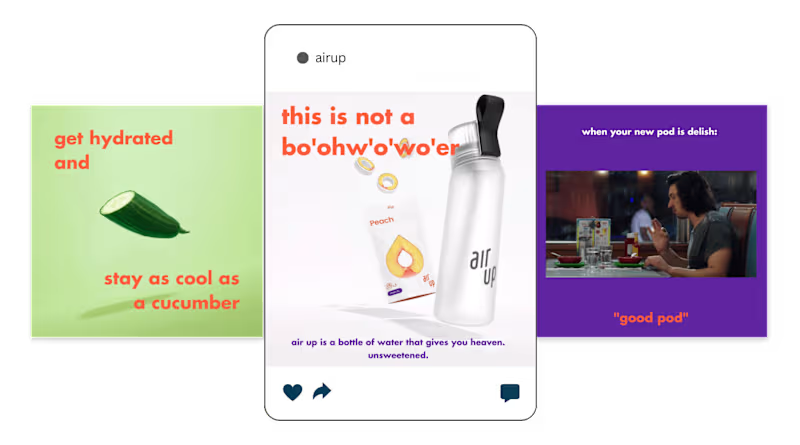
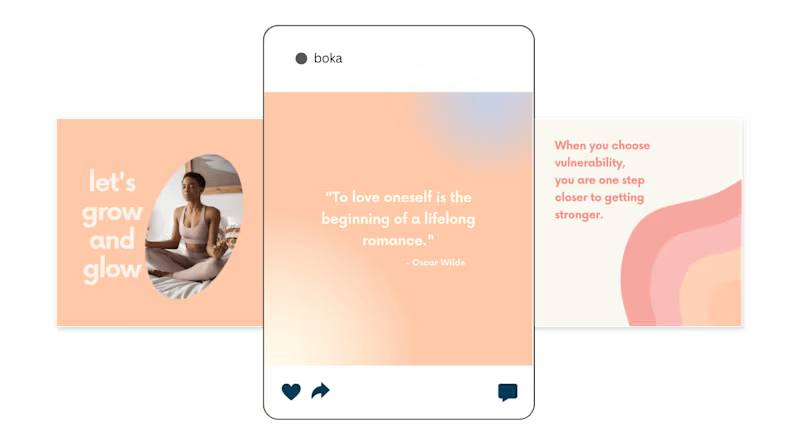
What should you look for in a Canva expert's portfolio?
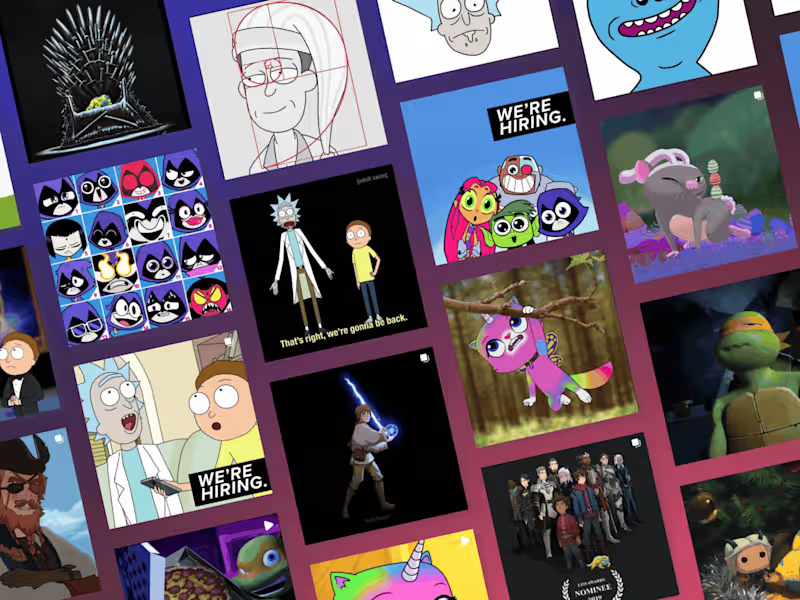
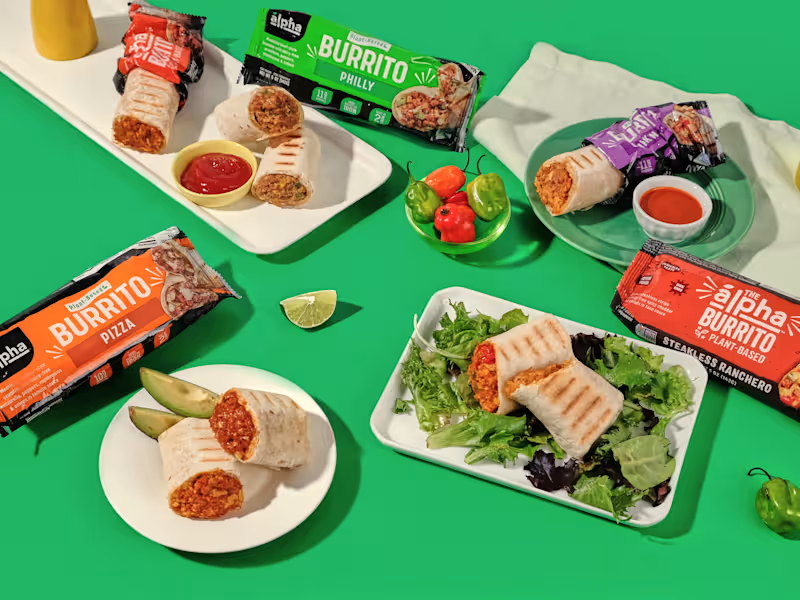
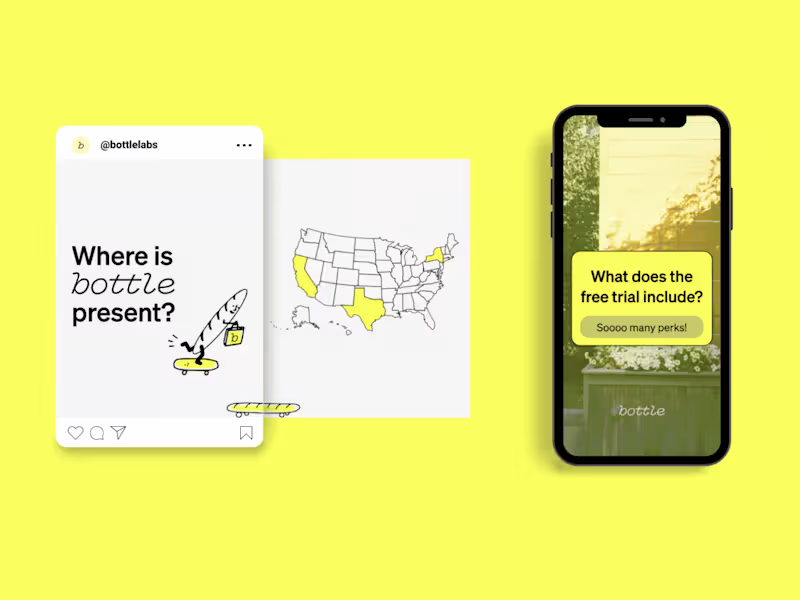
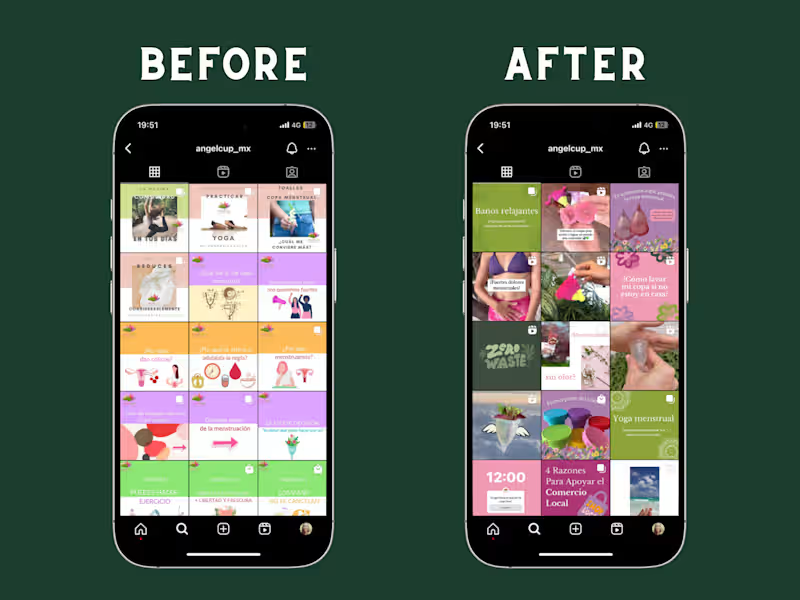
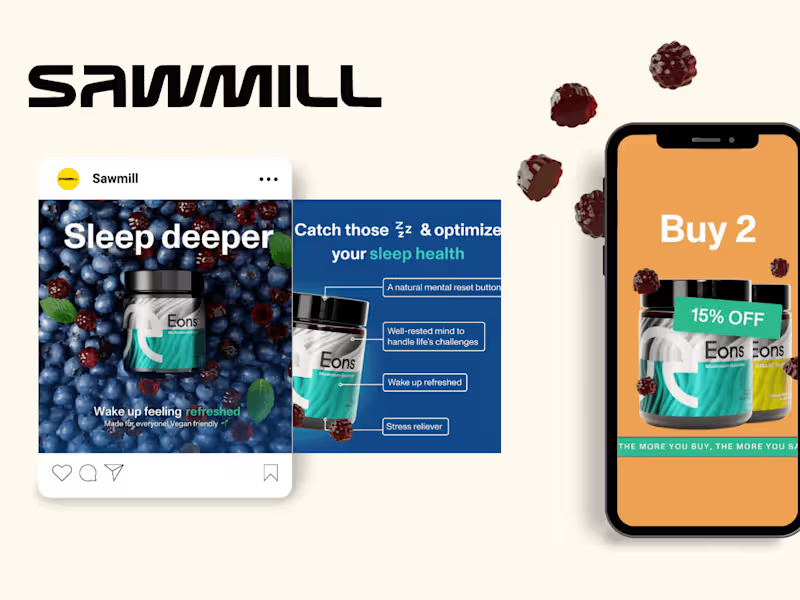
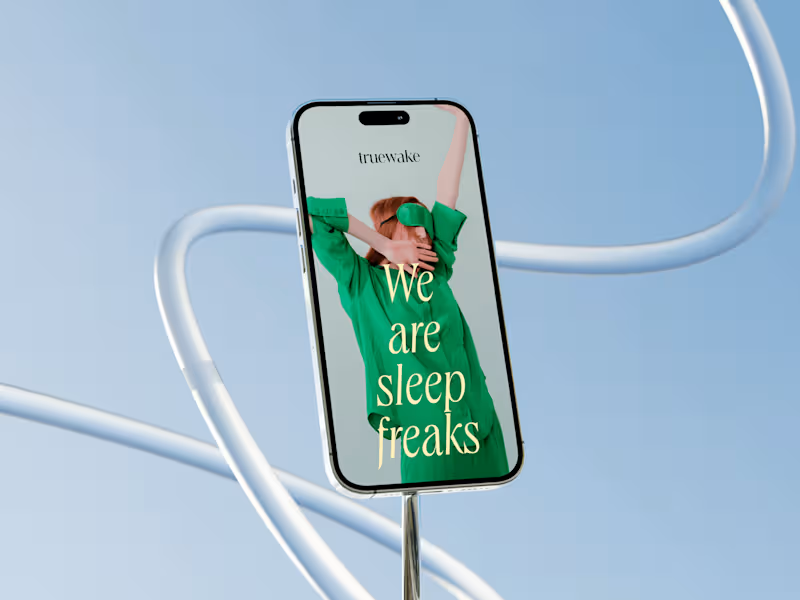
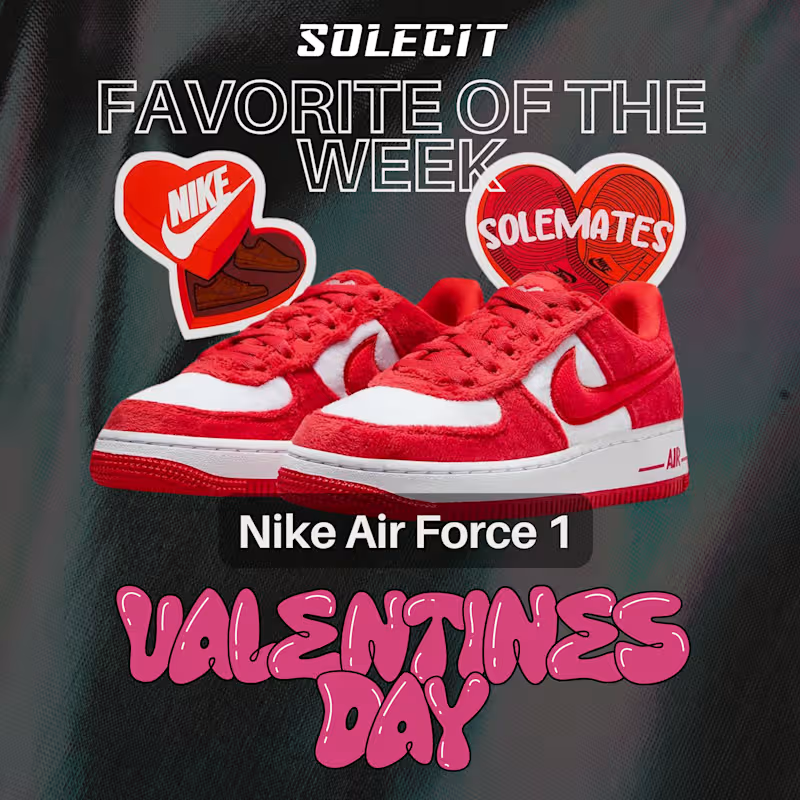
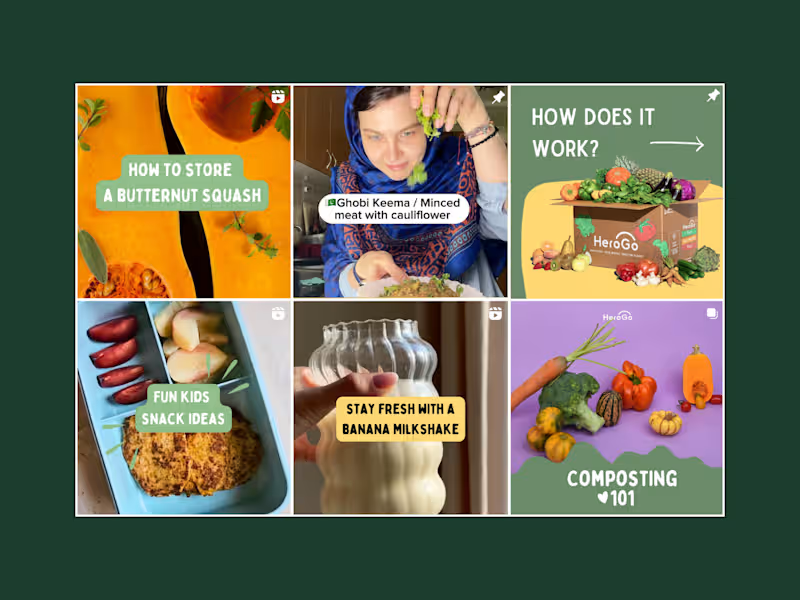
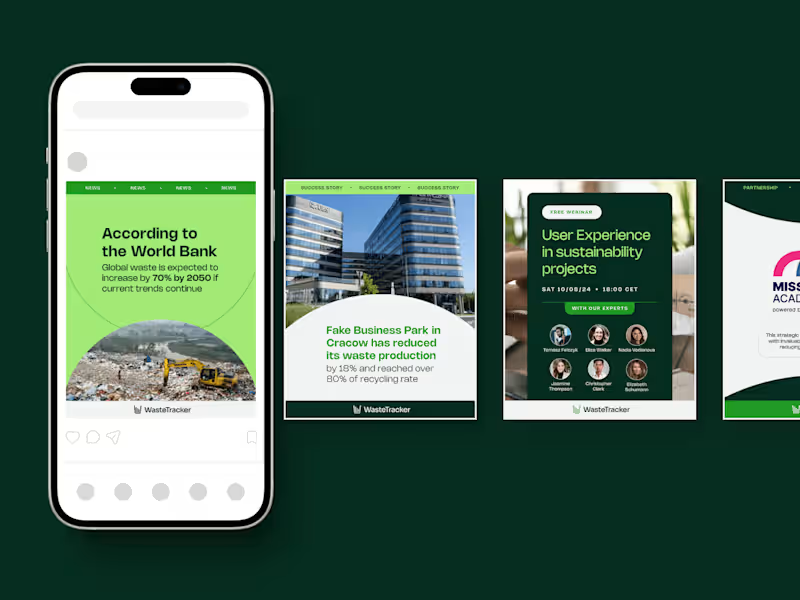
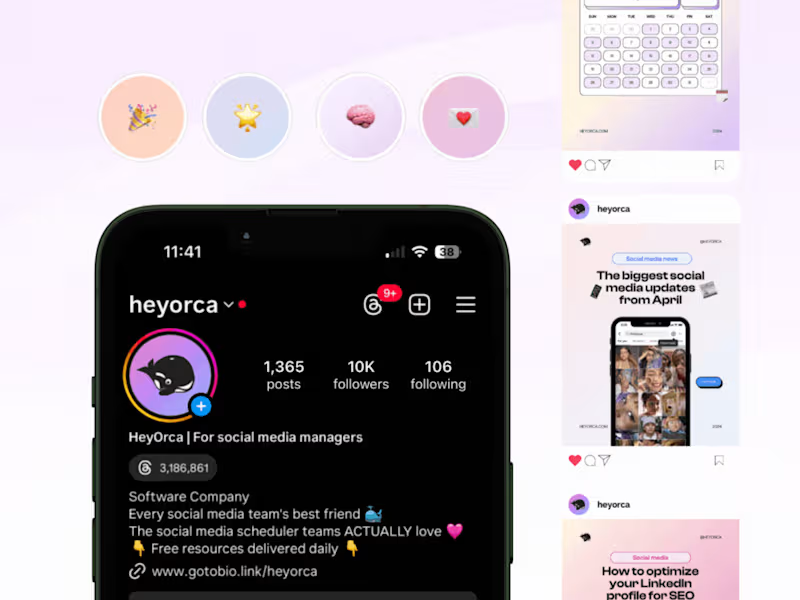
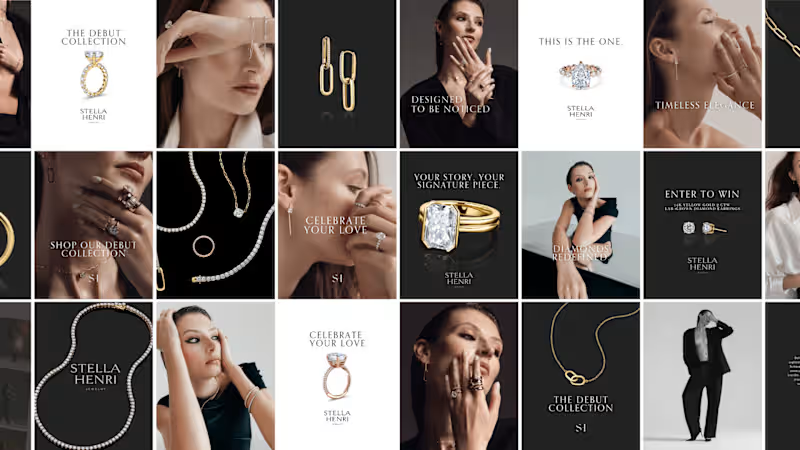
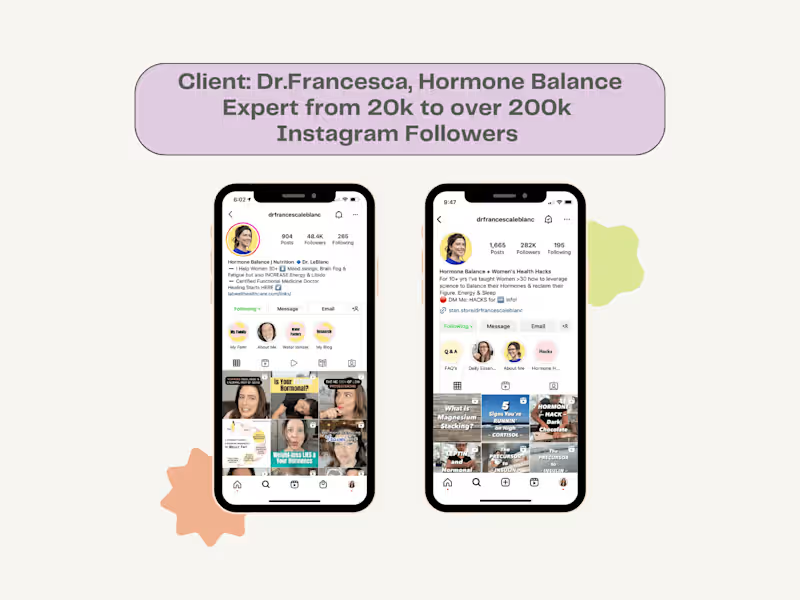
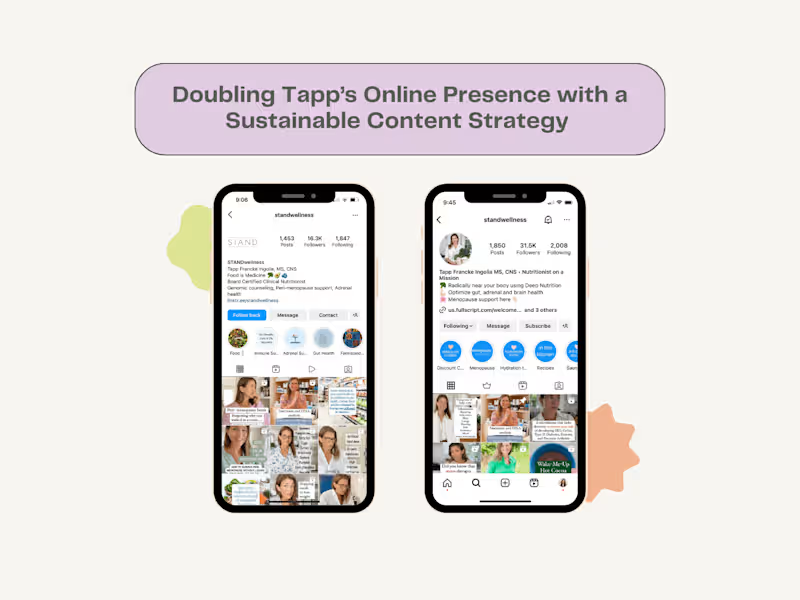
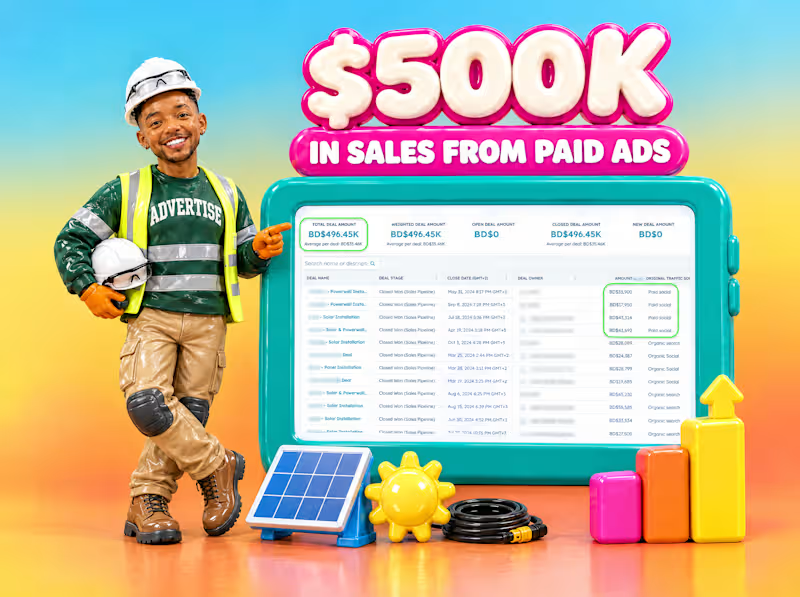
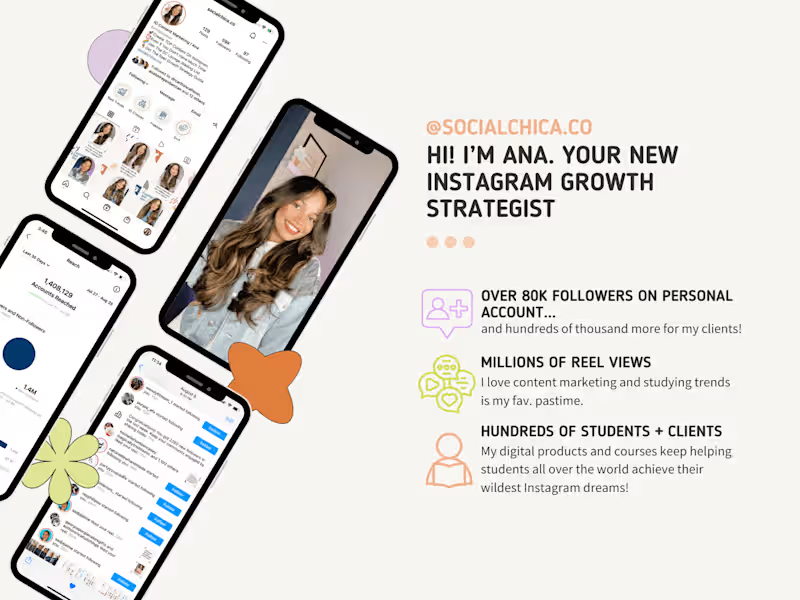
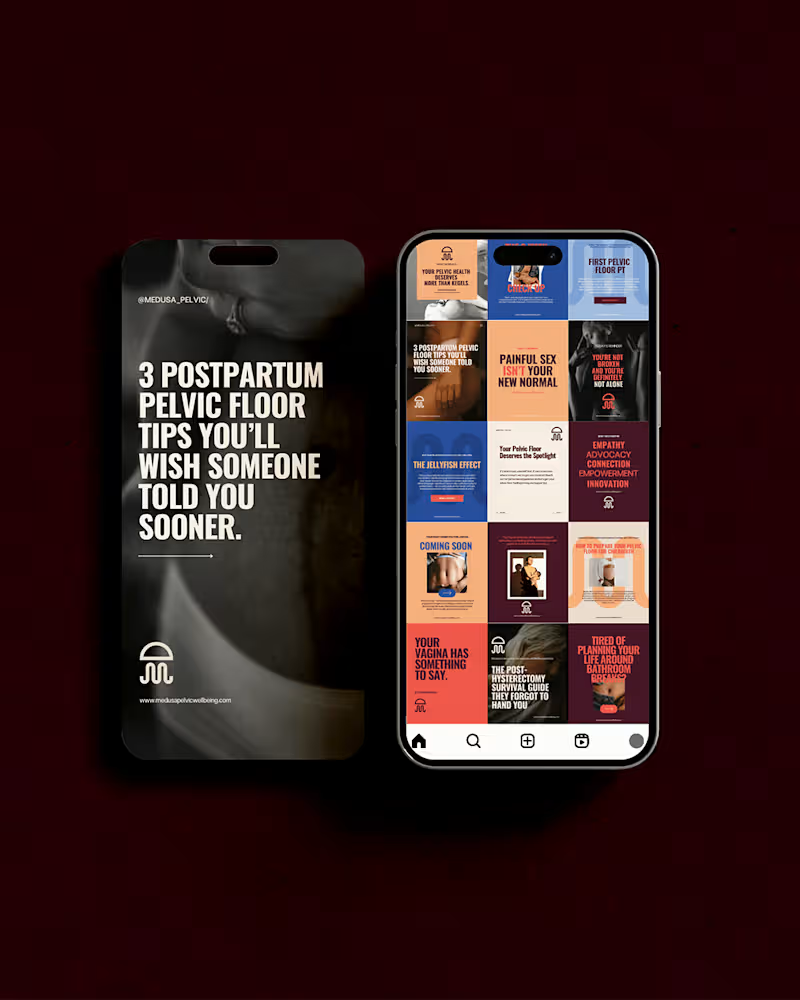
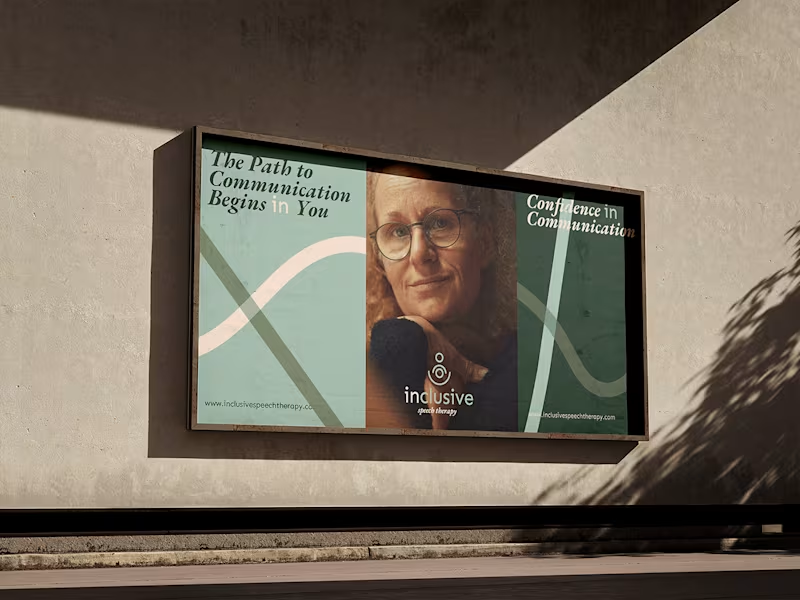
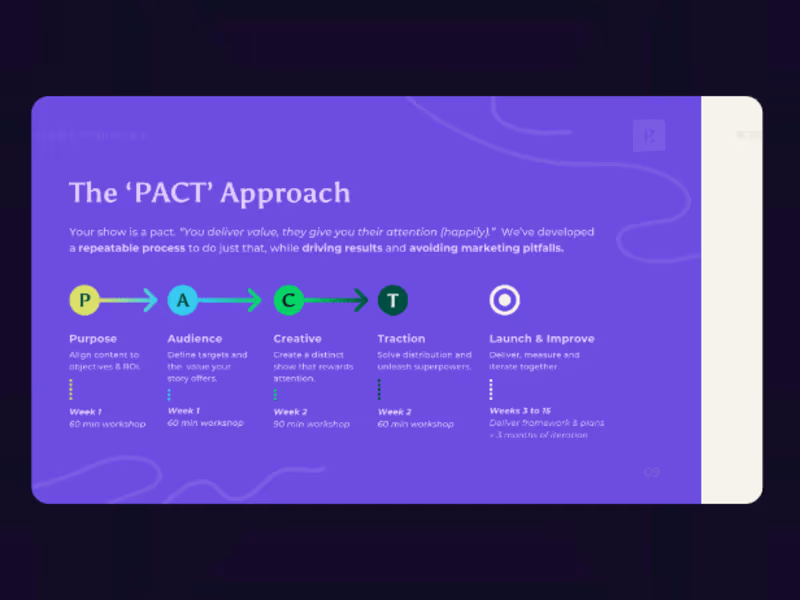
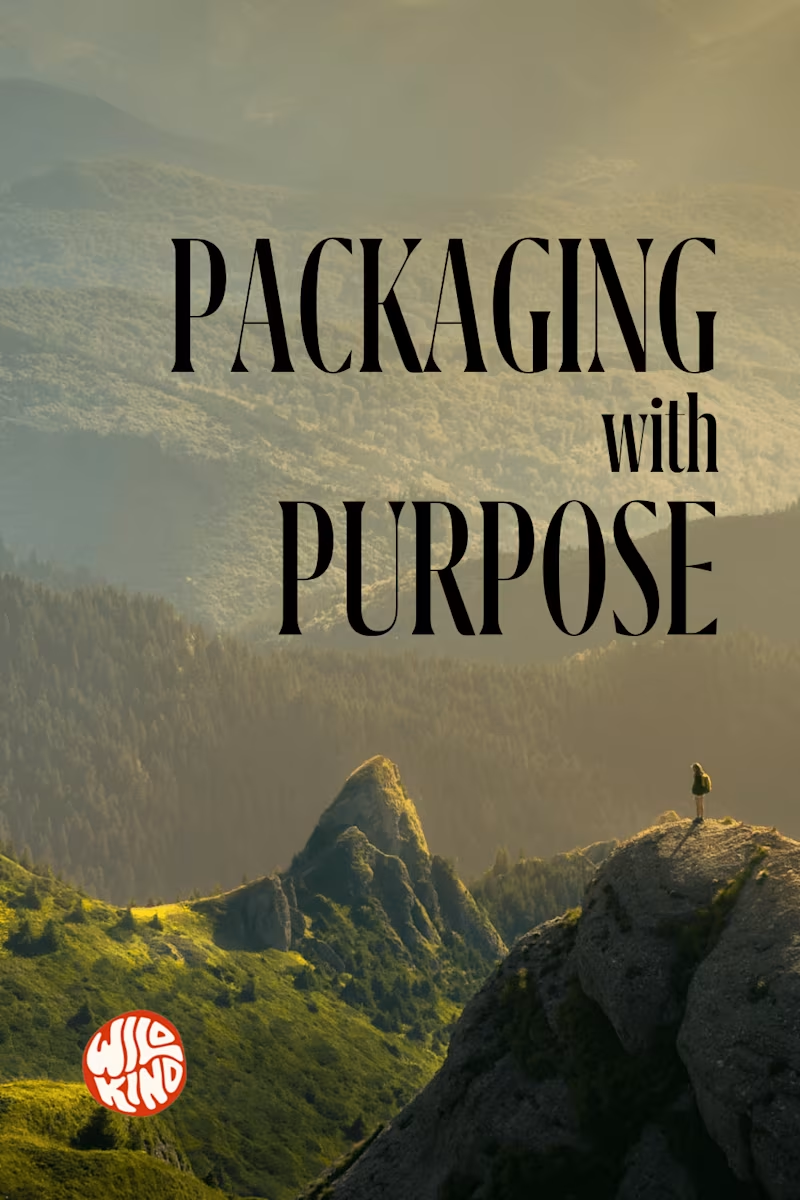
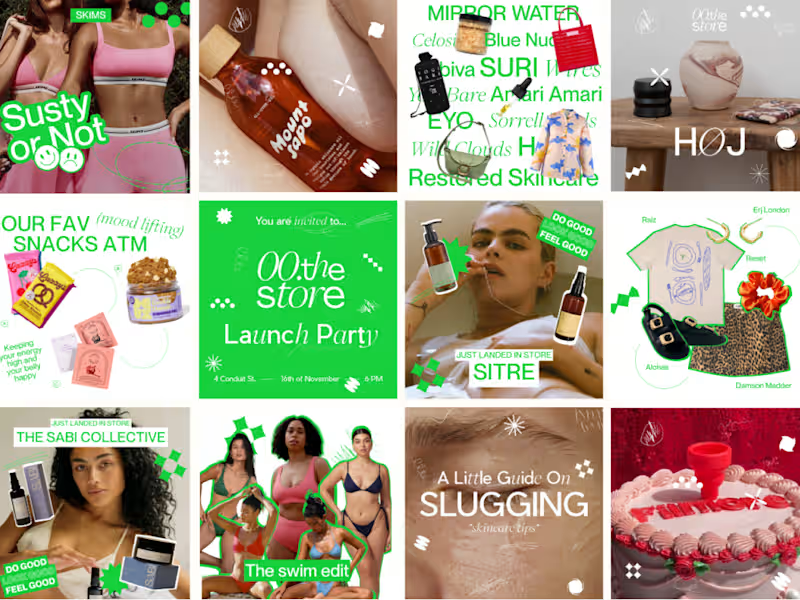
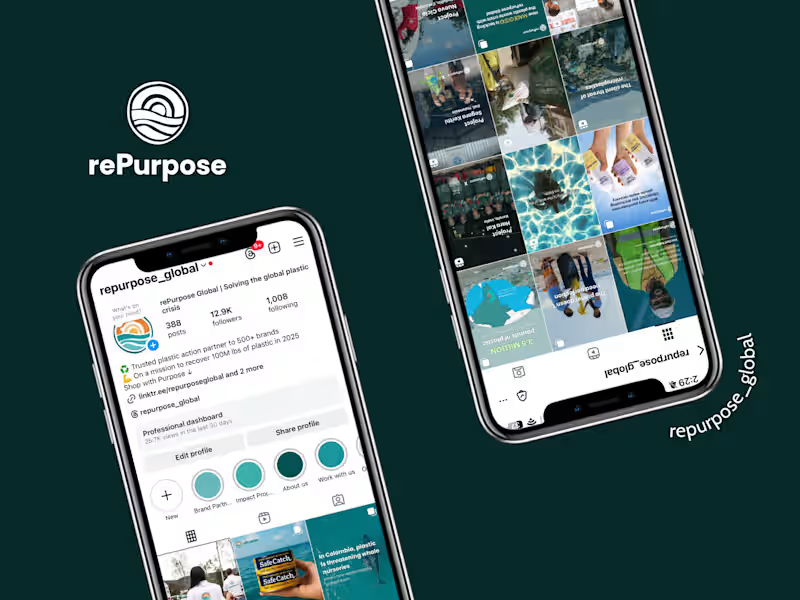
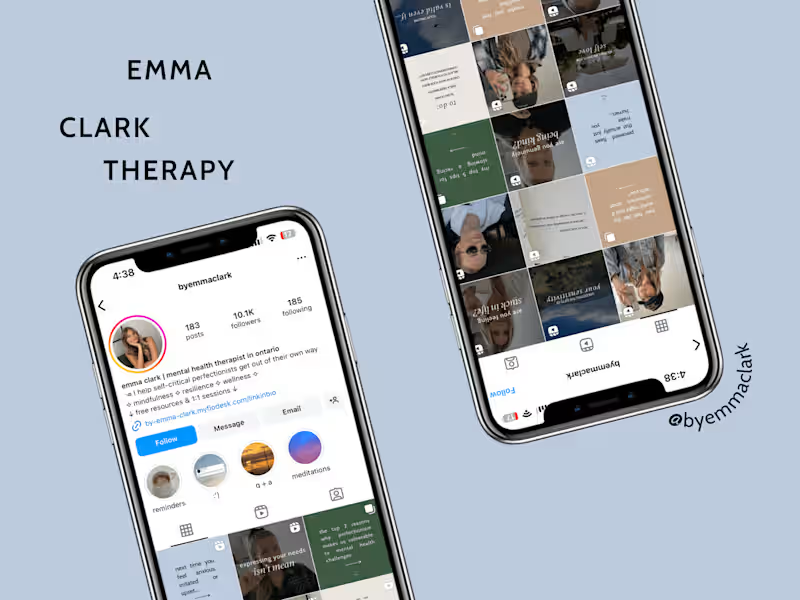
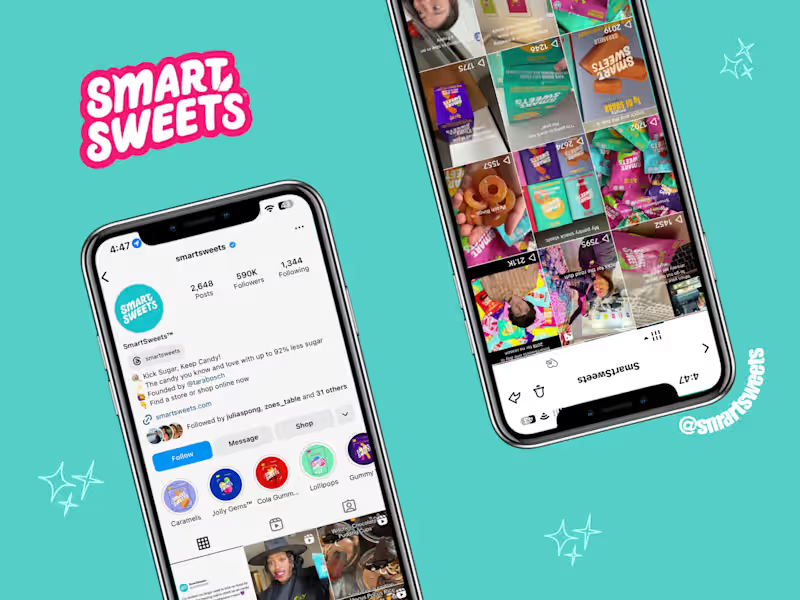
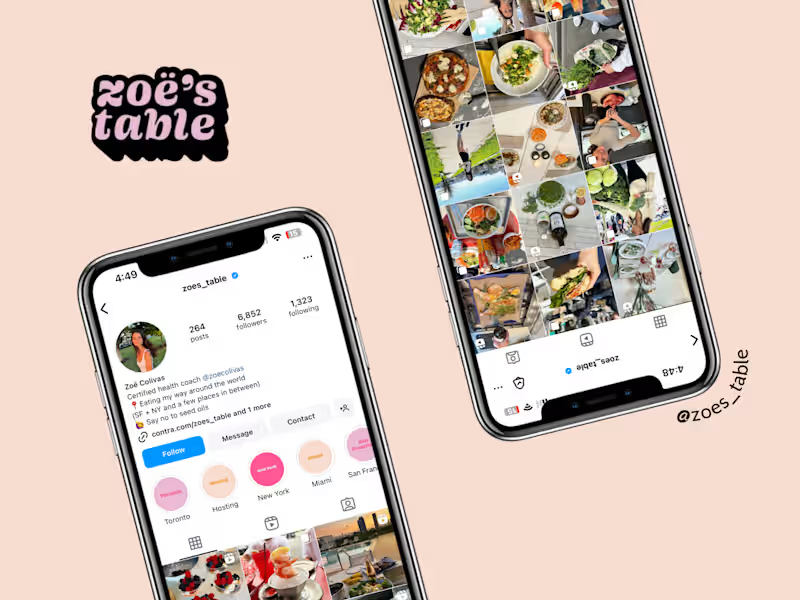
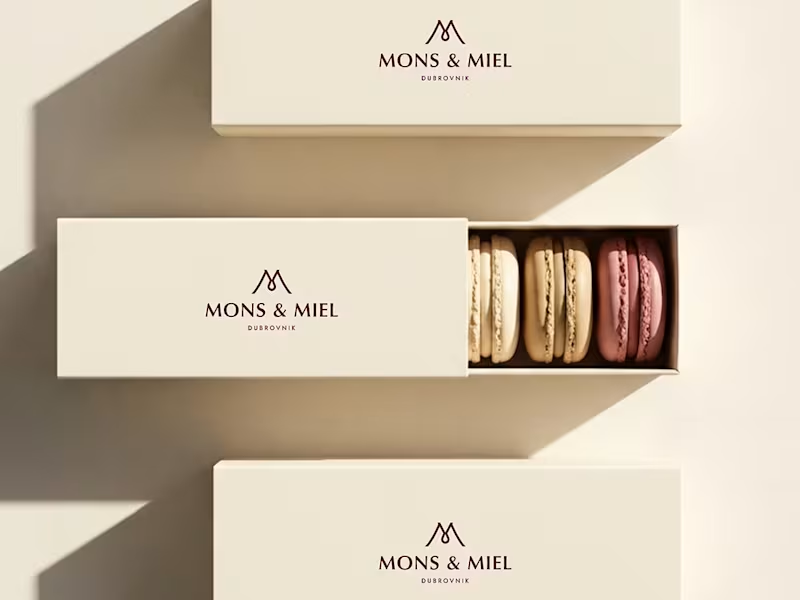
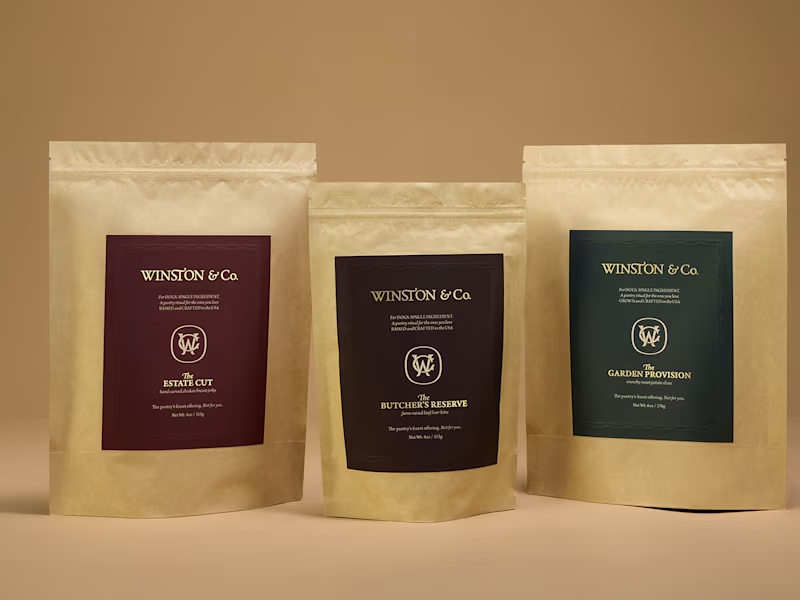
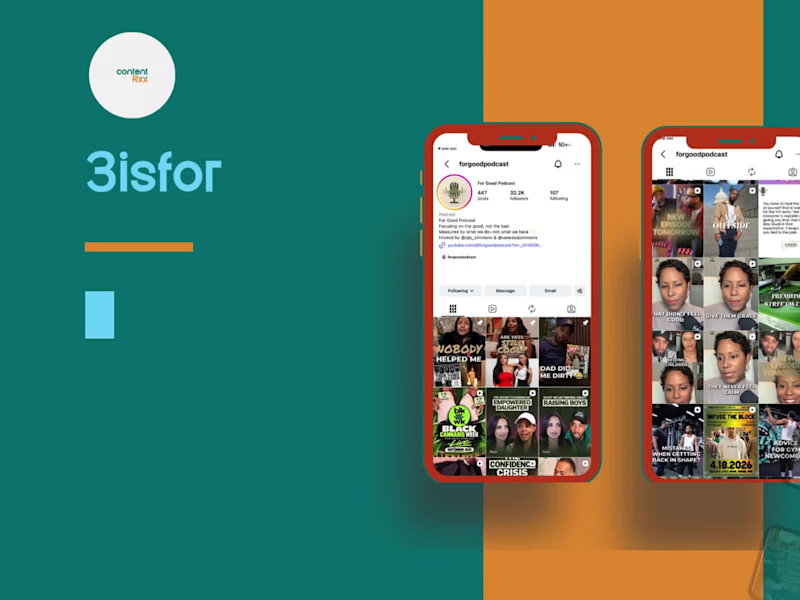
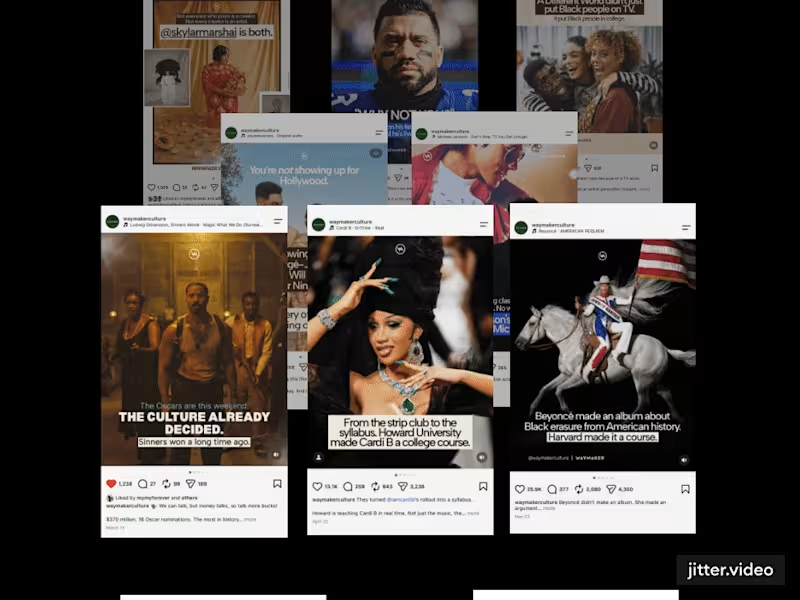
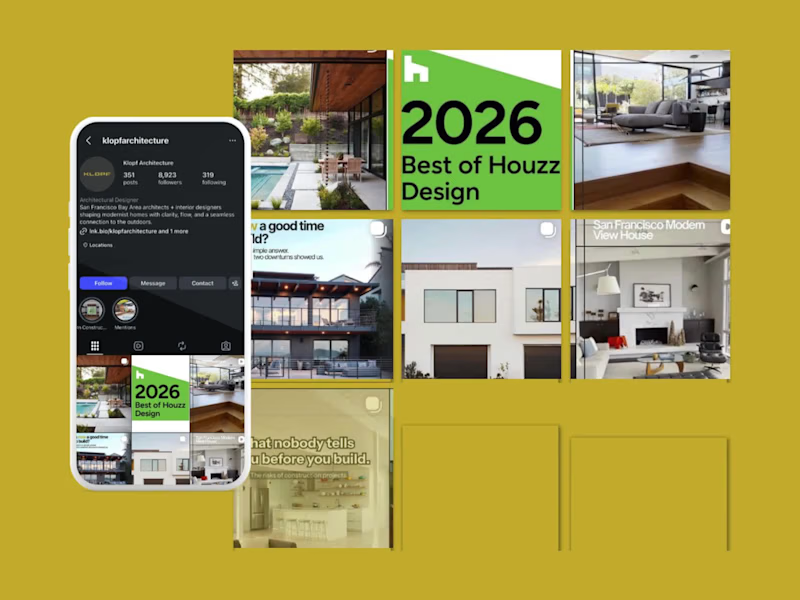
A good Canva expert's portfolio should show a variety of designs. Look for examples of social media posts, brochures, and logos. Make sure their style matches what you want. A diverse portfolio means they can handle different projects. This will help you know if they are the right fit.
How can you discuss project goals with a Canva expert?
Start by clearly stating what you want to achieve. Share your vision or ideas for the project. Be open about your brand’s style or colors. This will help the expert make designs that match your needs. Clear communication at the start makes the project smoother.
Why is agreeing on deliverables important?
Deliverables are what you receive at the end of a project. Agreeing on them makes sure both you and the expert know what to expect. It helps set clear goals and deadlines. This ensures everyone is on the same page. It also helps track the project's progress.
How can you ensure the Canva expert understands your brand?
Share your brand guidelines if you have them. Discuss your brand’s message and audience. Talk about the colors and fonts you usually use. This information helps the expert create designs that fit your brand. A consistent brand look is important for recognition.
What is the benefit of having a timeline for your project?
A timeline helps organize the project's tasks and deadlines. It lets you see when each part will be done. This makes it easier to track progress and stay on schedule. It also helps avoid last-minute rushes. A clear timeline ensures the project is completed smoothly.
What should you discuss regarding revisions with a Canva expert?
Talk about how many revisions are included in the project. Knowing this avoids surprises later on. Agree on how feedback will be shared. Revisions help refine the designs to meet your needs. Clear revision plans ensure satisfaction with the final product.
Why is it helpful to ask for design samples or drafts?
Samples or drafts give you a glimpse of what the final design might look like. They help ensure the project is on the right track. You can provide feedback early to make improvements. This process saves time by avoiding complete overhauls later. It ensures the end result meets your expectations.
How can mood boards help in your project?
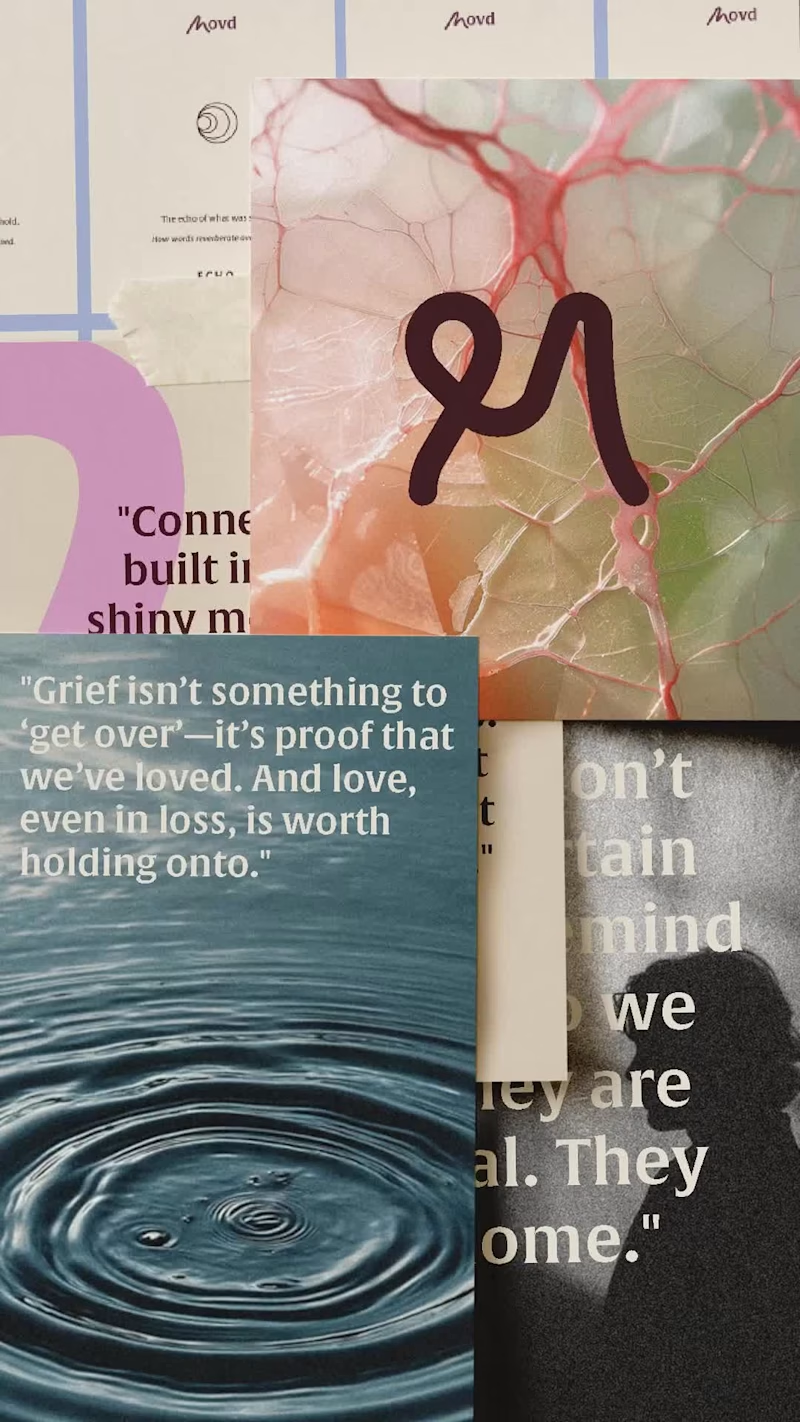
Mood boards are collections of images and colors. They help set a visual tone for your project. Share or collaborate on a mood board with your Canva expert. It helps them understand the feel you want in your designs. Mood boards guide the creative process effectively.
What should you consider about the Canva expert’s communication style?
Good communication is key to a successful project. Consider how quickly they respond to messages. Notice if they ask questions to understand your needs. Effective communication helps avoid misunderstandings. It ensures a smoother project workflow.
How important is feedback during the design process?
Feedback helps the Canva expert know what you like or dislike. It guides them to make changes that improve the design. Regular feedback keeps the project aligned with your vision. It's important to provide clear and constructive comments. This helps create a design you will love.
Who is Contra for?
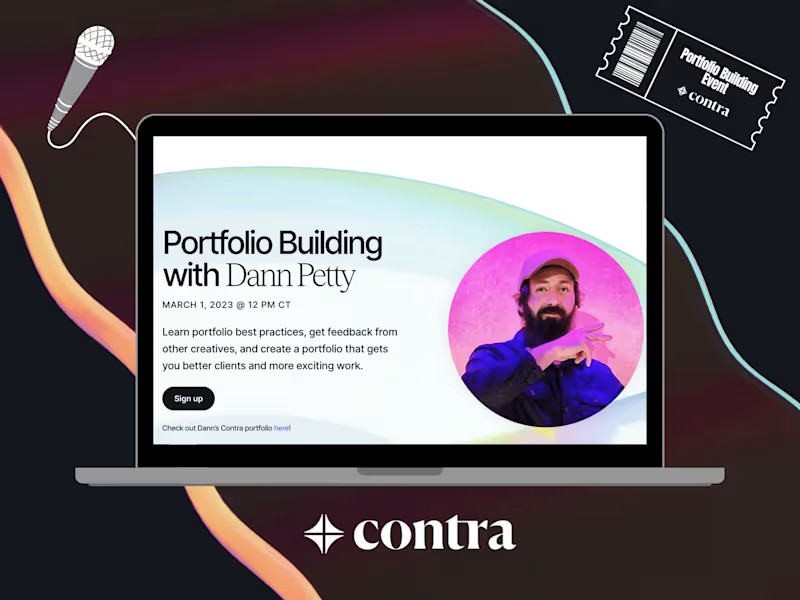
Contra is designed for both freelancers (referred to as "independents") and clients. Freelancers can showcase their work, connect with clients, and manage projects commission-free. Clients can discover and hire top freelance talent for their projects.
What is the vision of Contra?
Contra aims to revolutionize the world of work by providing an all-in-one platform that empowers freelancers and clients to connect and collaborate seamlessly, eliminating traditional barriers and commission fees.