How do I define my project goals when hiring a Figma expert?
Start by writing down what you want the design to achieve. Think about the users who will use your product and what they need. A clear goal helps the Figma expert create the best designs for you.
What specifications should I provide for my project?
Include details like color schemes, styles, and branding guidelines. Tell the Figma expert about any existing designs or ideas you have. This helps them create designs that match your vision.
How do I ensure a smooth start to the project on Contra?
Begin with a kickoff meeting to discuss the project plan. Set clear timelines and agree on communication methods. This ensures everyone is on the same page from the start.
What should I ask to see in a Figma portfolio?
Request to see past projects similar to yours. Look for designs that show creativity and problem-solving skills. A good portfolio shows the Figma expert's style and experience.
How do I agree on project deliverables with a Figma expert?
List all the items you need, like the number of screens or prototypes. Talk about file formats and any extra guidance you need. This helps the Figma expert know what to create for you.
What can I do to foster good collaboration with my Figma expert?
Share your feedback regularly and keep communication open. Use tools like chat or video calls to stay connected. This ensures the expert has what they need to do their best work.
How do I set and clarify timeline expectations?
Discuss deadlines for each part of the project with the expert. Talk about time zones and any holidays that may affect work. Clear timeline expectations help prevent delays.
How do I ensure compatibility with development teams later?
Ask the Figma expert to create files that are easy for developers to use. Ensure all design specifications are clear and documented. This makes the handoff smoother at the project's end.
What’s important to include in a project brief on Contra?
Detail what parts of the design process the expert will handle. Include the goals, timeline, and tools the expert will need. A detailed brief helps the project run smoothly.
Who is Contra for?
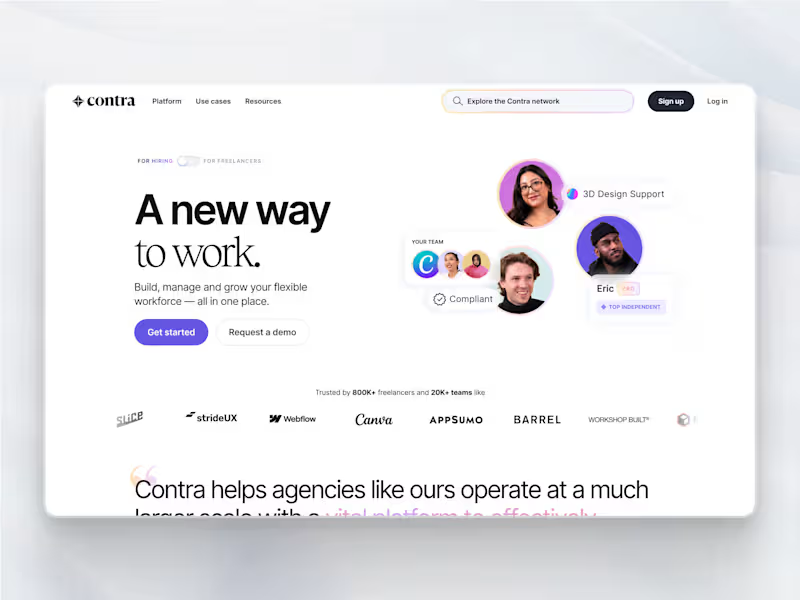
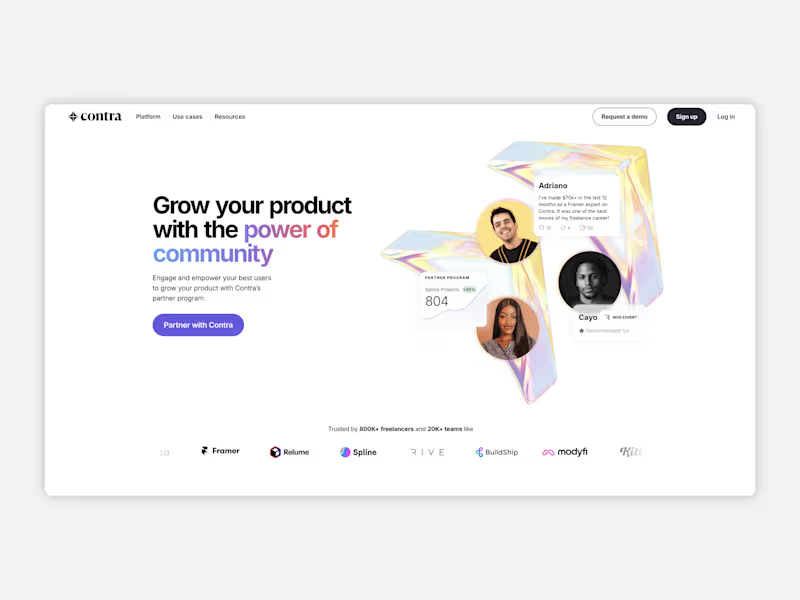
Contra is designed for both freelancers (referred to as "independents") and clients. Freelancers can showcase their work, connect with clients, and manage projects commission-free. Clients can discover and hire top freelance talent for their projects.
What is the vision of Contra?
Contra aims to revolutionize the world of work by providing an all-in-one platform that empowers freelancers and clients to connect and collaborate seamlessly, eliminating traditional barriers and commission fees.




















![Cover image for [Case Study] UX Crypto Platform](https://media.contra.com/image/upload/q_auto,w_800/dhb4onvorp5leis2wngo.avif)