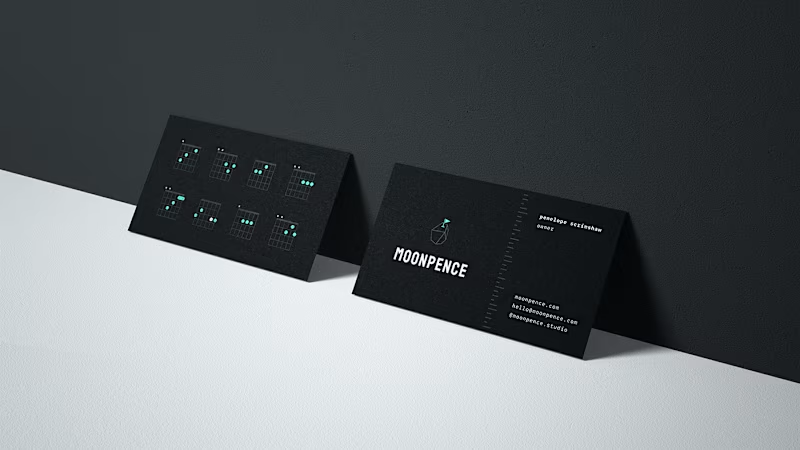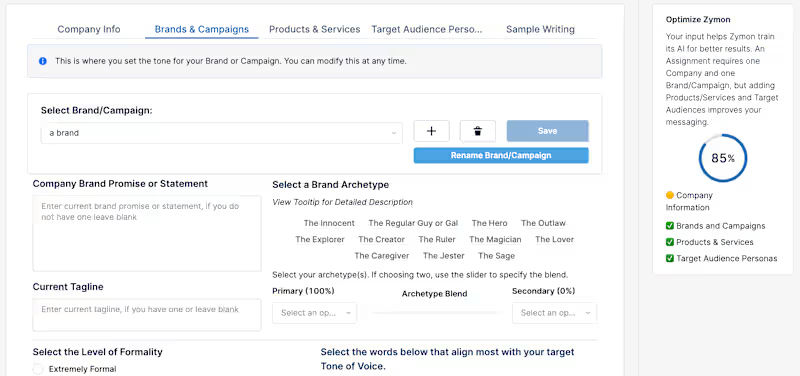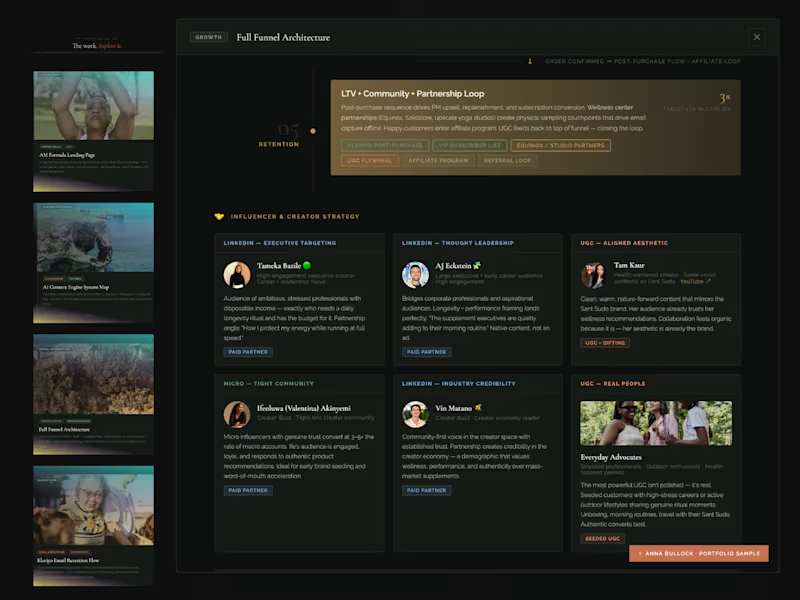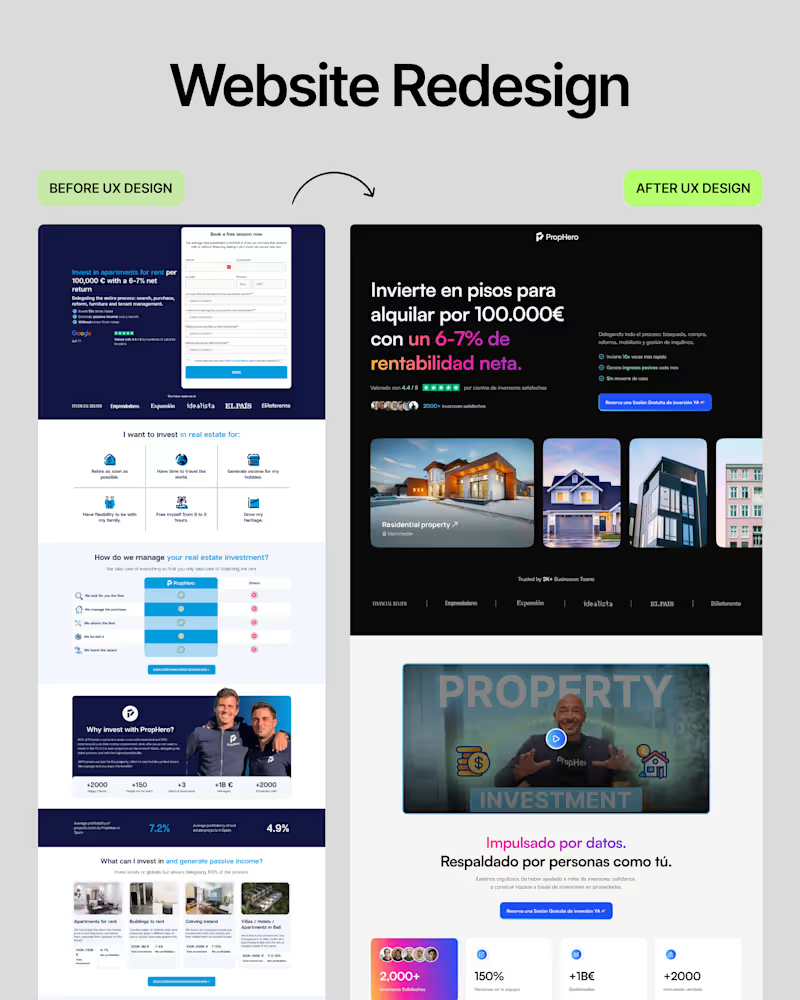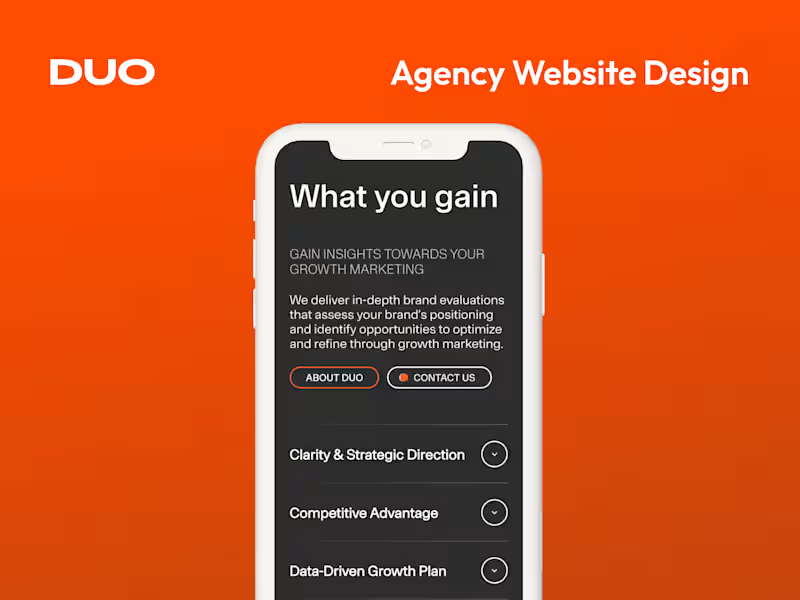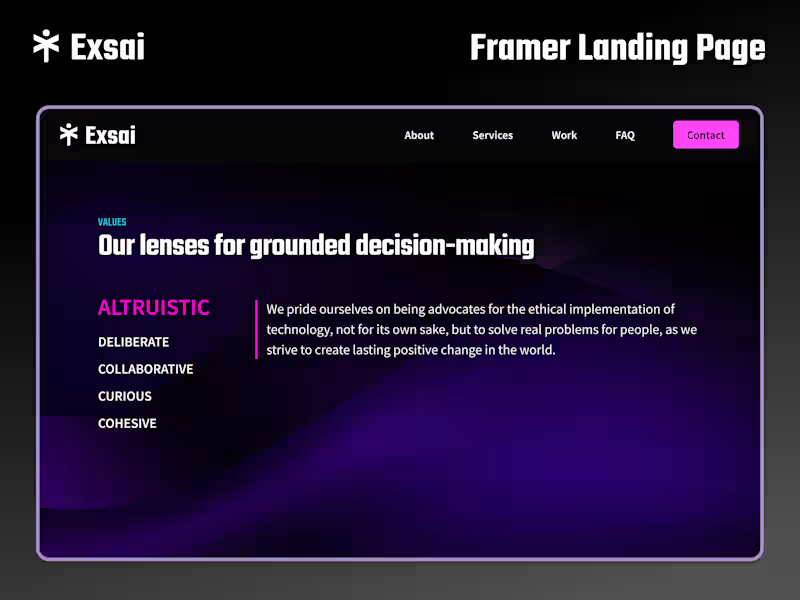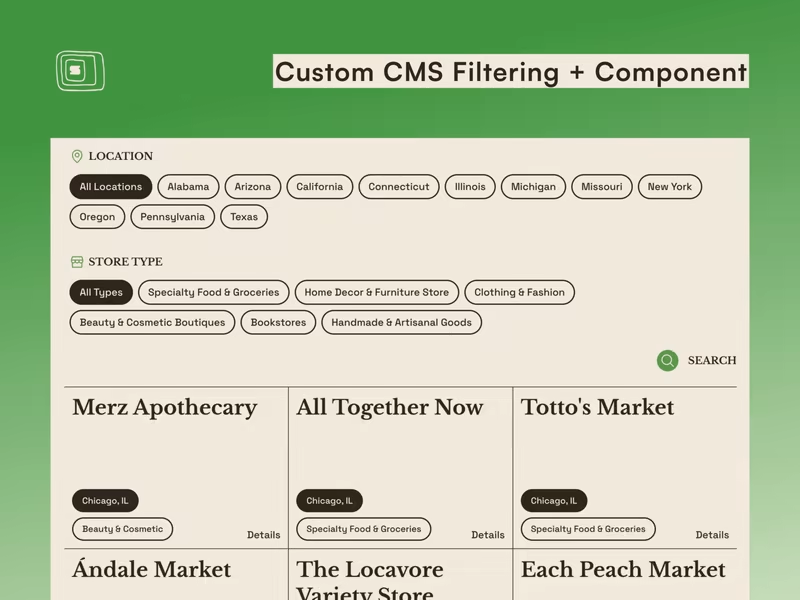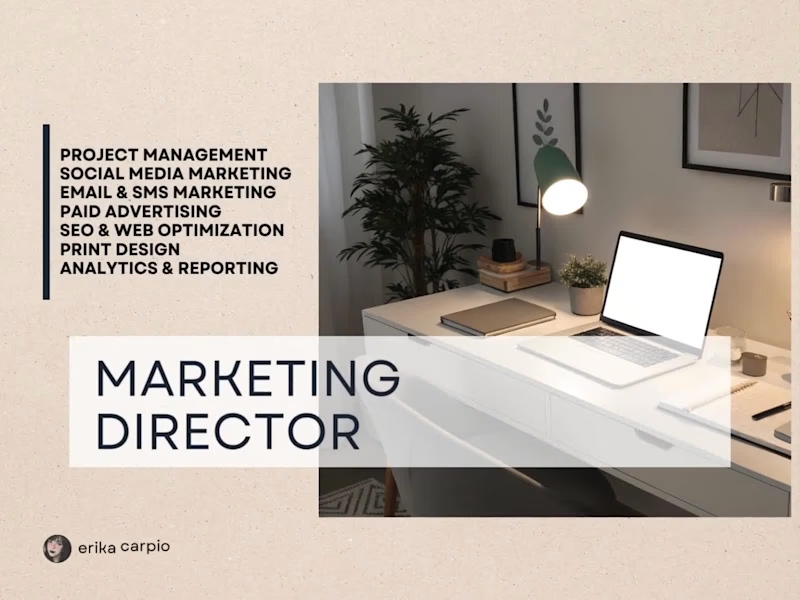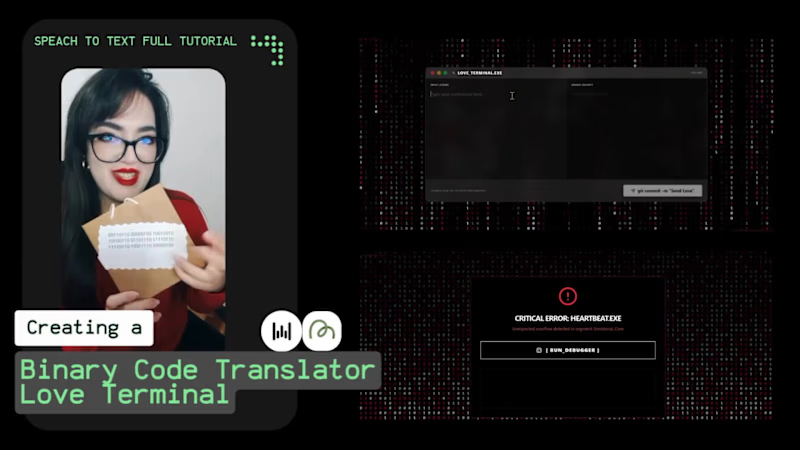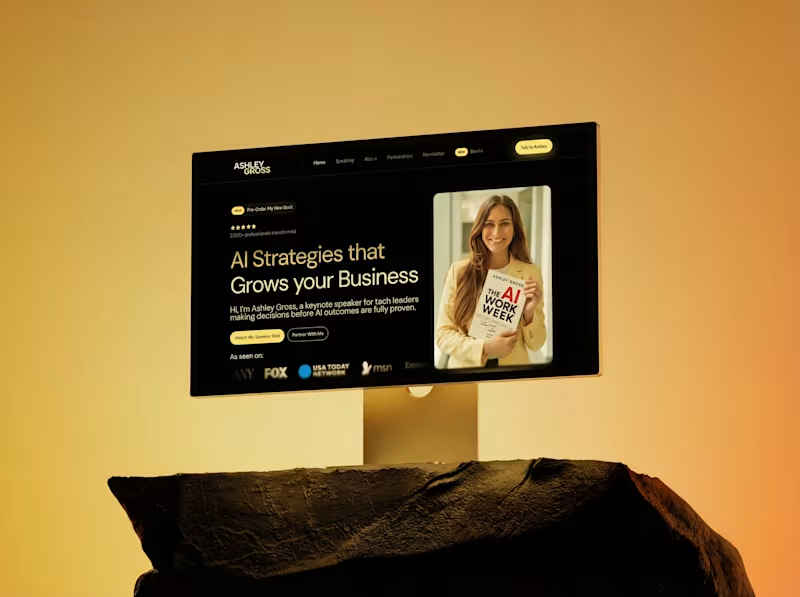



























What should I look for in a ClickUp expert's portfolio?
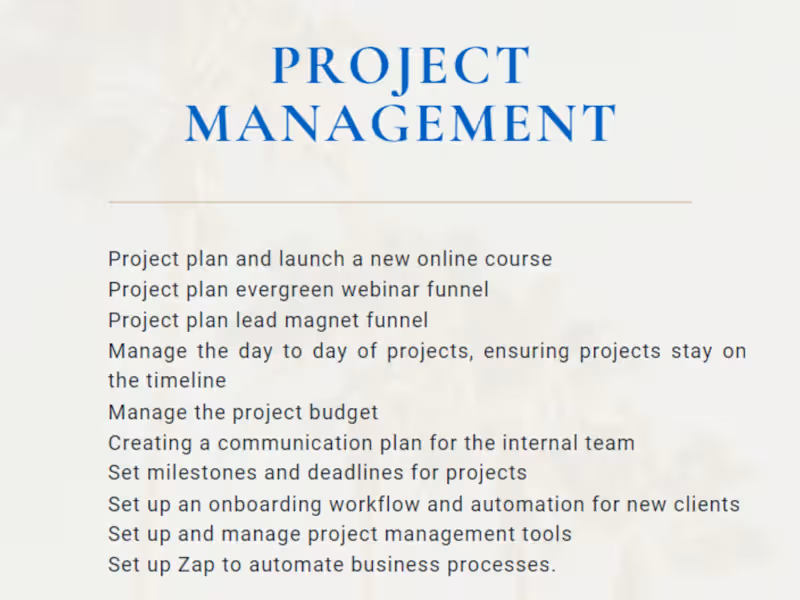
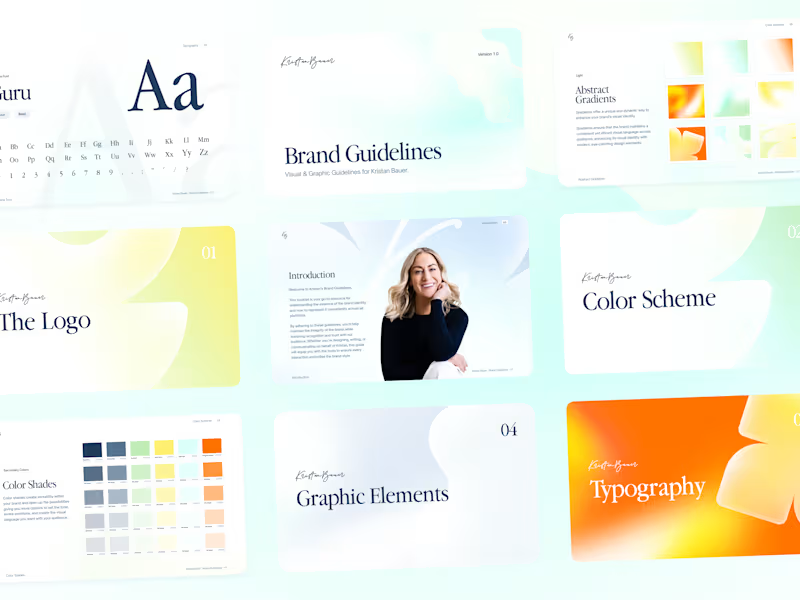
Check if the expert has experience with different kinds of projects similar to yours. Look for case studies or testimonials from past clients. A good portfolio will show their skill in using ClickUp tools effectively.
How do I ensure the ClickUp expert understands my project needs?
Share clear details about your project and its goals. Ask the expert to explain how they plan to use ClickUp to achieve these goals. Good communication will help them understand your needs better.
How can I agree on project deliverables with the ClickUp expert?
Discuss and list down all tasks and outcomes you expect from the project. Make sure the expert uses ClickUp features like timelines and task lists to set clear milestones. This will help track progress and ensure everything is delivered on time.
What should I consider when setting deadlines in ClickUp?
Talk with the expert about realistic deadlines for your project tasks. Use ClickUp's time management tools to set these deadlines. This will keep the project organized and on schedule.
Why is it important to talk about ClickUp's tools during the hiring process?
Discussing ClickUp's tools helps ensure the expert knows how to use them effectively. It also shows you what to expect during the project. This can improve collaboration and make the project run smoother.
How do automation features in ClickUp help my project?
Automation can save time by handling repetitive tasks. Ask your expert how they plan to use automation to make your project more efficient. This can help keep the focus on important tasks rather than manual work.
How can I check if the ClickUp expert is a good fit for long-term collaboration?
Consider how the expert communicates and their time management skills using ClickUp. Test a small project first to see if they meet your expectations. Good rapport and workflow can indicate a promising long-term relationship.
How can I use ClickUp to track a project's budget?
Ask the expert to set up budget tracking in ClickUp using its tools. This helps you see where money is being spent. Keeping an eye on the budget ensures your project stays on track financially.
What should I do to start the project smoothly with a ClickUp expert?
Have an initial meeting to discuss the project workflow in ClickUp. Confirm all tools and communication methods. This setup ensures a smooth start and helps the expert get to work right away.
How can time tracking in ClickUp benefit my project?
Time tracking helps see how much time is spent on each task. It allows you to measure productivity and manage workloads. It's a valuable tool for efficient project management.
Who is Contra for?
Contra is designed for both freelancers (referred to as "independents") and clients. Freelancers can showcase their work, connect with clients, and manage projects commission-free. Clients can discover and hire top freelance talent for their projects.
What is the vision of Contra?
Contra aims to revolutionize the world of work by providing an all-in-one platform that empowers freelancers and clients to connect and collaborate seamlessly, eliminating traditional barriers and commission fees.