What should I consider when defining my project for a CapCut expert?
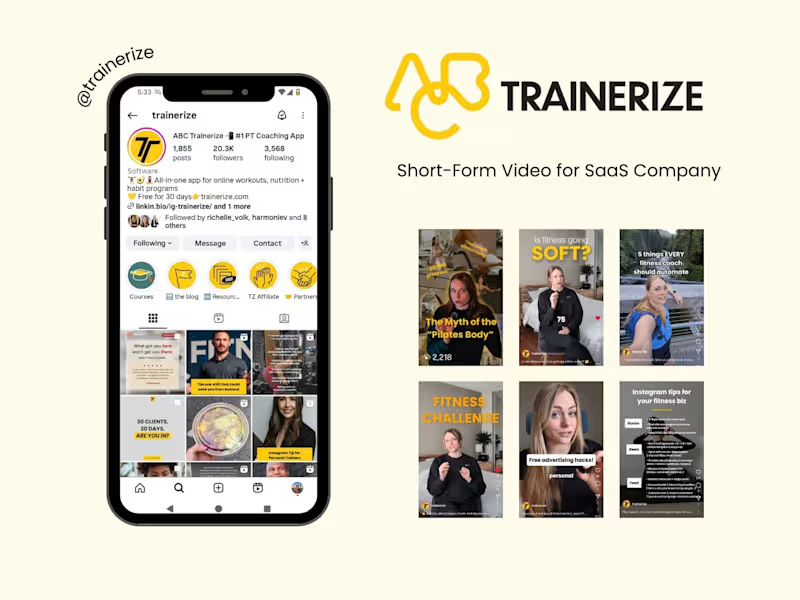
Firstly, make sure you know what kind of video content you need. Is it a short social media clip or a longer promotional video? Define the goals and audience for your video. It will help the CapCut expert understand the style and impact needed.
What file formats should I prepare for a CapCut project?
Check if you have the right video clips and photos ready for sharing. Common video formats like MP4 work well with CapCut. Also, have any logos, graphics, or music files you want included in the project.
How do I determine the project timeline with a CapCut expert?
Decide how soon you need the final video. Talk with the expert to agree on a timeline that works for both sides. Consider any specific dates or events that the video must align with.
What key skills should a CapCut expert have?
Look for someone with skills in video editing, creativity, and attention to detail. They should be familiar with CapCut's advanced features. Check their past work to see if it matches your style and quality needs.
How do I share my vision for the video with the CapCut expert?
Prepare a short brief explaining your idea, theme, and style preferences. Include references or examples if possible. This helps the expert understand exactly what you are looking for.
What milestones should be set for a CapCut project?
Create checkpoints like a first draft or previews during the project. This allows for feedback and any necessary changes. It's a great way to ensure the project is on the right track.
How can I ensure smooth communication with the CapCut expert?
Agree on the best way to communicate, like email or a messaging app. Set regular times for updates or feedback. Clear communication helps avoid misunderstandings.
What creative elements can I discuss with the CapCut expert?
Talk about color schemes, transitions, and effects. Discuss how to make the video align with your brand. Creative collaboration can enhance the project outcome.
How should final deliverables be handled for a CapCut project?
Decide on the format and resolution you need for the video. Discuss options for downloading and storing the final project. Ensure all agreed deliverables are included before closing the project.
Who is Contra for?
Contra is designed for both freelancers (referred to as "independents") and clients. Freelancers can showcase their work, connect with clients, and manage projects commission-free. Clients can discover and hire top freelance talent for their projects.
What is the vision of Contra?
Contra aims to revolutionize the world of work by providing an all-in-one platform that empowers freelancers and clients to connect and collaborate seamlessly, eliminating traditional barriers and commission fees.























![Cover image for Fav views from Taormina - Sicily 🫒🍋 [post stats] (https://...](https://media.contra.com/video/upload/w_800,so_auto/nurfkhivawgk6gv6zec2.avif)