What should I check in a freelancer's Adobe Illustrator portfolio?
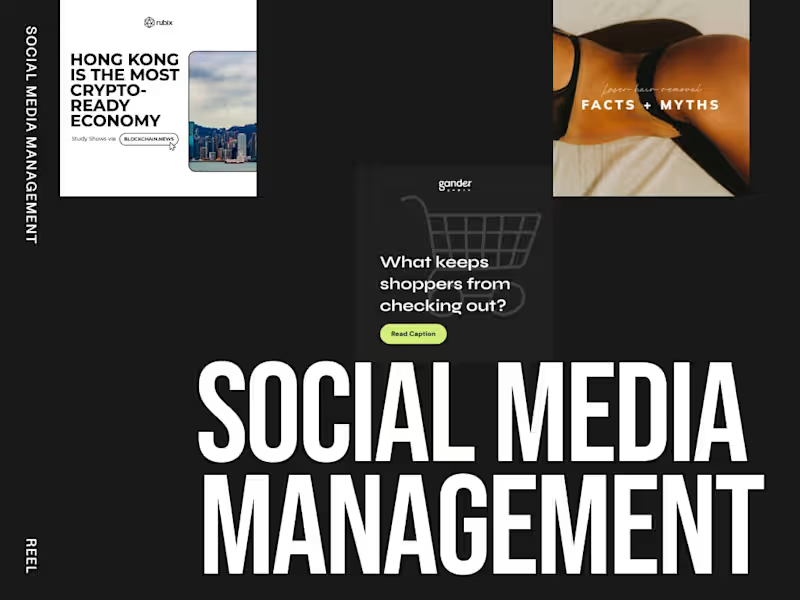
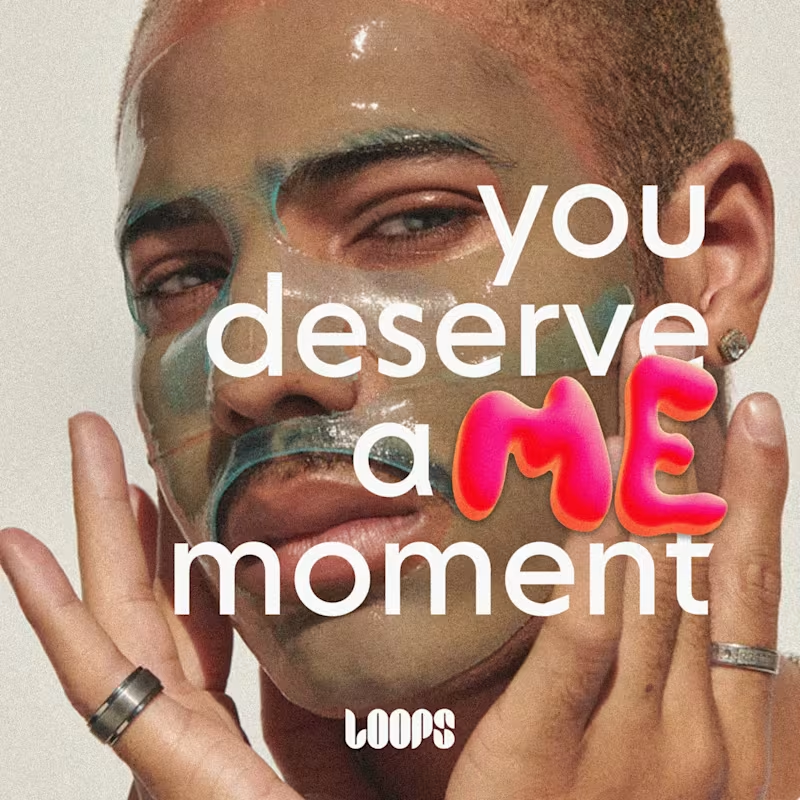
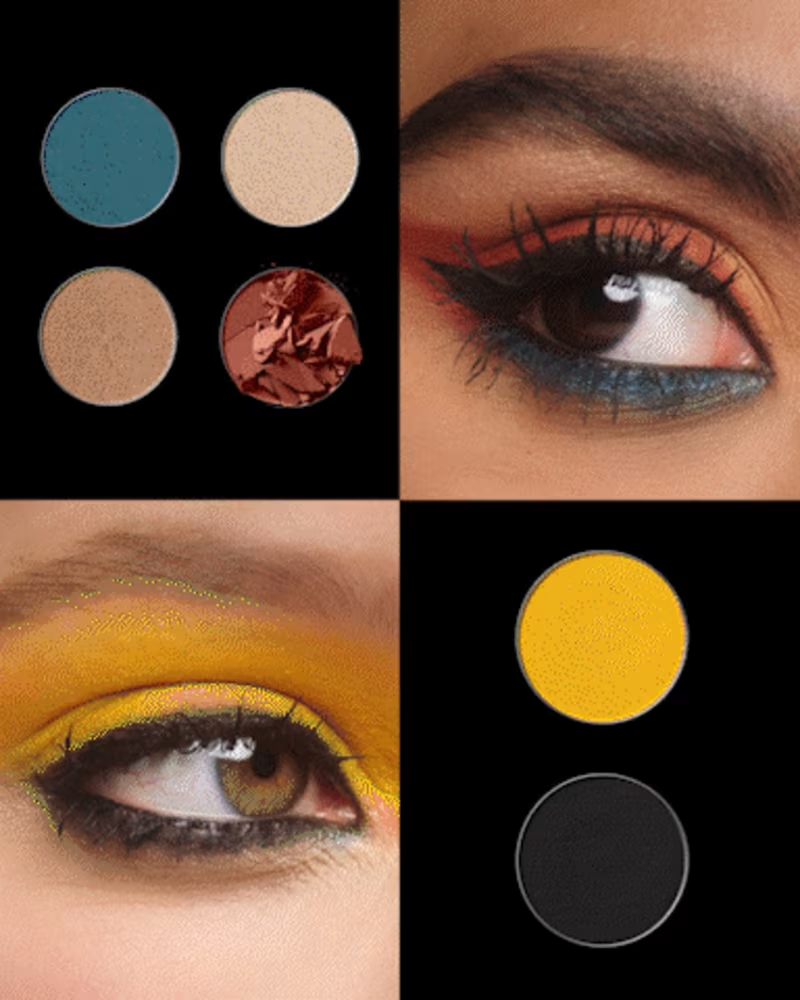
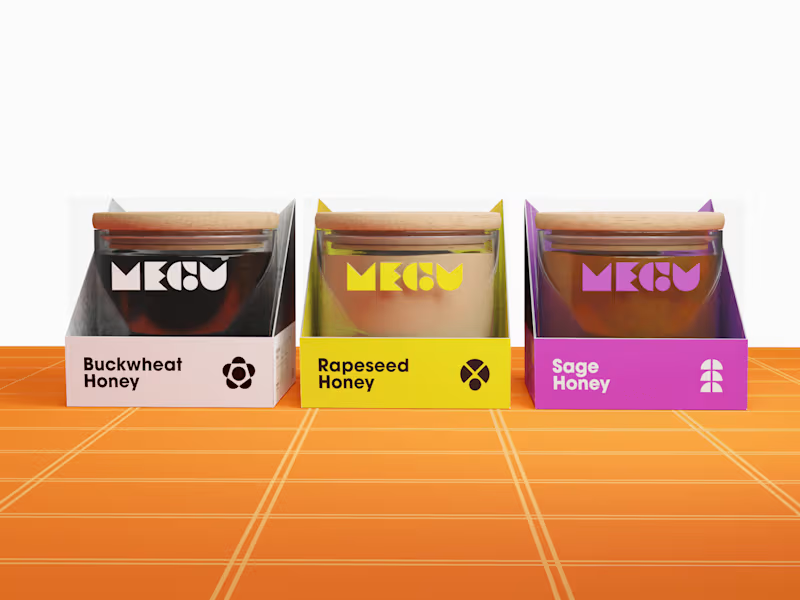
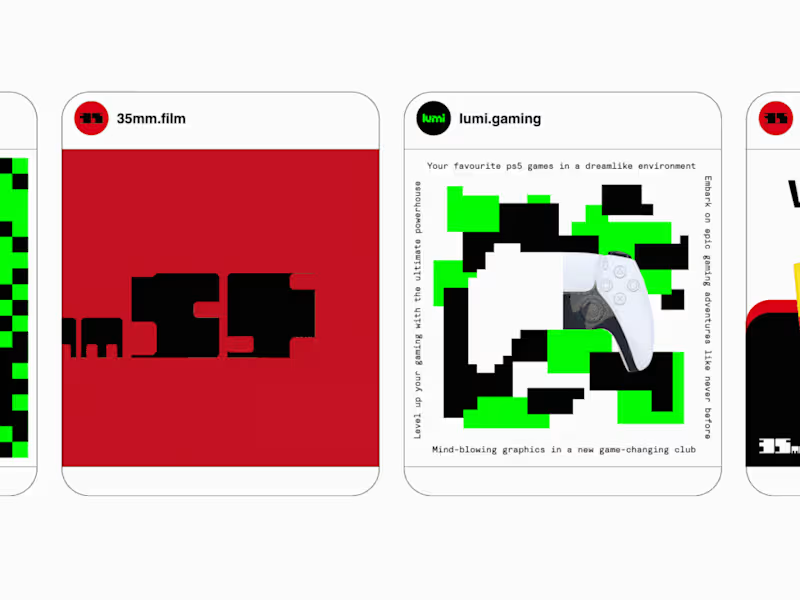
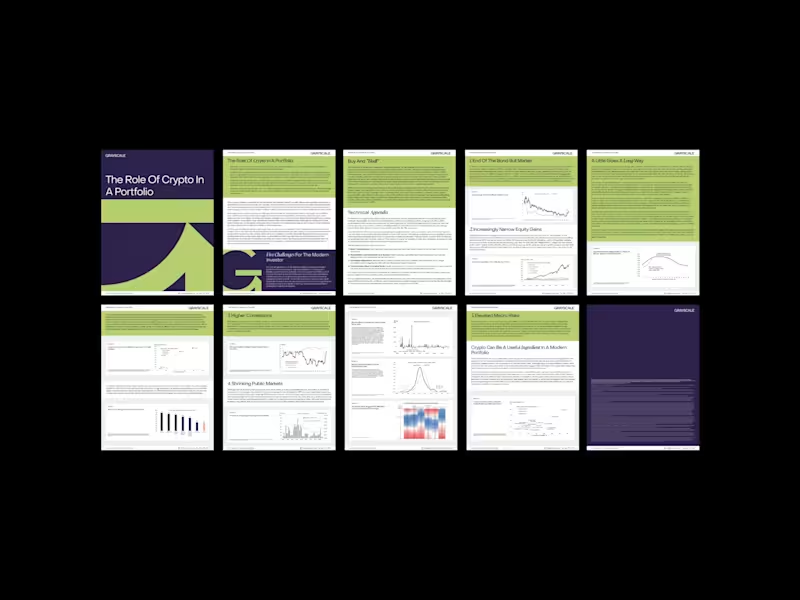
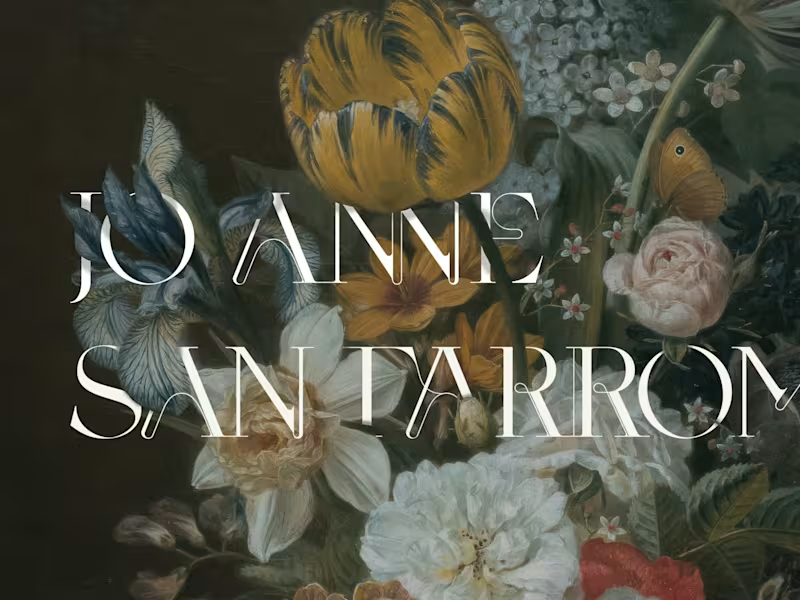
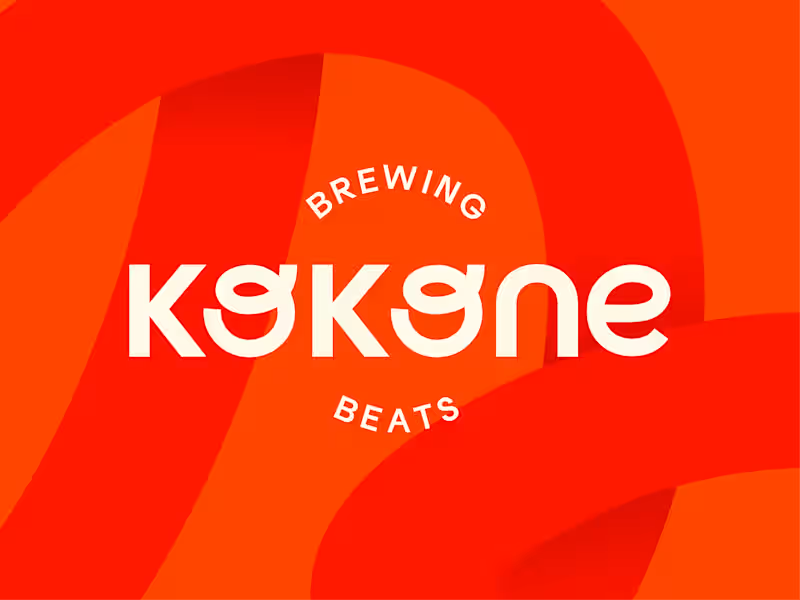
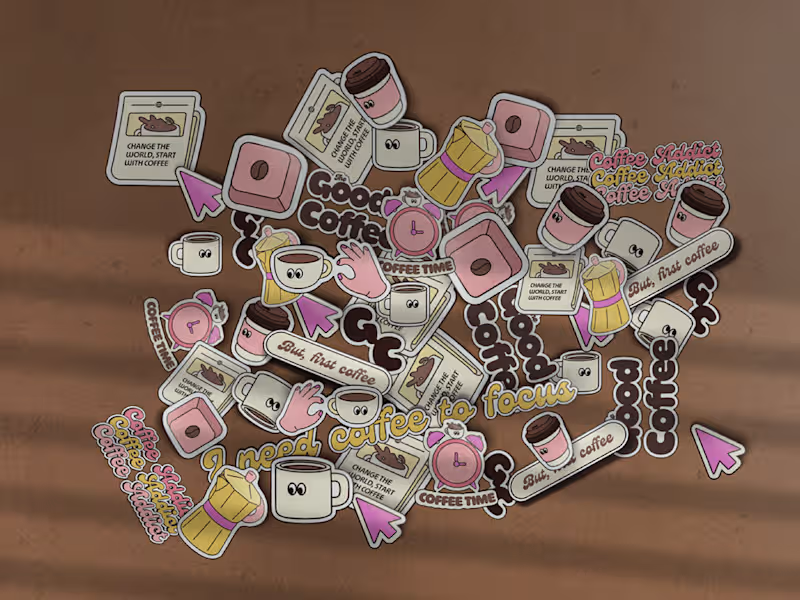
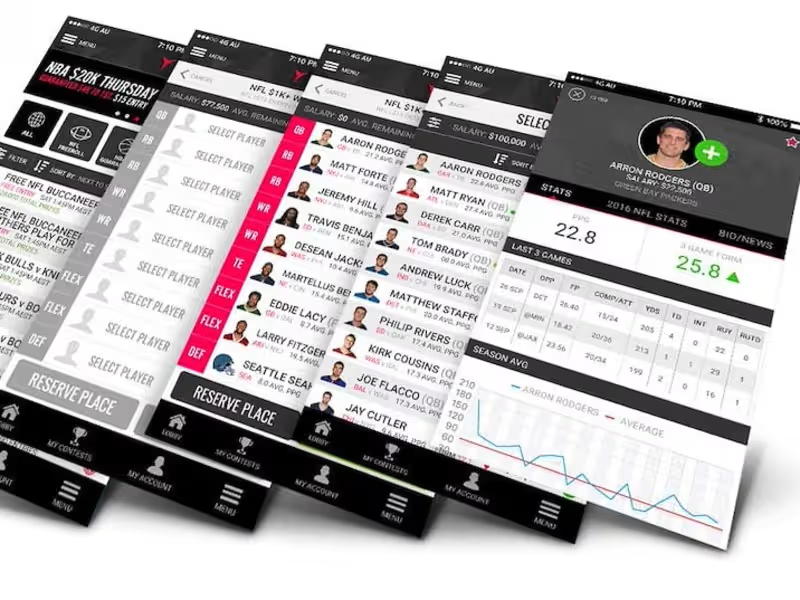
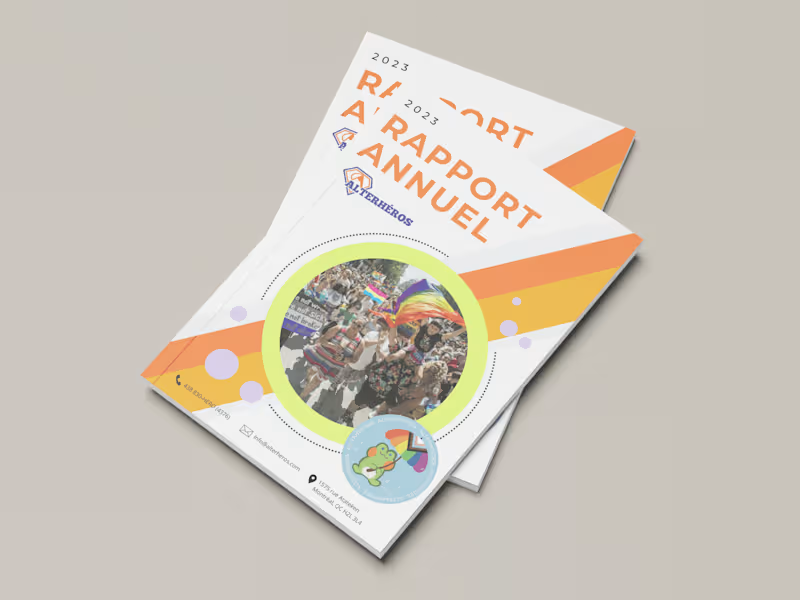
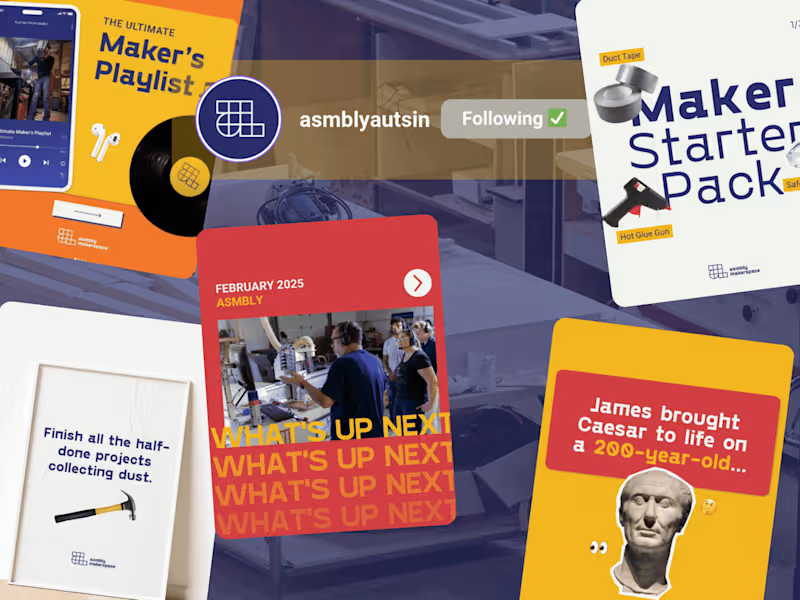
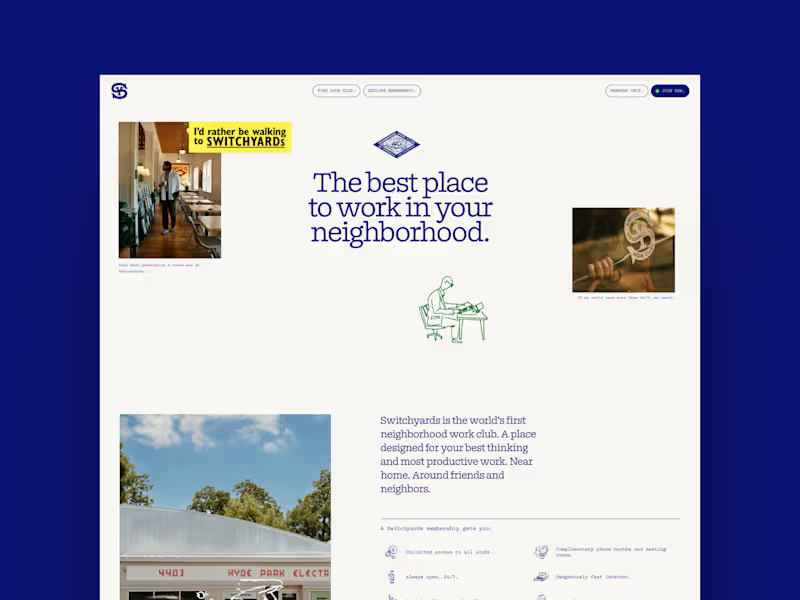
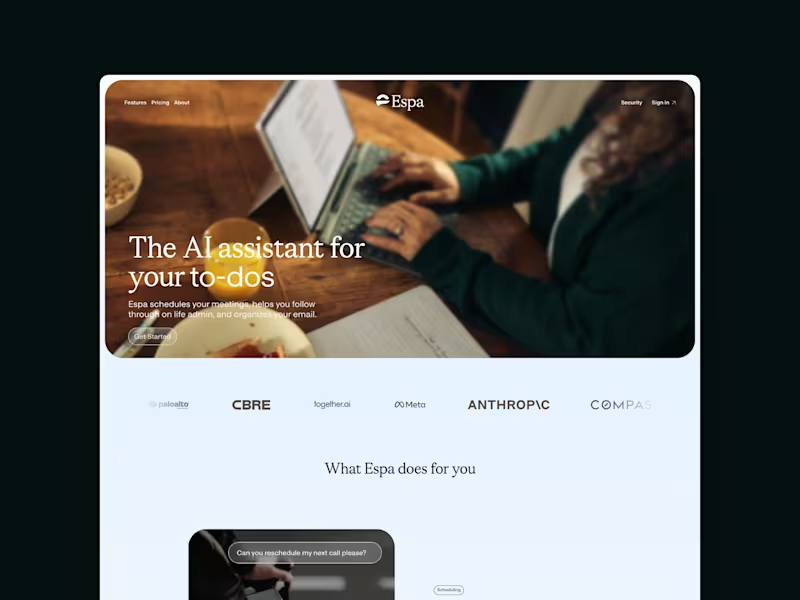
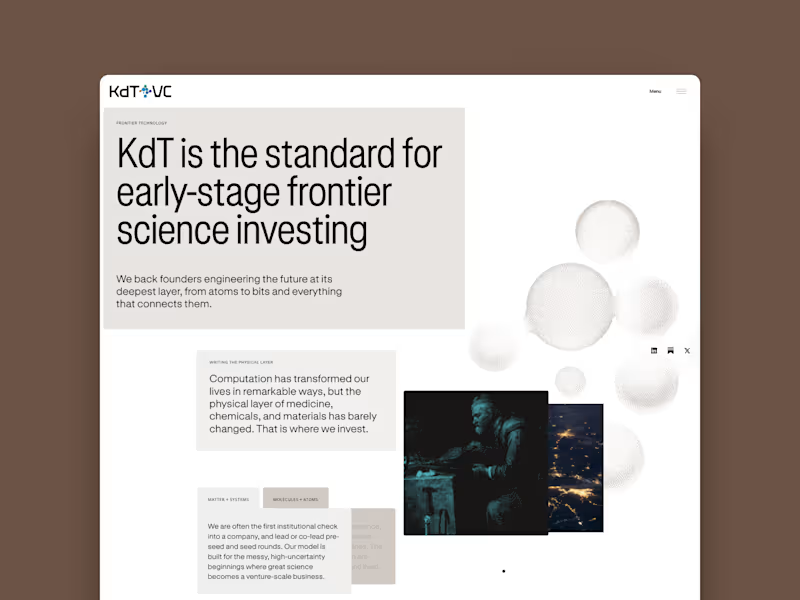
Look for a range of work that matches what you need. Check for style, quality, and creativity. Make sure they have done similar projects before.
How can I ensure clear communication with the Adobe Illustrator expert?
Set up regular check-ins and updates. Use clear and simple language. Make sure both of you agree on tools to use for talking, like email or chat.
What details should I include in a project brief for an Adobe Illustrator freelancer?
Include the project goals and what you want to achieve. Describe any specific styles or designs you like. Mention the timeline and key milestones.
How can I agree on deliverables with an Adobe Illustrator freelancer?
Be specific about what the final product should be. Discuss any formats or sizes you need. Agree on how many drafts or revisions are allowed.
What questions should I ask to understand a freelancer's Adobe Illustrator skills?
Ask about their experience with vector graphics. Find out if they have worked on projects like logos. Ask about their favorite tools or features within Adobe Illustrator.
How do I start the project with the Adobe Illustrator expert?
Set a clear start date with them. Make sure they have everything they need from you. Confirm they understand the timing and expectations.
What should I do to make sure an Adobe Illustrator project stays on track?
Set deadlines for different stages of the project. Check in with your freelancer regularly. Adjust the plan if needed to meet the final deadline.
How can I confirm the Adobe Illustrator expert's reliability?
Look for testimonials or reviews from other clients. Verify any certifications or qualifications they have. Ask for references if needed.
What should I discuss with a freelancer before they start a logo design?
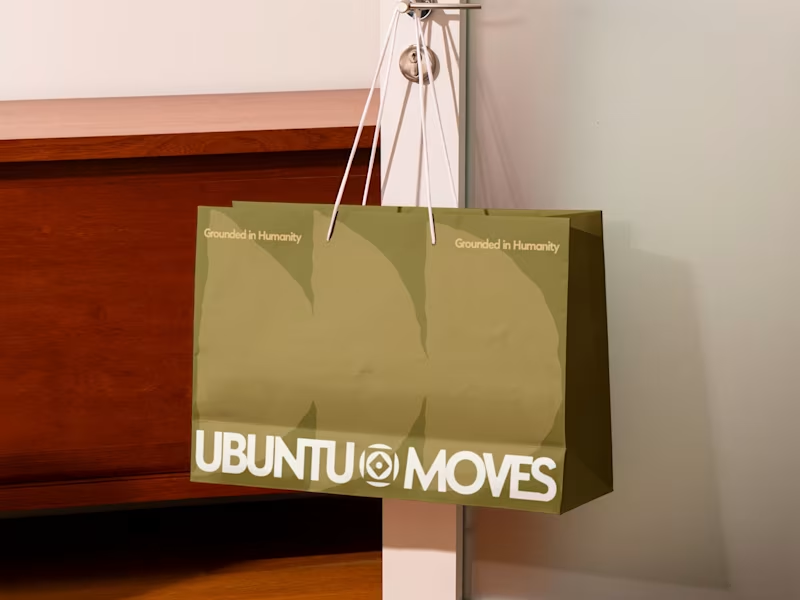
Talk about your brand story and the message you want to communicate. Share any design preferences or color schemes you like. Discuss how and where you will use the logo.
How do I finalize an Adobe Illustrator project with a freelancer?
Review the final deliverables against the agreed-upon terms. Ensure all files are delivered in the right format. Provide feedback and discuss any last-minute changes.
Who is Contra for?
Contra is designed for both freelancers (referred to as "independents") and clients. Freelancers can showcase their work, connect with clients, and manage projects commission-free. Clients can discover and hire top freelance talent for their projects.
What is the vision of Contra?
Contra aims to revolutionize the world of work by providing an all-in-one platform that empowers freelancers and clients to connect and collaborate seamlessly, eliminating traditional barriers and commission fees.