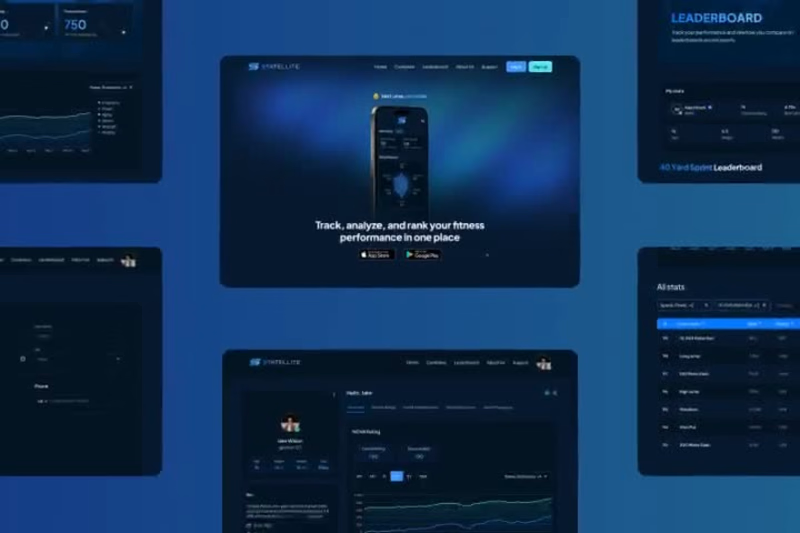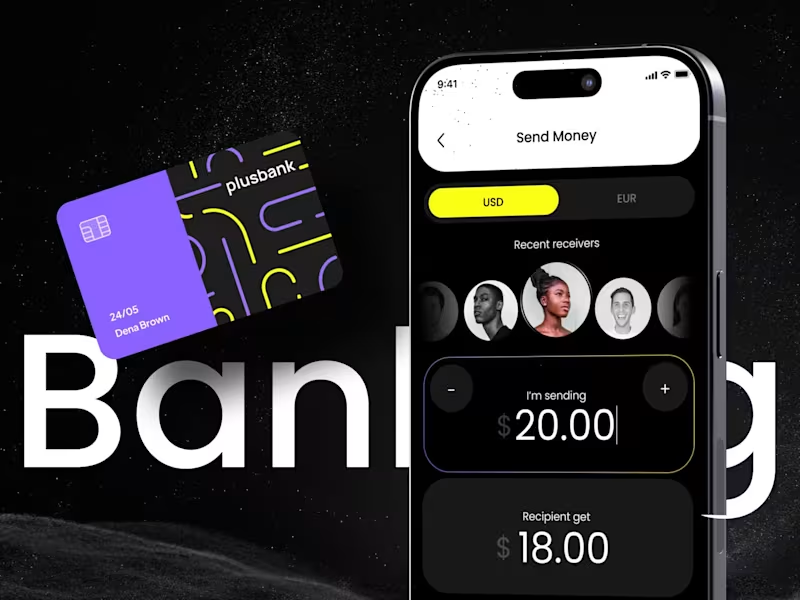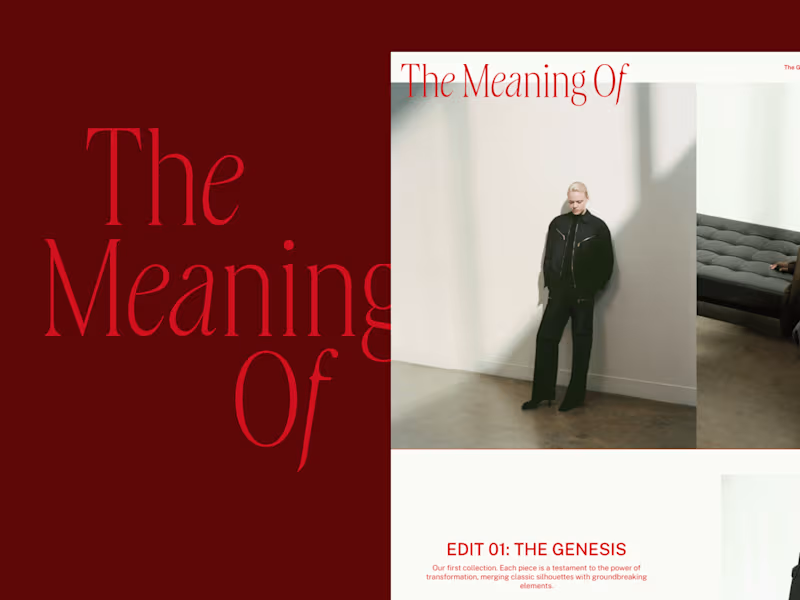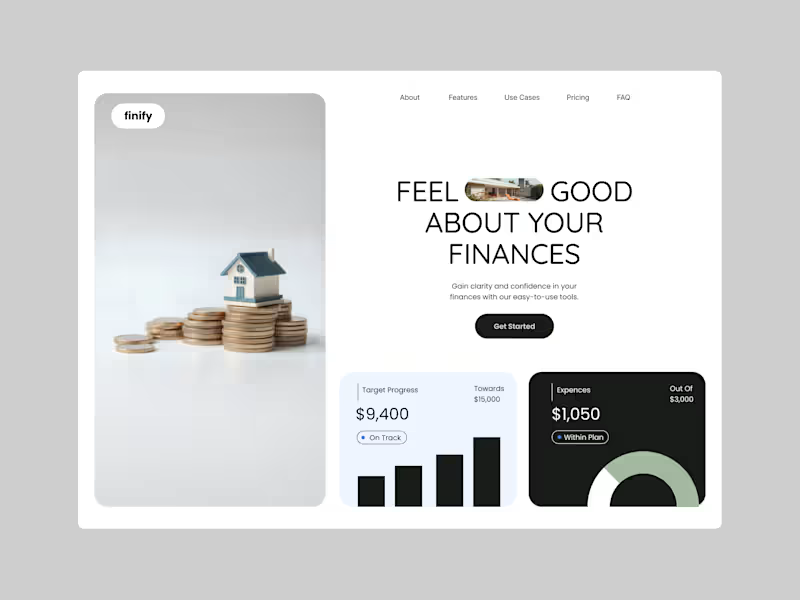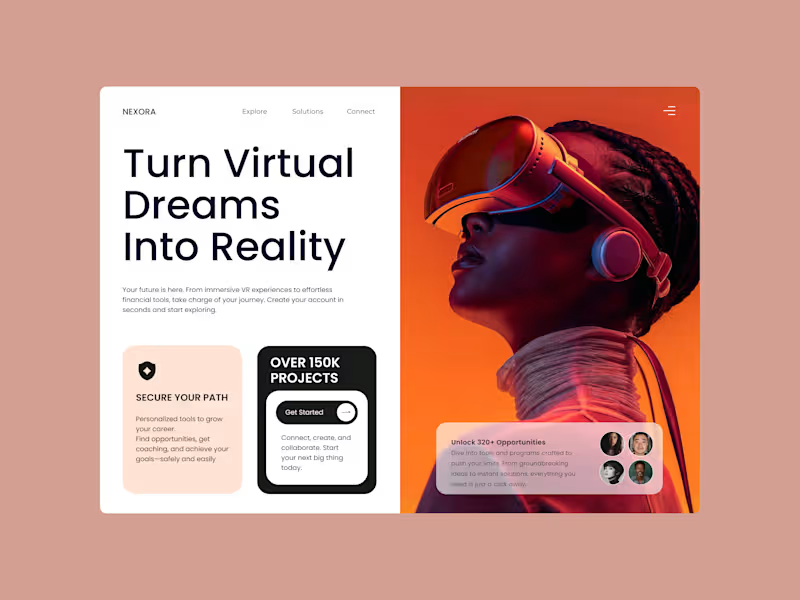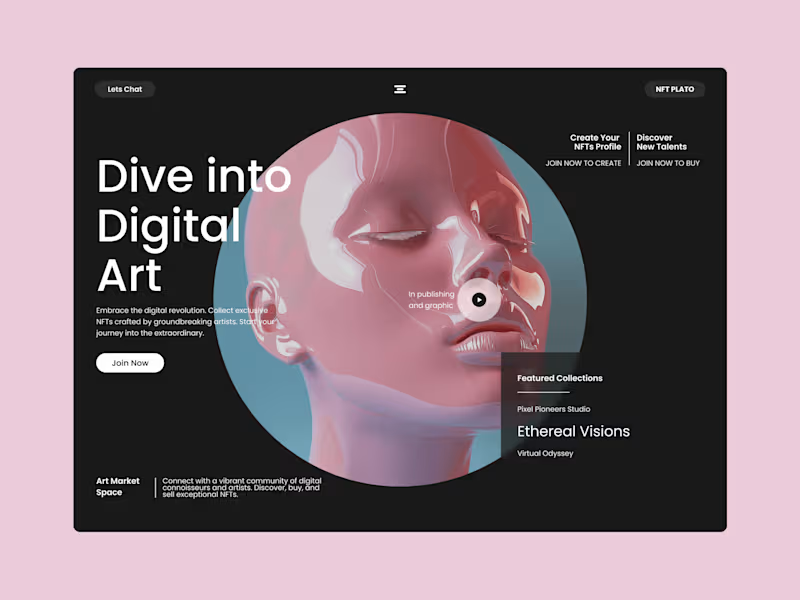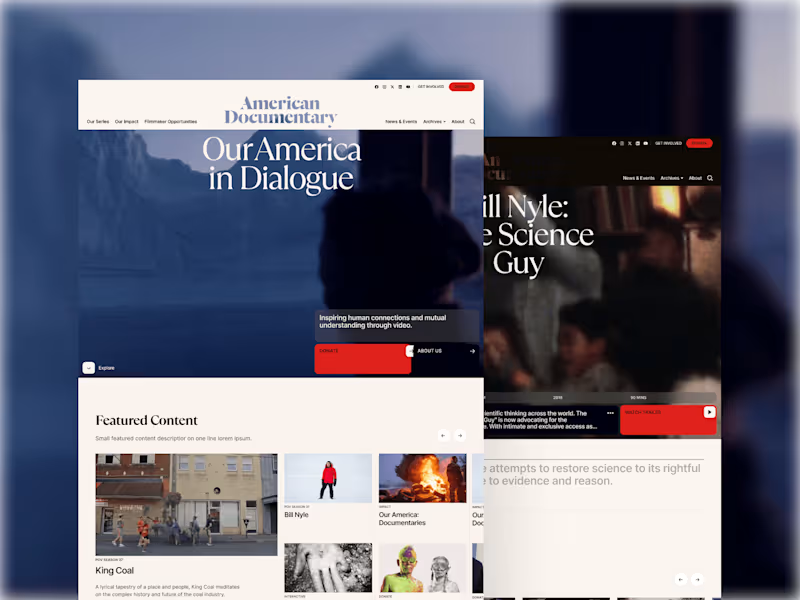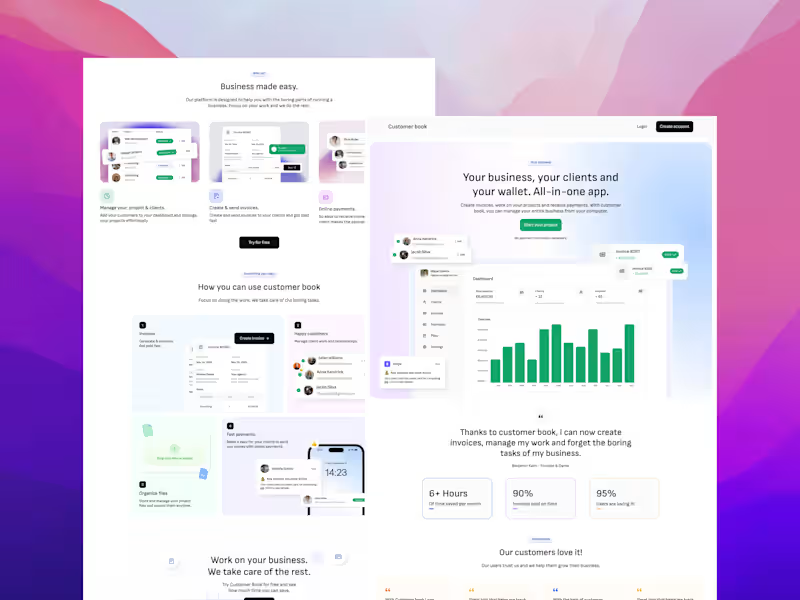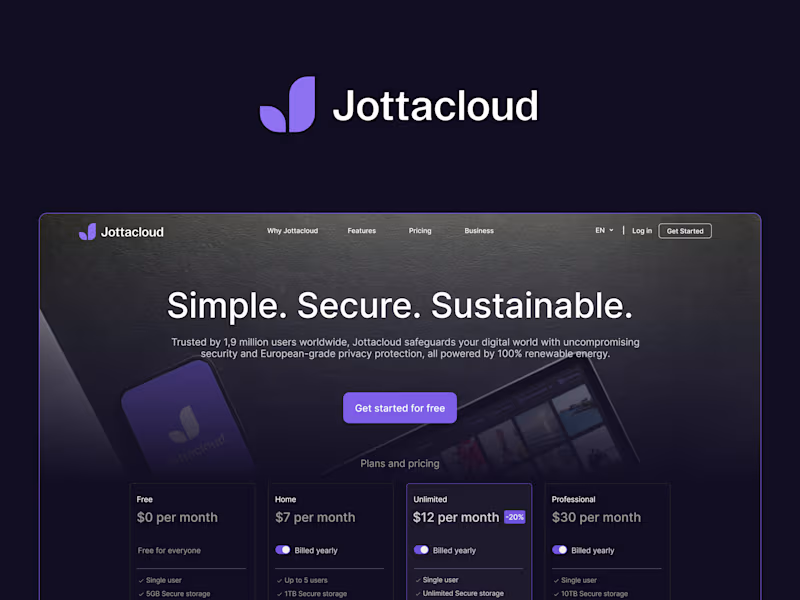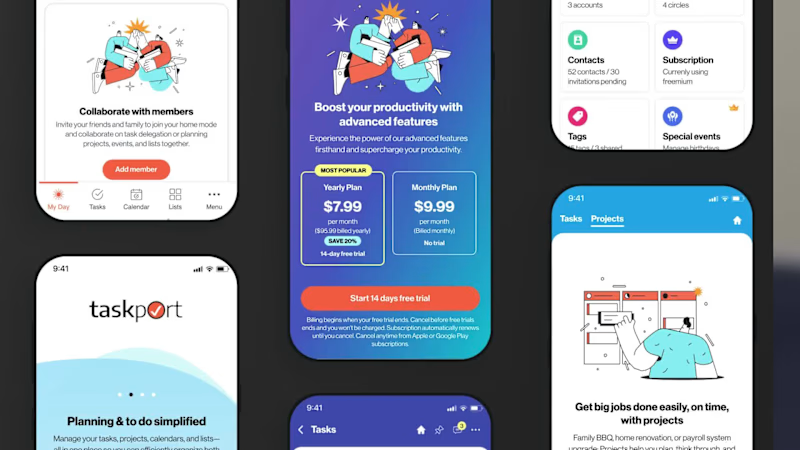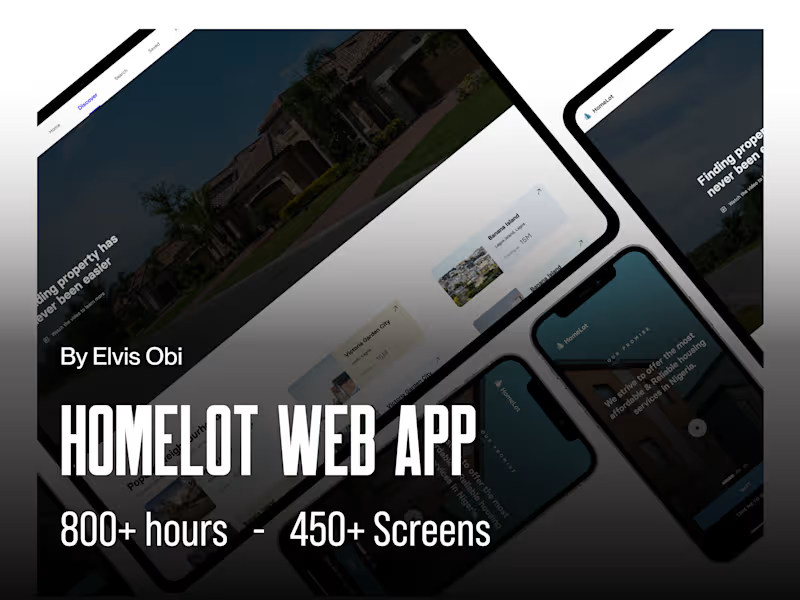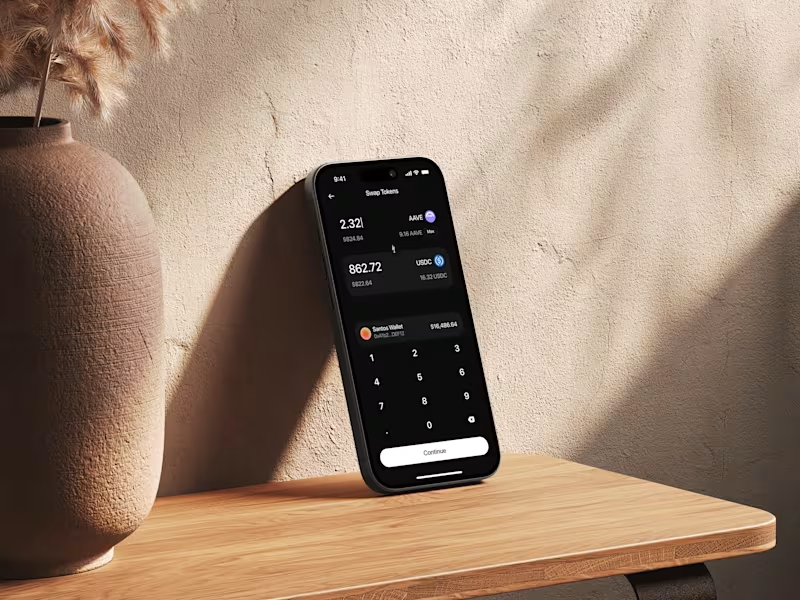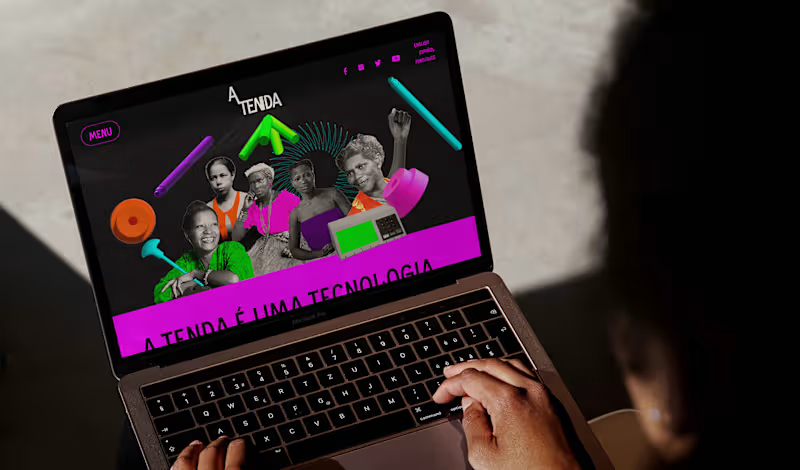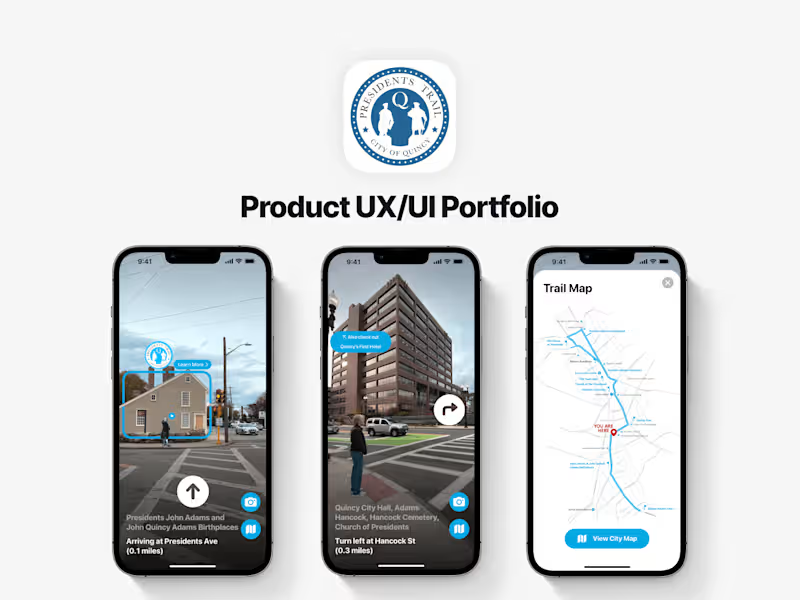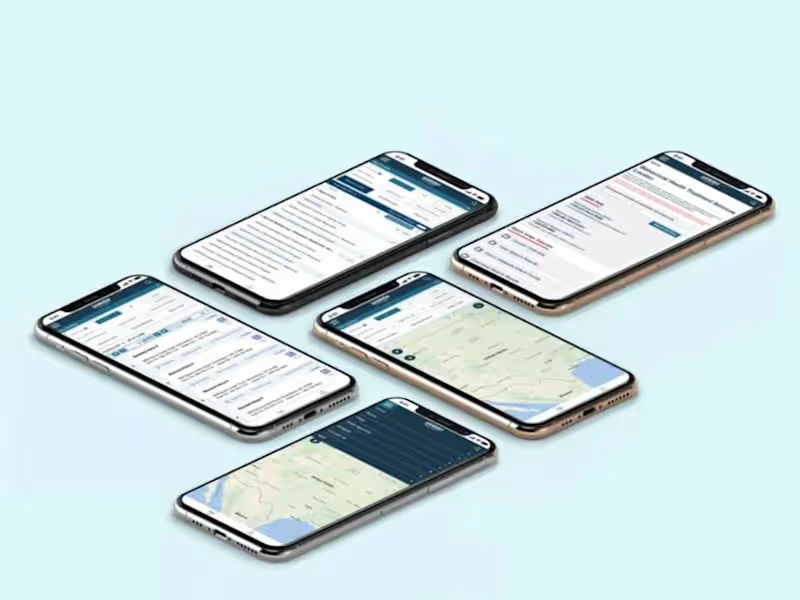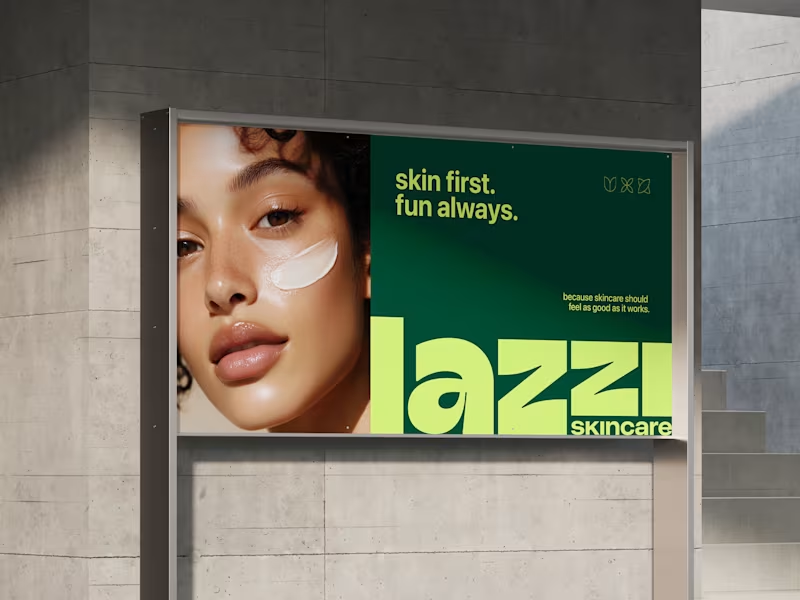



























What should I look for in a UX designer's portfolio?
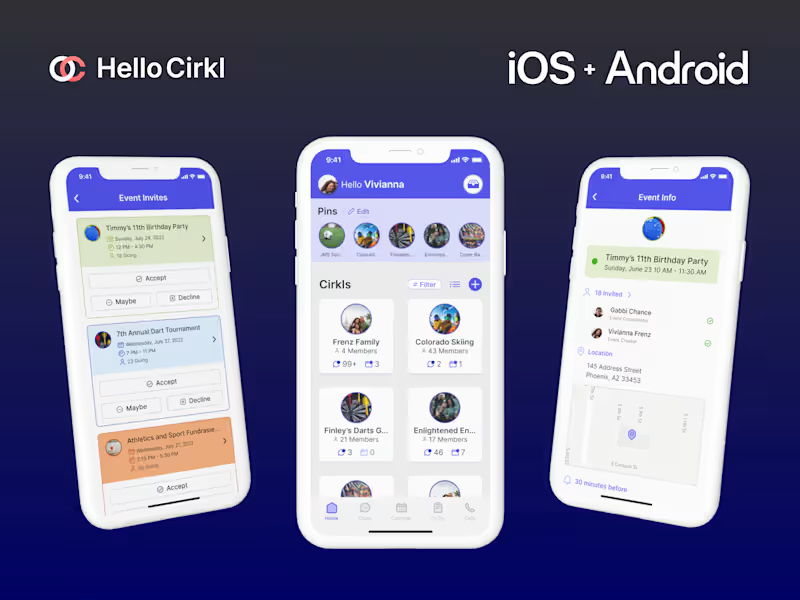
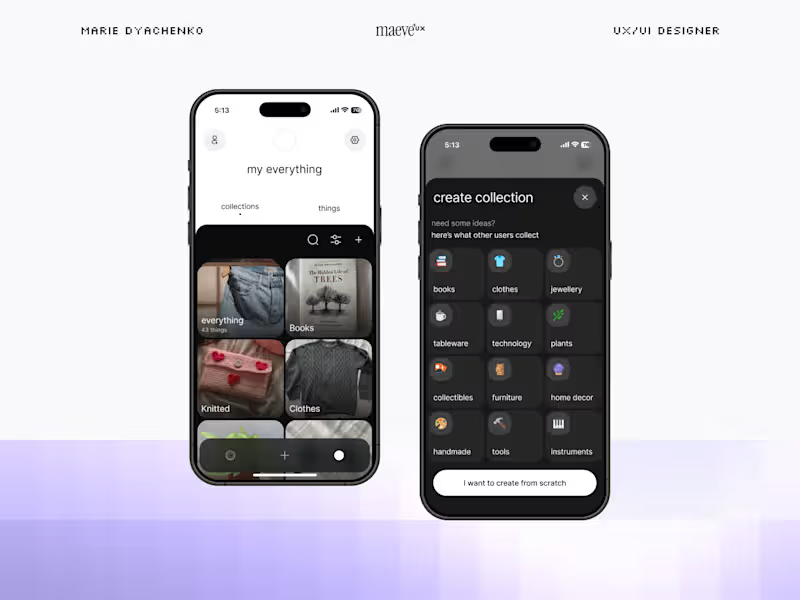
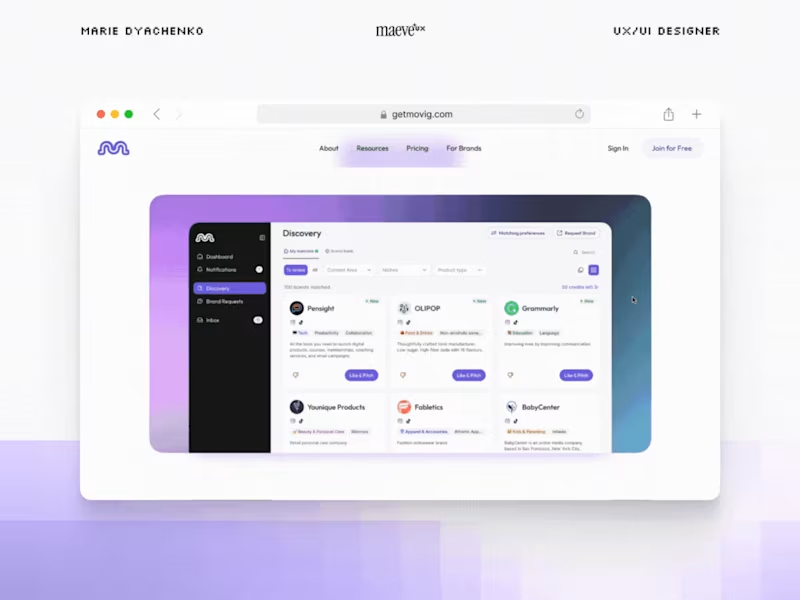
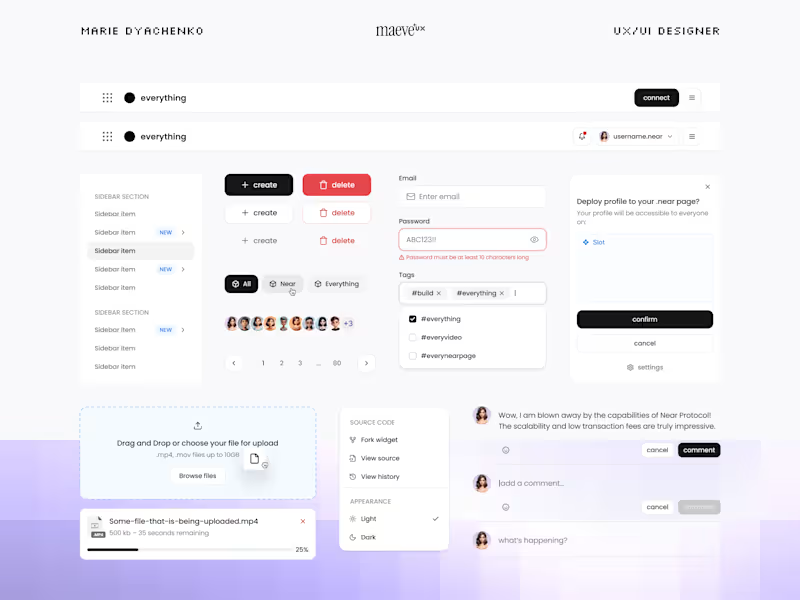
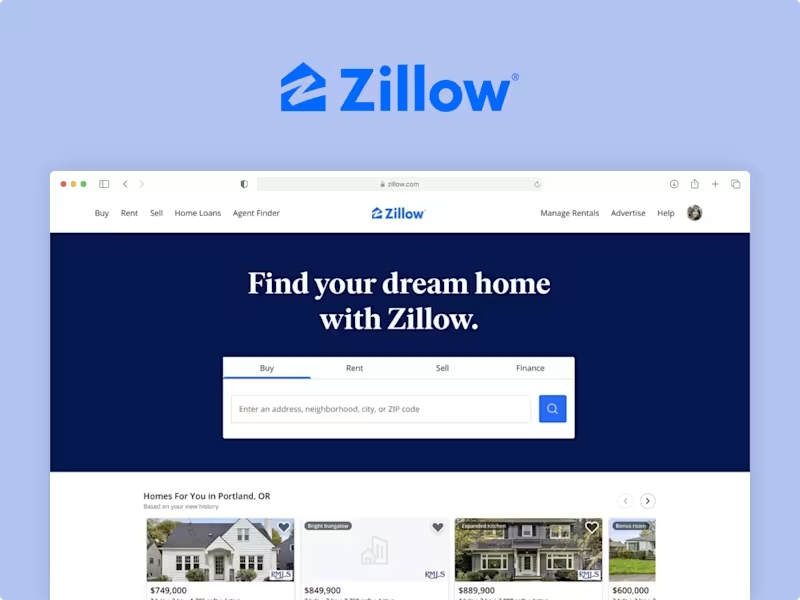
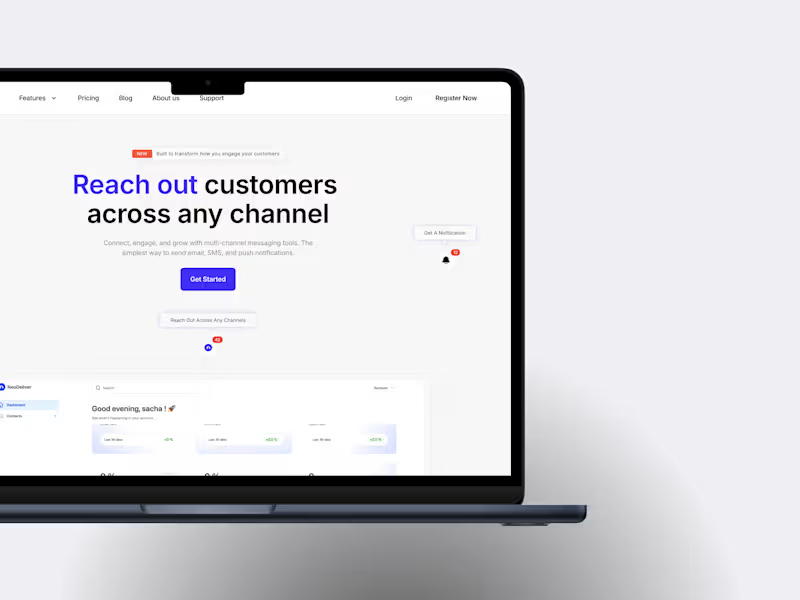
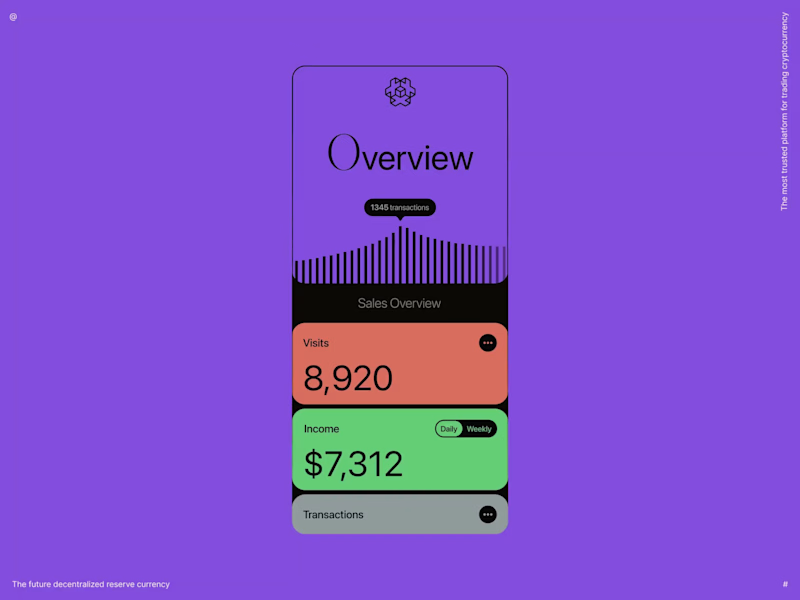
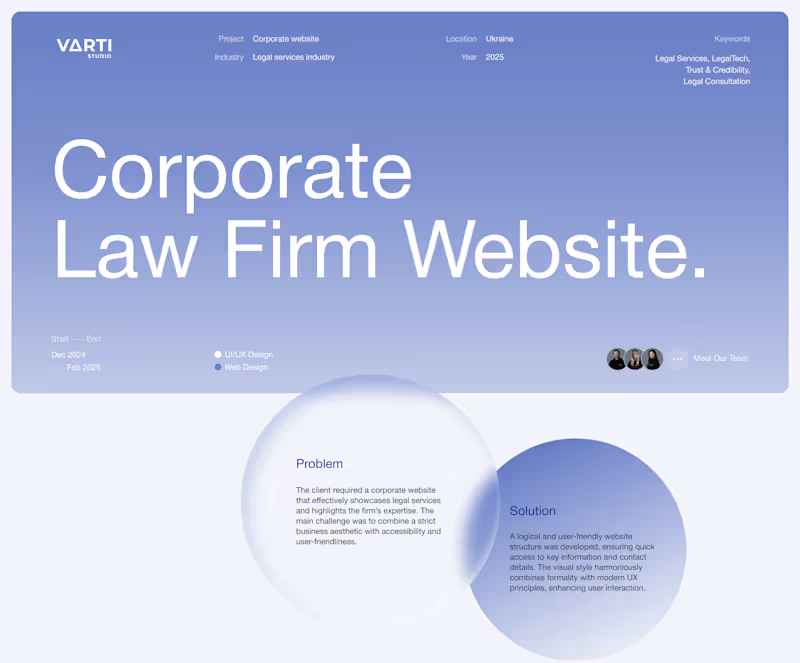
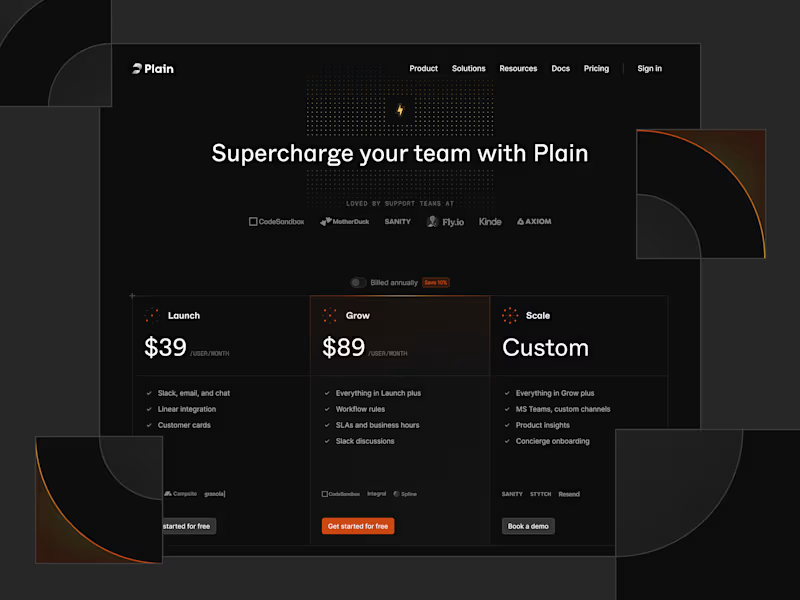
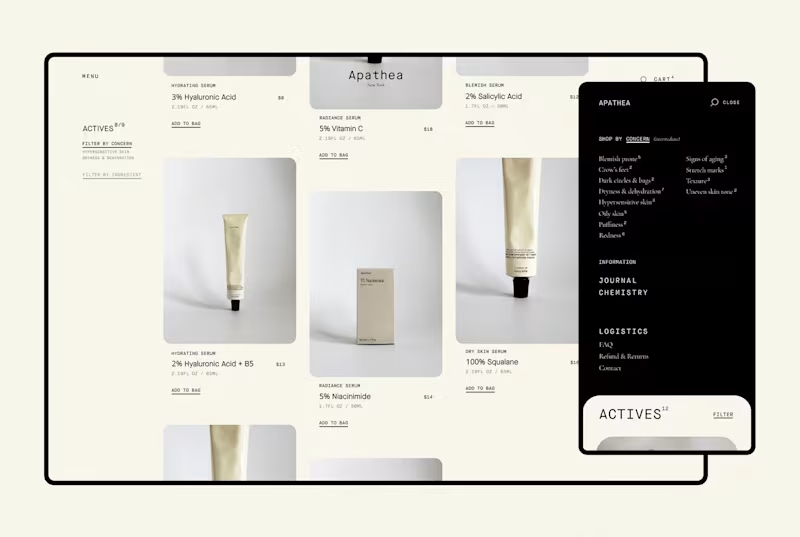
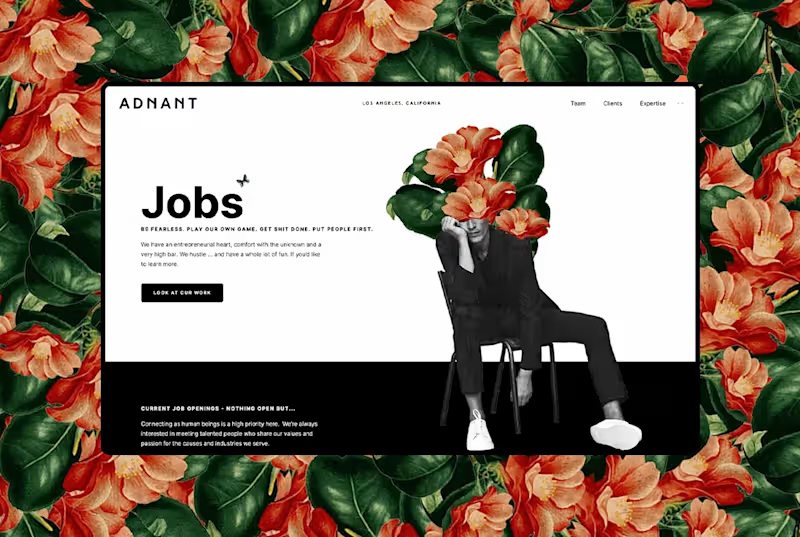
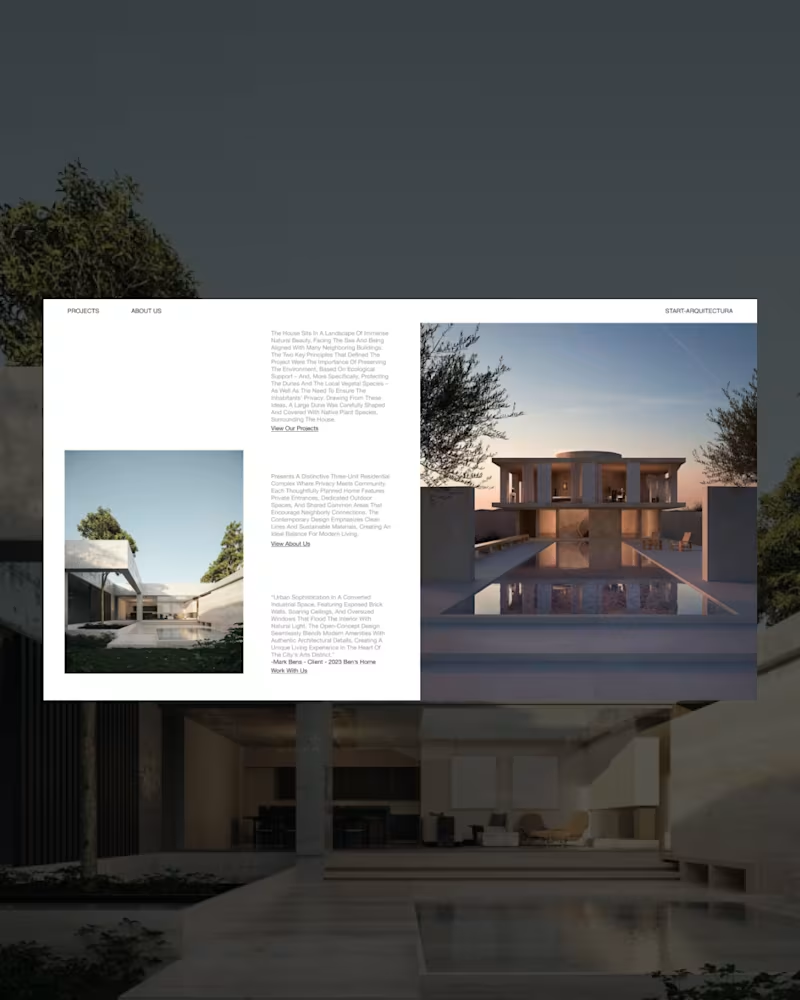
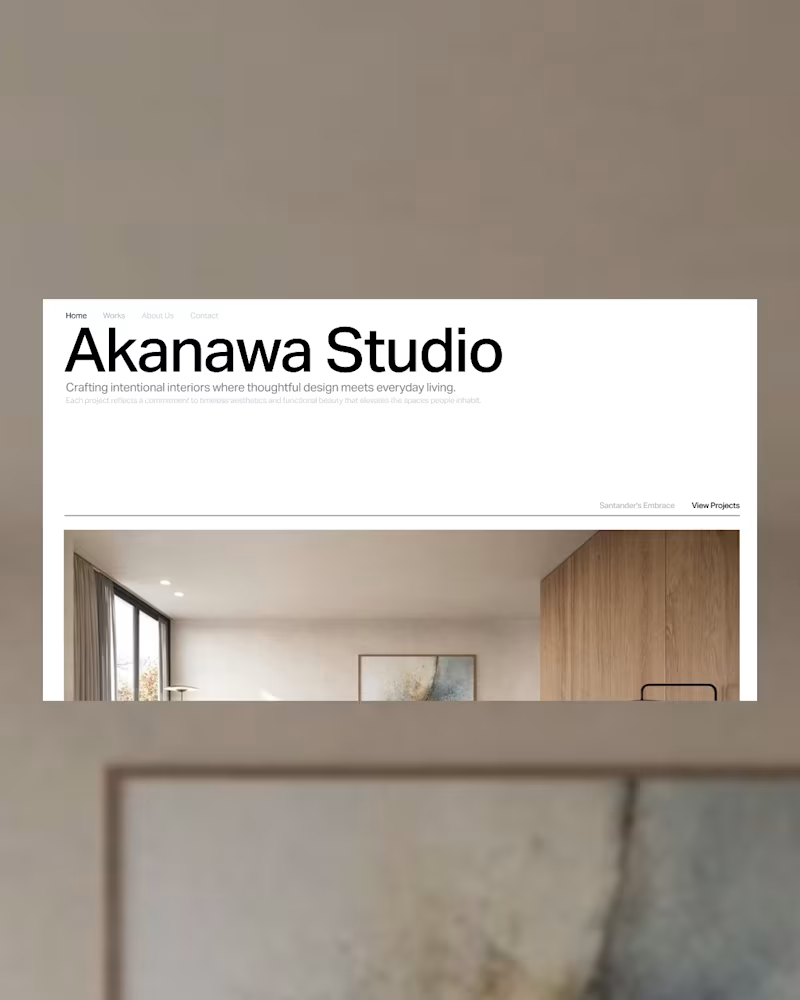
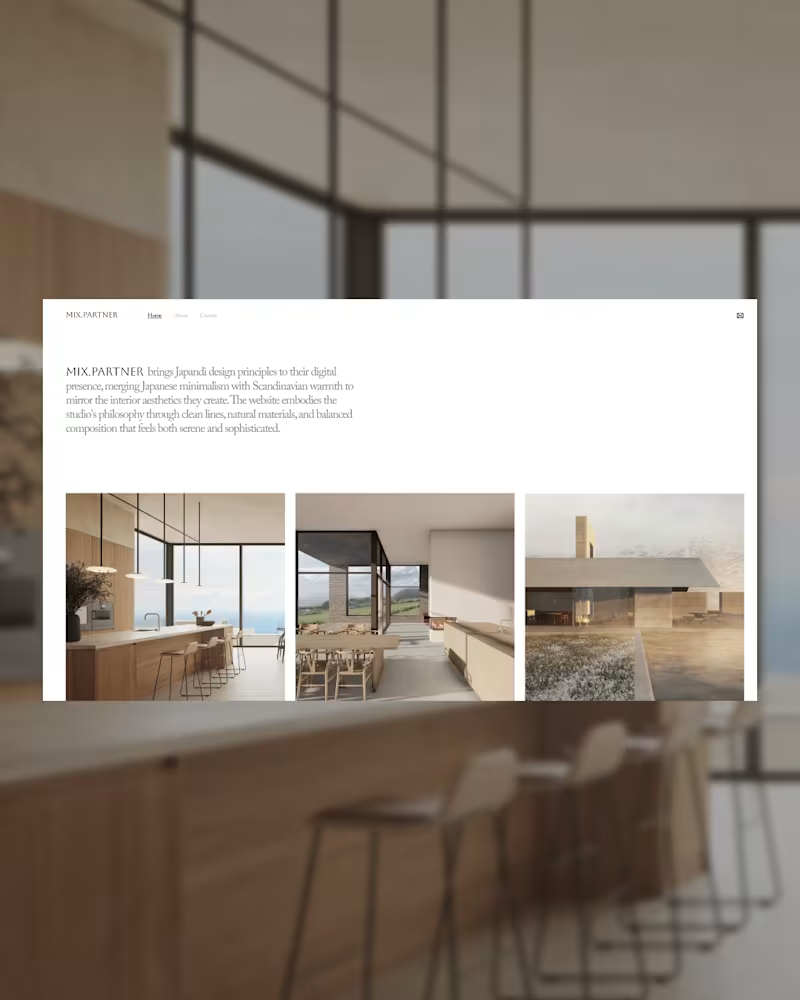
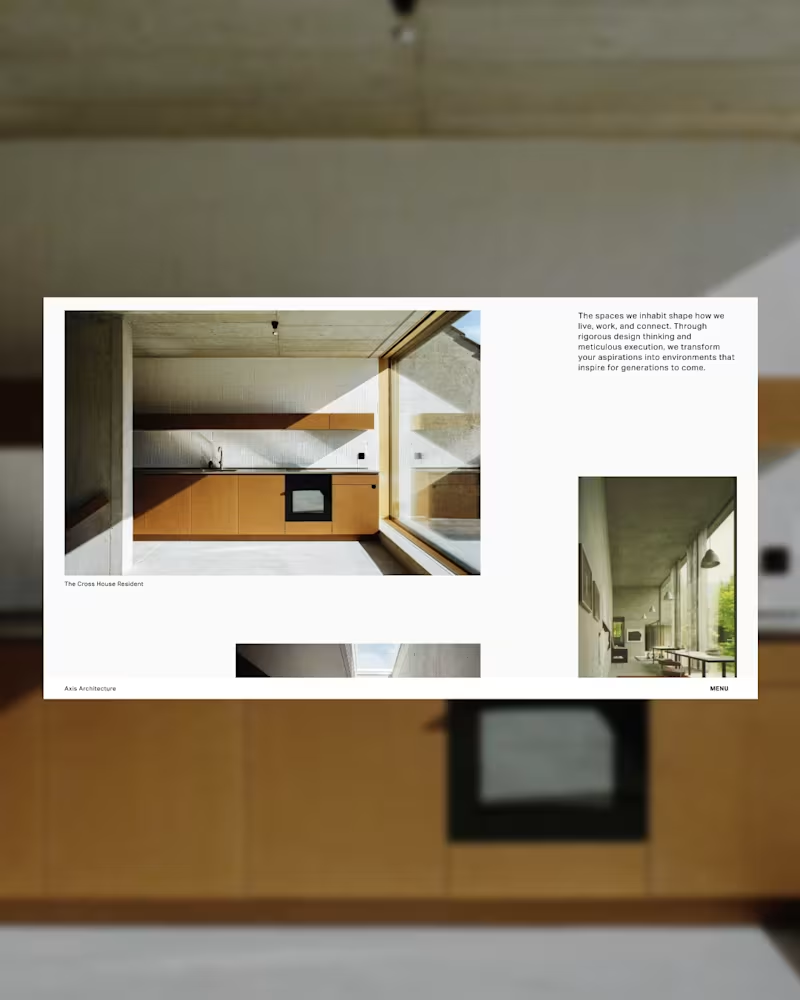
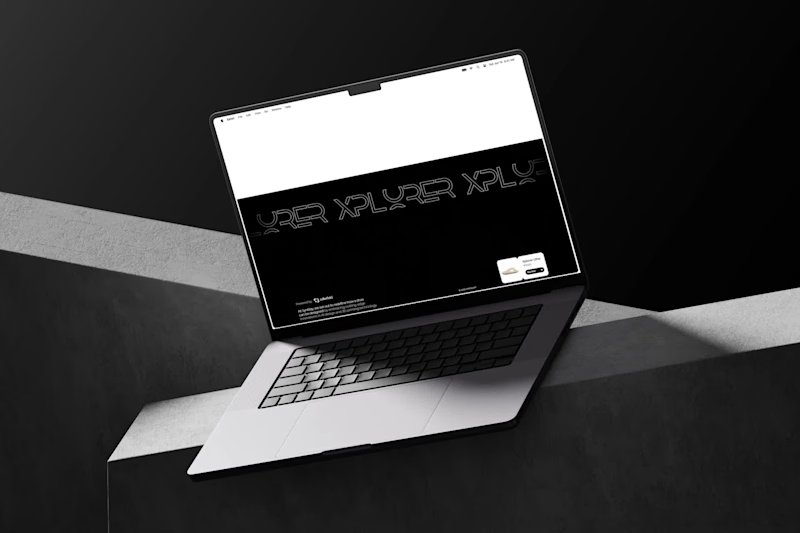
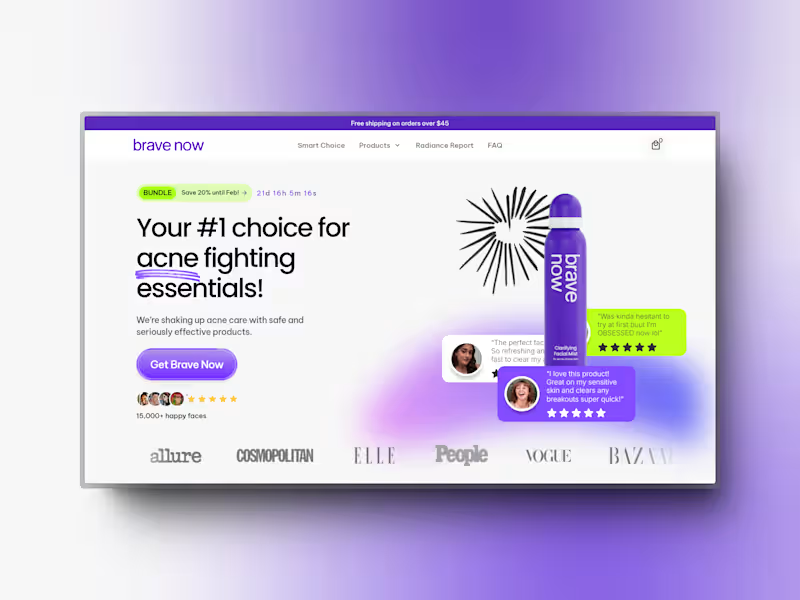
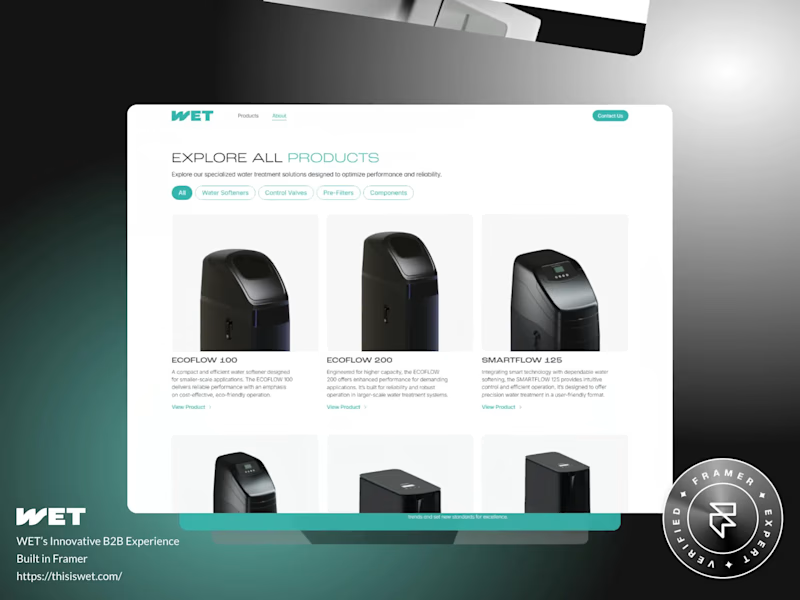
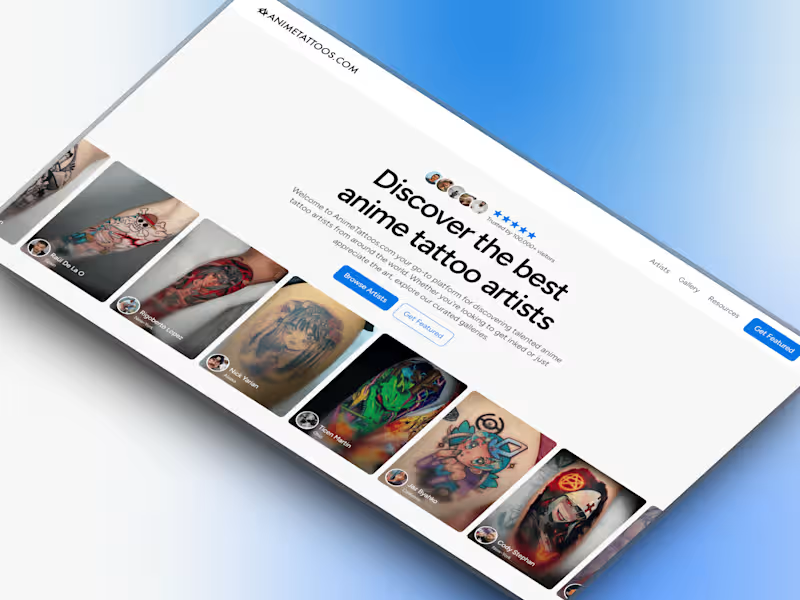
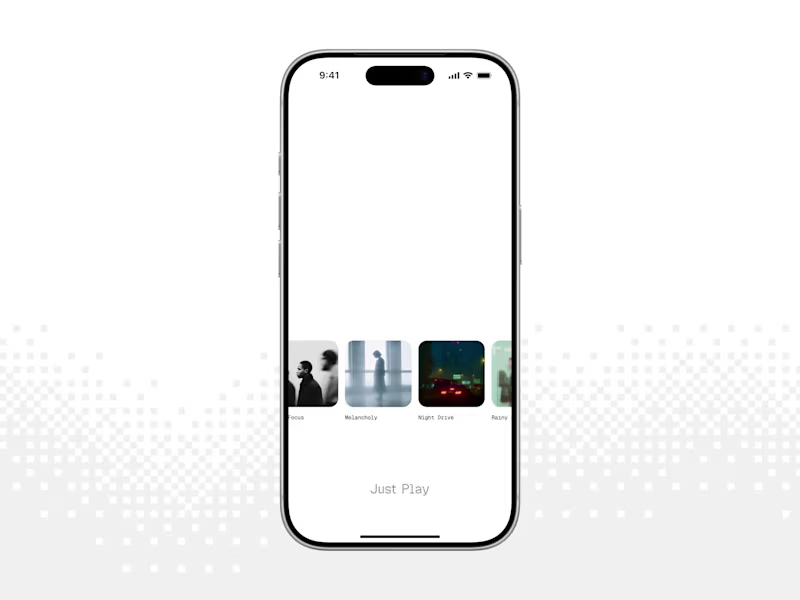
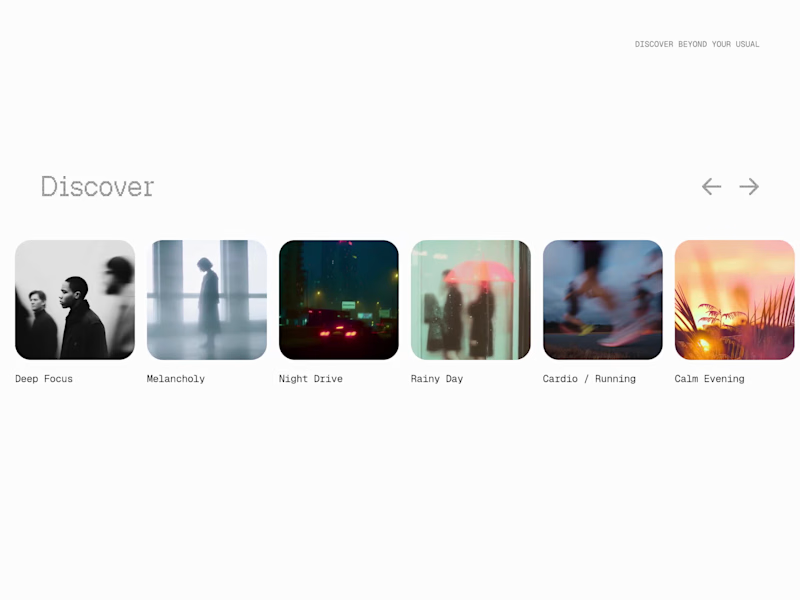
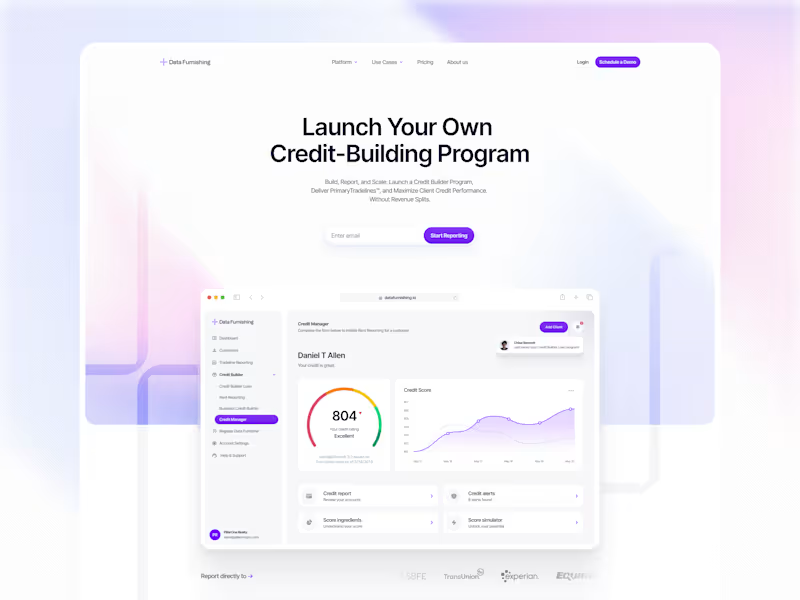
Check their past projects to see if they match what you need. Look for designs that solve real user problems with easy-to-use designs. A strong portfolio shows their skills and the types of projects they like to work on. This helps you guess if they can do your project.
How can I explain my project needs to a UX designer clearly?
Start by describing your product and who will use it. Share any goals or problems you want the designer to solve. Use simple words to show what you expect from the project. Good communication helps the designer create designs that work for you.
How do I decide what deliverables to ask for from a UX designer?
Decide what parts of the design process you need help with. Common deliverables include wireframes, user flows, and prototypes. Think about how you will use these deliverables to reach your project goals. Clear deliverables guide the designer and make sure you get what you need.
What timeline should I set for a UX design project?
Start by deciding when you need the project completed. Consider how complex your project is and how long each step might take. Talk to the designer about their schedule and make a plan together. A good timeline makes sure everyone knows when things need to be done.
How do I check if a UX designer understands my project?
After explaining your project, ask the designer to repeat it back in their own words. See if they ask questions that show they want to learn more. They may also offer ideas or solutions right away. This shows they understand and are interested in helping you.
What questions should I ask to check a UX designer's experience with similar projects?
Ask if they have worked on projects like yours before. Discuss the tools and methods they used in those projects. Find out what they learned from those experiences and how they could apply it to your project. This helps you see if they can handle your project too.
How do I set clear expectations for a UX design project?
Write down what you need and share it with the designer. Include tasks, deadlines, and examples of what you like. Talk about how you will communicate and how often you will check in. Clear expectations prevent misunderstandings and make the project go smoothly.
How can I ensure smooth collaboration with a UX designer?
Agree on ways to share feedback and make changes to their designs. Plan regular meetings to discuss progress and any changes needed. Respect each other’s time and skills. Working together well makes the project more enjoyable and successful.
How do I measure the success of a UX design project?
Determine what goals your project should achieve, like increased user satisfaction or easier navigation. Ask the designer to suggest ways they can test these goals with the design. Together, you can track progress and see if the design meets your needs. Clear goals help show if the design is a success.
Who is Contra for?
Contra is designed for both freelancers (referred to as "independents") and clients. Freelancers can showcase their work, connect with clients, and manage projects commission-free. Clients can discover and hire top freelance talent for their projects.
What is the vision of Contra?
Contra aims to revolutionize the world of work by providing an all-in-one platform that empowers freelancers and clients to connect and collaborate seamlessly, eliminating traditional barriers and commission fees.