




















What should I include in my project brief for a UI designer?
Start by writing down what your project needs. Explain who your users are and what problems they're facing. Add any design styles you like or want the designer to follow. Tell the designer about the goals you have for the user interface. This helps the designer understand your vision and work on it effectively.
How do I communicate my design preferences to a UI designer?
Share examples of designs you like or dislike with the designer. Be clear about what you love in each example, like colors or layouts. Also, explain why certain designs won't work for your project. Use simple words to describe how you want users to feel when they use your product. This helps the designer know your taste and style preference.
What key skills should I look for in a freelance UI designer?
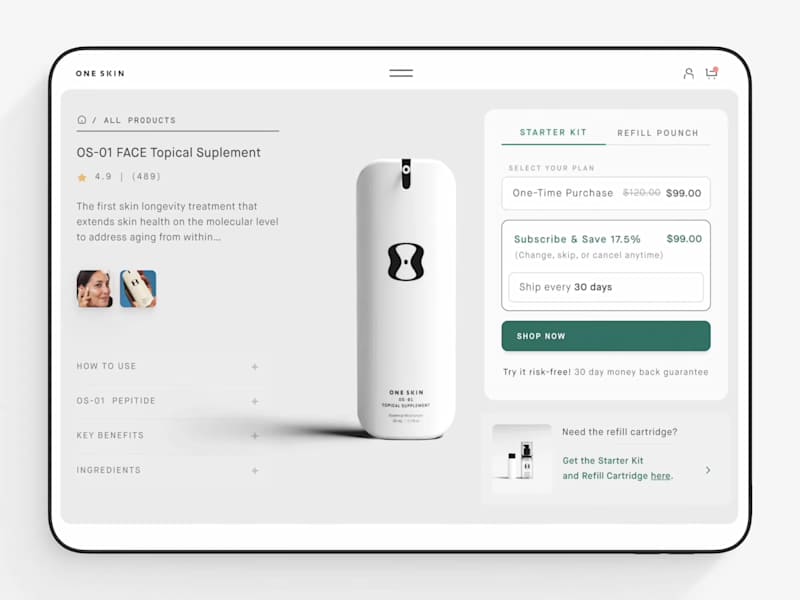
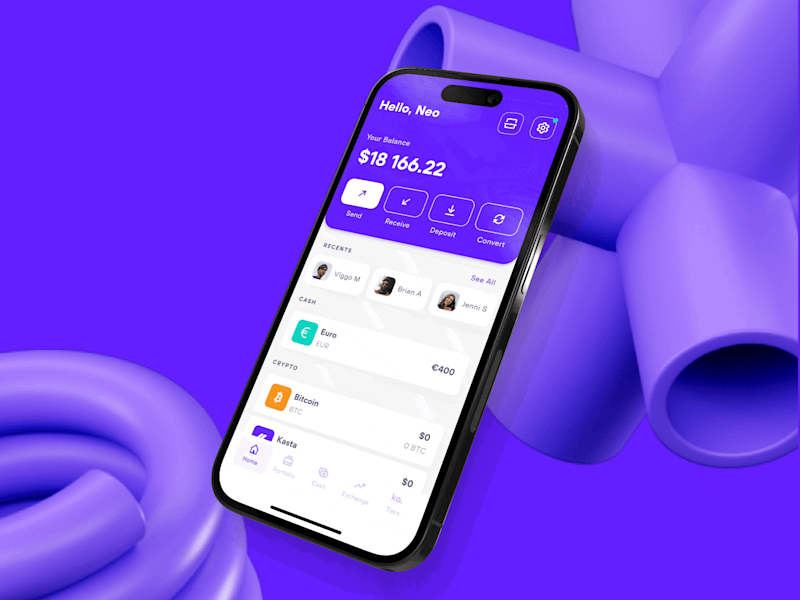
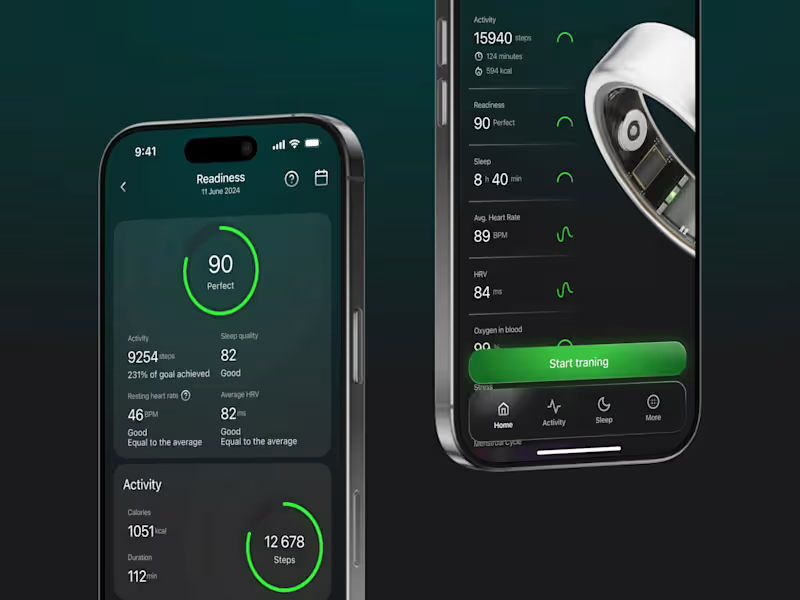
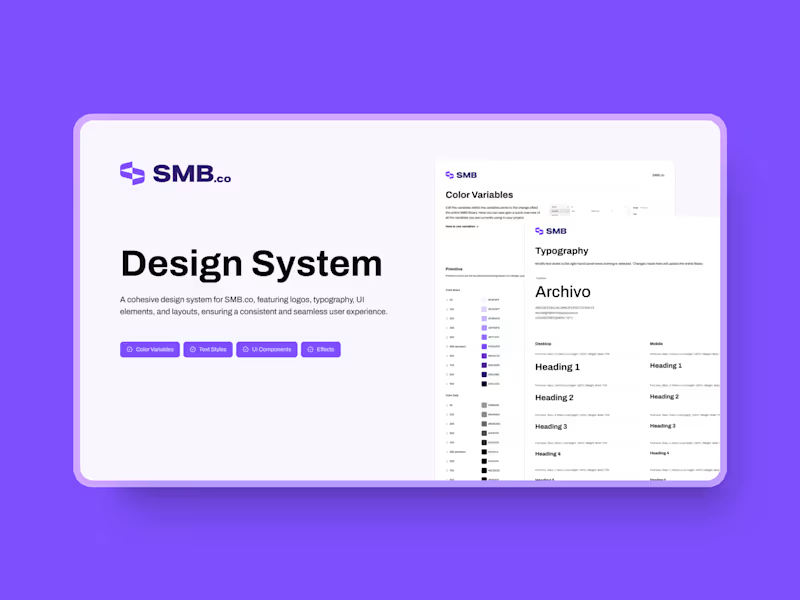
Find someone who knows how to make designs look good and easy to use. Look for skills in tools like Sketch, Figma, or Adobe XD. A good UI designer should know how to make designs that work on different devices, like phones and computers. Also, check if they understand user experience principles to make sure your product is friendly for users. Their past work or portfolio will show if they have these skills.
Why is it important to set milestones in my project?
Milestones help keep your project on track. They break the project into smaller parts, so you can see progress. This makes it easier for you and the designer to know what's been done and what's left to do. Agreeing on milestones also makes it easier to talk about changes if needed. It helps make sure both sides are happy with how the project is moving forward.
How can I ensure my project deadlines are realistic?
Talk to your designer about the time they need for each task. Share any important dates you have, like product launches. Make sure both you and the designer agree on a timeline that works for everyone. Remember to leave some extra time for feedback or changes. This makes sure the project has enough time to be done well without rushing.
What should I do once I've found the right UI designer on Contra?
After choosing a designer, start by agreeing on the project goals and deliverables. Make sure both you and the designer understand what the finished work should look like. Set clear guidelines about how you will communicate, like using email or video calls. Don't forget to discuss timelines and milestones to keep everything on schedule. This will help create a smooth working relationship.
How important is it to check a designer's previous work?
Looking at a designer's past work helps you see what they can do. It shows you their style and if it matches what you need. Their portfolio can also give you ideas for your own project. By reviewing their work, you can be sure they have the talent to create something you'll love. This step is crucial in finding a designer that fits your project requirements.
Should I involve other team members in the hiring process?
Yes, involving your team can bring more perspectives and ideas. Team members might see things you didn't notice. They can help decide if the designer's style fits with the rest of the team’s vision. It also ensures everyone feels part of the decision. This teamwork makes the hiring process more thoughtful and effective.
How can I set clear expectations with a UI designer?
Talk with the designer about what a successful project looks like. Discuss detailed goals, timelines, and how you'll give feedback. Be honest about your needs and any constraints from the start. Also, decide how often you'll check in with the designer to review progress. Clear communication from the beginning sets the tone for a successful partnership.
What is the best way to provide feedback on a UI design?
Provide feedback that is clear and direct. Use specific examples or parts of the design to show what you mean. Focus on how the design affects your goals or user experience. Keep your feedback constructive and kind, so the designer can make helpful changes. Regular feedback helps the designer create something that meets your needs.
Who is Contra for?
Contra is designed for both freelancers (referred to as "independents") and clients. Freelancers can showcase their work, connect with clients, and manage projects commission-free. Clients can discover and hire top freelance talent for their projects.
What is the vision of Contra?
Contra aims to revolutionize the world of work by providing an all-in-one platform that empowers freelancers and clients to connect and collaborate seamlessly, eliminating traditional barriers and commission fees.