



















What should I look for when hiring a Figma expert on Contra?
Look for Figma experts with a strong portfolio showing diverse design and prototyping skills. Check for experience in your industry or with similar projects. Read reviews and testimonials from other clients to ensure a good fit.
How can I communicate my project needs to a Figma expert?
Provide a clear project brief with objectives, timelines, and any specific design elements you require. Share examples of designs you like to give a better understanding of your style. Be open to questions and suggestions from the expert to refine the scope.
What deliverables should I expect from a freelance Figma expert?
Expect user interface designs, interactive prototypes, and design specifications. Ensure you clarify what formats you need the files in for seamless handoff. Discuss any additional requirements, like design systems or style guides, with the Figma expert.
How do I ensure a Figma project starts smoothly?
Schedule a kickoff meeting to discuss the project plan and expectations with the Figma expert. Share access to any relevant tools or assets, like brand guidelines or user personas. Establish a communication plan, including preferred tools and frequency of updates.
How can I check if the freelancer's Figma skills match my project needs?
Review their portfolio for examples of work similar to your project. Assess their ability to create designs with the style and functionality you desire. Ask about their experience using Figma features like prototyping and collaboration.
What should be included in my contract with a Figma expert?
Include a detailed description of the work, deliverables, and timelines. Define the number of revisions allowed and any milestones for feedback. Make sure both parties agree on terms before the project starts to avoid misunderstandings.
How do I handle feedback and revisions with a Figma expert?
Set clear expectations on how feedback will be given and implemented. Use collaborative features in Figma to comment directly on designs for clarity. Establish the number of revisions allowed to ensure efficient project progress.
What project management tools work well with Figma?
Choose tools that integrate seamlessly with Figma for easy collaboration and updates. Consider tools that offer task management and communication features. Make sure both you and the Figma expert are comfortable using them.
How do I ensure timelines are met by a Figma expert?
Work with the Figma expert to set realistic deadlines based on project complexity. Regularly check in on progress and provide timely feedback. Encourage open communication if any delays or issues arise to adjust schedules accordingly.
Who is Contra for?
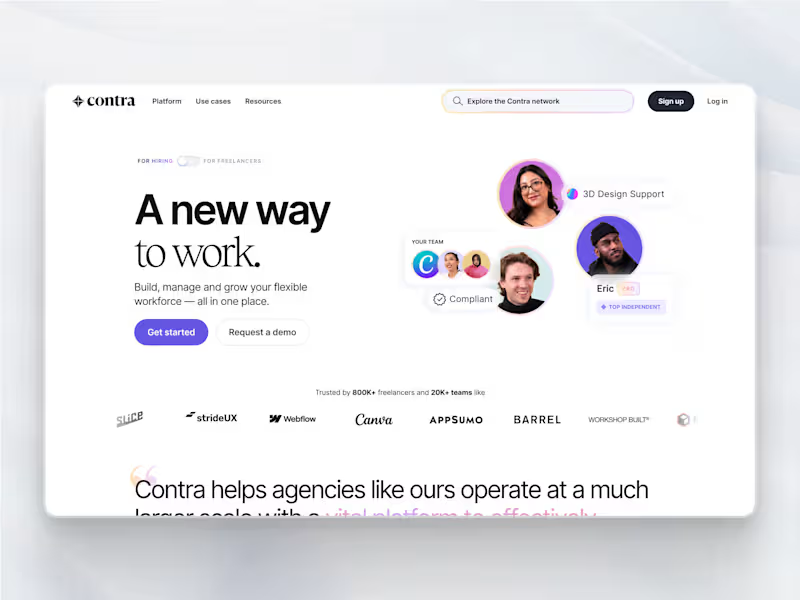
Contra is designed for both freelancers (referred to as "independents") and clients. Freelancers can showcase their work, connect with clients, and manage projects commission-free. Clients can discover and hire top freelance talent for their projects.
What is the vision of Contra?
Contra aims to revolutionize the world of work by providing an all-in-one platform that empowers freelancers and clients to connect and collaborate seamlessly, eliminating traditional barriers and commission fees.