How do I choose the right Adobe Photoshop expert for my project?
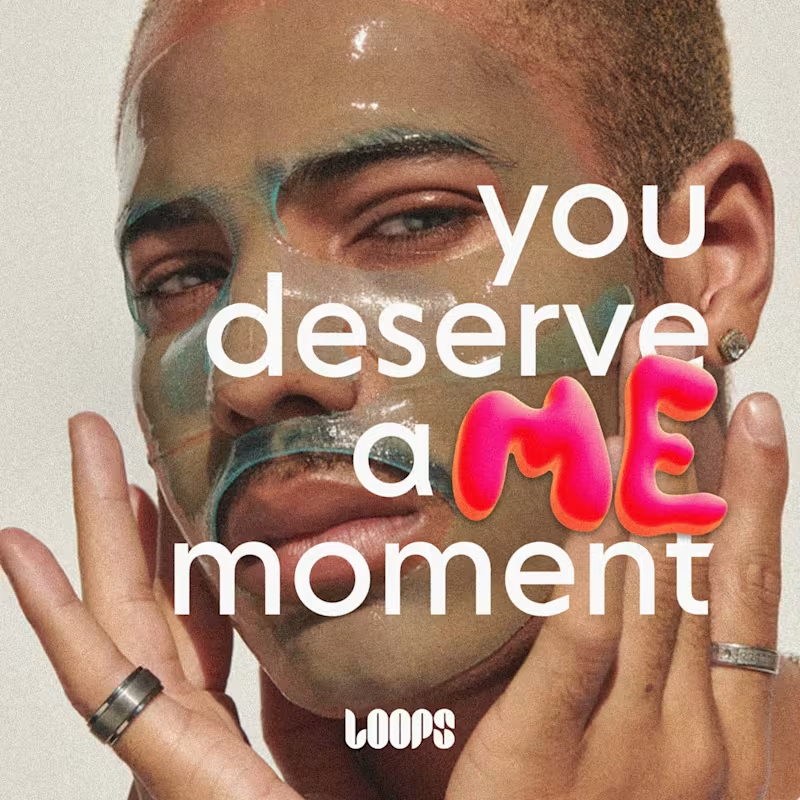
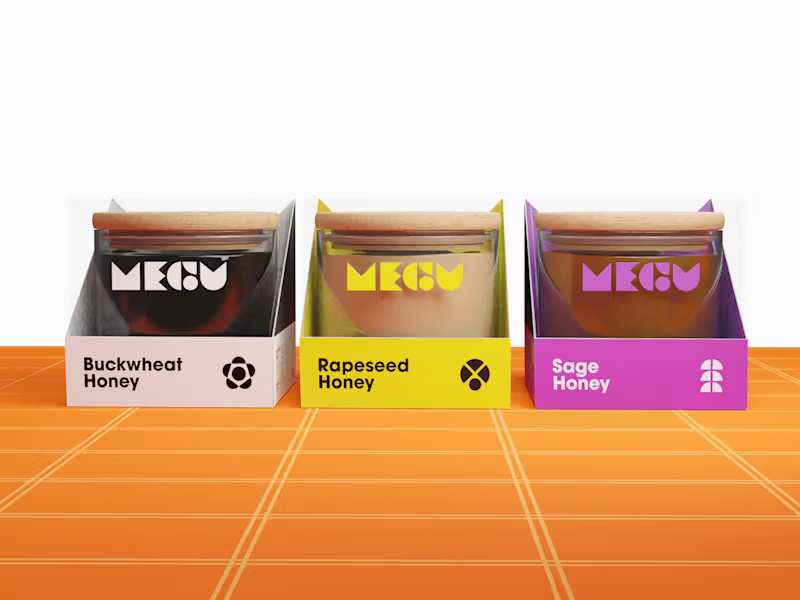
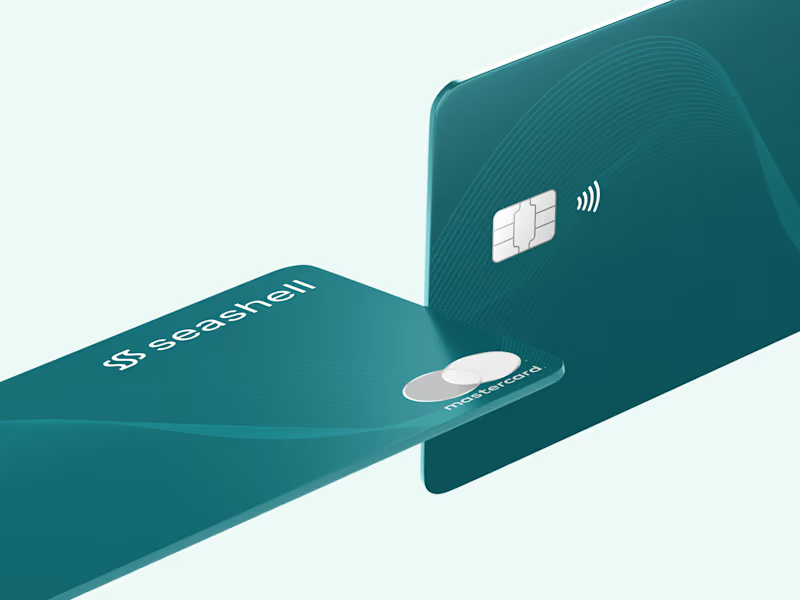
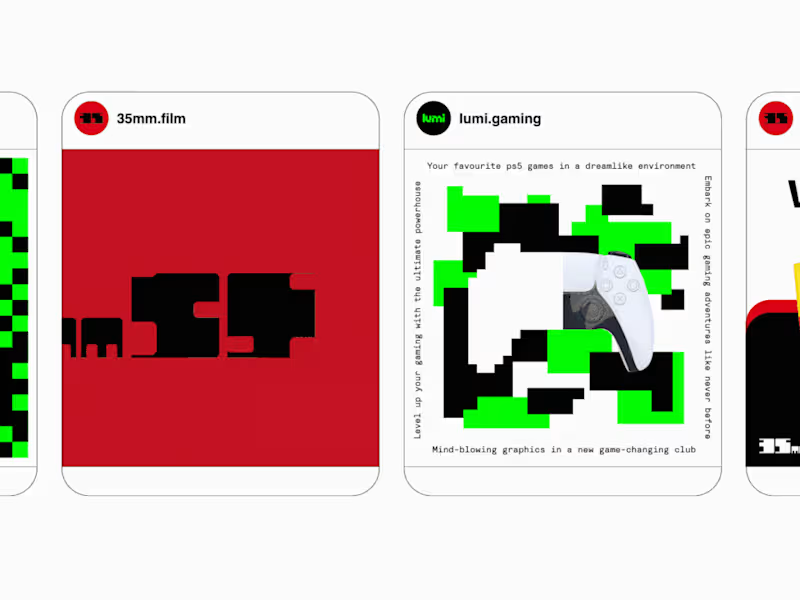
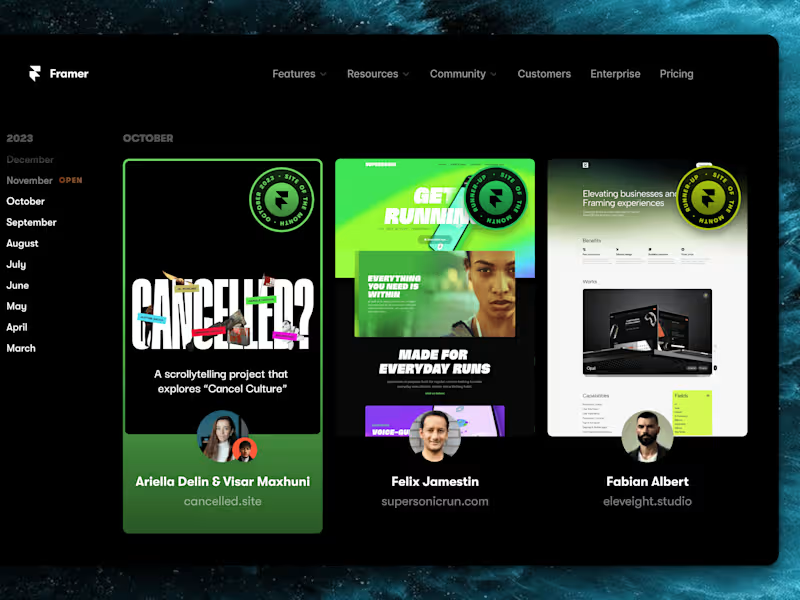
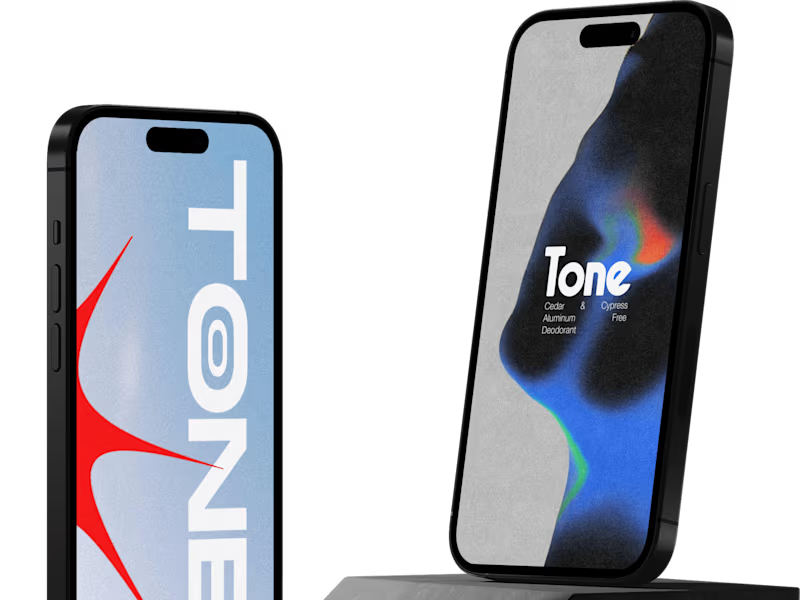
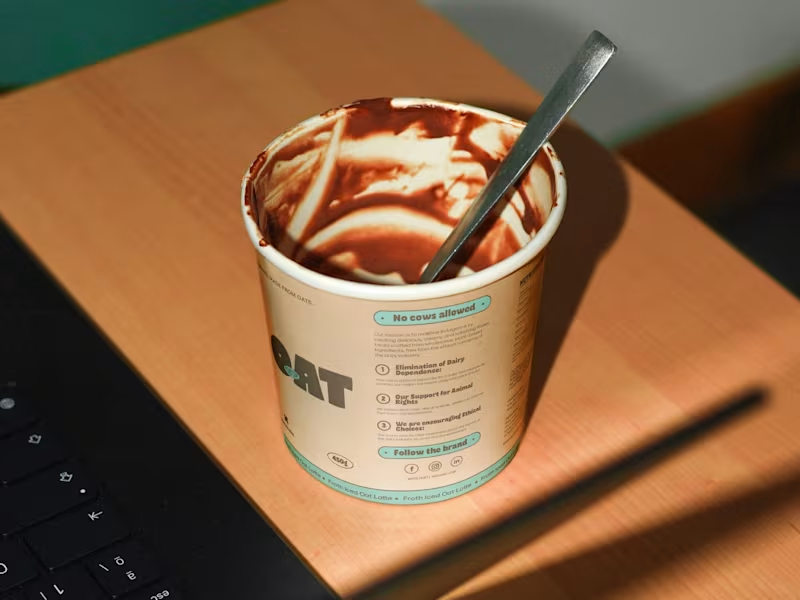
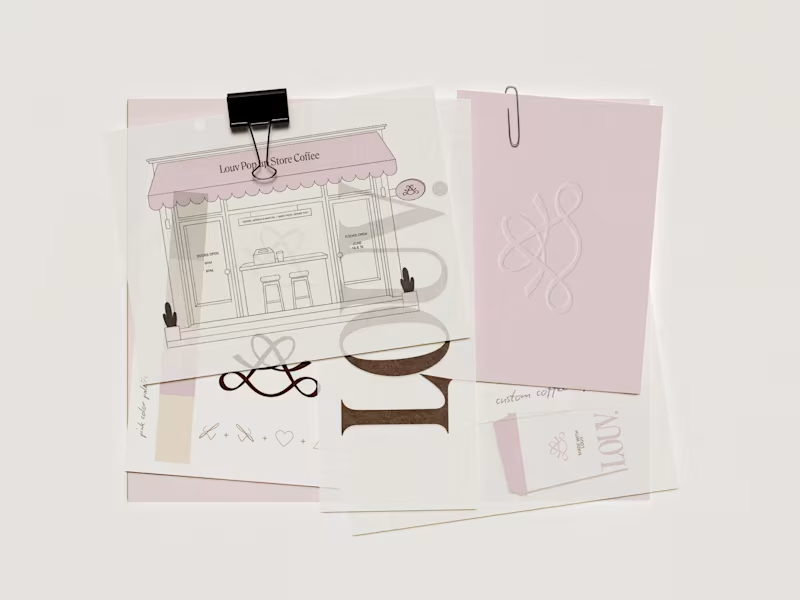
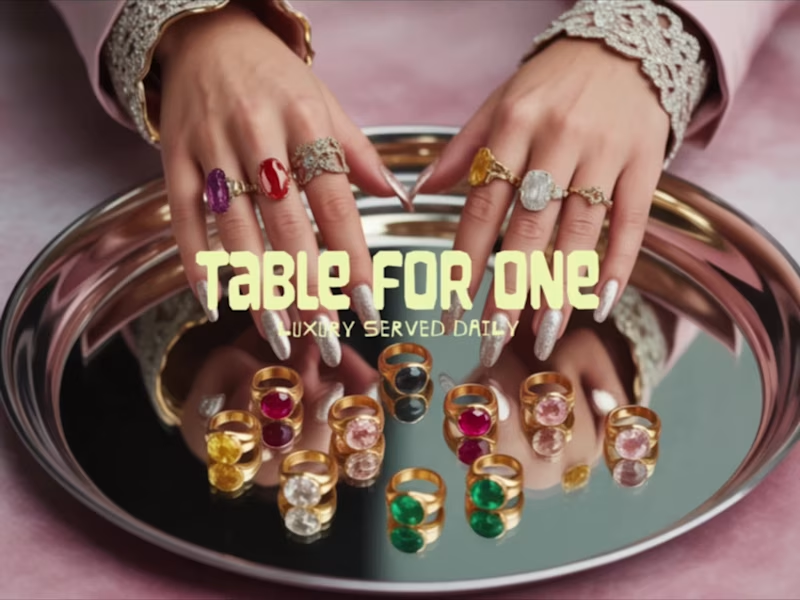
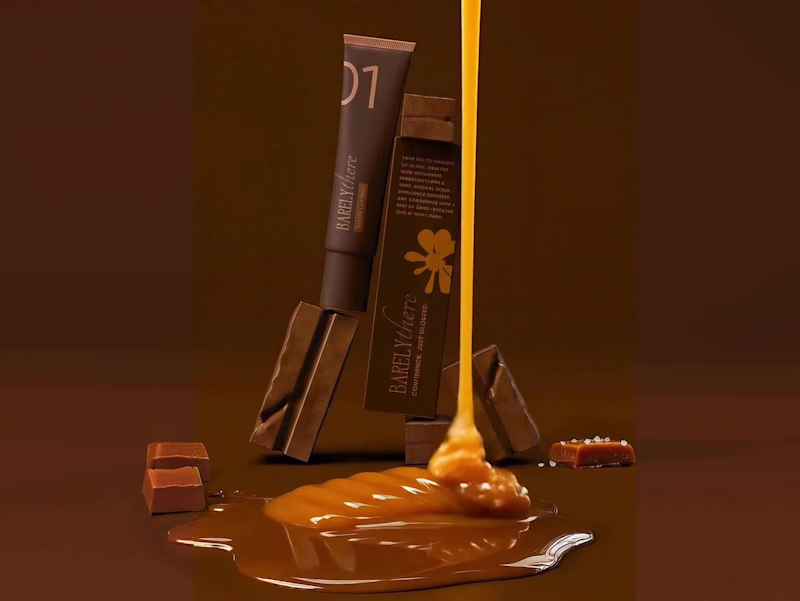
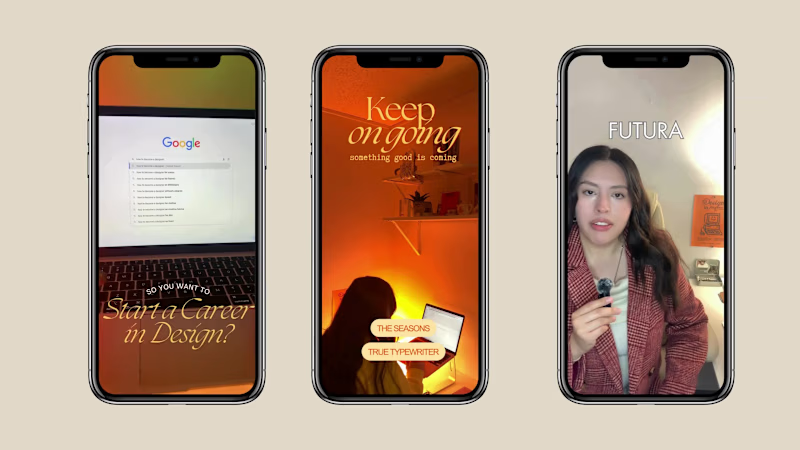
Start by checking their portfolio for similar work. Look for deliverables like the ones you need. See if their style matches what you are looking for. Read any reviews or testimonials they might have. This helps you find someone who can do the job well.
What should be included in the project brief for a Photoshop expert?
Include a clear description of what you want to create or edit. Mention any specific styles or themes you like. Tell them about colors, sizes, and deadlines. This helps the expert understand exactly what you need. It makes starting the project easier.
How can I set clear deliverables with a Photoshop freelancer?
List everything you expect at the end of the project. Specify file types like JPEG, PNG, or PSD. Mention any layouts or formats you need. This makes sure both you and the freelancer know what's expected. It helps avoid misunderstandings.
How do I know the freelancer is available for my project timeline?
Ask the freelancer to confirm their availability. Share your project timeline and deadlines with them. Make sure they can commit to it before starting. This ensures your project stays on track. It helps avoid delays.
What tools can I use to communicate with a Photoshop expert on Contra?
You can use Contra's built-in messaging features. This keeps all your project discussions in one place. You can also schedule video calls if needed. Using these tools ensures smooth communication. It helps keep everyone on the same page.
How should I handle feedback and revisions with a Photoshop expert?
Be clear and specific when providing feedback. Use visual markers if possible to show exact changes needed. Agree on the number of revisions upfront. This helps the freelancer to deliver exactly what you want. It also makes the process faster.
How do I ensure the project’s quality is up to my standards?
Ask for updates at regular intervals. Request samples of the work in progress. Give feedback early to catch issues. This helps maintain quality throughout the project. It ensures you get exactly what you paid for.
What should I do if the project scope changes?
Discuss the changes with your freelancer right away. Check if it affects the timeline or deliverables. Agree on any new terms in writing using Contra. This helps manage the project smoothly. It keeps everyone aligned with the new goals.
How do I finalize and close the project with a Photoshop expert?
Review all deliverables to ensure everything is done. Provide any final feedback if needed. Once satisfied, formally approve the completion in Contra. This helps both parties know the project is complete. It’s a great way to end on a positive note.
Who is Contra for?
Contra is designed for both freelancers (referred to as "independents") and clients. Freelancers can showcase their work, connect with clients, and manage projects commission-free. Clients can discover and hire top freelance talent for their projects.
What is the vision of Contra?
Contra aims to revolutionize the world of work by providing an all-in-one platform that empowers freelancers and clients to connect and collaborate seamlessly, eliminating traditional barriers and commission fees.