


























What is the first step in hiring a UI designer on Contra?
Begin by clearly defining your project needs. List out what the UI designer will do, like creating app designs or website layouts. Be specific about what you want so the designer knows how to help you best. This makes sure that everyone is on the same page from the start.
How should I evaluate a UI designer's portfolio?
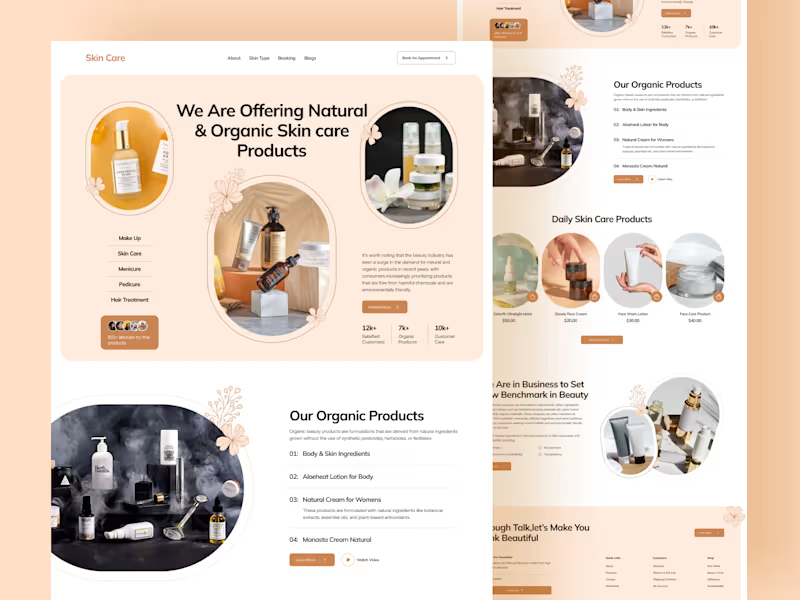
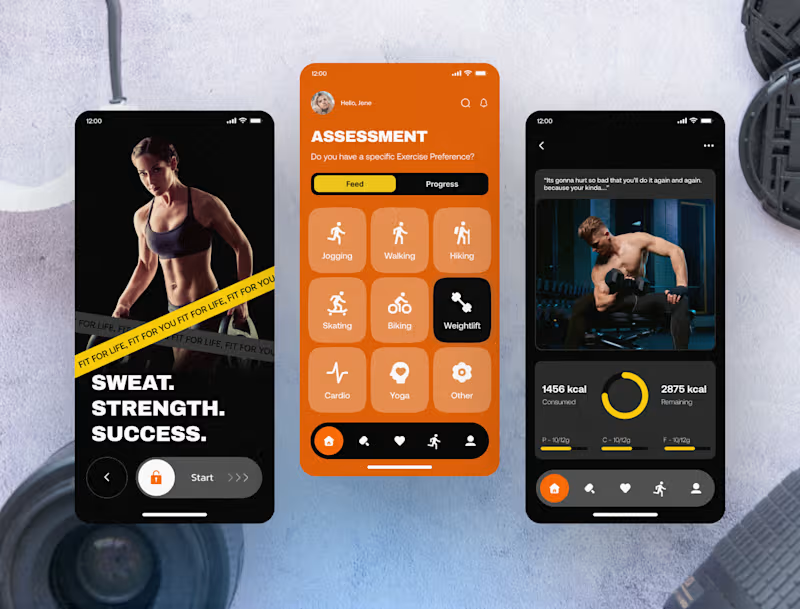
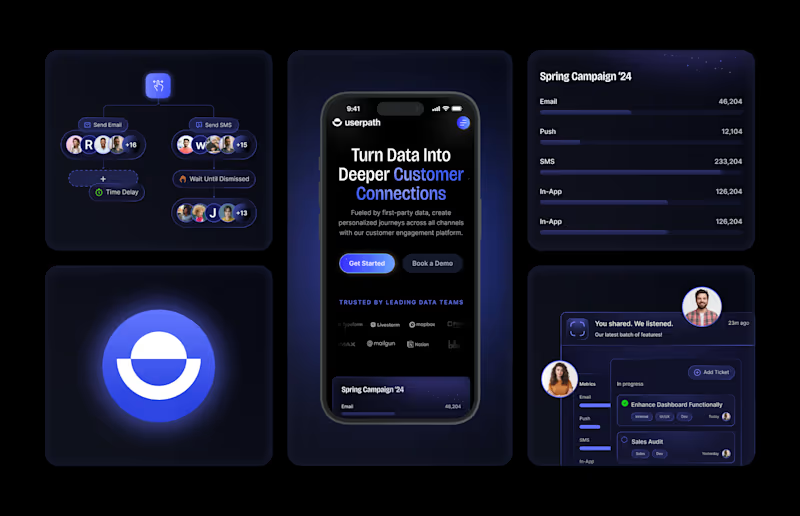
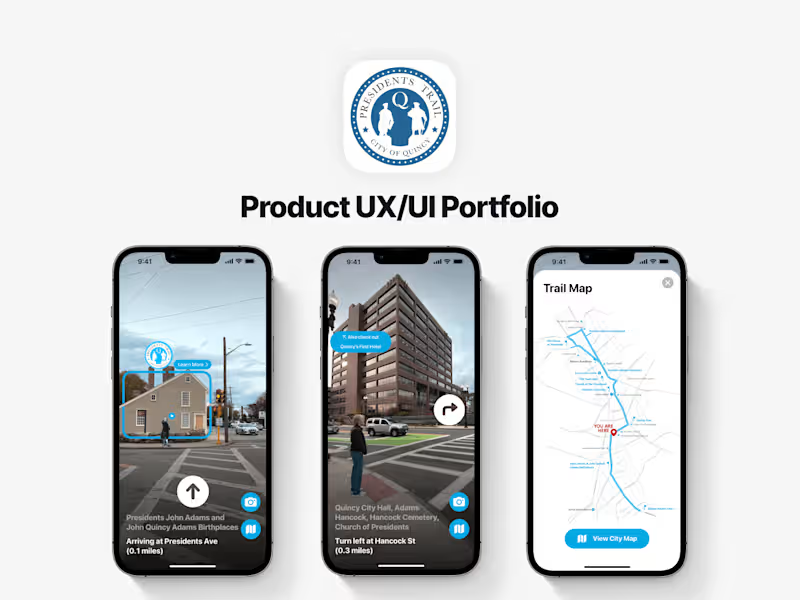
Look at the designer’s past work to see if their style matches your project needs. Check if they have experience in projects similar to yours. See how they handled challenges and if their designs are user-friendly. A good portfolio shows a designer’s skills and creativity.
What is important to discuss during the initial meeting with a UI designer?
Talk about the goals and features of your project. Make sure the designer understands your vision and the end users of your product. Discuss the timeline and any important dates. Clear communication helps set expectations and ensures success.
How do I ensure the UI designer understands my project's user experience goals?
Share your ideas about how users should interact with your product. Explain any specific needs or preferences you have. Ask the designer for their input and suggestions. A shared understanding leads to better design decisions.
What details should be included in the project deliverables for a UI designer?
List all the outputs you expect from the project. This could include wireframes, prototypes, or final design files. Be clear about file formats and platforms, like iOS or web. Detailed deliverables help the designer know exactly what to work on.
Why is it important to discuss tools and software with a UI designer?
Make sure your designer uses tools compatible with your systems, like Figma or Adobe XD. This avoids technical problems later on. Knowing the tools also helps you understand the designer’s workflow. It makes collaboration smoother throughout the project.
How can I keep track of the project's progress with a UI designer?
Set up regular check-ins or updates to see how the project is going. Use tools like project management apps to keep everything on track. This helps catch any issues early and keeps the project moving forward. Regular communication builds trust and confidence.
What should I do if a project milestone is approaching with a UI designer?
Review the work completed so far and compare it to the agreed milestones. If everything matches, great! If there are differences, discuss them with the designer. This ensures that the project remains on schedule and aligns with your expectations.
How can I foster a good working relationship with a UI designer?
Communicate openly and respectfully with the designer. Listen to their ideas and give constructive feedback. Recognize their effort and expertise in enhancing your project. A positive working relationship leads to better outcomes.
What should I prepare before the UI designer starts work?
Gather all necessary information and resources the designer might need. This includes branding guidelines, existing assets, and any user feedback. Having everything ready helps the designer start work smoothly and efficiently. It also accelerates the design process.
Who is Contra for?
Contra is designed for both freelancers (referred to as "independents") and clients. Freelancers can showcase their work, connect with clients, and manage projects commission-free. Clients can discover and hire top freelance talent for their projects.
What is the vision of Contra?
Contra aims to revolutionize the world of work by providing an all-in-one platform that empowers freelancers and clients to connect and collaborate seamlessly, eliminating traditional barriers and commission fees.