


























What is the best way to check a freelance Adobe InDesign expert’s experience?
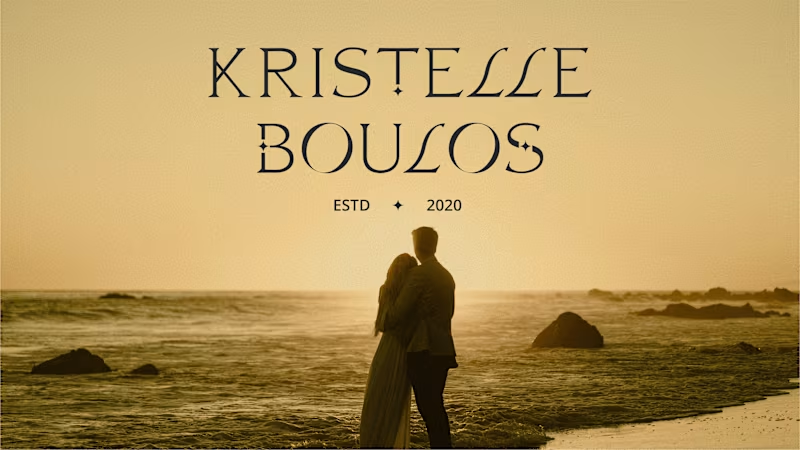
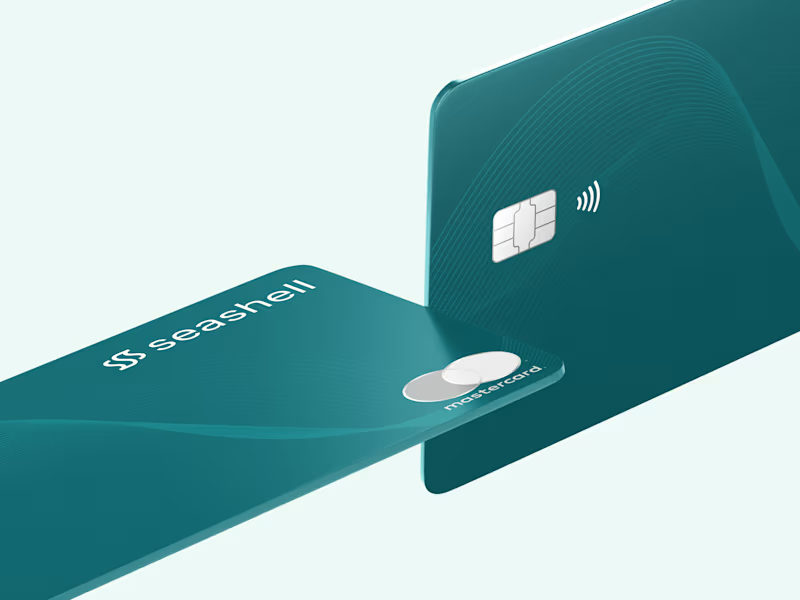
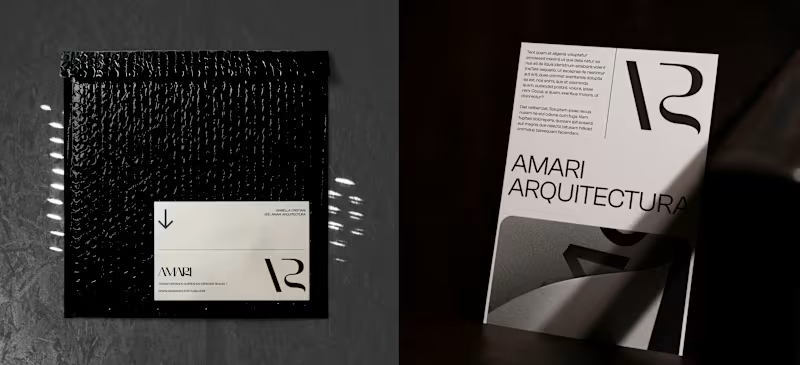
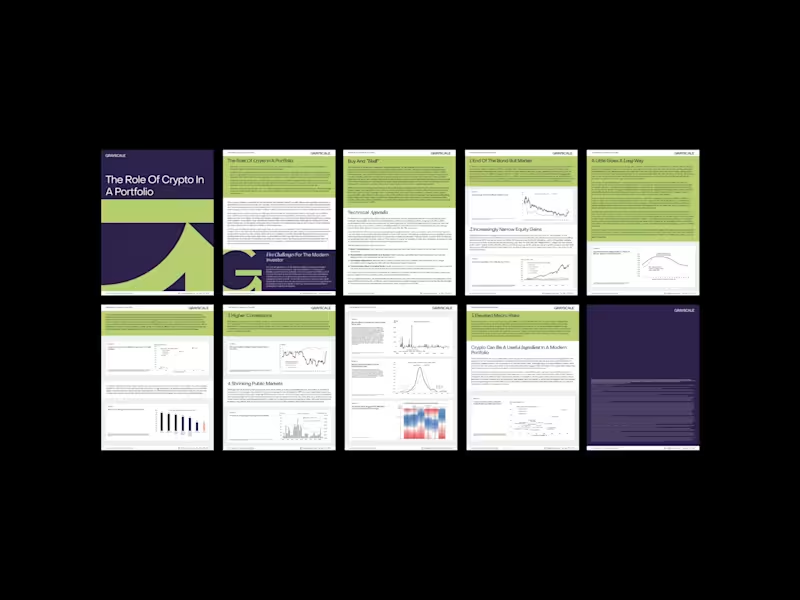
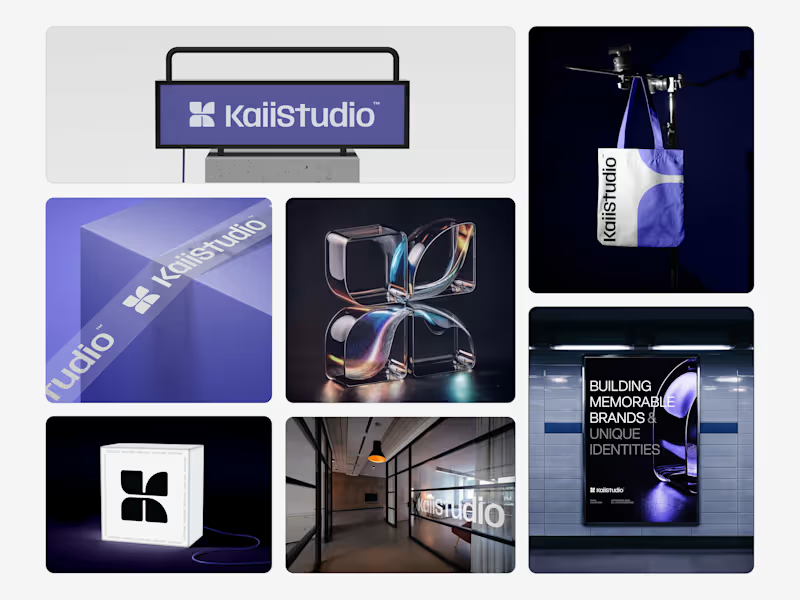
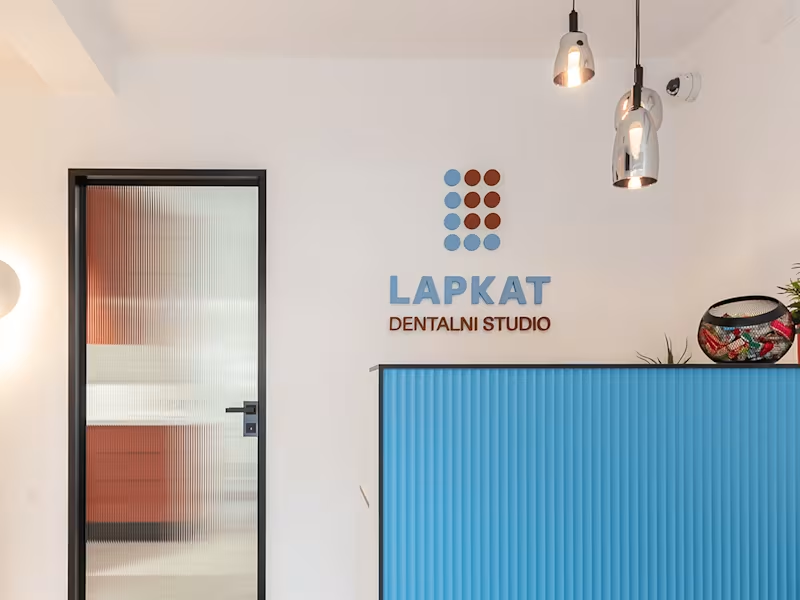
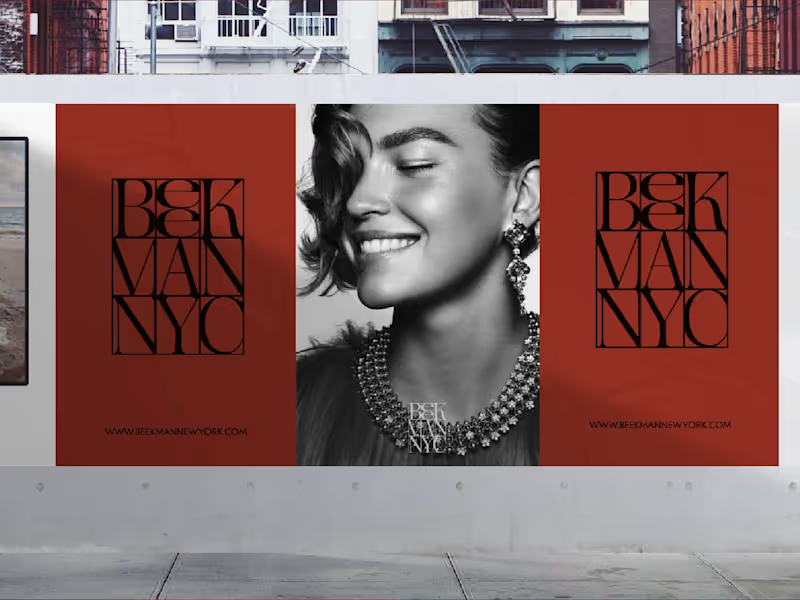
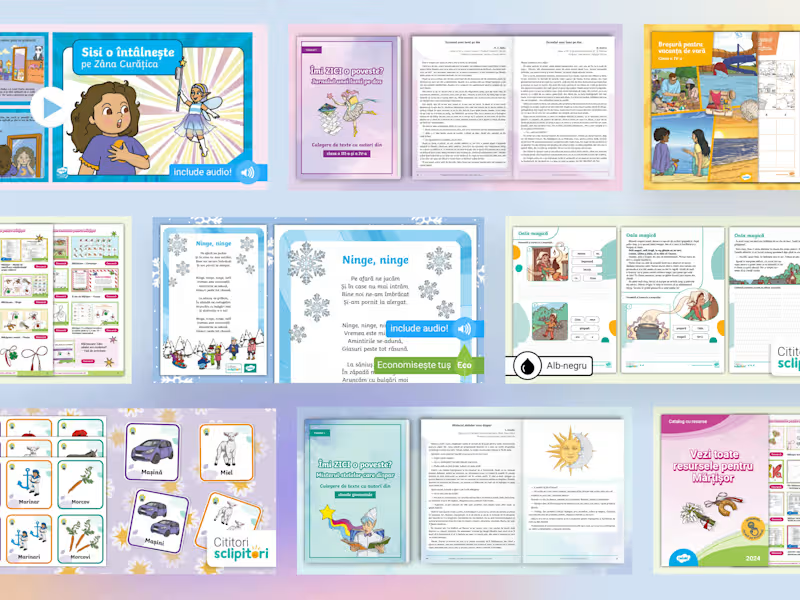
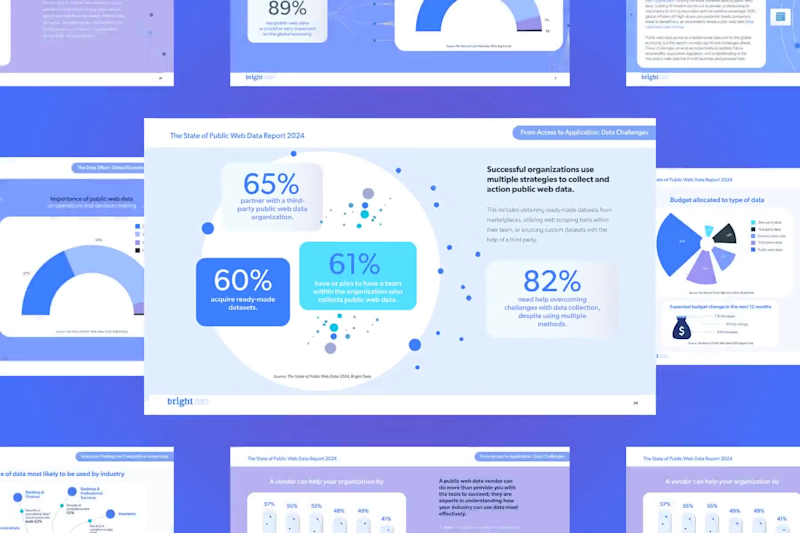
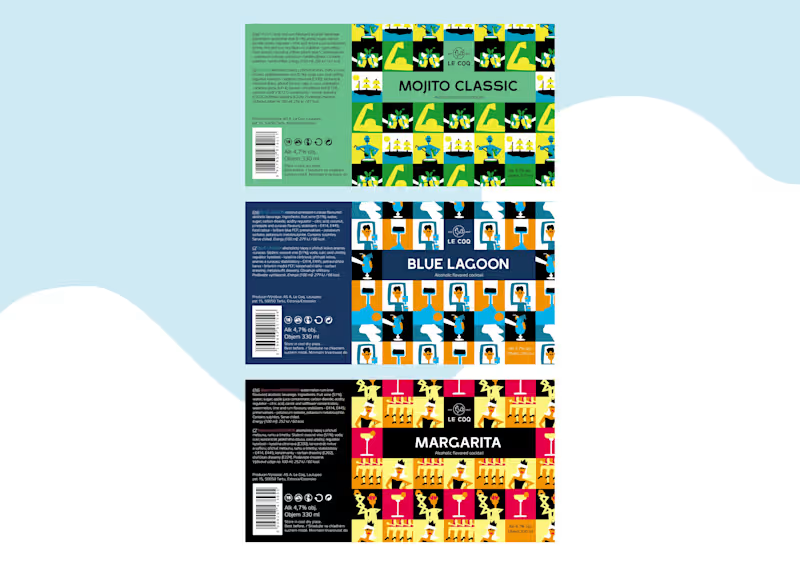
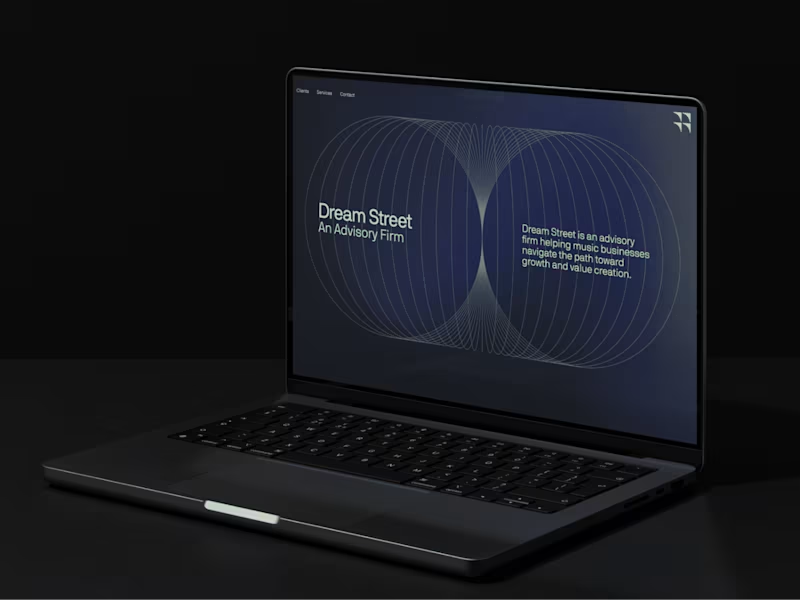
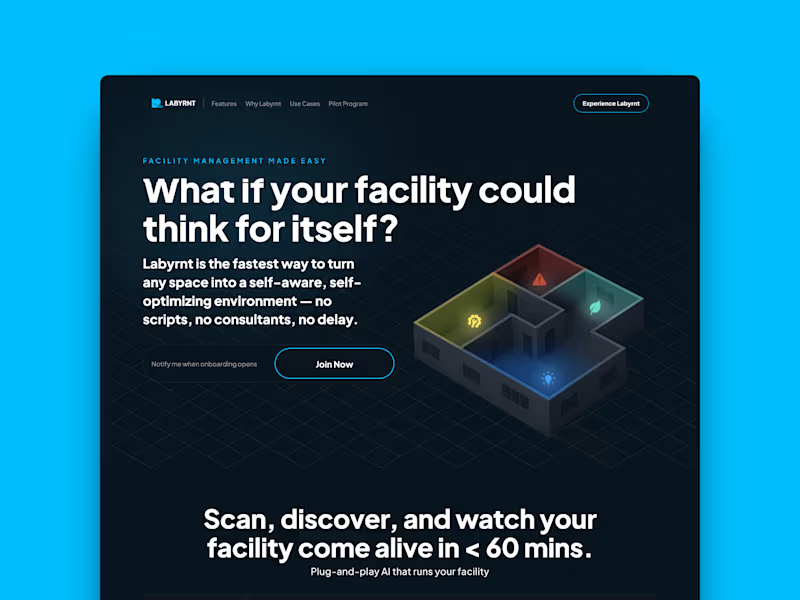
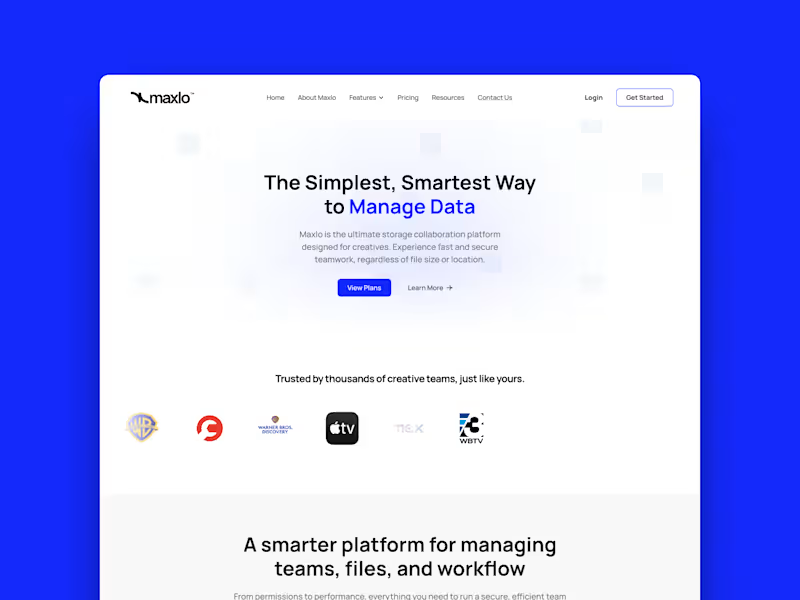
A good way to check is to look at the expert’s portfolio. See if they have worked on projects similar to yours. Check if previous work looks neat and professional. This tells you that they can use Adobe InDesign well.
How can I ensure the Adobe InDesign freelancer understands my project needs?
Start with a clear project brief. Write down what you need the design to look like. Arrange a call to discuss the vision and any special requests. This helps the freelancer know exactly what you want.
What should I include when discussing the Adobe InDesign project timeline?
Tell them when you need the project finished. Discuss any milestones or small deadlines along the way. Make sure they agree to this schedule. This ensures everyone is on the same page about timing.
How can I be sure the Adobe InDesign expert can handle my project scope?
Ask if they have worked on similar-sized projects before. Discuss the entire project outline. Making sure they understand the size and complexity of the work. This ensures they feel confident to deliver.
What details are important when agreeing on project deliverables with an Adobe InDesign expert?
List out all the items you expect to receive. This can include PDFs, source files, or printed copies. Make sure the freelancer agrees to give you all these deliverables. This ensures you receive everything you need.
What aspects should be covered in the initial project discussion with an Adobe InDesign expert?
Talk about your design style and colors. Describe what the final product is for. Share examples if you have them, like other designs you like. This gives the freelancer a good start and better understanding of your vision.
How can I ensure a smooth workflow with the Adobe InDesign expert once the project starts?
Agree on regular check-ins to track progress. Set up a quick chat once a week or at key milestones. This helps solve any problems early and ensures the project is moving in the right direction.
What is a good way to understand the quality standards the Adobe InDesign expert can deliver?
Ask if they follow any design guidelines or have a quality checklist. See if they know about the latest design trends. This shows their commitment to high standards in their work.
When should I check in on the project with the Adobe InDesign expert?
Set regular times to talk about the project stages. Do this after key parts of the work are done. It helps catch issues and ensure timelines are met.
Who is Contra for?
Contra is designed for both freelancers (referred to as "independents") and clients. Freelancers can showcase their work, connect with clients, and manage projects commission-free. Clients can discover and hire top freelance talent for their projects.
What is the vision of Contra?
Contra aims to revolutionize the world of work by providing an all-in-one platform that empowers freelancers and clients to connect and collaborate seamlessly, eliminating traditional barriers and commission fees.