What should I include in my project description to hire an Adobe Creative Suite expert?
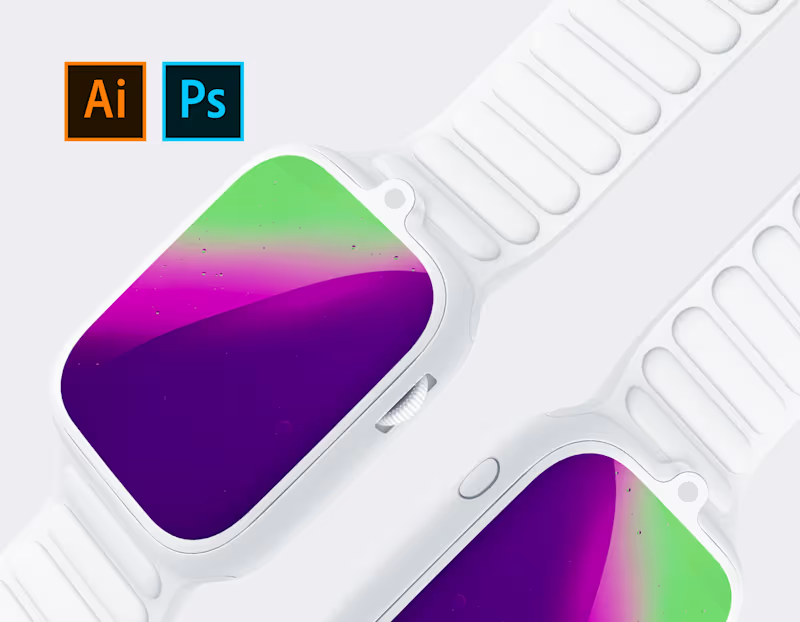
Start by describing your project needs in simple terms. Specify the Adobe tools you want to use, like Photoshop or Illustrator. Be clear about the project's goals and what finished work you expect.
How can I set clear deliverables for an Adobe Creative Suite project?
List all the tasks and outputs you need from the freelancer. Include any design specifications or file formats. Clear deliverables help the freelancer know what you want to achieve.
What basic timeline should I consider for an Adobe Creative Suite project?
Think about when you need the project completed and any important dates in between. Consider the time it takes to review drafts and make changes. A clear timeline helps the freelancer manage their work better.
How do I check a freelancer's Adobe Creative Suite skills on Contra before hiring?
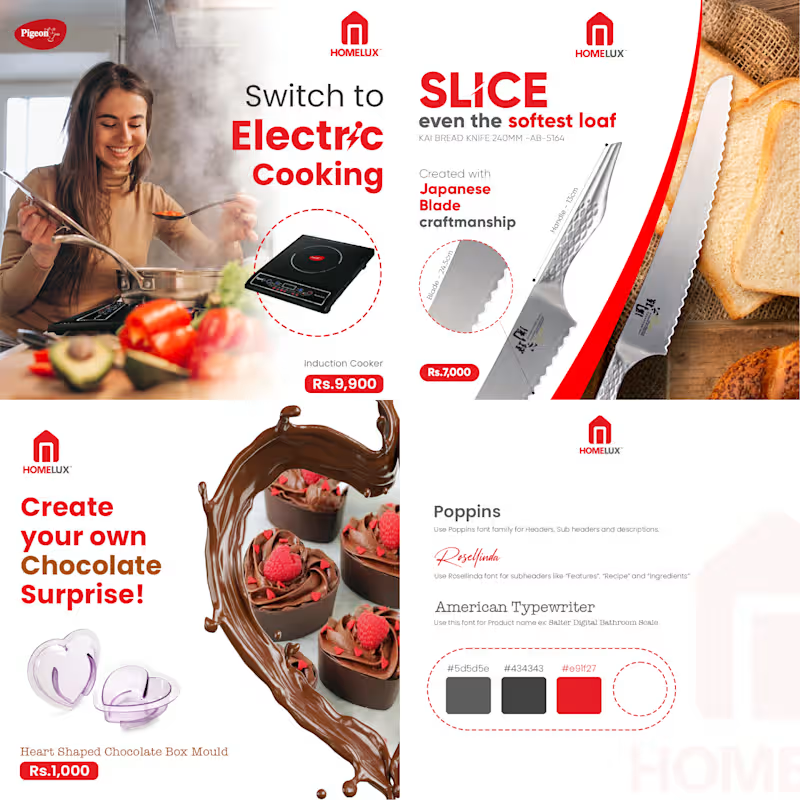
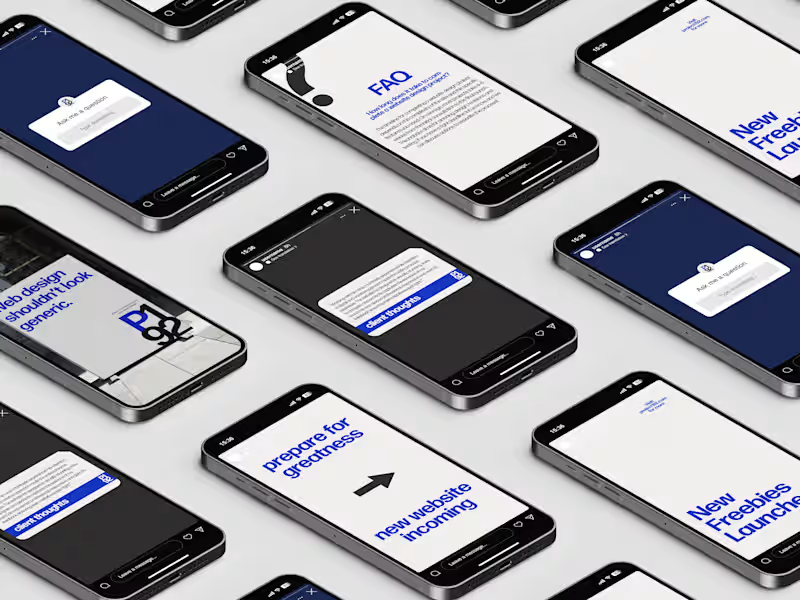
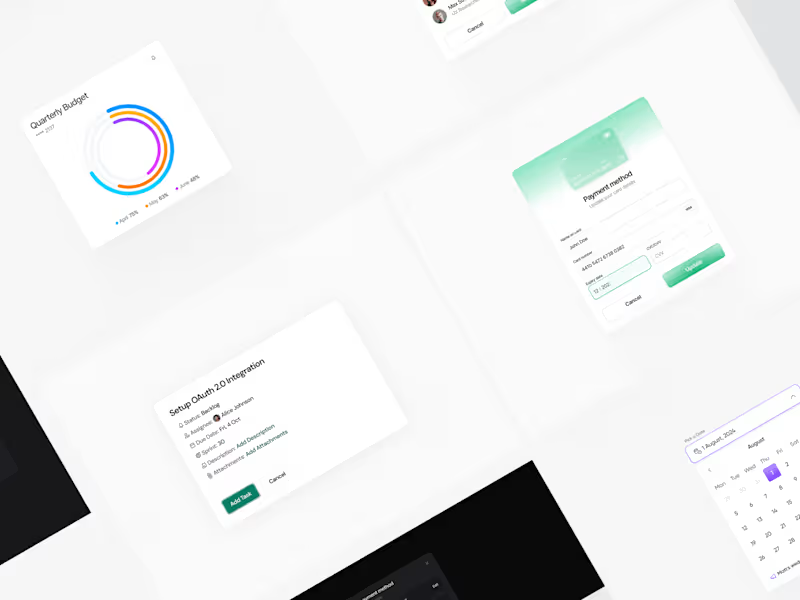
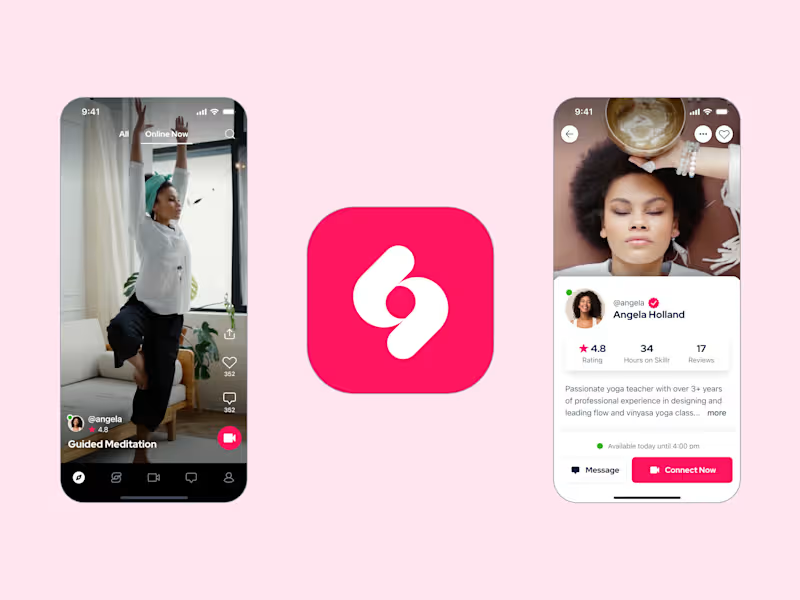
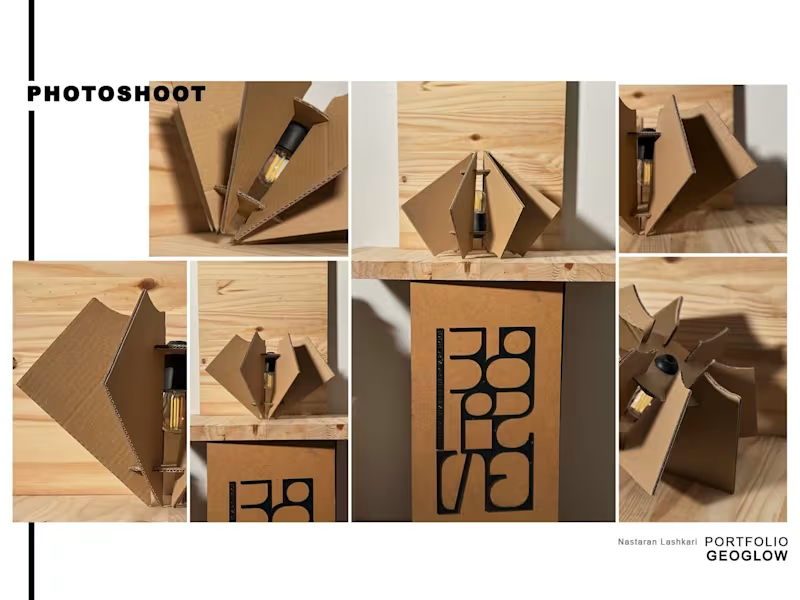
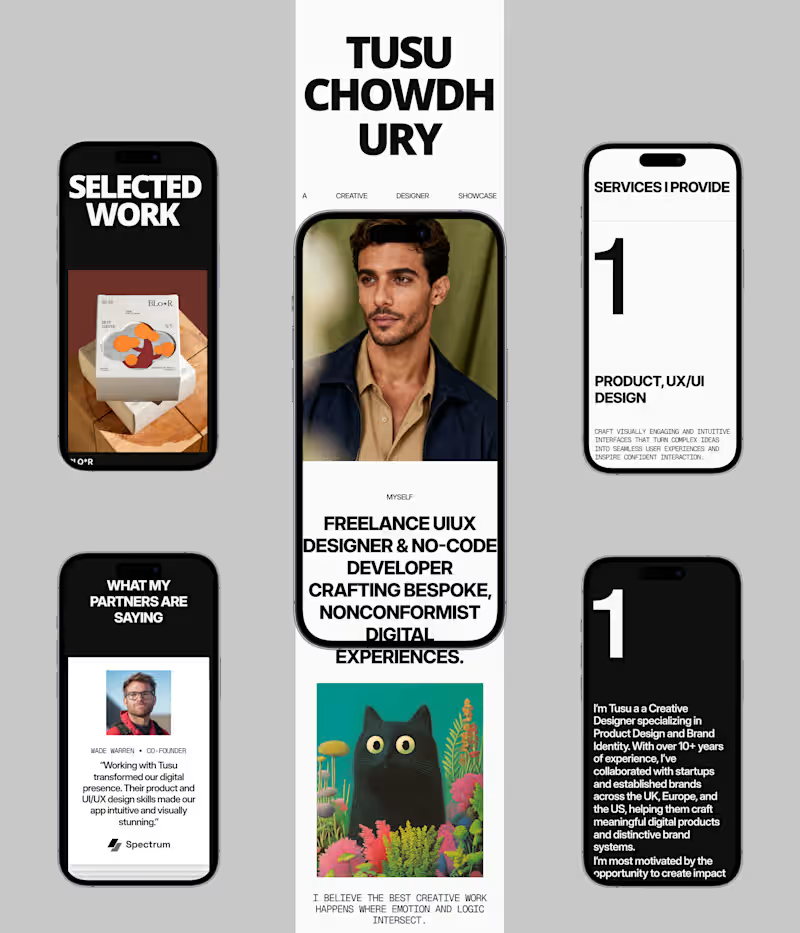
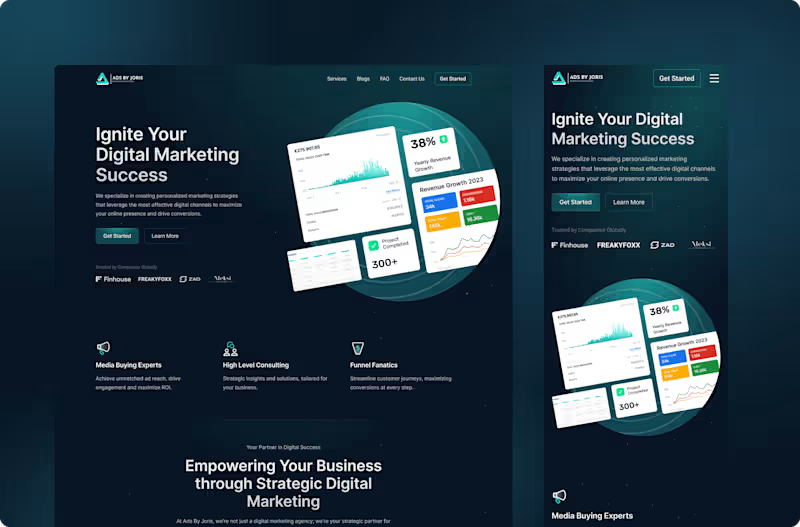
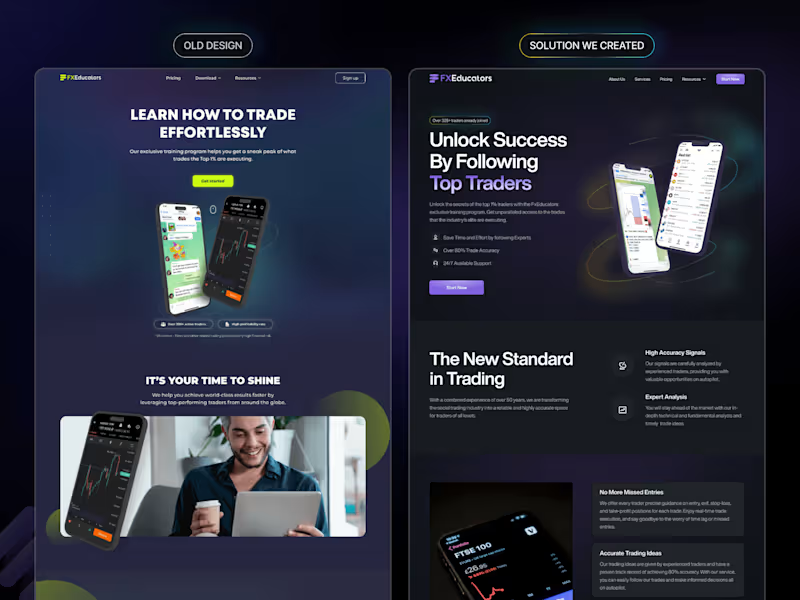
Look at their portfolio to see examples of past work. Check if they have experience with the specific Adobe tools you need. Consistent quality in their work shows they have strong skills.
What's the best way to communicate my feedback during the project?
Decide on a clear way to share feedback, like emails or video calls. Be specific about what you like or want changed in the designs. Good communication ensures your project looks great and meets your standards.
How can I ensure successful project management with the freelancer?
Use Contra's tools to keep track of progress and share important documents. Set regular check-in points to discuss how the project is going. Staying organized helps keep everything on track.
Why is it important to discuss file ownership before starting the project?
Talk about who will own the files once the project is done. Make sure you have the rights to use the designs as you need. This avoids confusion later on and protects both parties.
How do I choose the right Adobe Creative Suite tools for my project?
Think about what each Adobe tool is best at, like Photoshop for images or InDesign for layouts. Share your ideas with your freelancer to decide together. The right tools make a big difference in the final product.
What should I look for in a freelancer's proposal when hiring on Contra?
Check if the freelancer understands your project and has a plan to do it. Look for detailed timelines and how they will use Adobe Creative Suite tools. A strong proposal shows they are ready to deliver great work.
Who is Contra for?
Contra is designed for both freelancers (referred to as "independents") and clients. Freelancers can showcase their work, connect with clients, and manage projects commission-free. Clients can discover and hire top freelance talent for their projects.
What is the vision of Contra?
Contra aims to revolutionize the world of work by providing an all-in-one platform that empowers freelancers and clients to connect and collaborate seamlessly, eliminating traditional barriers and commission fees.