


























How do I ensure the UX designer understands my project needs?
Share a detailed project brief. Explain the goals and who the product is for. This will help the designer grasp what you need.
What should I include in the project brief for the designer?
Include your project's main objectives, target audience, and any existing designs. Add timelines, and any brand guidelines you might have. This will guide the designer in creating the right user experience.
How can I evaluate a UX designer's previous work?
Request a portfolio to review past projects. Look at case studies to understand their process and results. This will show if their style fits your needs.
What should be discussed during initial meetings with the designer?
Discuss the project goals, timeline, and communication methods. Set clear expectations about the design process and deliverables. This helps start the project on the right foot.
How can I make sure the project's timeline is realistic?
Talk to the designer to break down the project phases. Agree on a timeline that accounts for revisions and feedback. This ensures everyone is on the same page.
What is a good way to give feedback on the designer's work?
Provide specific and constructive feedback. Focus on what works well and what needs changes. This helps the designer improve the designs to match your vision.
How can I ensure effective communication with the designer?
Schedule regular check-ins to discuss progress. Use a communication tool agreed upon by both parties. This keeps everything transparent and on track.
What deliverables should I expect from a freelance UX designer?
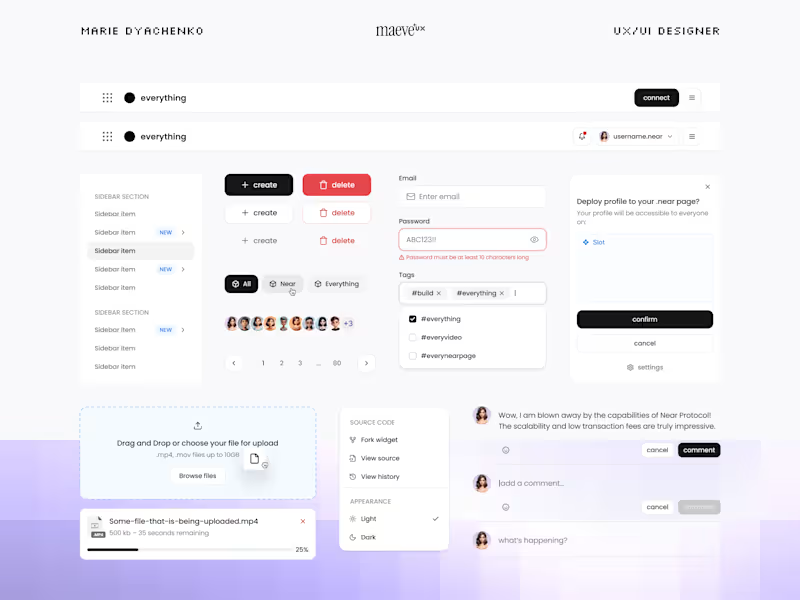
Deliverables may include wireframes, prototypes, or user personas. Ask for a design style guide or usability test results too. This will demonstrate the project's progress and direction.
How do I verify the designer is meeting agreed deadlines?
Use a project management tool to track design milestones. Set up regular updates to review completed tasks. This assures timely completion and aligns with your schedule.
What tools should a UX designer use during the project?
The designer might use tools like Sketch, Figma, or Adobe XD. Ensure they are comfortable with any tool you prefer. This ensures the project flows smoothly.
Who is Contra for?
Contra is designed for both freelancers (referred to as "independents") and clients. Freelancers can showcase their work, connect with clients, and manage projects commission-free. Clients can discover and hire top freelance talent for their projects.
What is the vision of Contra?
Contra aims to revolutionize the world of work by providing an all-in-one platform that empowers freelancers and clients to connect and collaborate seamlessly, eliminating traditional barriers and commission fees.