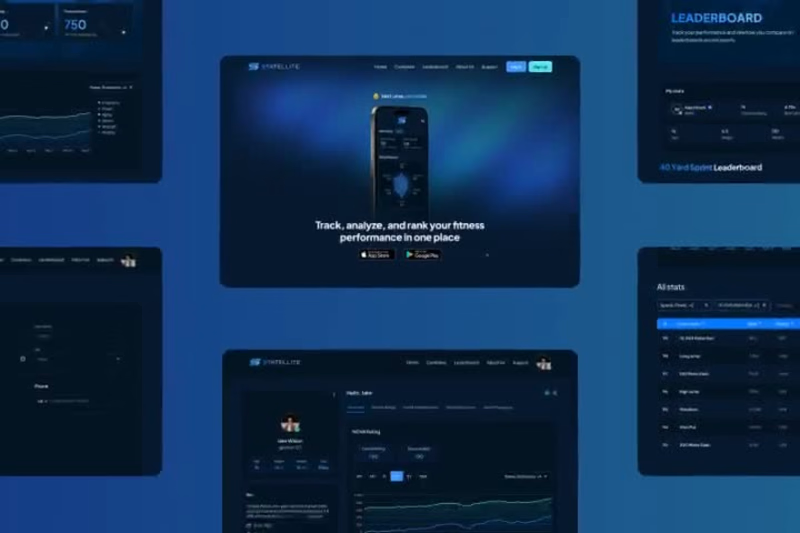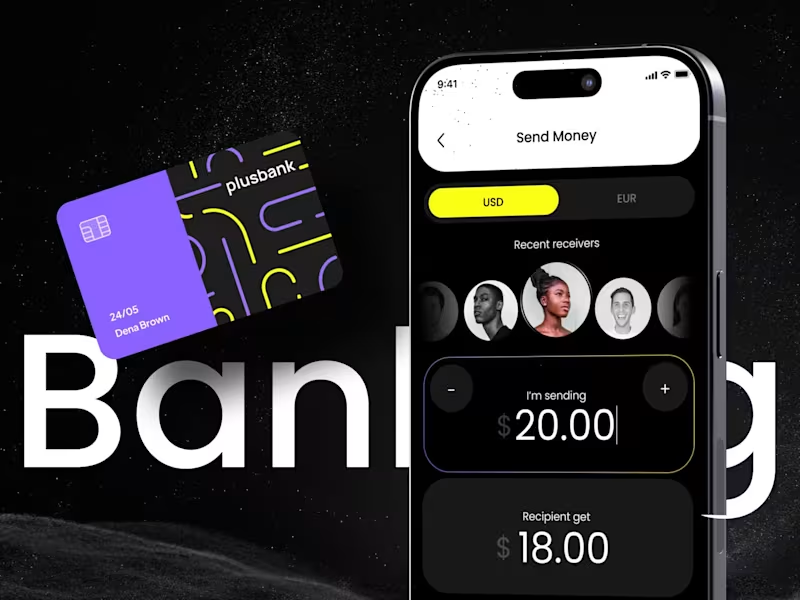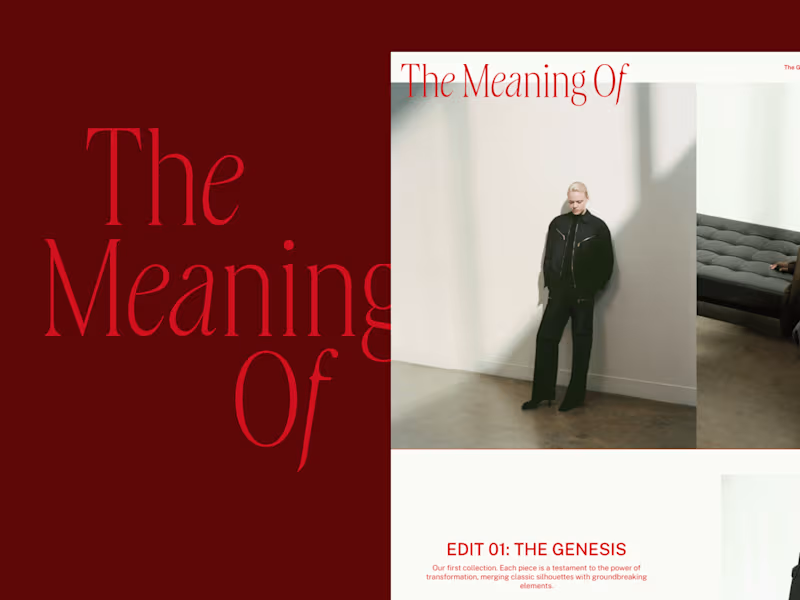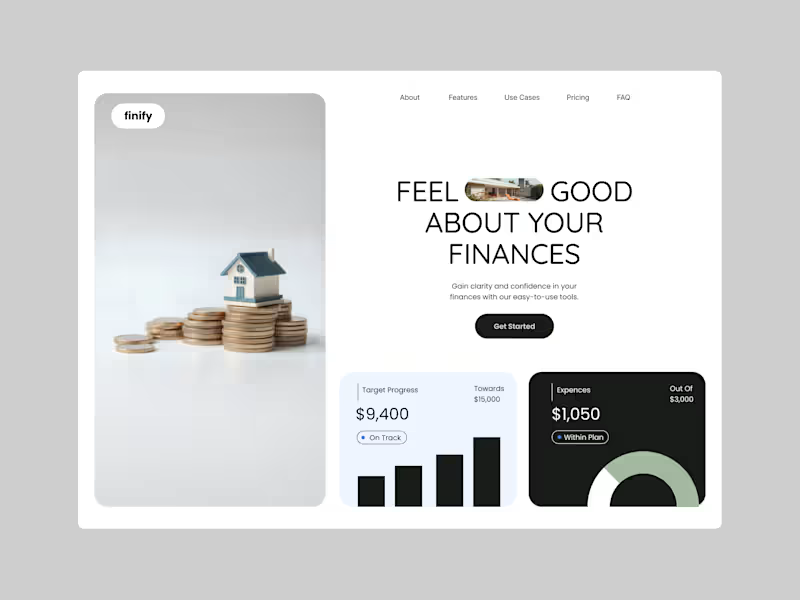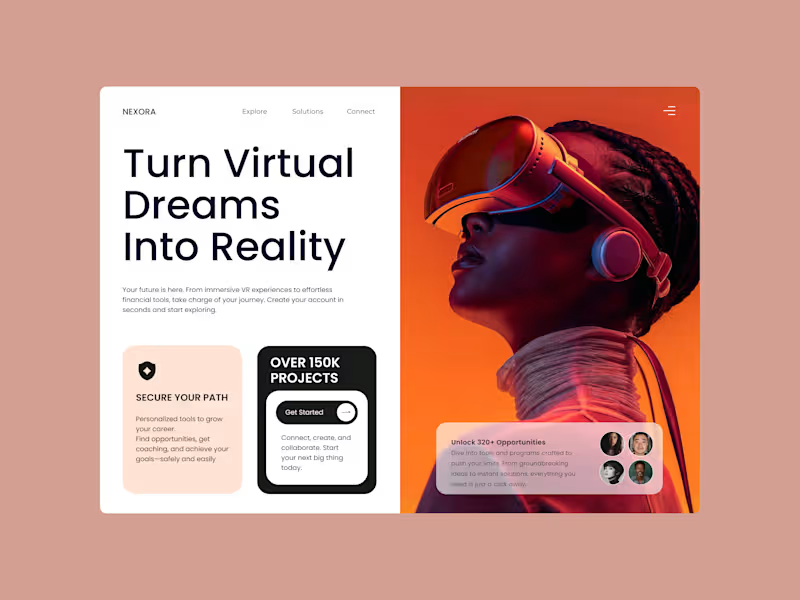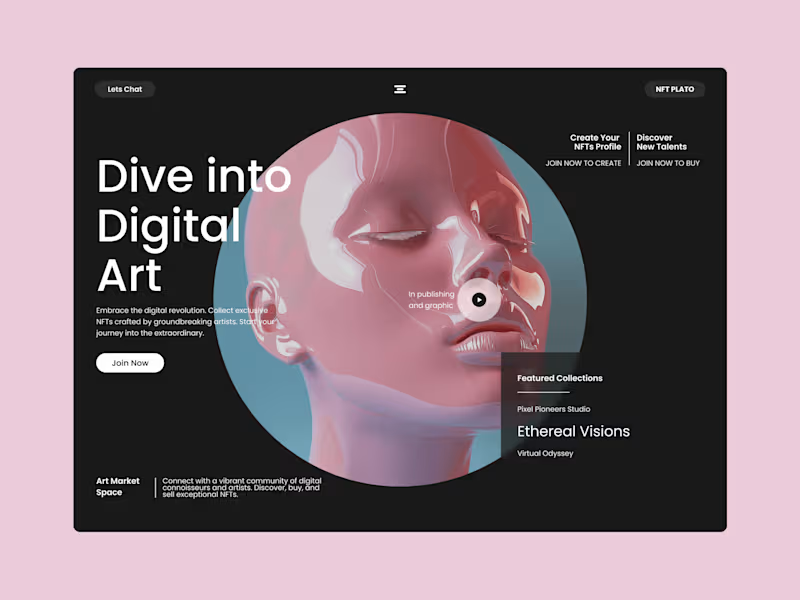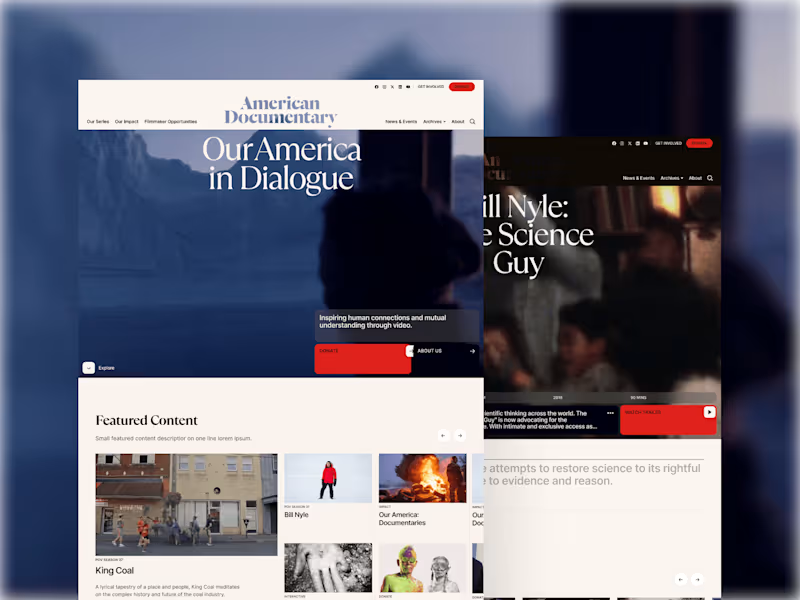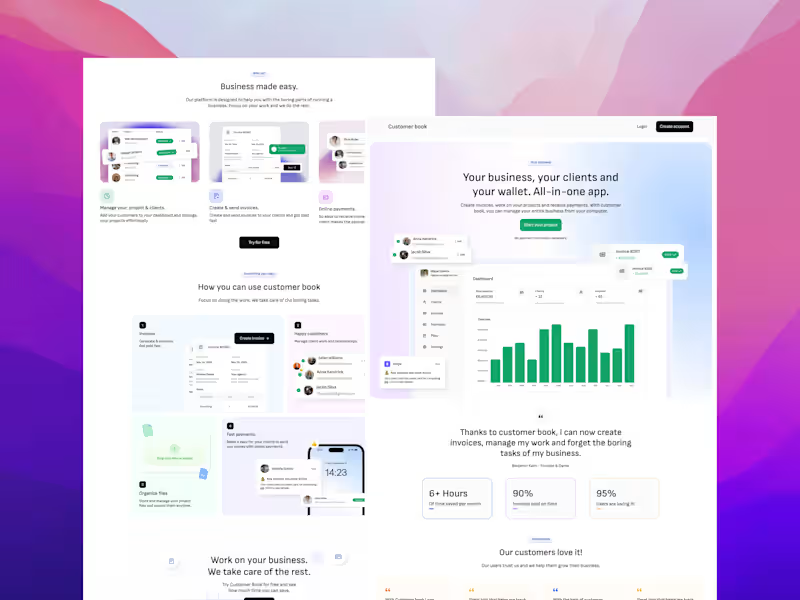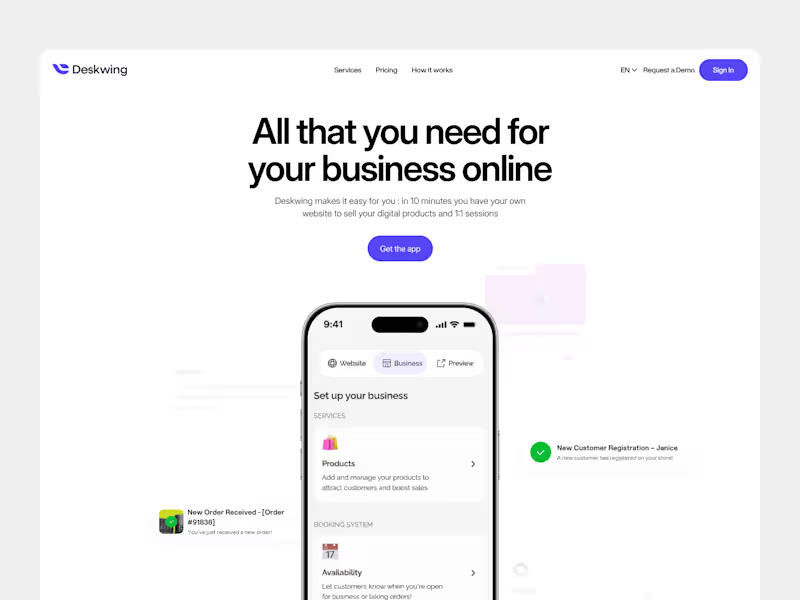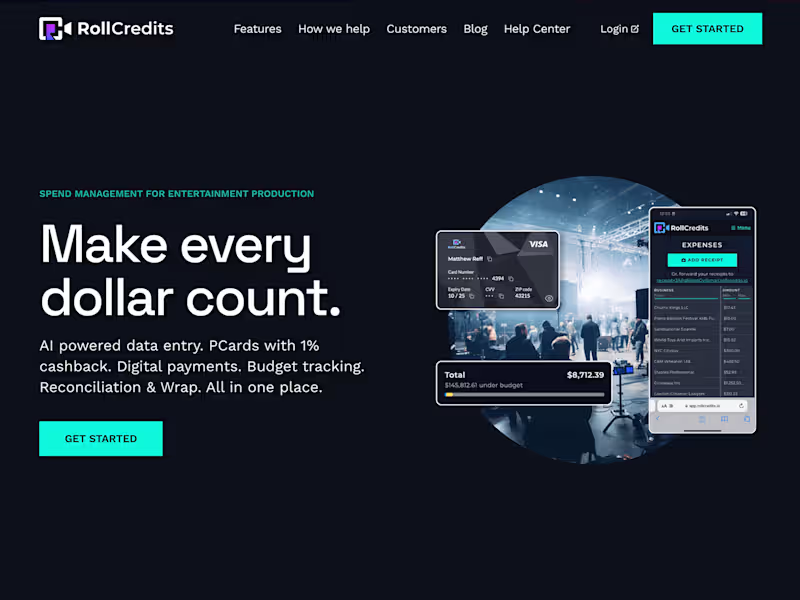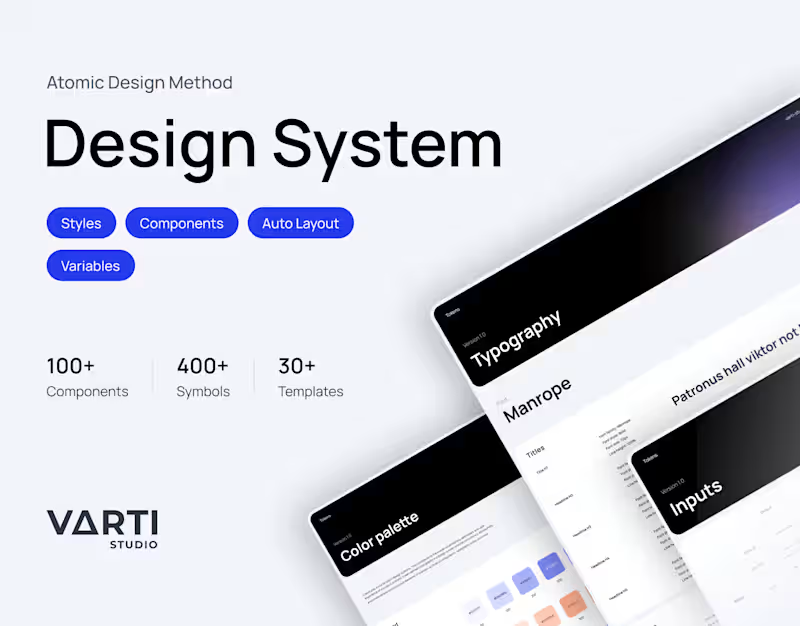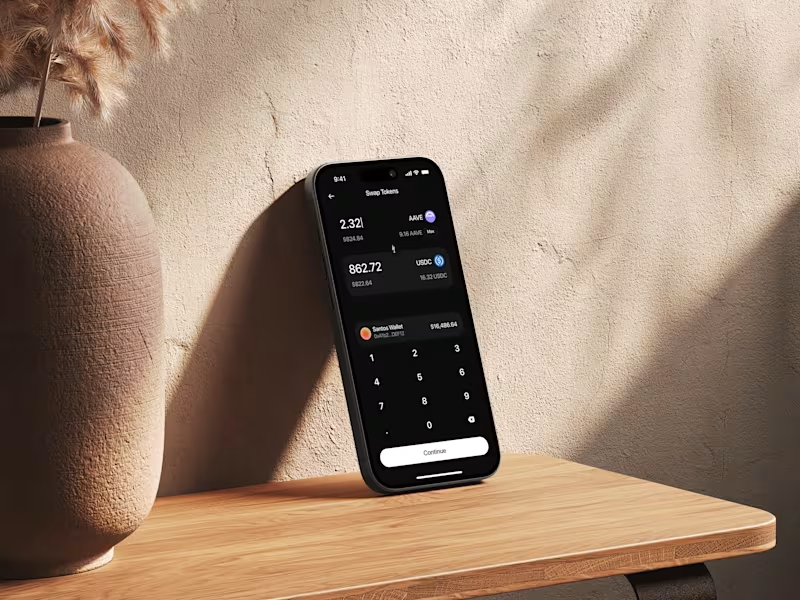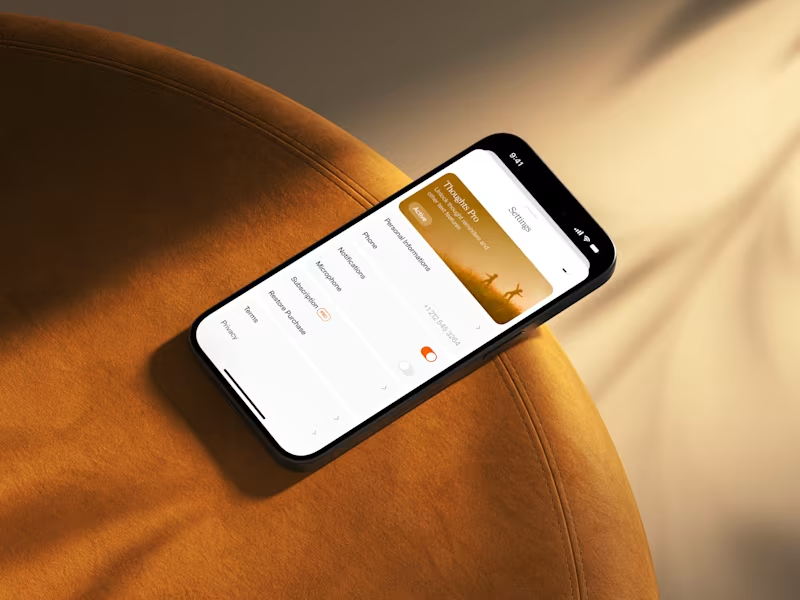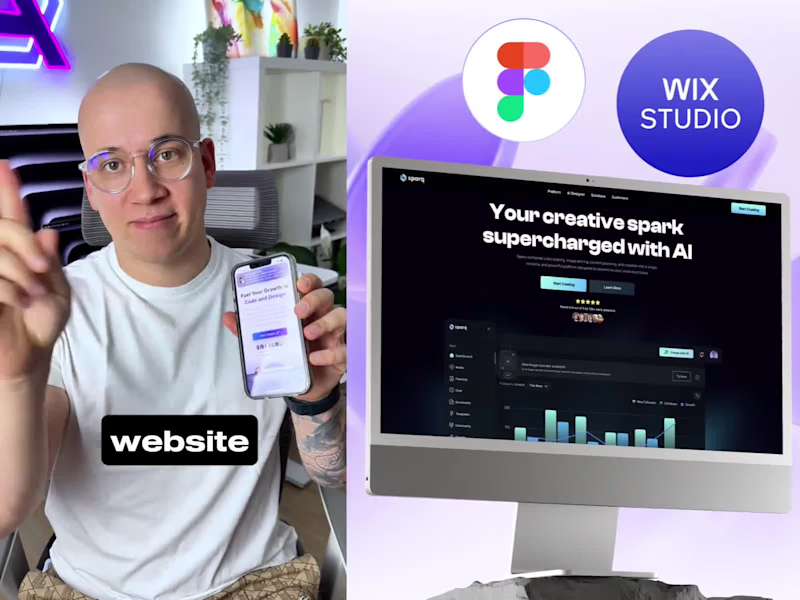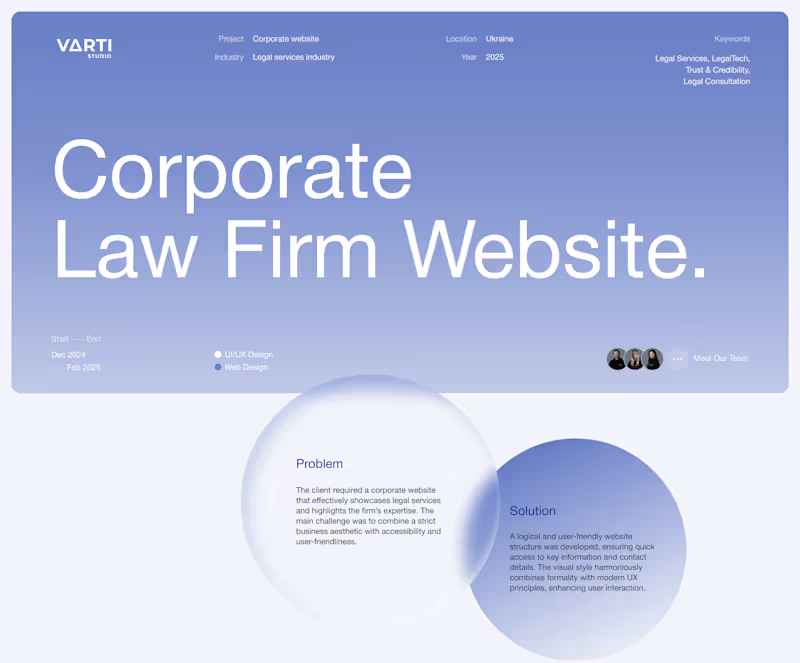

























What should I look for in a UX designer’s portfolio?
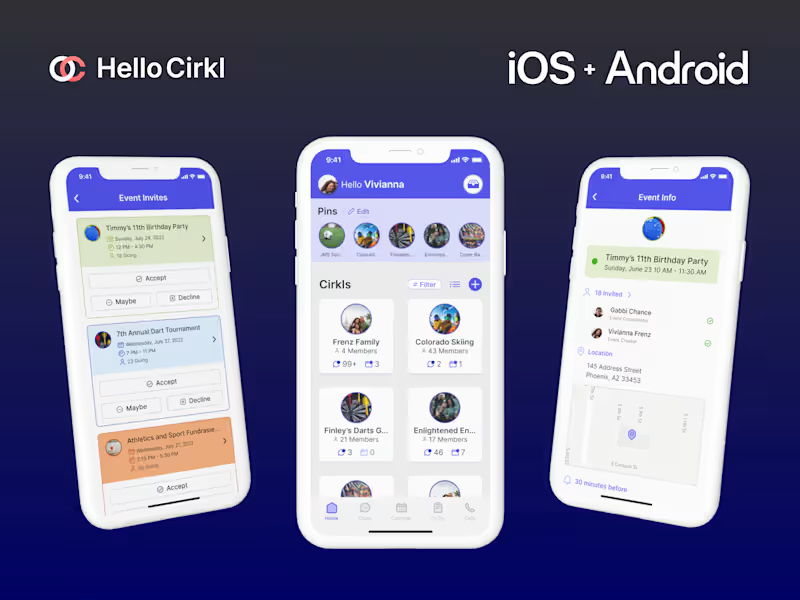
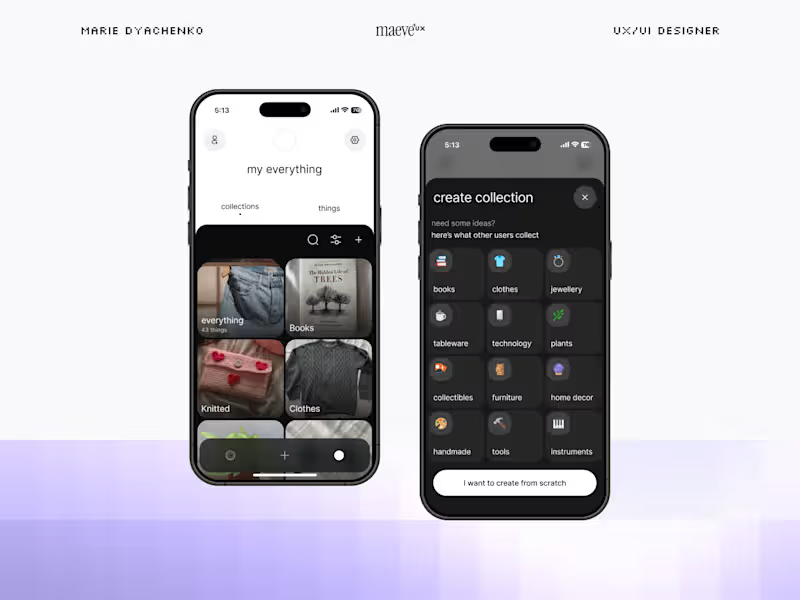
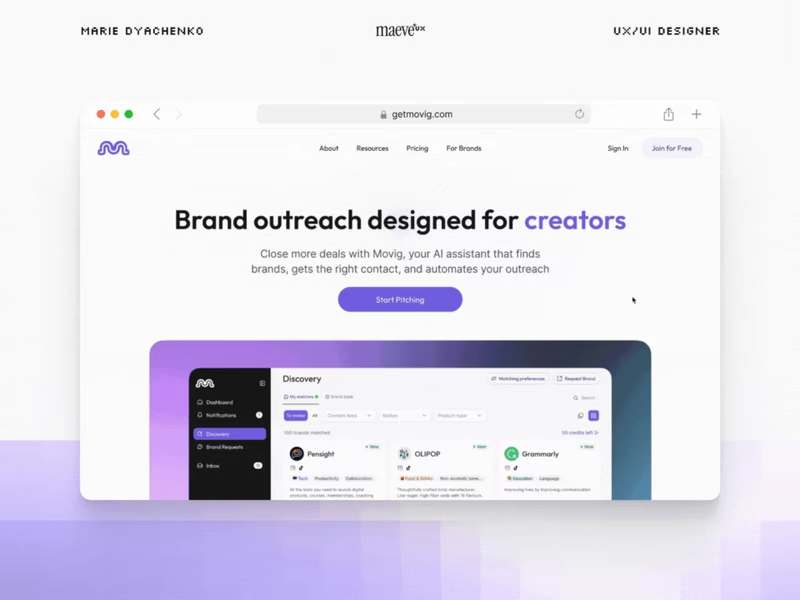
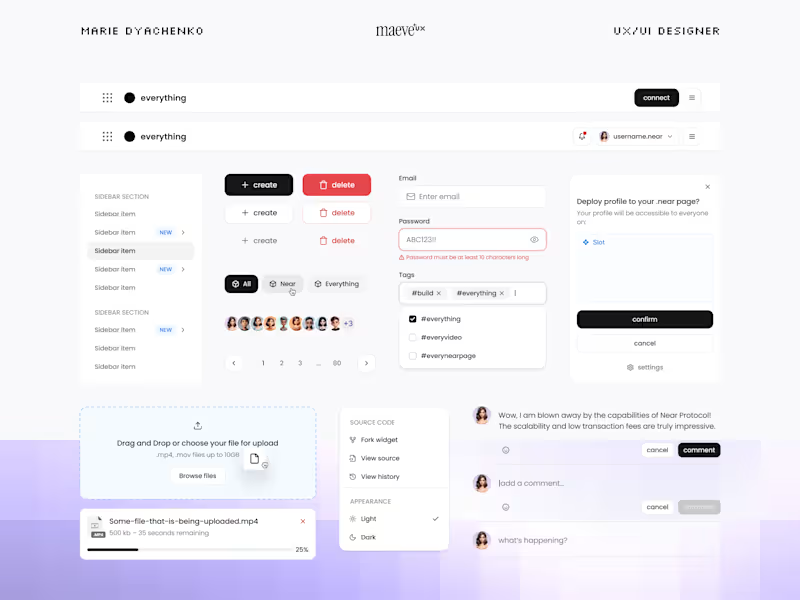
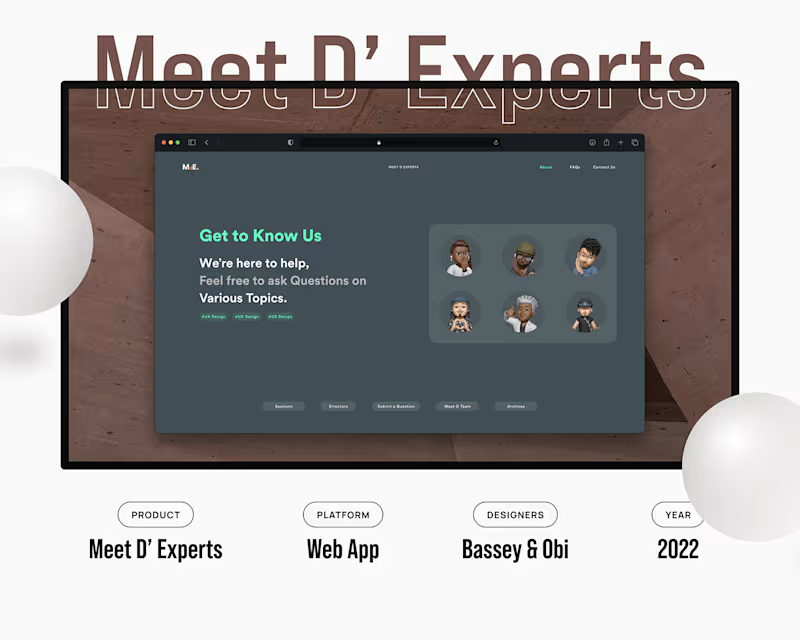
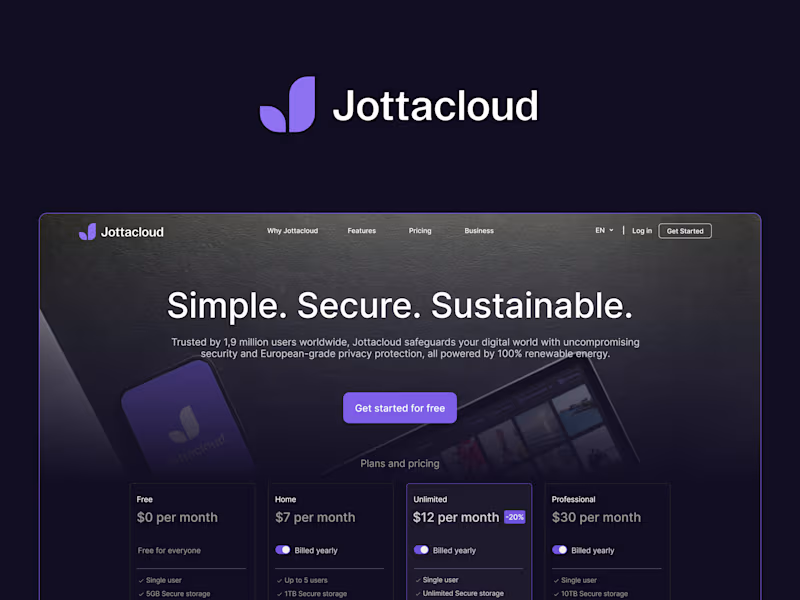
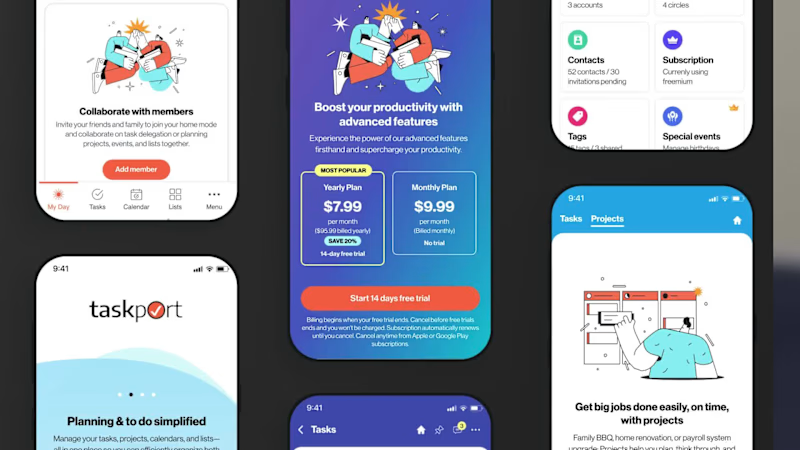
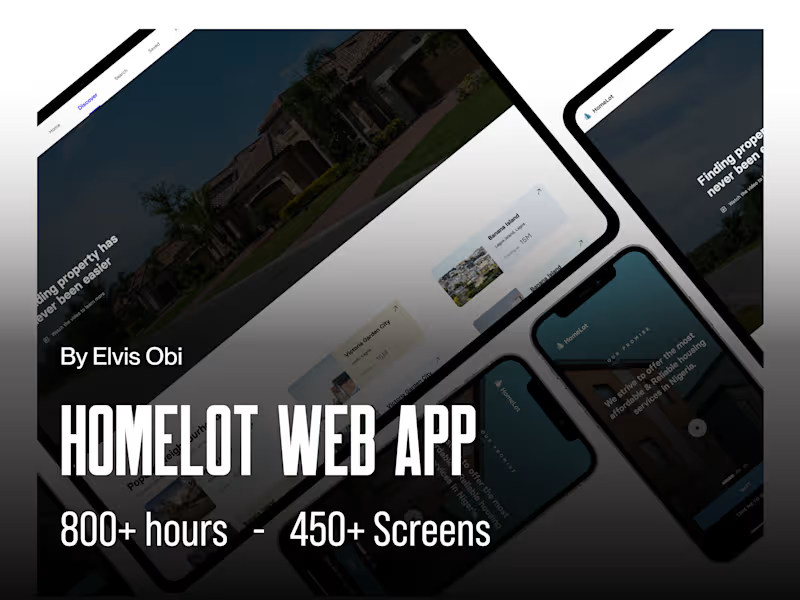
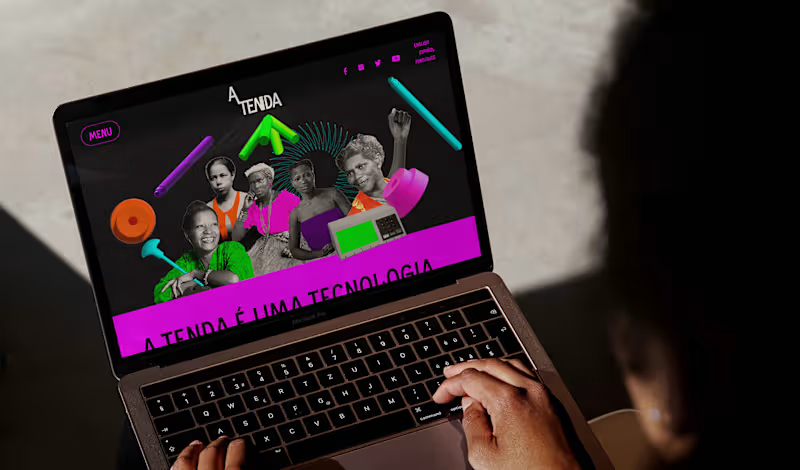
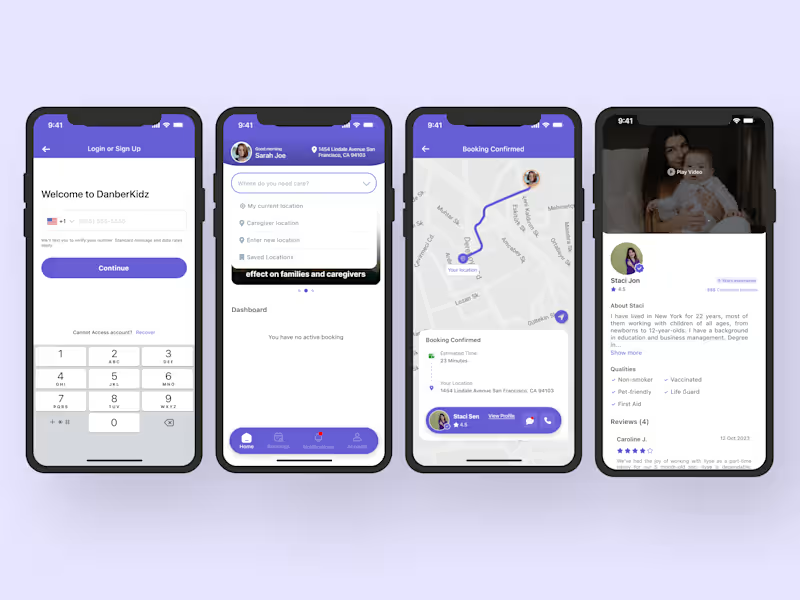
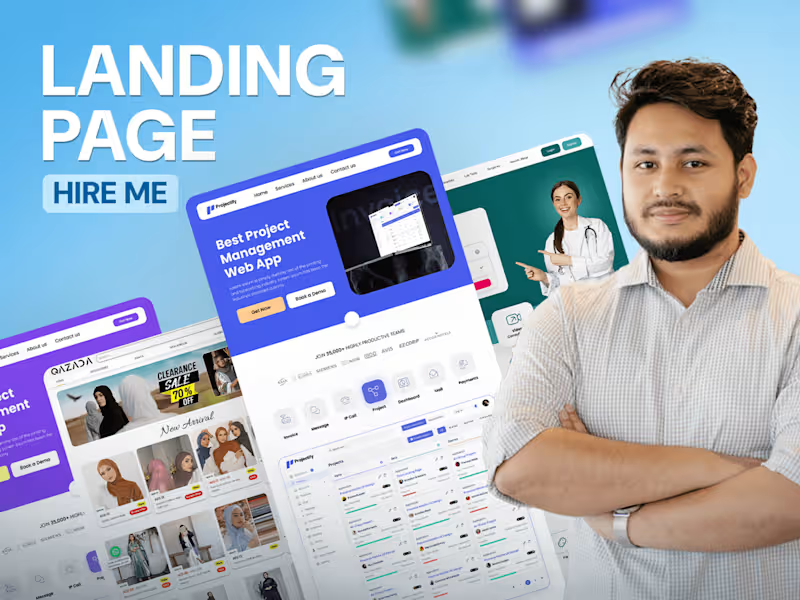
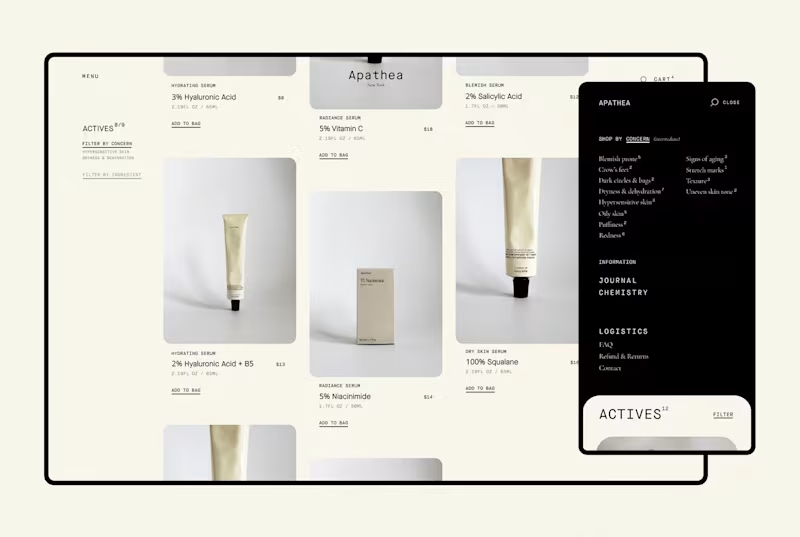
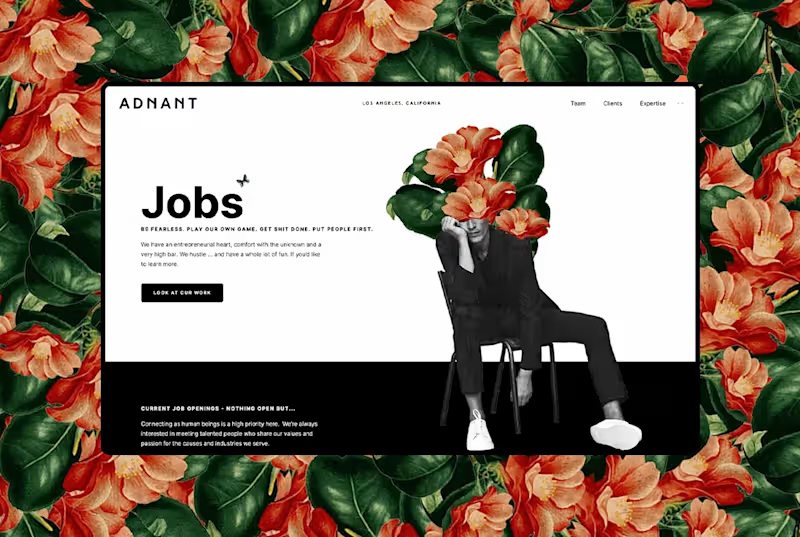
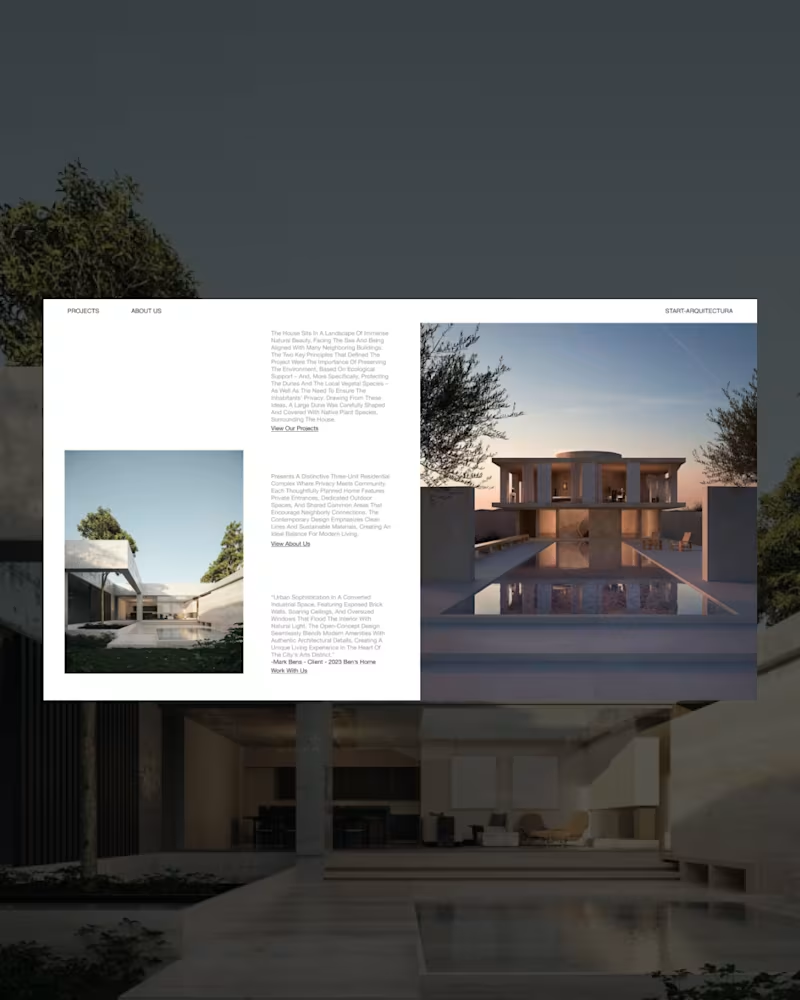
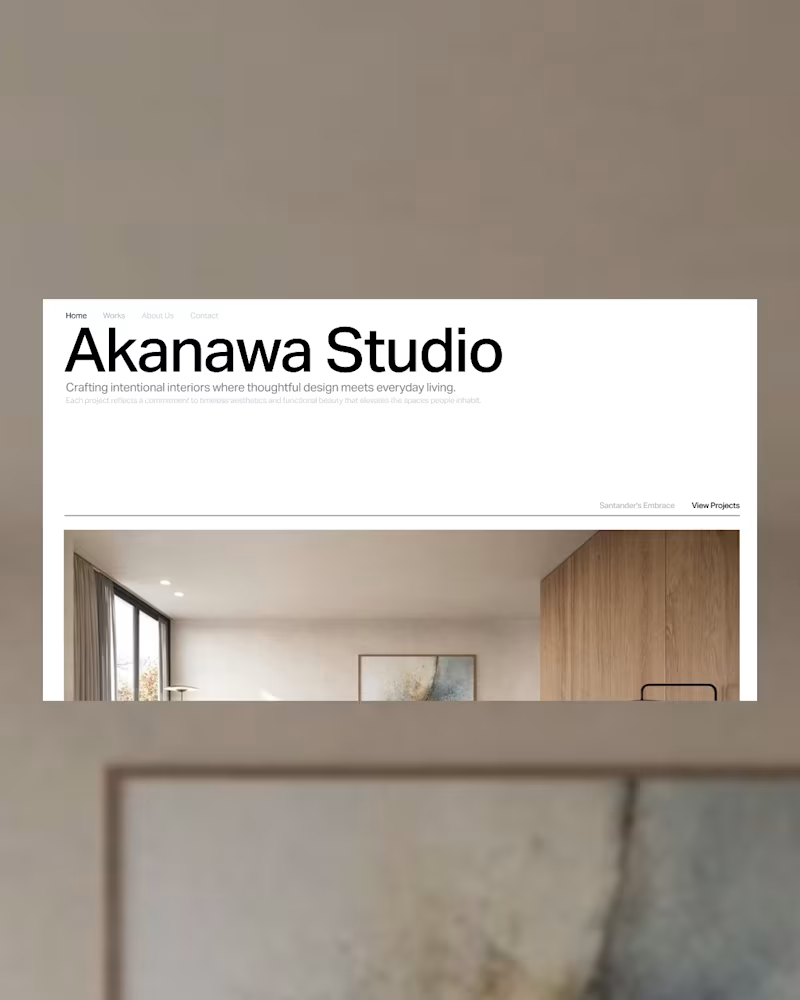
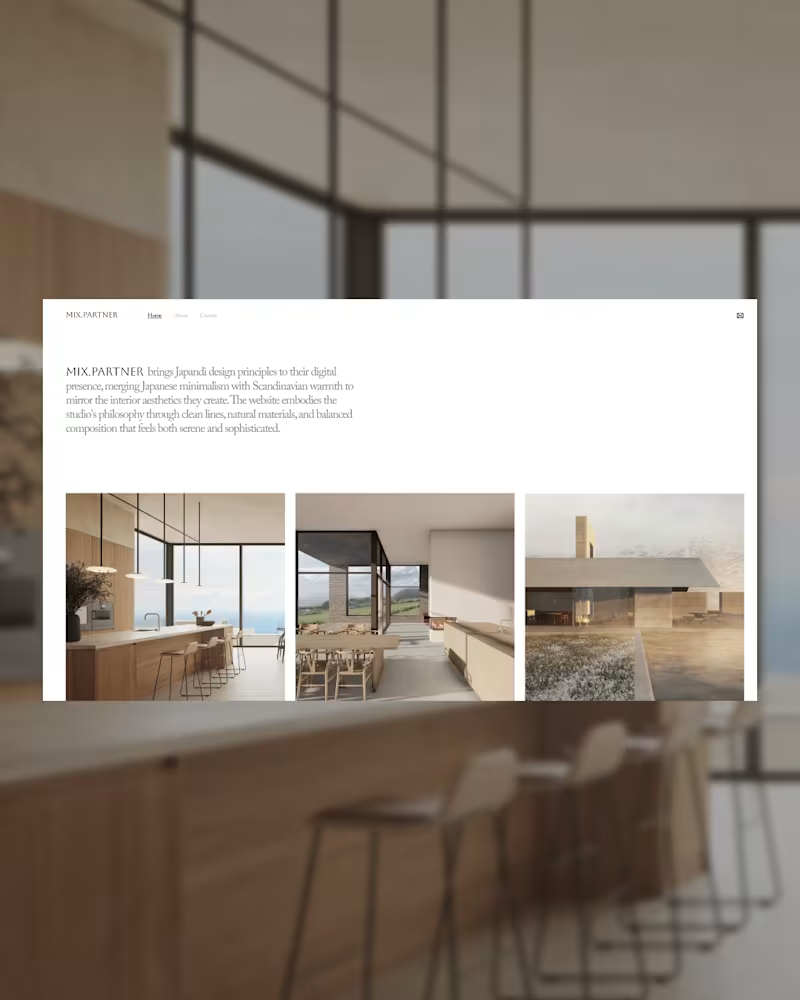
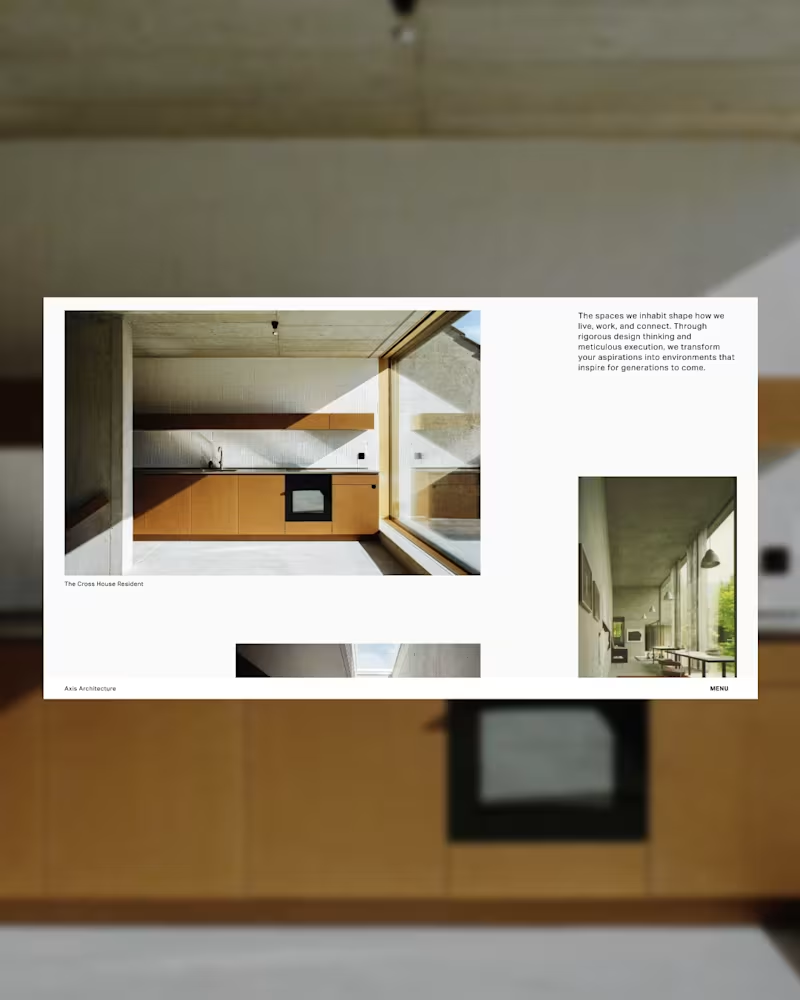
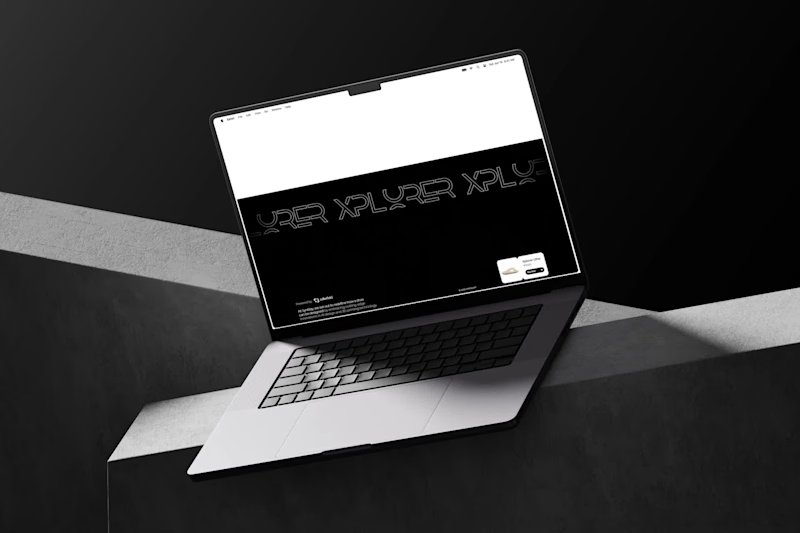
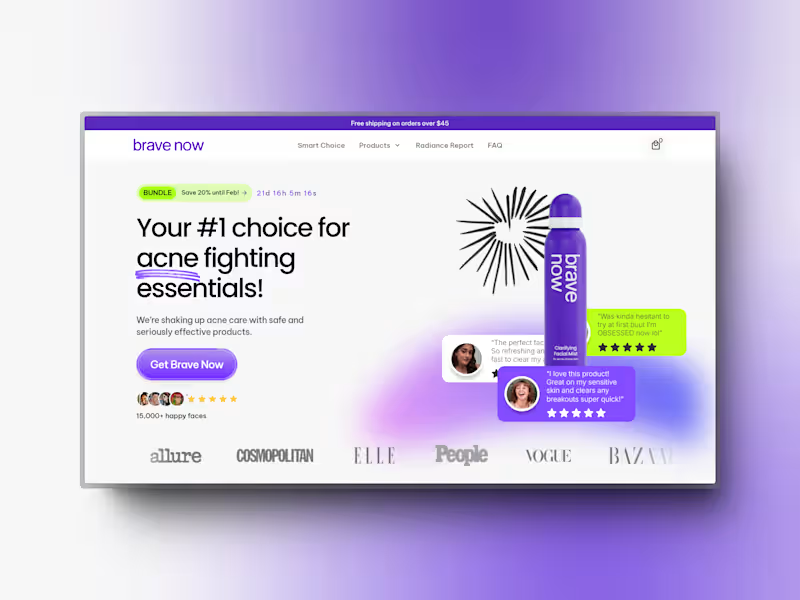
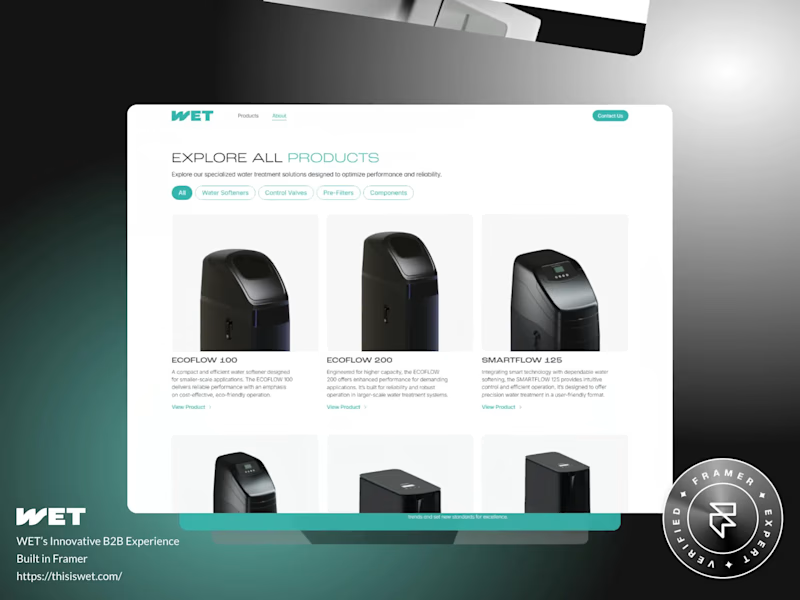
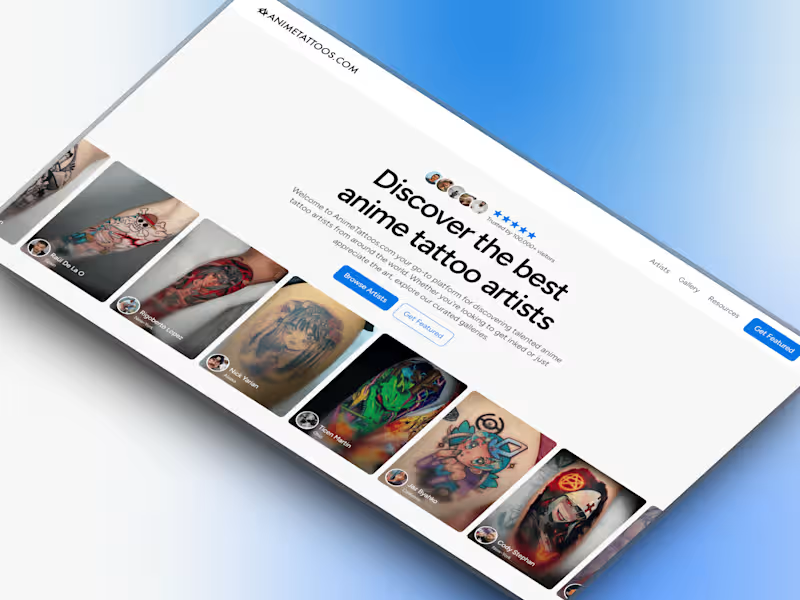
Look for projects similar to yours. A good portfolio shows designs and solutions used to help users. Check how they talk about their work and the results they achieved.
How do I discuss project scope with a UX designer?
Be clear about your project goals and user needs. Discuss the features you want and the time frame. Make sure you both agree on what's needed before starting.
What deliverables should I expect from a UX designer?
Expect sketches, wireframes, and prototypes. You should also get user research findings. Clear deliverables help you see progress and give feedback.
How can I assess a UX designer's communication skills?
Notice how they explain their ideas in simple words. Good communication means they listen to you and ask questions. It's important for making your project successful.
What tools should a UX designer be familiar with?
They should know tools like Sketch, Figma, and Adobe XD. These help in creating and sharing designs easily. Knowing the right tools ensures smooth project work.
How do I ensure a UX designer understands my brand?
Share your brand guidelines and values with them. Have a chat about your brand story and audience. This helps them create designs that match your brand’s identity.
How important is user feedback in UX design?
User feedback is key to good design. It helps the designer know what users like or find hard. This makes the design better and more useful for everyone.
When should I expect to see project milestones?
Set clear timelines for each phase of the project. Milestones help track progress and keep the project on time. Agree on a schedule before work begins to avoid delays.
How should I provide feedback to a UX designer?
Give specific and clear feedback. Point out what you like and what needs changes. Good feedback helps the designer create better designs faster.
How can I make sure the project stays on track?
Have regular check-ins to discuss updates. Talk about any changes needed as soon as they come up. Keeping in touch helps avoid surprises and keeps the project on schedule.
Who is Contra for?
Contra is designed for both freelancers (referred to as "independents") and clients. Freelancers can showcase their work, connect with clients, and manage projects commission-free. Clients can discover and hire top freelance talent for their projects.
What is the vision of Contra?
Contra aims to revolutionize the world of work by providing an all-in-one platform that empowers freelancers and clients to connect and collaborate seamlessly, eliminating traditional barriers and commission fees.