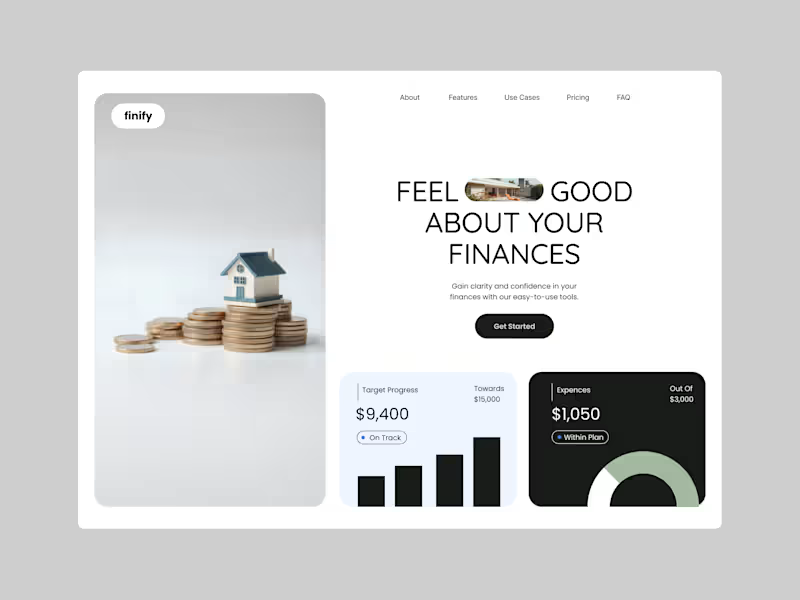
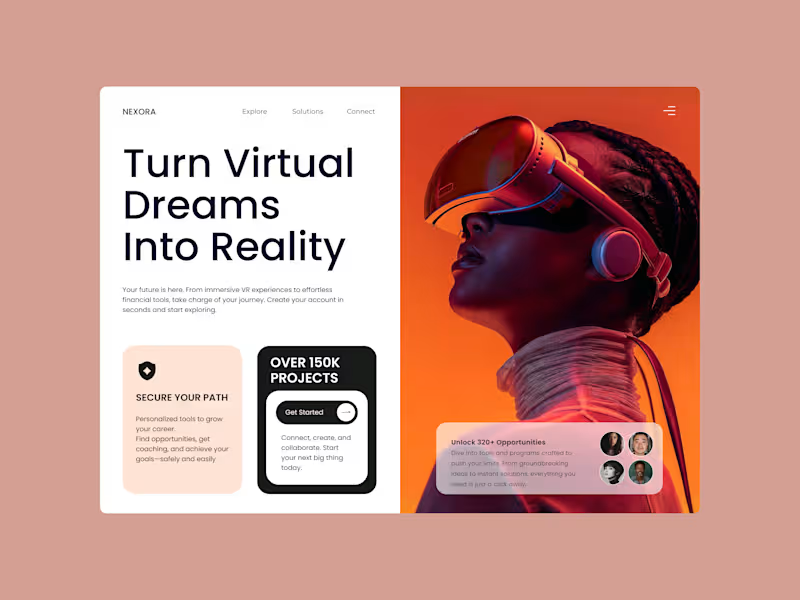
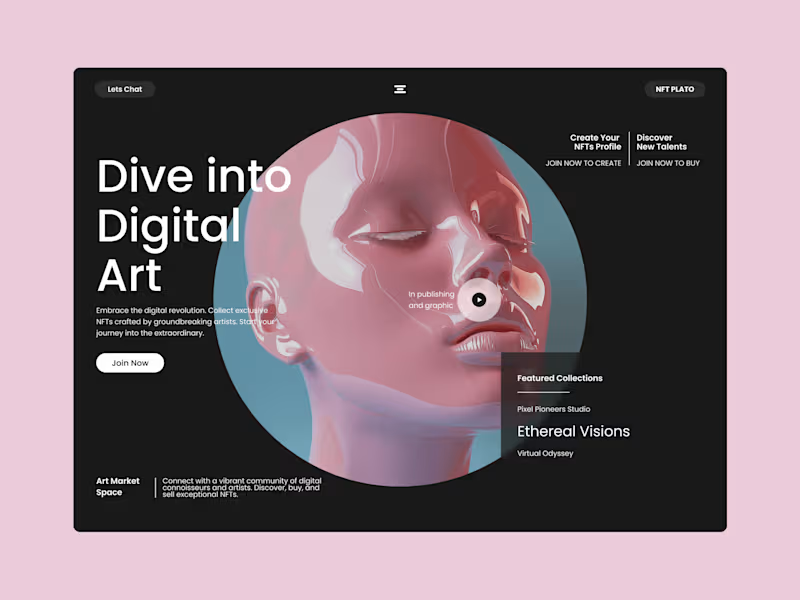
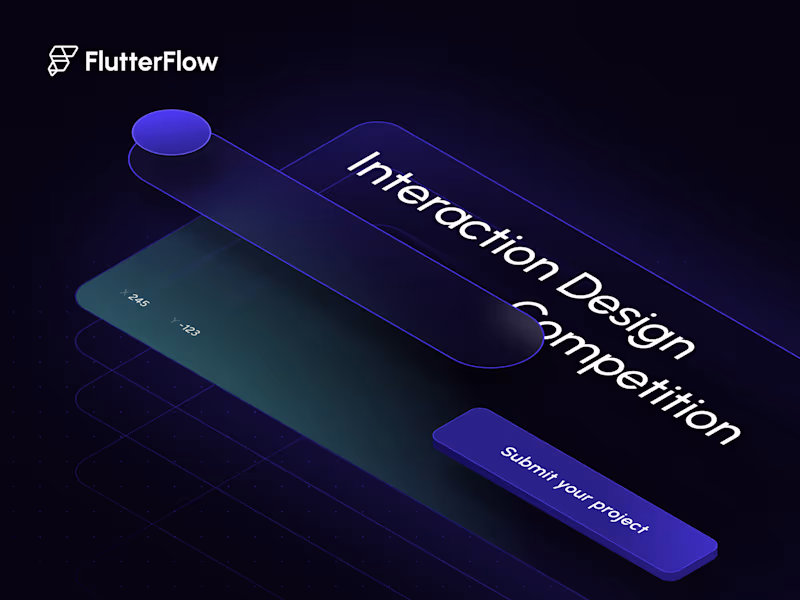
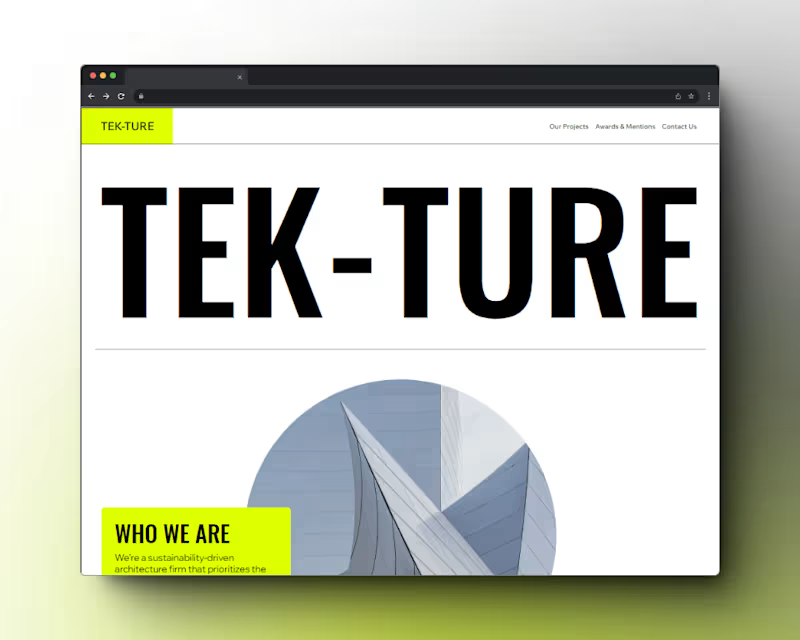
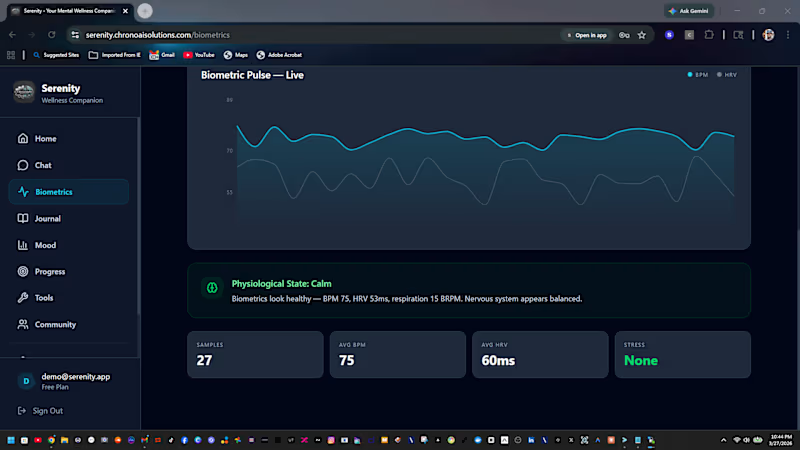
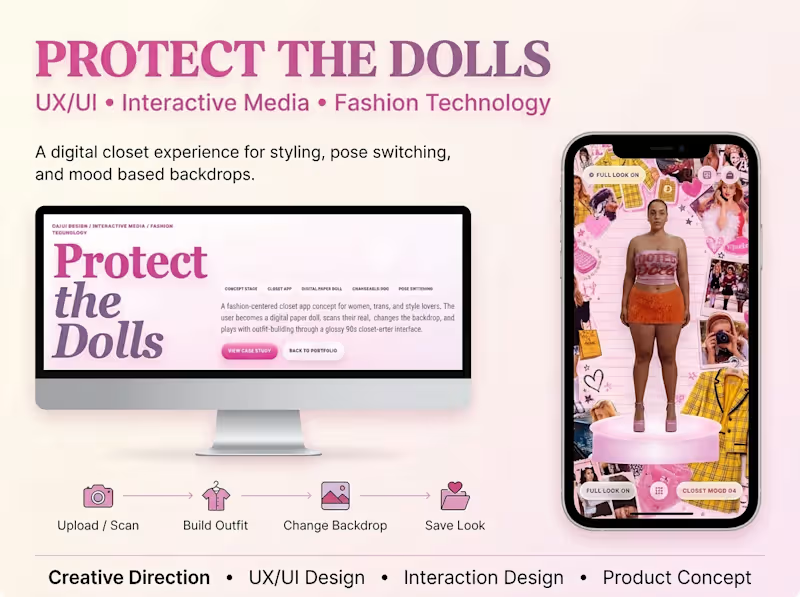
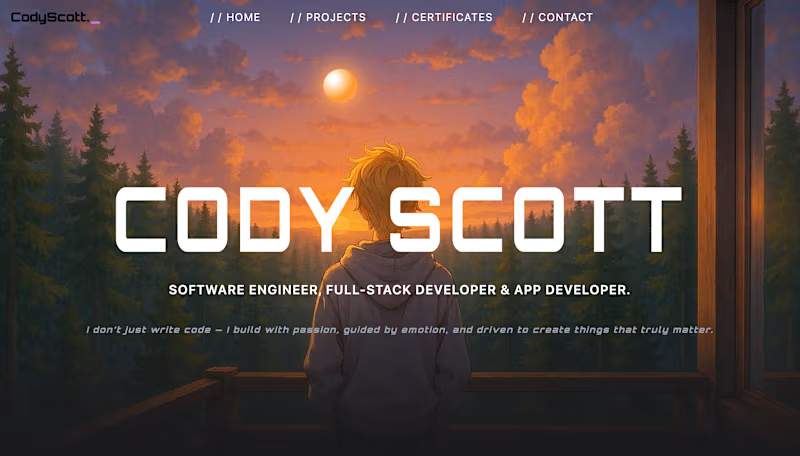
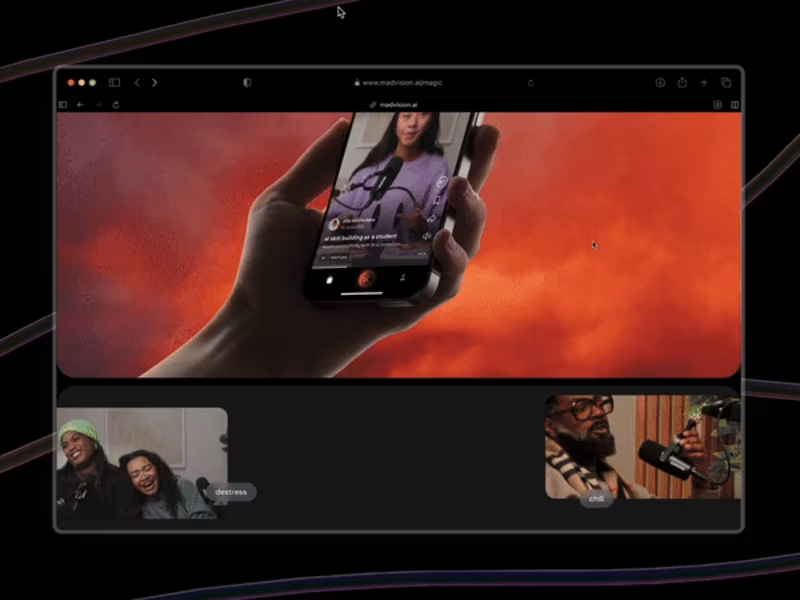
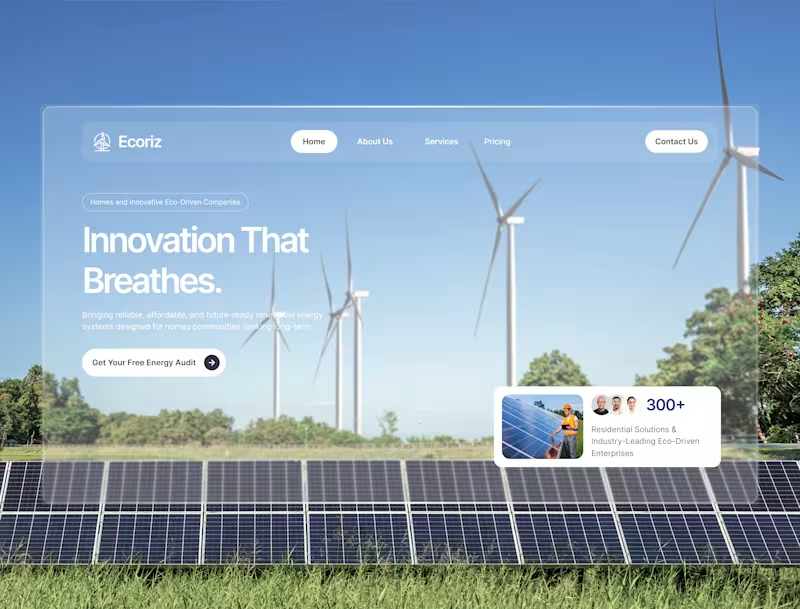
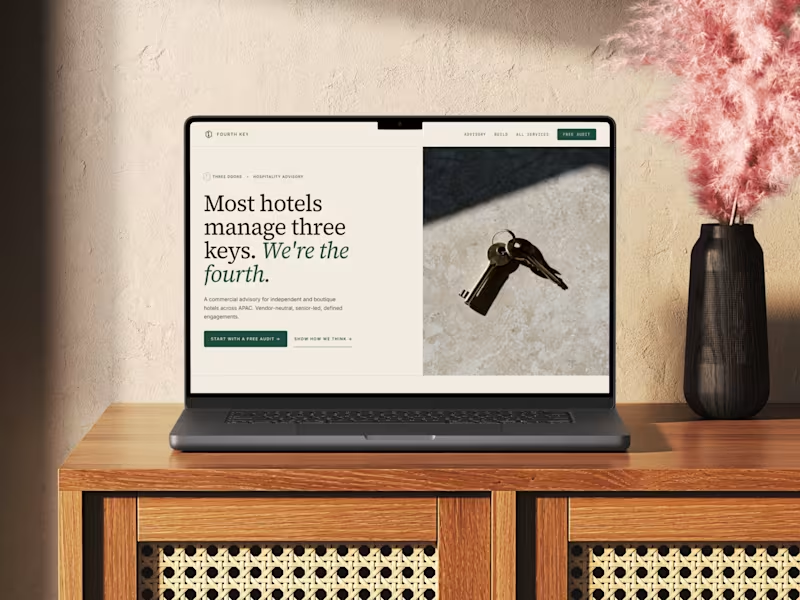
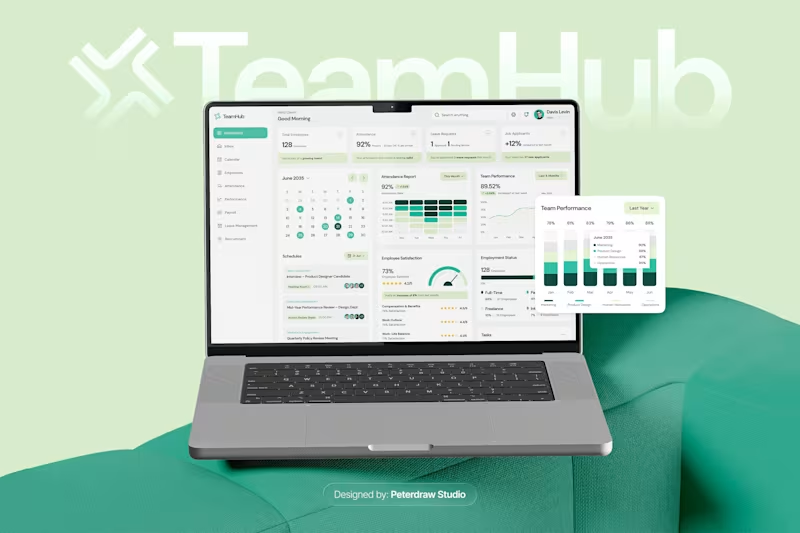
What should I look for in a freelance UI designer’s portfolio?
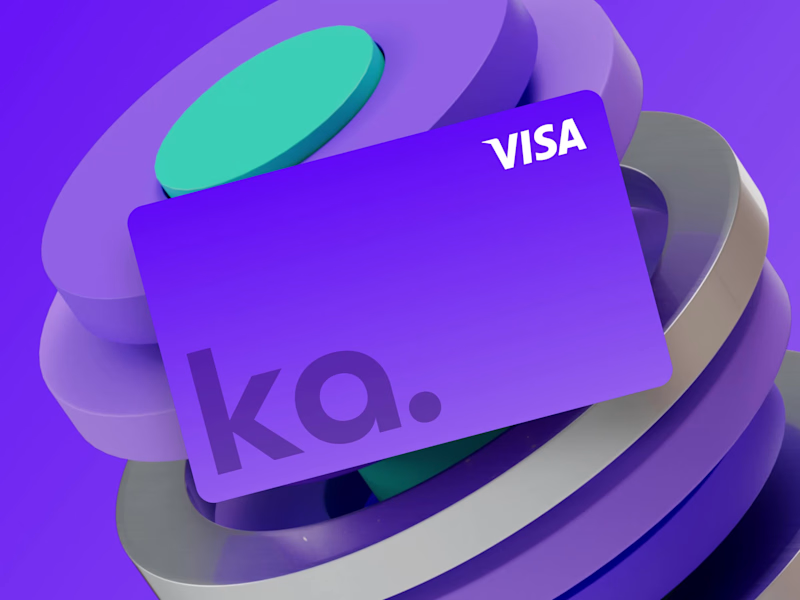
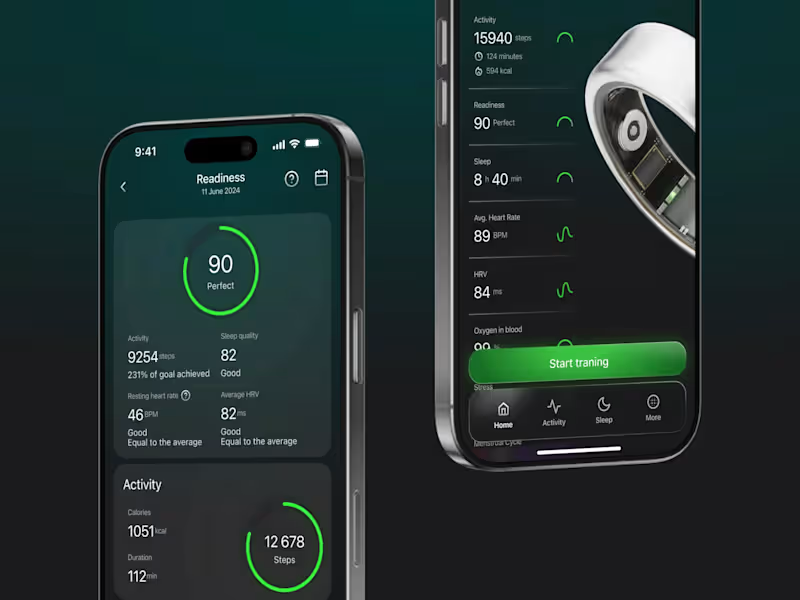
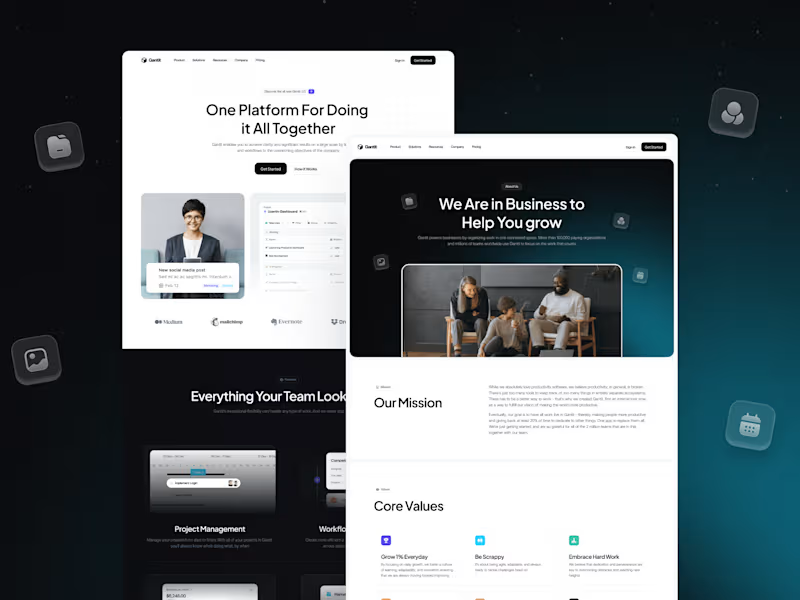
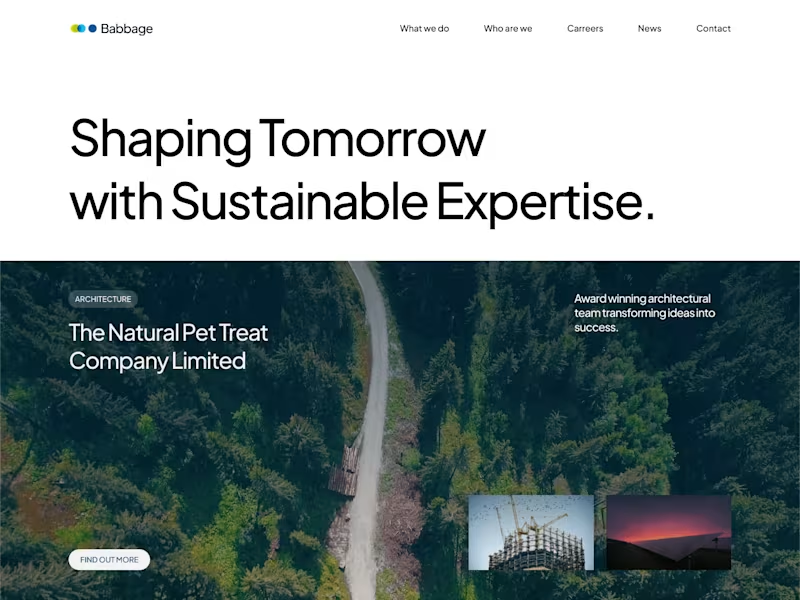
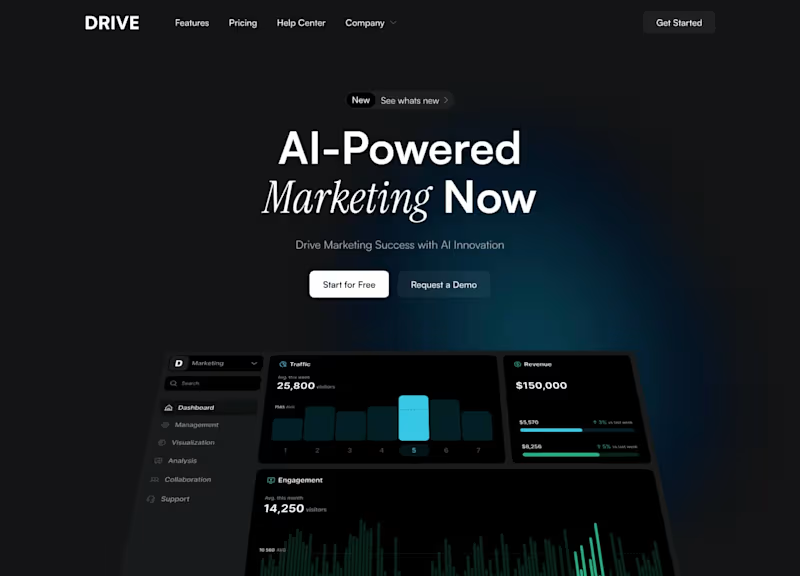
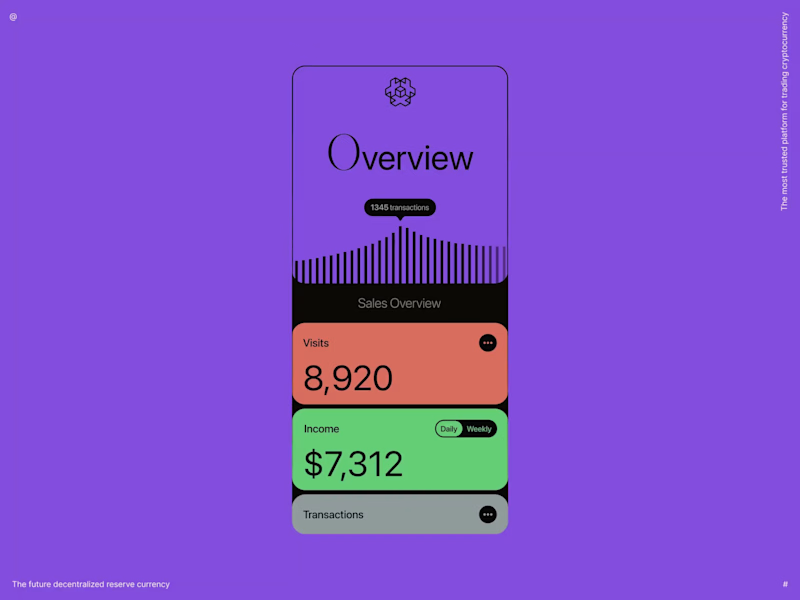
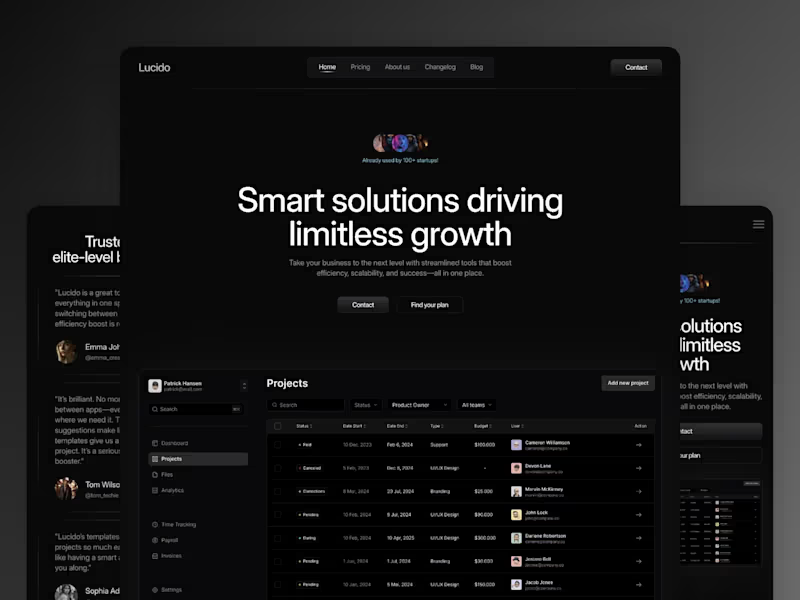
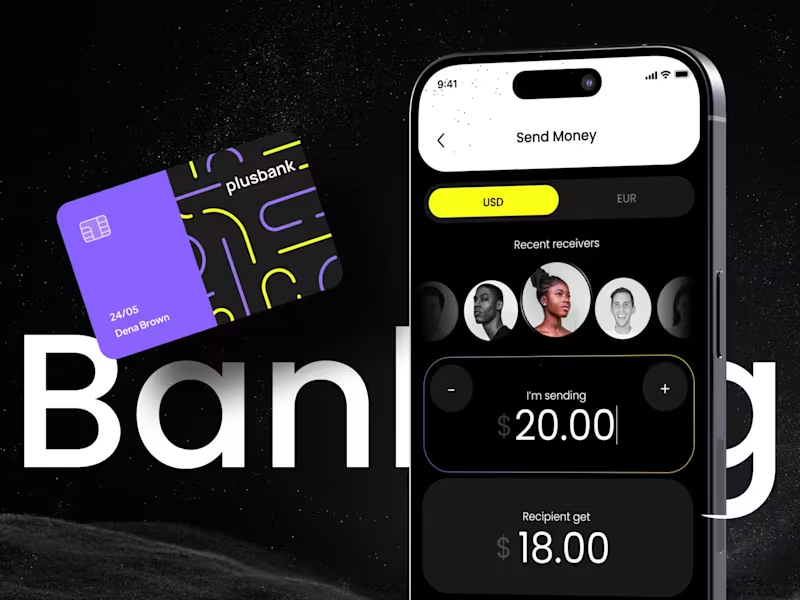
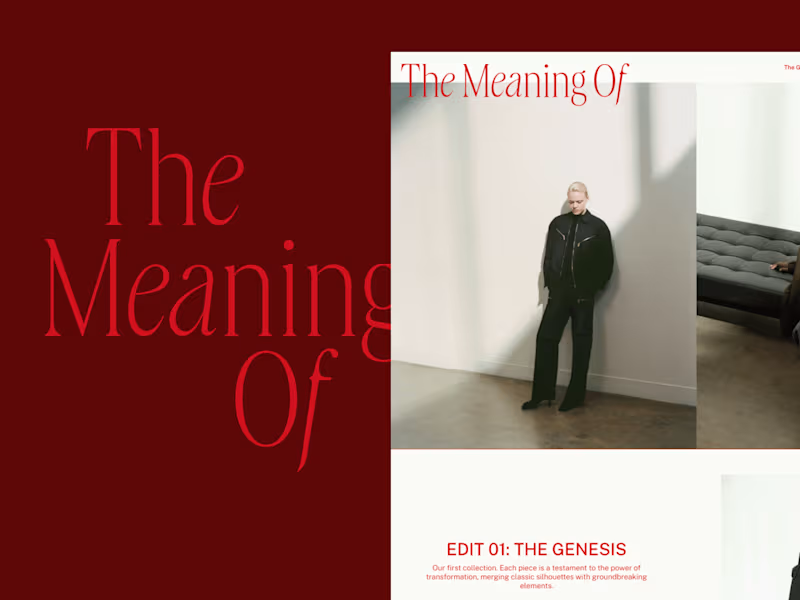
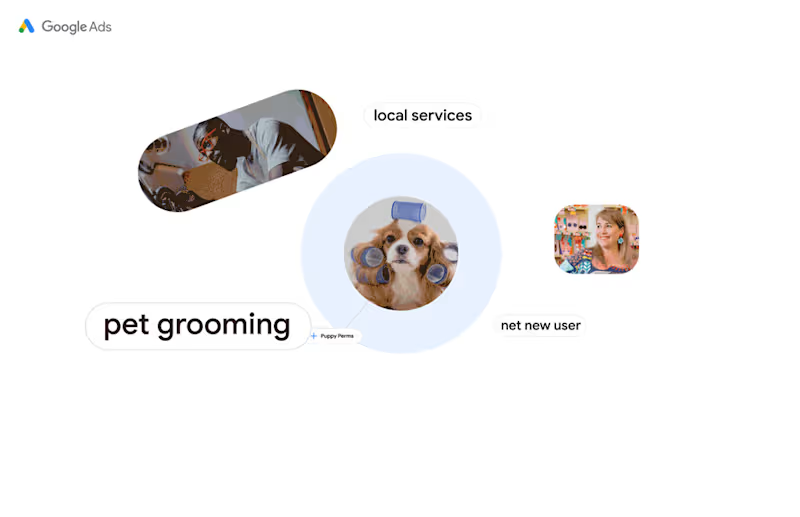
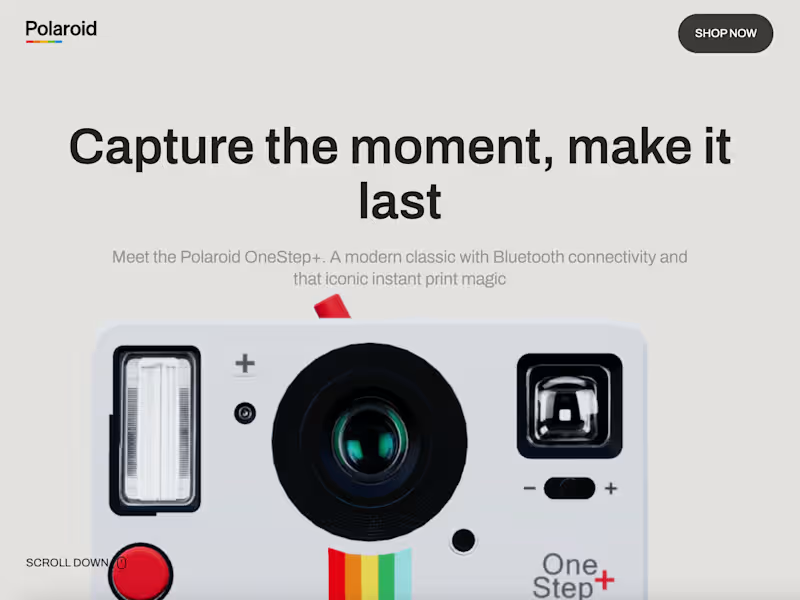
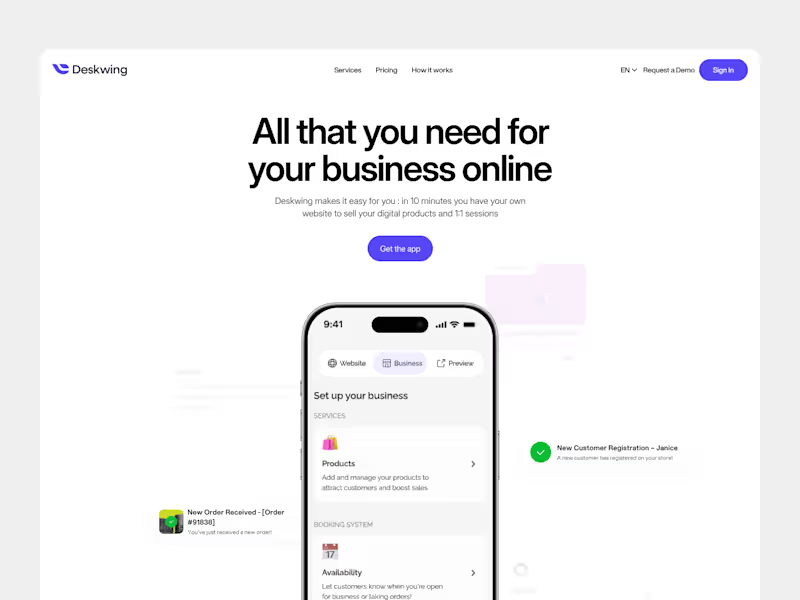
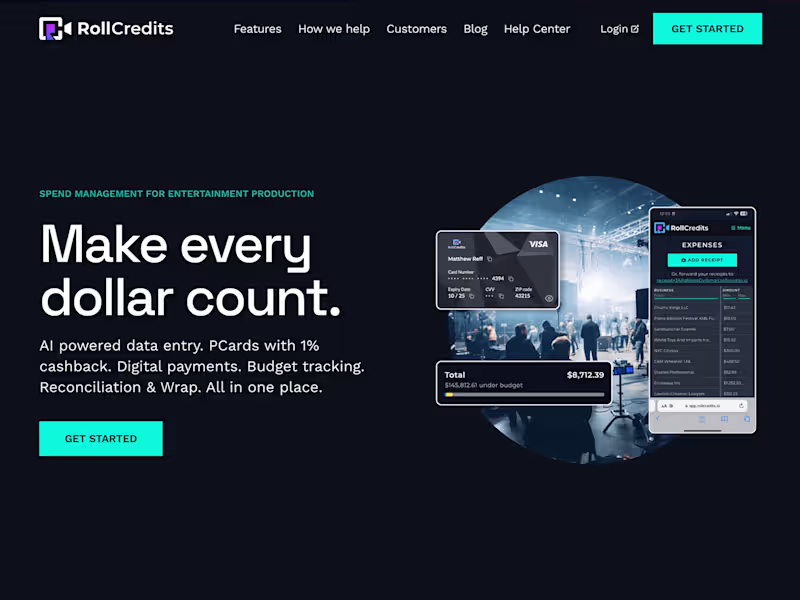
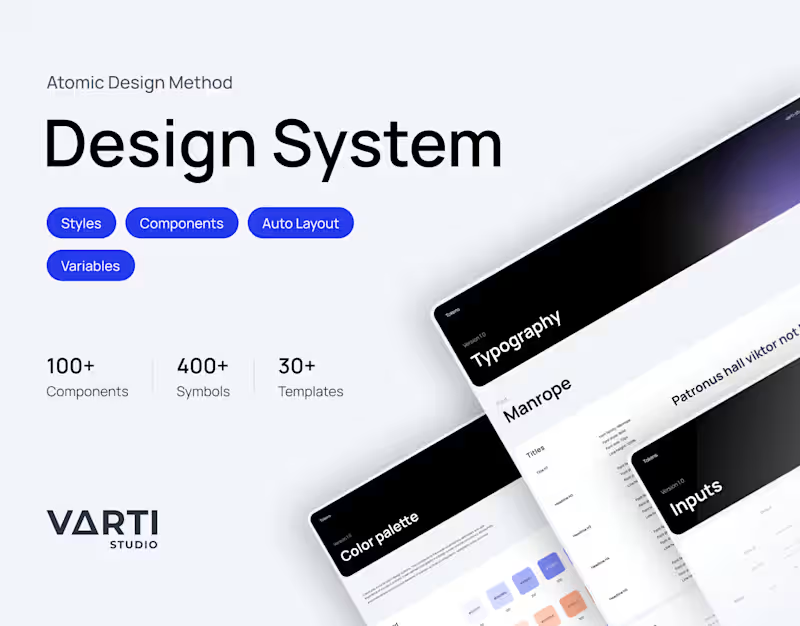
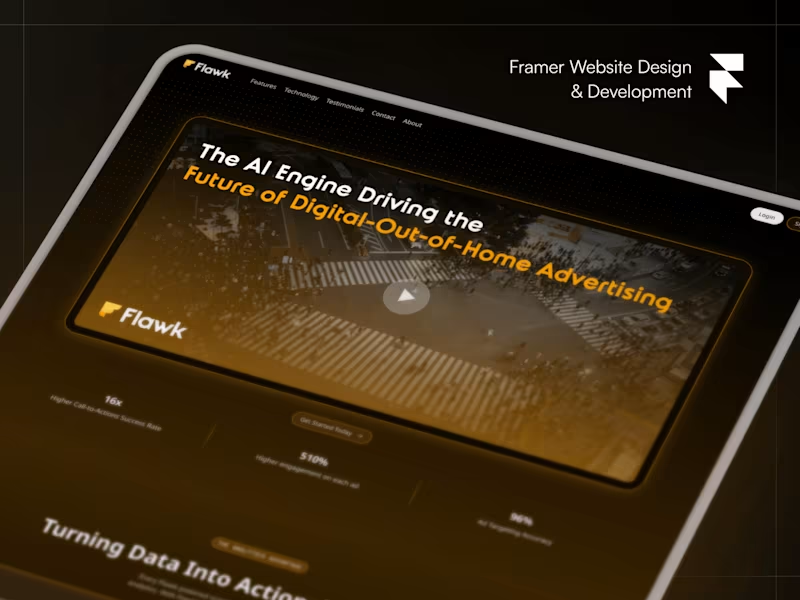
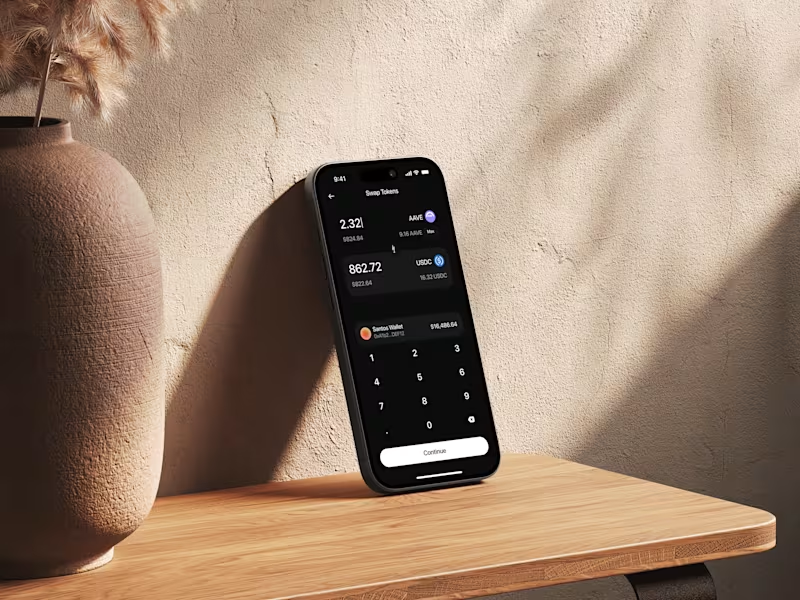
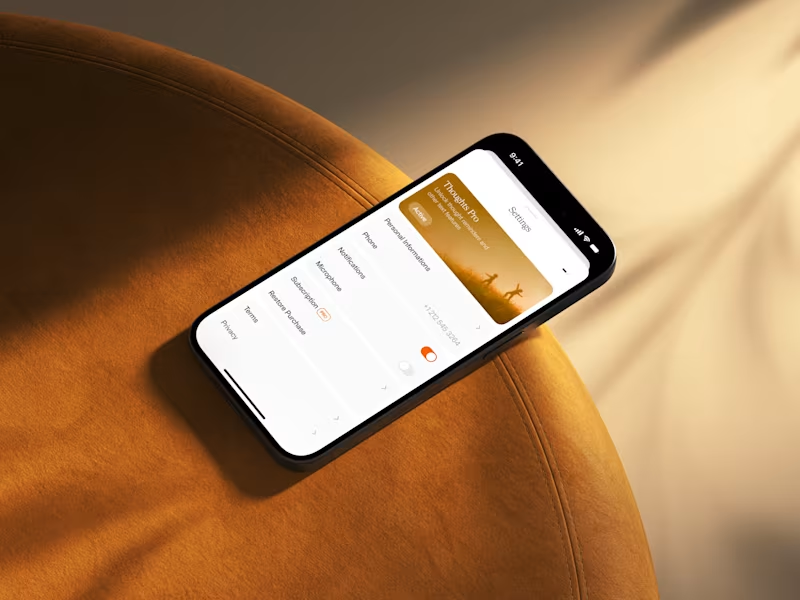
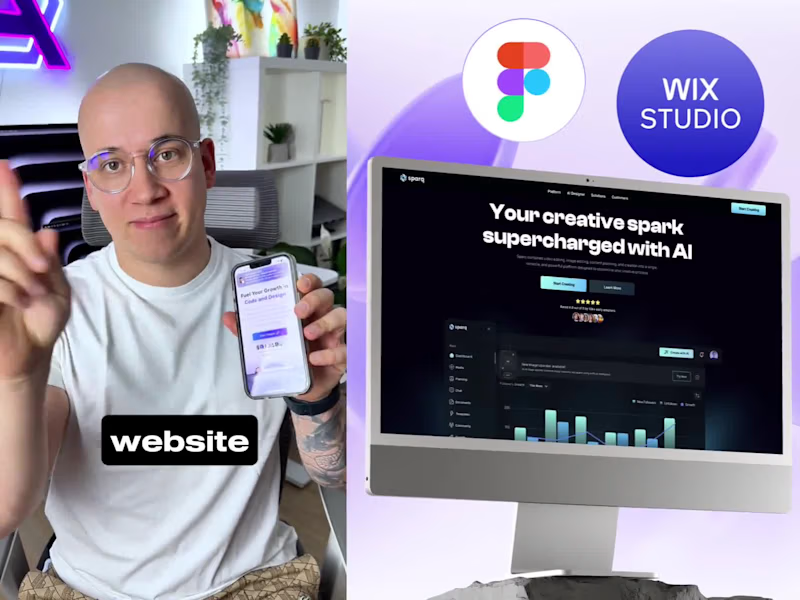
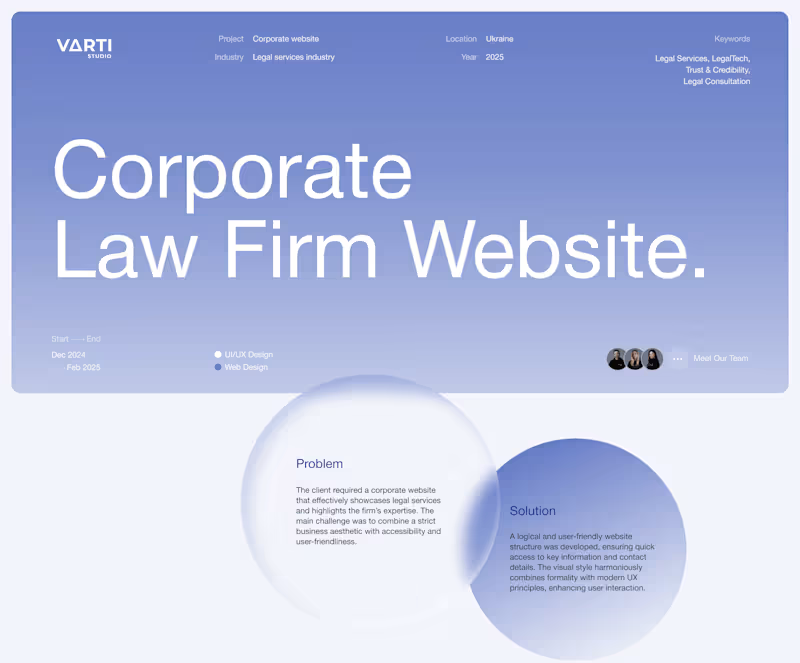
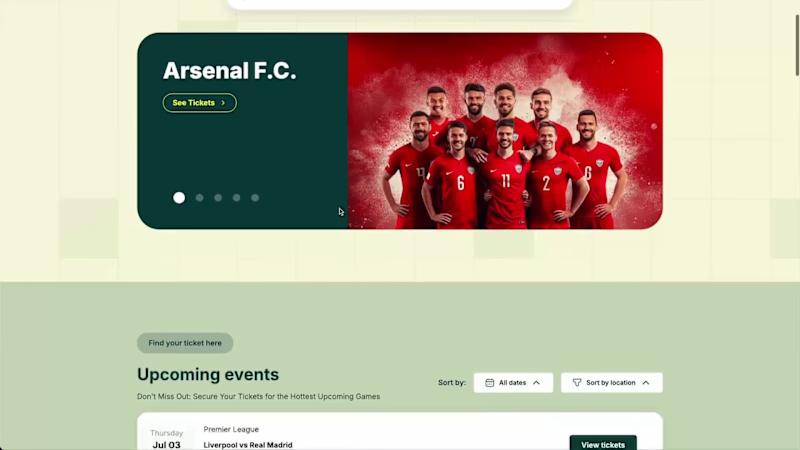
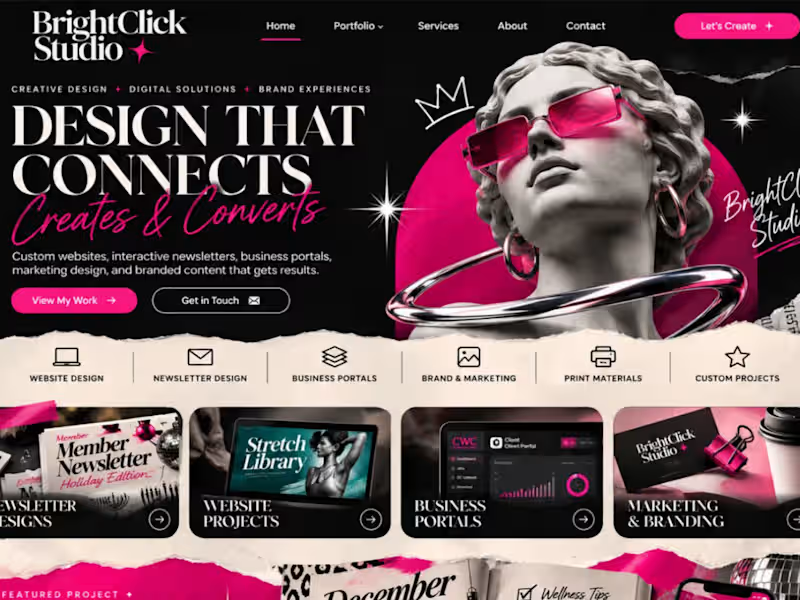
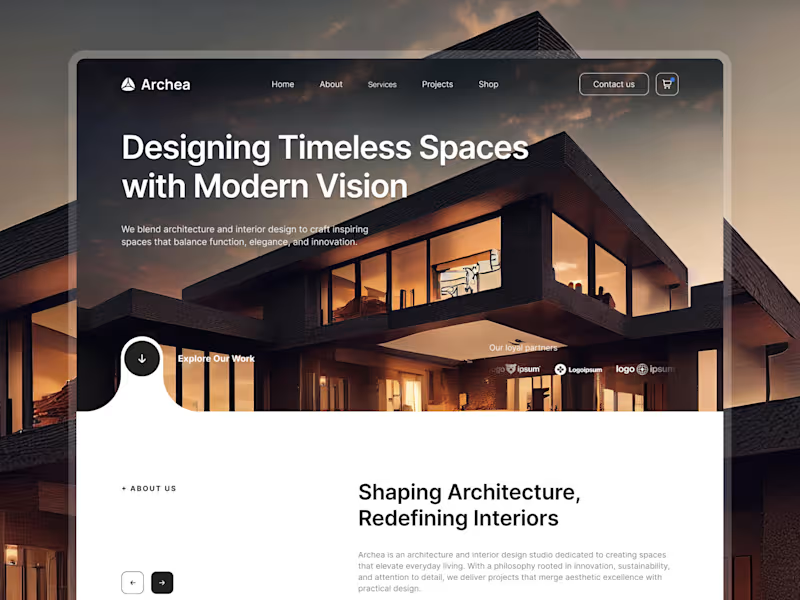
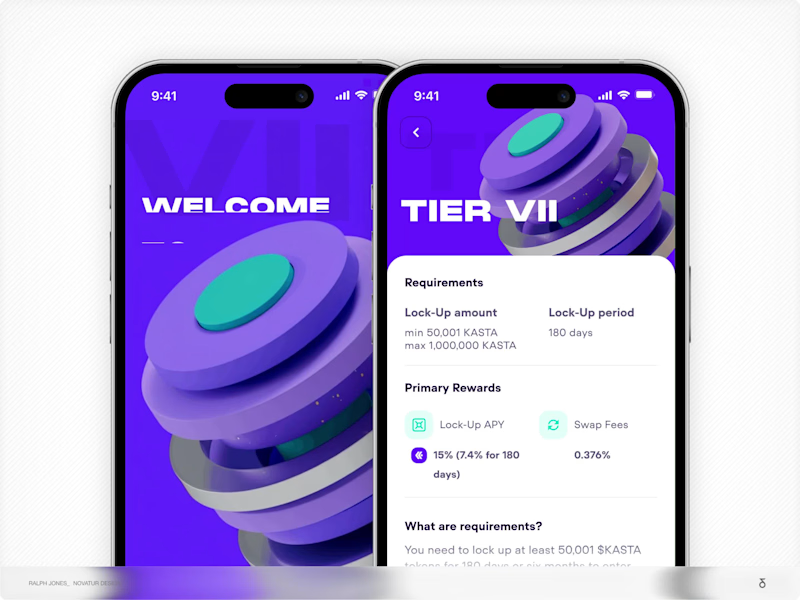
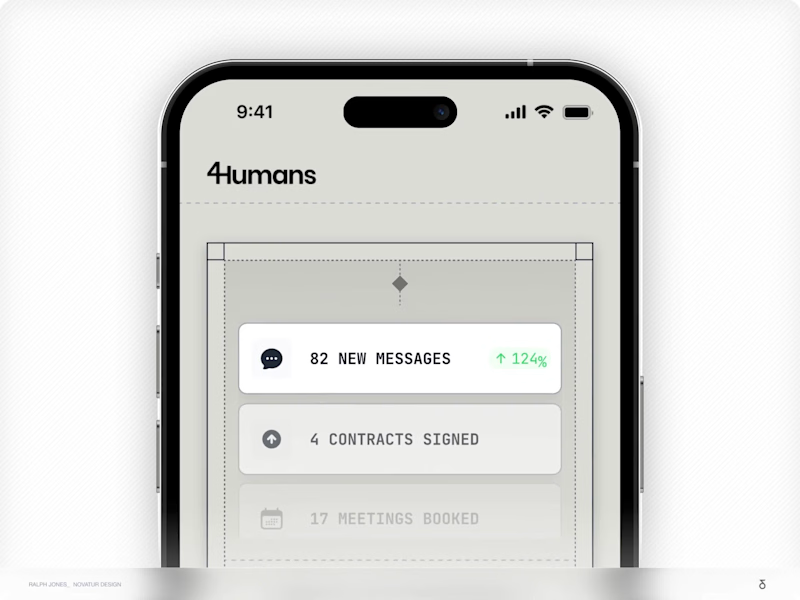
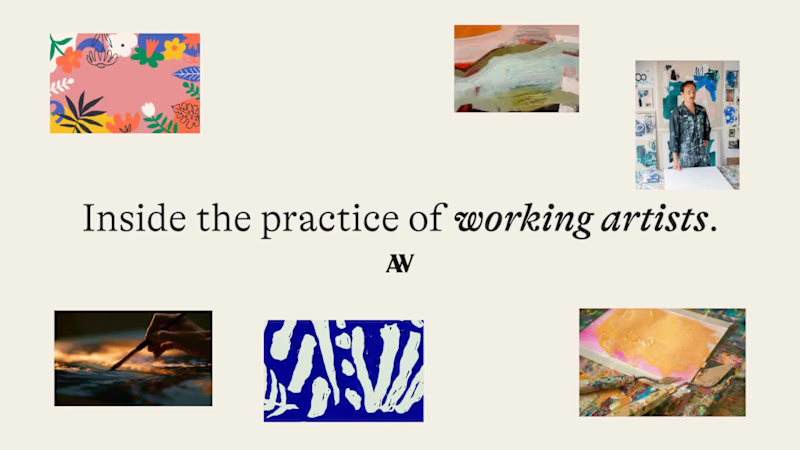
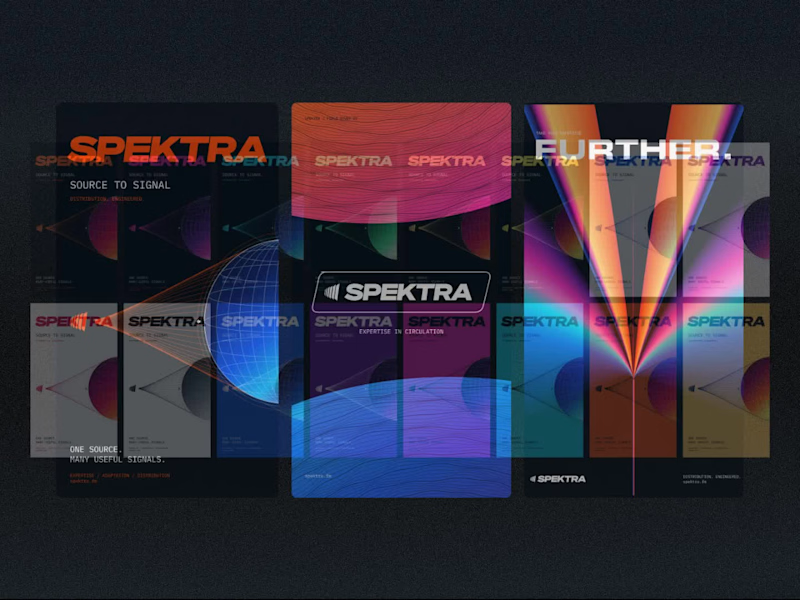
Look for projects similar to yours. Check if the designs are easy to use and nice to look at. See if the designer's style matches what you want.
How do I decide what tasks the freelance UI designer will work on?
Start by listing all the things you need for your project. Decide which tasks are about looks and which are about how things work. This will help you decide what the designer does.
How can I make sure the project's design matches my brand?
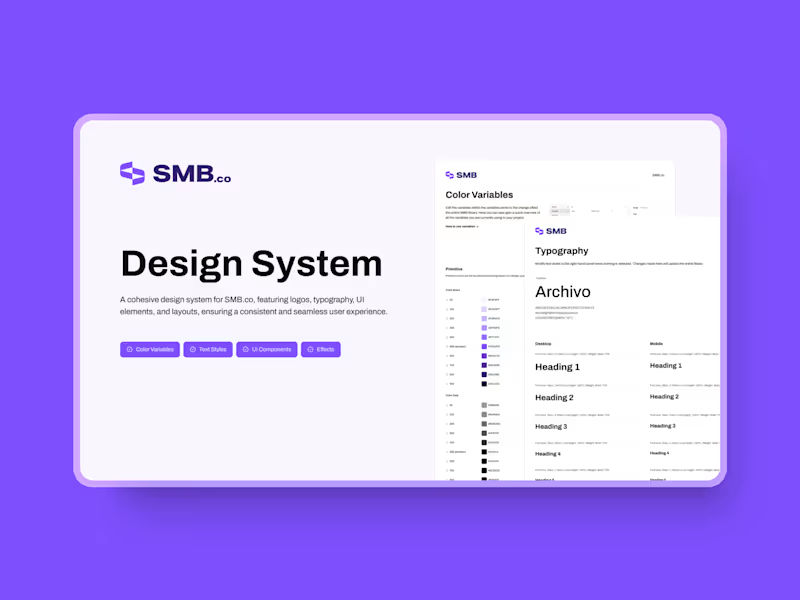
Share your brand colors, fonts, and style guides with the designer. Show examples of designs you like. Be clear about what your brand stands for and looks like.
How can I make sure the designs fit the user’s needs?
Share your user stories or personas with the designer. Talk about how real people will use your product. Make sure the design is easy for these people to use.
What's the best way to communicate with a freelance UI designer?
Set up regular check-ins to talk about the project. Use simple tools like email or chat to share ideas. Make sure both you and the designer know how and when to talk.
How can I ensure a smooth onboarding process for the designer?
Prepare all the information the designer needs before they start. Share access to necessary tools or files. Welcome them and answer any questions they might have.
How do I establish clear project goals with a freelance UI designer?
Start with a short meeting to discuss what you need. Write down the main goals in a simple way. Make sure both you and the designer agree on these goals.
What should I include in the initial project brief?
Include a description of your project, key goals, and deadlines. Share any specific features or functions you need. Provide examples or inspiration for what you like.
How do I make sure the final design meets all my expectations?
Give feedback during the project, not just at the end. Ask to see drafts or previews to check progress. Be honest and clear about what changes you want.
How can I facilitate effective collaboration during the project?
Use collaborative tools where you can both share ideas easily. Encourage open and honest communication. Create a positive environment where creative ideas are welcomed.
Who is Contra for?
Contra is designed for both freelancers (referred to as "independents") and clients. Freelancers can showcase their work, connect with clients, and manage projects commission-free. Clients can discover and hire top freelance talent for their projects.
What is the vision of Contra?
Contra aims to revolutionize the world of work by providing an all-in-one platform that empowers freelancers and clients to connect and collaborate seamlessly, eliminating traditional barriers and commission fees.