How should I describe my project for hiring a Figma freelancer?
Be clear about what you need. Write down all the parts of your project, like what the app or website should do and how it should feel. This helps the Figma expert understand your vision and make better designs for you.
What skills should I look for in a Figma freelancer?
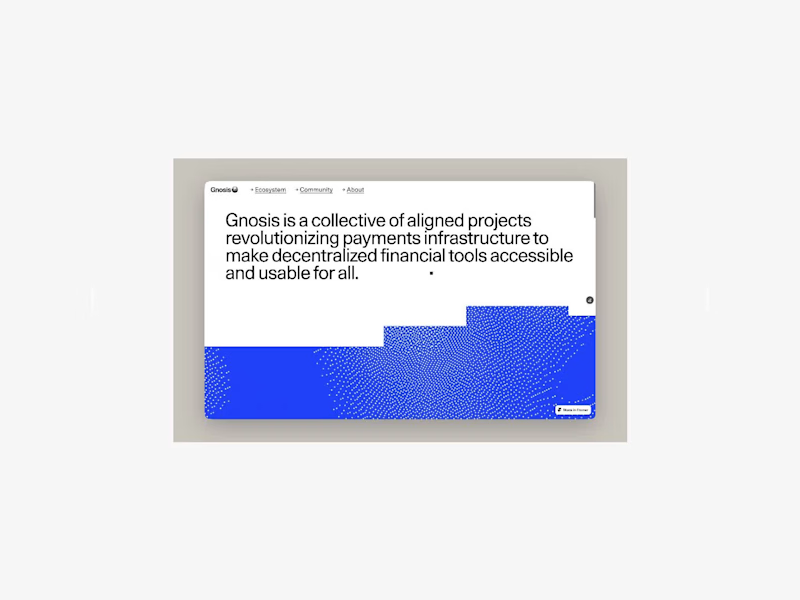
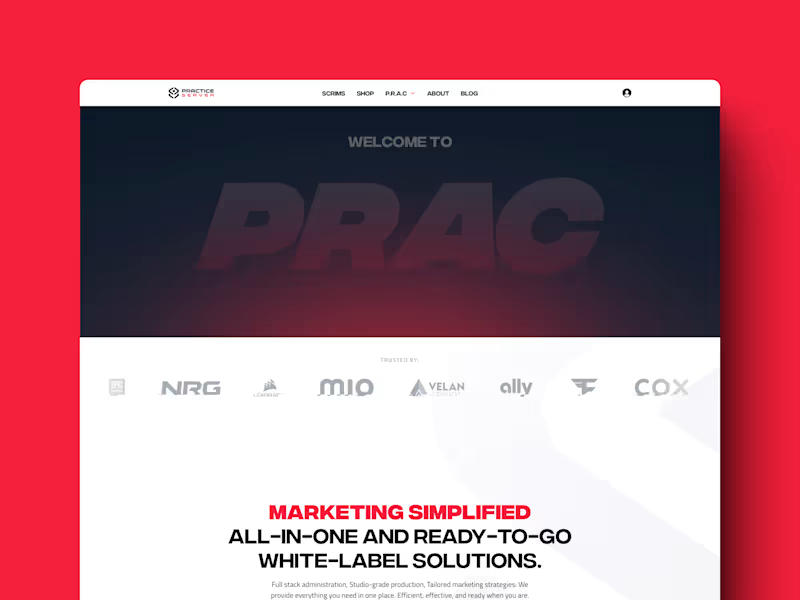
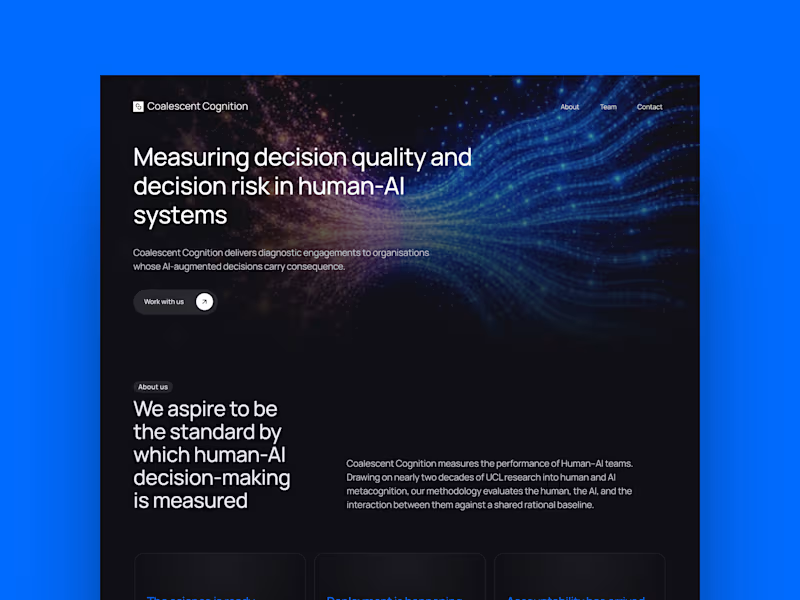
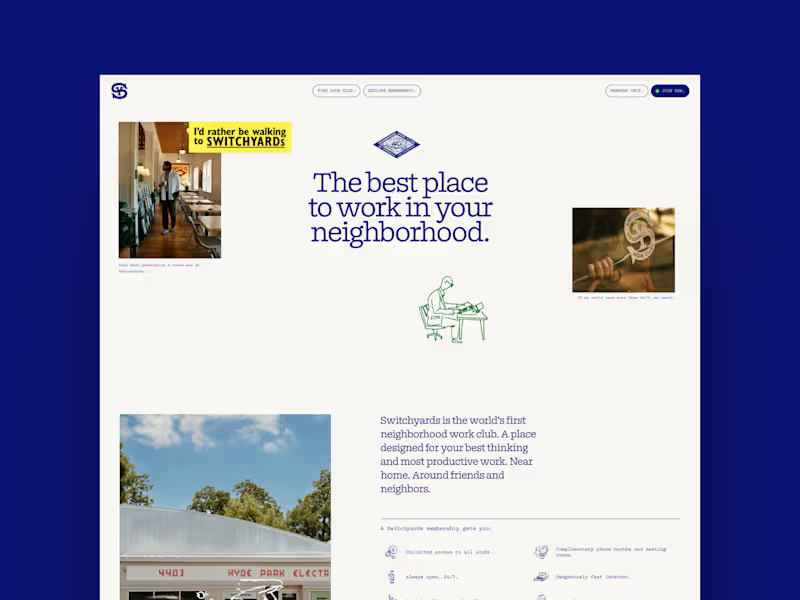
A Figma expert should know how to create user interfaces and prototypes. They should know about making things look nice and easy to use. Check if they have projects that show these skills in their past work, like web or app designs.
How can I ensure the Figma freelancer understands my design system?
Share your design system with them at the very start. Explain how it works and what you want to keep the same in your web or app design. This helps them make designs that fit your brand perfectly.
What should I ask for when reviewing a Figma freelancer's portfolio?
Look for projects similar to yours, like web or app design. Ask how they used Figma to make those designs. It helps to see if they can do what you need for your project.
How can I ensure we have clear goals and timelines?
Before they start, talk about what needs to be done first and what comes next. Set dates for when you expect things to be finished. Making a timeline helps everyone stay on track and know when to review designs.
What deliverables should I expect from a Figma expert?
Ask for user interface designs, interactive prototypes, and design specifications. These help you see how your project will look and work. Clear deliverables make sure you get what you need for your development team to start.
How can I communicate effectively with my Figma expert?
Set up regular check-ins to talk about progress and give feedback. Use simple language and be honest about what you like or need changed. Good communication helps your Figma expert make the best design for you.
How do I ensure the project starts smoothly?
Share all important files and information before they start. Talk about your goals and what needs to be done first. Beginning with clear direction makes the design process easier and faster.
Who is Contra for?
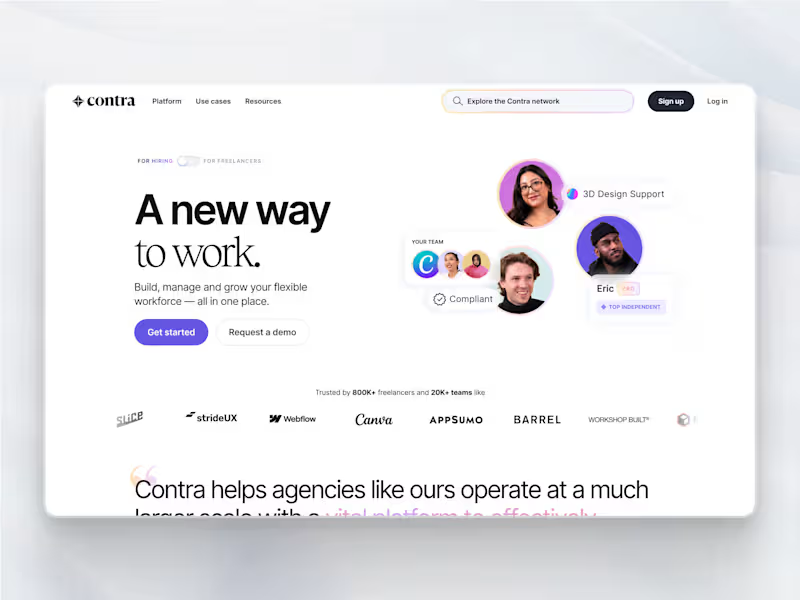
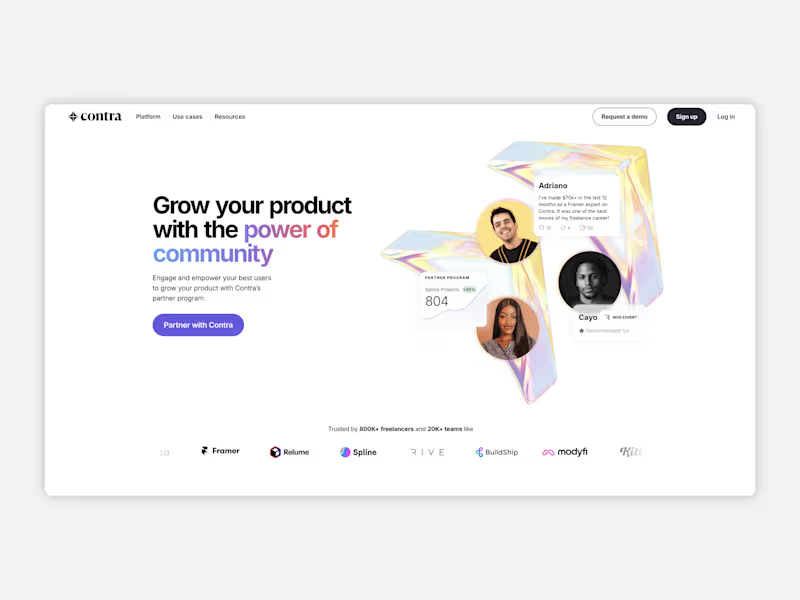
Contra is designed for both freelancers (referred to as "independents") and clients. Freelancers can showcase their work, connect with clients, and manage projects commission-free. Clients can discover and hire top freelance talent for their projects.
What is the vision of Contra?
Contra aims to revolutionize the world of work by providing an all-in-one platform that empowers freelancers and clients to connect and collaborate seamlessly, eliminating traditional barriers and commission fees.