How can I ensure the freelancer has expertise with Adobe Suite?
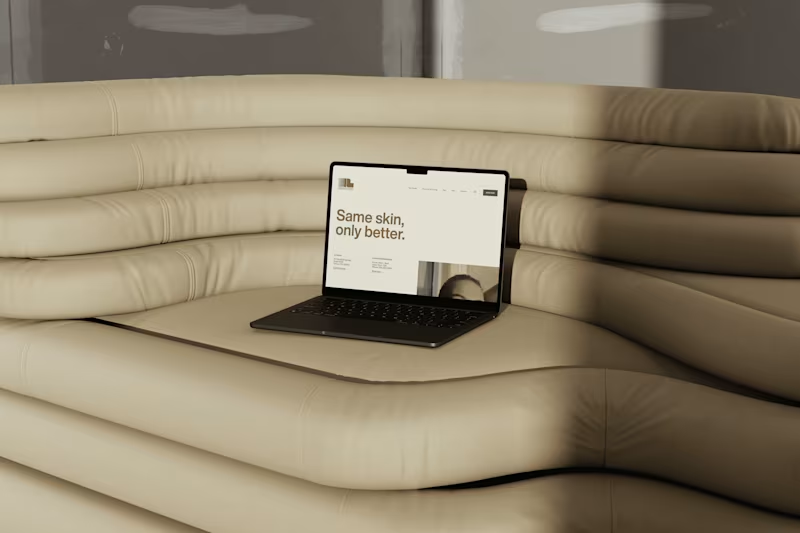
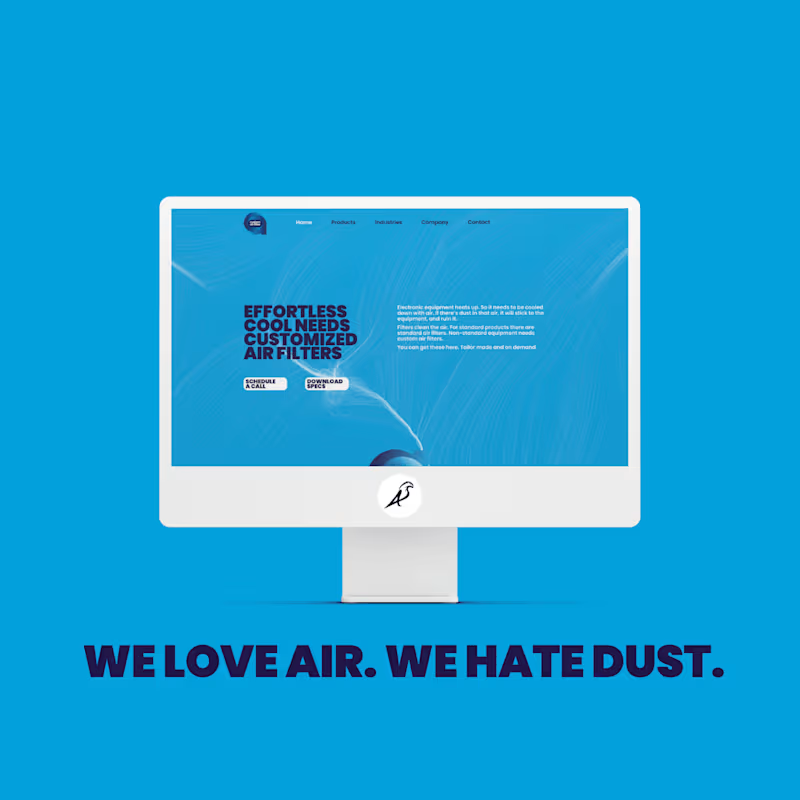
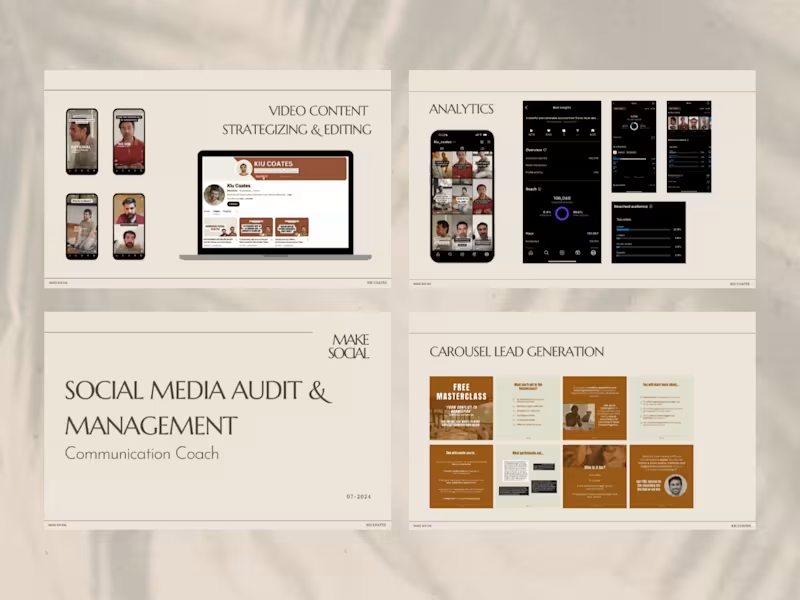
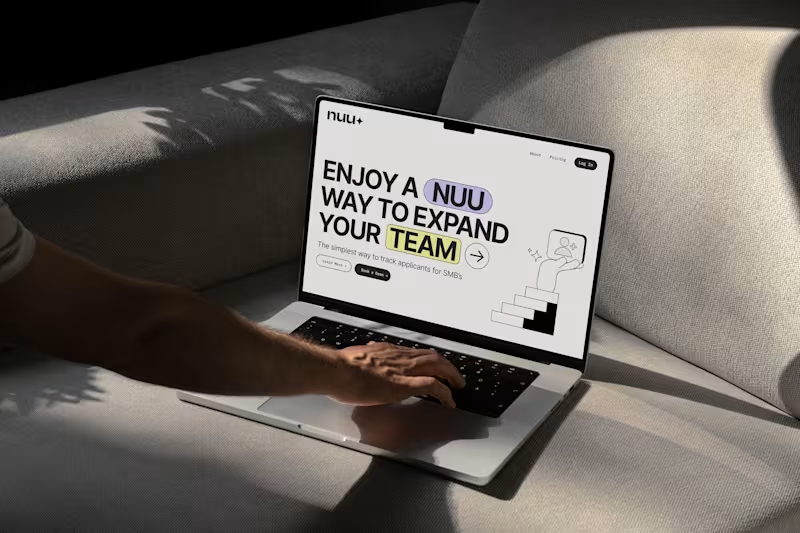
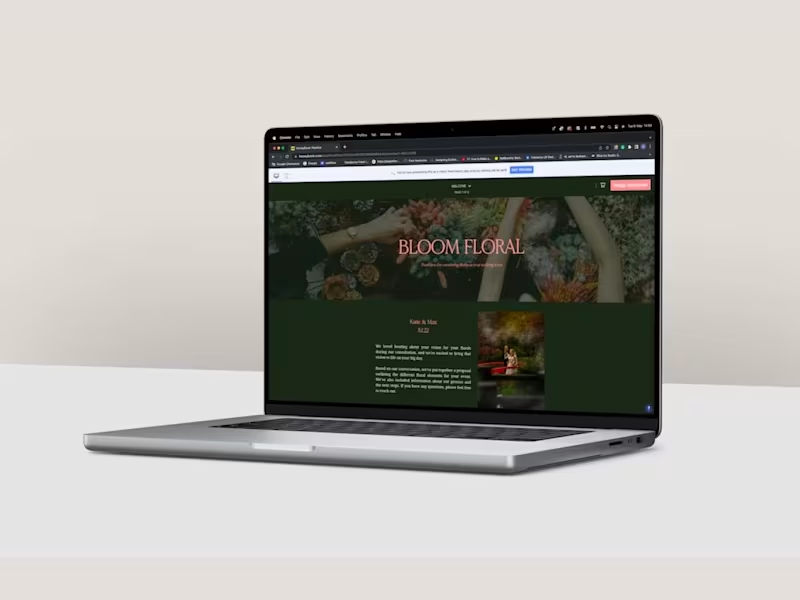
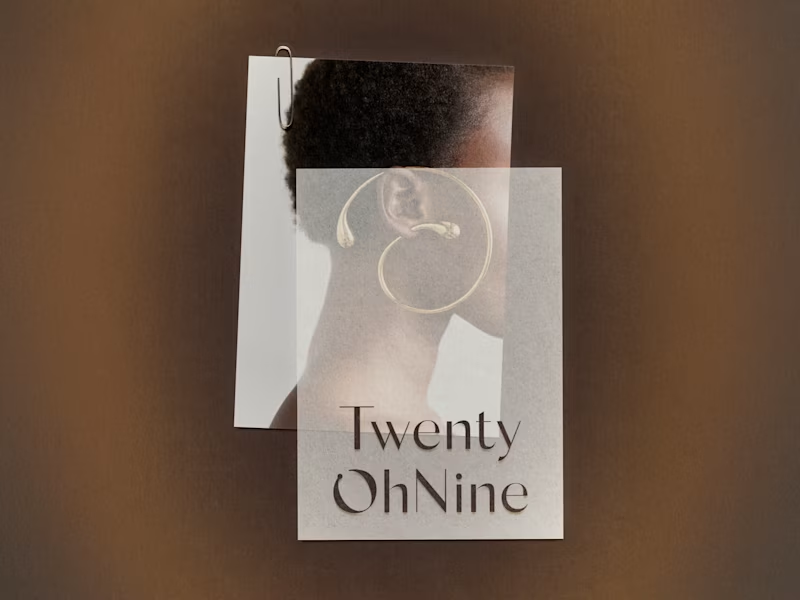
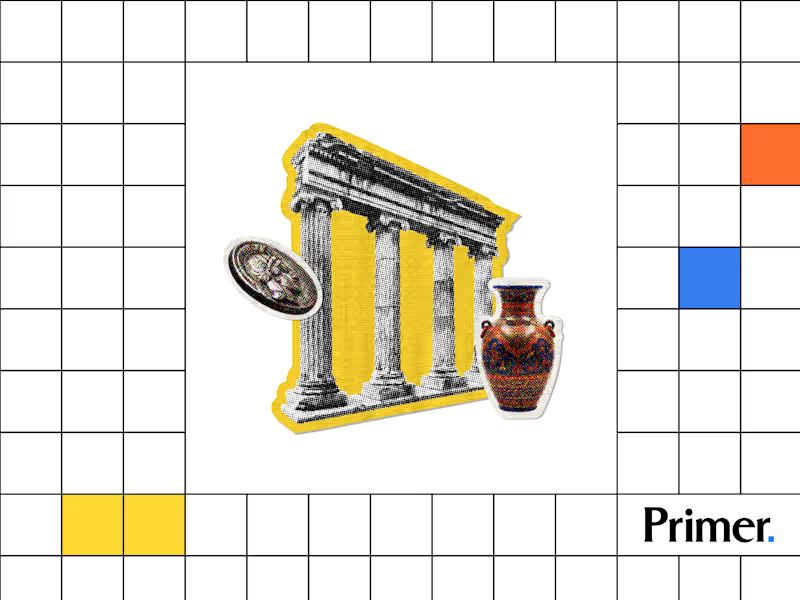
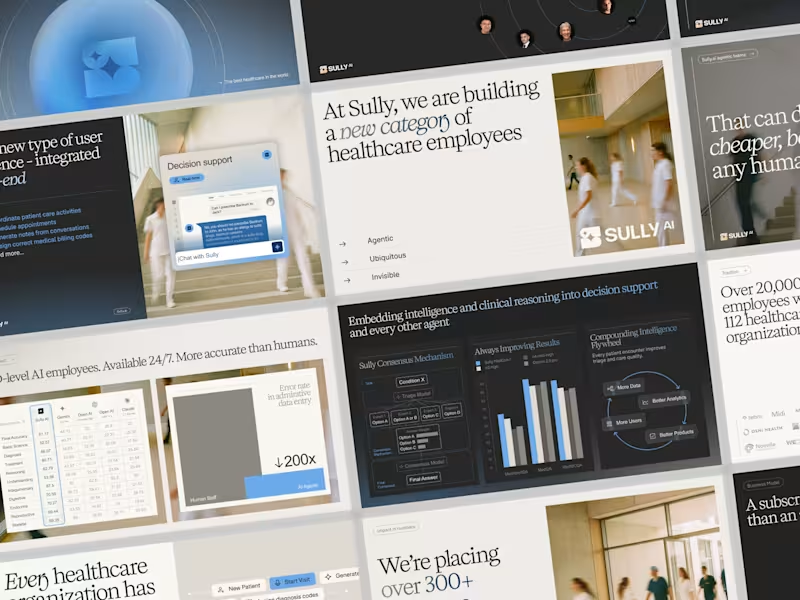
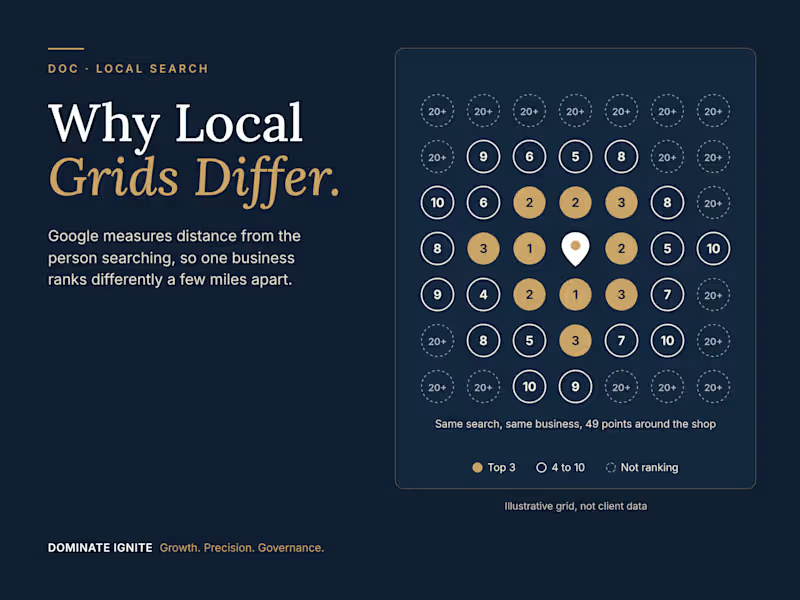
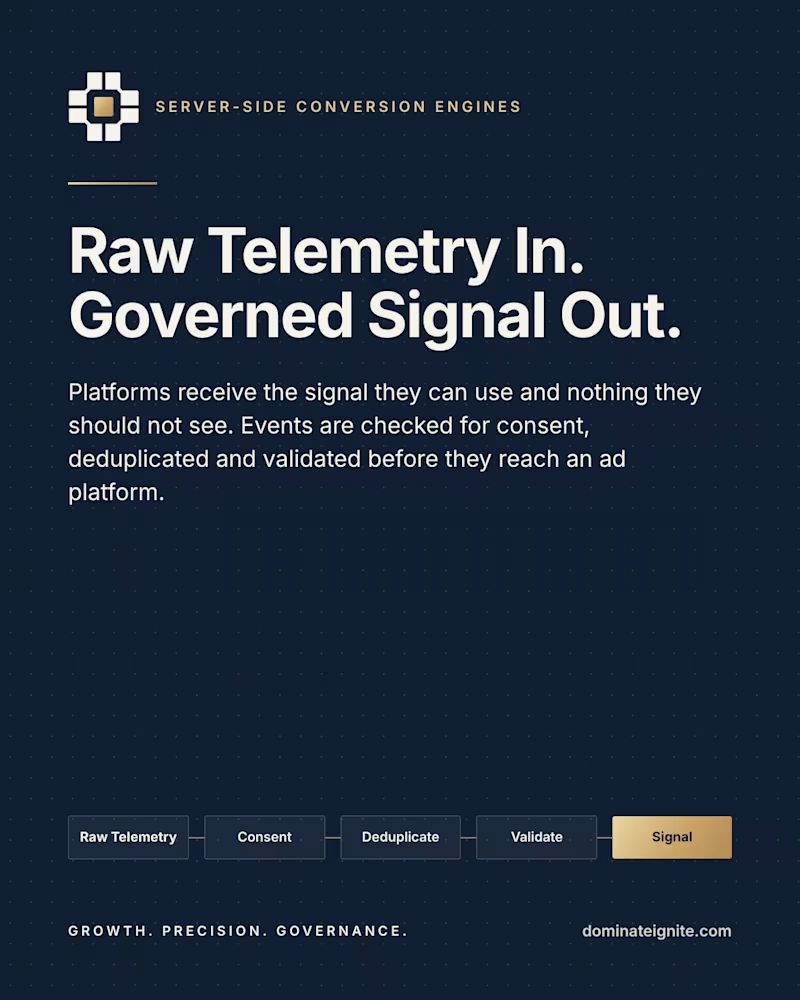
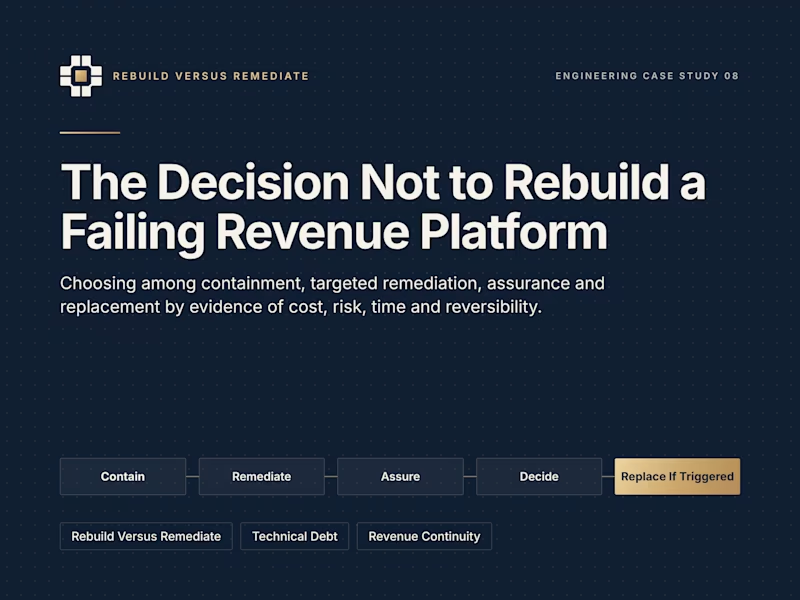
Before hiring someone, check their portfolio. Look for projects similar to what you need. Make sure they use Adobe Suite to create those projects. Experts usually show skills in tools like Photoshop, Illustrator, and Premiere Pro.
What should I include in the project brief for an Adobe Suite expert?
A clear brief helps experts understand your needs. Include details about the project, like the style and colors you want. Mention any specific deliverables such as logos, videos, or website designs. Clear instructions make it easier for them to deliver what you need.
How can I define the deliverables with an Adobe Suite expert?
Discuss and agree on what you'll receive at the end. This could be files in formats like PSD or MP4. Clarify if you need print-ready designs or video content ready for uploading. This helps the expert know exactly what to provide.
What timeline should I consider when starting a project?
Timelines depend on the project's complexity. Talk to the expert about the estimated time required. Break the project into parts if it helps manage the timeline better. Make sure you both agree on deadlines.
How do I share resources with an Adobe Suite expert?
Use cloud storage or file-sharing tools to send any materials they need. This could be images, brand colors, or text. Make sure files are easy to download and organized. This helps the expert start quickly on your project.
How can I track the project's progress with an Adobe Suite expert?
Regular updates help you see how the project is going. Decide how often you'd like to receive updates, like weekly or bi-weekly. Agree on how updates will be shared, whether through messages or calls. This keeps everyone on the same page.
What should I do if the Adobe Suite expert needs feedback?
Be clear and specific with your feedback. Tell them what you like and what needs changing. Use simple words and examples to explain your thoughts. This helps the expert make any necessary adjustments more easily.
What file formats should I expect from the Adobe Suite expert?
Adobe Suite has many formats, so specify what you need. For images, you might want a JPEG or PNG. Videos could be in MP4, and documents in PDF. Making this clear will ensure you get the files ready to use.
How can I ensure a smooth payment process for the Adobe Suite expert?
Agree with the expert on payment terms before starting. Decide if payments are after milestones or upon project completion. Use secure payment methods through Contra. This ensures both parties are comfortable with the financial process.
Who is Contra for?
Contra is designed for both freelancers (referred to as "independents") and clients. Freelancers can showcase their work, connect with clients, and manage projects commission-free. Clients can discover and hire top freelance talent for their projects.
What is the vision of Contra?
Contra aims to revolutionize the world of work by providing an all-in-one platform that empowers freelancers and clients to connect and collaborate seamlessly, eliminating traditional barriers and commission fees.