What should we agree on before starting a project with an Adobe Illustrator expert?
Before starting, agree on the project's scope. Decide what the final design should look like and how many designs are needed. Make sure you both understand the timeline and due dates. This helps everyone stay on track!
How can I ensure a freelance Adobe Illustrator expert understands my style?
Share examples of designs you love. Talk about colors, shapes, and styles you want to see in your project. This helps the expert know exactly what you like. It's like showing a picture when you can't find the right words!
What should I provide to a freelance Adobe Illustrator expert to start the project?
Provide any logos, fonts, or colors you want to use. Share the text and images that should be part of the design. This gives the expert a good starting point. Think of it as giving them all the puzzle pieces!
Why is it important to set a timeline with an Adobe Illustrator expert?
Setting a timeline helps manage when tasks are due. It ensures the project keeps moving forward and finishes on time. This also helps avoid any last-minute surprises. It's like planning a fun countdown to the finish line!
How can I evaluate an Adobe Illustrator expert's work before hiring?
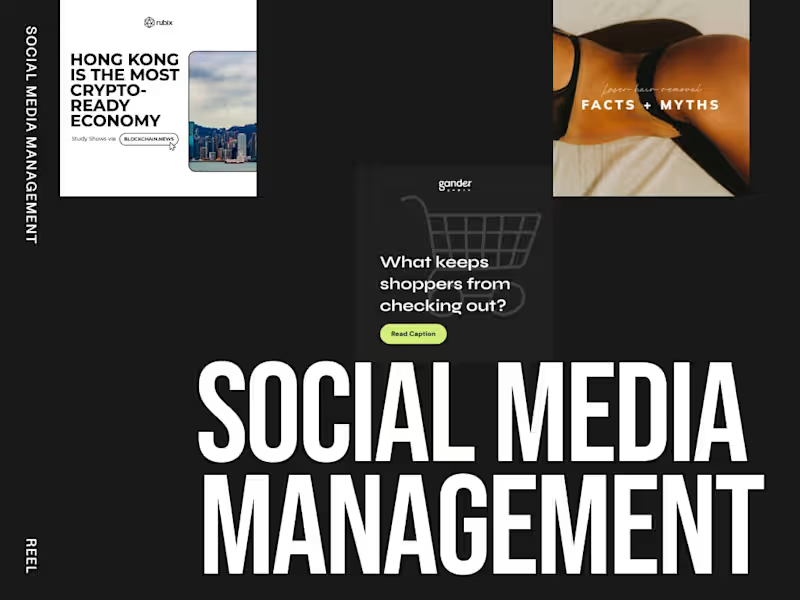
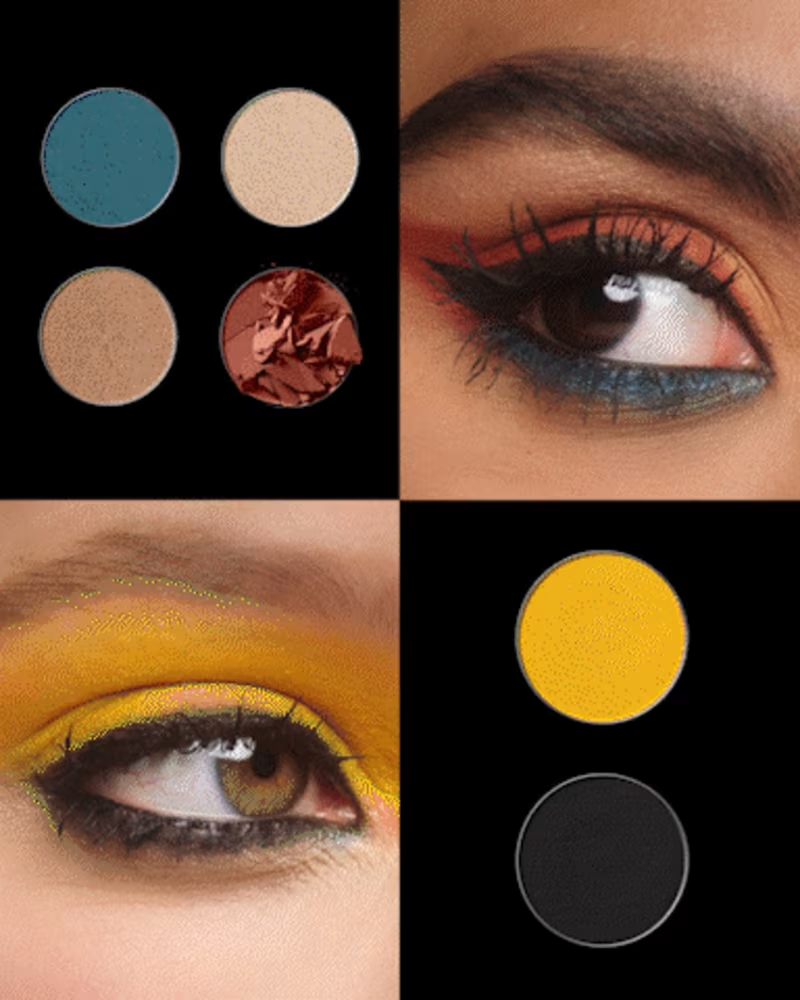
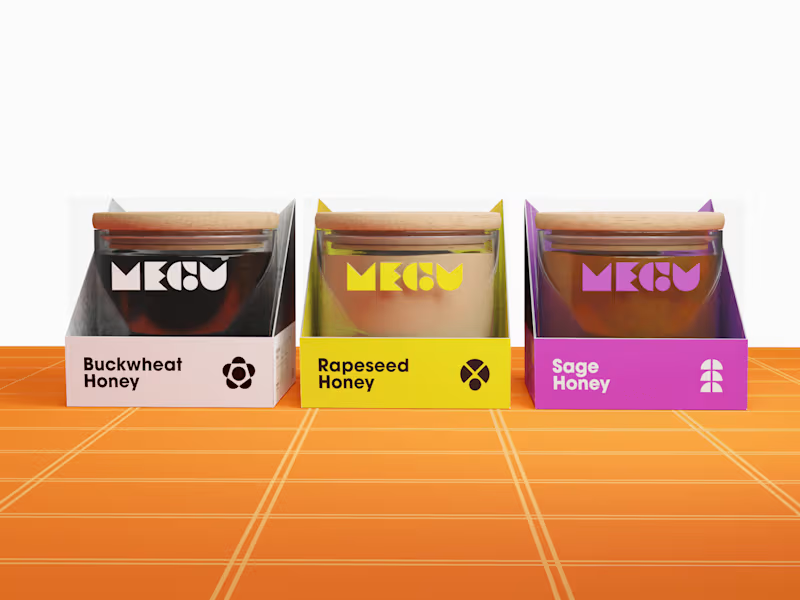
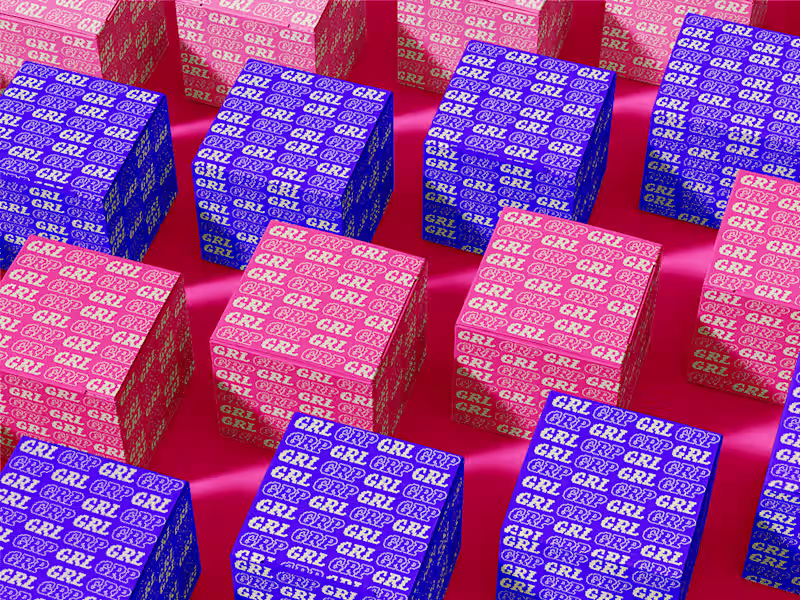
Look at their portfolio to see their past designs. Check if their style matches what you want for your project. This shows you how skilled they are and if they can create what you need. It's like checking out a book's cover before deciding to read it!
What communication tools should we use with an Adobe Illustrator expert?
Decide on the best way to chat, like email or video calls. Keep updates and feedback simple and clear. This ensures everyone understands each other. It's like using the right key to unlock a door!
How often should I check in with a freelance Adobe Illustrator expert?
Regular check-ins help keep the project on track. Decide how often you'll update each other, like weekly. This way, you see progress and solve any problems early. It's like watering a plant to help it grow!
Why should I request initial sketches or drafts from an Adobe Illustrator expert?
Sketches or drafts show the designer's first ideas. They let you give feedback early in the process. This helps make changes before too much work is done. It's like tasting soup before it fully cooks to add more salt if needed!
What should the final deliverables from an Adobe Illustrator expert include?
The final deliverables should be the designs in formats you can use. Ask for files that work on your website, print materials, or social media. This ensures the designs are ready to use. Think of it as getting your prize after a fun race!
How can I provide useful feedback to an Adobe Illustrator expert?
Be specific about what you like or want changed. Use clear examples and describe what works or doesn't. This helps the expert make the right adjustments. It's like giving a map with clear directions!
Who is Contra for?
Contra is designed for both freelancers (referred to as "independents") and clients. Freelancers can showcase their work, connect with clients, and manage projects commission-free. Clients can discover and hire top freelance talent for their projects.
What is the vision of Contra?
Contra aims to revolutionize the world of work by providing an all-in-one platform that empowers freelancers and clients to connect and collaborate seamlessly, eliminating traditional barriers and commission fees.