


















What should I look for in a freelance UI designer's portfolio?
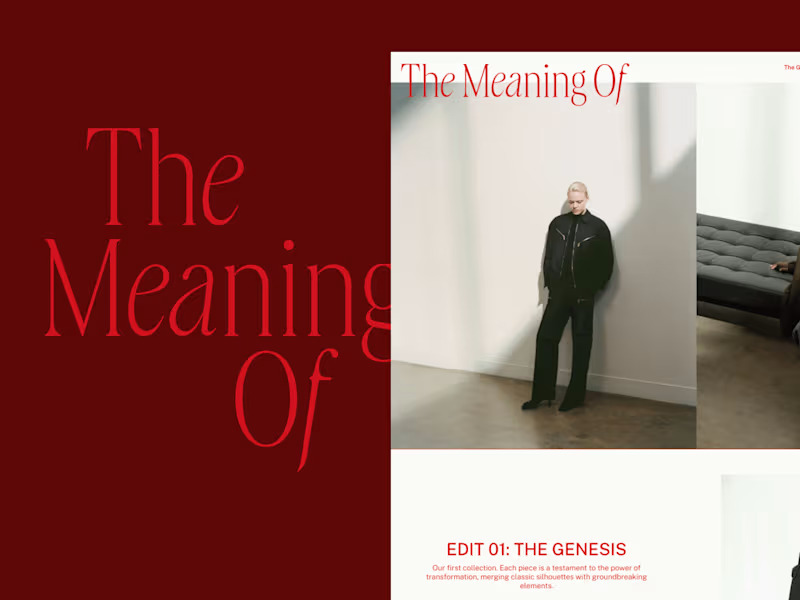
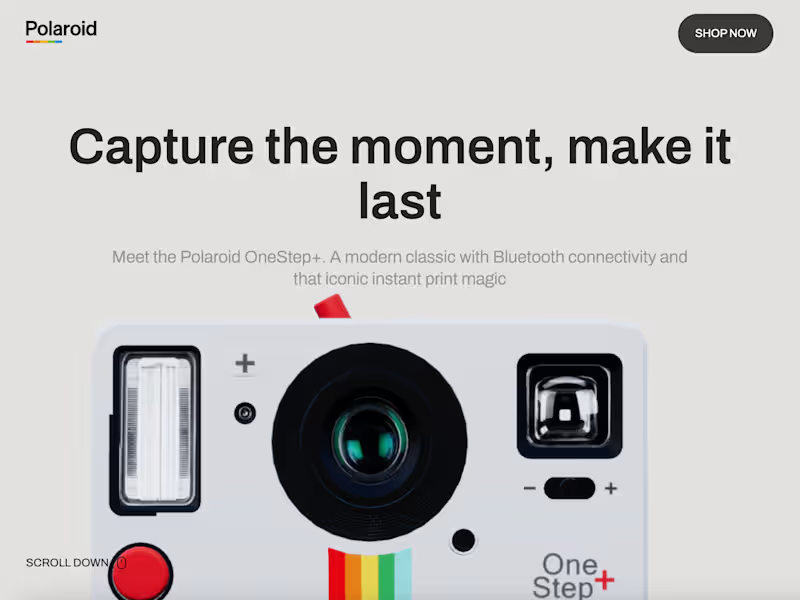
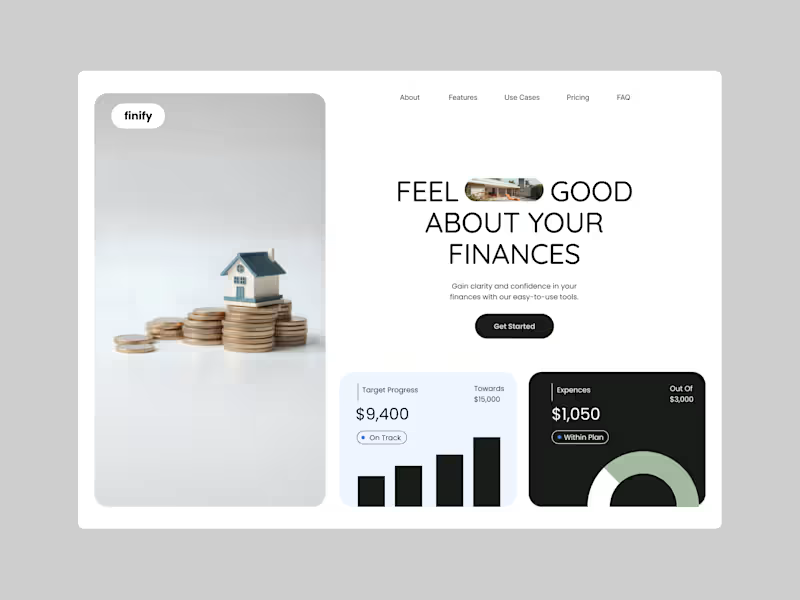
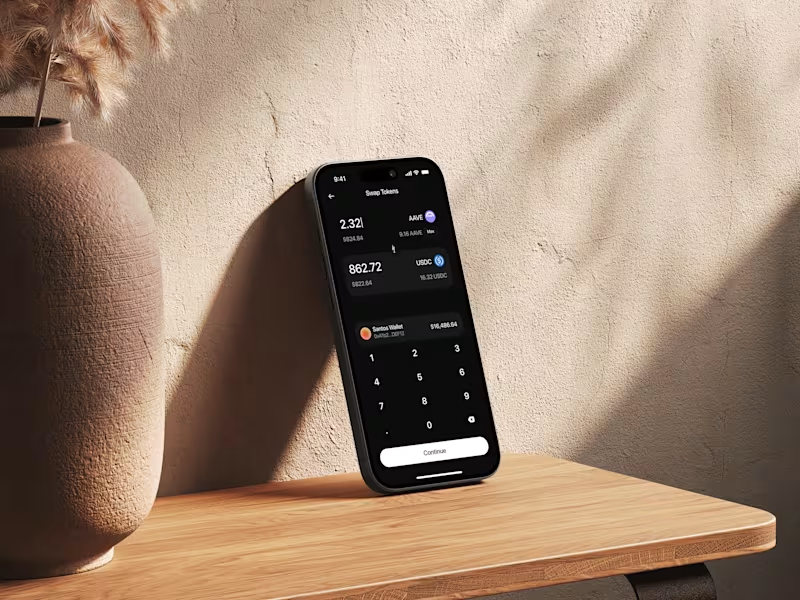
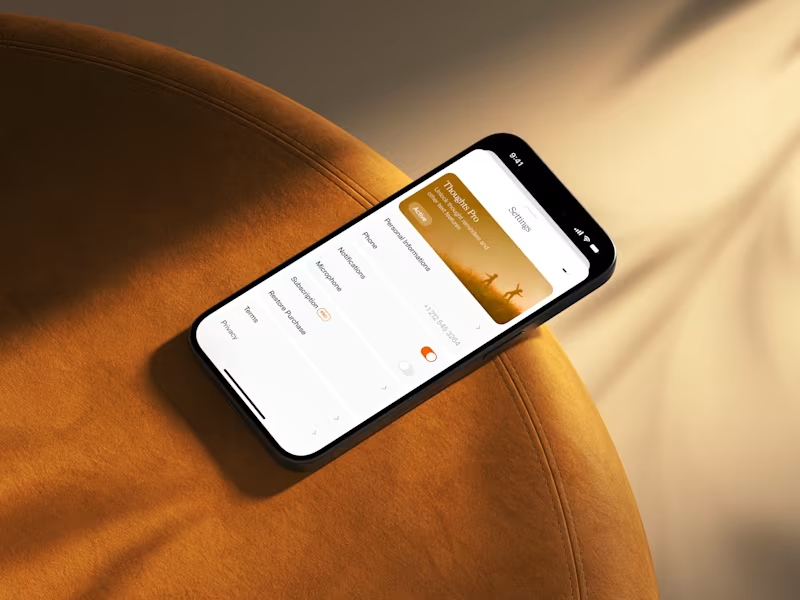
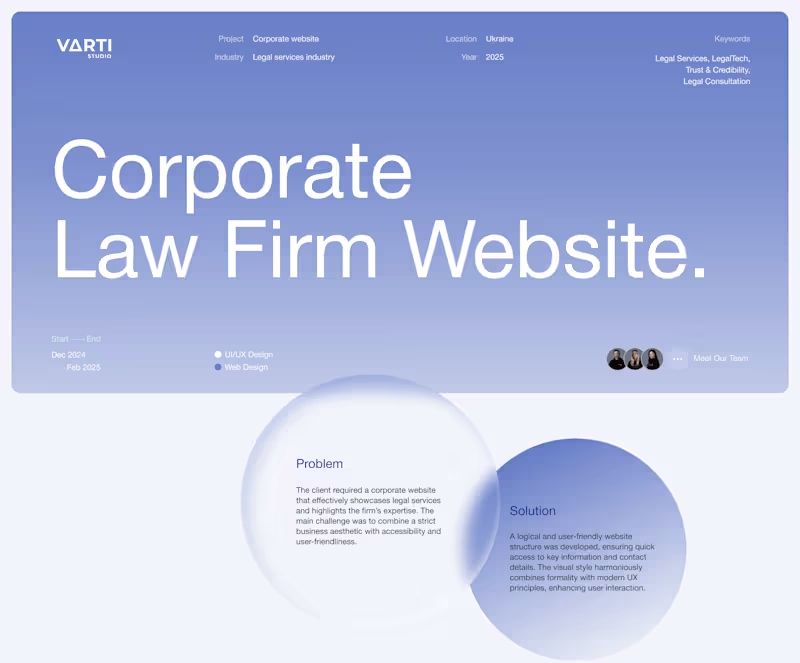
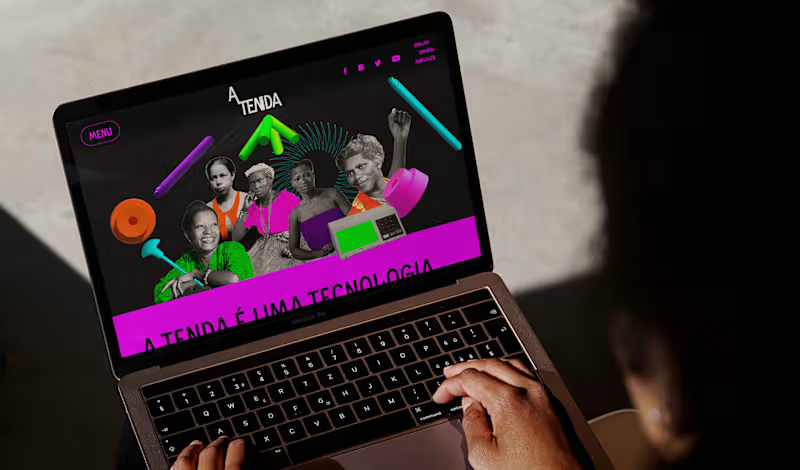
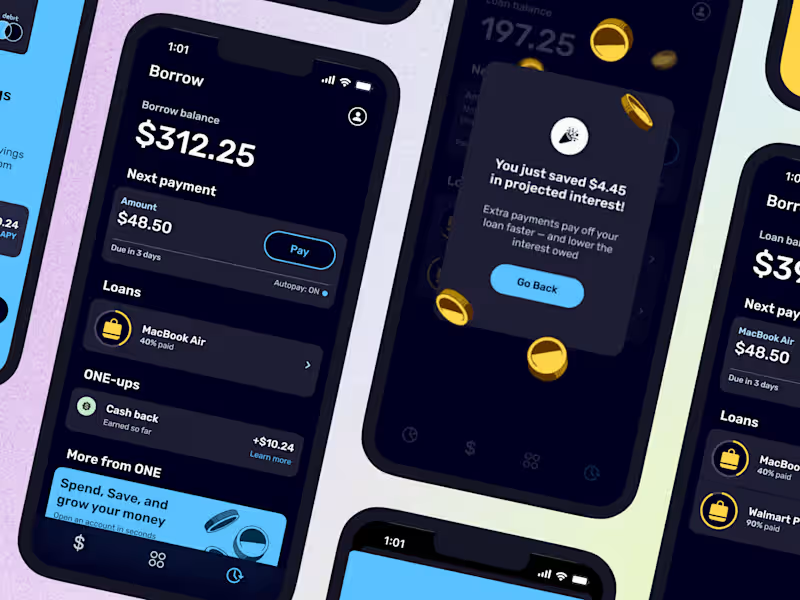
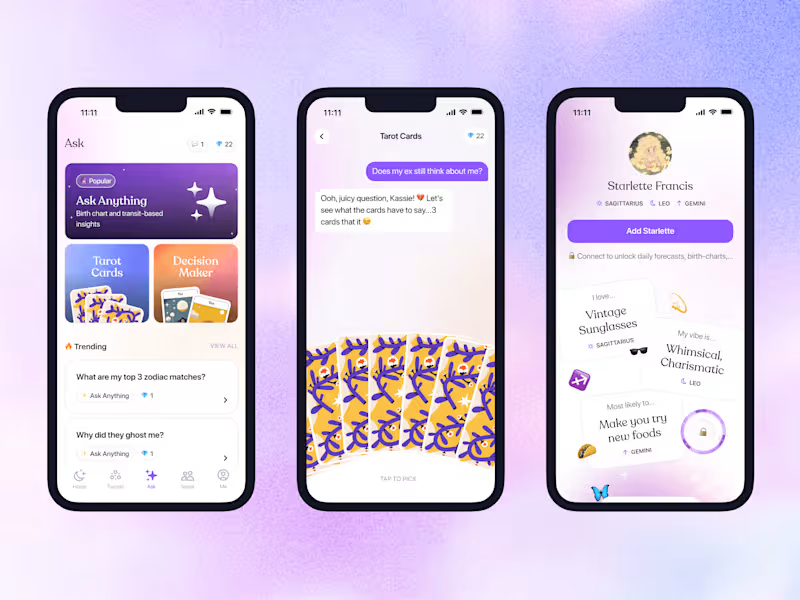
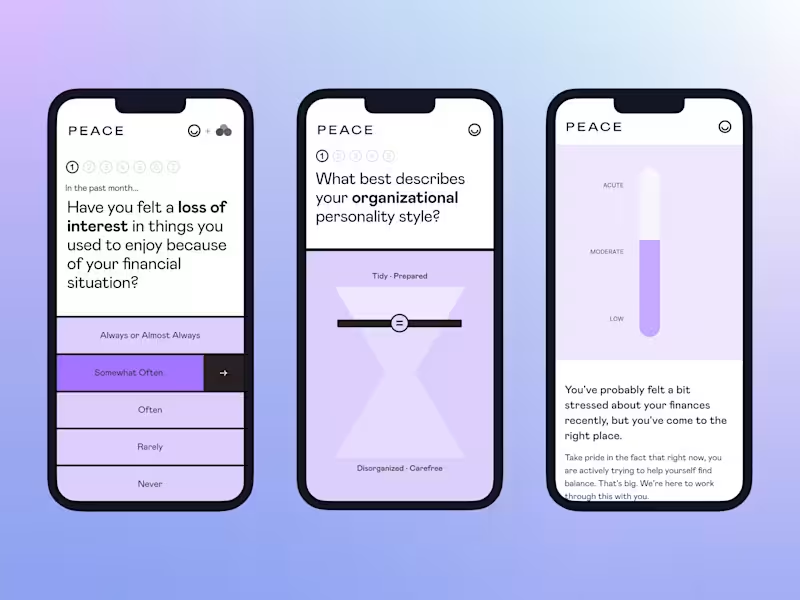
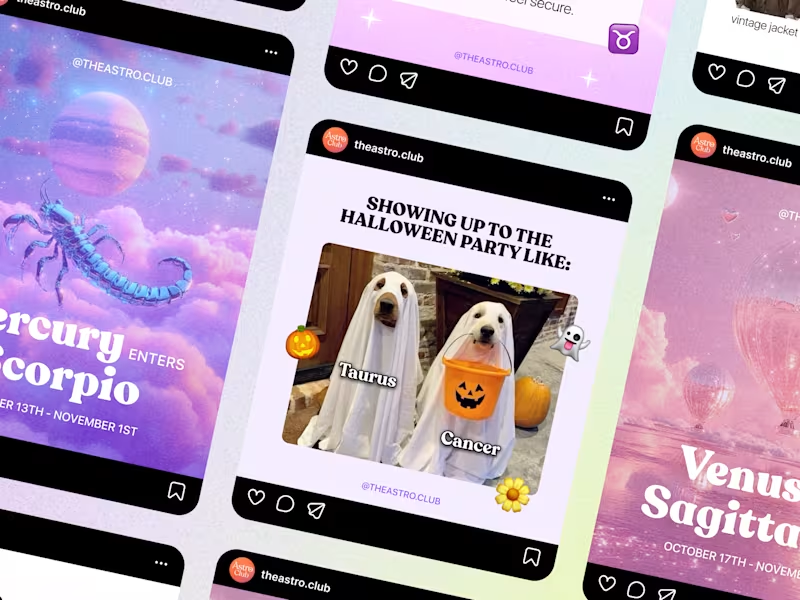
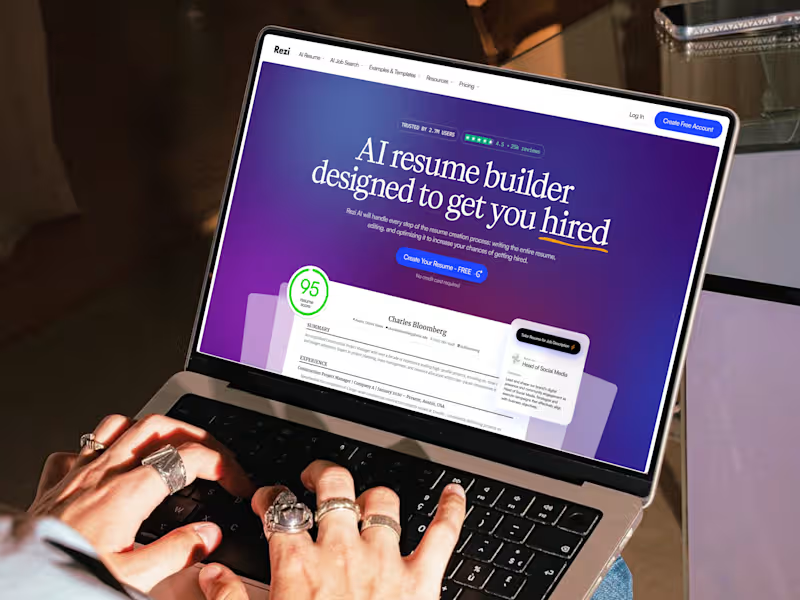
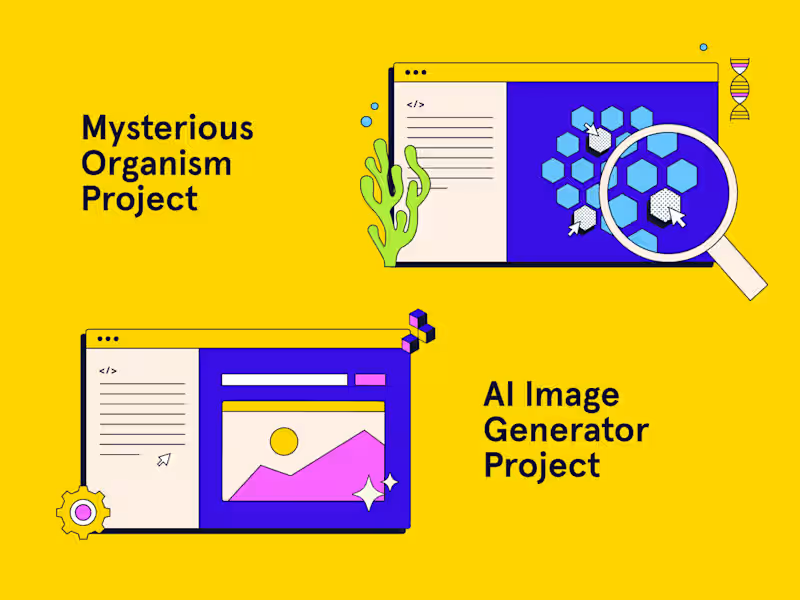
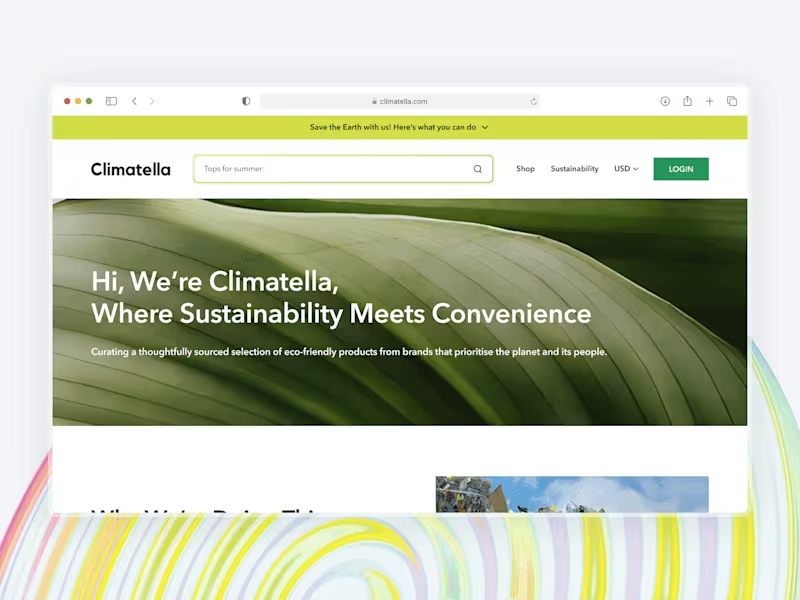
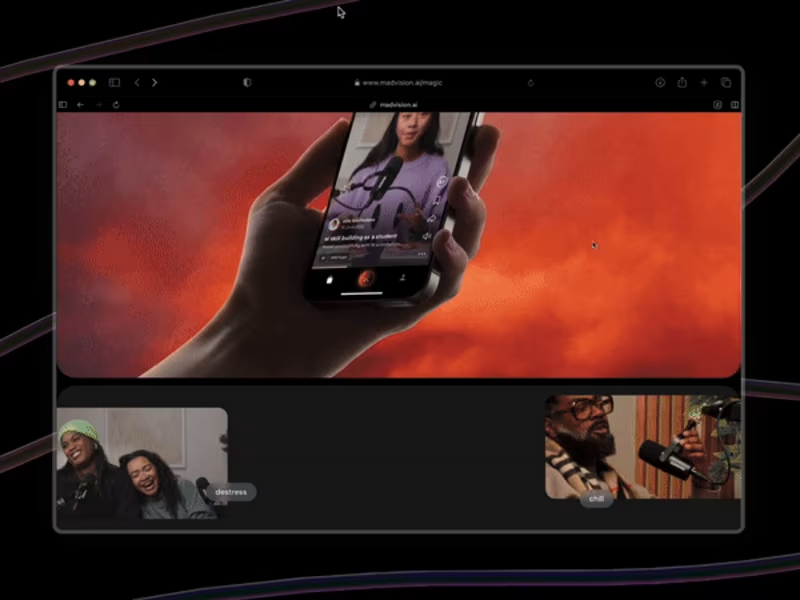
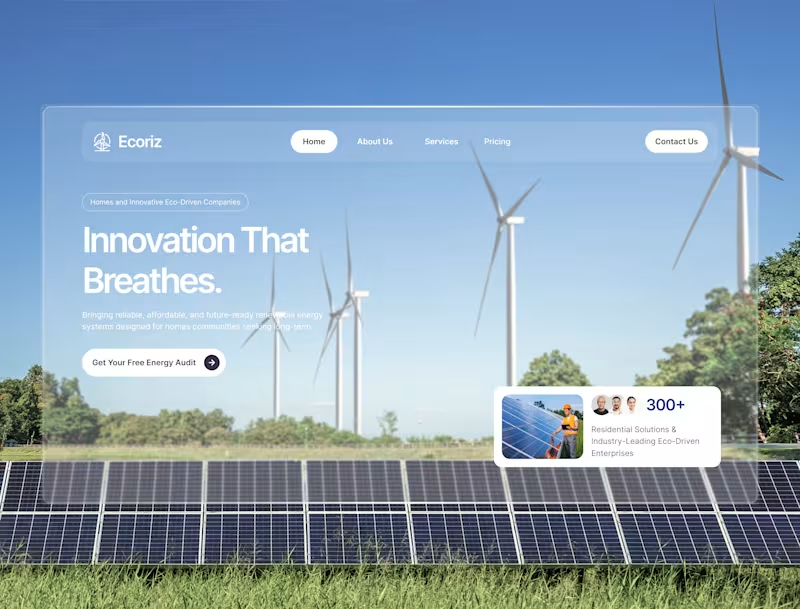
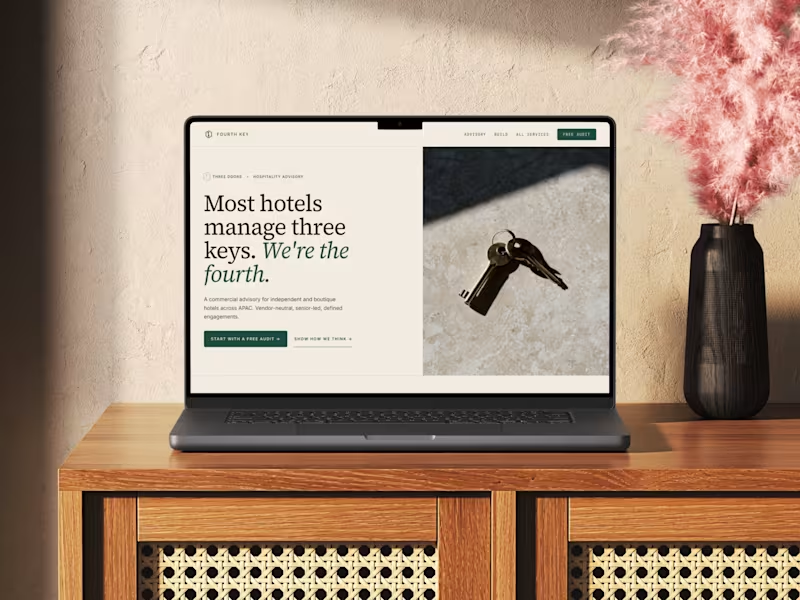
Look for work samples that are similar to your project. Check if their designs are user-friendly and visually appealing. See if they have a consistent style or can adapt to different styles.
How do I communicate my project's vision to a UI designer?
Share your project goals and any existing brand guidelines. Use visual references or design boards if you have them. Clear communication helps the designer understand your vision better.
What deliverables should I expect from a freelance UI designer?
Expect UI wireframes and design mockups. They may also provide interactive prototypes. Ask for any source files, such as Adobe XD or Sketch, at the end of the project.
How can I ensure the project stays on track with a freelance UI designer?
Set clear deadlines and milestones. Agree on regular check-ins to see progress. Open communication helps keep everything on schedule.
What tools might a freelance UI designer use for collaboration?
Designers often use tools like Figma or Sketch for design work. They may use Slack or email for communication. File sharing can be done through Dropbox or Google Drive.
How do I make sure the UI design matches our brand?
Share your brand guidelines with the designer. This includes color schemes, fonts, and logos. Good designers will make sure their work reflects your brand identity.
How should I provide feedback to a freelance UI designer?
Give feedback as soon as possible. Be specific about what you like or don't like. Constructive feedback helps the designer improve and meet your expectations.
What questions should I ask during the initial discussion with a freelance UI designer?
Ask about their design process and how they handle feedback. Discuss the timeline they foresee for completing the project. Also, inquire about any potential challenges they see.
What should I do to prepare before starting the project with a UI designer?
Gather all relevant materials and documents. Clarify your goals and main features for the UI design. Having everything ready helps start the project smoothly.
Who is Contra for?
Contra is designed for both freelancers (referred to as "independents") and clients. Freelancers can showcase their work, connect with clients, and manage projects commission-free. Clients can discover and hire top freelance talent for their projects.
What is the vision of Contra?
Contra aims to revolutionize the world of work by providing an all-in-one platform that empowers freelancers and clients to connect and collaborate seamlessly, eliminating traditional barriers and commission fees.