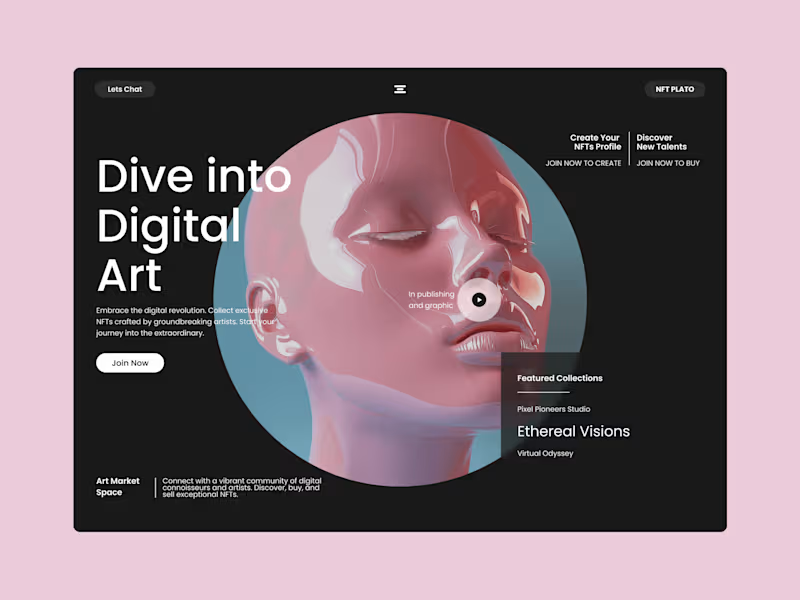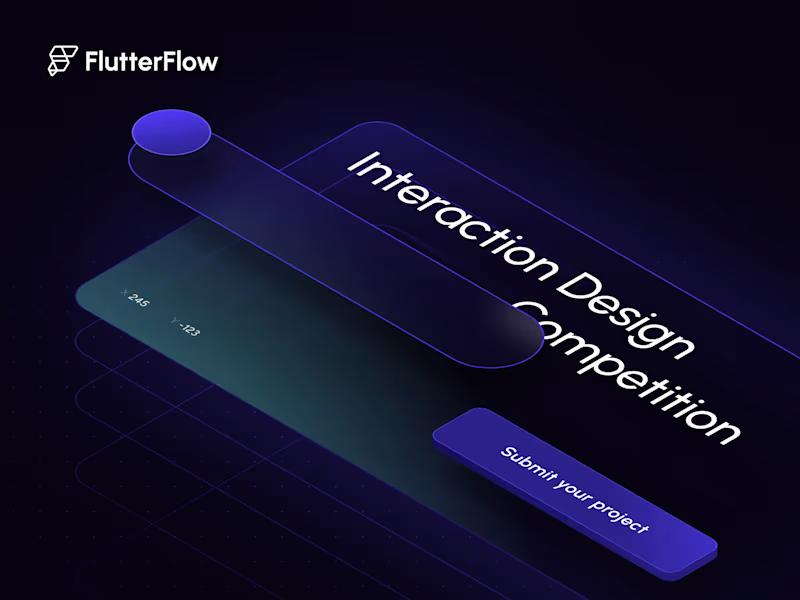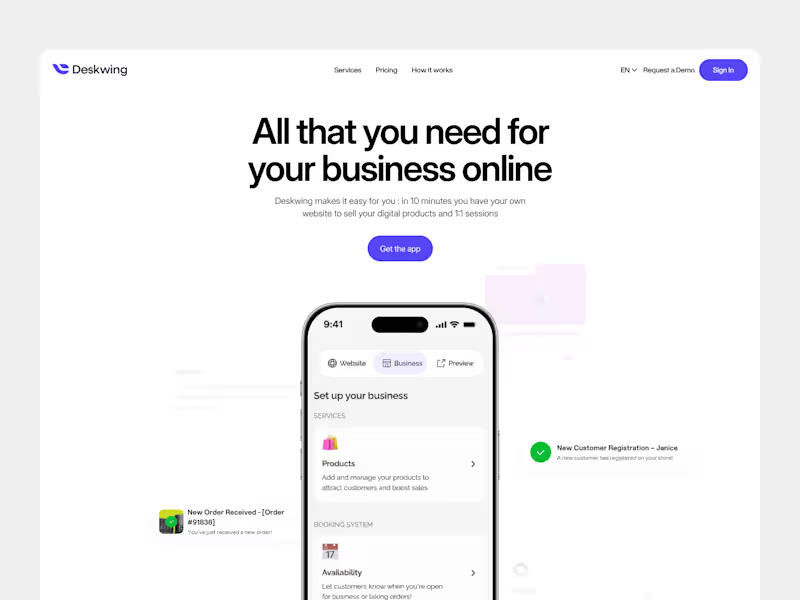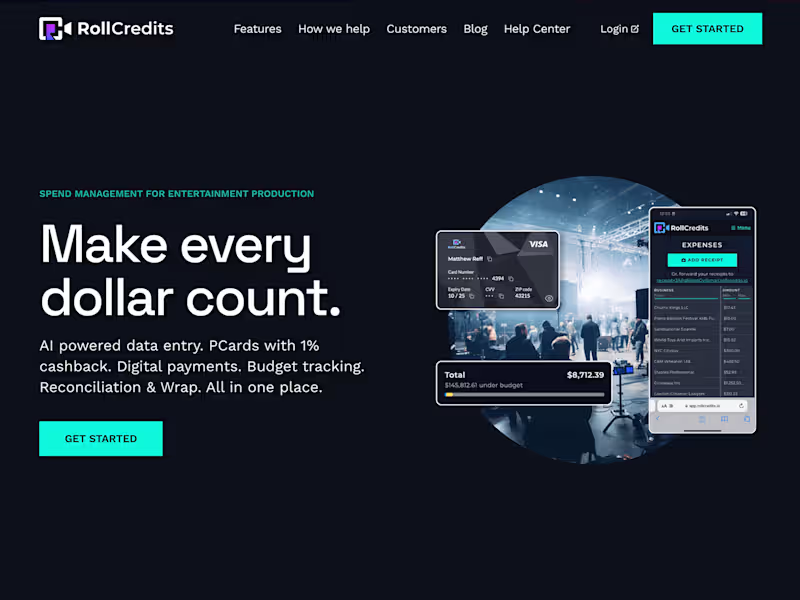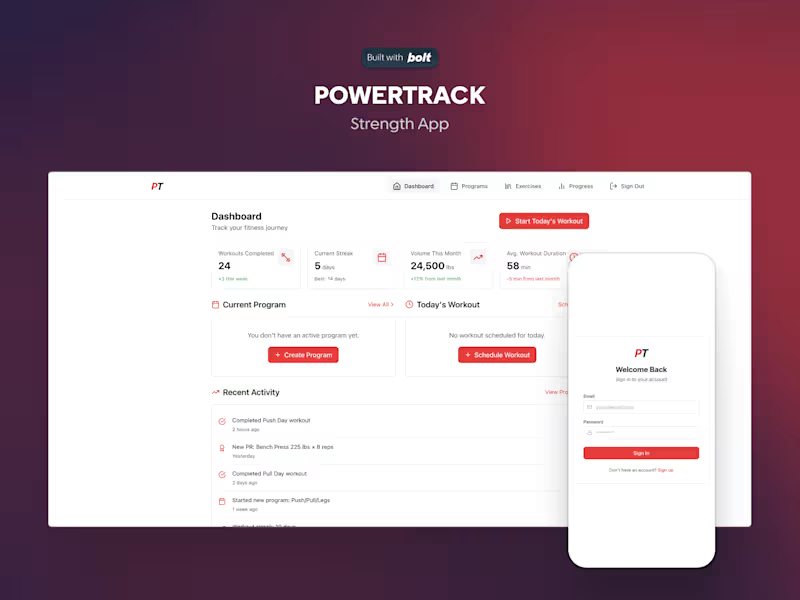



























What should I look for in a UI designer's portfolio?
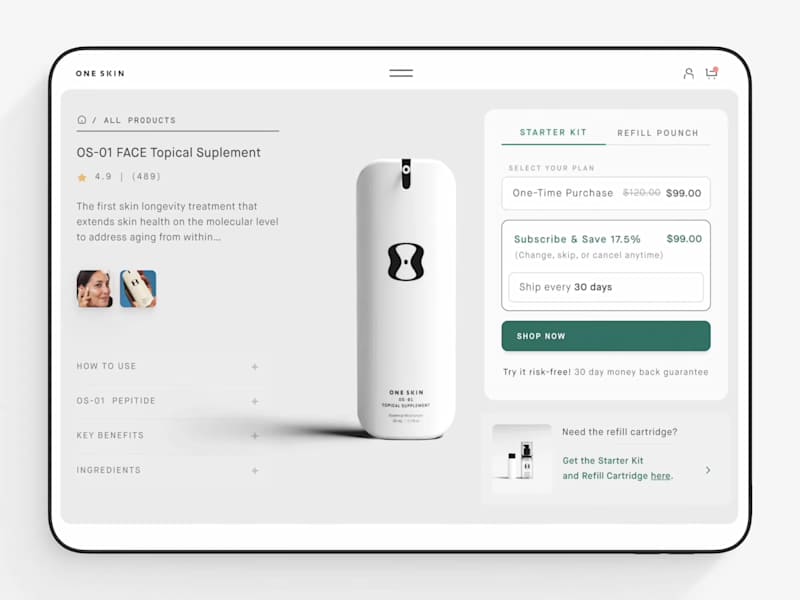
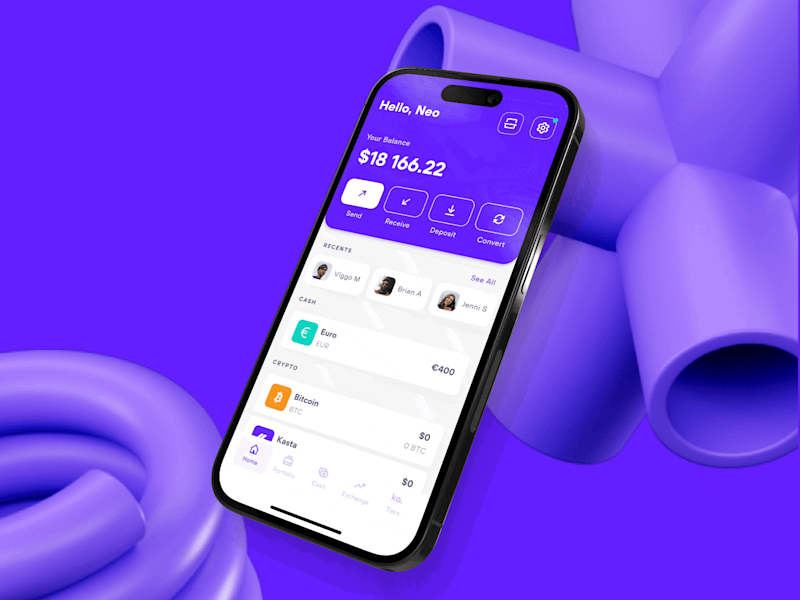
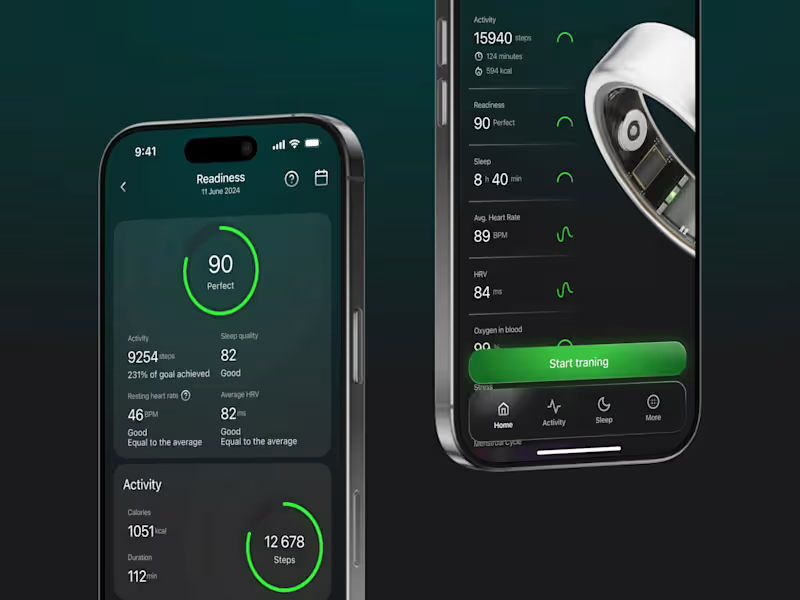
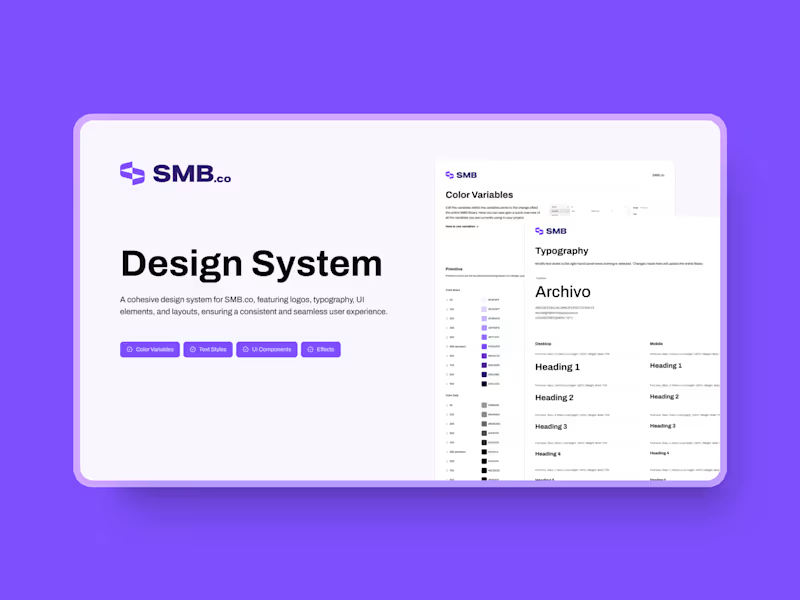
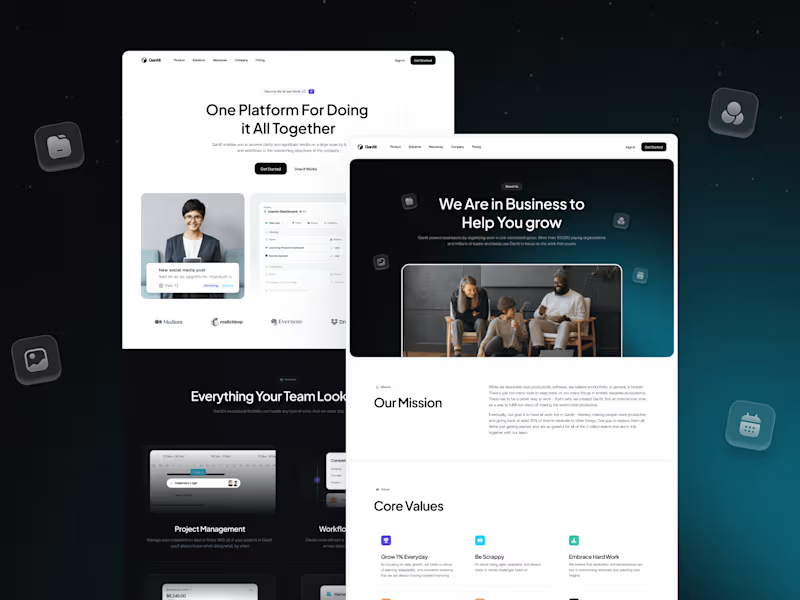
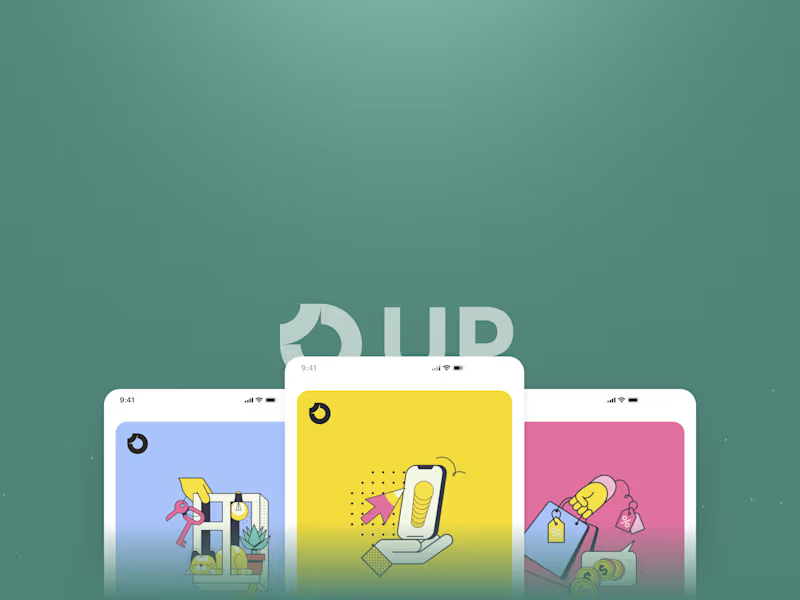
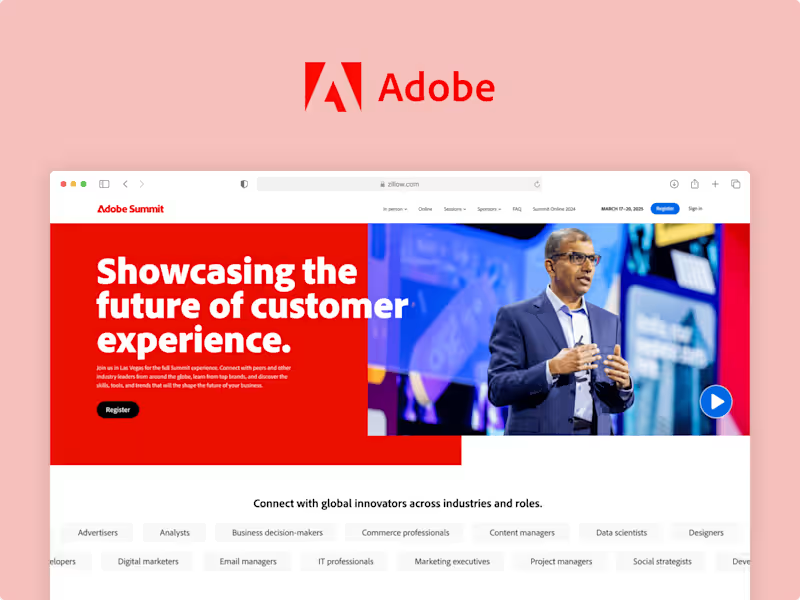
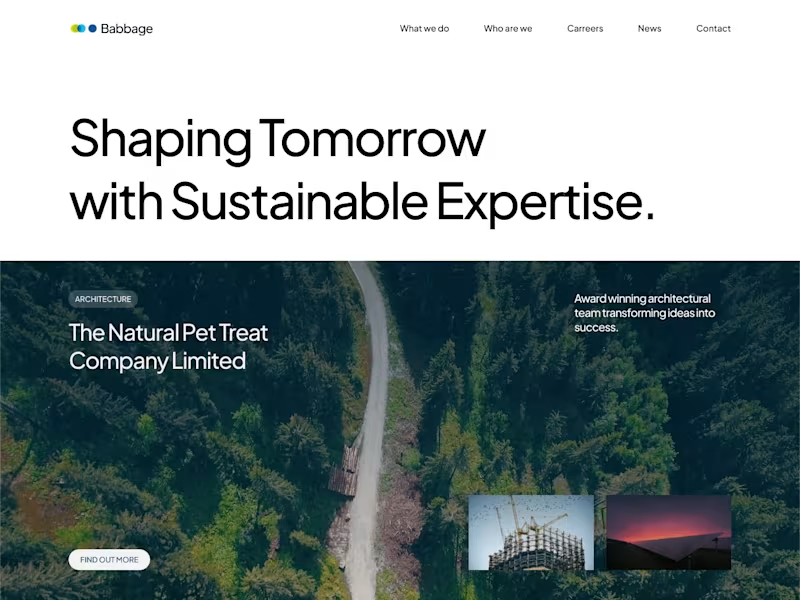
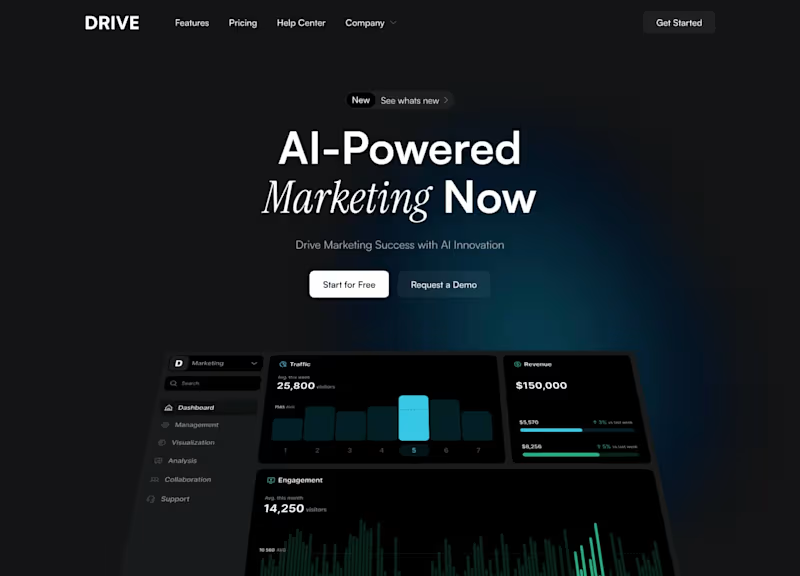
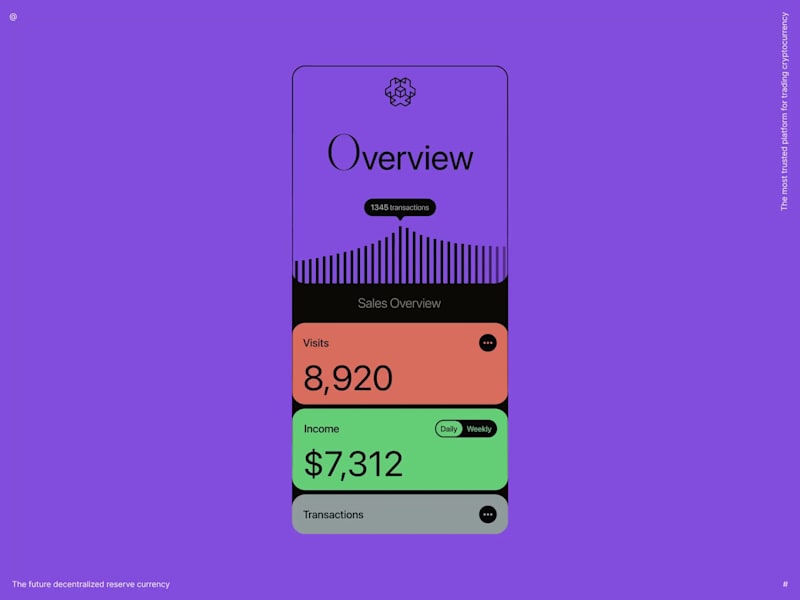
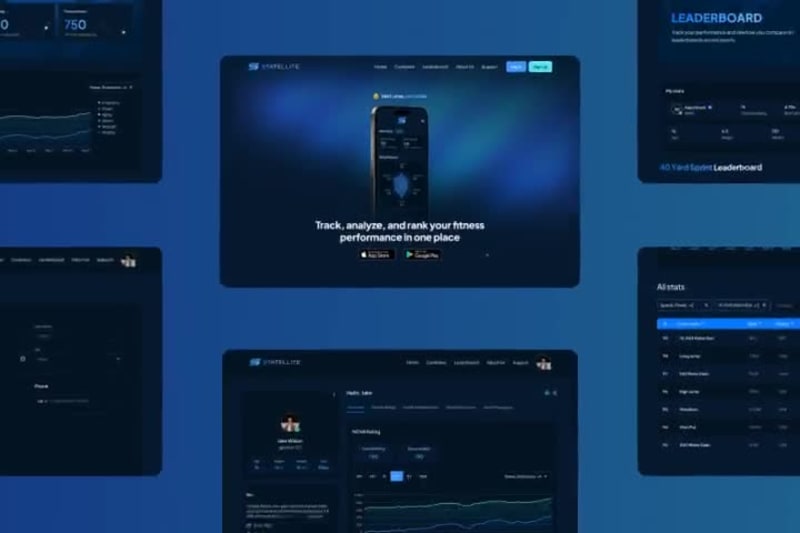
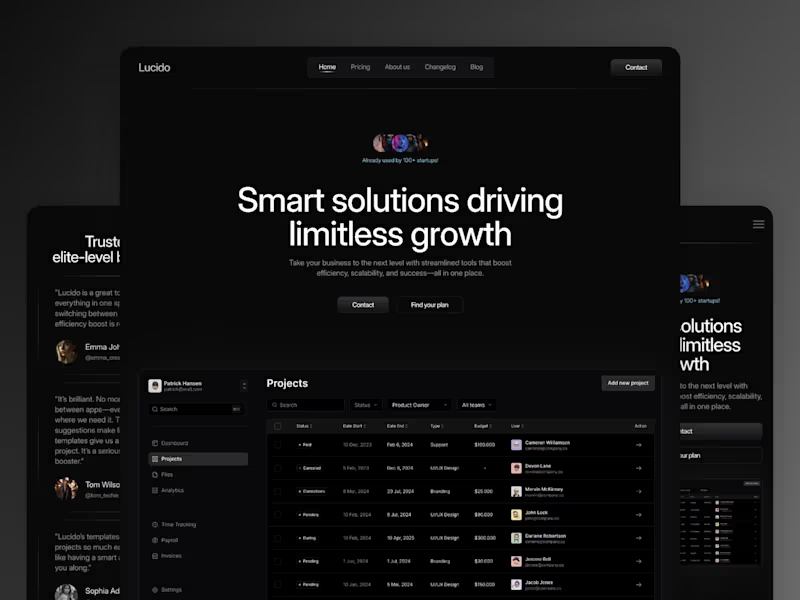
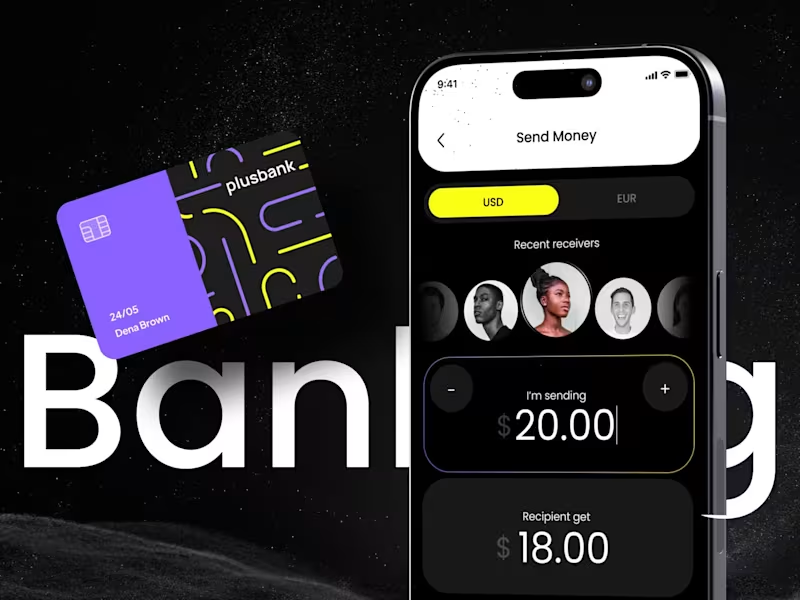
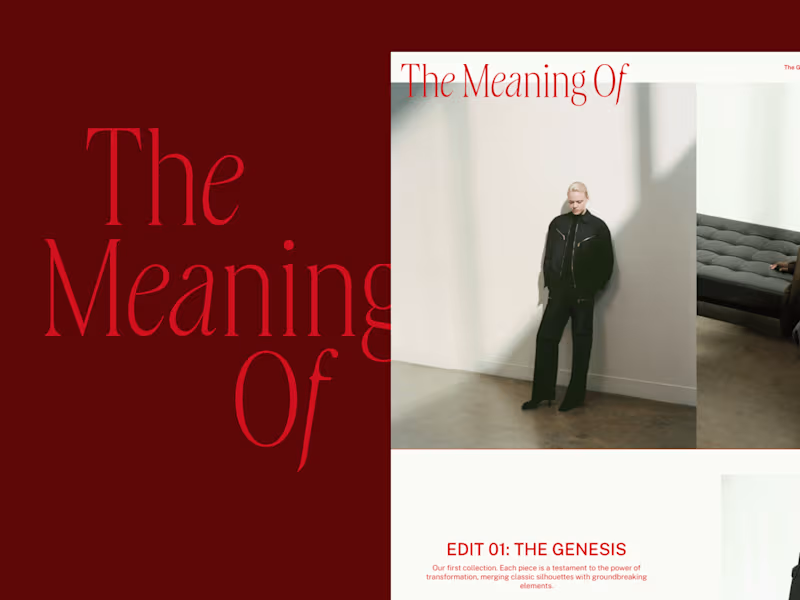
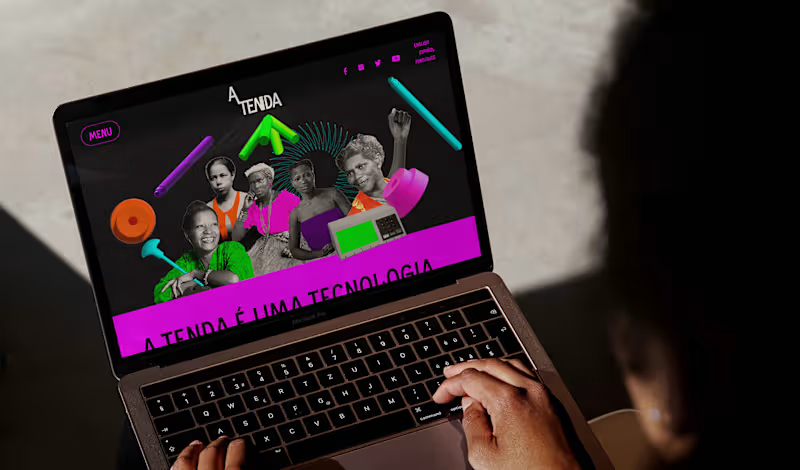
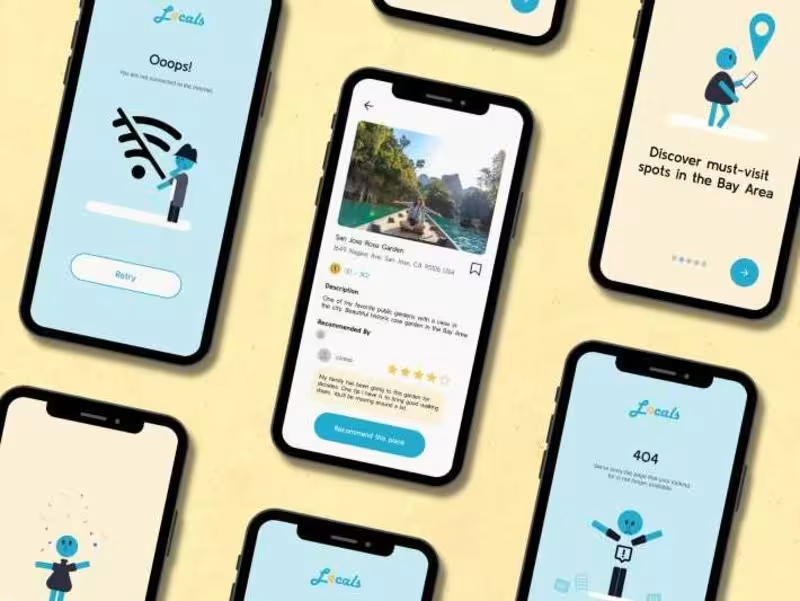
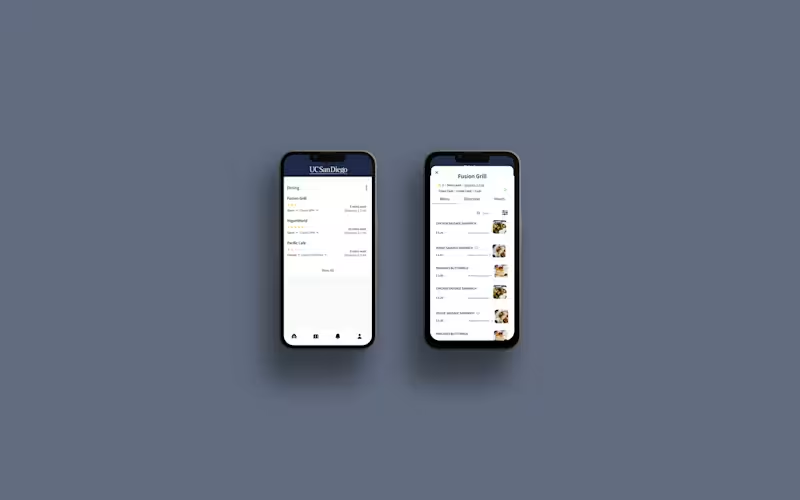
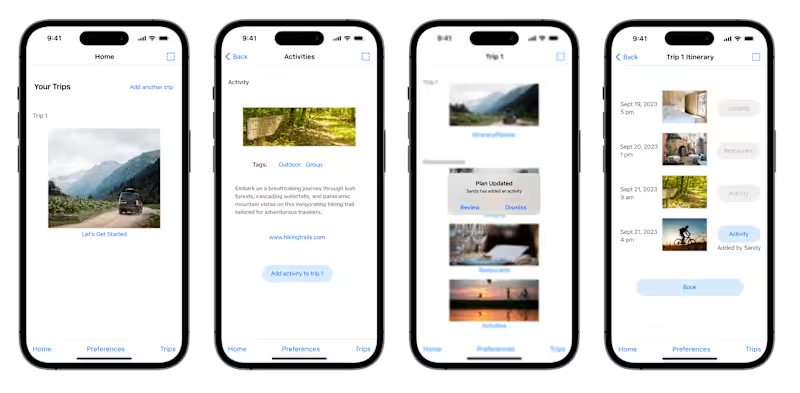
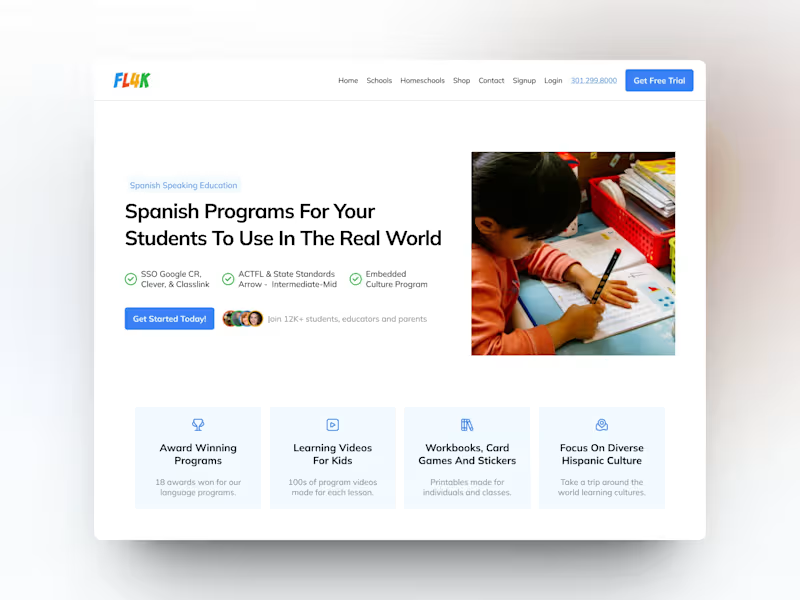
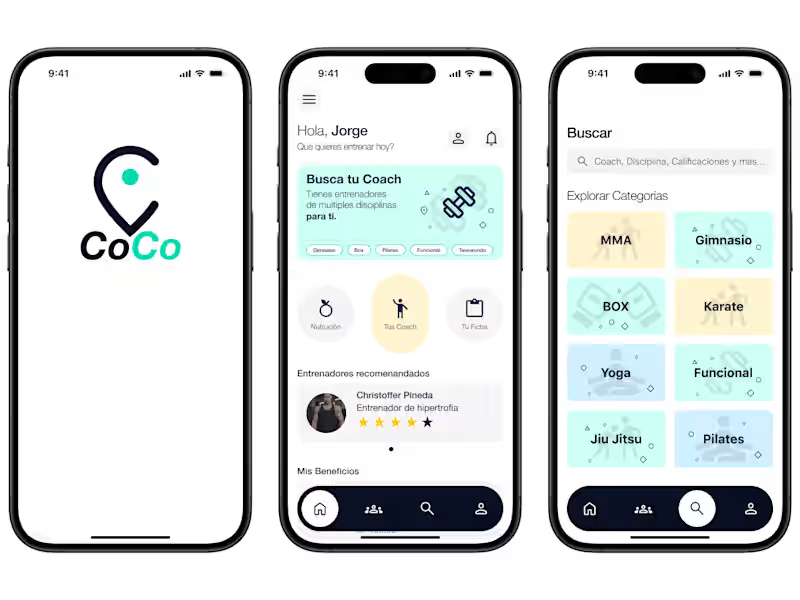
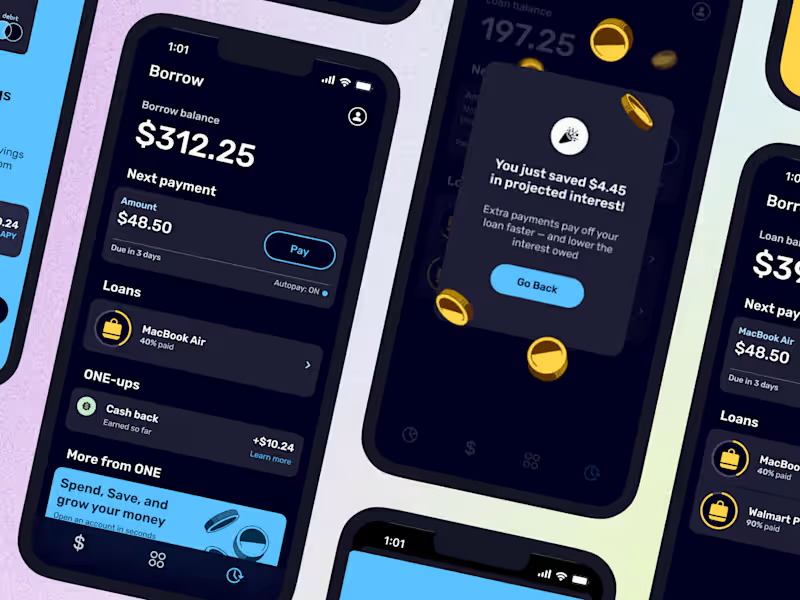
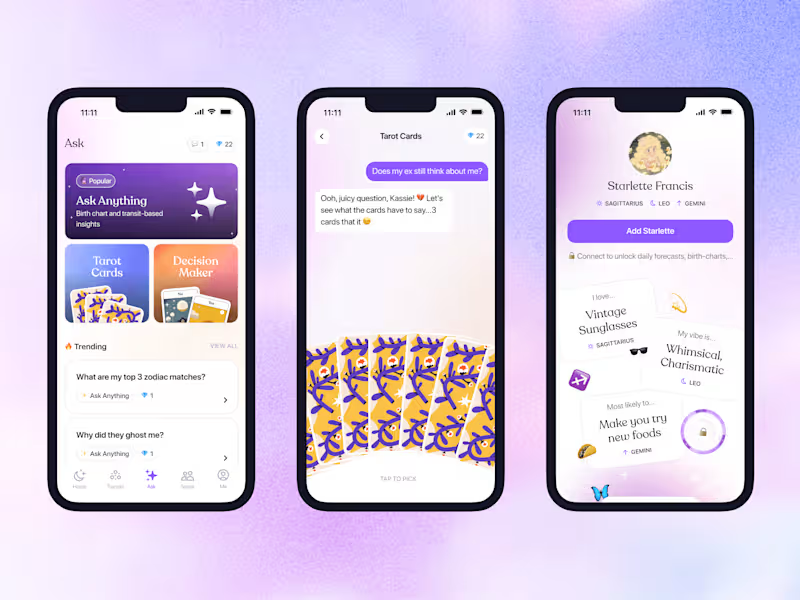
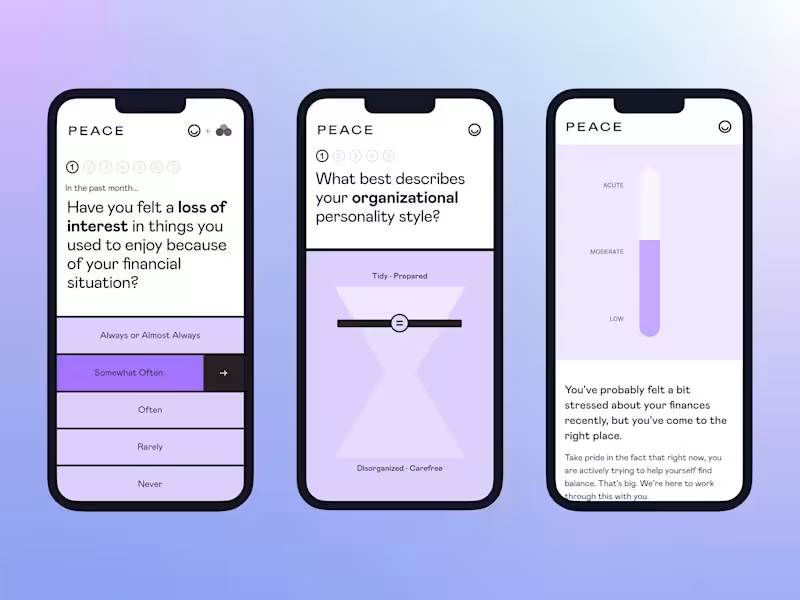
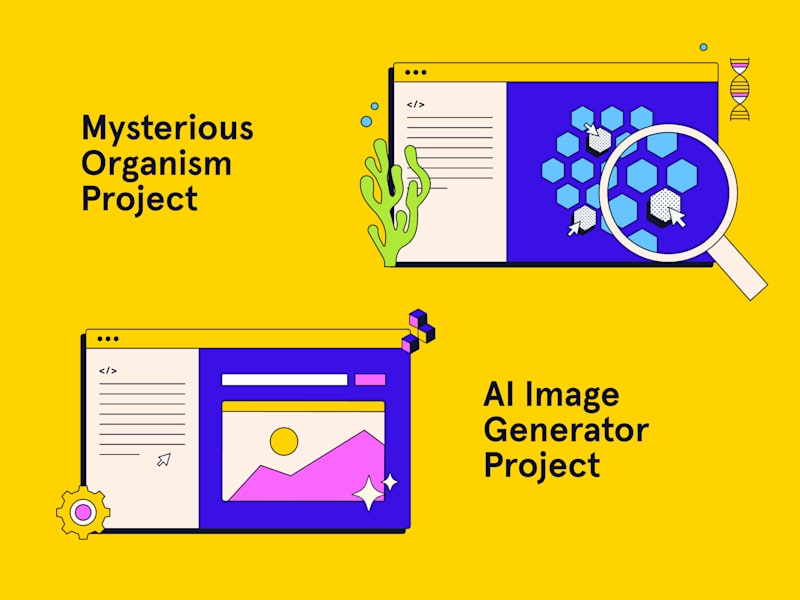
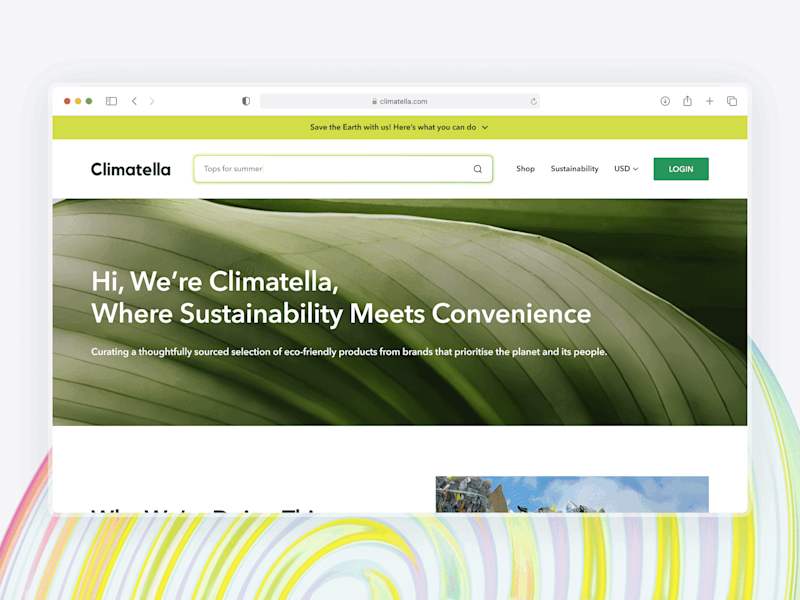
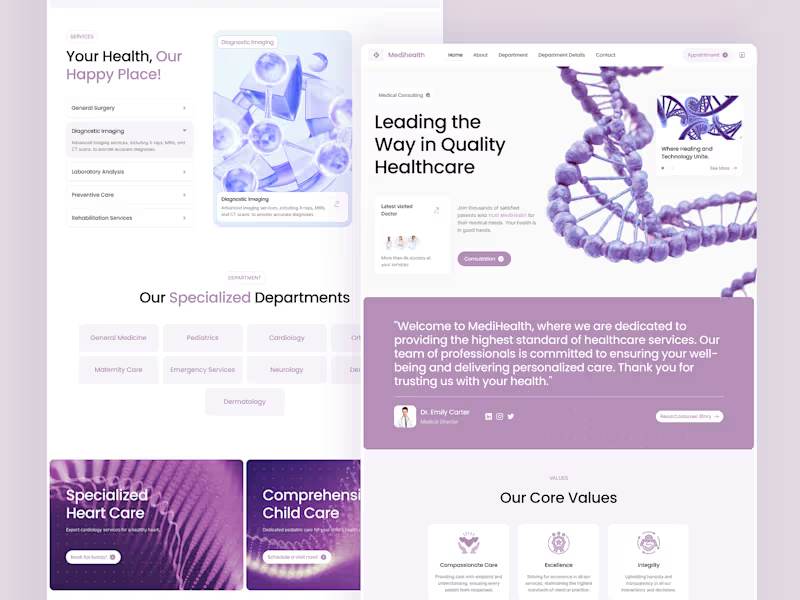
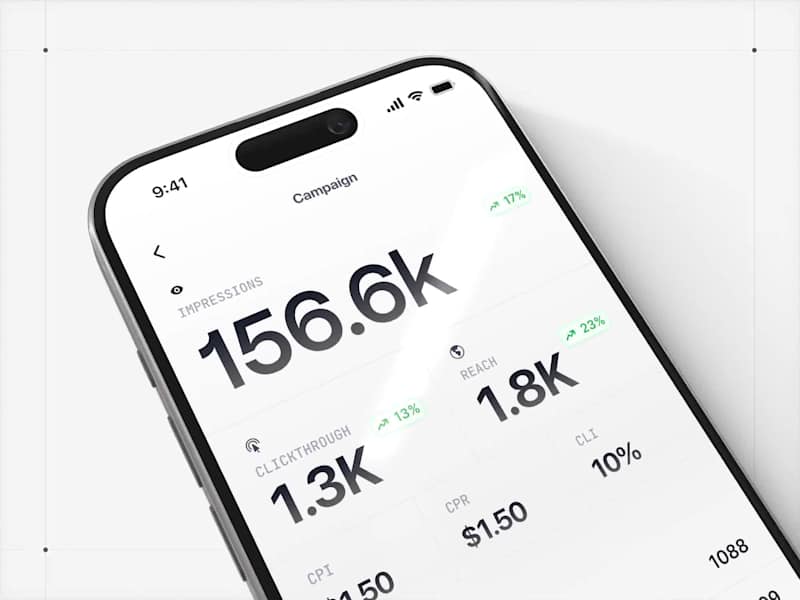
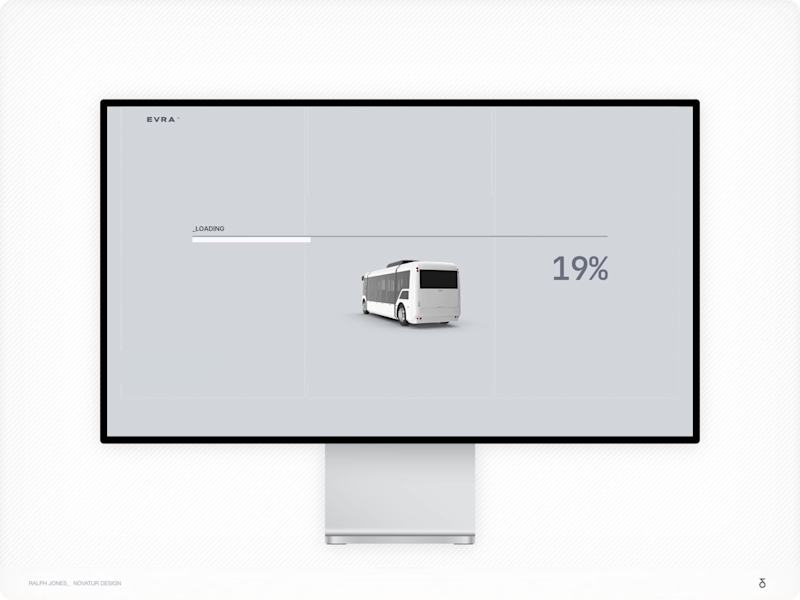
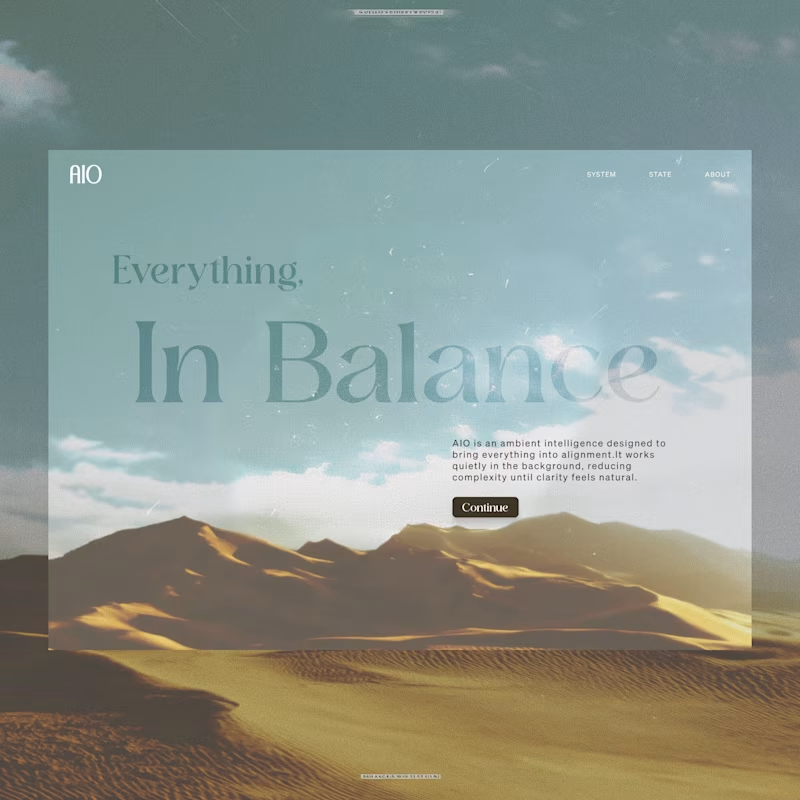
When looking at a UI designer's portfolio, check if their style matches your vision. Look for projects where they have solved problems similar to yours. Their work should be easy to understand and visually appealing. Make sure they have experience designing interfaces that users love.
How can I ensure the UI designer understands my project's goals?
Clearly communicate your project goals from the start. Provide them with detailed information about your target audience and business objectives. Allow them to ask questions to clarify their understanding. This helps in aligning their designs with what you need.
What should be included in the project brief for a UI design?
A good project brief should outline the project goals, deliverables, and timeline. Include information about your target audience and brand guidelines. Make sure to mention any design elements or styles you like. This gives the designer a clear direction to start the project.
How do I set milestones for the UI design project?
Start by breaking down the project into smaller tasks. Define key phases like wireframing, prototyping, and final design. Agree on deadlines for each phase to keep work on schedule. This helps in tracking progress and ensuring timely completion.
What's the best way to provide feedback to a UI designer?
Be clear and specific about what you like and don’t like. Use simple language they can understand. Point out specific areas of the design and suggest improvements. Regular feedback helps the designer make necessary changes quickly.
How should I confirm the deliverables before starting the project?
Discuss all deliverables with the designer before starting. Make a checklist of what you expect, like wireframes, prototypes, or final visual designs. Confirm that both you and the designer agree on these deliverables. This clarity prevents misunderstandings later.
What tools should I use to collaborate with a UI designer?
Use collaboration tools like design software and project management apps. They help in sharing feedback and tracking progress. Tools like Figma, Sketch, or Adobe XD are great for design collaboration. Make sure both you and the designer are comfortable using them.
How can I set a timeline that works for both me and the designer?
Discuss the project timeline with the designer during your initial meetings. Be realistic about how long each part of the design process should take. Consider any other commitments or projects the designer has. Agreeing on a timeline early ensures smooth project progress.
What should I do if the UI design needs changes after completion?
Agree on a revision process when starting the project. Determine how many rounds of changes are included. Provide clear and specific feedback during these rounds. This helps in making necessary improvements efficiently.
How do I make sure the UI design aligns with my brand?
Share your brand guidelines with the designer before they start. Include details about colors, fonts, and imagery that represent your brand. Review early design drafts to ensure they reflect your brand identity. Consistent alignment builds a cohesive look and feel.
Who is Contra for?
Contra is designed for both freelancers (referred to as "independents") and clients. Freelancers can showcase their work, connect with clients, and manage projects commission-free. Clients can discover and hire top freelance talent for their projects.
What is the vision of Contra?
Contra aims to revolutionize the world of work by providing an all-in-one platform that empowers freelancers and clients to connect and collaborate seamlessly, eliminating traditional barriers and commission fees.