How can I ensure the UI designer understands my project needs?
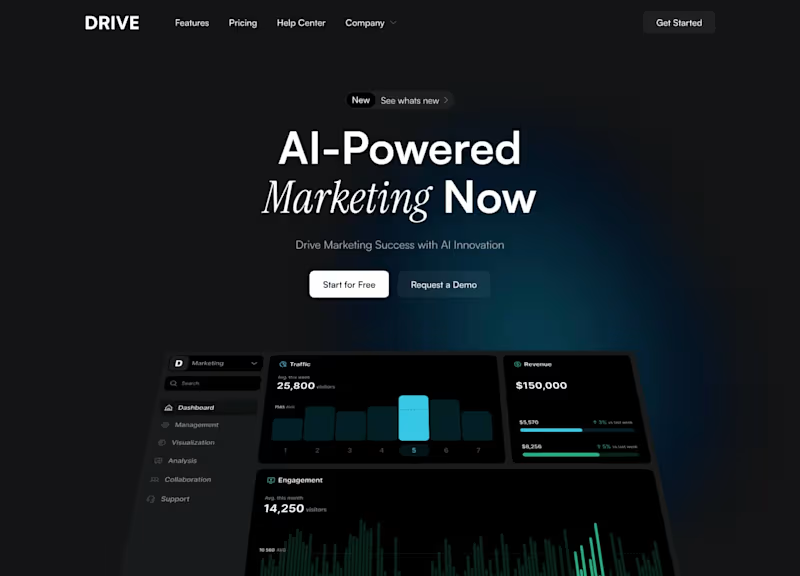
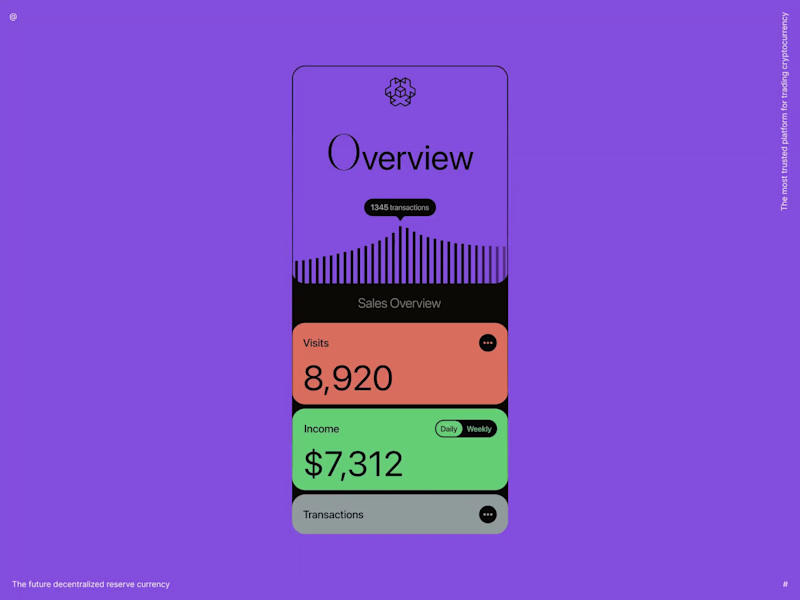
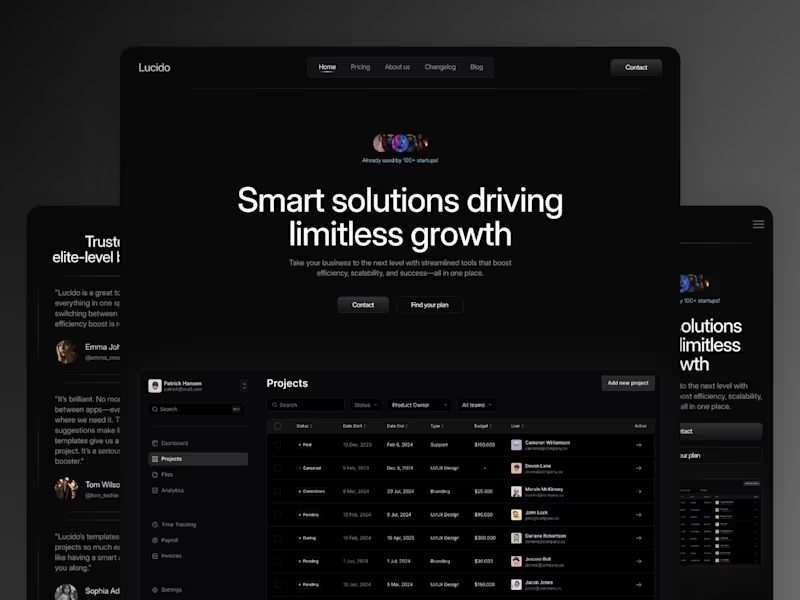
Start with a detailed brief. Clearly outline your project's objectives and the UI design requirements. Use visuals like mood boards or design inspiration to make sure your vision is clear.
What should I include in the contract for a UI design project?
Include the scope of work, timelines, and expected deliverables. Specify design tools and file formats for deliverables. Clearly break down milestones and payment schedules.
How can I assess the skills of a freelance UI designer?
Review their portfolio for style and creativity. Look for similar projects and check user feedback. Consider a small paid test task to see how they handle your specific needs.
What is the best way to communicate with a UI designer?
Use clear and frequent communication. Set up regular check-ins or meetings. Use visual feedback tools to mark up designs and provide clear feedback.
How can I ensure the UI design fits with my brand?
Share your brand guidelines and color palettes. Provide examples of UI designs you like. Ask the designer to present initial mockups for feedback early in the process.
What project management tools are useful for UI design?
Use tools like Asana or Trello to track progress. Google Docs or shared folders can organize files. Design-specific tools like Figma allow easy feedback on prototypes.
How do I define the deliverables for a UI design project?
Start with a detailed list of components needed. Specify the types of screens or pages. Determine if you need interactive prototypes or just static designs.
What should I consider when setting project deadlines?
Plan for key stages like wireframing, prototyping, and final design. Include buffer time for review and feedback. Ensure the timeline matches the complexity of your project.
How do I ensure consistent updates on project progress?
Set up regular update schedules like weekly check-ins. Use progress charts or task lists. Encourage open communication to address issues early.
How can I provide effective feedback on UI designs?
Be specific about what's working and what needs change. Use screenshots to highlight areas for improvement. Focus on user experience and brand coherence in your feedback.
Who is Contra for?
Contra is designed for both freelancers (referred to as "independents") and clients. Freelancers can showcase their work, connect with clients, and manage projects commission-free. Clients can discover and hire top freelance talent for their projects.
What is the vision of Contra?
Contra aims to revolutionize the world of work by providing an all-in-one platform that empowers freelancers and clients to connect and collaborate seamlessly, eliminating traditional barriers and commission fees.