How do I clearly define my project requirements for a UI designer?
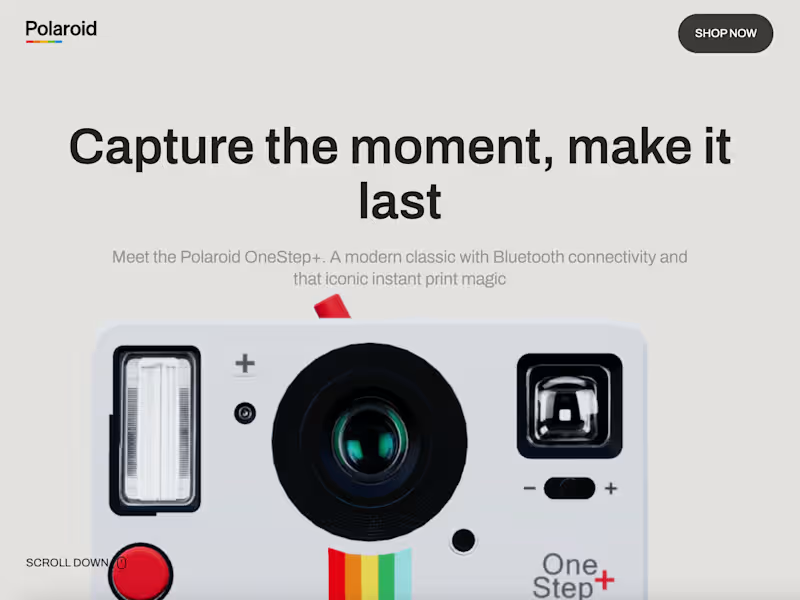
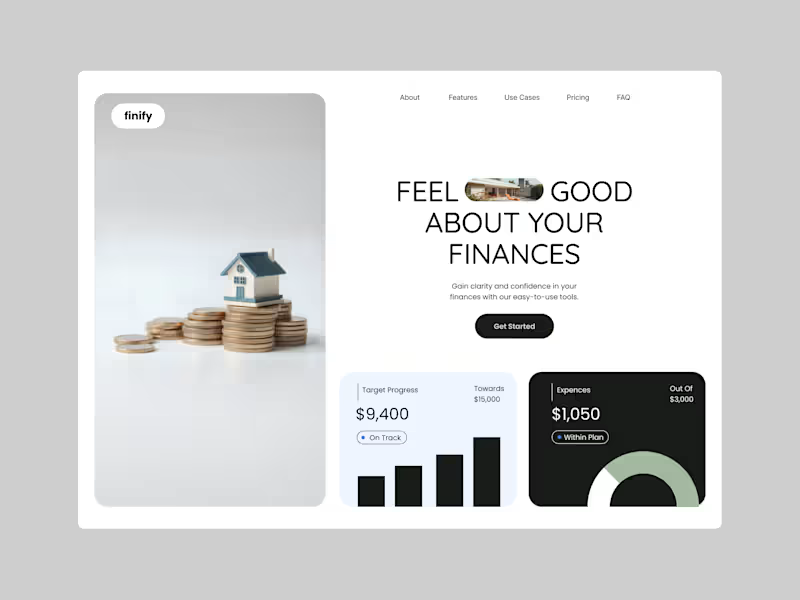
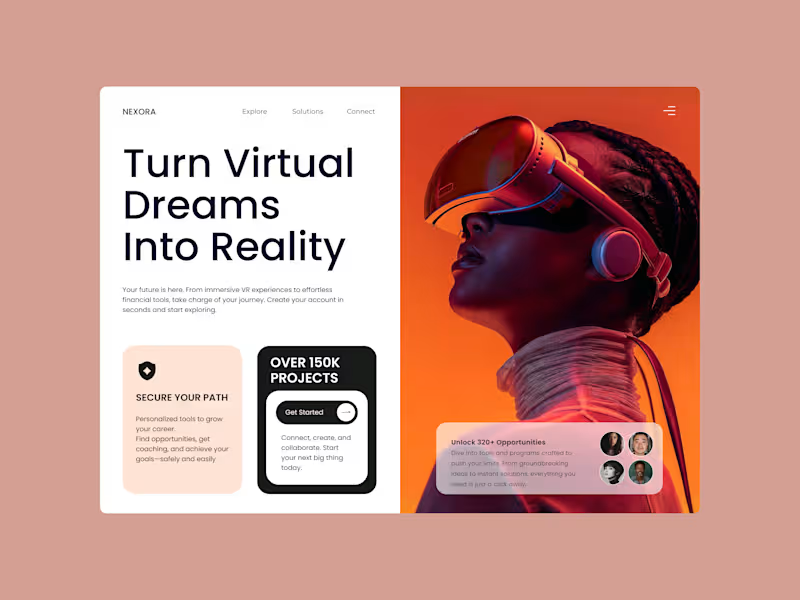
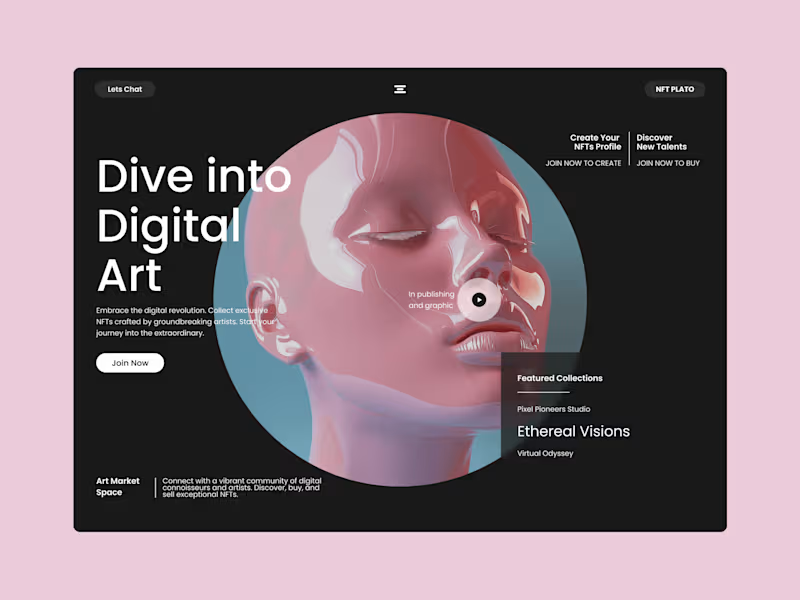
Start by writing down what your project needs. Be clear about the goals and who will use the final product. Share examples of designs you like. This helps the designer know your style. A clear picture makes the task easier for everyone.
What should be included in the project brief for a UI designer?
A project brief explains what you want and need. It should include the project goals, timeline, and target audience. Add any specific colors or styles you prefer. Share any existing materials or designs. This helps the designer understand your vision more clearly.
How can I ensure alignment on project deliverables with a UI designer?
Talk about what you expect to receive at the end. Make a list of all the parts you want, like wireframes or mockups. Agree on how many design revisions you can have. This makes sure everyone knows what’s coming. Check in with the designer often to stay on track.
What should I consider when setting a project timeline with a UI designer?
Think about how long you want your project to last. Be realistic about the time needed for good design work. Talk to the designer about how long they need to finish each part. Set deadlines for checkpoints to see progress. This keeps everybody working at the same pace.
How can I evaluate a UI designer’s portfolio effectively?
Look at their past work to see if their style fits your project. Pay attention to how they solve design problems. Check if their designs are user-friendly and visually appealing. See if they have experience in your industry. This helps you choose someone with the right skills.
What questions should I ask during the initial meeting with a UI designer?
Ask about their design process and how they tackle projects. See how they communicate and work with clients. Learn what tools they use and how they track progress. Discuss any concerns and set expectations early. This sets the stage for a smooth working relationship.
How do I provide constructive feedback to a UI designer?
Be clear and specific about what you like and don’t like. Focus on the design and not the designer. Use examples to show what changes you want. Be open to the designer’s suggestions, too. This helps improve the design in a friendly way.
What's important when onboarding a UI designer to my project?
Introduce them to your team and tools. Share all project details and goals. Explain how decisions are made and who approves designs. Give them access to what they need right away. This helps them start smoothly and stay connected.
How do I maintain effective communication with a UI designer?
Set up regular meetings to check on progress. Decide how often you’ll talk and what method you’ll use, like email or video chat. Be clear about who will talk to the designer from your team. Share feedback quickly and be open to their questions. This keeps everything on track.
What should I do to finish the project successfully with a UI designer?
Make sure all deliverables are complete and approved. Share any last feedback before closing the project. Confirm that all files are delivered in the right format. Discuss any follow-up support you might need. This ensures a happy ending for both of you.
Who is Contra for?
Contra is designed for both freelancers (referred to as "independents") and clients. Freelancers can showcase their work, connect with clients, and manage projects commission-free. Clients can discover and hire top freelance talent for their projects.
What is the vision of Contra?
Contra aims to revolutionize the world of work by providing an all-in-one platform that empowers freelancers and clients to connect and collaborate seamlessly, eliminating traditional barriers and commission fees.