How do milestones help in keeping a UI design project on track?
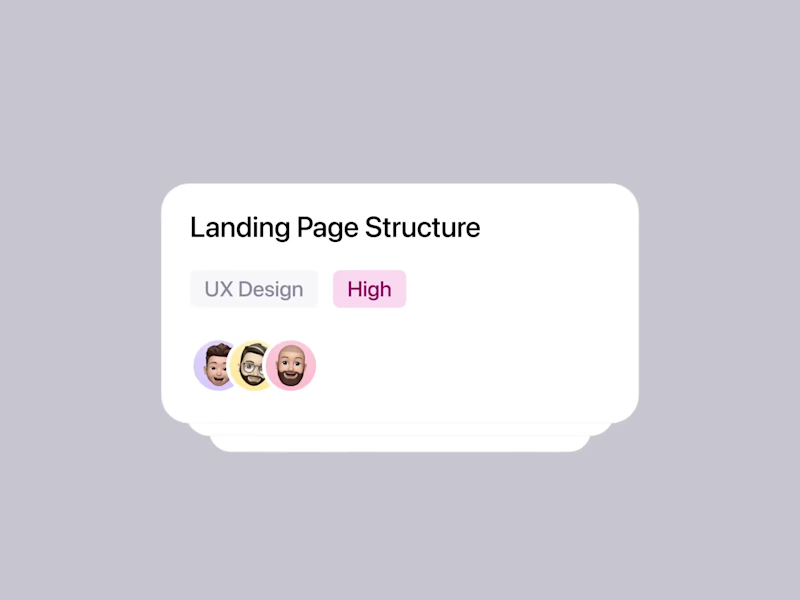
Milestones break the project into parts, making deadlines easier to manage. They let you regularly review and approve work, ensuring alignment with goals. Use them to assess quality and address issues early.
What should I look for in a UI designer's portfolio?
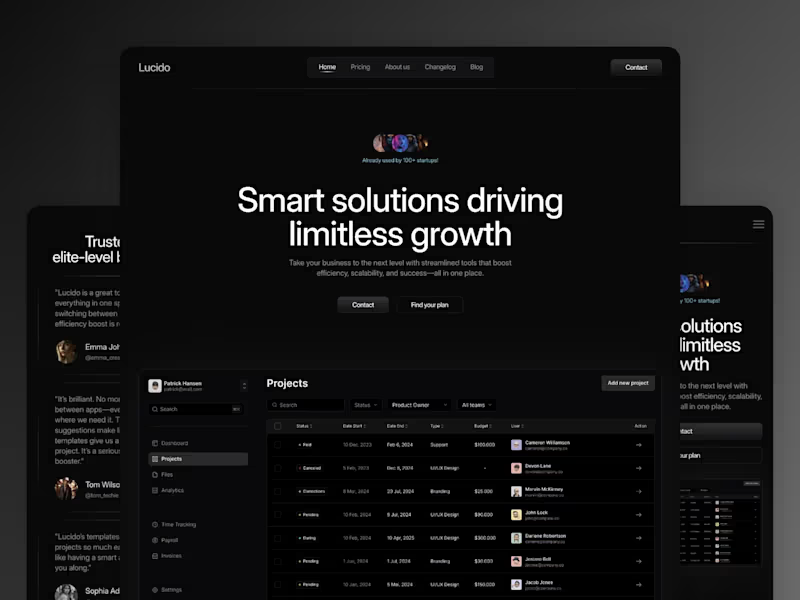
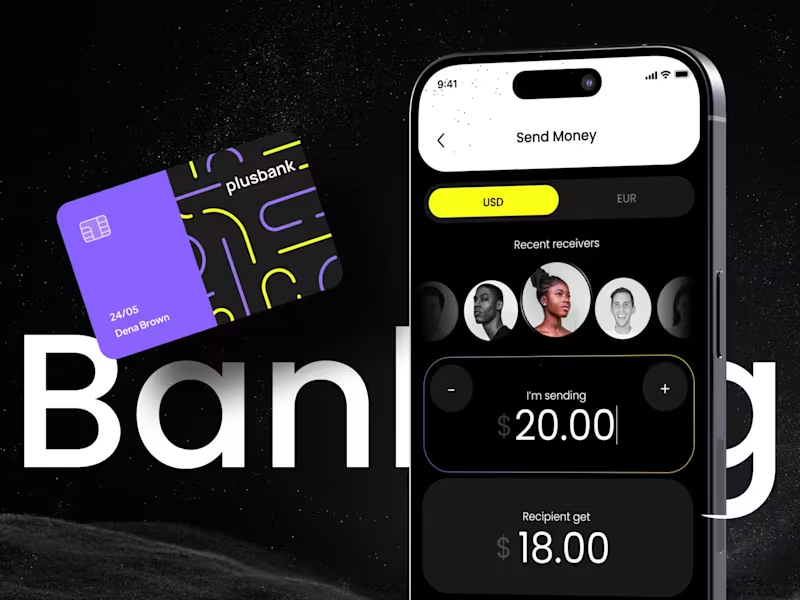
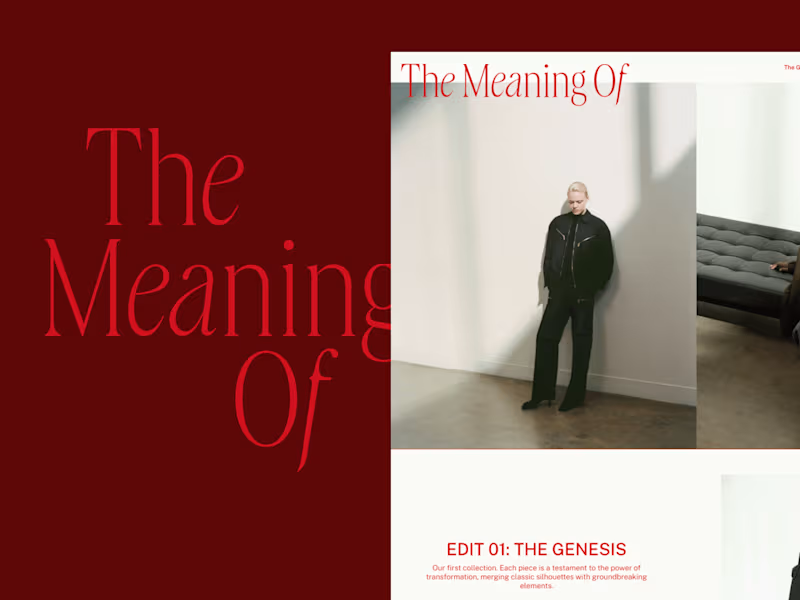
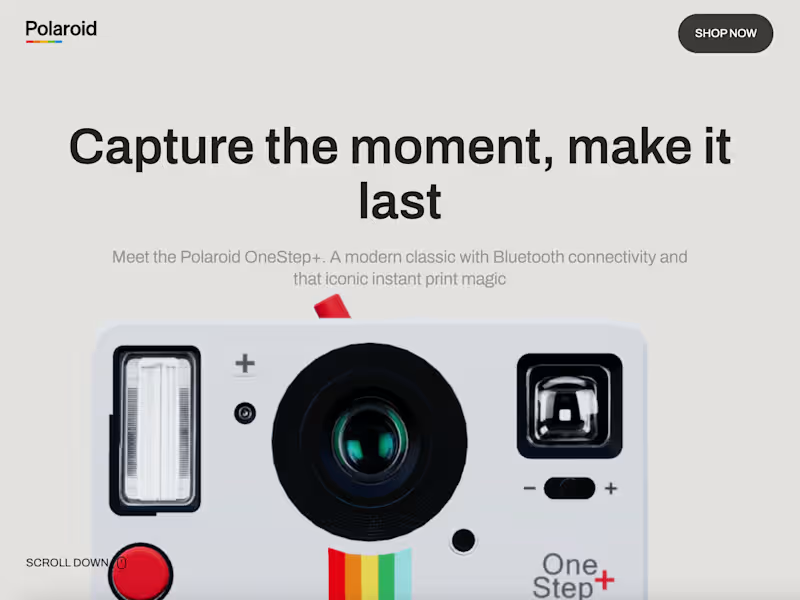
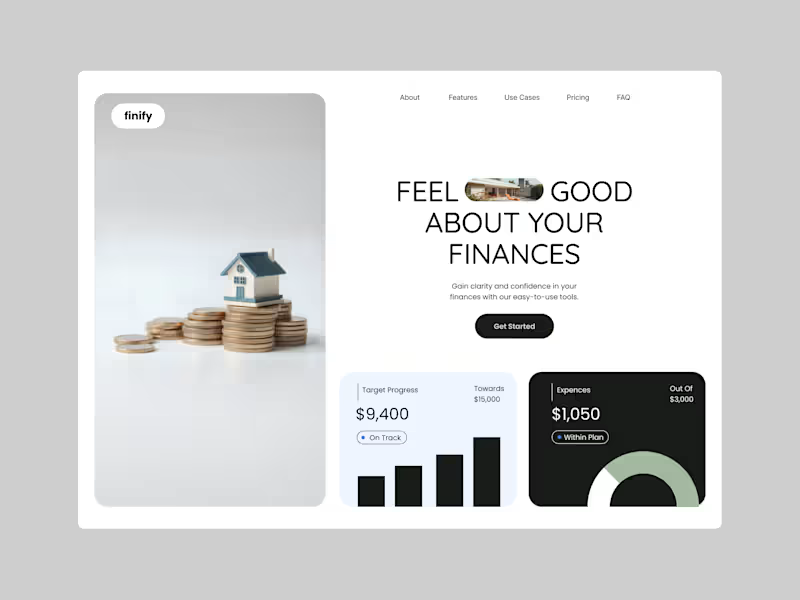
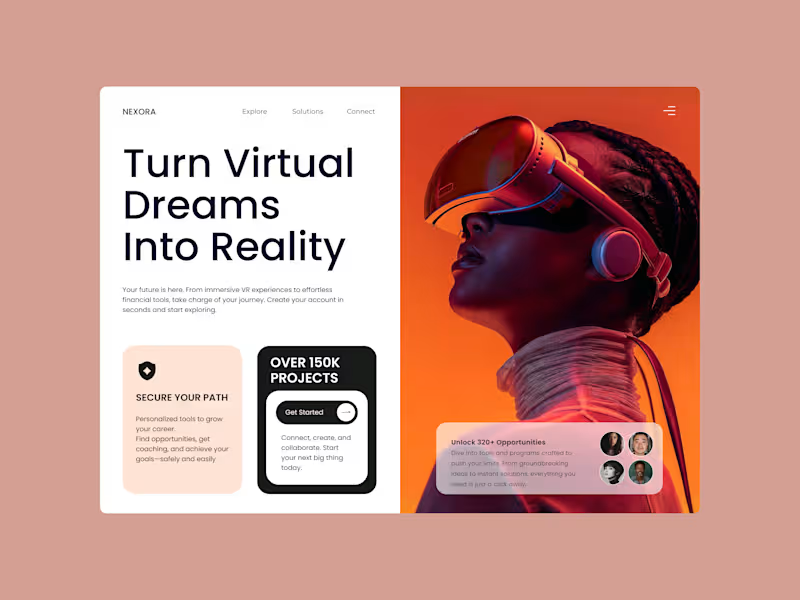
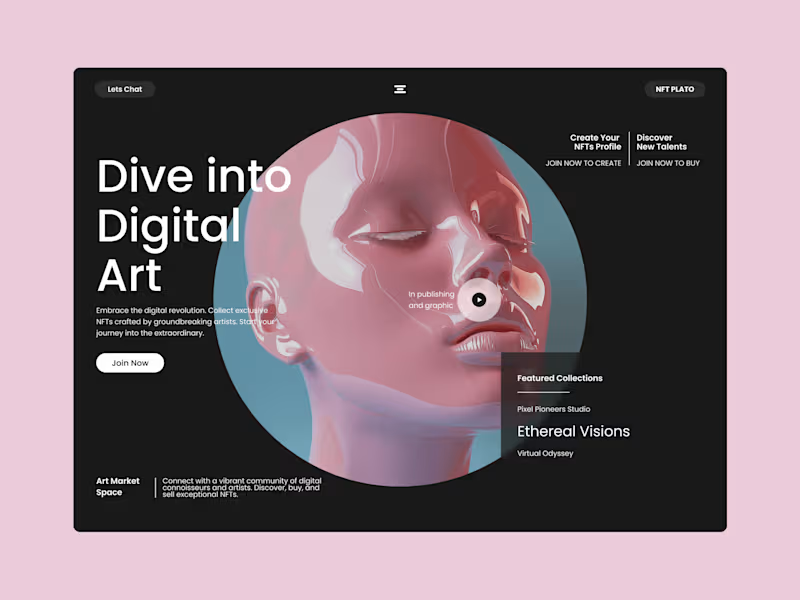
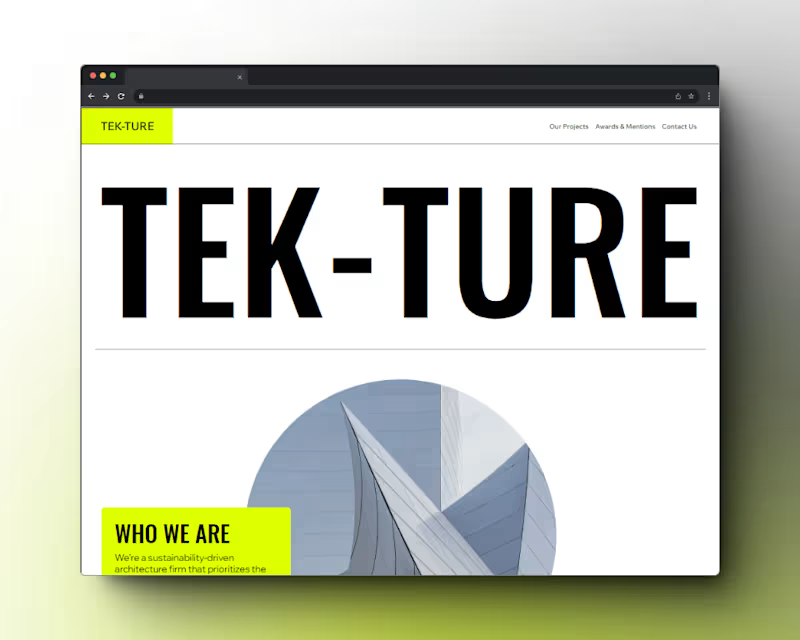
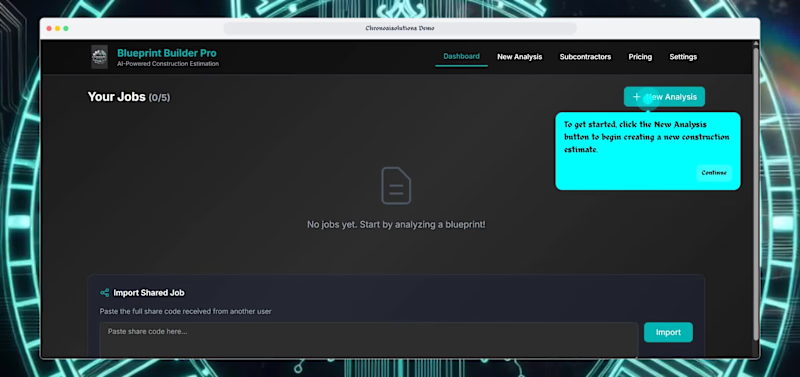
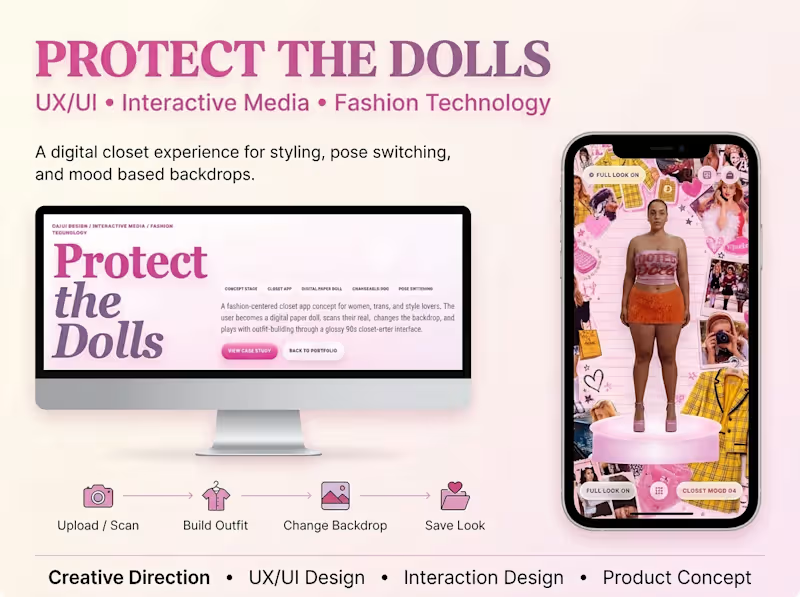
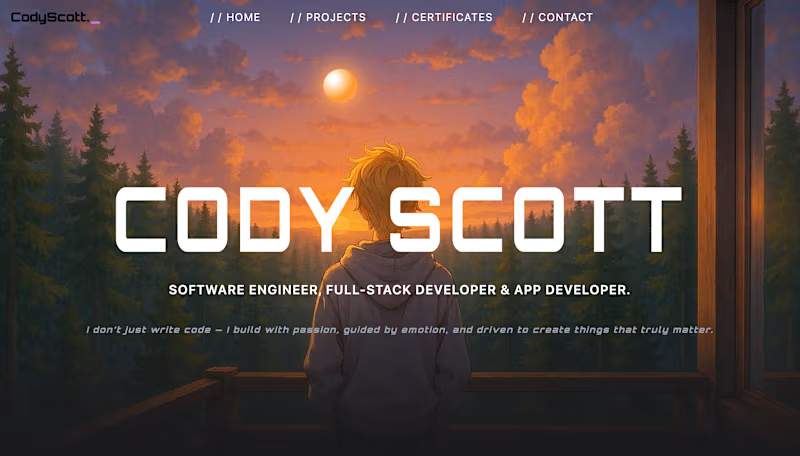
When hiring a UI designer, check if their portfolio has projects like your own. Look for samples that show creativity and attention to detail. See if they have worked on projects that tell a story well with their designs.
How can I evaluate a UI designer's experience?
Examine their past work for diverse styles and innovative solutions. Check if they have experience in industries like yours. Ask them about the challenges they faced in past projects and how they overcame them.
What essential skills should a UI designer possess?
A good UI designer should understand design principles, color theory, and typography. They should know how to use tools like Sketch, Figma, or Adobe XD. They should also communicate well to understand your vision and deliver mockups and prototypes accordingly.
Why is understanding user needs vital for UI design?
A UI designer should know the needs of the users for effective design. User-friendly interfaces encourage engagement and satisfaction. Ask how they incorporate user feedback into their designs.
How do I ensure the designer understands the project requirements?
Present the goals of the project clearly and provide detailed briefs. Discuss potential issues and priorities. Check their understanding through their questions and summaries.
What should I include in the project brief?
A good project brief includes goals, deadlines, and any specific requests. Share your brand guidelines and target audience details. If possible, include examples or references to clarify expectations.
Why is a trial project important?
A small trial project lets you see if the designer's style matches your needs. It can demonstrate their work process, creativity, and responsiveness. This helps ensure a good fit before committing to a larger project.
How can I ensure smooth collaboration with a UI designer?
Set up regular check-ins to provide feedback and discuss progress. Use clear communication tools for updates and questions. Share resources and feedback promptly to keep everything on track.
Who is Contra for?
Contra is designed for both freelancers (referred to as "independents") and clients. Freelancers can showcase their work, connect with clients, and manage projects commission-free. Clients can discover and hire top freelance talent for their projects.
What is the vision of Contra?
Contra aims to revolutionize the world of work by providing an all-in-one platform that empowers freelancers and clients to connect and collaborate seamlessly, eliminating traditional barriers and commission fees.