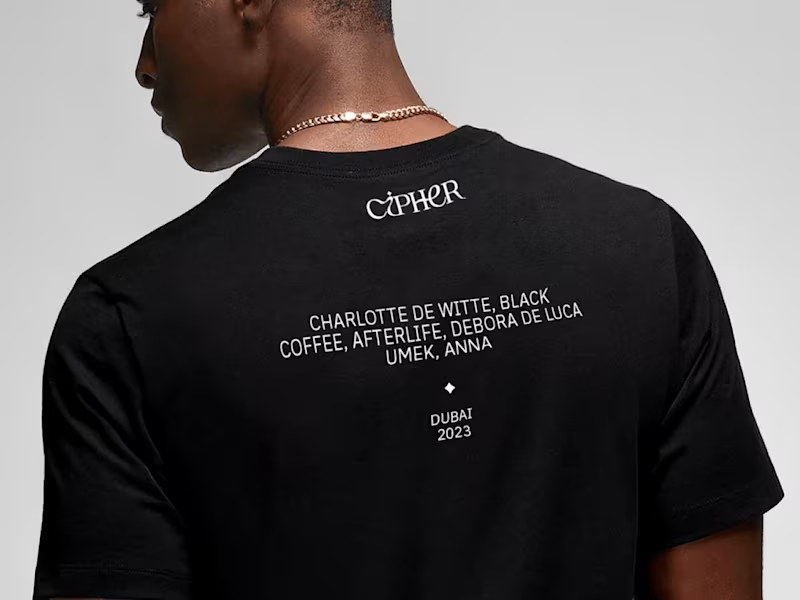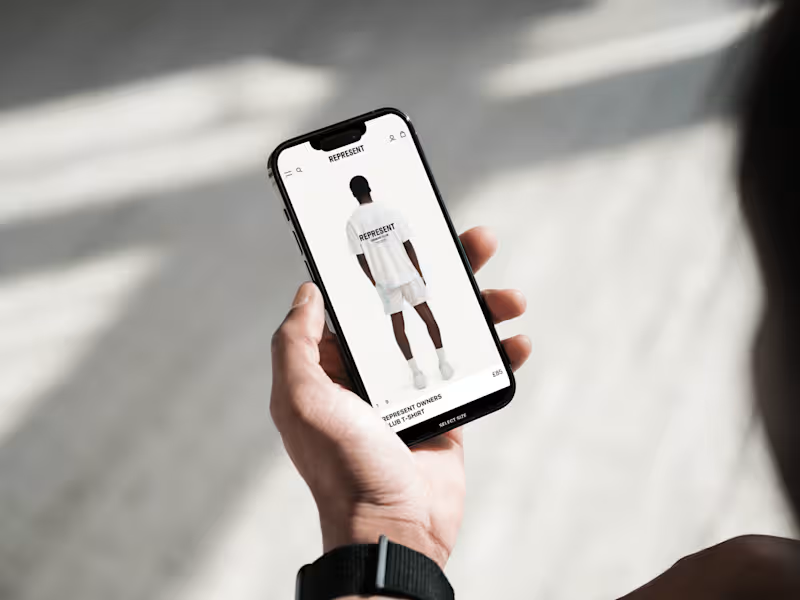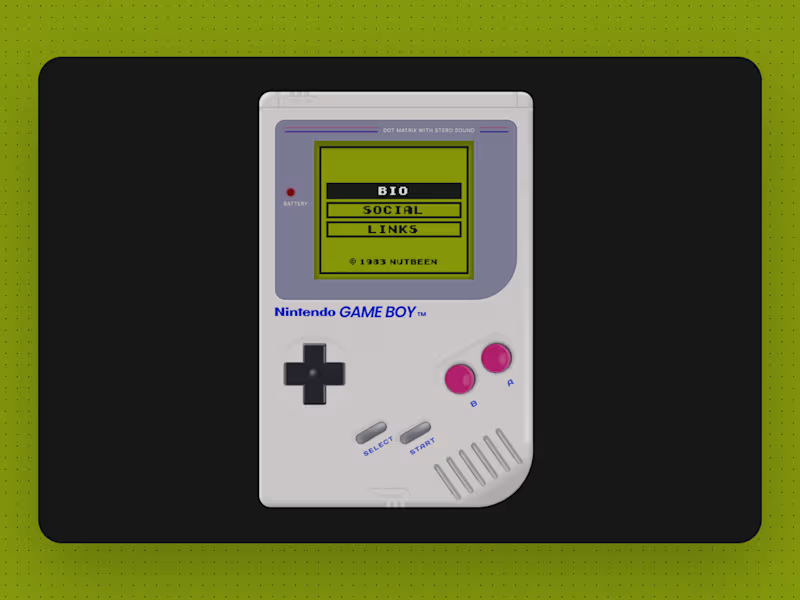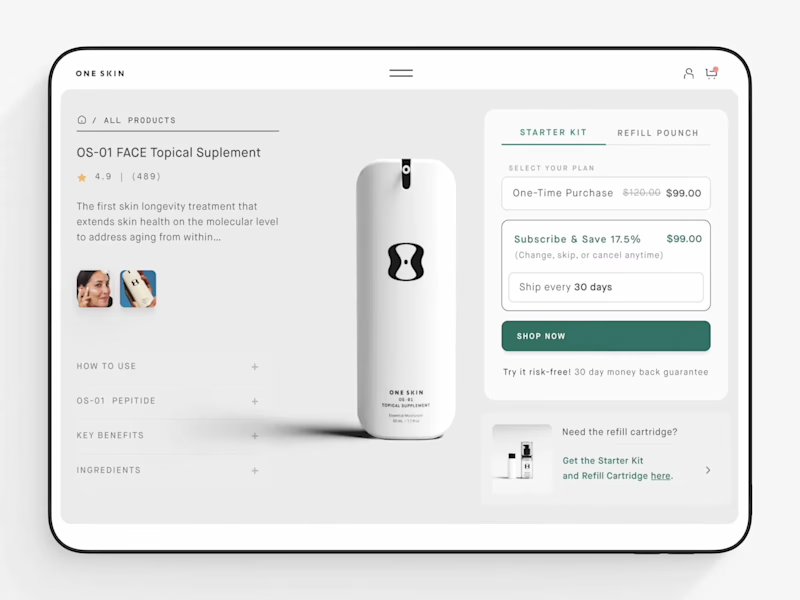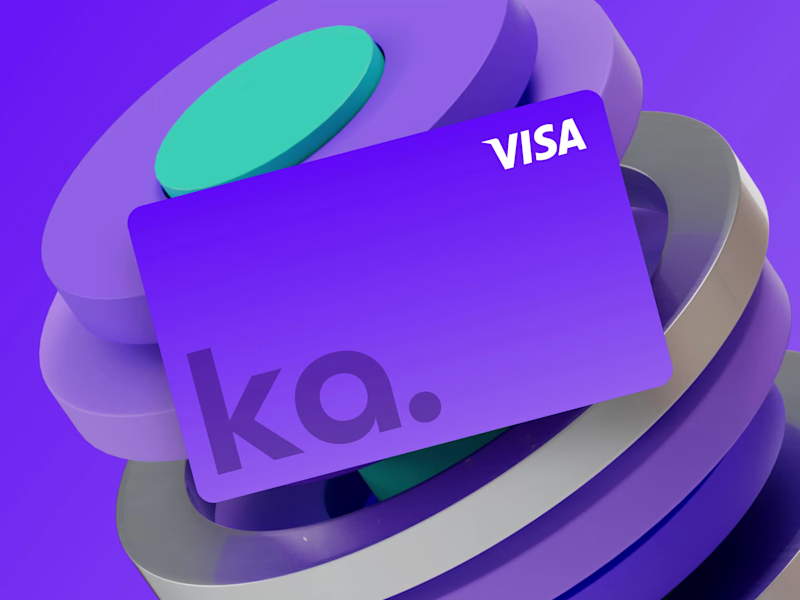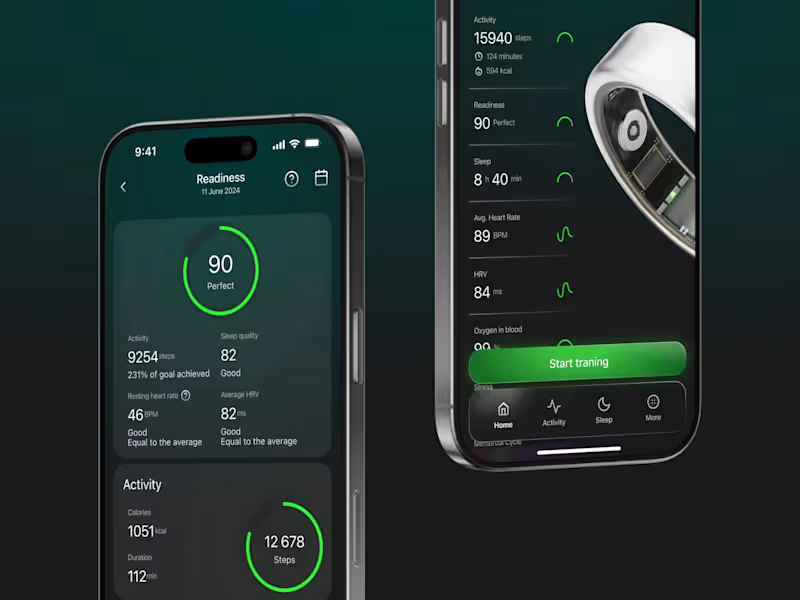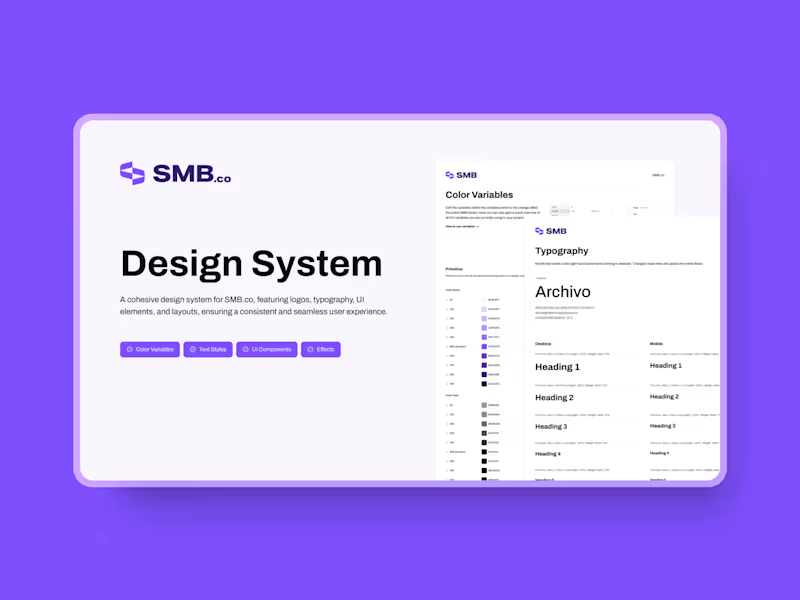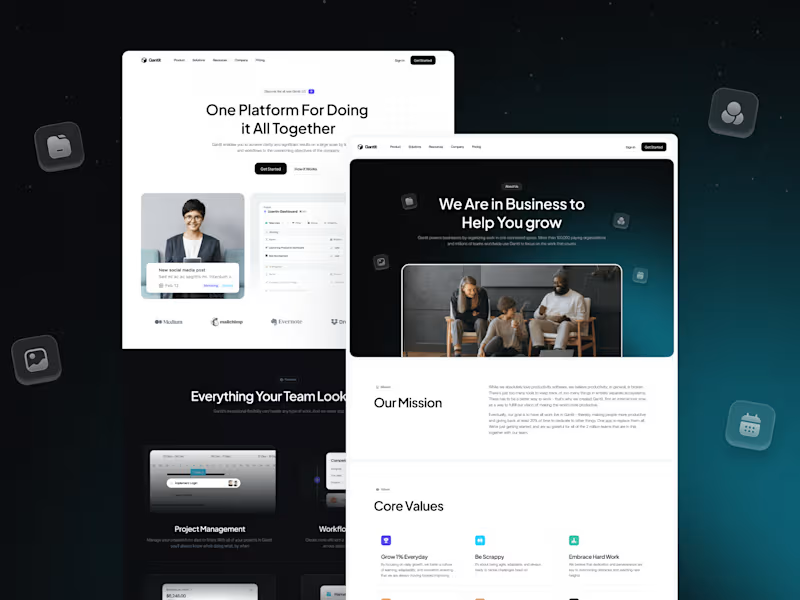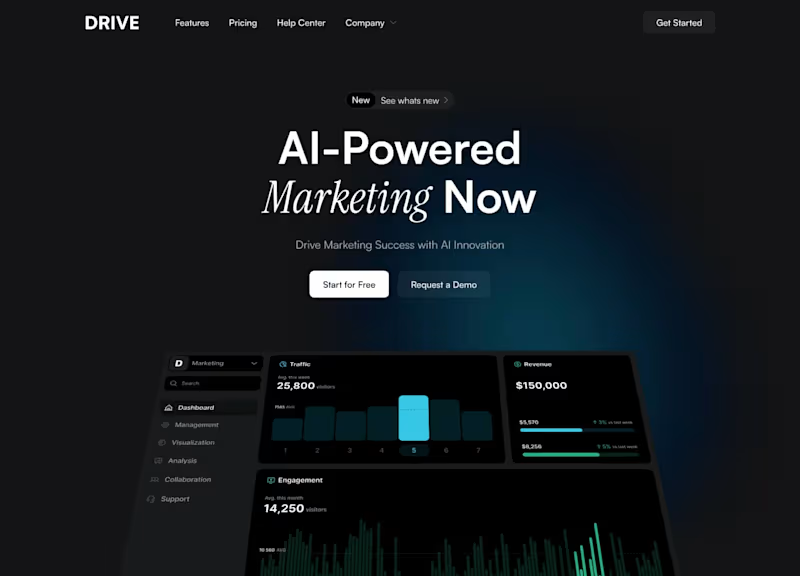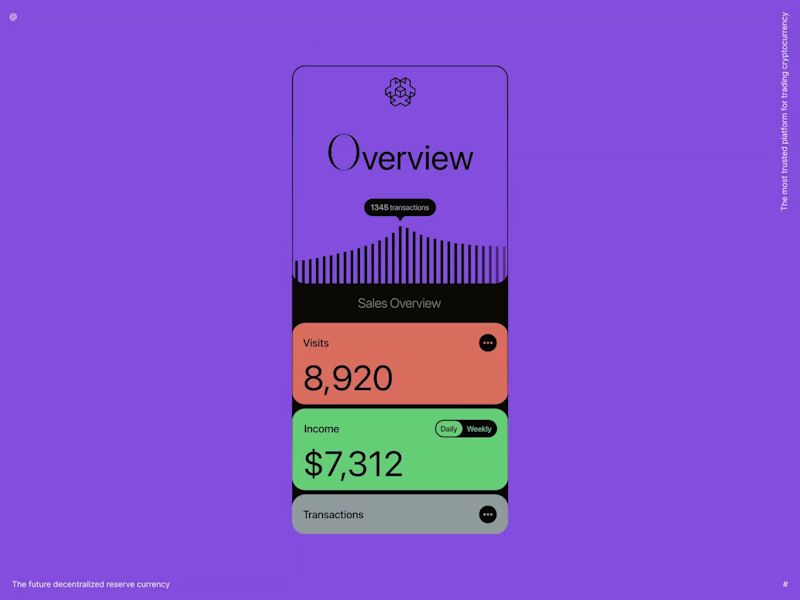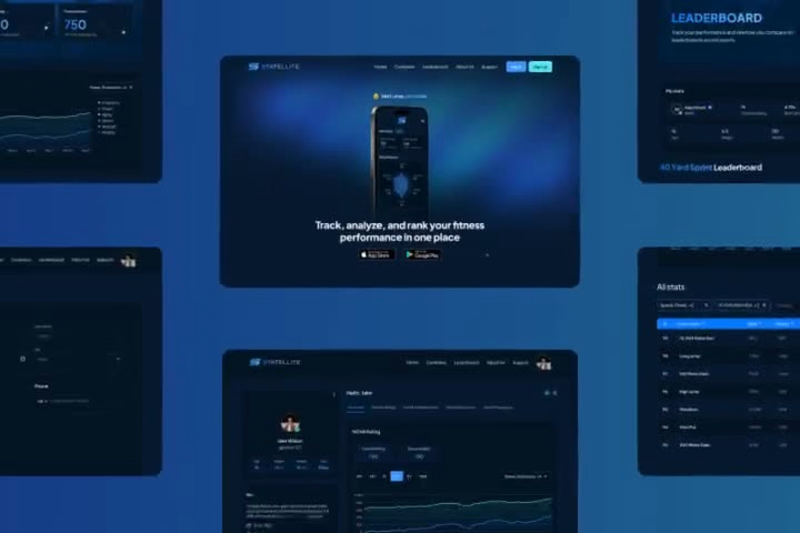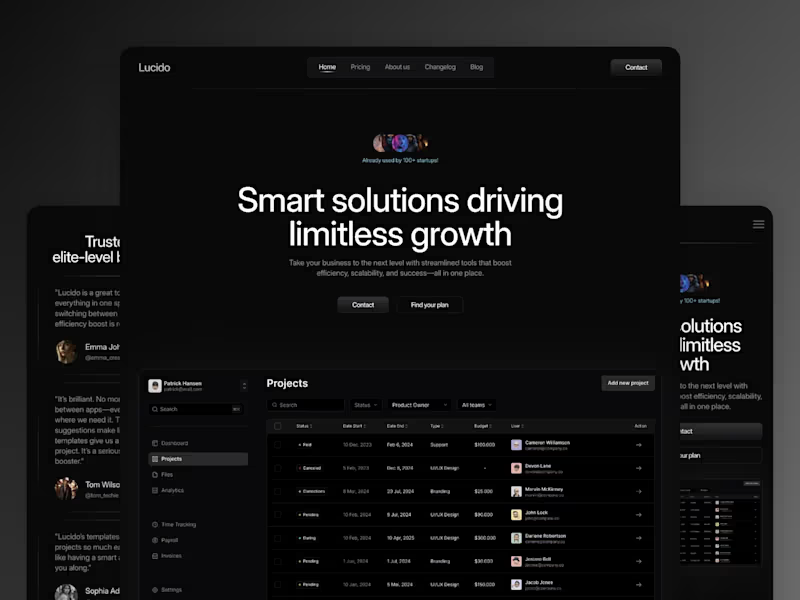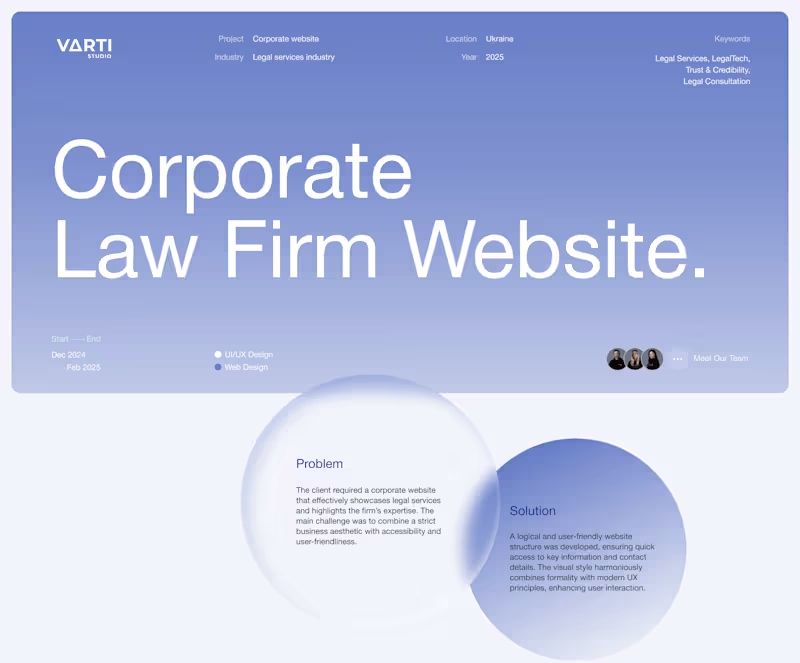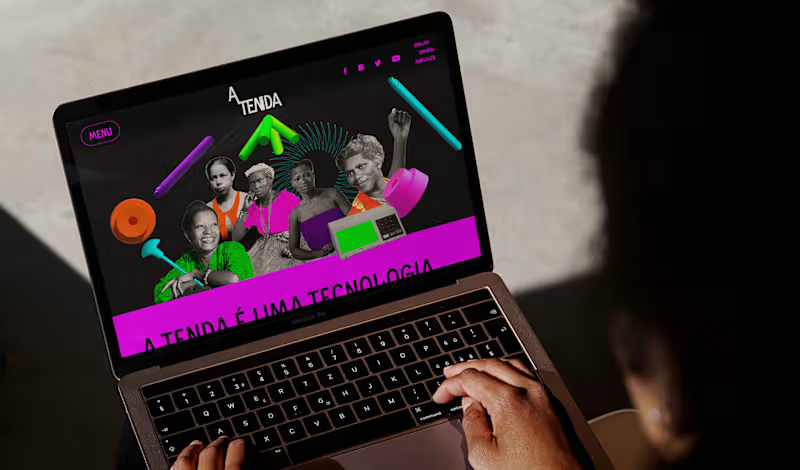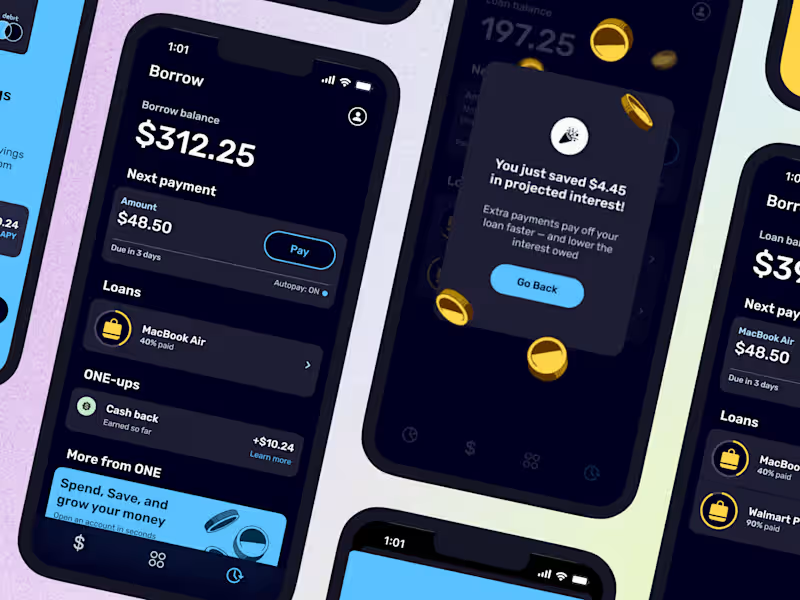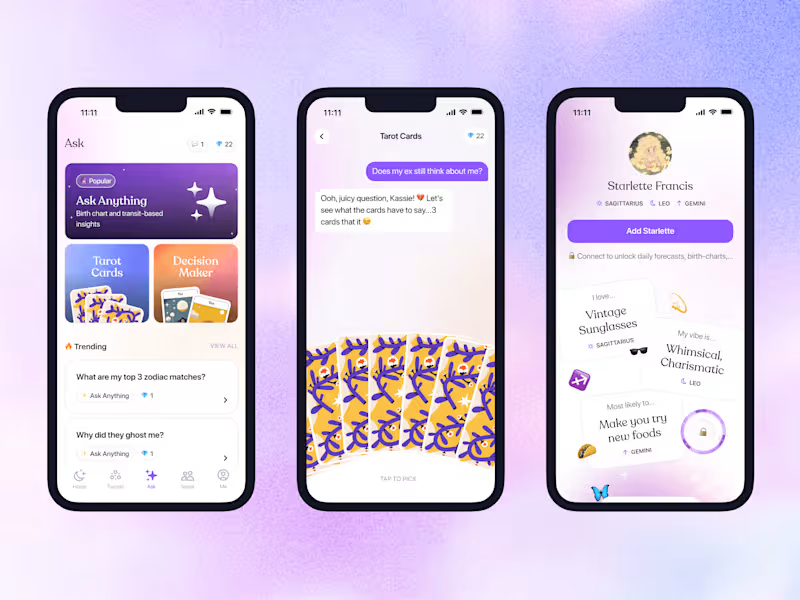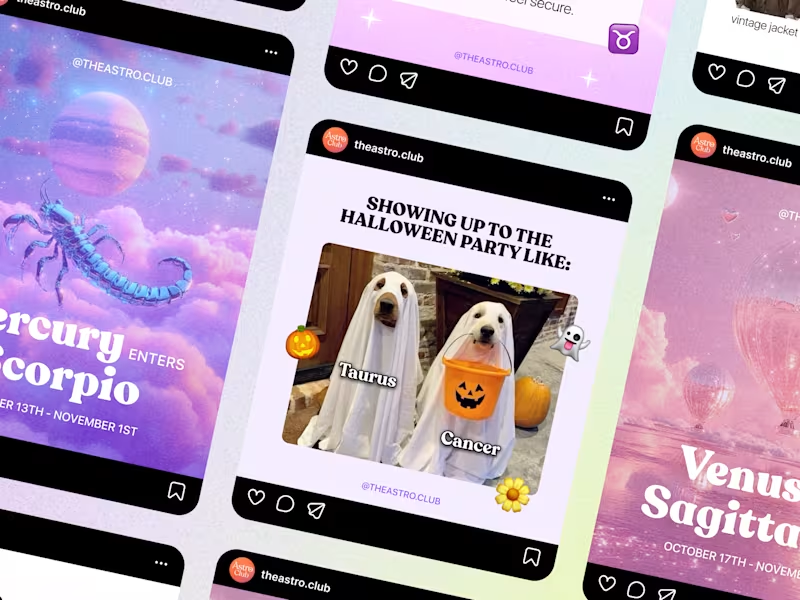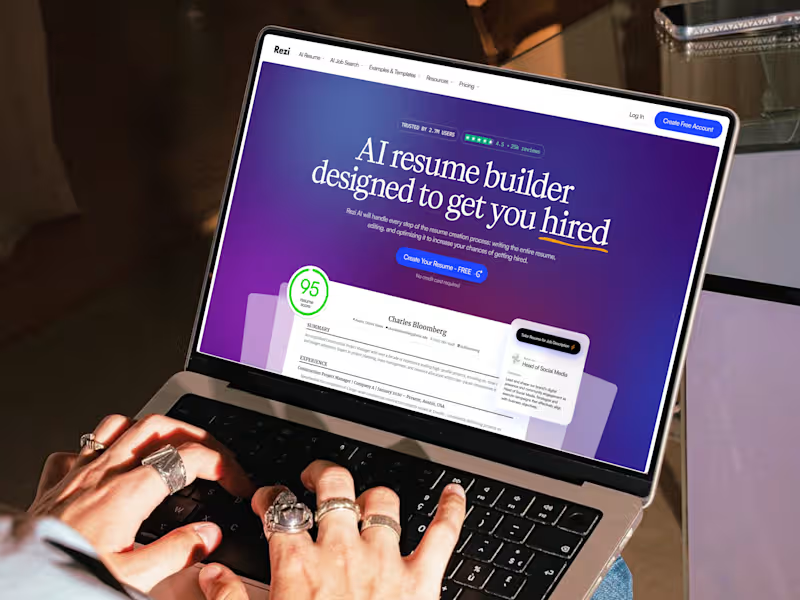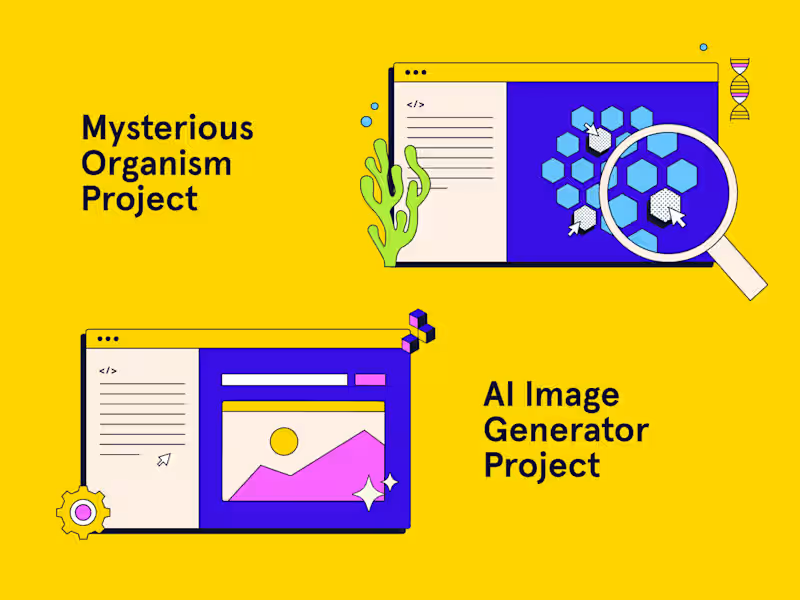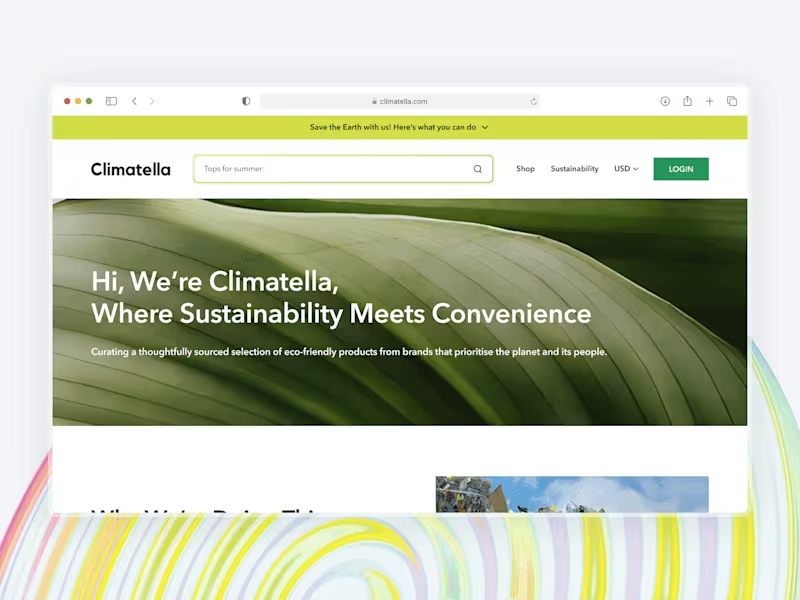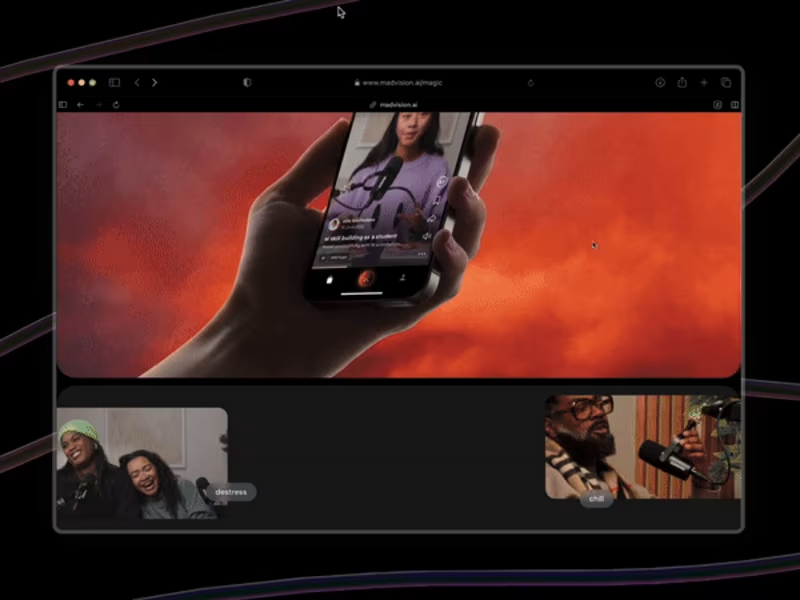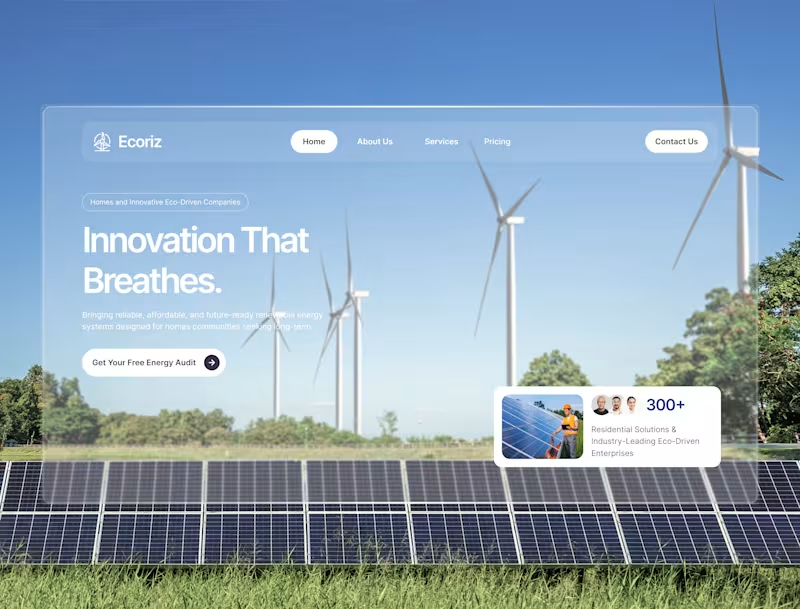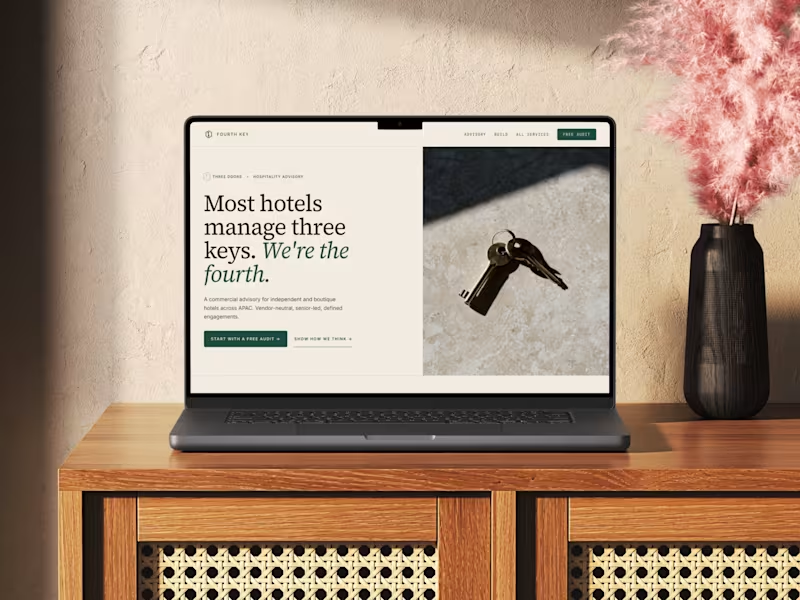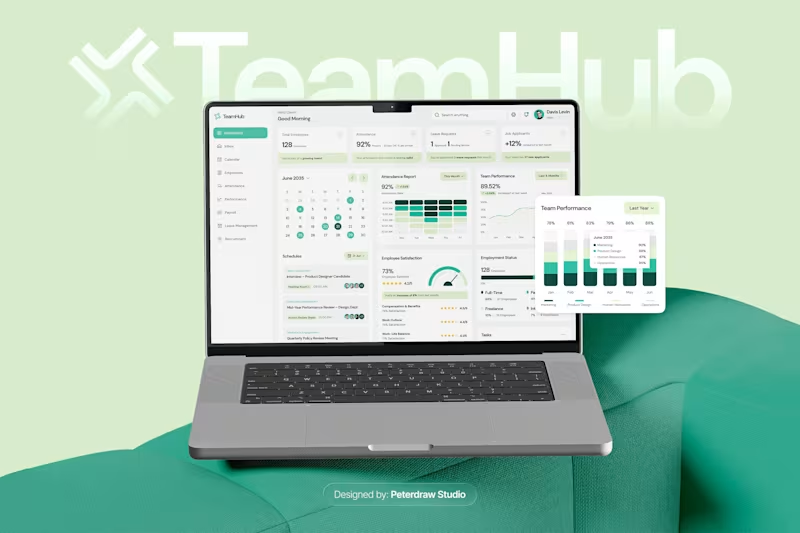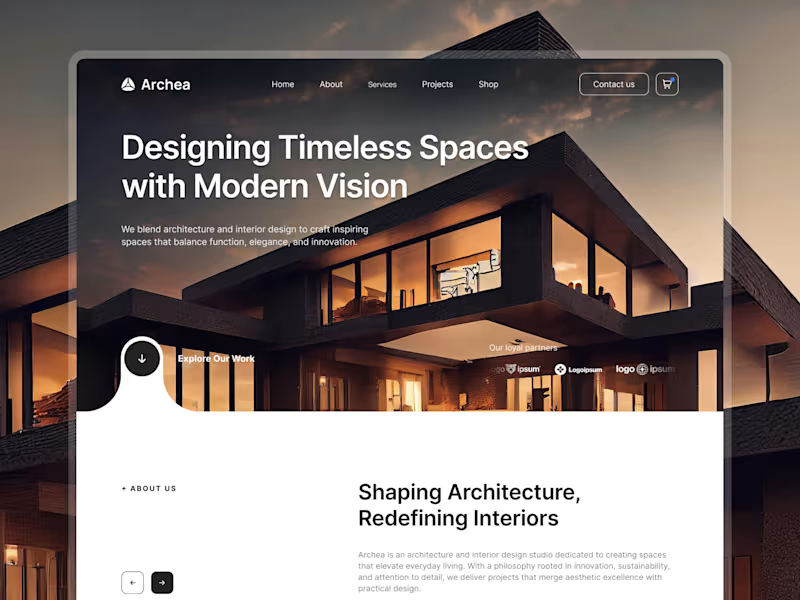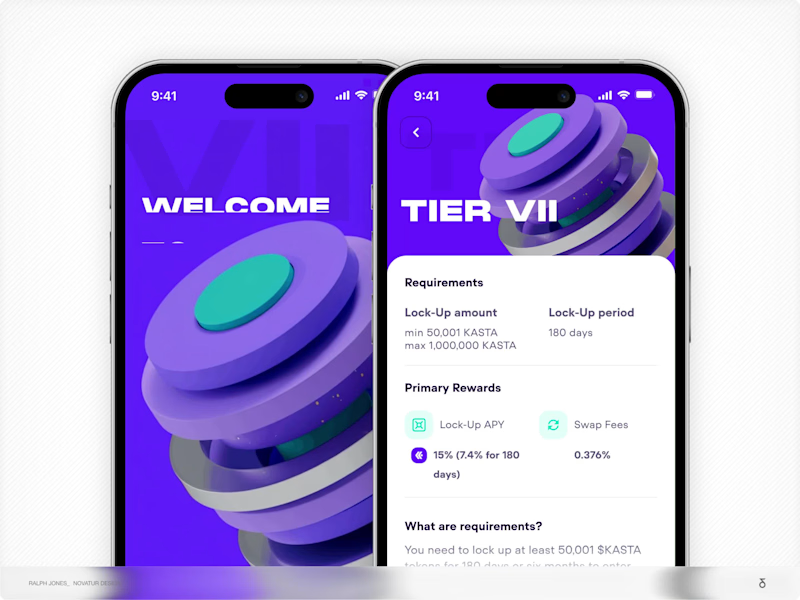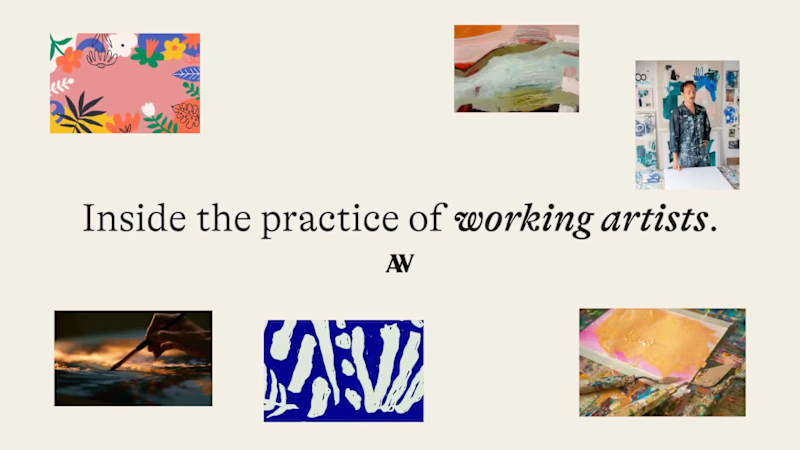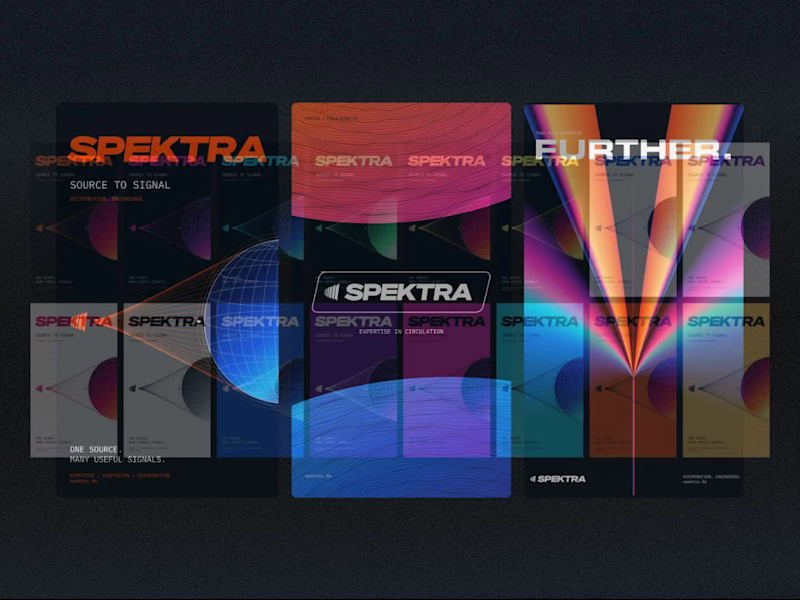


















What should I look for in a UI designer's portfolio?
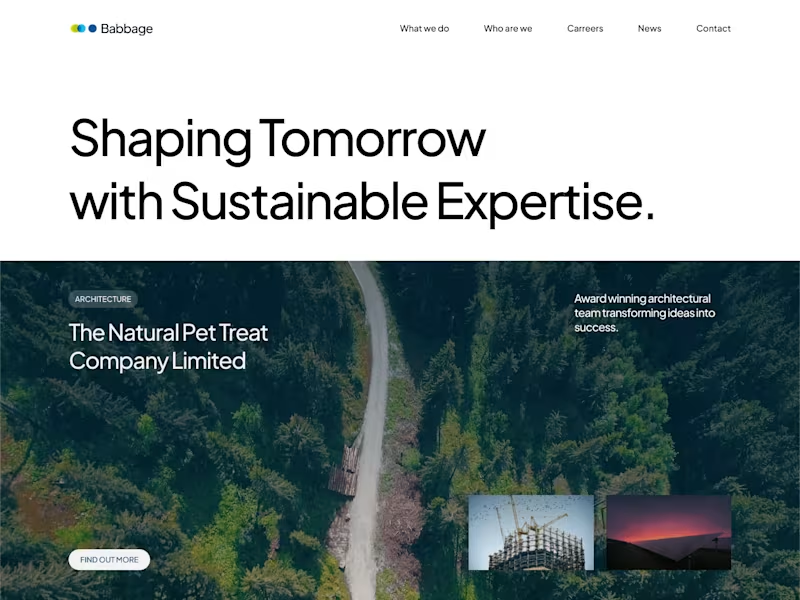
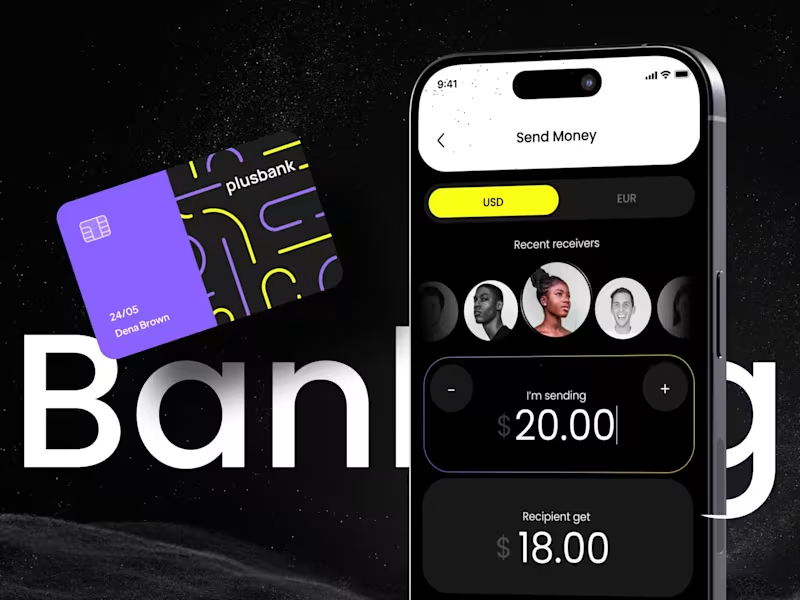
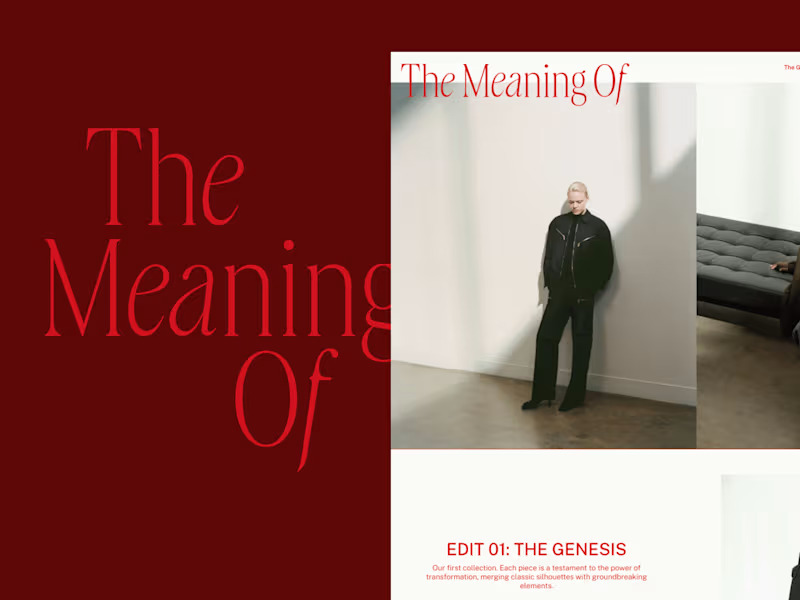
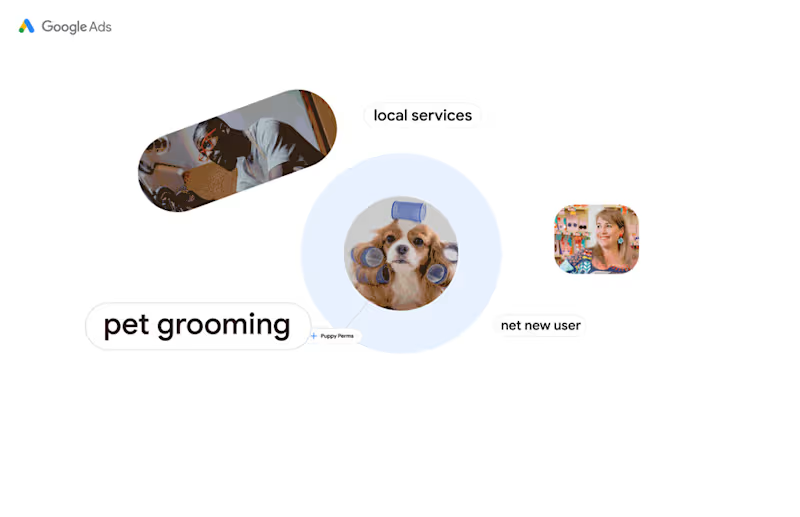
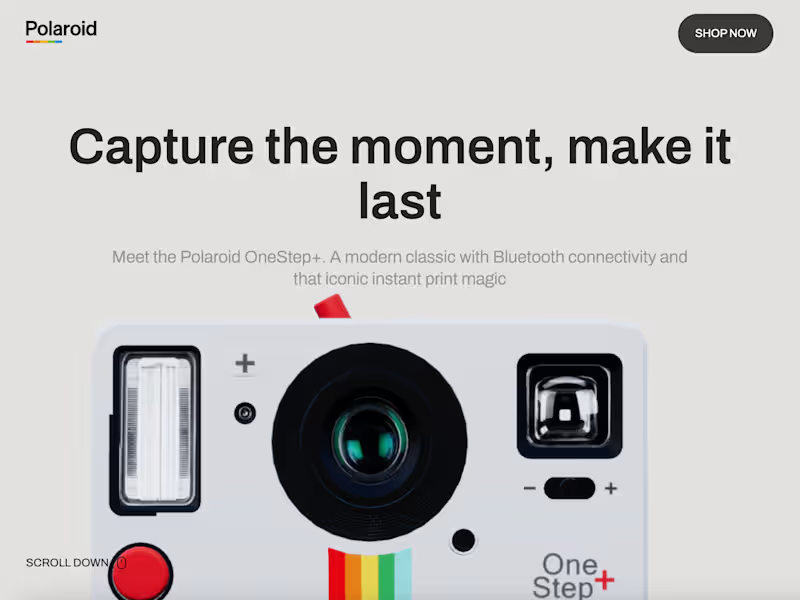
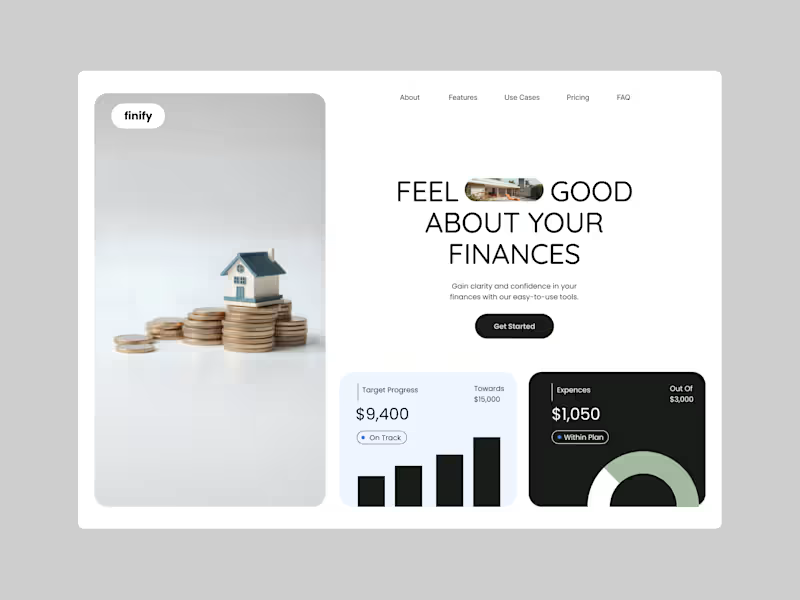
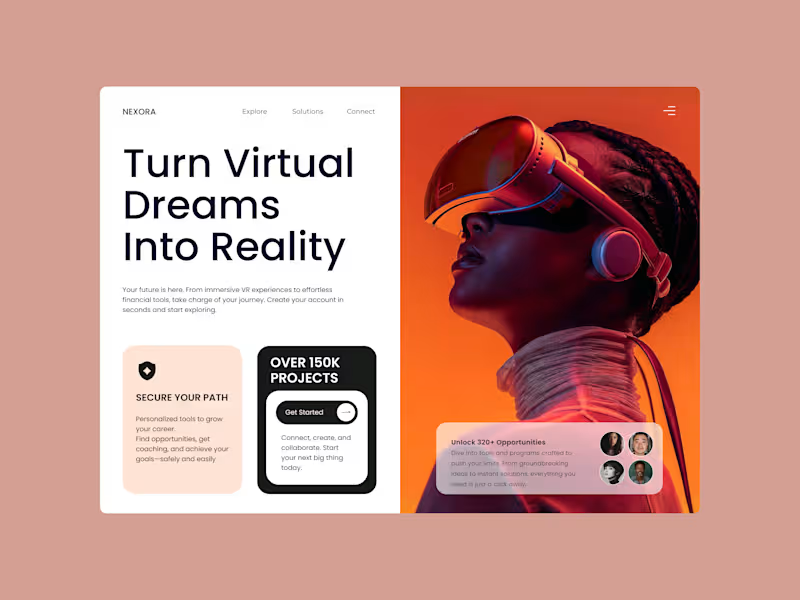
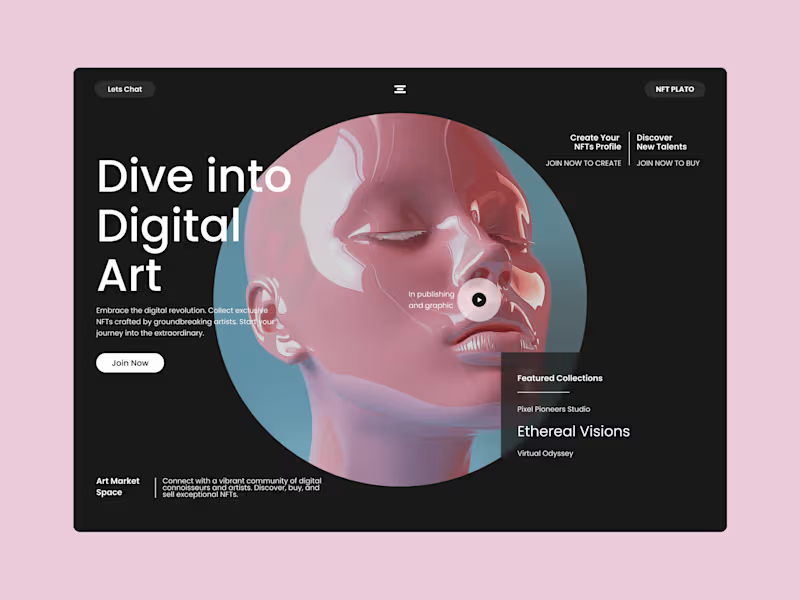
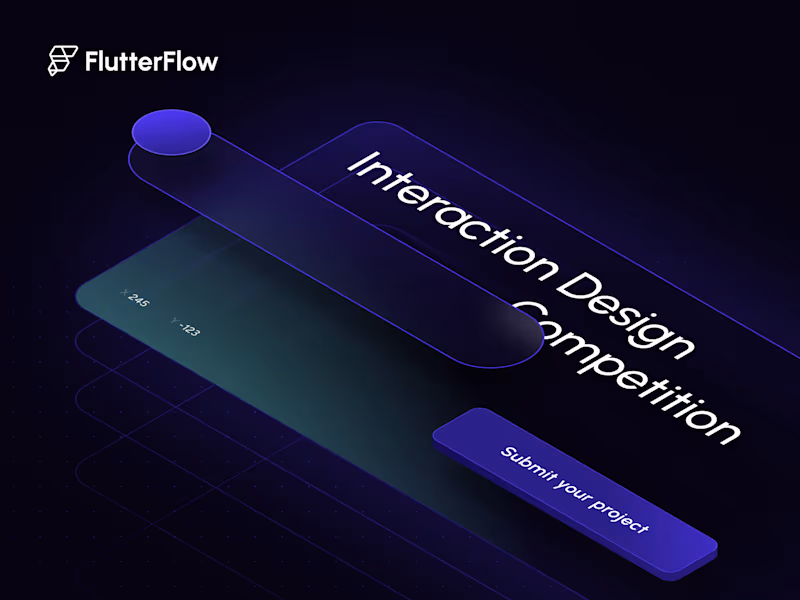
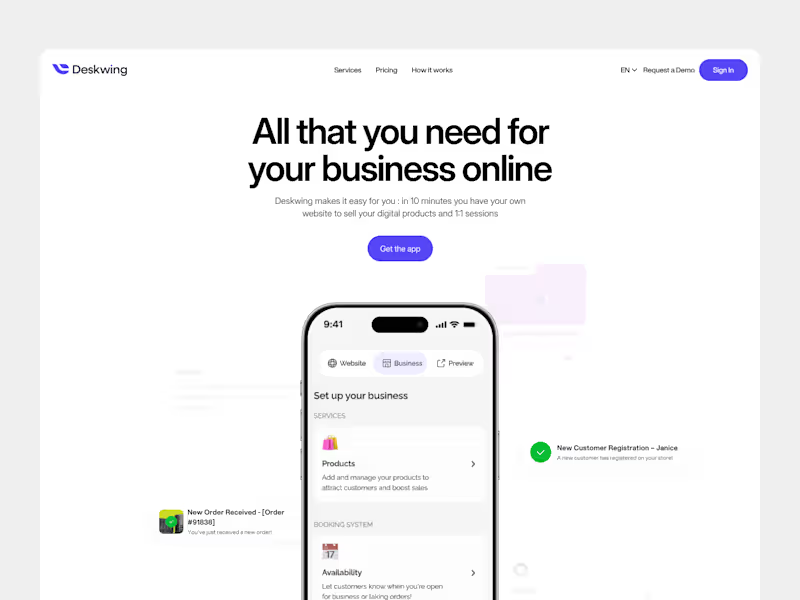
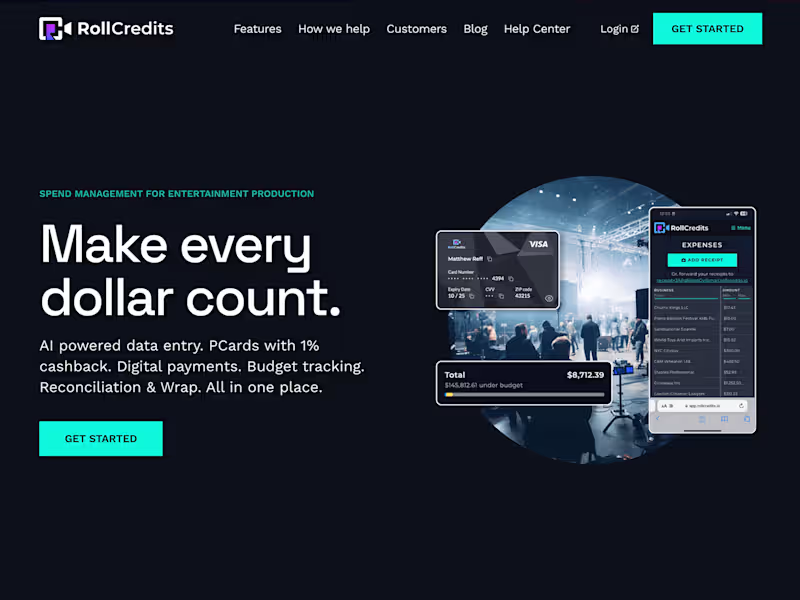
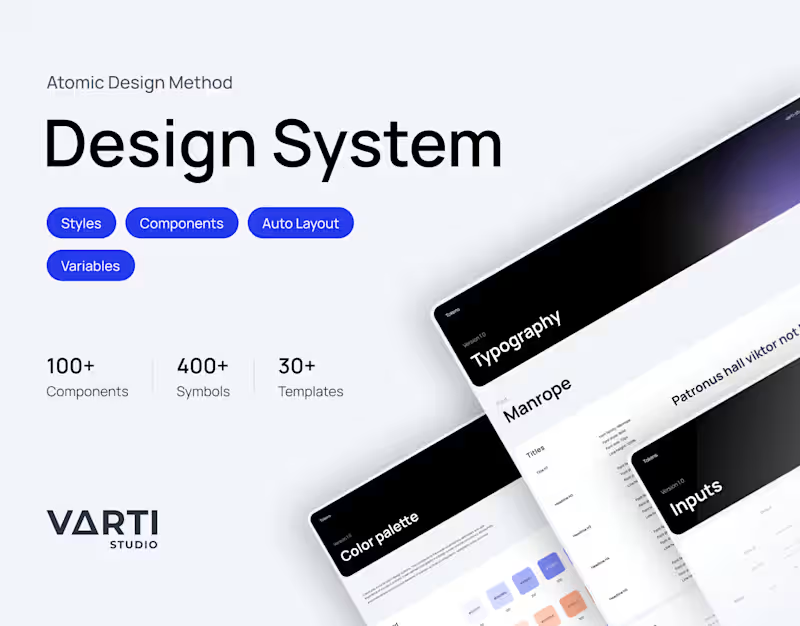
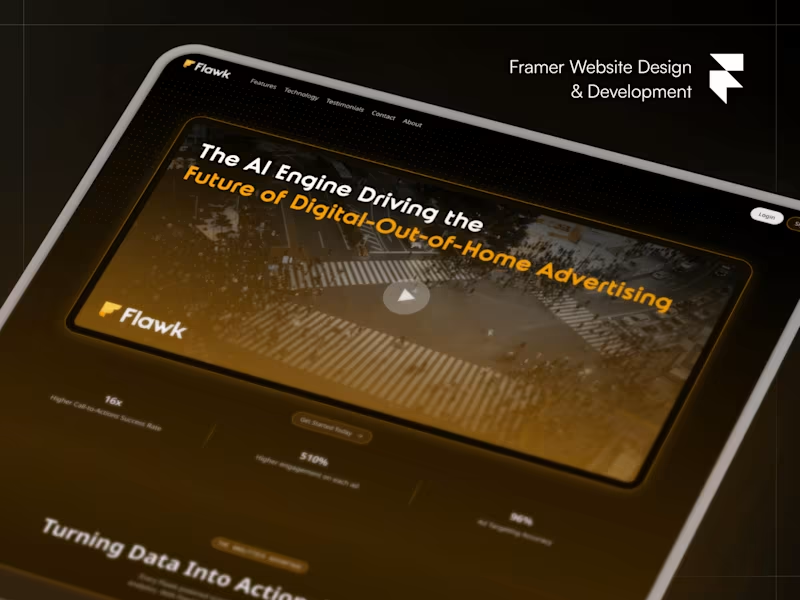
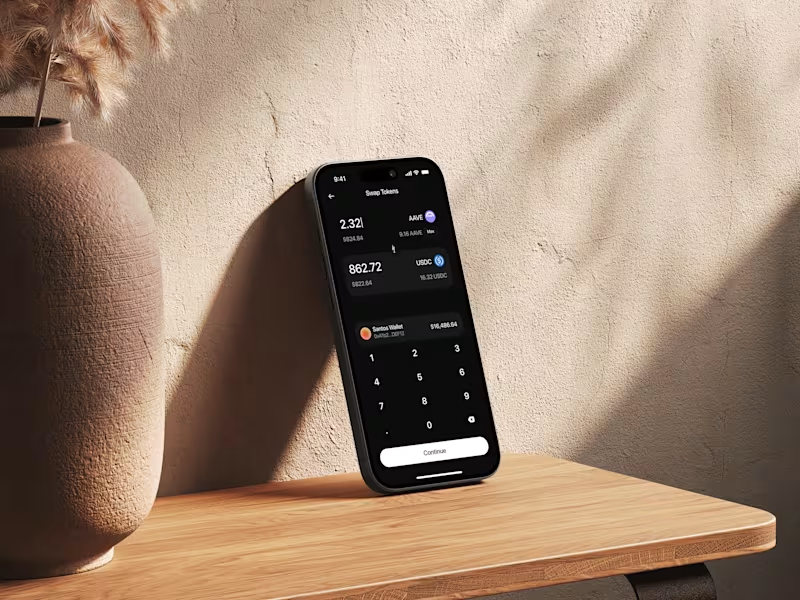
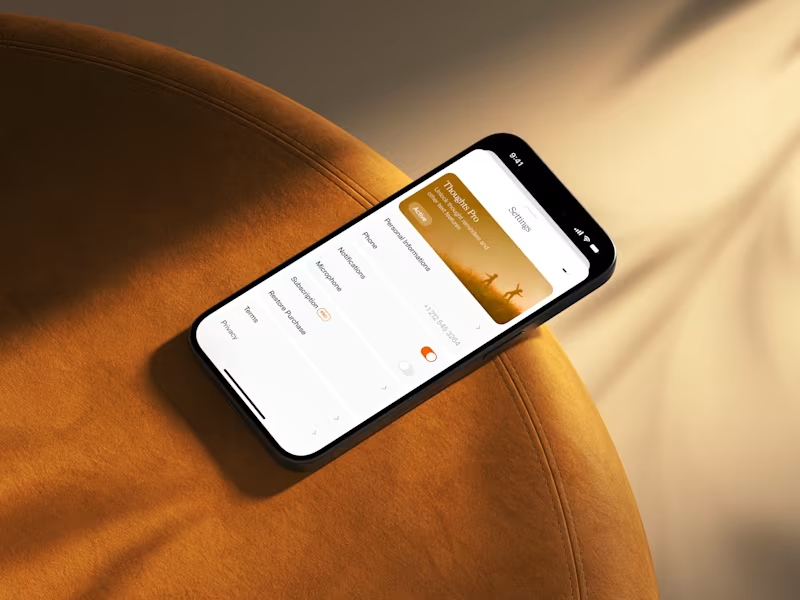
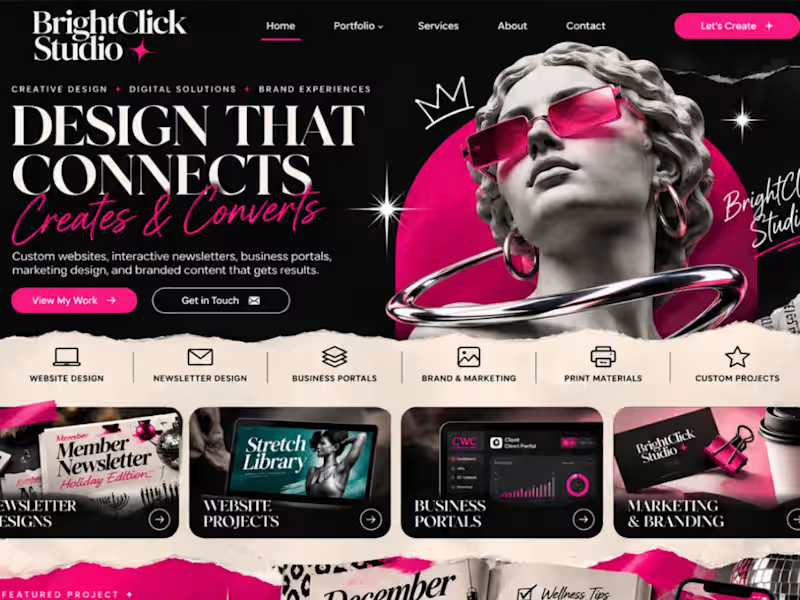
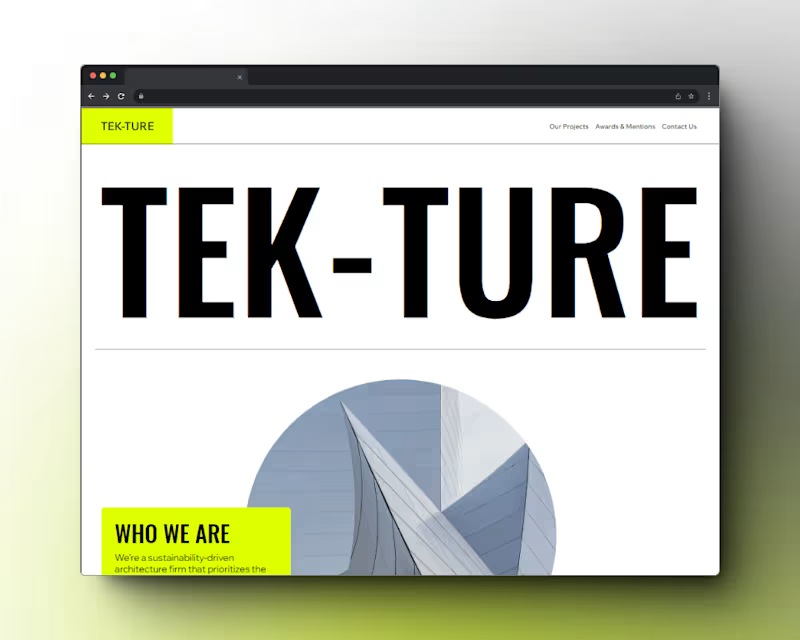
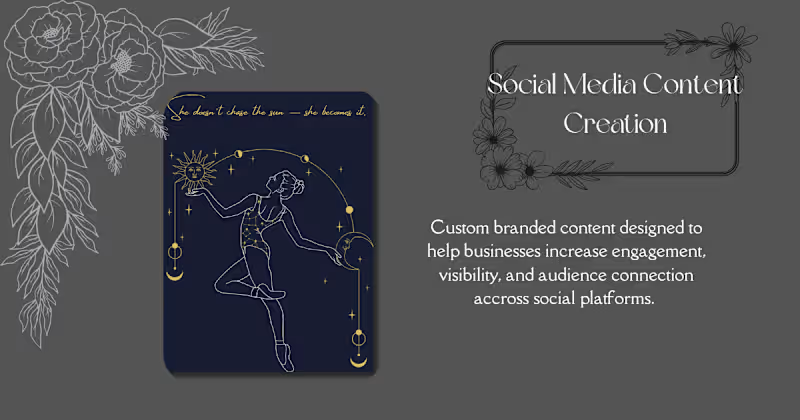
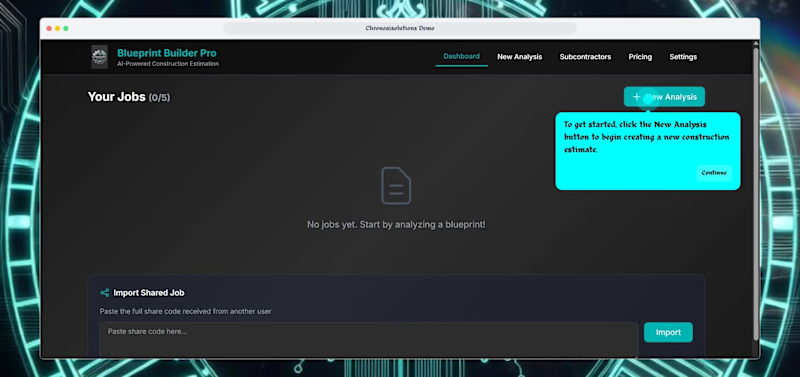
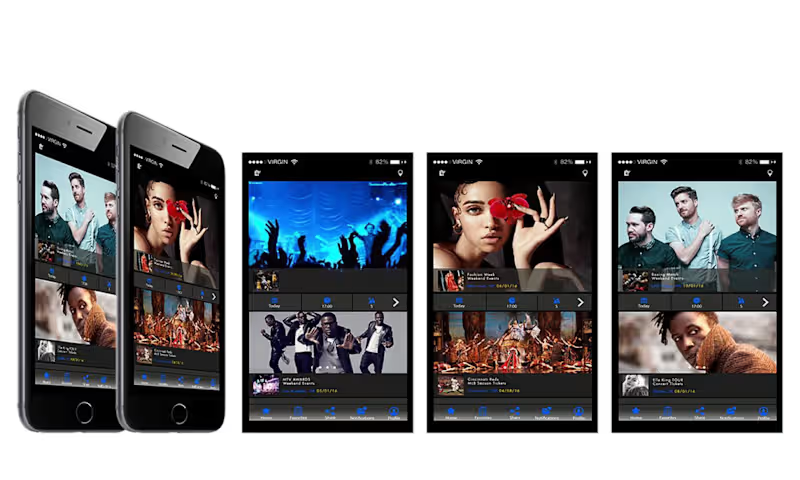
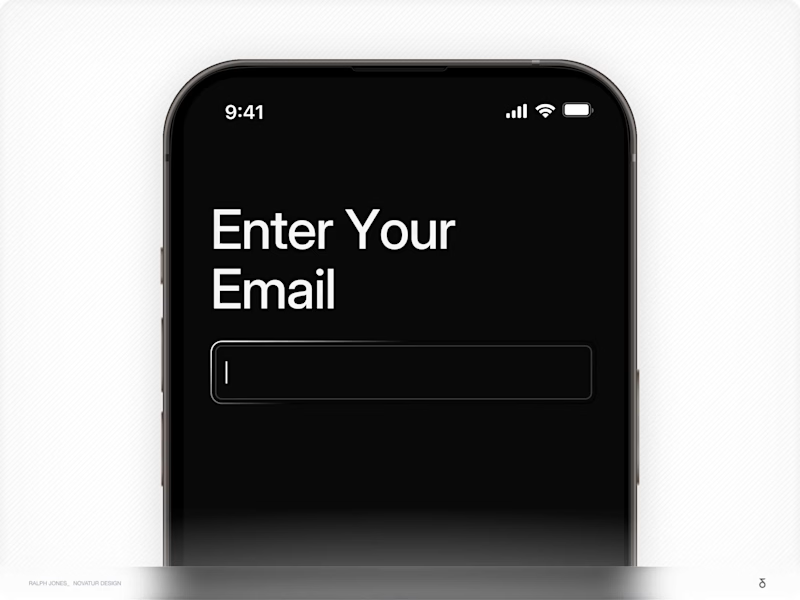
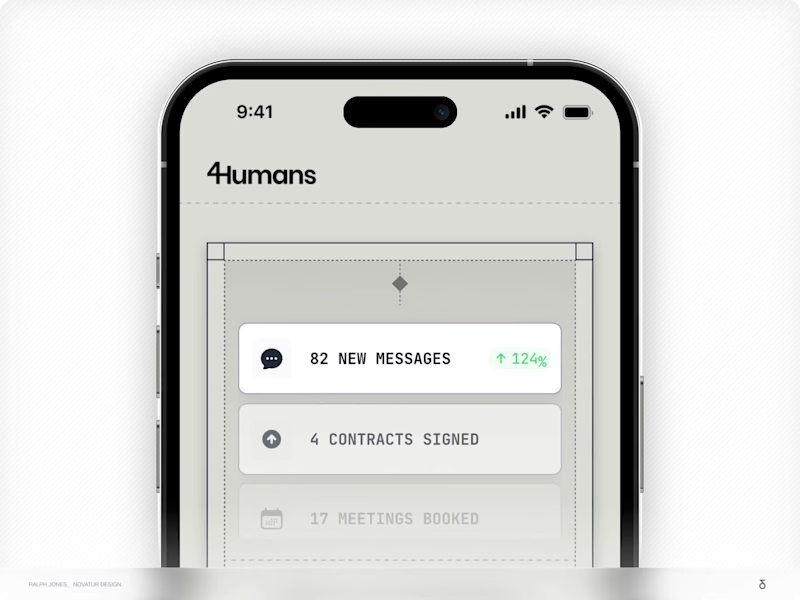
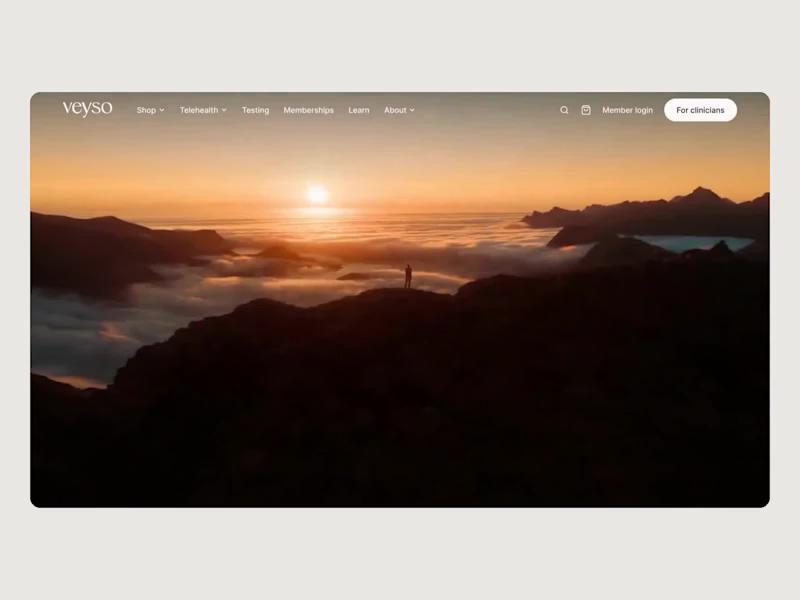
A portfolio shows the designer's past projects and skills. Look for variety, like different types of apps or websites. Pay attention to creativity and usability in their designs.
How can I clearly define my project needs when hiring a UI designer?
Start by listing what your app or website needs to do. Write down any ideas you have for how it should look. Share these with the designer so you both understand the project.
What is a design brief, and why is it important?
A design brief is a document that explains your project goals. It helps the designer know what you're looking for. A clear brief leads to better design results.
How can I ensure that the UI designer understands my brand?
Share your brand's colors, fonts, and values. Provide examples of designs you like. This helps the designer create something that matches your brand.
What should I include in a project timeline?
A timeline should list important dates, like when drafts are due. Include when you'd like the final design finished. Make sure the designer agrees with the timeline.
How do I decide on the deliverables for my UI project?
Think about what you need to launch the project, like screen designs or prototypes. Ask the designer for what they usually provide. Make a list and share it with them.
What are common tools UI designers use, and why are they important?
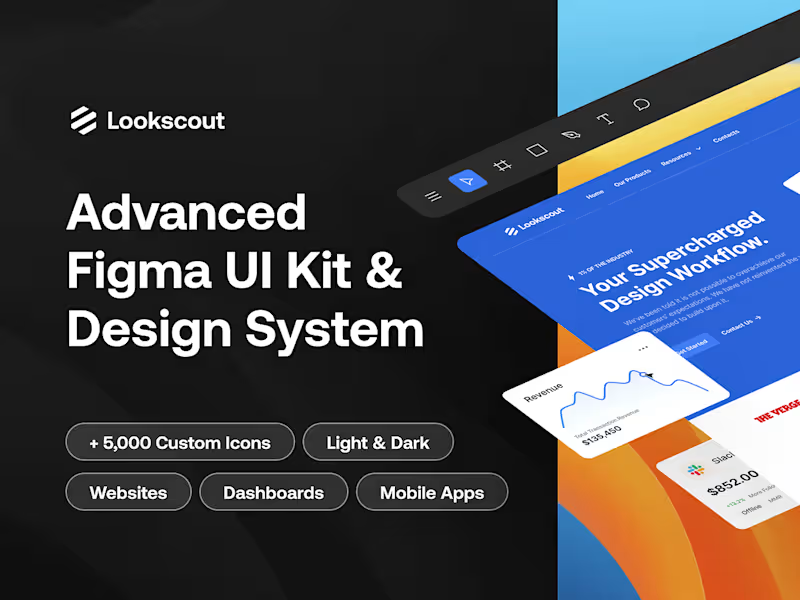
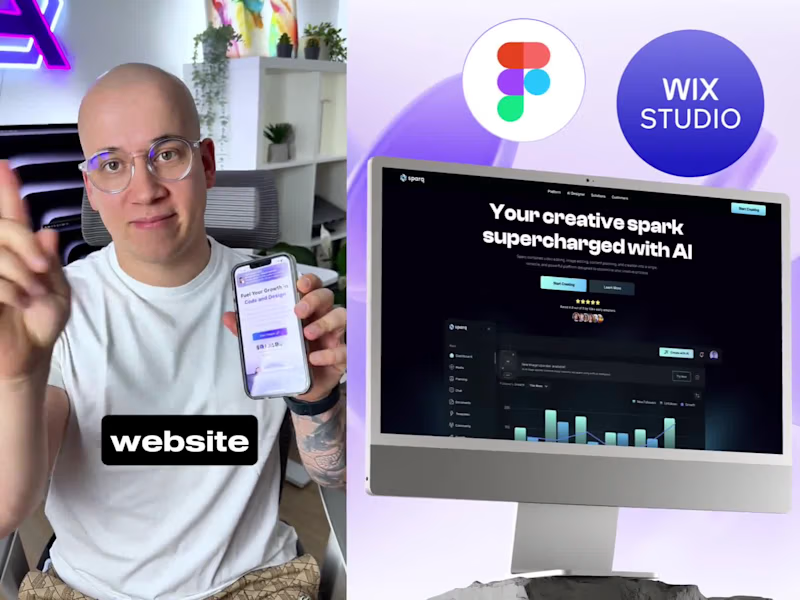
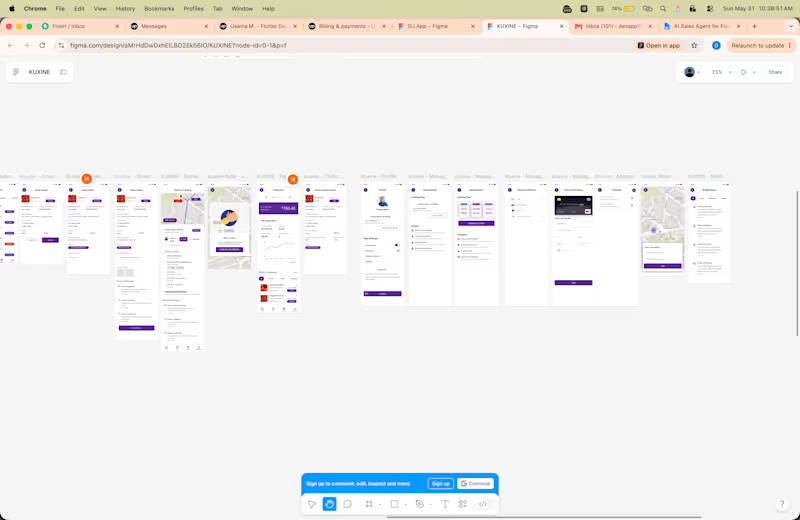
Designers use tools like Figma or Sketch to create their designs. These tools help them make polished and interactive designs. Knowing the tools helps you communicate better with the designer.
How can I give effective feedback to my UI designer?
Be specific about what you like or don't like. Use examples to explain your ideas. Clear feedback helps the designer make changes to meet your needs.
Why should I discuss the design process with my UI designer?
Understanding the process helps you know what to expect. Ask about each step, from ideas to the final design. This helps the project run smoothly.
How important are regular check-ins during the design process?
Check-ins let you see progress and share thoughts. They help catch problems early. Regular meetings make sure the design fits your vision.
Who is Contra for?
Contra is designed for both freelancers (referred to as "independents") and clients. Freelancers can showcase their work, connect with clients, and manage projects commission-free. Clients can discover and hire top freelance talent for their projects.
What is the vision of Contra?
Contra aims to revolutionize the world of work by providing an all-in-one platform that empowers freelancers and clients to connect and collaborate seamlessly, eliminating traditional barriers and commission fees.