What experience should I look for in a Microsoft Word expert?
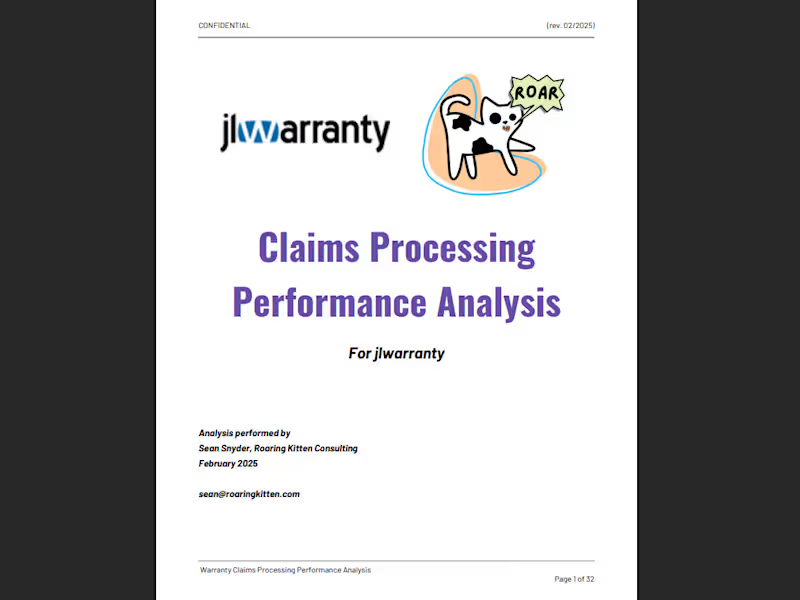
When hiring a Microsoft Word expert, look for someone with a lot of experience using Word. They should have worked on projects similar to yours before. Check if they have produced documents like reports, resumes, or proposals.
How can I determine if a candidate's skills match my project needs?
Review their previous work samples to see if they have the skills you need. Ask for examples of documents they've formatted well. Make sure they can collaborate effectively with you on the project.
What should I include in my project description for a Microsoft Word expert?
Your project description should be clear and detailed. Include the type of document you need and any specific formatting or design elements. Mention if you need any revisions and the timeline for the project.
How can I confirm a freelancer’s availability for my project?
Ask the freelancer how much time they can dedicate to your project. Check if they can start working on your project soon. Make sure their schedule matches your timeline.
What platform tools can help in managing the project with a Microsoft Word expert?
Platforms like Contra offer tools for managing your project efficiently. Use these tools to set project milestones and deadlines. They can also help you communicate easily with your freelancer.
Why is it important to agree on project milestones?
Agreeing on milestones helps keep the project on track. It allows you to review progress and make changes if needed. This ensures you and the freelancer have the same goals.
How can I ensure a smooth onboarding process for the freelancer?
Provide clear instructions and necessary documents or resources. Share any guidelines or templates you want them to use. Make sure they understand your expectations and project goals.
How important is communication during the project?
Communication is very important. Regular updates help make sure everything is going well. It also helps fix any issues quickly and keeps the project on schedule.
What should I do if the document doesn’t meet agreed standards?
Discuss the concerns politely and suggest changes. Clear communication can help resolve differences. Make sure to provide specific feedback to guide improvements.
What is the benefit of using collaboration tools during the project?
Collaboration tools make it easy to work together, even if you're far apart. They help share updates and make changes in real-time. This leads to better teamwork and a successful project.
Who is Contra for?
Contra is designed for both freelancers (referred to as "independents") and clients. Freelancers can showcase their work, connect with clients, and manage projects commission-free. Clients can discover and hire top freelance talent for their projects.
What is the vision of Contra?
Contra aims to revolutionize the world of work by providing an all-in-one platform that empowers freelancers and clients to connect and collaborate seamlessly, eliminating traditional barriers and commission fees.