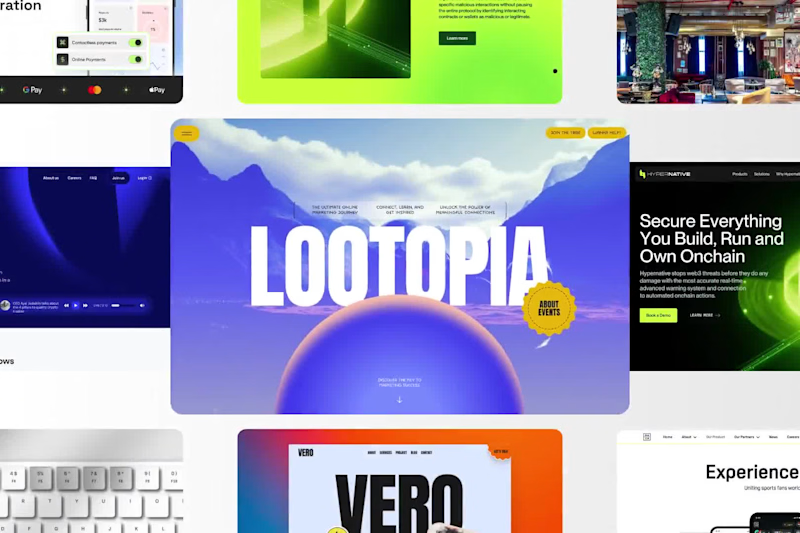
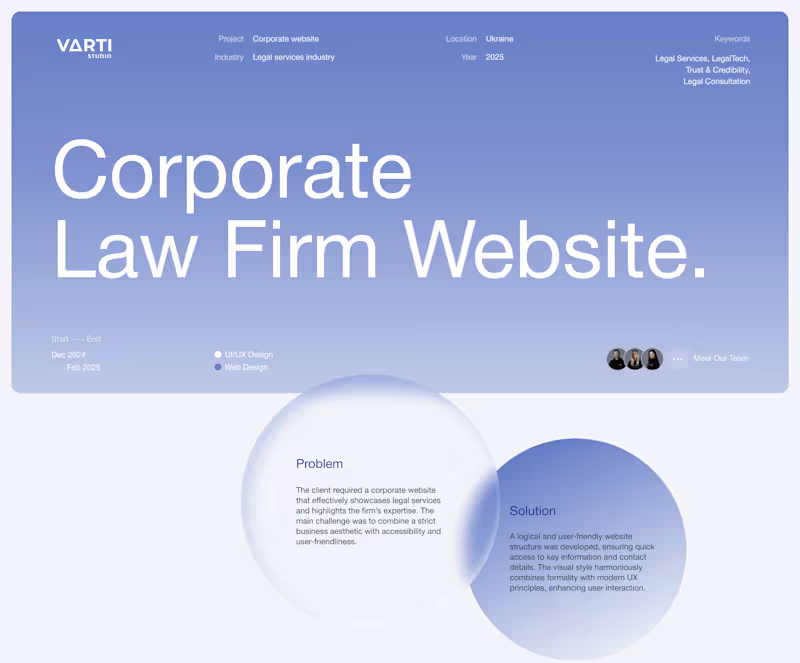
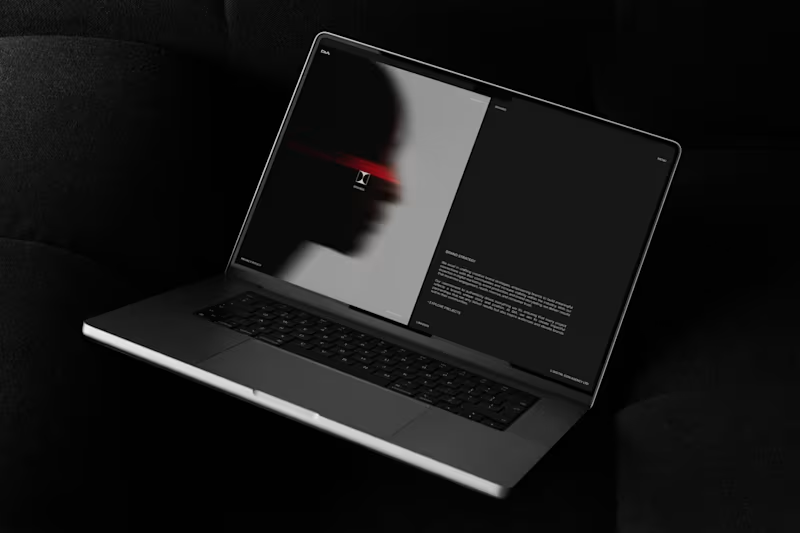
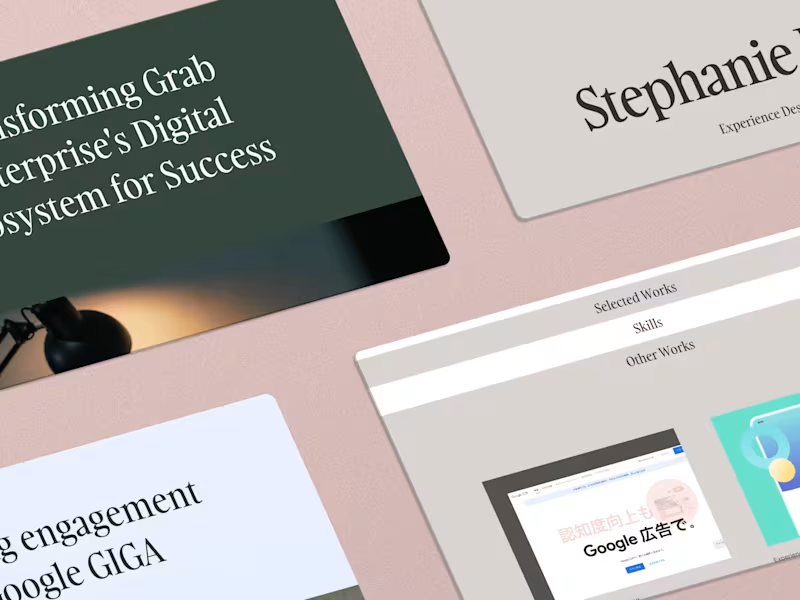
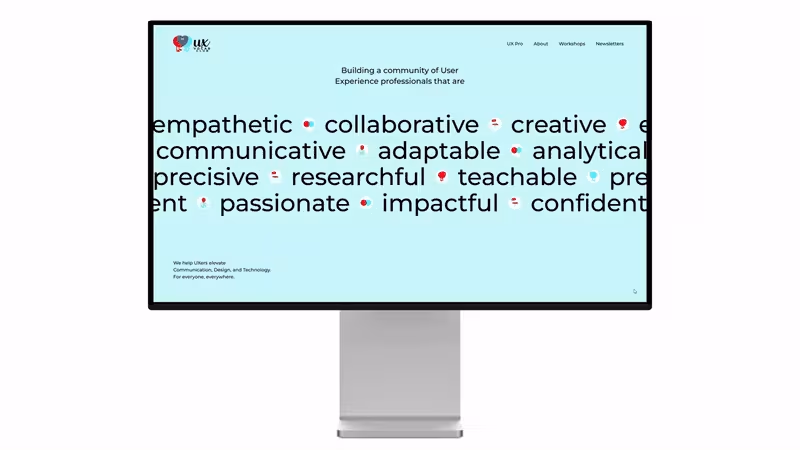
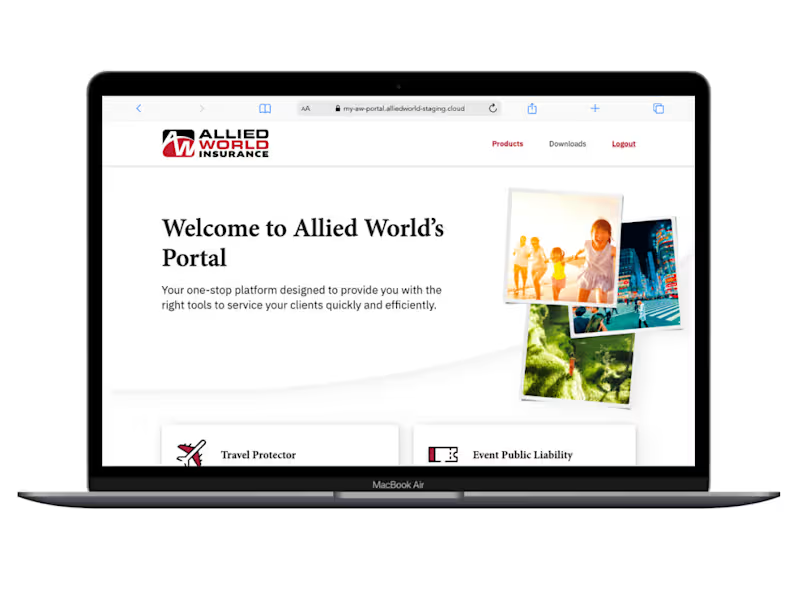
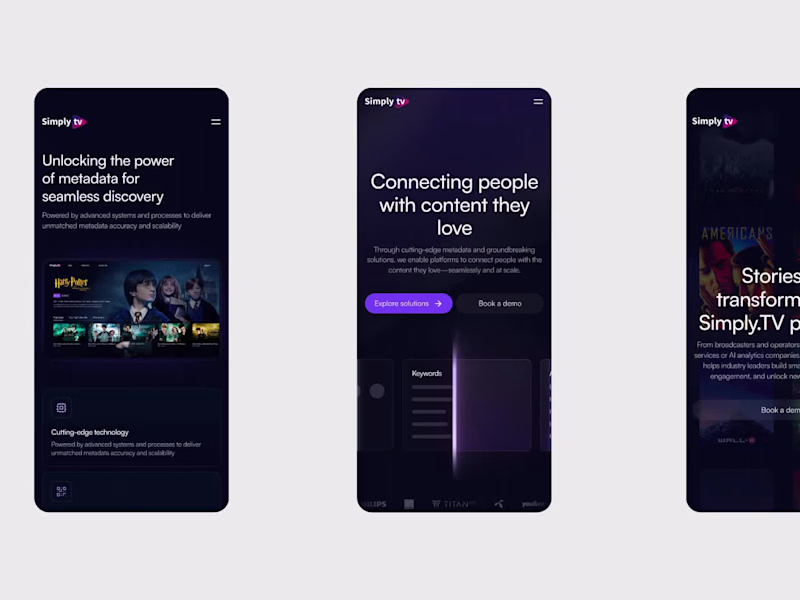
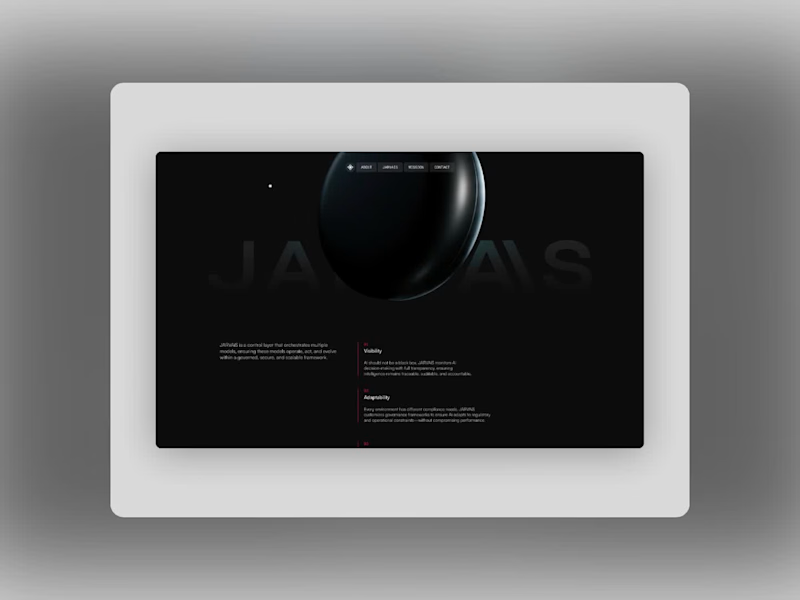
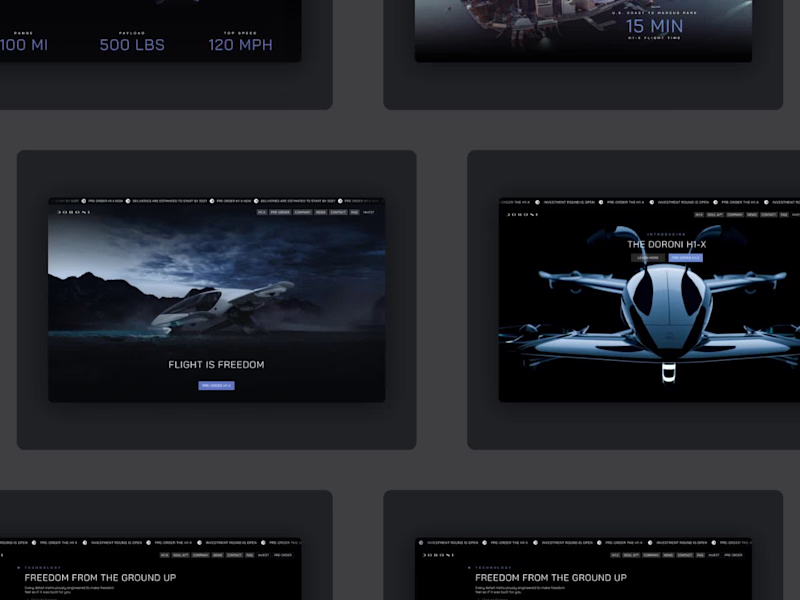
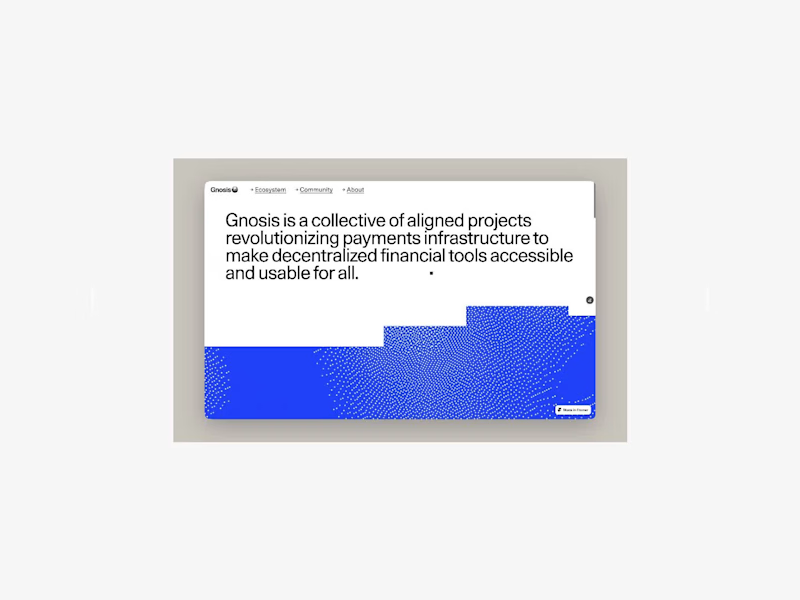
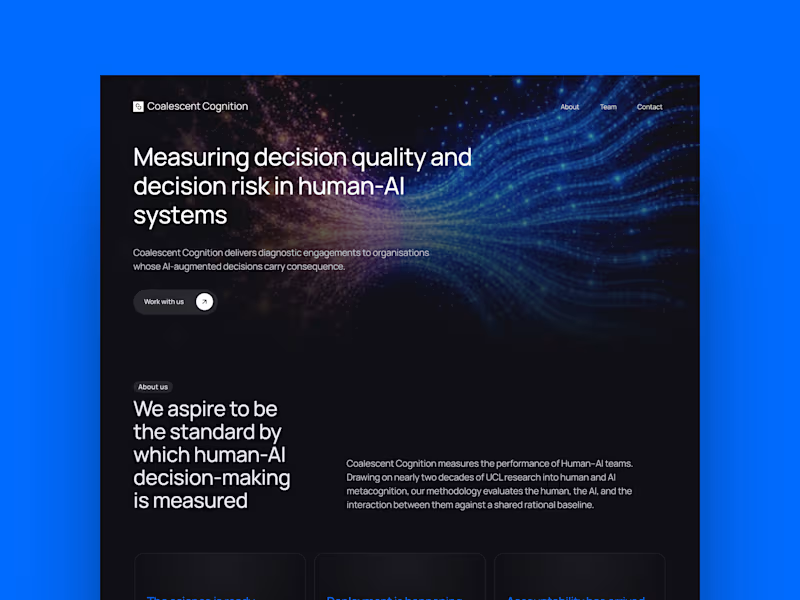
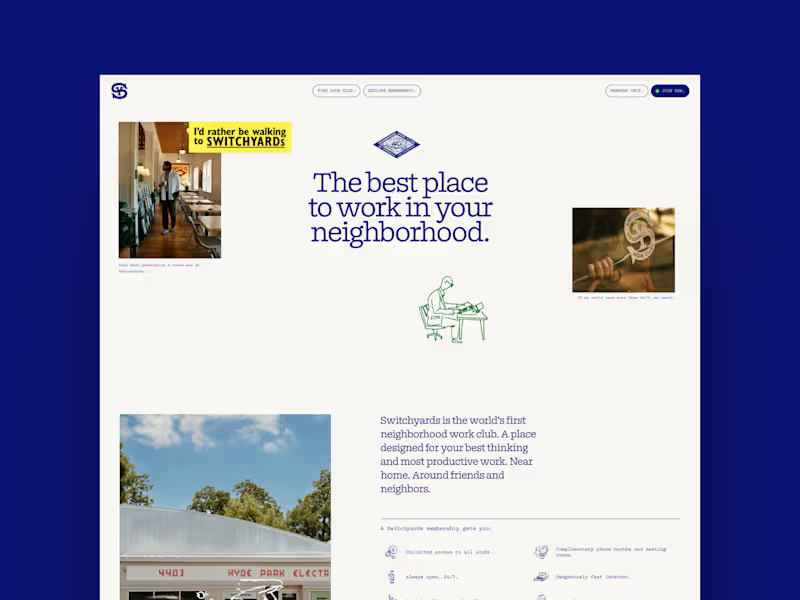
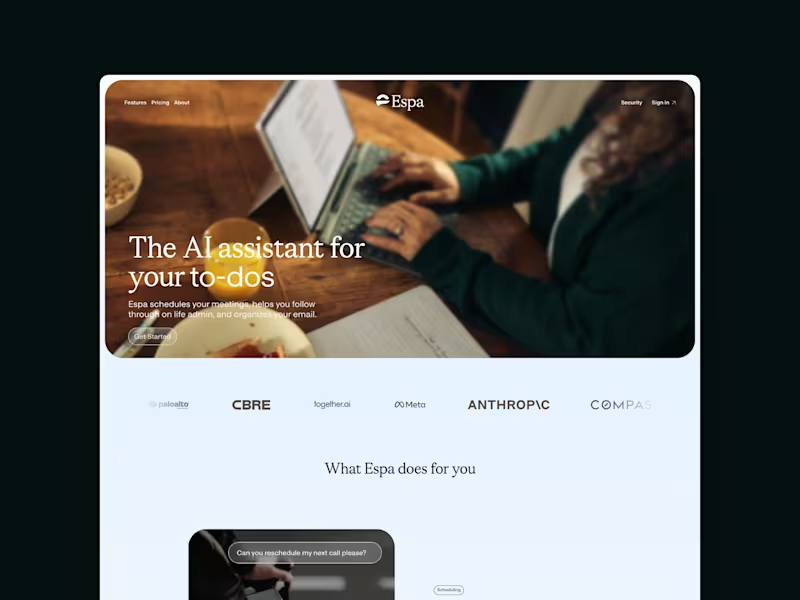
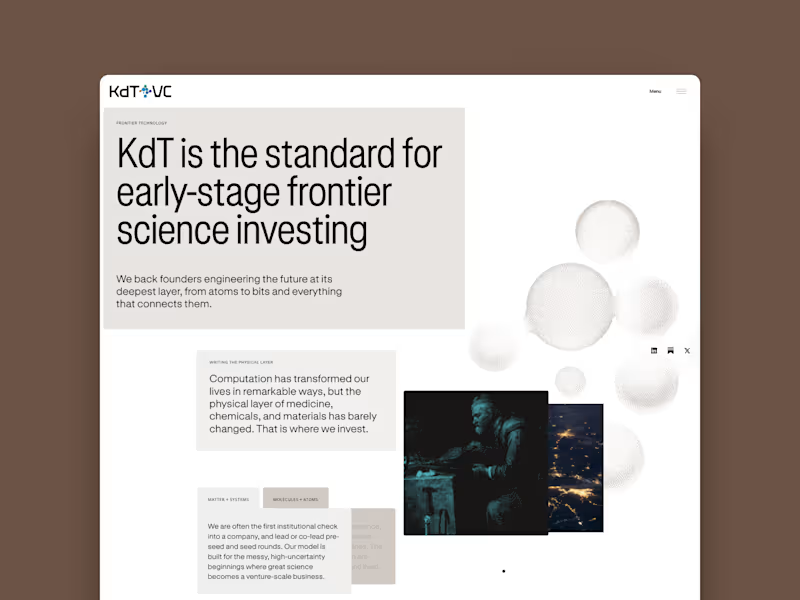
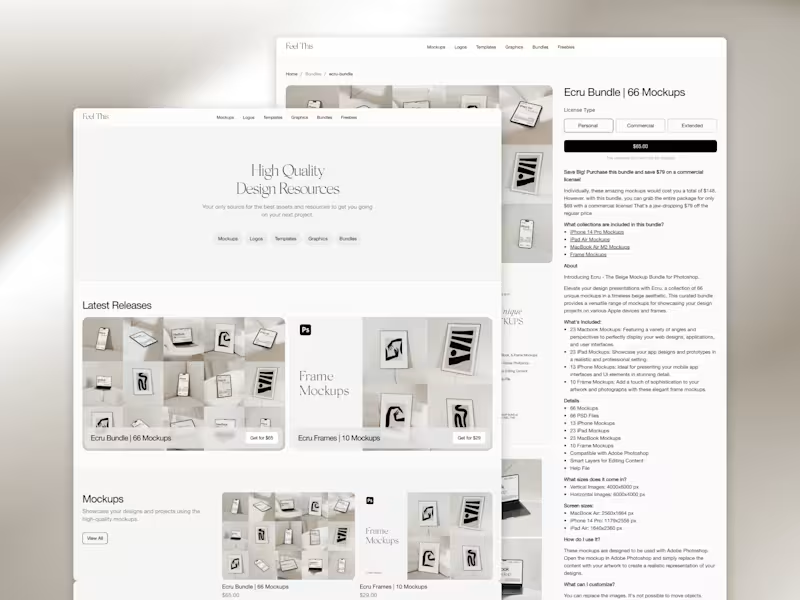
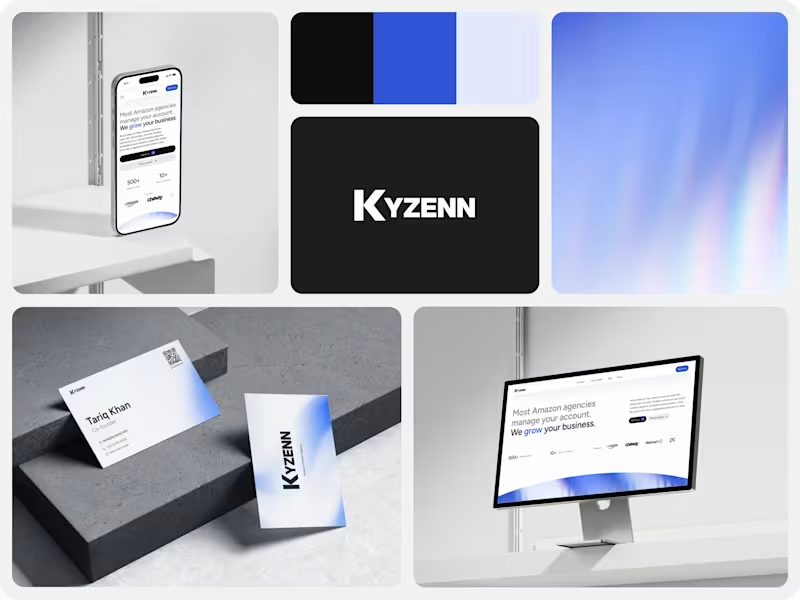
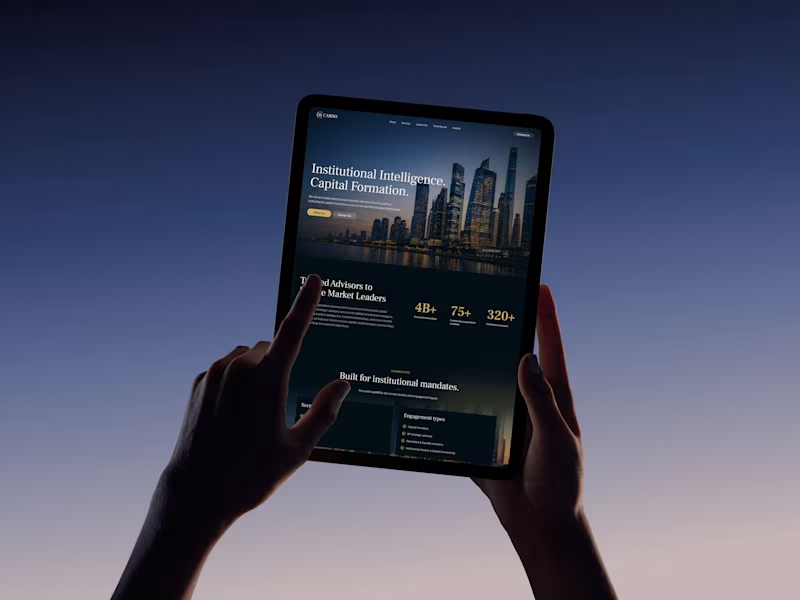
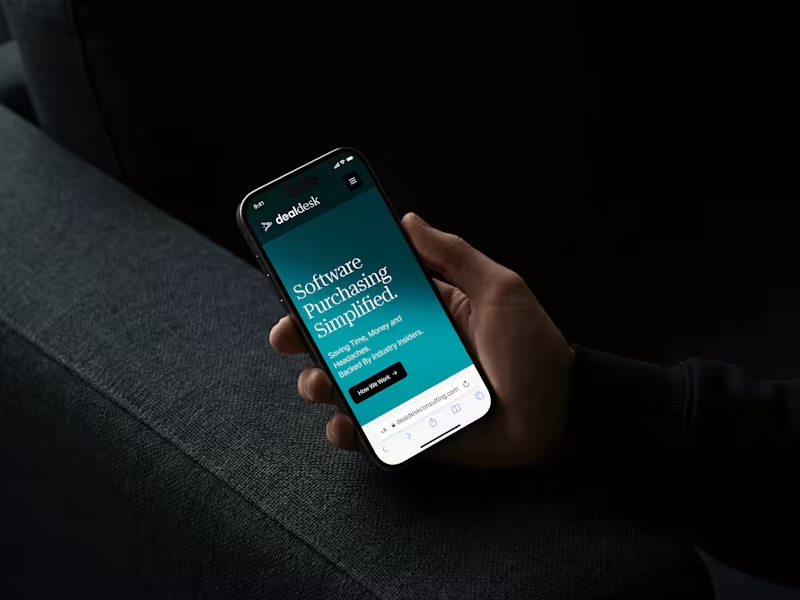
What should I look for in a freelancer's Figma portfolio?
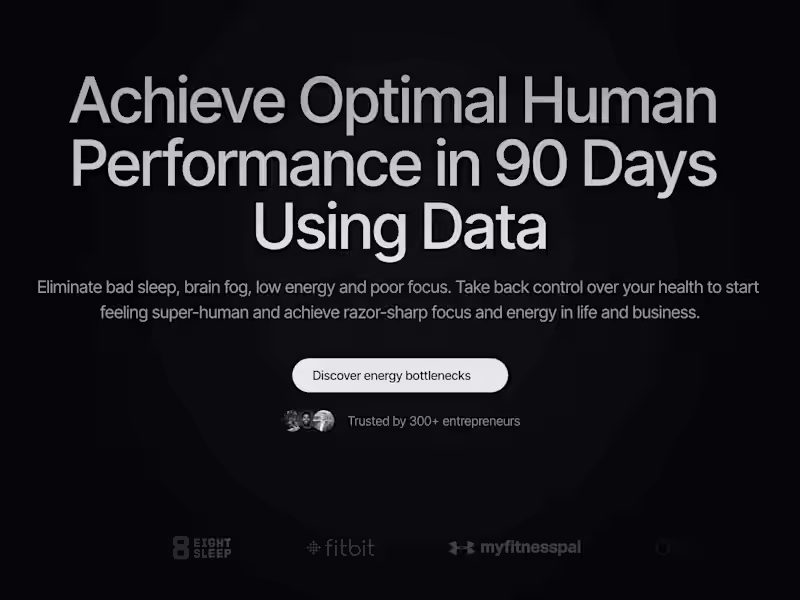
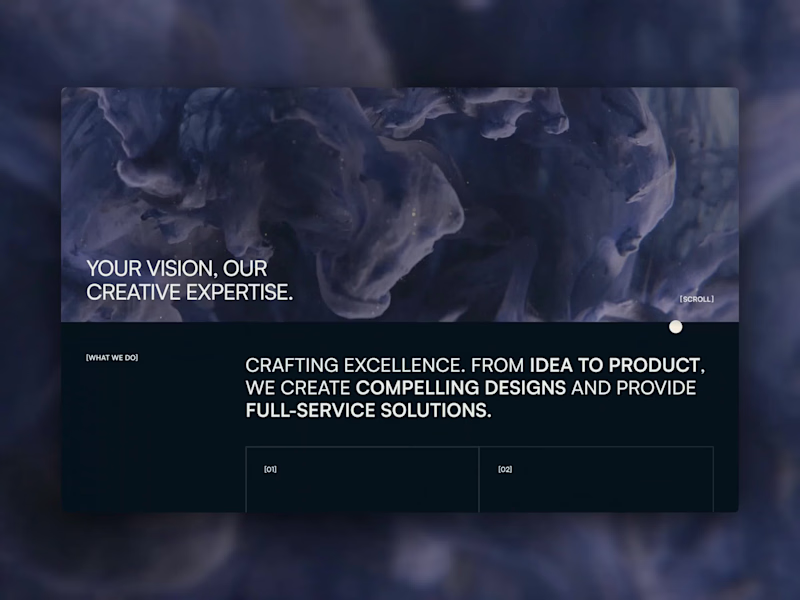
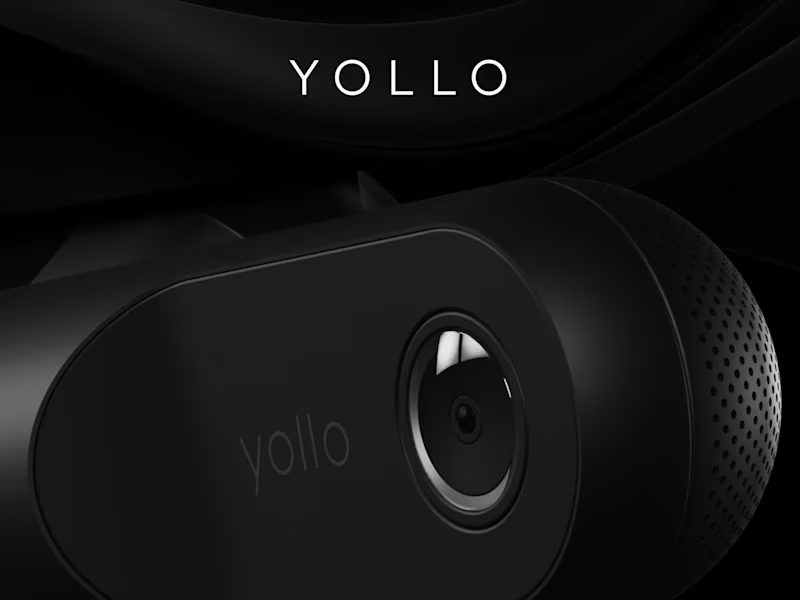
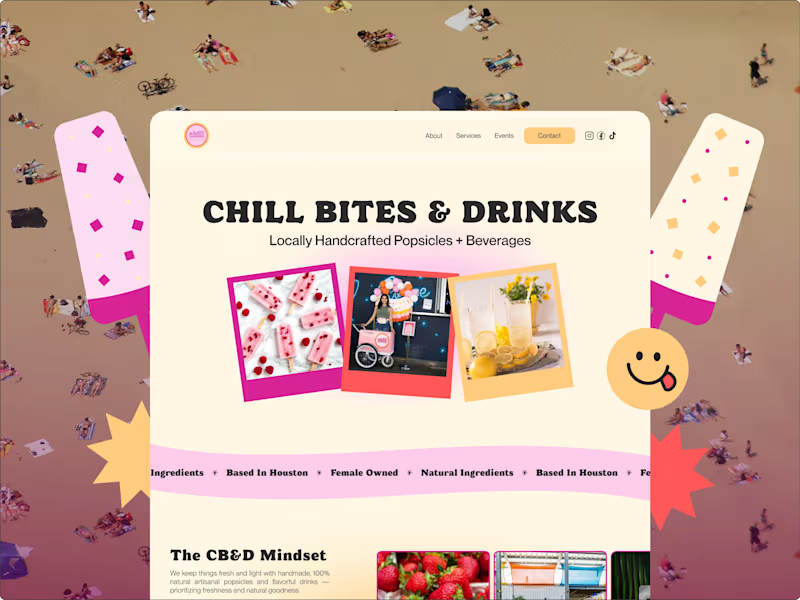
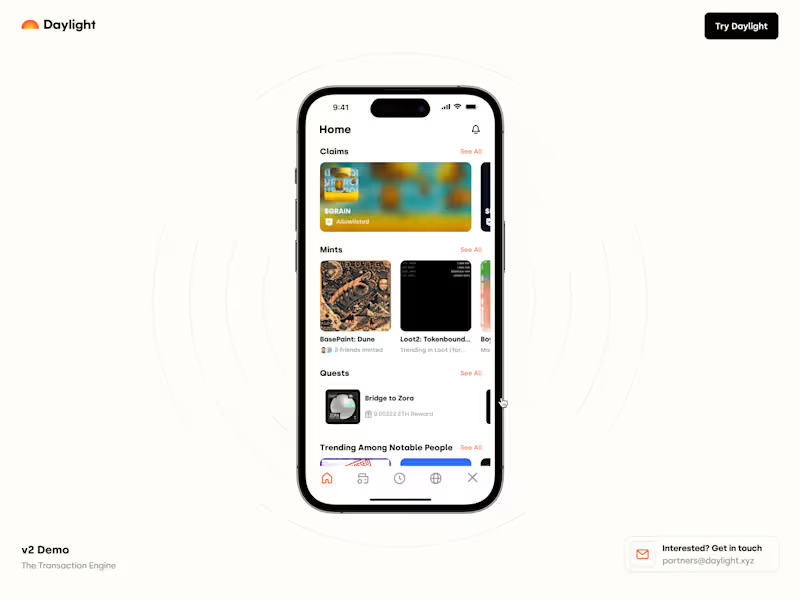
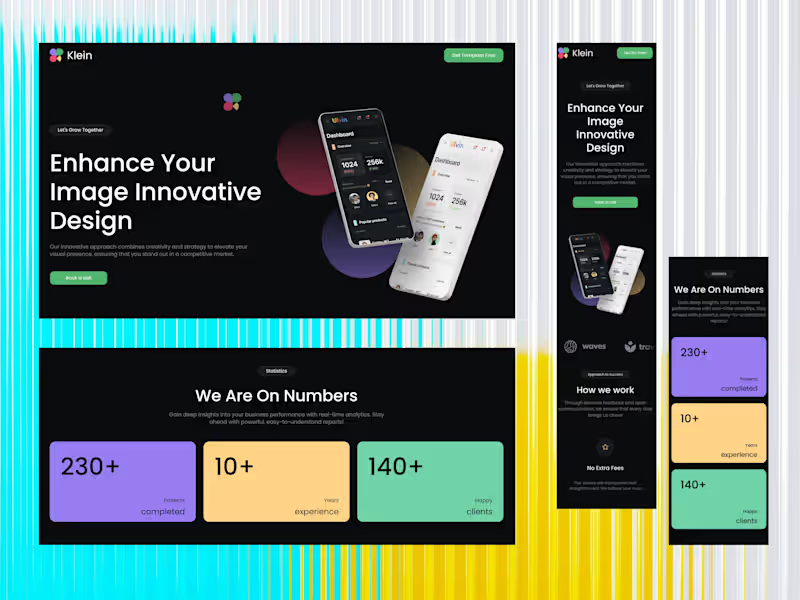
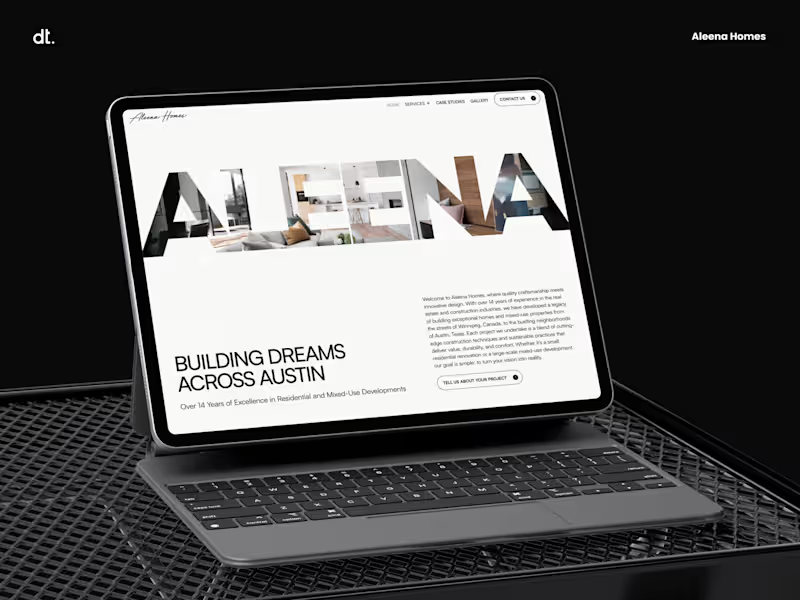
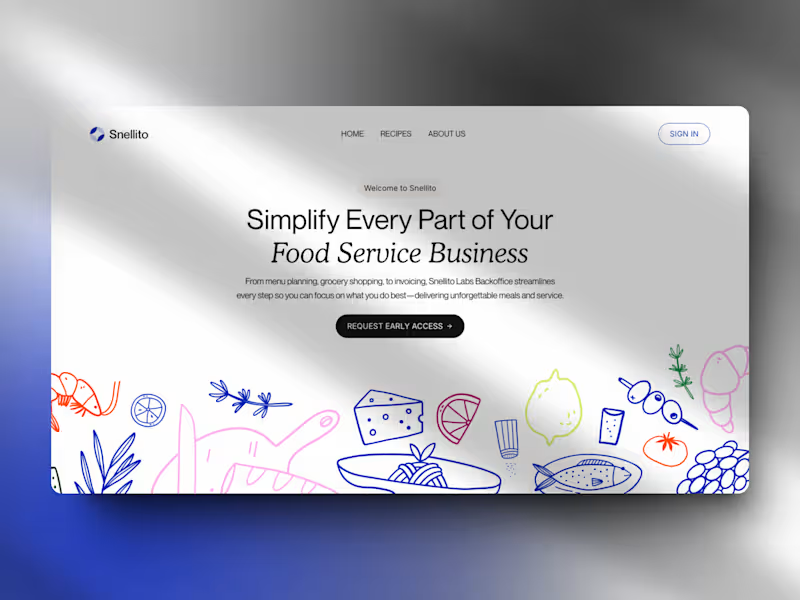
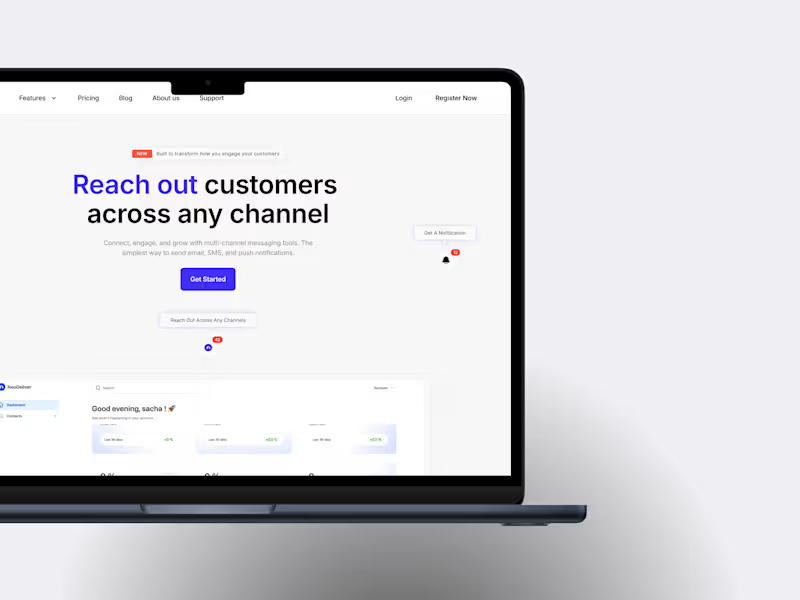
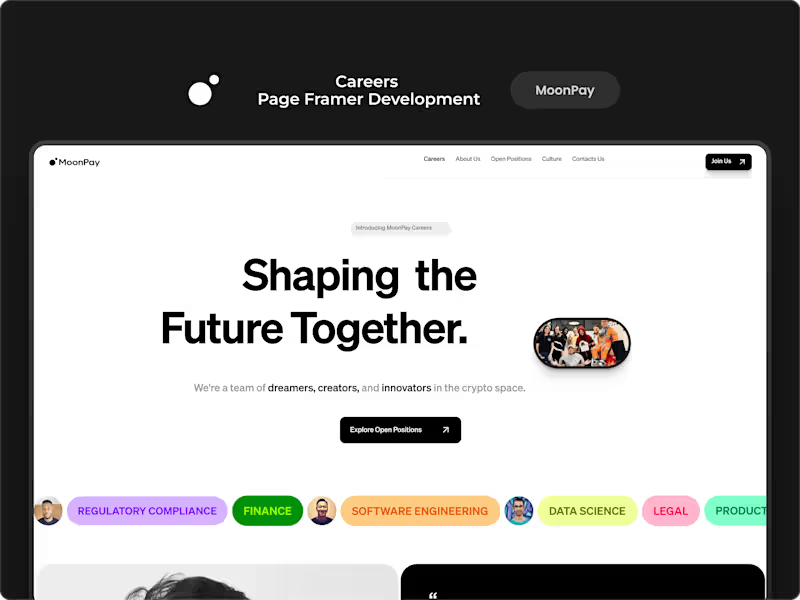
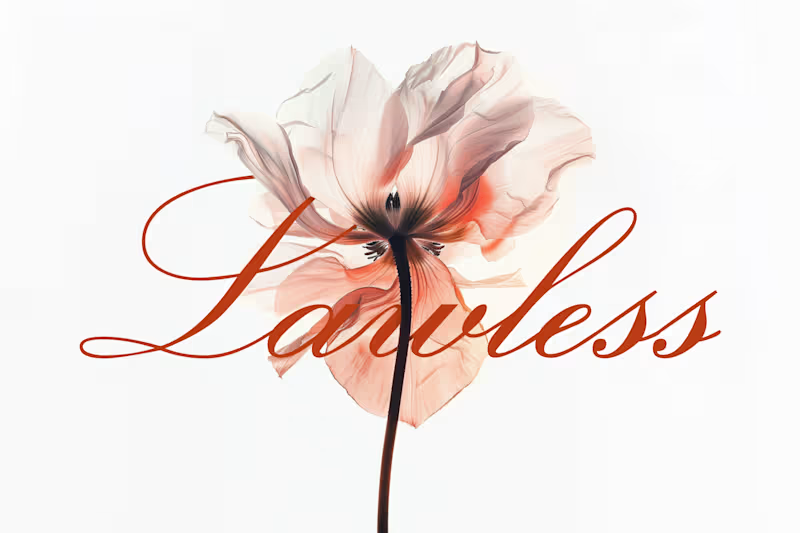
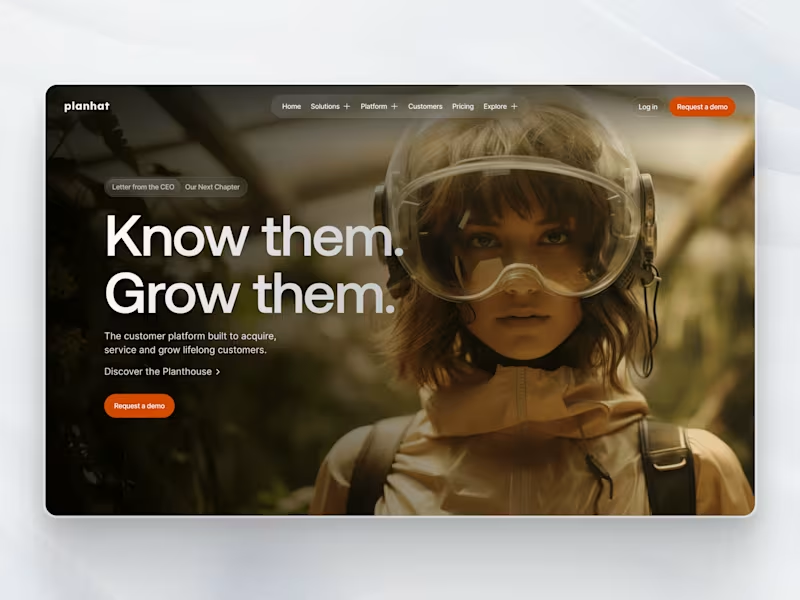
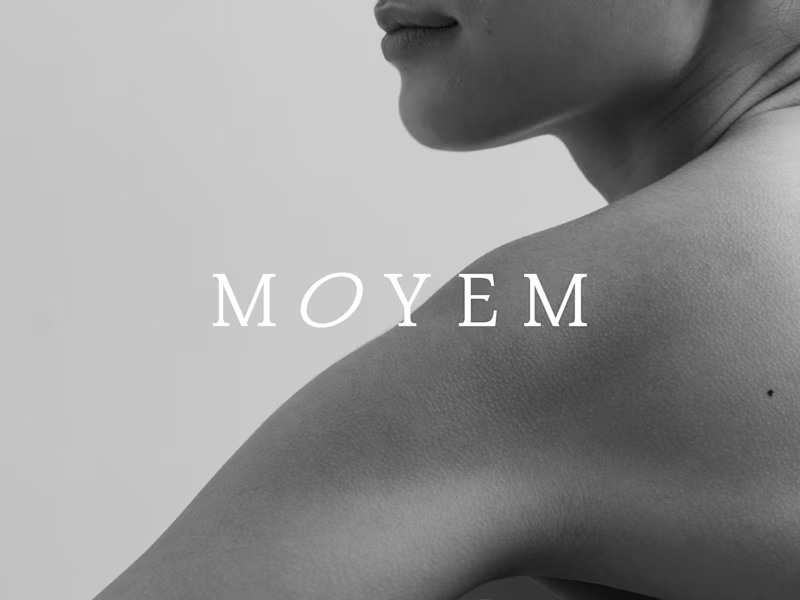
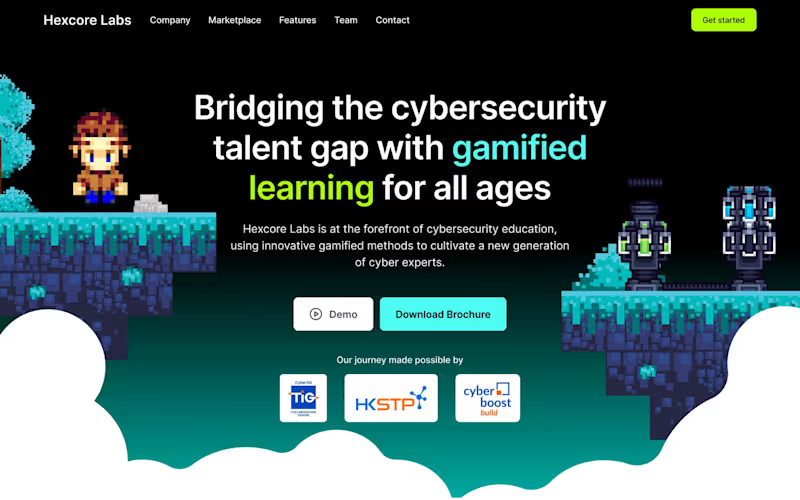
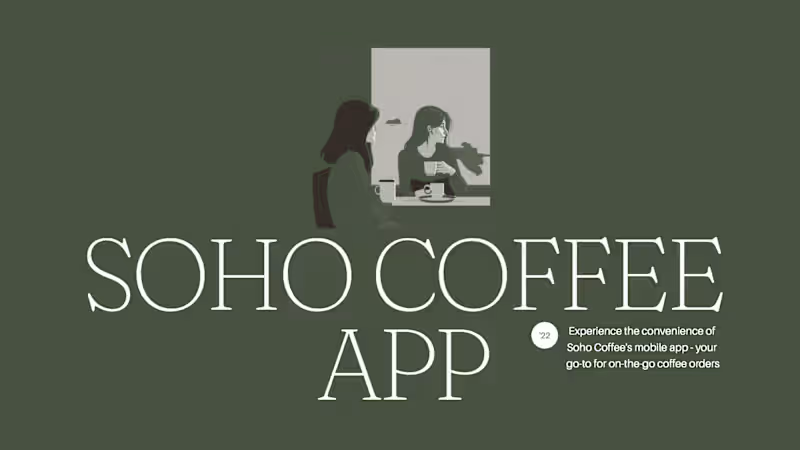
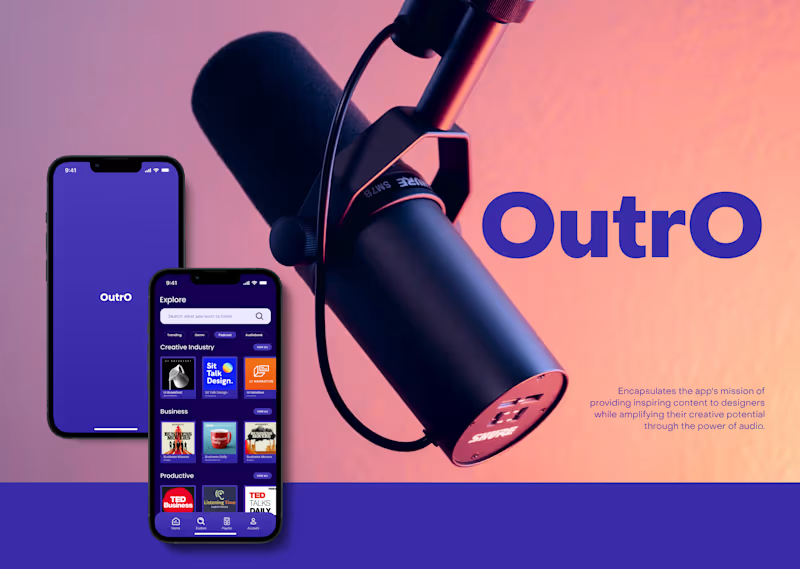
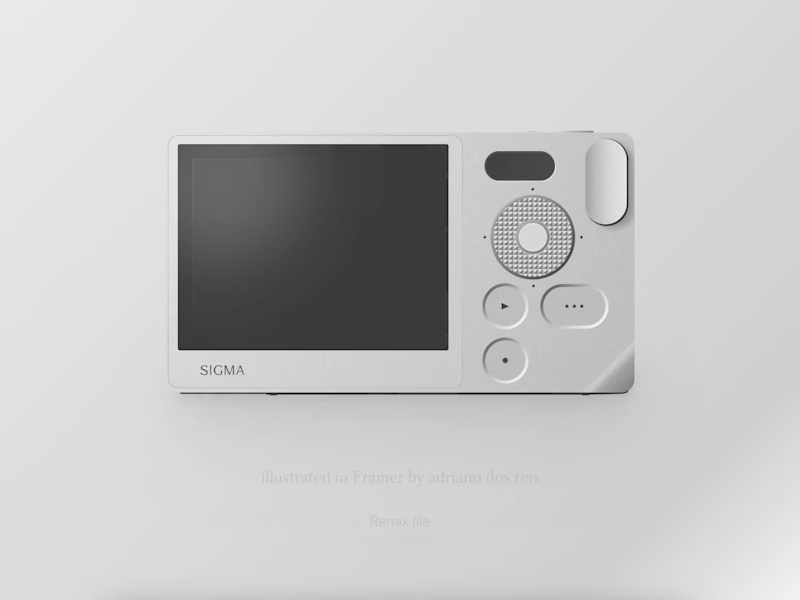
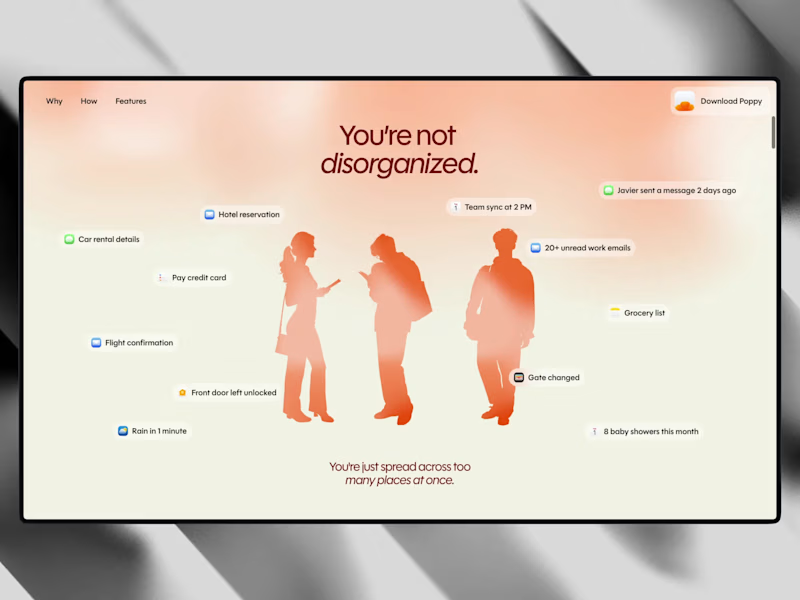
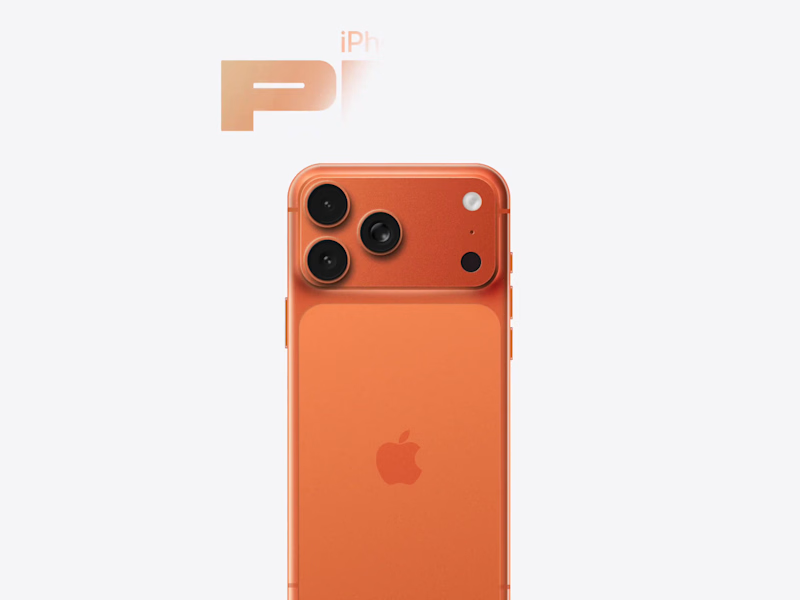
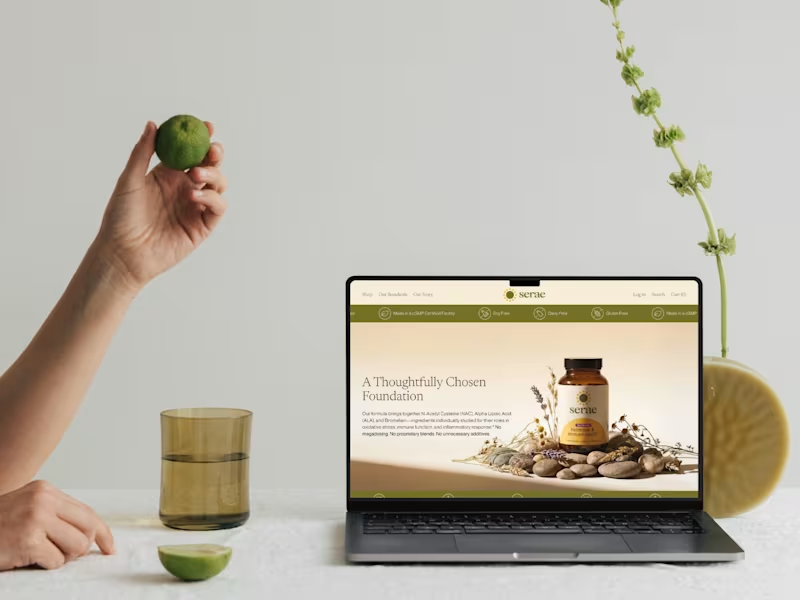
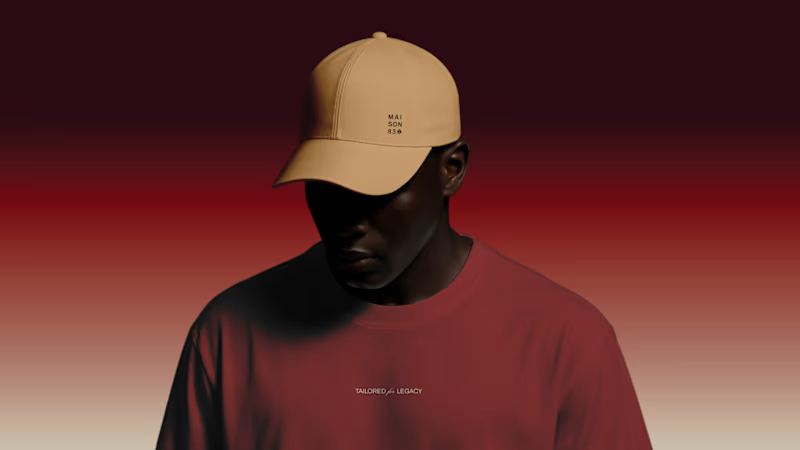
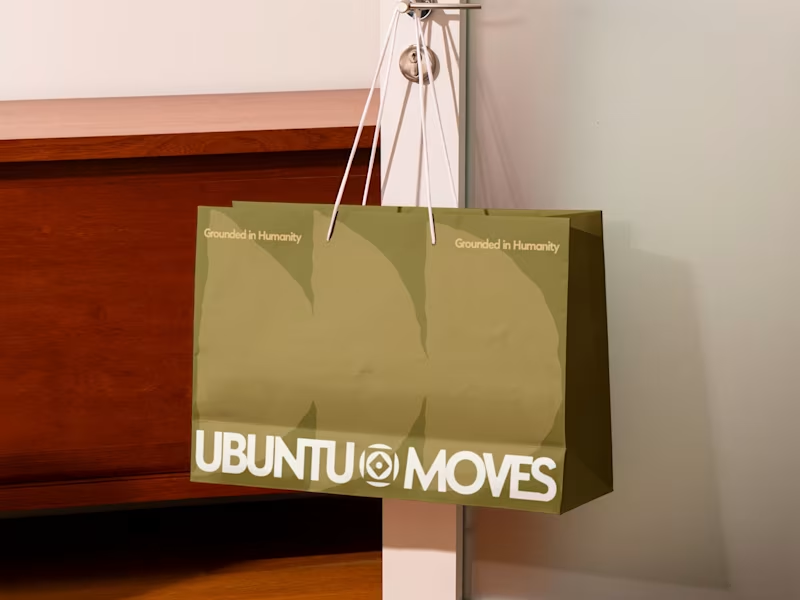
Look for a variety of designs that show creativity and problem-solving skills. Check for projects similar to yours to see if their style matches what you have in mind. Make sure the designs are clear and easy to understand, just like a picture book you love to read.
How do I know if the freelancer is good with Figma tools?
Ask if they have made interactive prototypes before. See if they know how to use design systems and components. A good Figma expert will be able to create designs that look alive and real.
How can I ensure the freelancer understands my project needs in Figma?
Share some examples of designs you like. Talk about the colors, shapes, and feelings you want. Make sure they ask questions to understand you better.
What deliverables should I expect from a Figma expert?
Expect user interface designs and easy prototypes. They should also provide design specifications for developers. This ensures everything fits together like puzzle pieces.
How do we agree on a timeline for the Figma project?
Decide together on when the work should start and finish. Discuss each step in the process and set dates. This way, you both know what to expect and when.
How can I ensure smooth communication with the freelancer?
Agree on how often you will talk, like every day or every week. Decide on the best way to communicate, such as through video calls or messages. This helps everyone stay happy and understand each other.
How do we set clear goals for the Figma project?
Write down what you want the end result to be. Talk about each step needed to reach this goal. This makes the project feel like a fun adventure with a clear map.
What feedback process works best for Figma projects?
Decide on when and how to give feedback, like after each design stage. Use Figma’s comment feature to leave notes directly on the design. This ensures changes are easy to understand and apply.
How can I review the final Figma deliverables?
Look at each part of the project to make sure it matches what you talked about. Check if the designs work smoothly, like your favorite game. This helps make sure everything is ready for the next step.
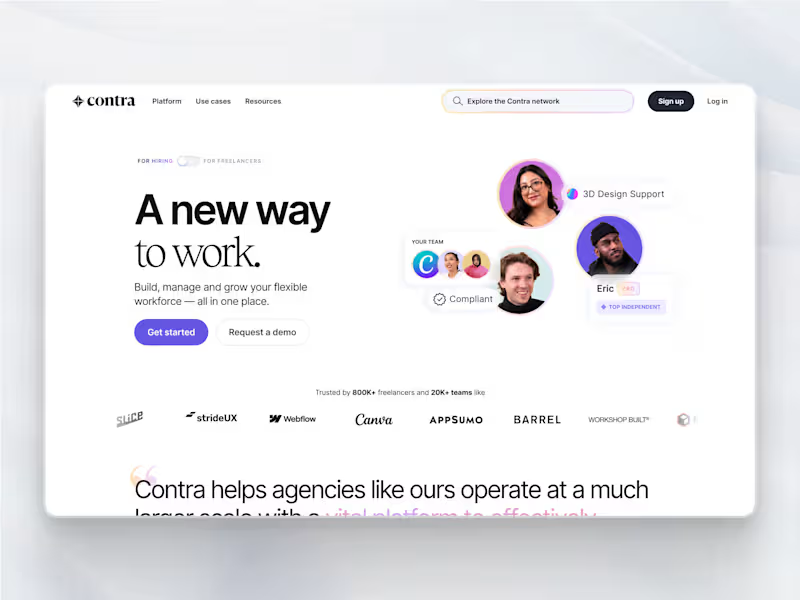
Who is Contra for?
Contra is designed for both freelancers (referred to as "independents") and clients. Freelancers can showcase their work, connect with clients, and manage projects commission-free. Clients can discover and hire top freelance talent for their projects.
What is the vision of Contra?
Contra aims to revolutionize the world of work by providing an all-in-one platform that empowers freelancers and clients to connect and collaborate seamlessly, eliminating traditional barriers and commission fees.