























What is the best way to describe my project when looking for an Adobe Suite expert?
Be clear and simple about what you need. Explain if it's a logo design, a video, or a website. Share details like style, colors, or themes you want. This helps the expert understand your vision.
How can I check if a freelancer is skilled in the Adobe Suite?
Look at their past work or portfolio to see what they’ve done with Adobe Suite. Check if they have experience with projects similar to yours. Ask for example deliverables to ensure they know their craft well.
What should I look for in a freelancer's portfolio?
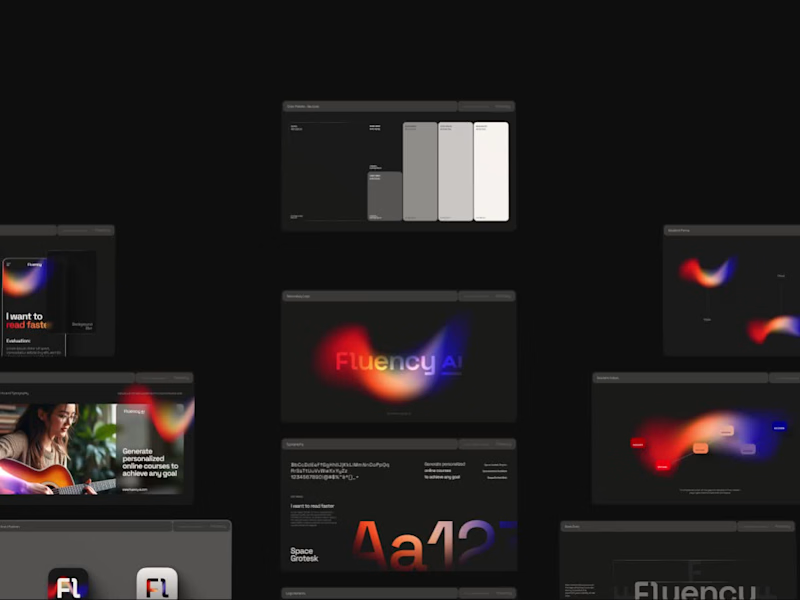
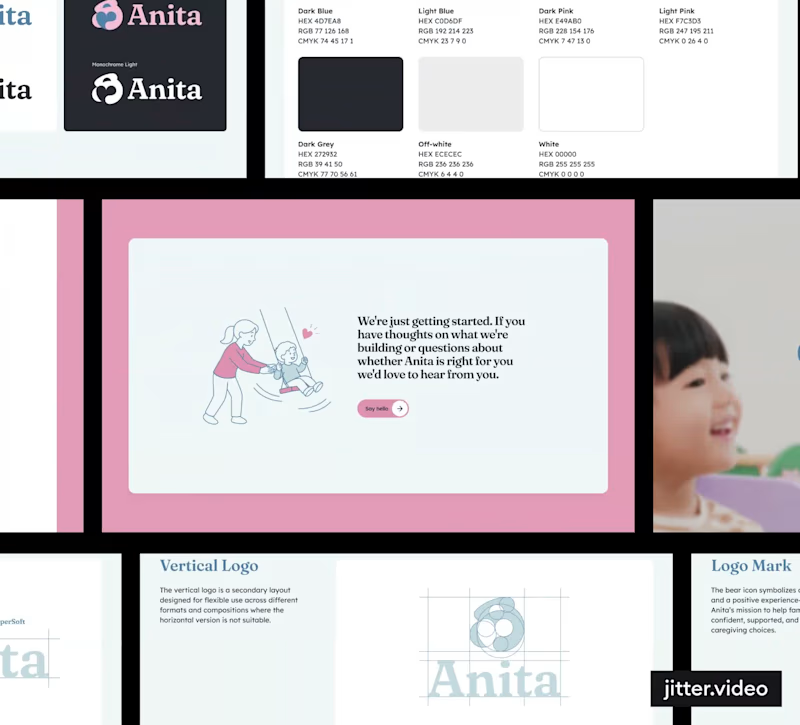
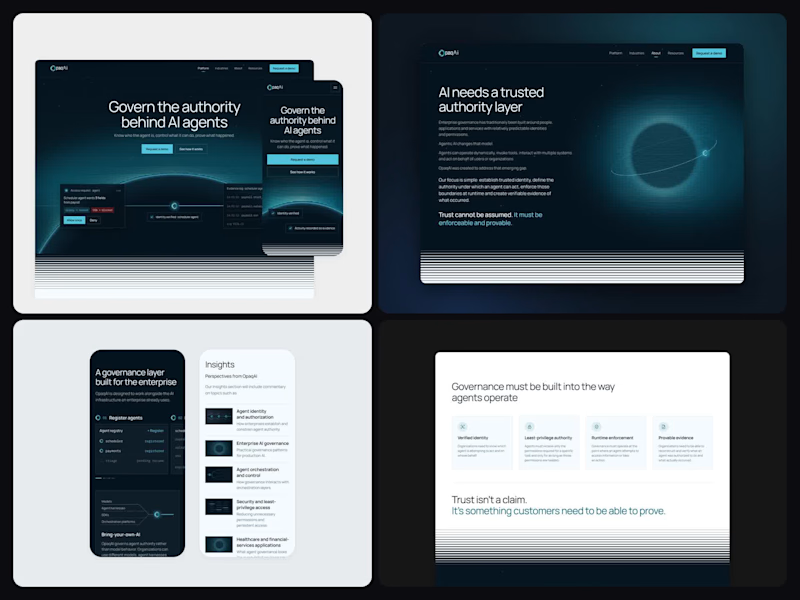
Search for high-quality designs, videos, or websites they've made. Make sure their style matches your needs. This shows they are good at using Adobe tools like Photoshop, Illustrator, or Premiere Pro.
How does a project timeline help in working with an Adobe Suite expert?
Set clear deadlines for each part of the project. This helps the freelancer plan their work and make sure everything is finished on time. A good timeline includes feedback and final delivery dates.
What are important deliverables to agree on with a freelancer?
Make a list of everything you need, like design files, video edits, or web page layouts. Detail the formats you want them in, like PDF, MP4, or HTML. This ensures you get what you expect from the project.
How can I ensure clear communication with a freelance Adobe Suite expert?
Choose a way to chat, like emails or video calls, that works for both of you. Have regular check-ins to talk about progress and ask questions. Clear communication avoids misunderstandings and keeps the project on track.
How can I evaluate a freelancer’s Adobe Suite process?
Ask them to explain their workflow from start to finish. Good experts have a clear plan for designing, revising, and finalizing. Knowing their process helps you understand how they’ll work on your project.
Why is it important to set project milestones?
Milestones break the project into smaller steps and keeps it on schedule. They show progress and let you give feedback as the project progresses. Reach these checkpoints to ensure the work meets your expectations.
What should I include in my feedback to a freelance Adobe Suite expert?
Be specific about what you like and want changed. Use clear language, like mentioning colors or layout changes. Helpful feedback guides the expert to better match your vision.
What should be finalized before starting work with an Adobe Suite expert?
Agree on the project scope, deadlines, and deliverables first. Make sure both you and the expert know what’s expected. This helps the project start smoothly and go without issues.
Who is Contra for?
Contra is designed for both freelancers (referred to as "independents") and clients. Freelancers can showcase their work, connect with clients, and manage projects commission-free. Clients can discover and hire top freelance talent for their projects.
What is the vision of Contra?
Contra aims to revolutionize the world of work by providing an all-in-one platform that empowers freelancers and clients to connect and collaborate seamlessly, eliminating traditional barriers and commission fees.