























What experience does the web designer need for my project?
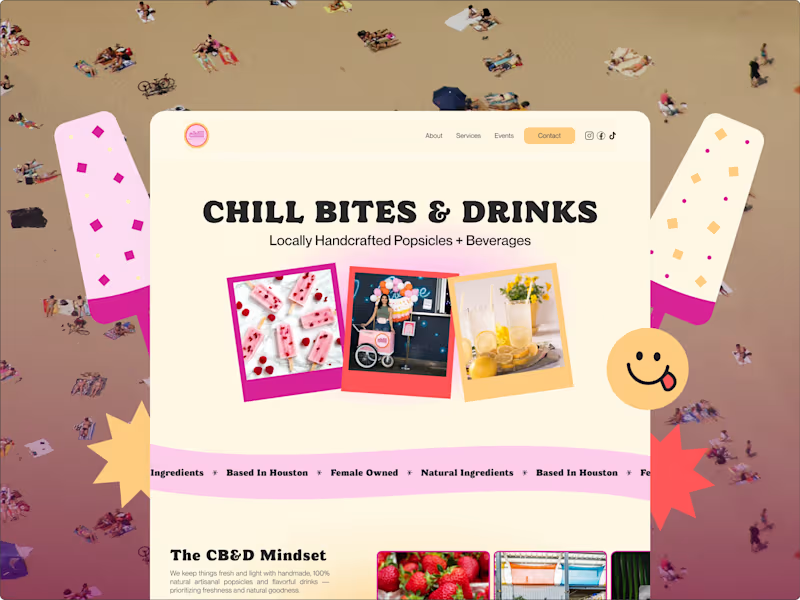
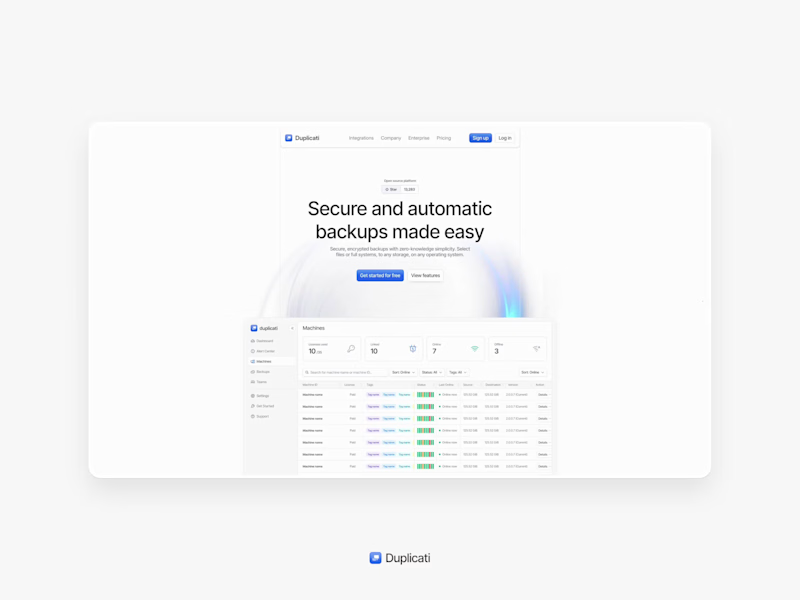
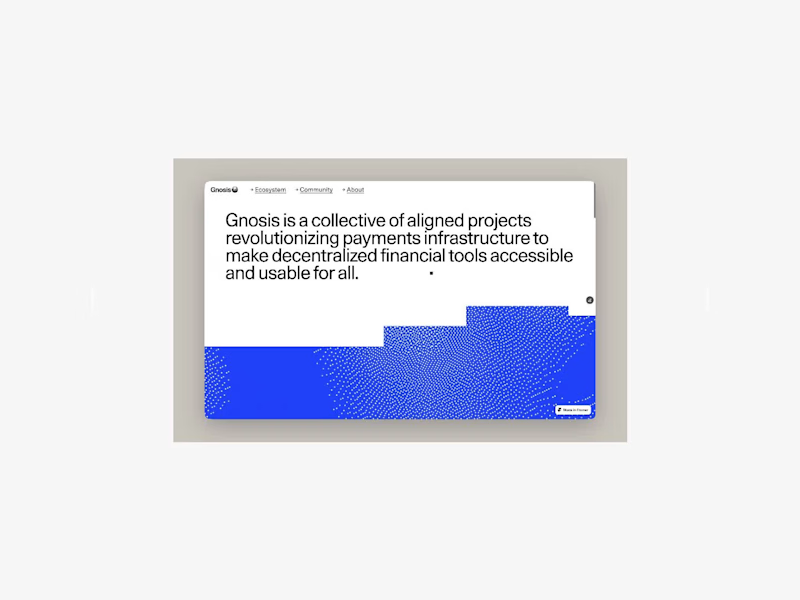
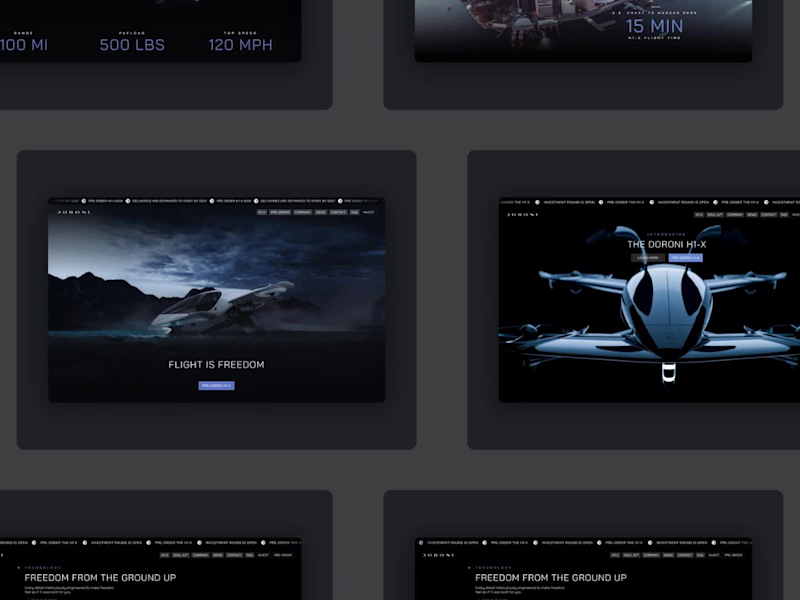
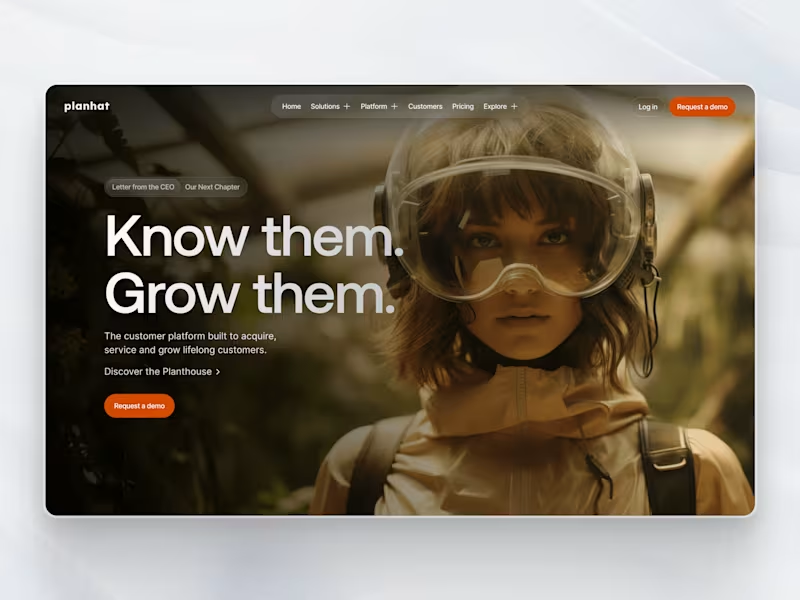
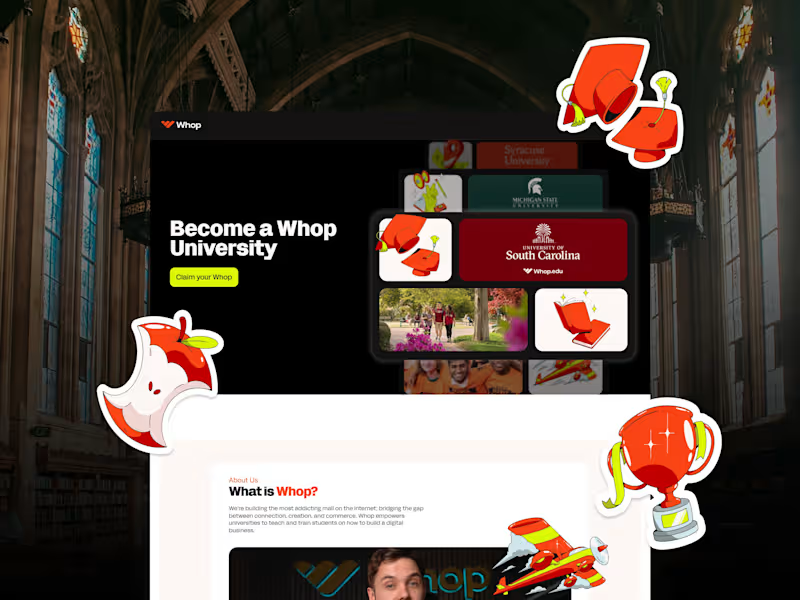
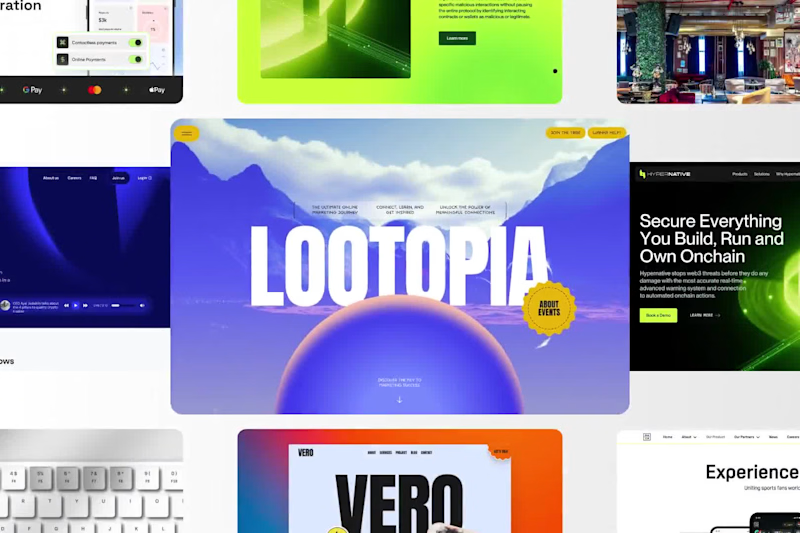
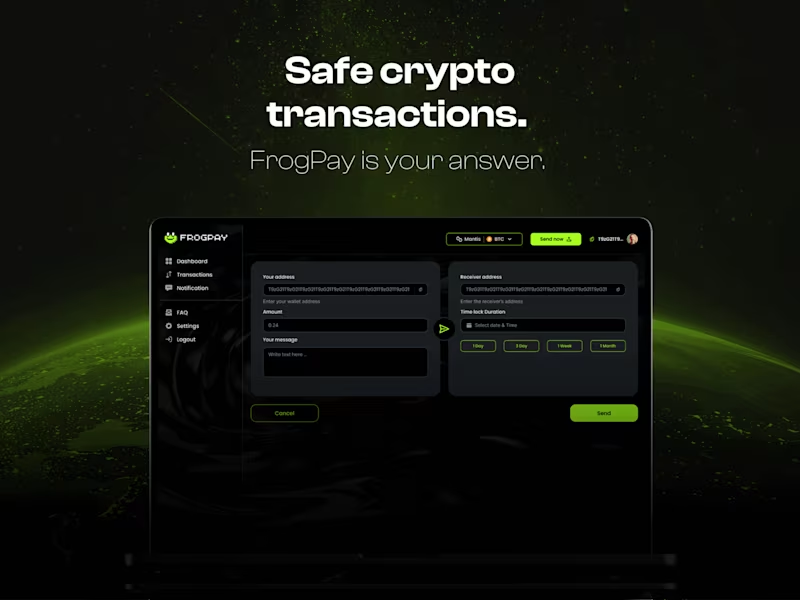
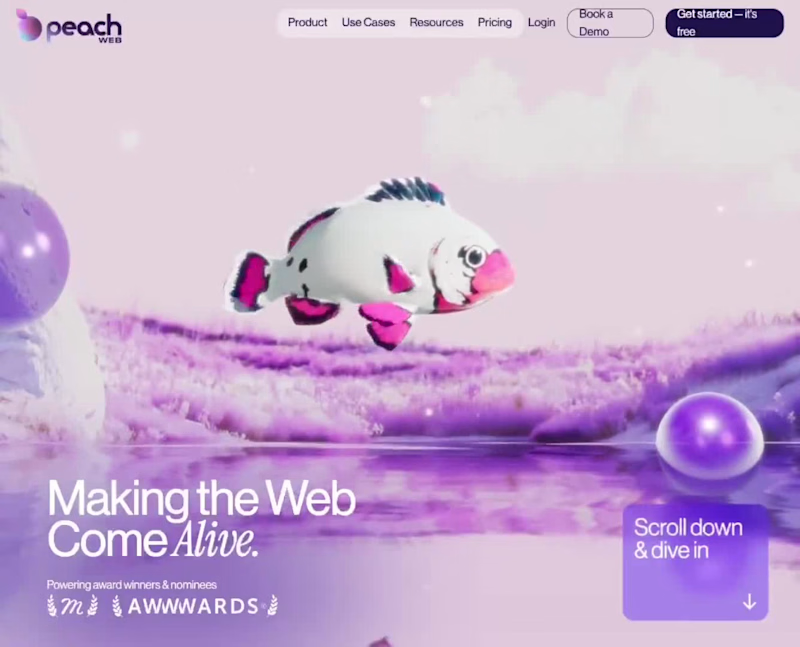
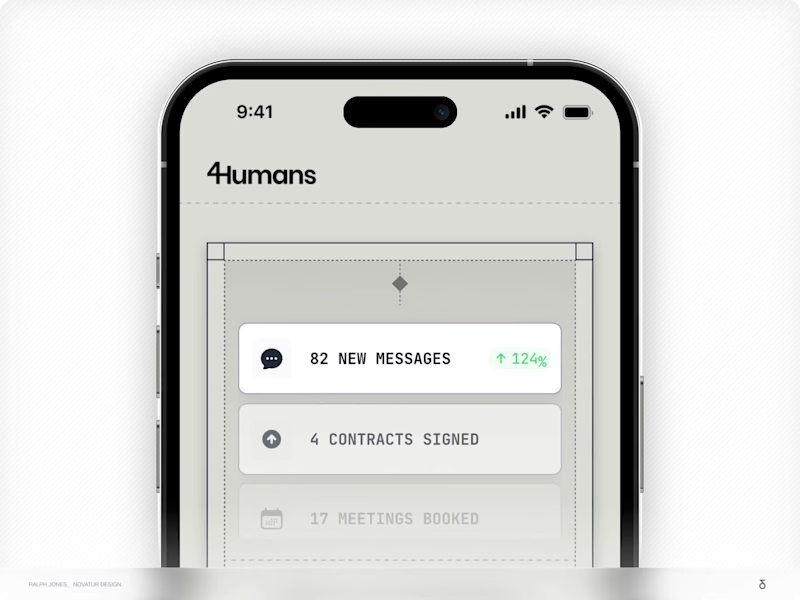
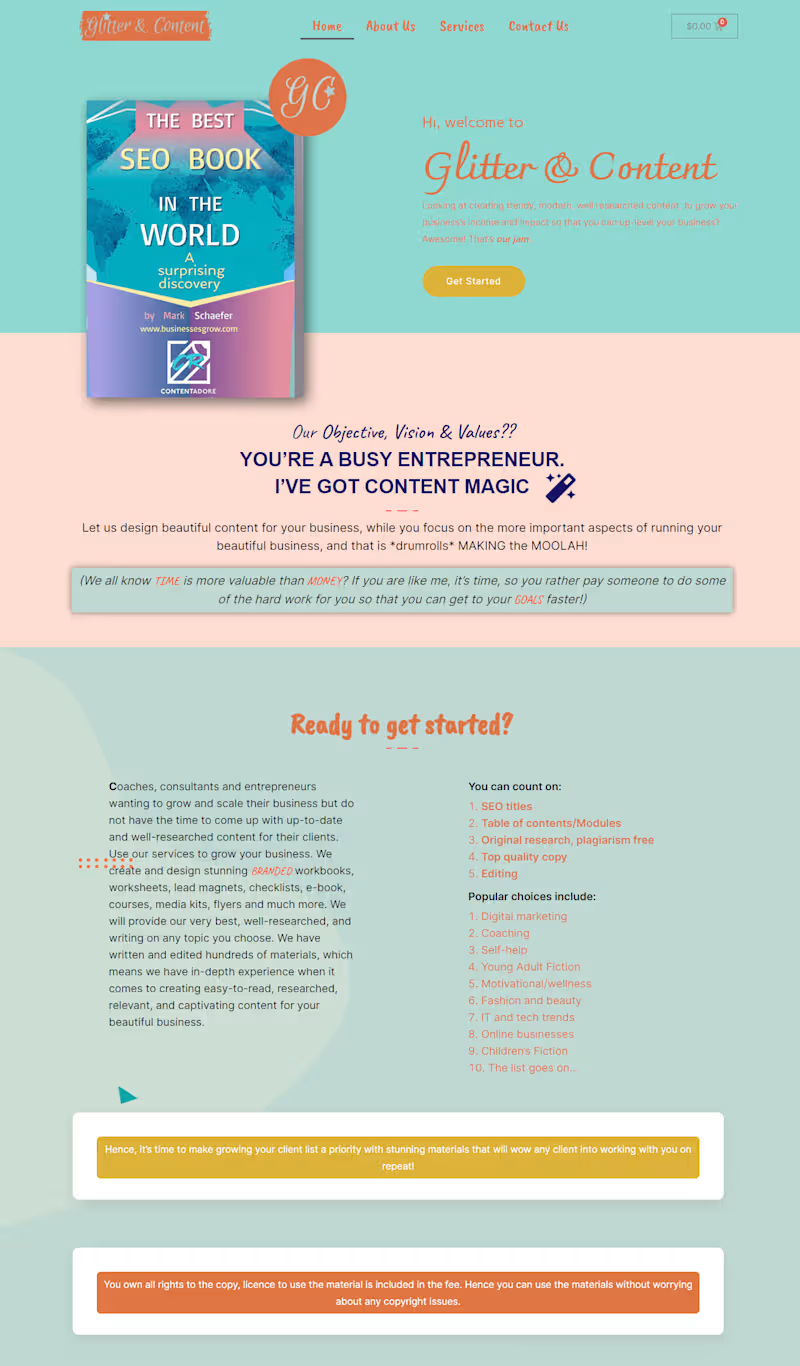
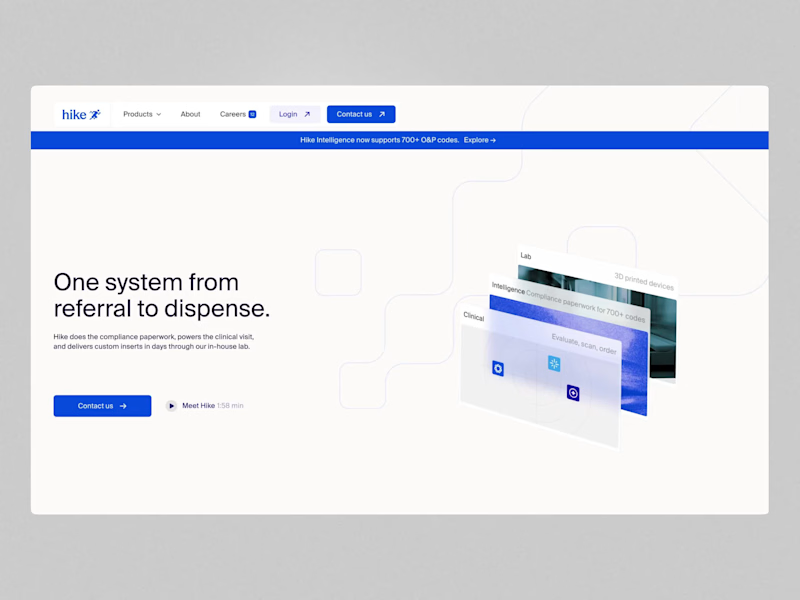
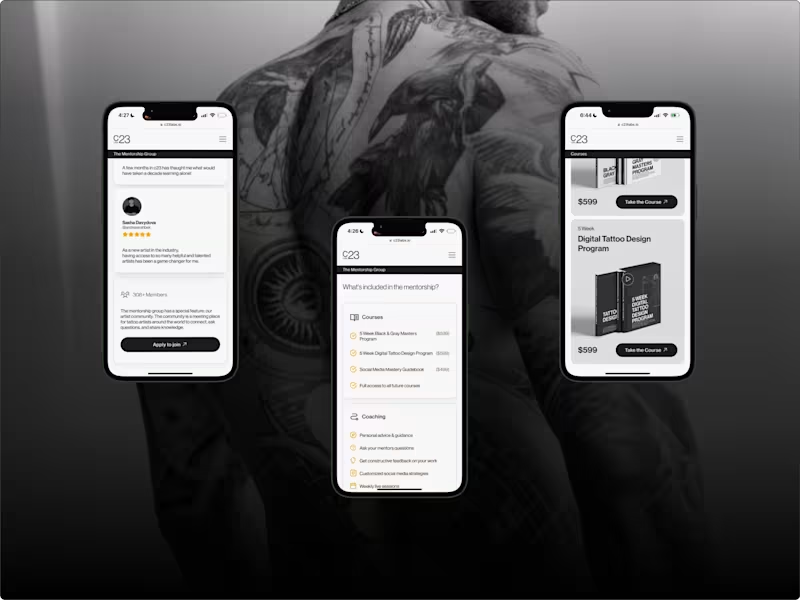
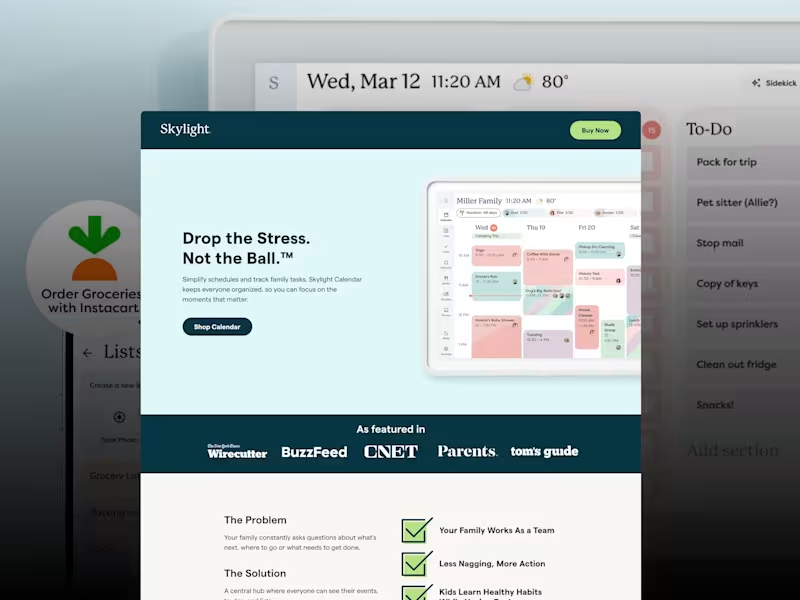
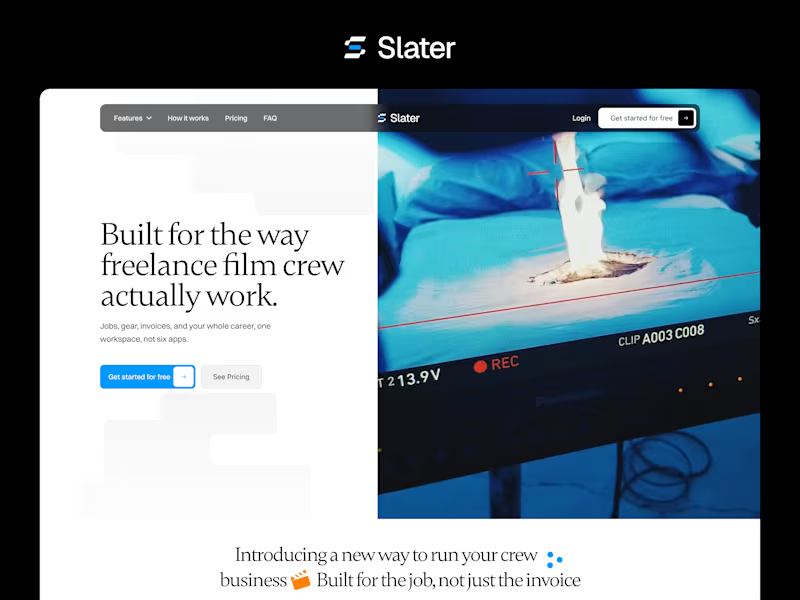
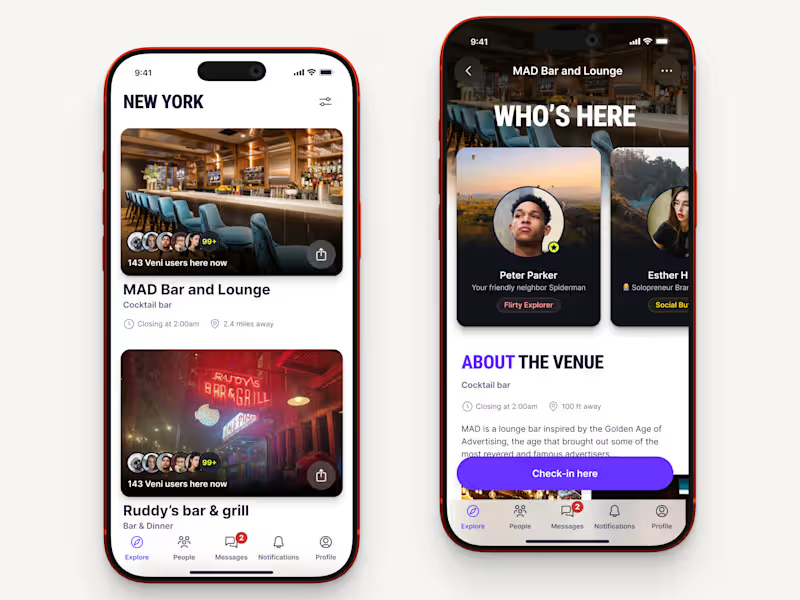
Check if the web designer has built websites like yours before. Experience with similar projects means they understand what you need. Look at their past work to see if it matches your website goals.
How can I tell if a web designer's style fits my brand?
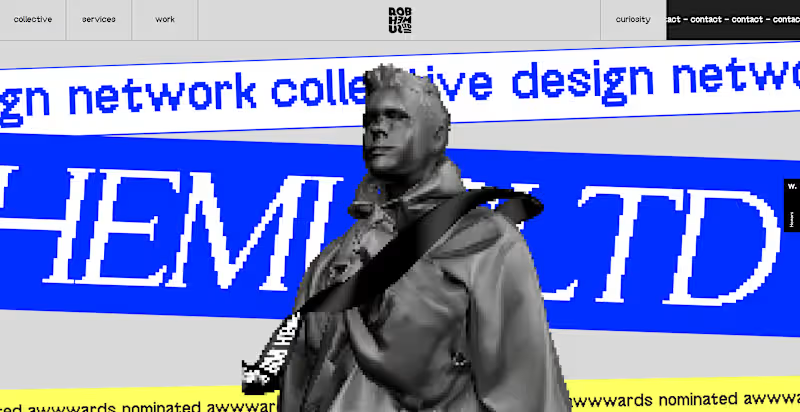
Look at their portfolio to see if you like their design style. Make sure their previous work matches the look and feel you want for your brand. Ask for examples of websites they think are similar to your vision.
How do I discuss the project timeline with a web designer?
Talk with the designer about how long the project will take. Discuss any important dates when things need to be finished. Make sure you both agree on when each piece of the project will be done.
What should I include in the project brief?
Write down everything you want on the website. Include information about the website's purpose and who will use it. Share your ideas on the color scheme, layout, and any special features.
How do I decide on the key deliverables for the project?
Think about the main features you need on your website. Include things like a homepage, contact page, and any special tools or forms. Be clear on what you expect so the web designer knows what's important.
How should I communicate with the web designer during the project?
Decide how often you want updates from the designer. Set up regular check-ins to talk about any changes or ideas. Use emails or video calls to stay in touch and share feedback.
What should I consider when reviewing the web designer's work?
Look for pages that are easy to use and nice to look at. Make sure the design matches your brand's style and message. Test the website's features to see if they work as expected.
How can I ensure the website will work on different devices?
Ask the designer to create a responsive design. This means the website will look good on computers, tablets, and phones. Check their portfolio for responsive designs they have done before.
What should I do to prepare for the website launch?
Make sure all content is complete and correct. Test every part of the website to catch any errors. Plan any marketing or announcements so visitors know when your site goes live.
How do I handle any website updates or changes after launch?
Discuss future updates with your designer. Decide if they will help you make changes or if you'll use someone else. Plan how often the website will need fresh content or new features.
Who is Contra for?
Contra is designed for both freelancers (referred to as "independents") and clients. Freelancers can showcase their work, connect with clients, and manage projects commission-free. Clients can discover and hire top freelance talent for their projects.
What is the vision of Contra?
Contra aims to revolutionize the world of work by providing an all-in-one platform that empowers freelancers and clients to connect and collaborate seamlessly, eliminating traditional barriers and commission fees.