How should I define my project goals before hiring a UI designer?
To start, think about what your project needs. Is it a new app or a website revamp? Clearly writing down your goals helps you find a designer who understands your vision. Being specific about your objectives ensures the designer can deliver exactly what you want.
What details should I include in the project brief for a UI designer?
A clear project brief makes things easier for both you and the designer. Include your main goals, any specific features you need, and your favorite colors or styles. Also, add details on who your users are and any brand guidelines to get the design right from the start.
How do I decide on the project timeline with a UI designer?
First, list out all the important steps for your project. Ask the designer what time they need for each part, like wireframes or prototypes. Agree on a timeline together to make sure everyone knows the deadlines and can plan their work well.
What should I look for in the portfolio of a UI designer?
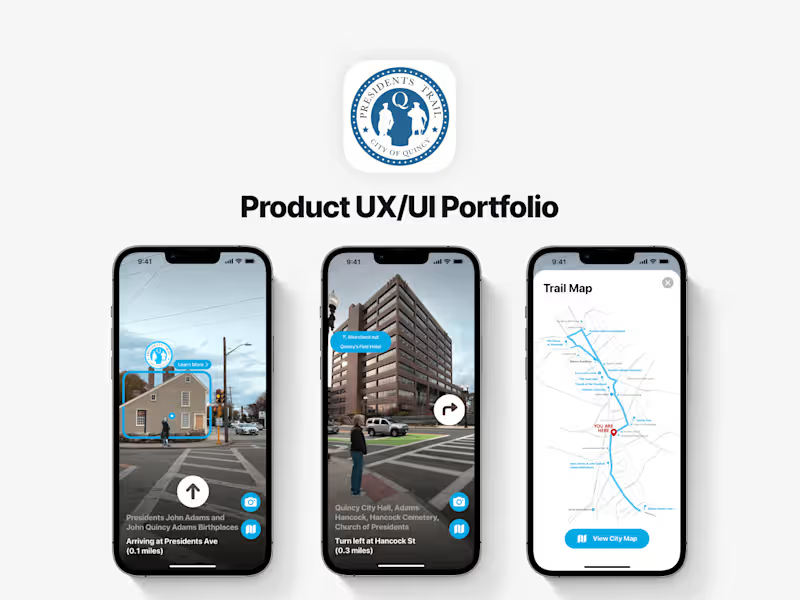
Check if the designer’s work matches the style you want. Look for projects that are similar to yours, like mobile apps or responsive websites. Good portfolios also show creativity and problem-solving, which are key in designing great user experiences.
How can I ensure the designer understands my brand before starting?
Share your brand story and visual guidelines with the designer. Have a chat about your brand’s mission and what makes it special. This helps the designer capture your brand’s personality in the UI designs from the very start.
How do I set up a communication plan with the UI designer?
Decide on how often you want to receive updates. Weekly check-ins or bi-weekly meetings work well for most projects. Choose the best way to communicate, like emails or video calls, to keep things clear and efficient.
What are the best ways to review design drafts from a UI designer?
Set clear review stages for the design drafts, like after the wireframe or prototype phase. Use checklists to make sure every detail aligns with your goals. Giving feedback promptly helps the designer make quick adjustments.
How do I determine the scope of work for the UI designer?
List all the tasks you need the designer to do, from research to final design. Break down the job into smaller parts, like icons or user flow design. This clarity helps ensure the designer delivers all the parts you need.
How can I ensure smooth collaboration with a UI designer?
A smooth project starts with good communication. Share your thoughts openly and be ready to hear the designer’s ideas. Using collaboration tools can keep everything organized and help track the project’s progress easily.
What files should be delivered at the end of a UI design project?
Ask for the original design files, like PSD or Sketch files. Make sure you get all assets needed for development, such as icons and images. Having these files ensures you or any developer can continue the work smoothly.
Who is Contra for?
Contra is designed for both freelancers (referred to as "independents") and clients. Freelancers can showcase their work, connect with clients, and manage projects commission-free. Clients can discover and hire top freelance talent for their projects.
What is the vision of Contra?
Contra aims to revolutionize the world of work by providing an all-in-one platform that empowers freelancers and clients to connect and collaborate seamlessly, eliminating traditional barriers and commission fees.