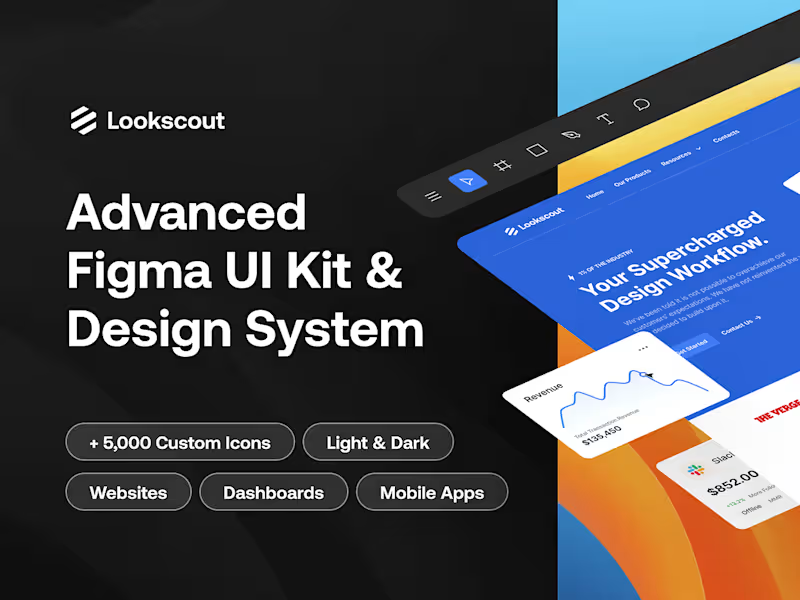
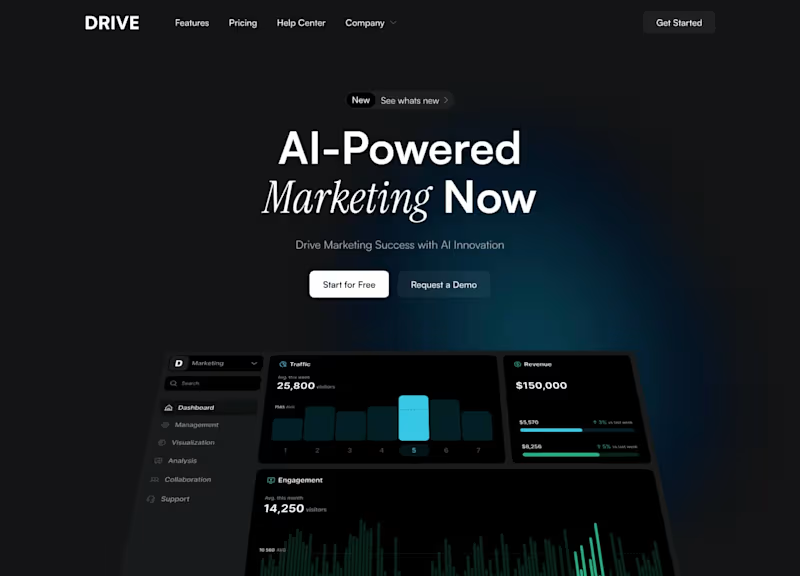
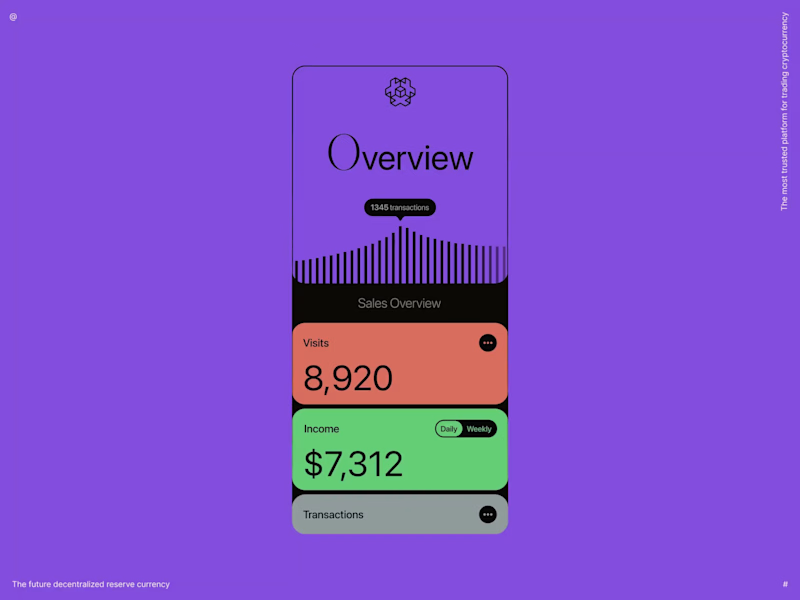
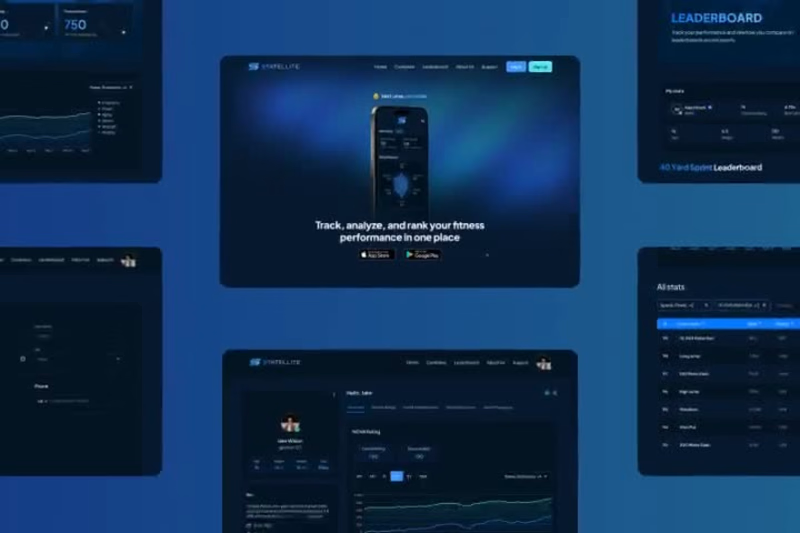
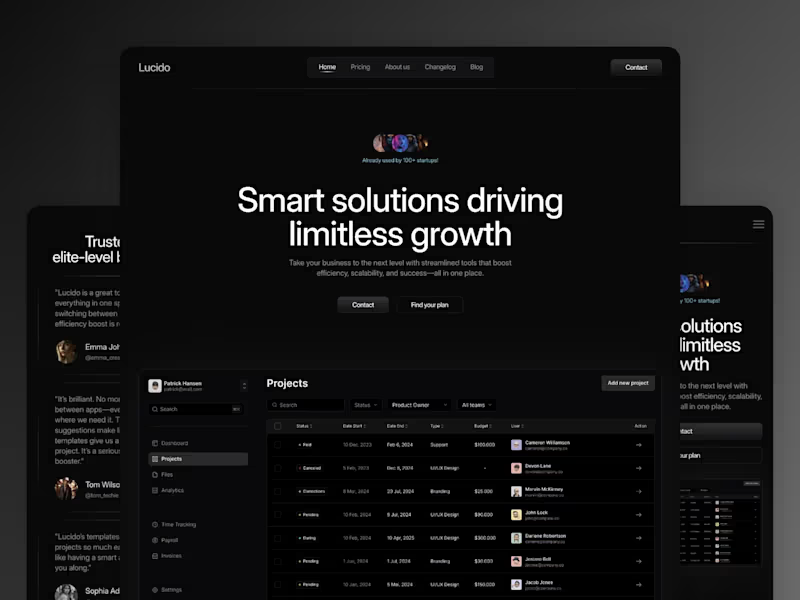
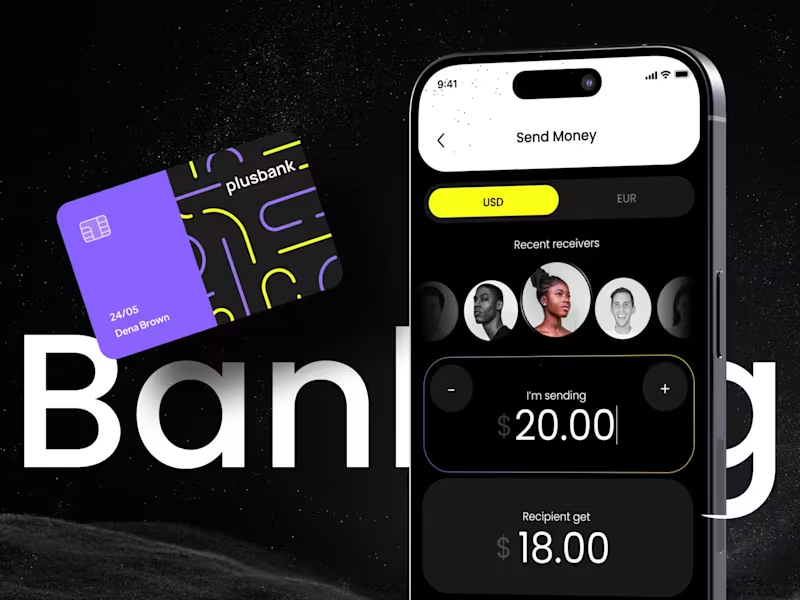
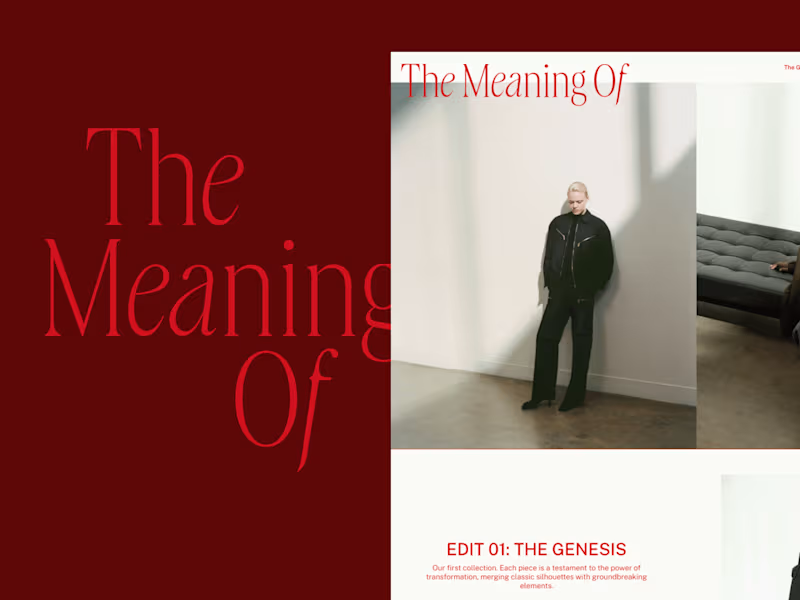
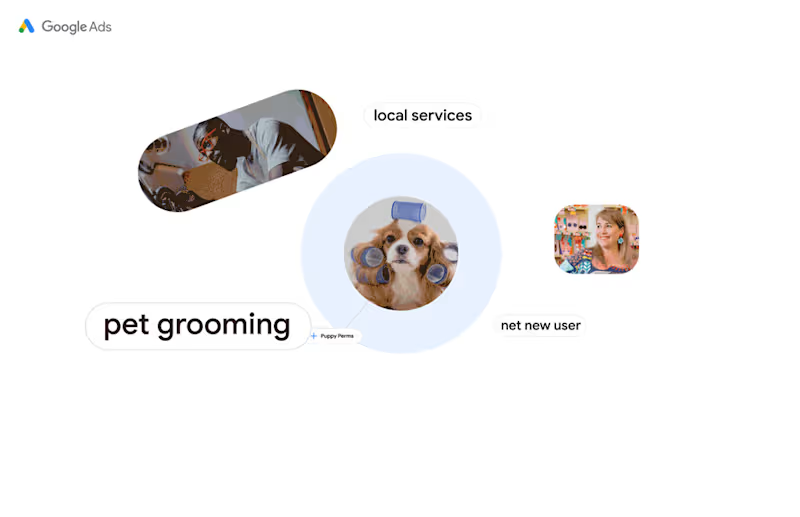
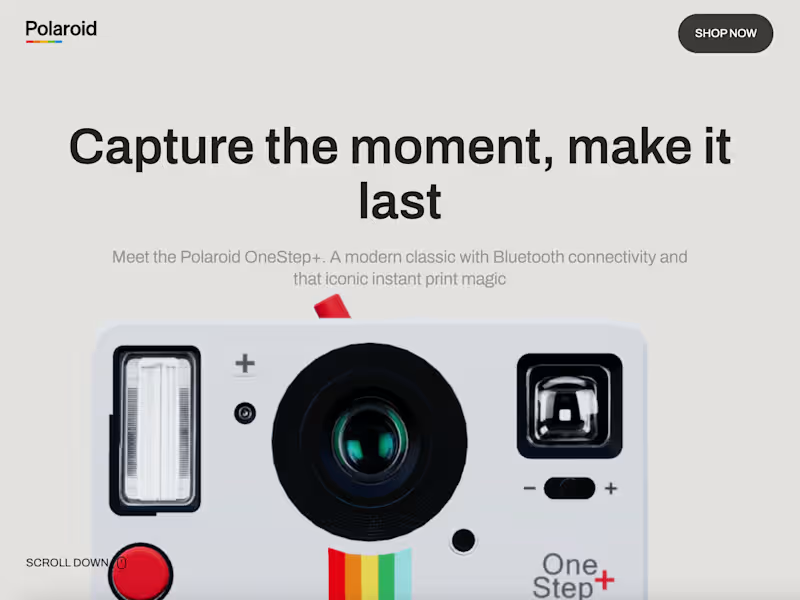
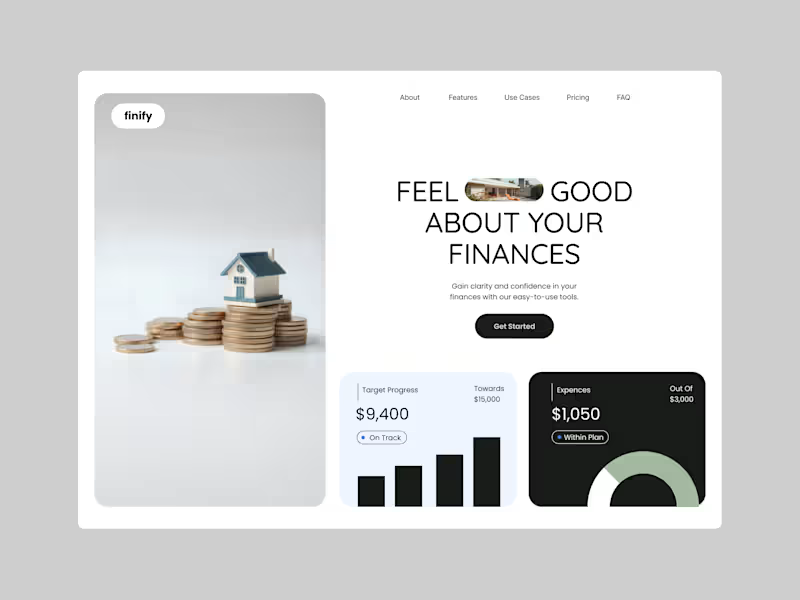
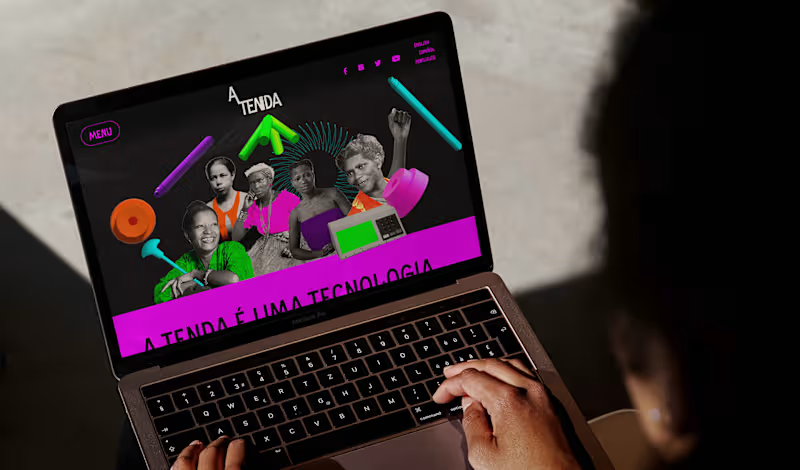
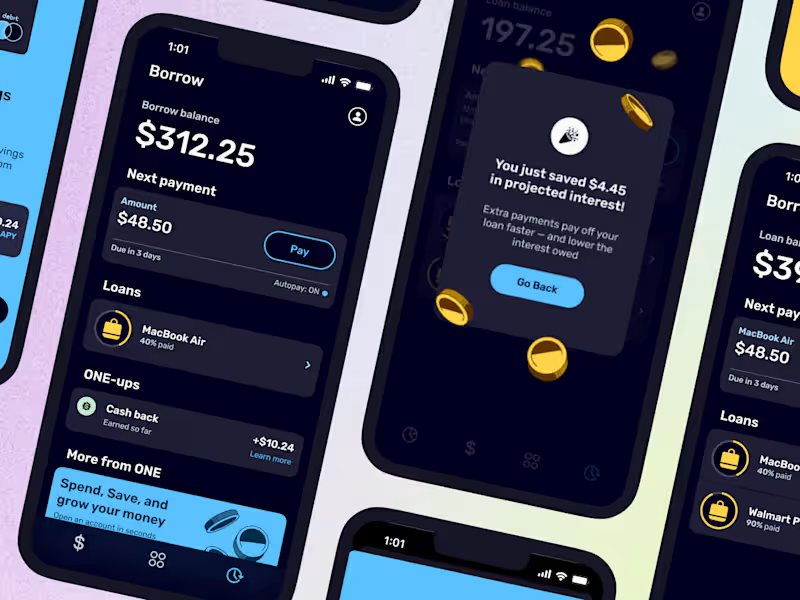
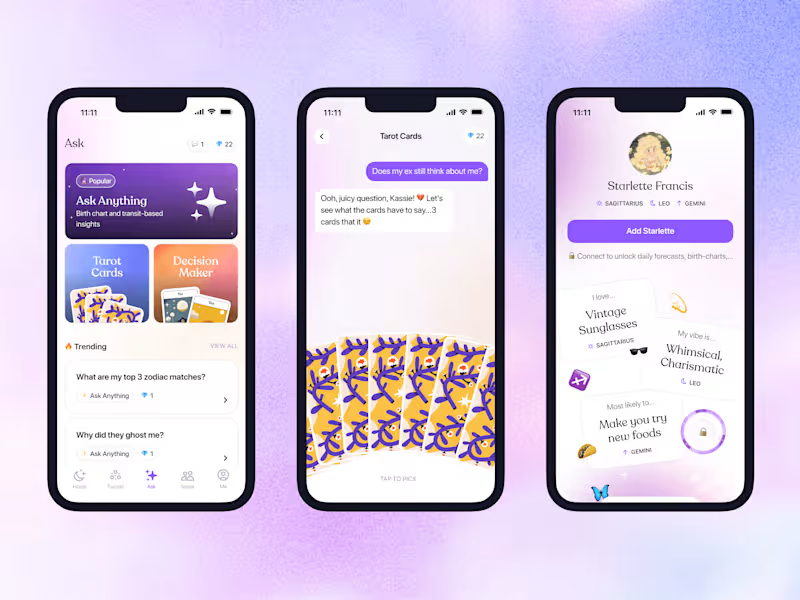
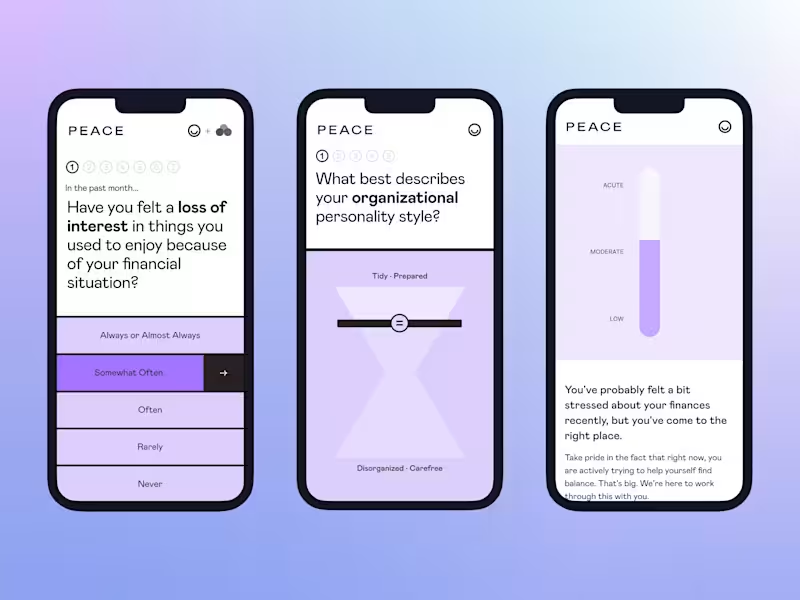
How important is the designer's previous work when hiring a freelance UI designer?
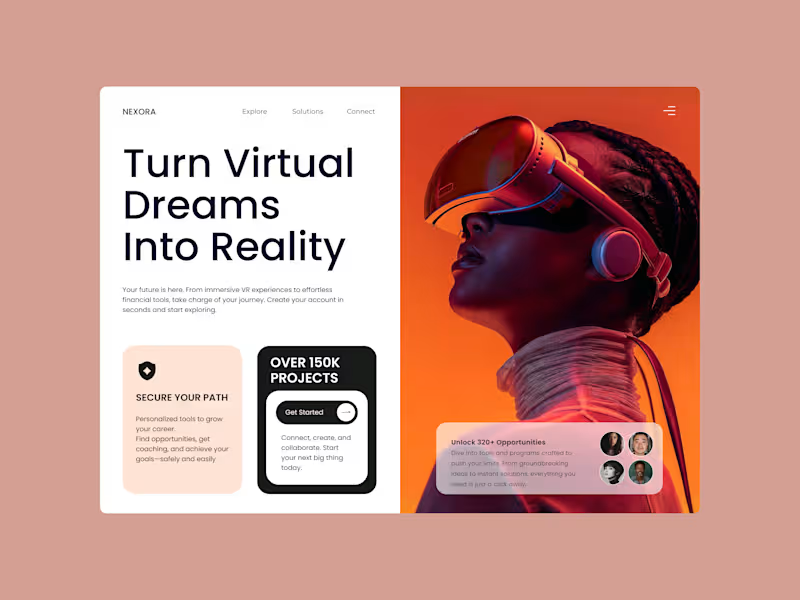
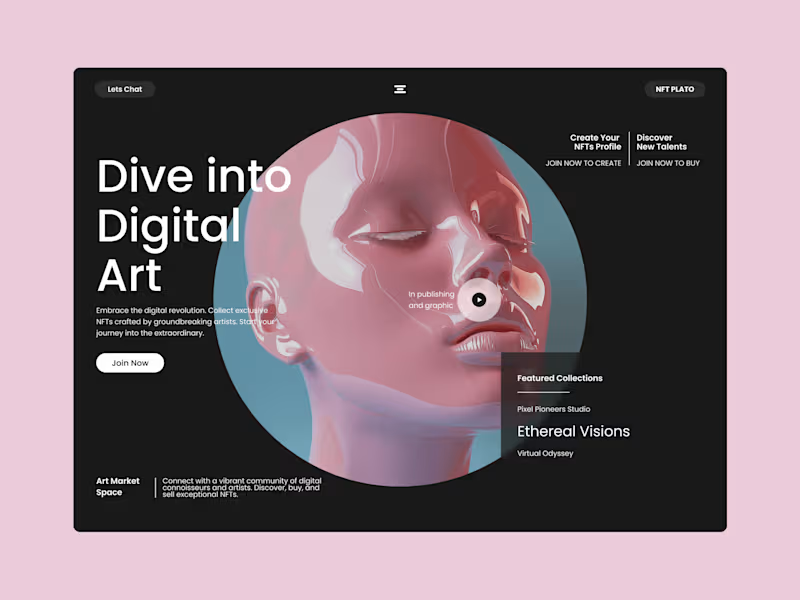
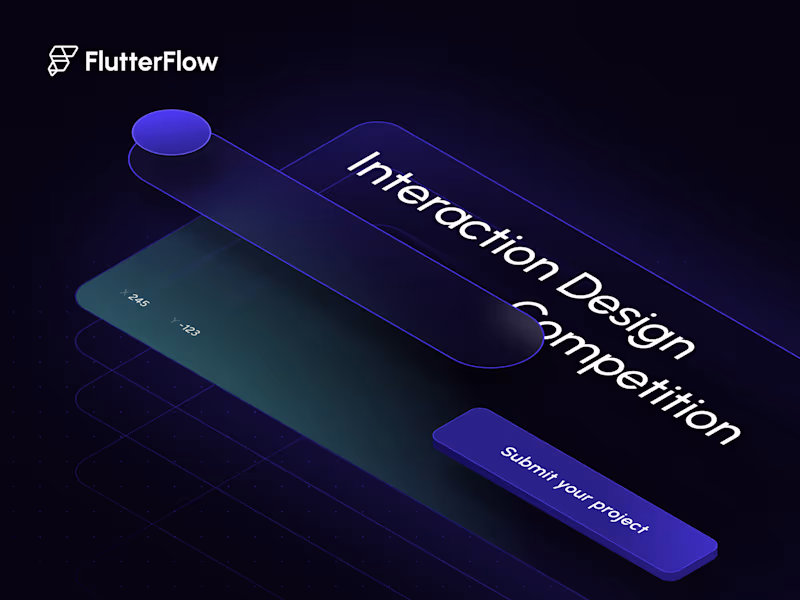
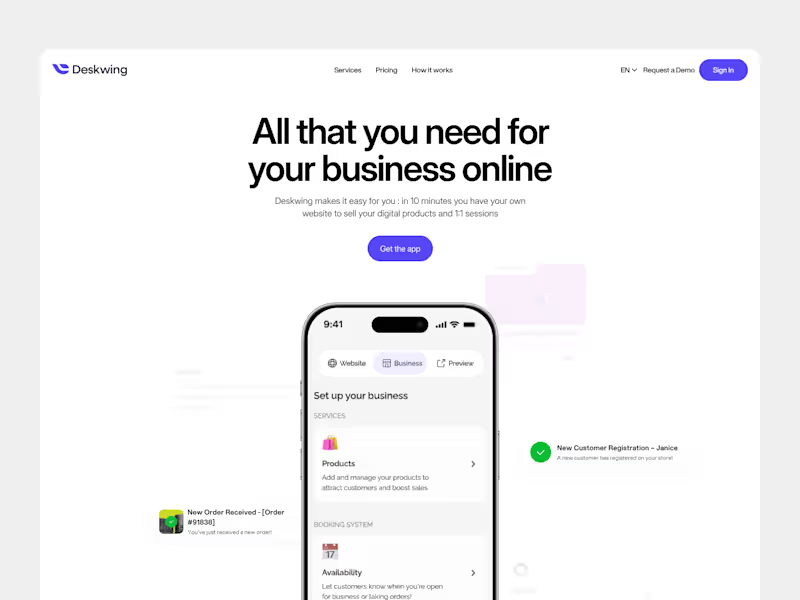
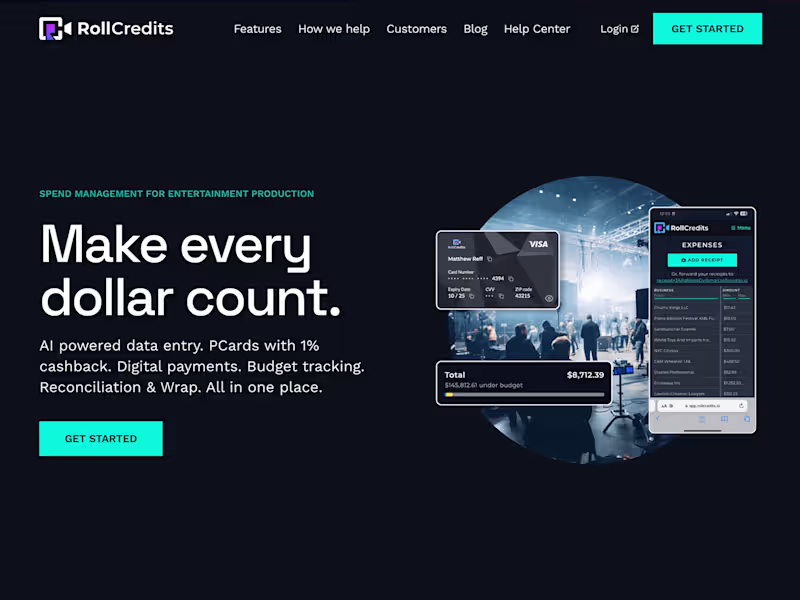
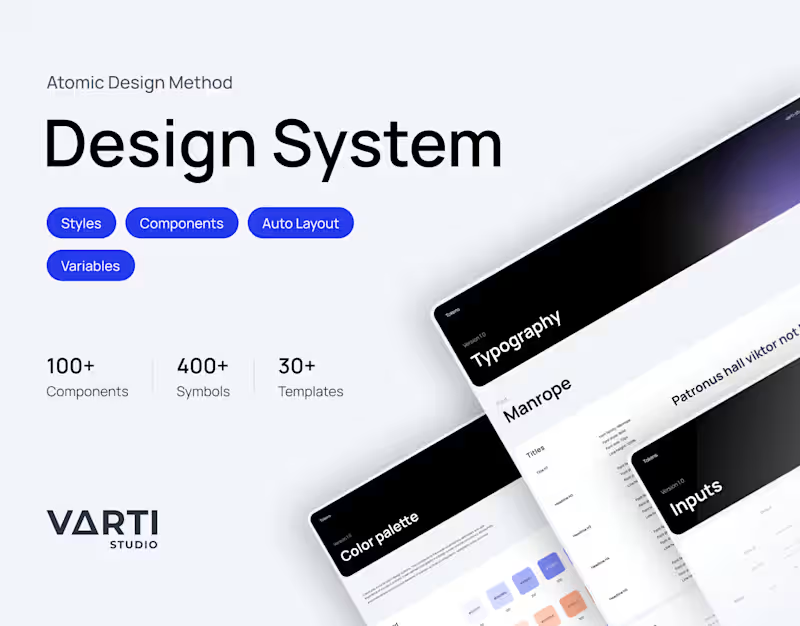
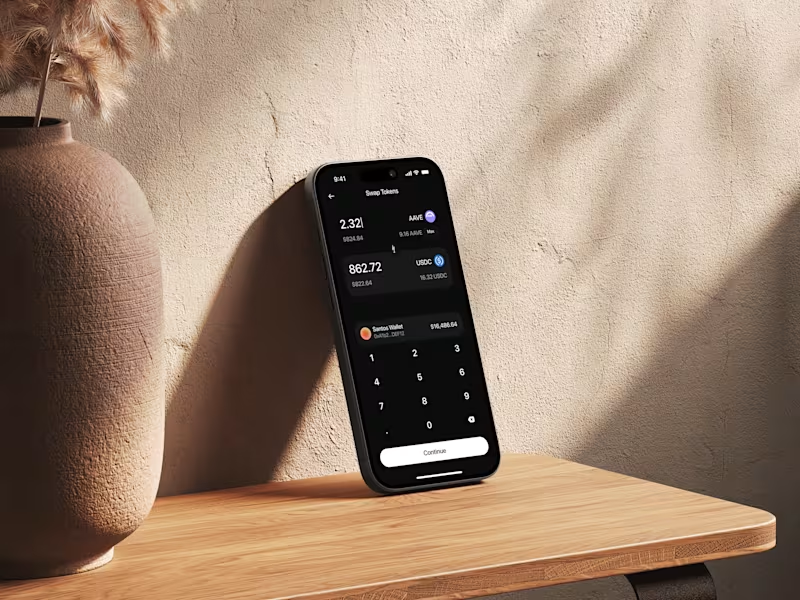
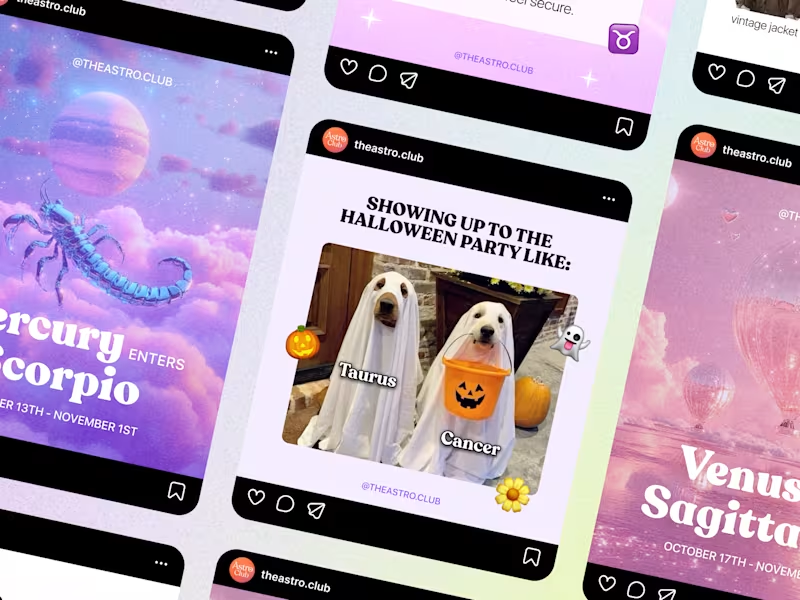
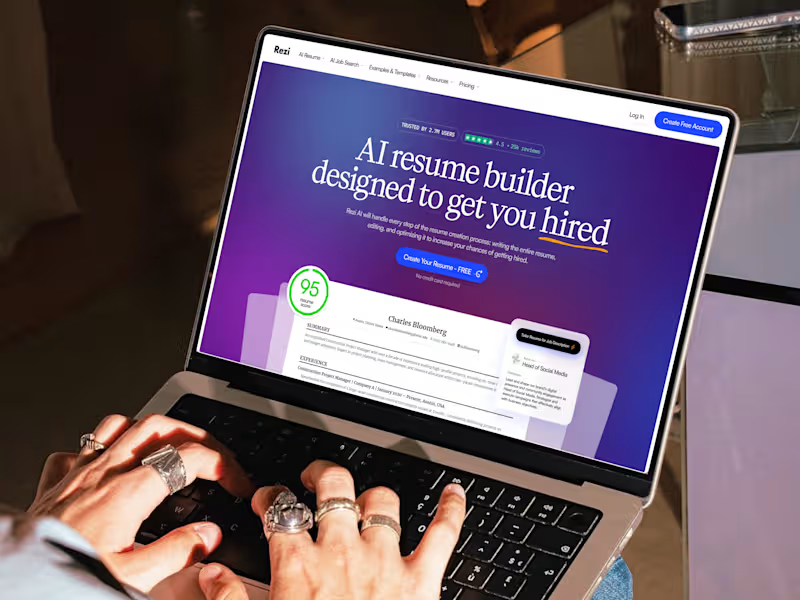
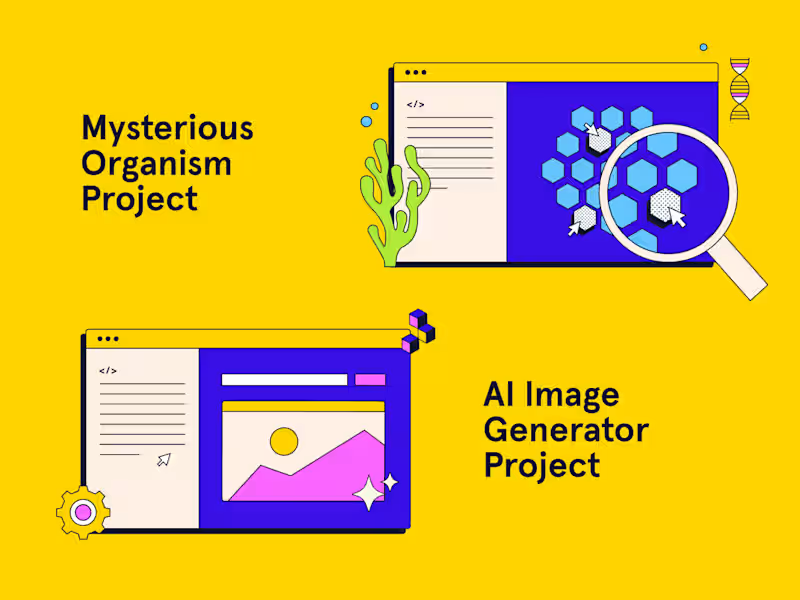
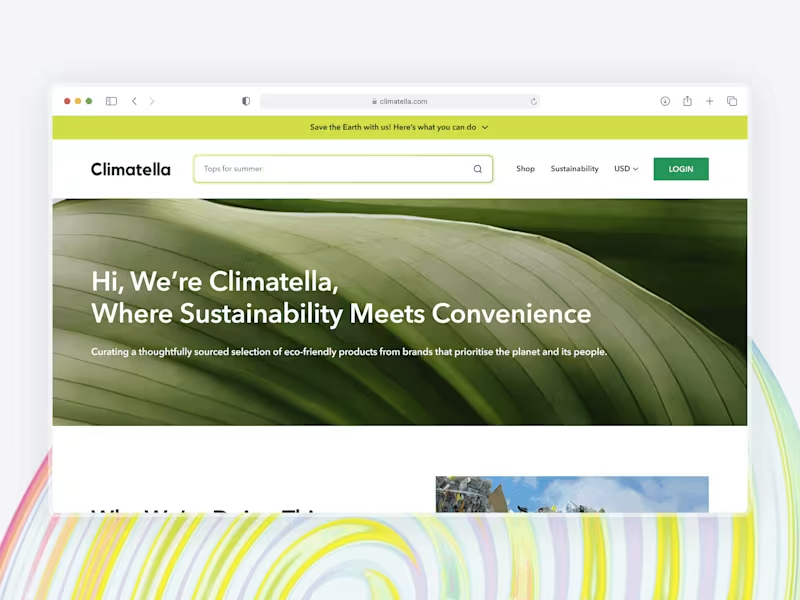
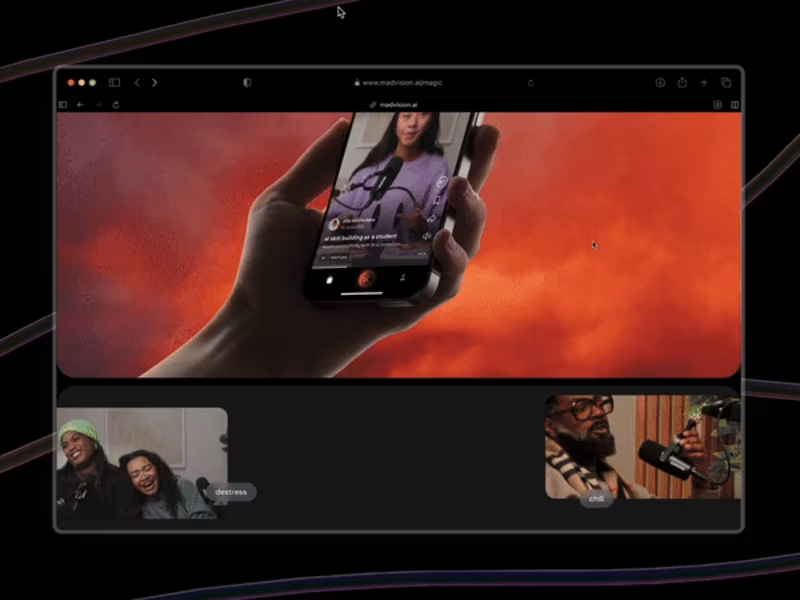
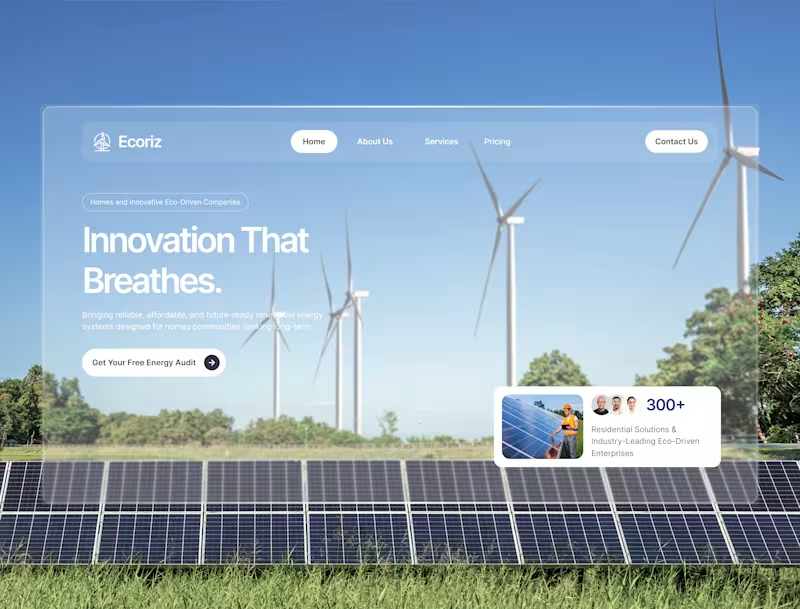
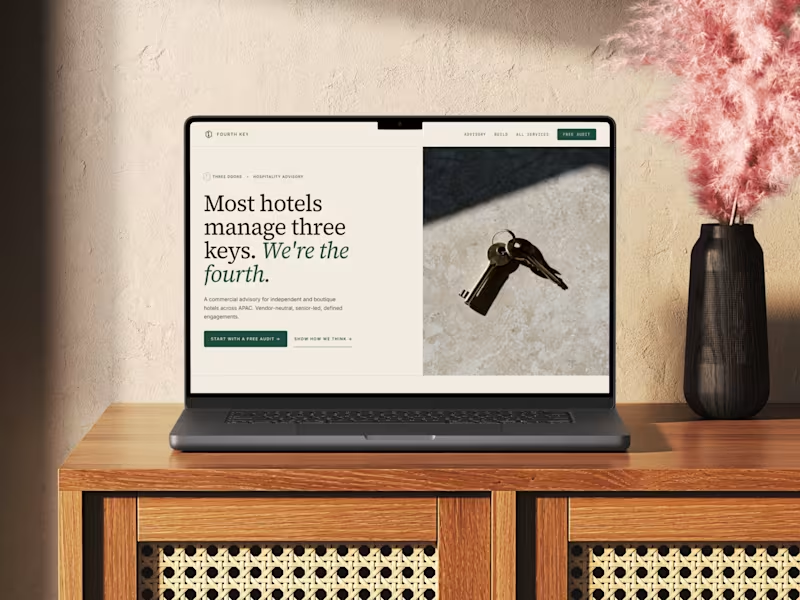
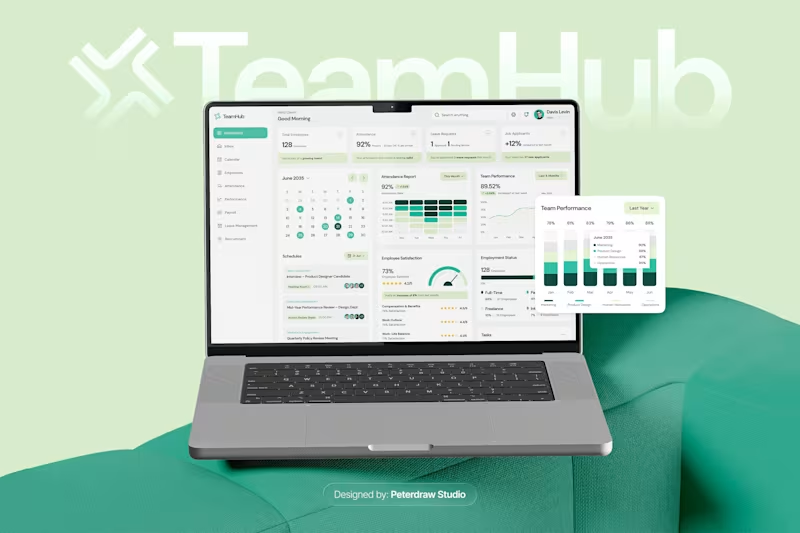
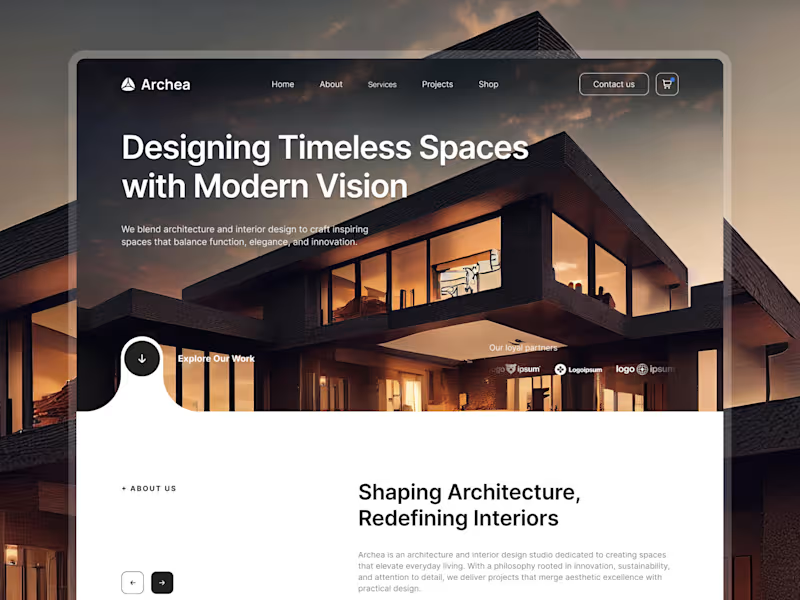
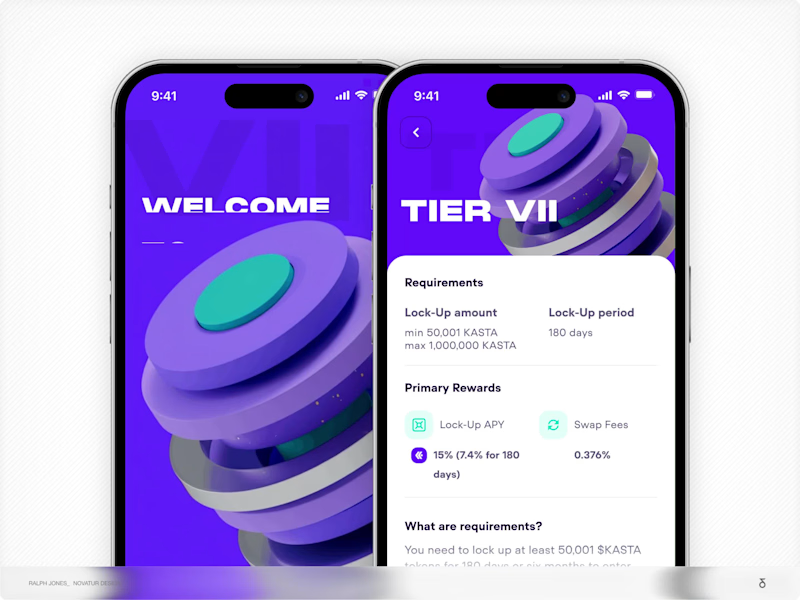
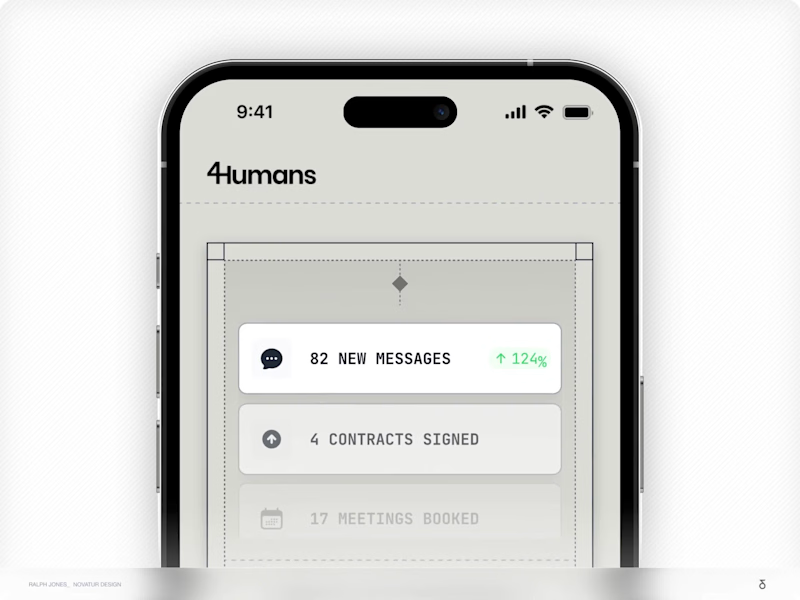
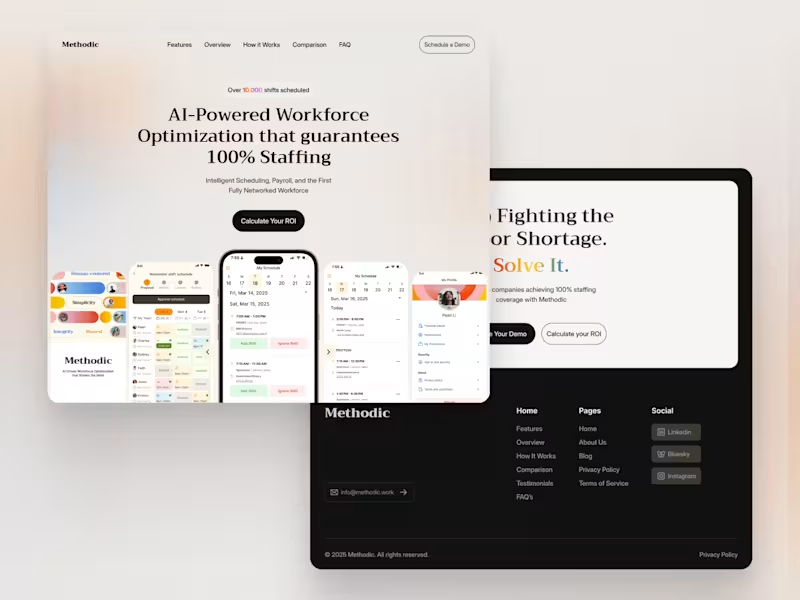
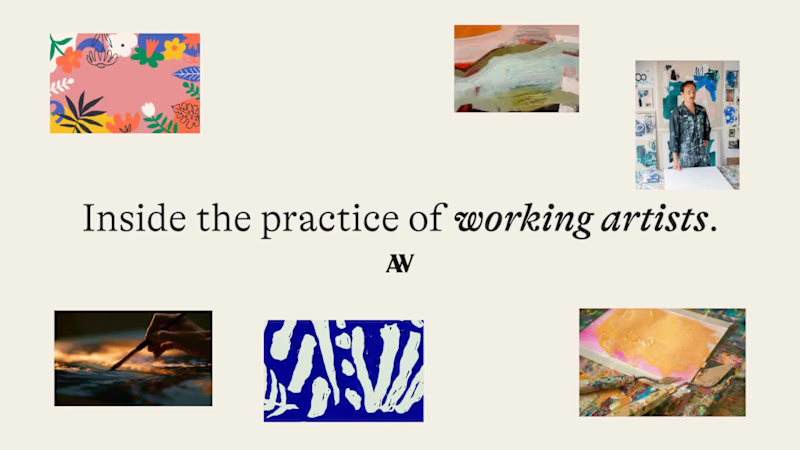
A designer's past work shows their style and experience. Check if their portfolio has designs similar to what you need. This helps ensure they understand your vision and project needs. Look for creativity and attention to detail in their previous projects.
What should you include in a project brief for a UI designer?
A good project brief is clear and detailed. It should include the scope of the project, your goals, and any design preferences. If you have examples you like, share them too. The more information you provide, the better the designer can meet your expectations.
How can you agree on the deliverables with a UI designer?
To agree on deliverables, first discuss the project scope together. Make a list of what you need, like mockups or prototypes. Write down clear timelines for each deliverable. This helps set clear expectations and keep the project on track.
What project management tools can help while working with a freelance UI designer?
Good tools help teams work together smoothly. You can use tools to track progress, share files, and communicate. Popular choices are Trello for tracking tasks and Slack for messaging. Find what works best for both you and the designer to use.
How do you establish a timeline for a UI design project?
Discuss the timeline with your designer before starting. Set a deadline, then break it down into smaller tasks. Make sure there’s time for feedback and revisions. This helps keep the project moving forward smoothly.
Why is it important to have regular check-ins with your UI designer?
Regular check-ins keep everyone on the same page. They help catch problems early and ensure the project is progressing well. Set a schedule for updates, like weekly calls or messages. This builds a good working relationship and ensures success.
What should you discuss in the first meeting with a UI designer?
In the first meeting, talk about your project vision and goals. Discuss how you’ll work together and the project timeline. Share any important information or resources the designer needs. This helps both parties start on the right foot and set expectations.
How do you handle design feedback with a freelance UI designer?
Be clear and specific with your feedback to the designer. Say what you like and what you’d like to change. Use examples to explain your points if possible. Good feedback helps the designer understand your preferences better and make improvements.
What role does communication play in hiring a UI designer?
Communication is key to a successful project. It helps set clear expectations and resolve any issues quickly. Agree on the best way to stay in touch, like emails or video calls. Keep the lines open to build a strong, collaborative work environment.
How can you ensure your brand is consistently represented in the UI design?
Provide brand guidelines to the designer from the start. Include your logo, colors, and any specific design rules. Regularly review designs to ensure they fit your brand. This ensures a consistent look and feel across all your materials.
Who is Contra for?
Contra is designed for both freelancers (referred to as "independents") and clients. Freelancers can showcase their work, connect with clients, and manage projects commission-free. Clients can discover and hire top freelance talent for their projects.
What is the vision of Contra?
Contra aims to revolutionize the world of work by providing an all-in-one platform that empowers freelancers and clients to connect and collaborate seamlessly, eliminating traditional barriers and commission fees.