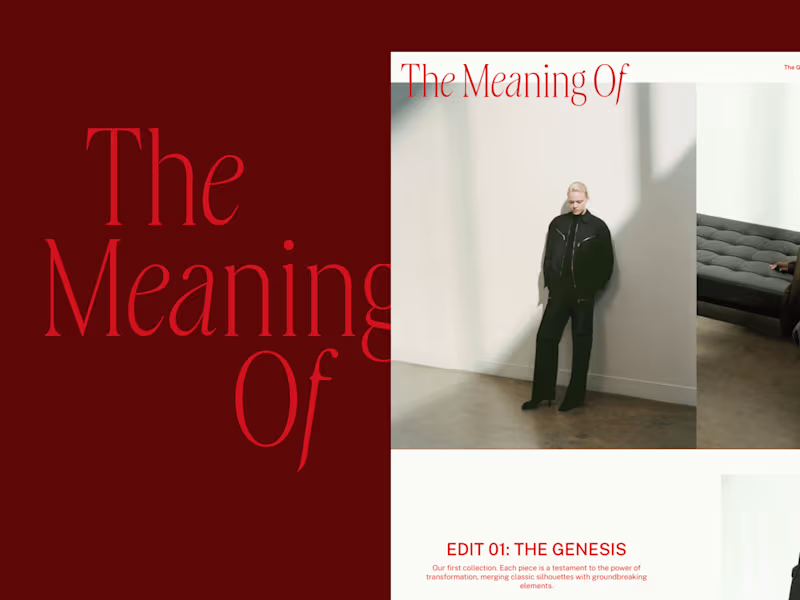
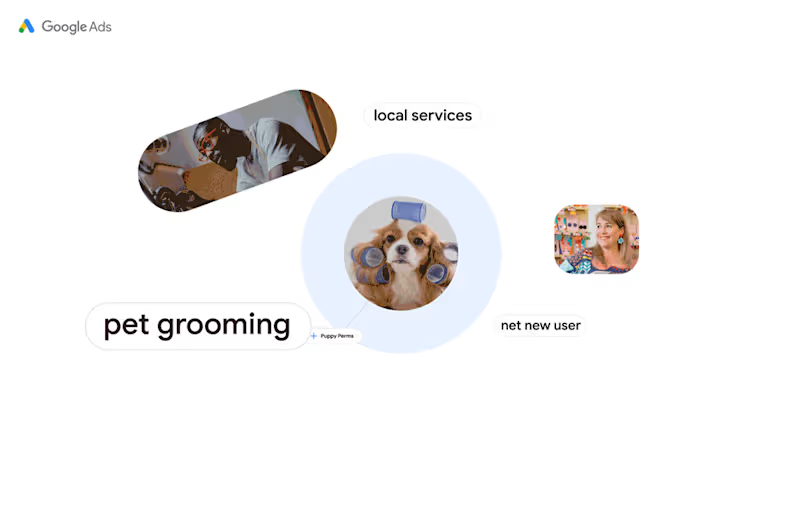
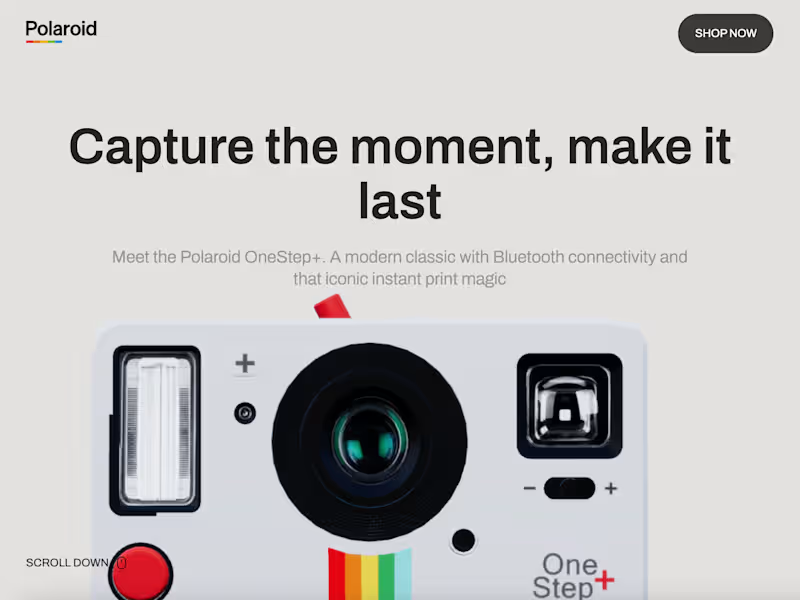
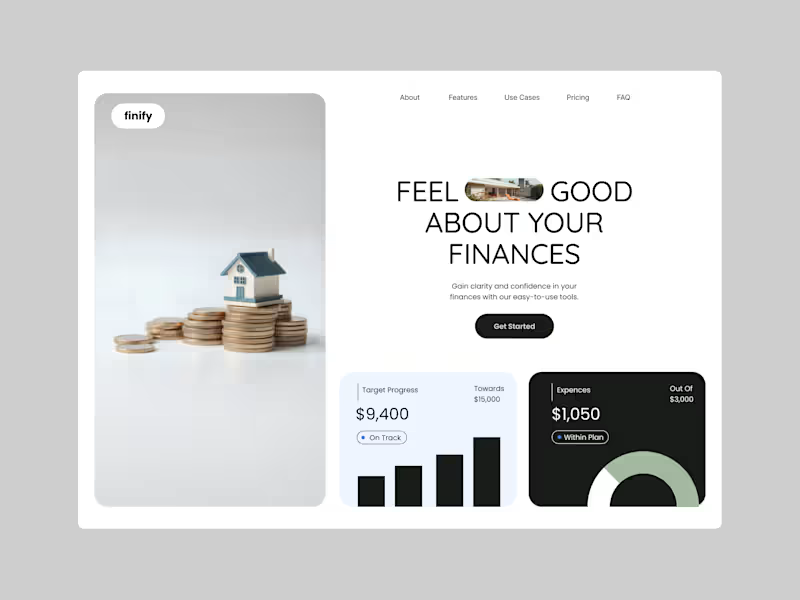
What experience or skills should I look for in a freelance UI designer?
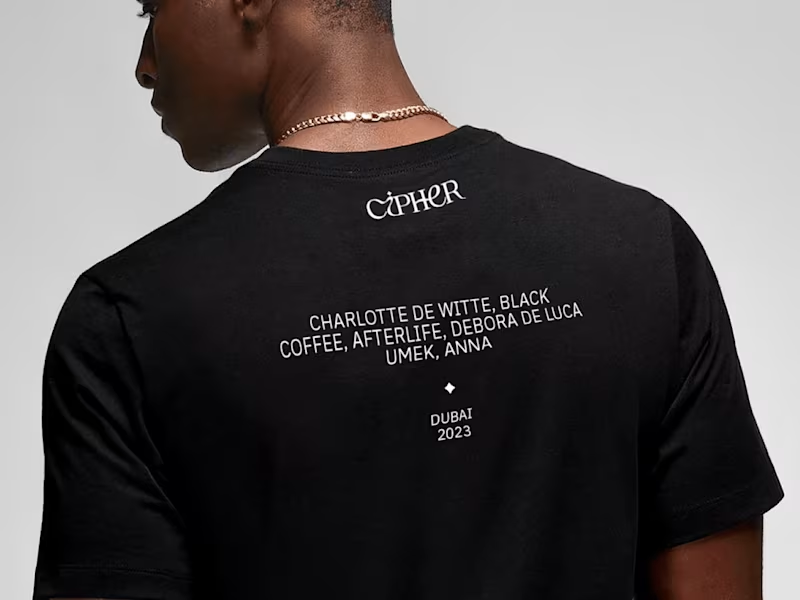
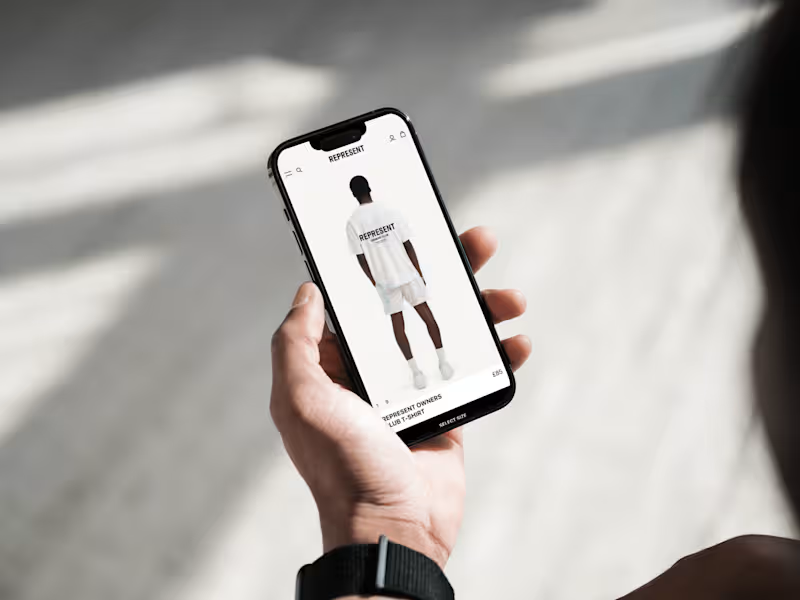
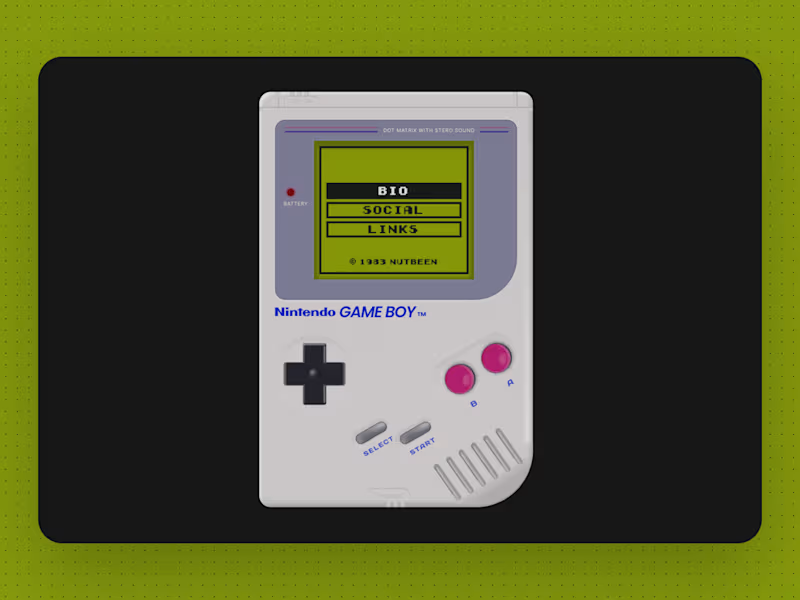
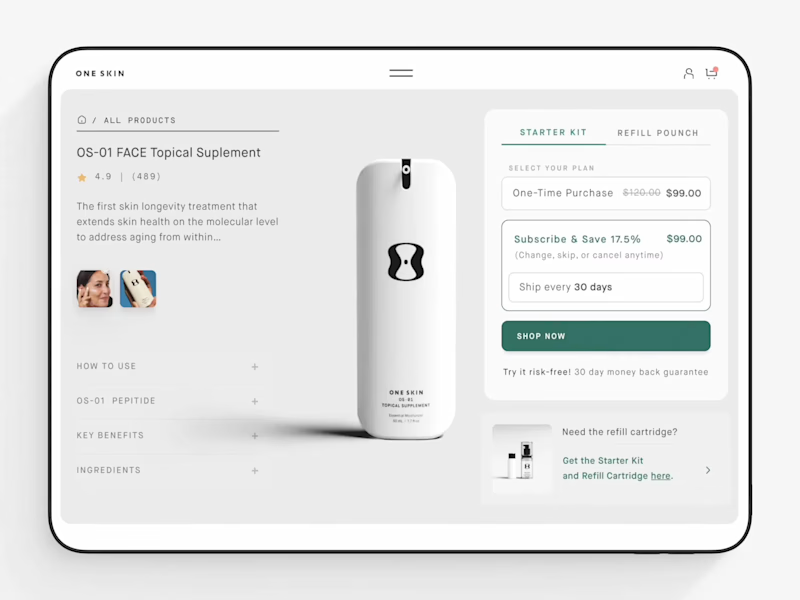
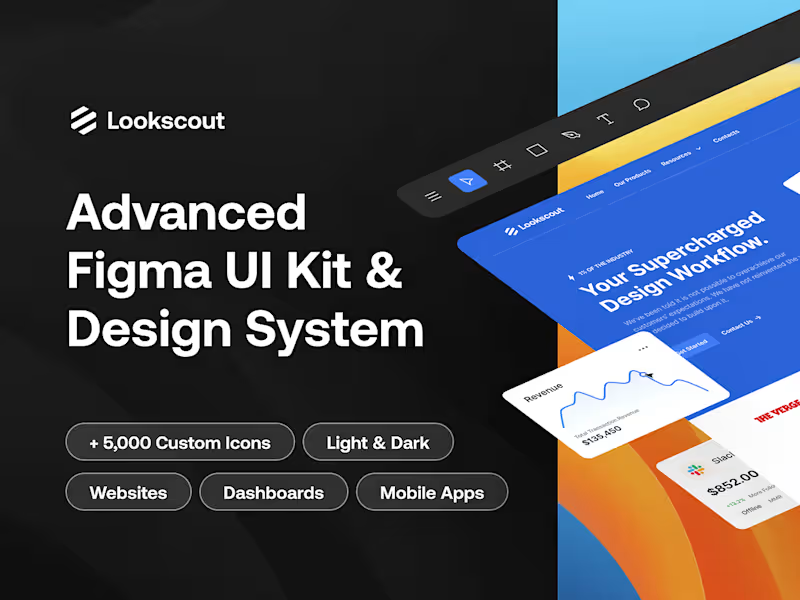
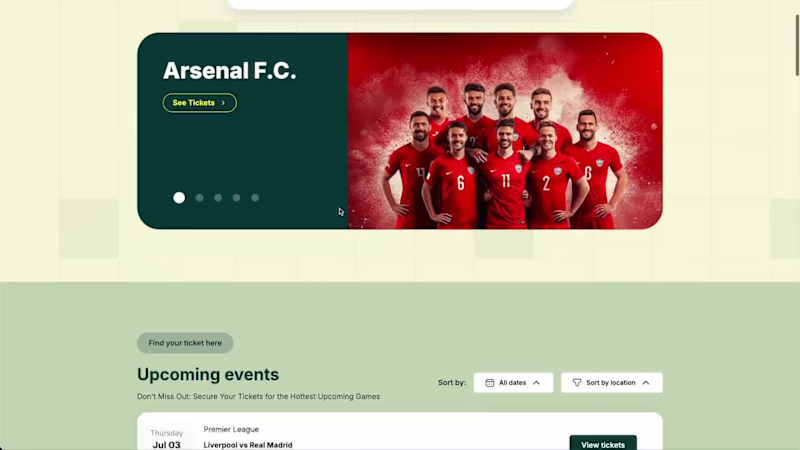
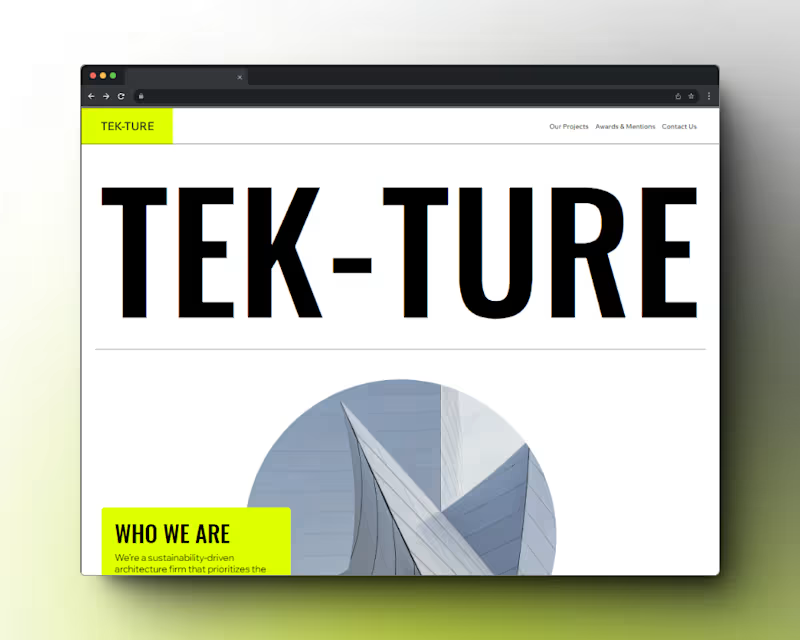
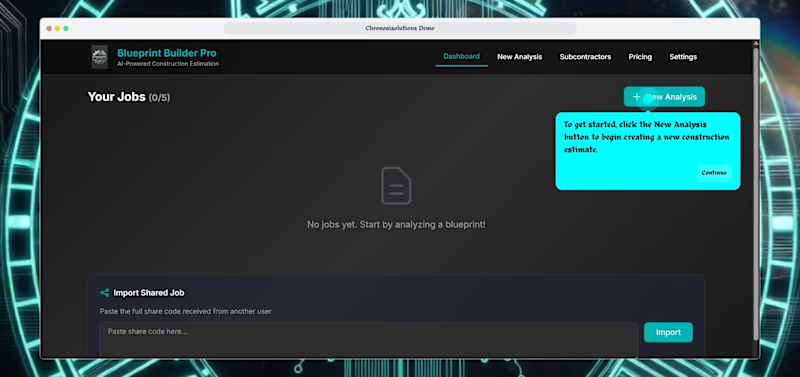
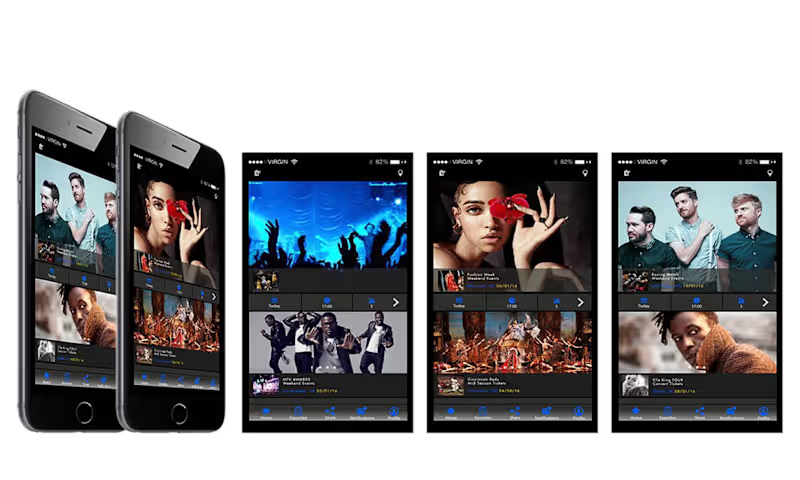
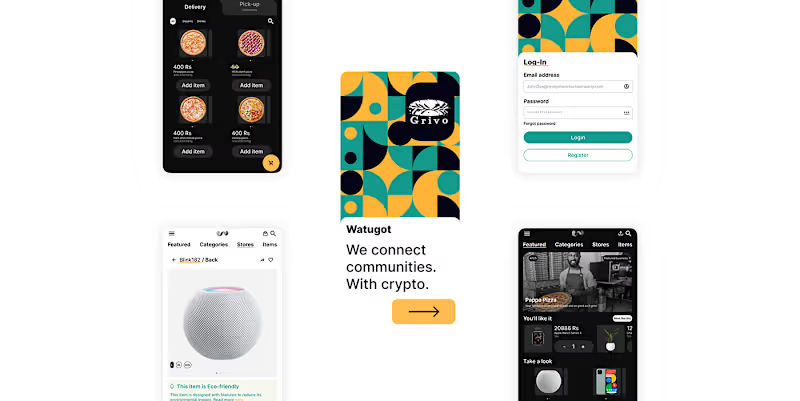
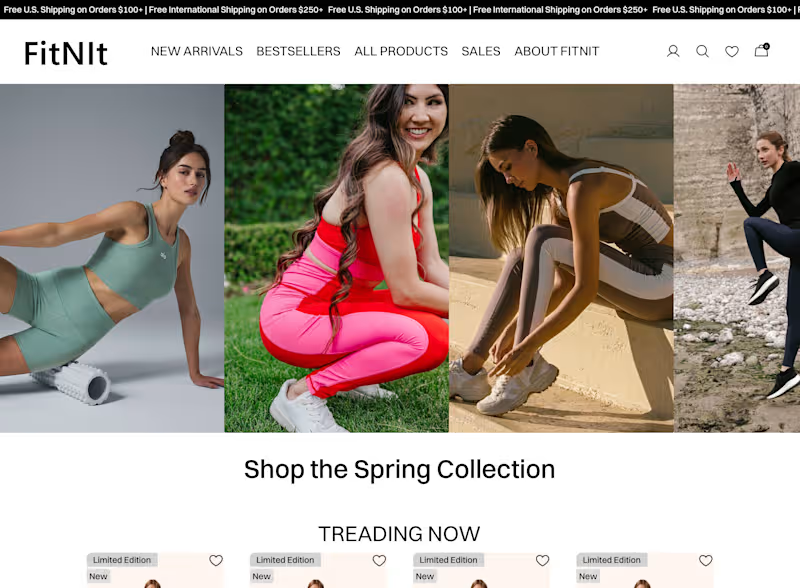
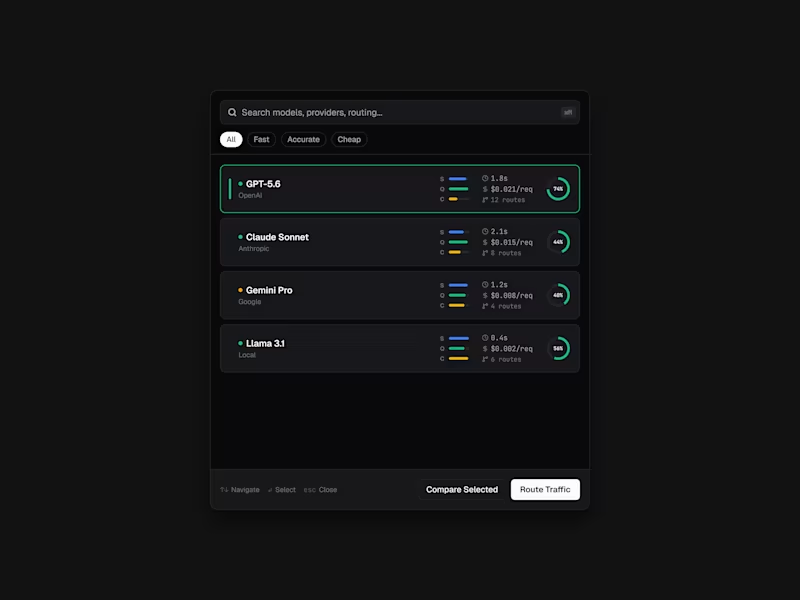
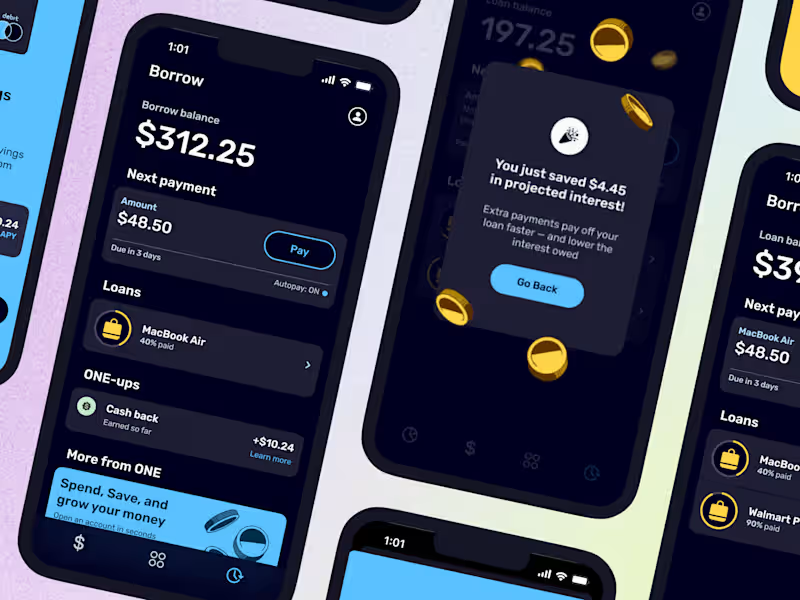
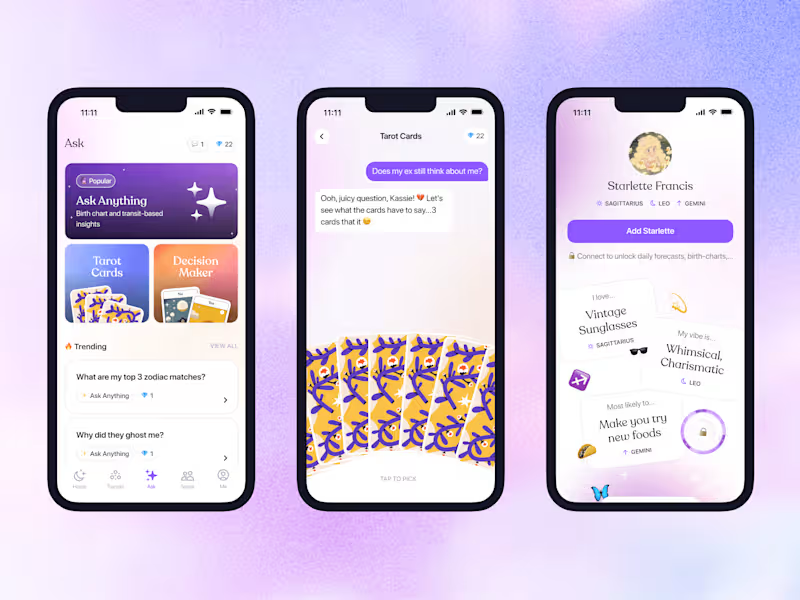
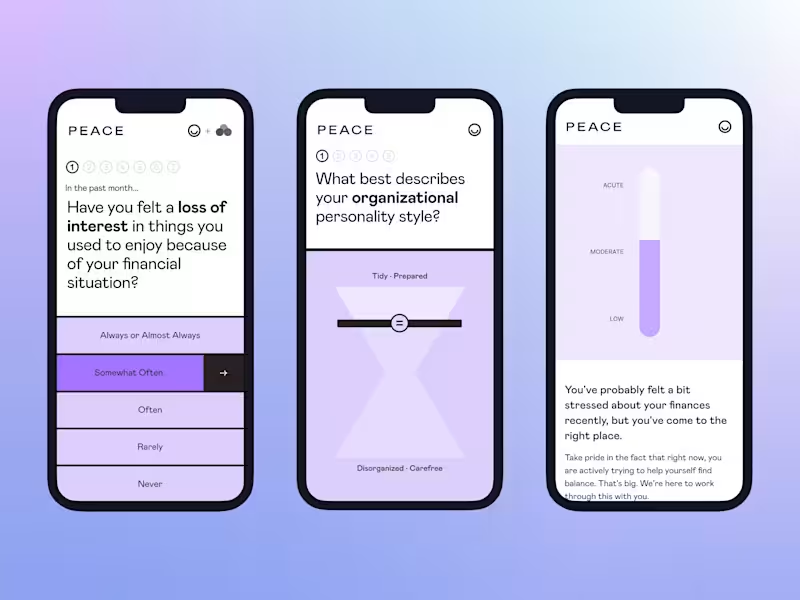
Look for a designer who knows how to create user-friendly designs. They should have experience using design tools like Sketch, Figma, or Adobe XD. Checking their previous work can help see if their style matches your project.
How can I review a UI designer's portfolio effectively?
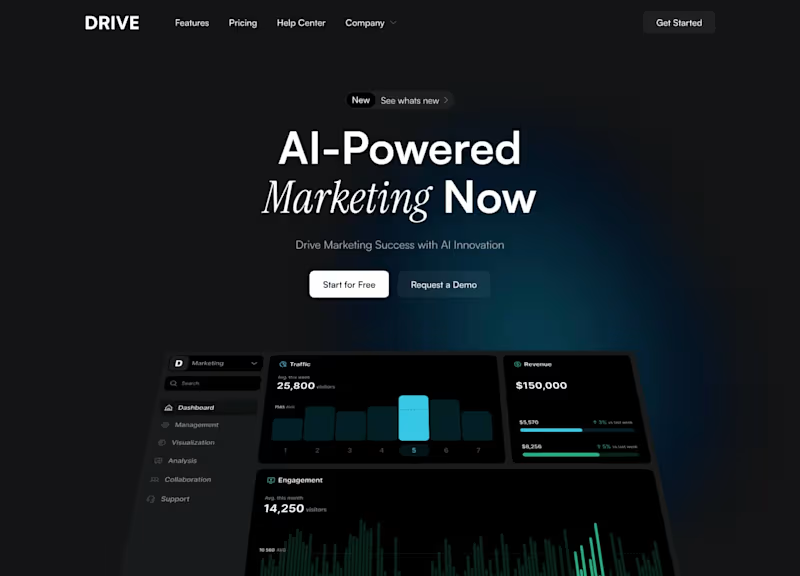
Go through their portfolio to see if you like their design style. Make sure they’ve worked on projects similar to yours before. Look for clear layouts and designs that are easy to use.
What should be included in the project brief for a UI designer?
A good brief should have the project goals and who the users are. Include any brand colors or style guidelines. The more details you share, the better the designer will understand what you need.
How can I ensure the UI designer understands my project requirements?
Have a call or meeting to explain what you need clearly. Make sure the designer asks questions if they’re unsure. Good communication helps avoid misunderstandings.
How do I create a timeline for the UI design project?
Discuss with the designer about how long each part will take. Make a schedule with milestones and deadlines. This helps everyone stay on track and finish on time.
What should the deliverables from a UI designer include?
Deliverables usually include design files, like wireframes and prototypes. Make sure you also get all the assets, such as icons or font files. Ask for the design in a format that works for your development team.
How can I make feedback constructive for a UI designer?
Be specific about what you like and what needs to change. Use positive language and try not to be vague. This helps designers understand how to improve their work.
What’s a good way to set up regular check-ins with a UI designer?
Set up weekly meetings to discuss the project’s progress. Use video calls or emails to keep in touch. This keeps everyone updated and makes it easy to ask questions.
Why is it important to define the scope of the UI design project?
Defining the scope helps avoid surprises later. It means everyone agrees on what work will be done. This also helps the designer plan their time and resources effectively.
Who is Contra for?
Contra is designed for both freelancers (referred to as "independents") and clients. Freelancers can showcase their work, connect with clients, and manage projects commission-free. Clients can discover and hire top freelance talent for their projects.
What is the vision of Contra?
Contra aims to revolutionize the world of work by providing an all-in-one platform that empowers freelancers and clients to connect and collaborate seamlessly, eliminating traditional barriers and commission fees.