What should I include in the project brief when hiring a UI designer?
In your project brief, explain what your project is about and why you need a UI designer. Describe your brand and who your users are. Include details about any specific features or designs you want. Share examples or styles you like. This helps the designer understand your vision and create something you'll love.
How do I evaluate a UI designer's portfolio?
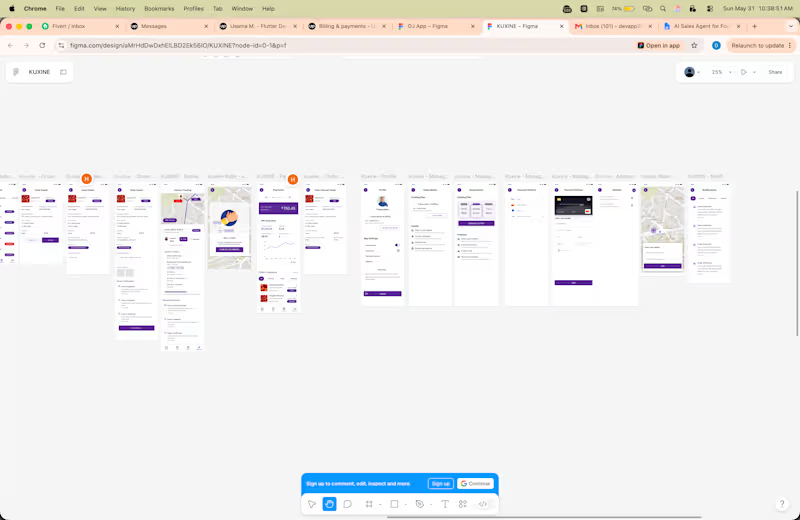
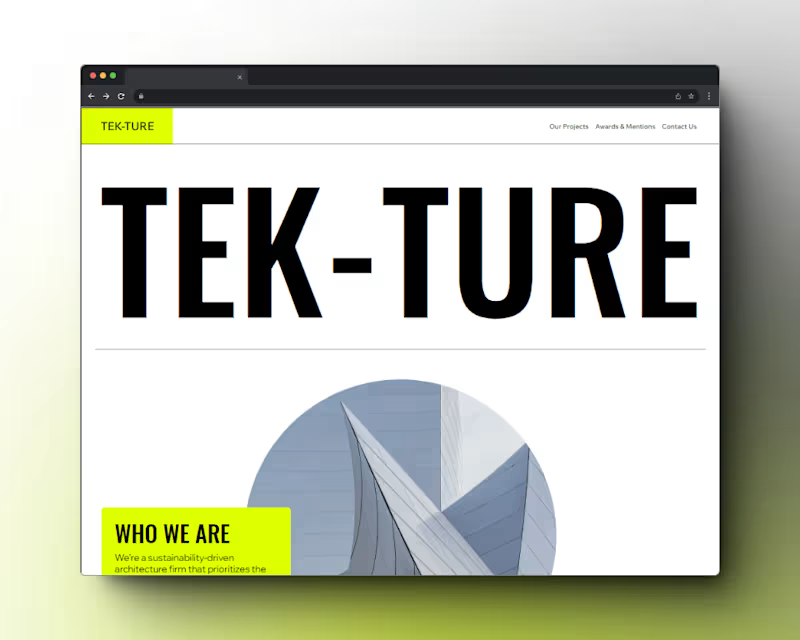
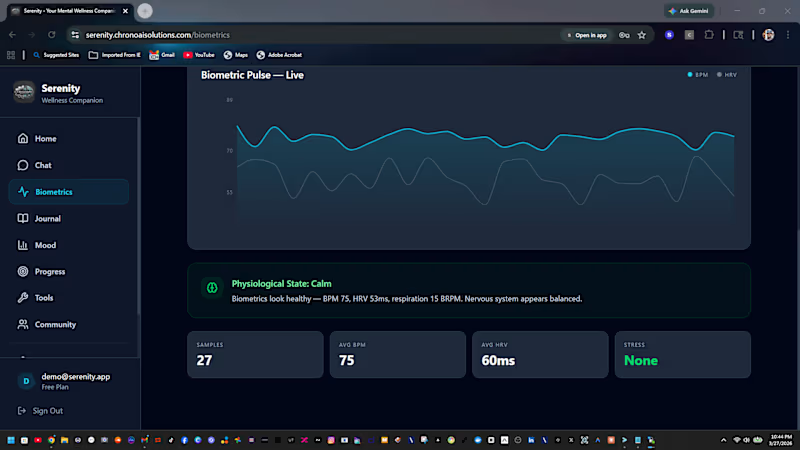
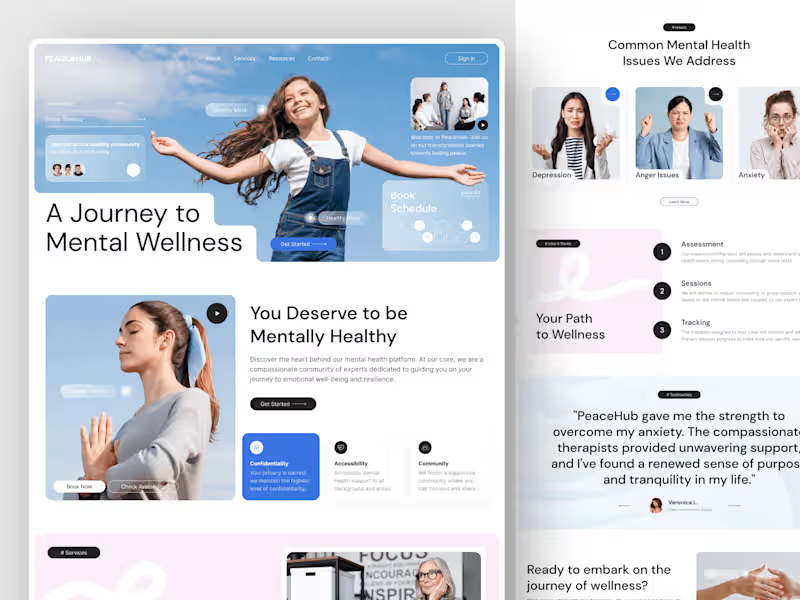
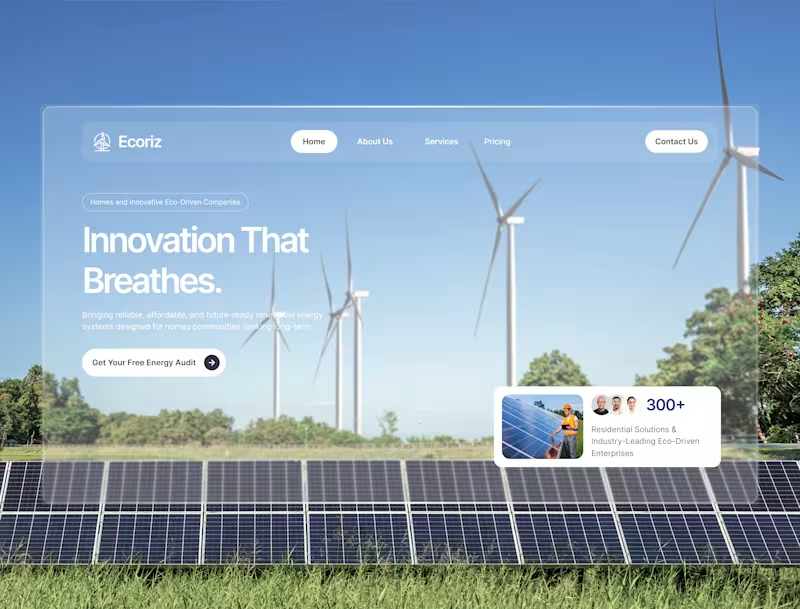
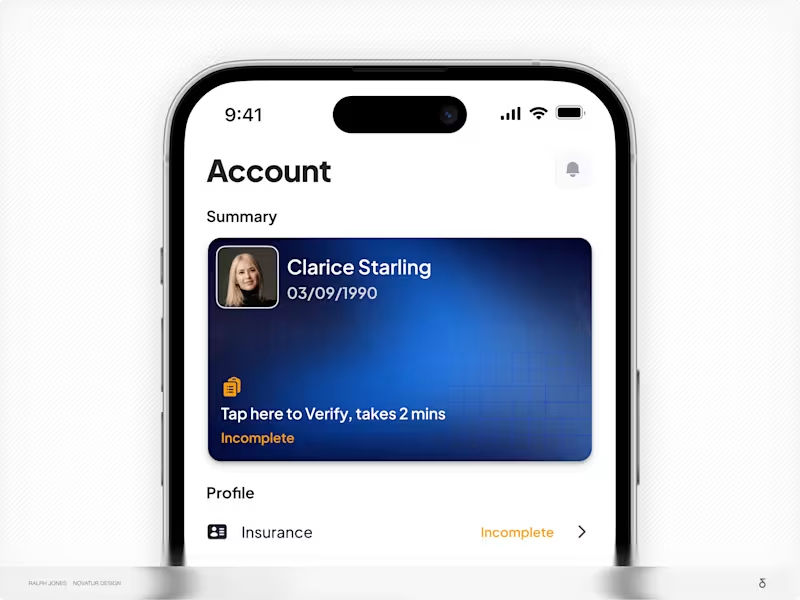
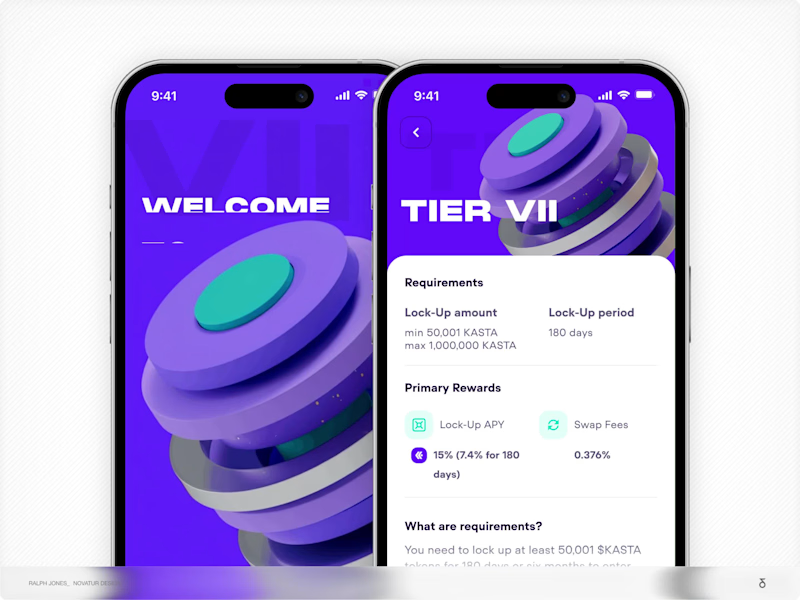
Look at the work they have done before. Check if they have designed apps or websites similar to what you want. See if their style matches what you like. Look for clean design and good user experience. The portfolio should show creativity and problem-solving skills.
Why is it important to discuss deadlines with the designer?
Deadlines help keep the project on track. Talk about when you want the project finished. Make sure the designer can meet your timeline. If they understand your schedule, they can plan their work better. This makes the project run smoothly and everybody knows what to expect.
What deliverables should I expect from a UI designer?
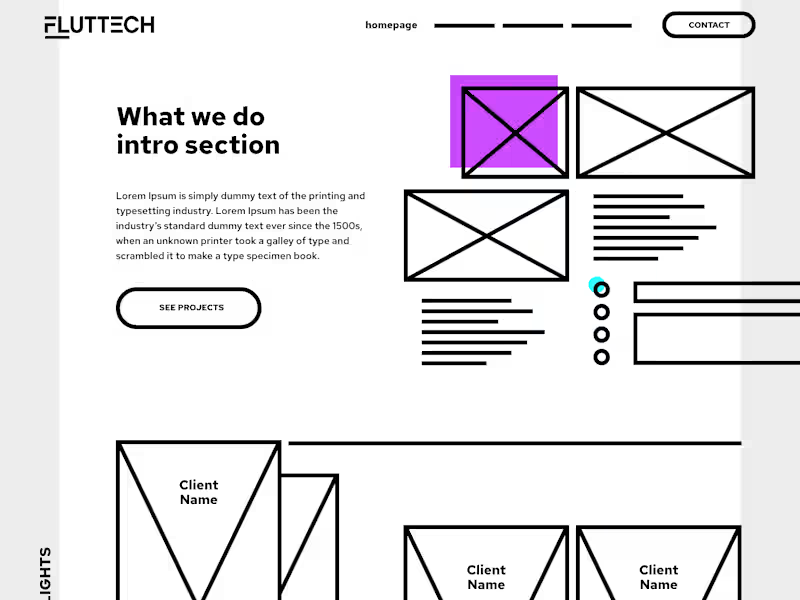
A UI designer usually gives you mockups, prototypes, or design assets. These can be wireframes or high-fidelity designs. Discuss what formats you need, like JPEG, PNG, or source files. Clear expectations help the designer know what to deliver. This ensures you get everything you need for your project.
How can I ensure good communication with the freelancer?
Set up regular check-ins or updates to chat about the project. Decide on the best way to communicate, like email or video calls. Be clear and concise in your messages. Good communication helps both you and the designer stay on the same page. This makes the collaboration more enjoyable and productive.
How do I confirm a designer understands my vision?
Ask the designer to summarize what they understand about your project. This helps see if you both agree. Clear any misunderstandings right away. Share examples or sketches to explain better if needed. This ensures the designer captures your vision from the start.
Why is it important to discuss revisions upfront?
Talking about revisions helps avoid surprises later. Agree on how many changes are allowed before work starts. This lets the designer know how flexible they can be with updates. It also helps them manage their time better. This way, both you and the designer know what to expect if changes are needed.
How can I ensure the designer's work fits with my existing brand?
Share your brand guidelines with the designer. This includes colors, fonts, and logos. Let them know the style and tone of your brand. This helps the designer create something that matches and fits well. It makes sure your new design looks like a part of your existing identity.
What role does feedback play in the design process?
Feedback helps improve the design along the way. Be honest and clear about what you like or want to change. Timely feedback helps the designer make adjustments early on. This keeps the project on track and ensures better results. Everyone benefits from a collaborative approach to feedback.
Who is Contra for?
Contra is designed for both freelancers (referred to as "independents") and clients. Freelancers can showcase their work, connect with clients, and manage projects commission-free. Clients can discover and hire top freelance talent for their projects.
What is the vision of Contra?
Contra aims to revolutionize the world of work by providing an all-in-one platform that empowers freelancers and clients to connect and collaborate seamlessly, eliminating traditional barriers and commission fees.