















How do I know if a freelancer is skilled with Procreate?
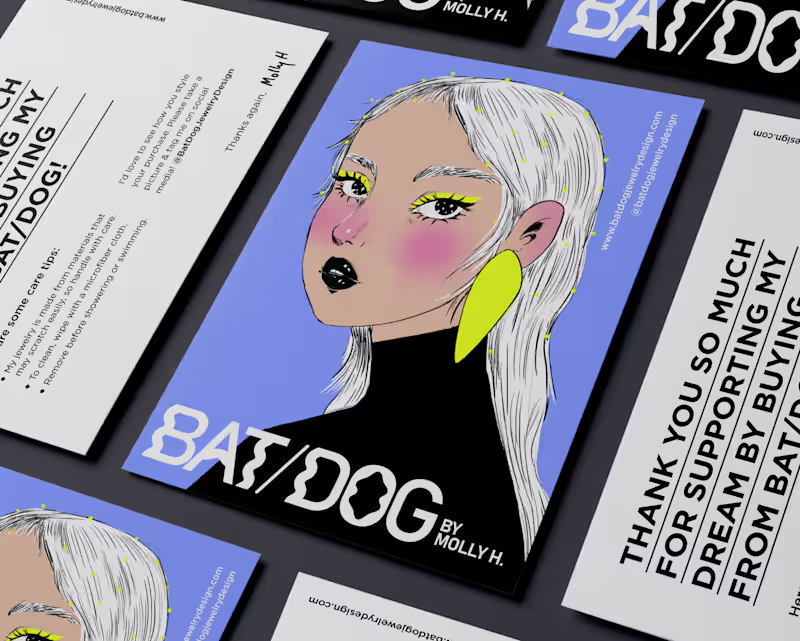
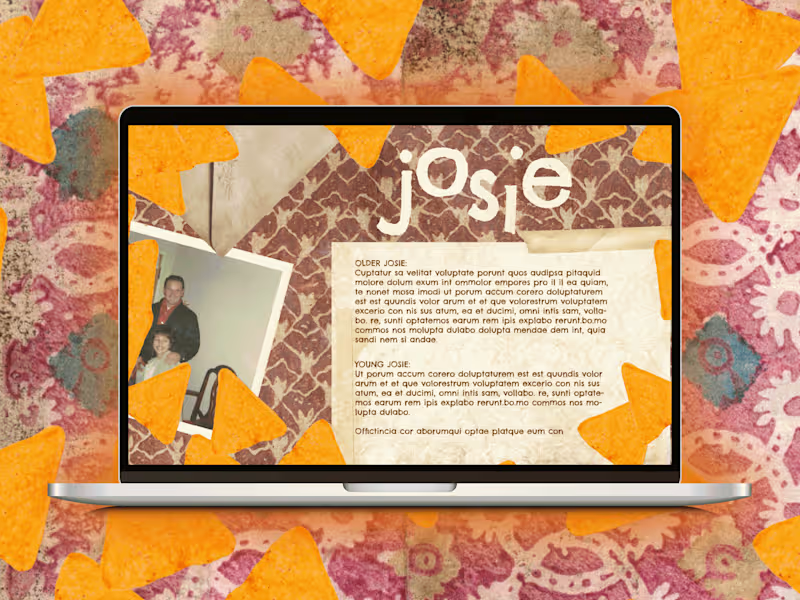
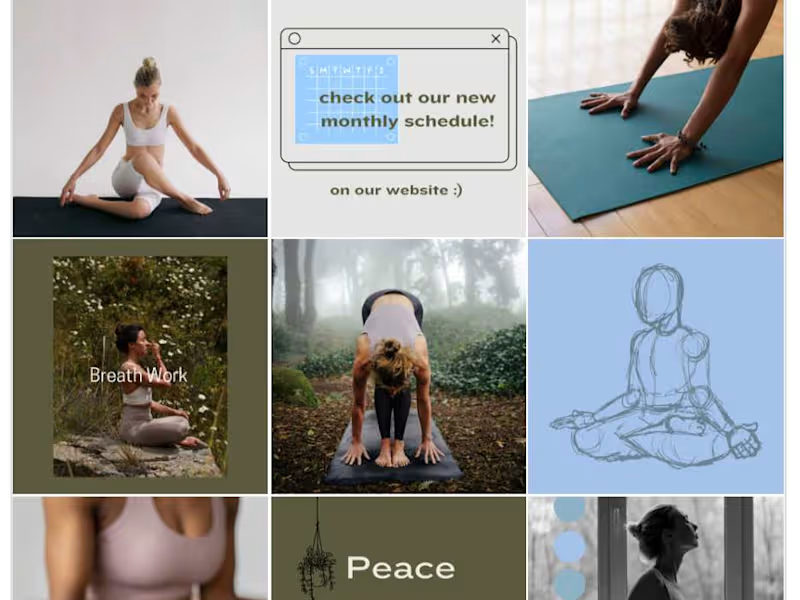
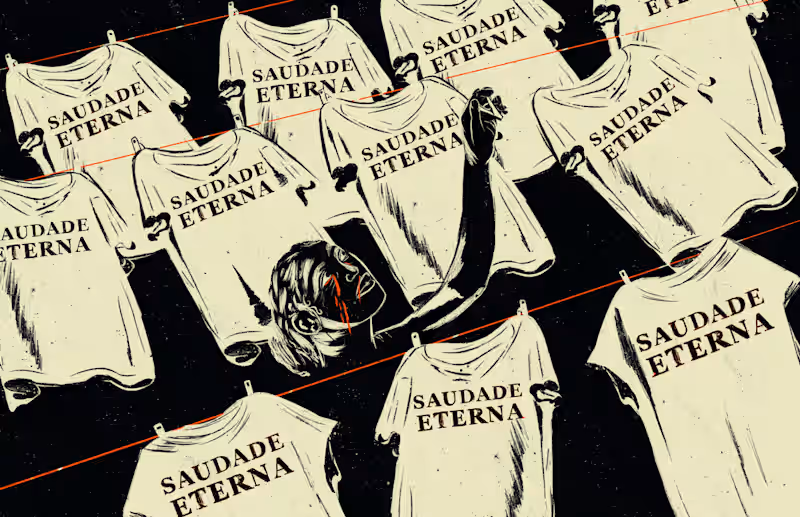
Check their portfolio to see artwork created using Procreate. Look for pieces that show a range of styles and skills. Good Procreate experts usually have clean, detailed, and creative work.
What should I include in the project description for Procreate tasks?
Be clear about what you need, like illustrations or animations. Describe the style or theme. The more details you give, the easier it is for a Procreate expert to know if they can help.
How can I decide on the right deliverables for a Procreate project?
Think about what you need for your project goals. Do you need a single piece of art or many? Should they be high-resolution or simple sketches? Share your ideas with the freelancer to agree on what's best.
How can I estimate how long a Procreate project will take?
Ask freelancers about their typical timeline for similar projects. Look at how complex your project is and consider any deadlines. Remember, more detailed work usually takes more time.
What should I ask before starting a Procreate project with a freelancer?
Discuss the style and look you want. Talk about any color schemes or details that are important. Make sure the freelancer understands your ideas before they start.
How can I use Contra to manage my Procreate project effectively?
Use Contra’s tools to keep track of tasks and communication. Set clear deadlines and milestones. Review the work regularly to make sure everything is going as planned.
What file formats should I ask for when the Procreate project ends?
Decide if you need the editable files, like a Procreate file, or exports like PNG or JPEG. Editable files let you make changes later. Be sure to tell the freelancer what formats you need.
How can I ensure my Procreate project is ready for review by a deadline?
Agree on check-ins and progress updates with your freelancer. Set dates for when parts of the work should be done. This helps keep the project on track and allows time for changes if needed.
What are important communication tips when working with a Procreate freelancer?
Be clear and polite when sharing feedback. Use examples to show what you like. Regular updates help keep everyone on the same page.
Who is Contra for?
Contra is designed for both freelancers (referred to as "independents") and clients. Freelancers can showcase their work, connect with clients, and manage projects commission-free. Clients can discover and hire top freelance talent for their projects.
What is the vision of Contra?
Contra aims to revolutionize the world of work by providing an all-in-one platform that empowers freelancers and clients to connect and collaborate seamlessly, eliminating traditional barriers and commission fees.