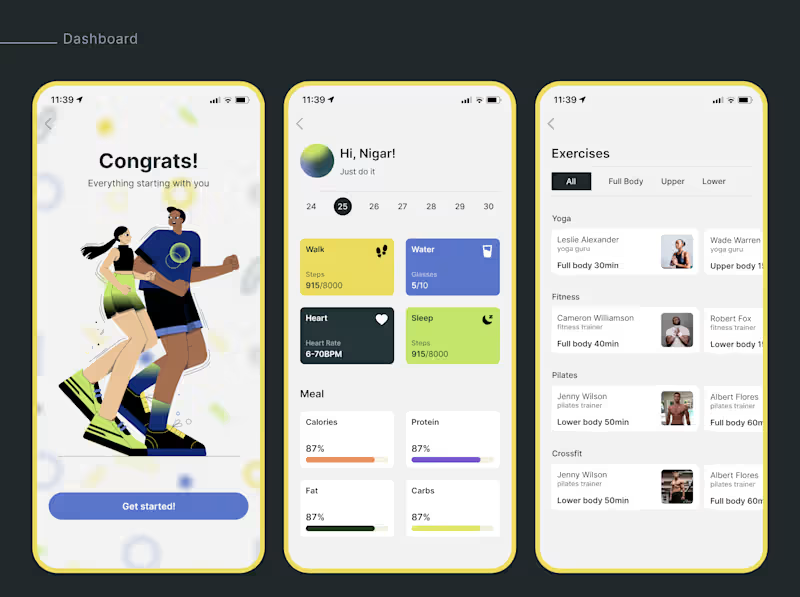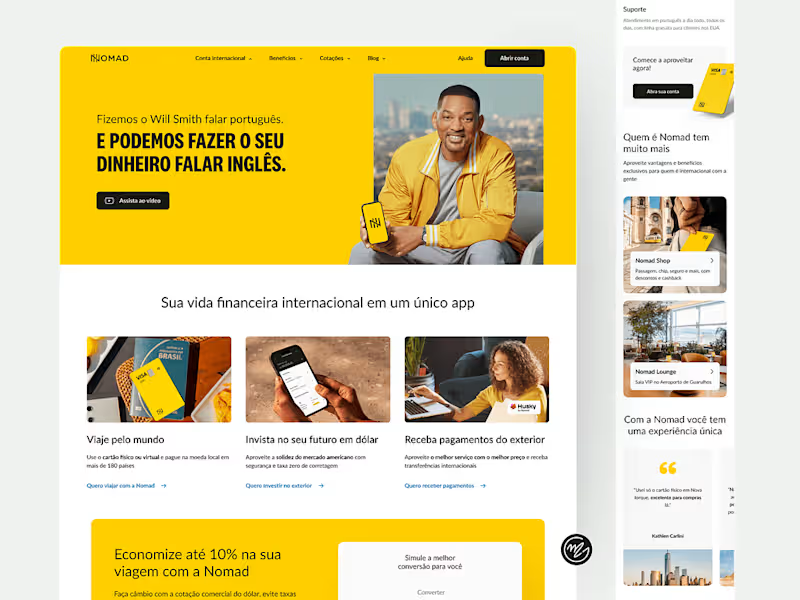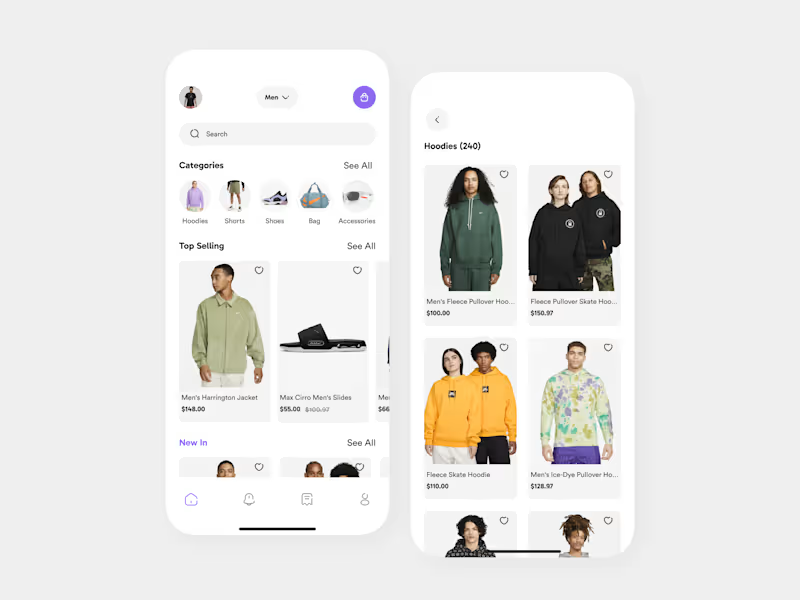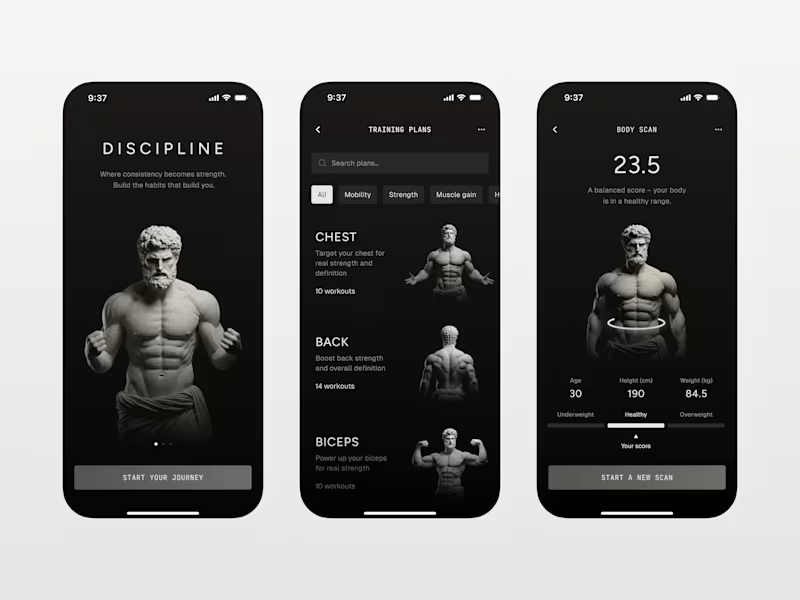


















What skills should I look for when hiring a mobile designer on Contra?
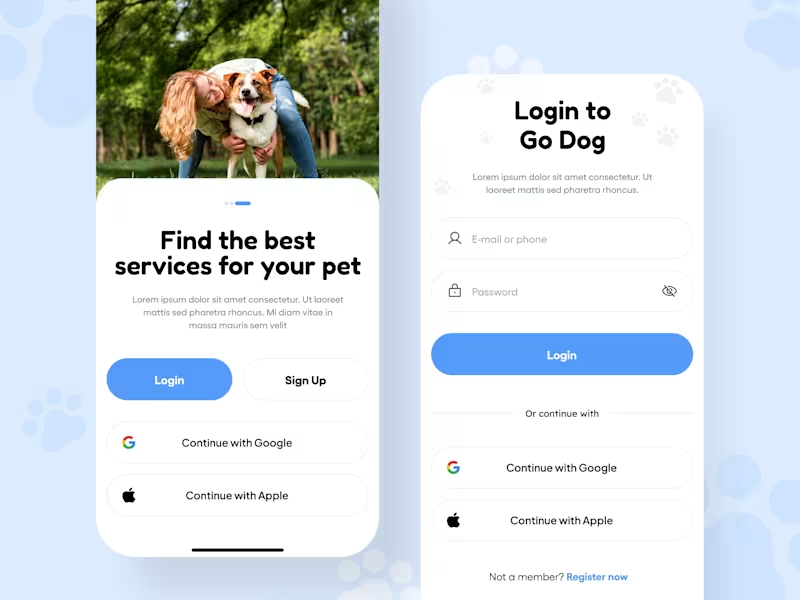
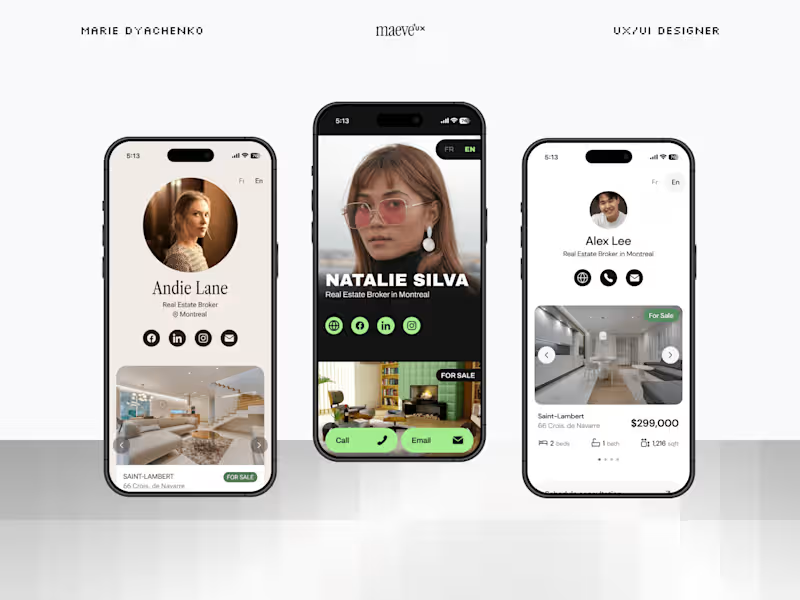
Look for skills in UI/UX design, prototyping, and user-centered design. They should know how to use design tools like Sketch or Figma. Make sure they have experience designing for both iOS and Android platforms to ensure they can create apps that work well on any phone.
How can I assess a freelance mobile designer’s portfolio?
Check if their designs are clean, user-friendly, and modern. Look at past projects to see if they can make apps that look good and are easy to use. It’s also important that their designs match your brand’s style and values.
What should I include in my project brief to hire the perfect mobile designer?
List your goals, the target audience, and any specific features you want in the app. Use clear and simple language so the designer knows exactly what you need. Providing examples of designs you like can also help the designer understand your preferences.
What steps should I follow to agree on project deliverables?
Start by discussing the overall project goals and then break them down into smaller tasks. Together with the designer, agree on what should be delivered and by when. Make sure both sides are clear about these expectations to avoid confusion later.
How can I make sure the freelance designer understands my brand?
Share your brand guidelines, including colors, fonts, and logos. Talk about what makes your brand unique and any values you want the app to reflect. The more the designer knows about your brand, the better they can create designs that fit.
How can I create a good communication plan with a mobile designer?
Set a regular meeting schedule, like weekly check-ins, to discuss progress and updates. Use simple tools like emails, chats, or project management apps to stay in touch. Agree on how quickly both sides should respond to messages for smooth communication.
What is the best way to review and give feedback on mobile designs?
Provide feedback in a timely manner and be clear about what you like or want changed. Use positive language and be specific with your suggestions so the designer knows what to improve. It can be helpful to use screenshots or markups to show exactly what you mean.
How do I know if the project is ready to go live?
Check if all the design elements are in place and work smoothly across devices. Make sure to test the app with a few users to see if it’s easy to use and meets your goals. Once you and the designer are happy with how it works, it’s time to launch!
What should I do if I want to make changes after the project has started?
Talk to the designer right away about the changes you’re considering. Make sure the new changes fit into the original project scope or timeline. Working together with the designer, you can adjust plans to include these updates smoothly.
How can I ensure smooth onboarding for the freelancer?
Provide all necessary information and access to tools they need right from the start. Introduce them to key people they may be working with, like developers or marketing folks. A warm welcome helps them feel comfortable and ready to begin designing your mobile app.
Who is Contra for?
Contra is designed for both freelancers (referred to as "independents") and clients. Freelancers can showcase their work, connect with clients, and manage projects commission-free. Clients can discover and hire top freelance talent for their projects.
What is the vision of Contra?
Contra aims to revolutionize the world of work by providing an all-in-one platform that empowers freelancers and clients to connect and collaborate seamlessly, eliminating traditional barriers and commission fees.