How do I define the scope of work to a Canva expert?
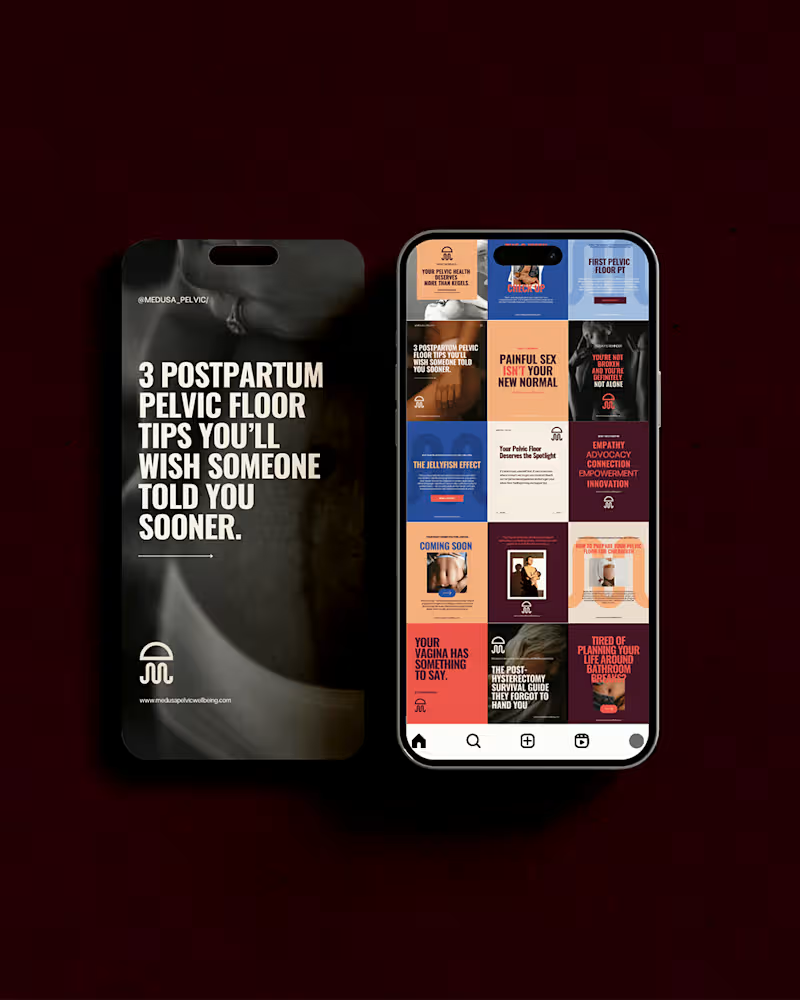
Clearly explain what you need. Make a list of all the things you want them to create, like logos or social media posts. This helps the Canva expert know exactly what you want them to do.
What should I look for in a Canva expert's portfolio?
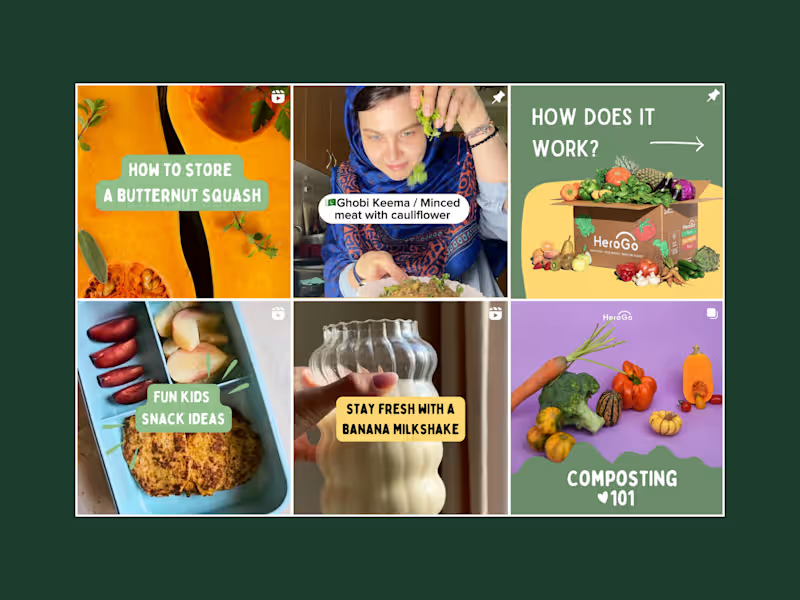
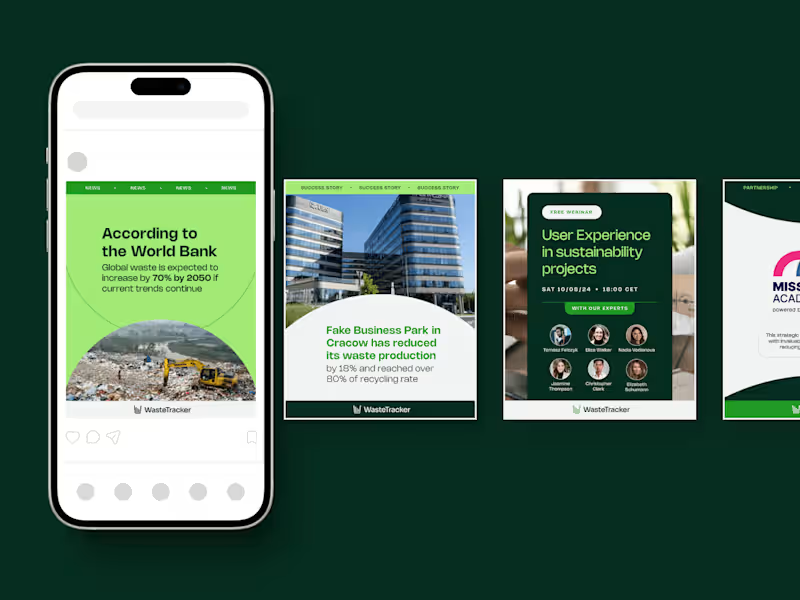
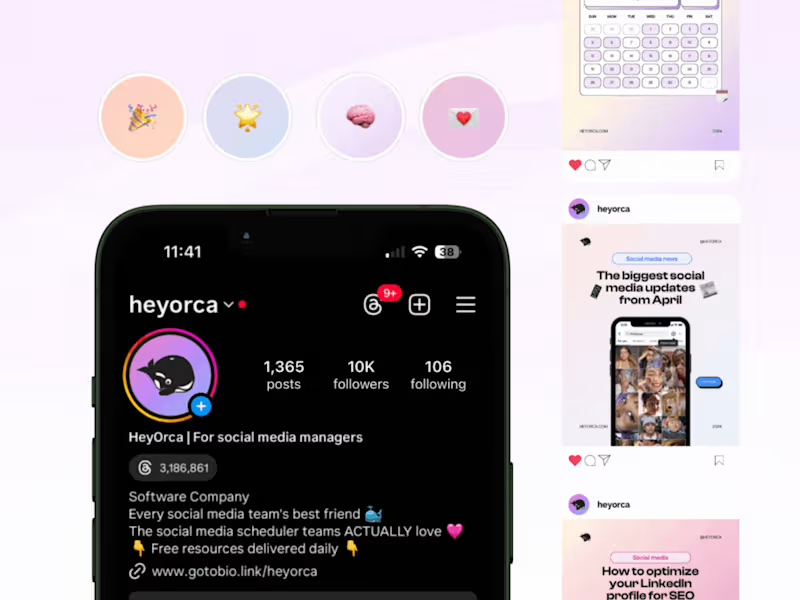
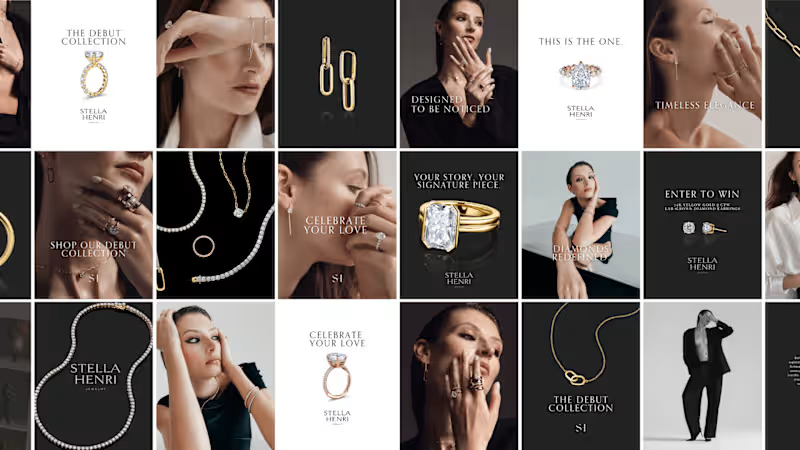
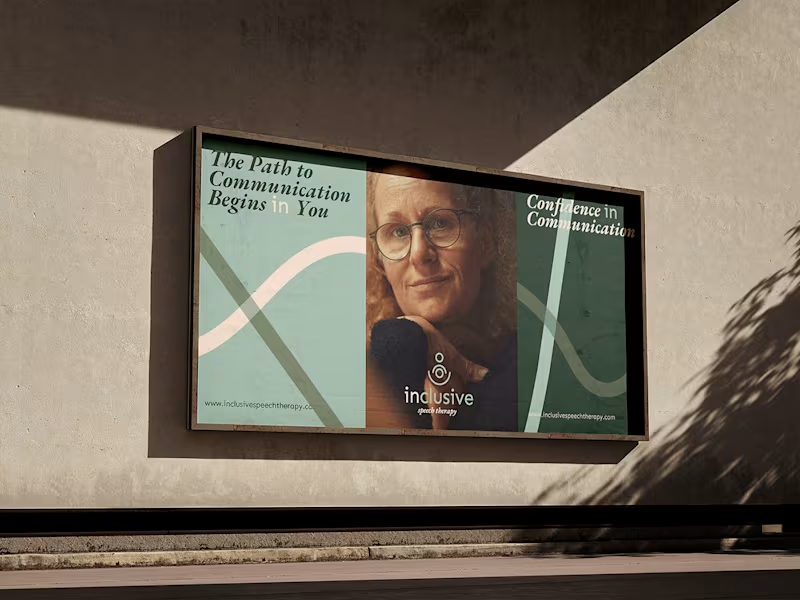
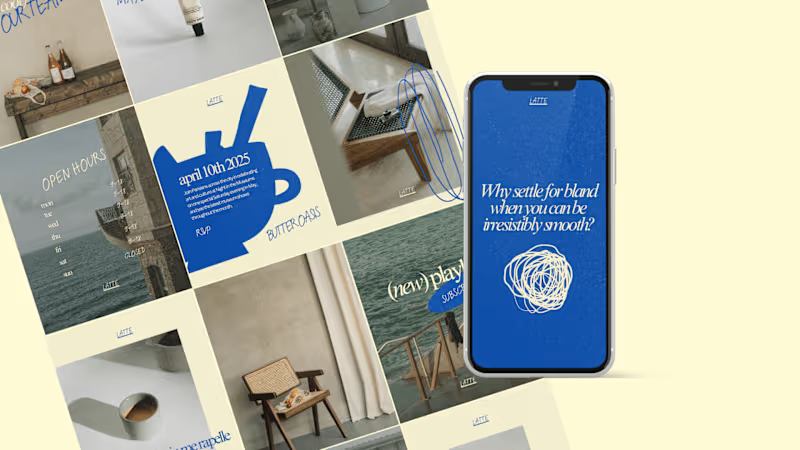
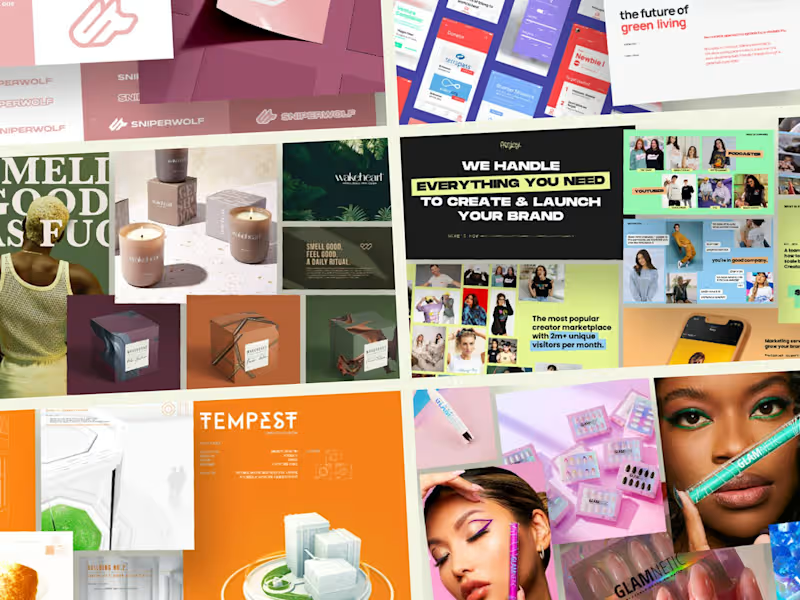
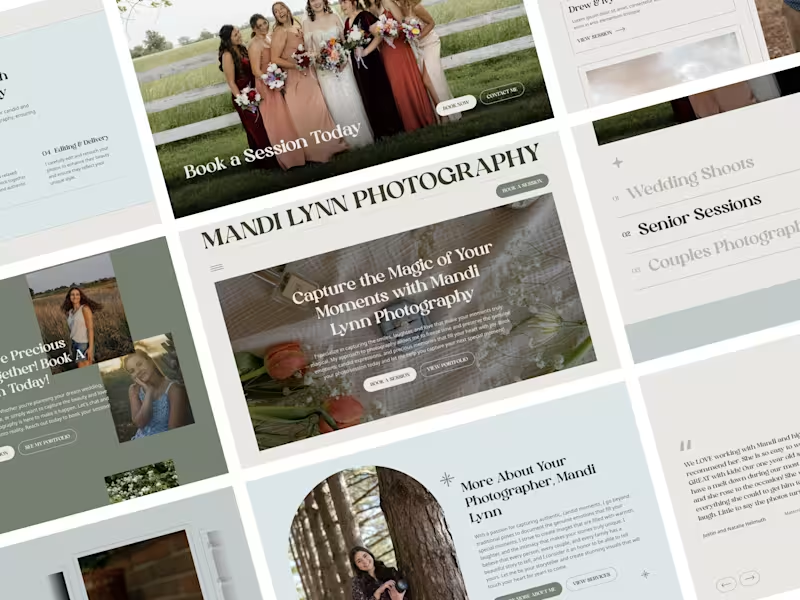
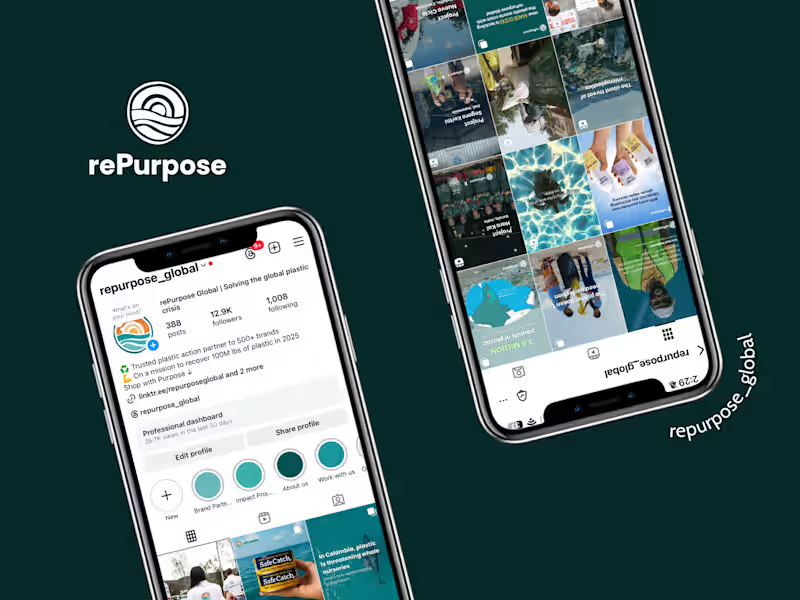
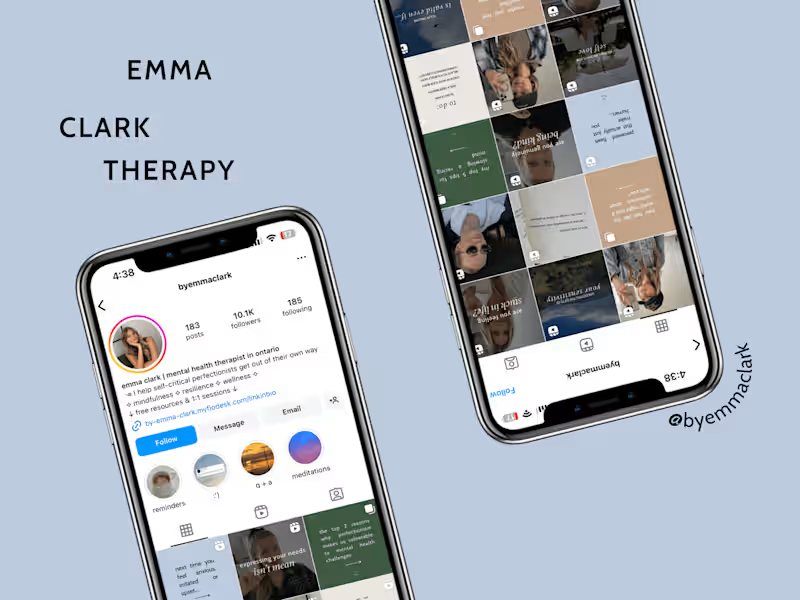
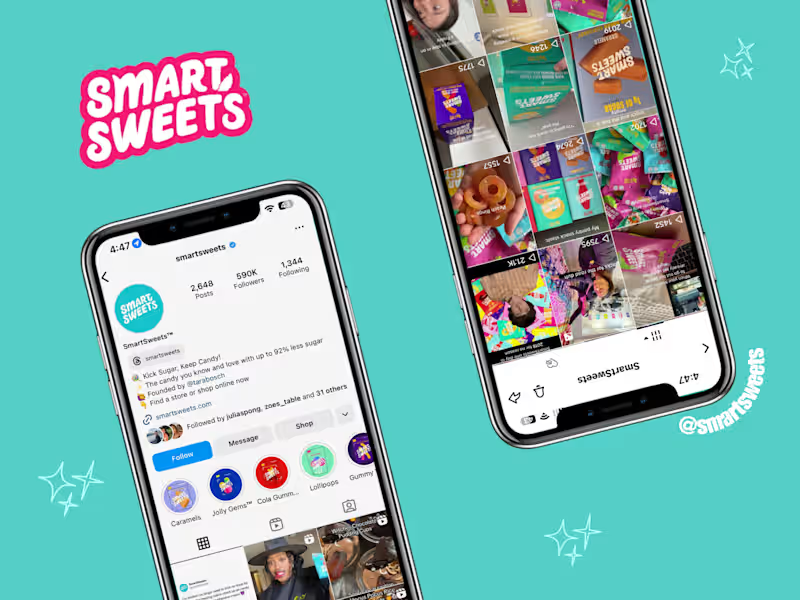
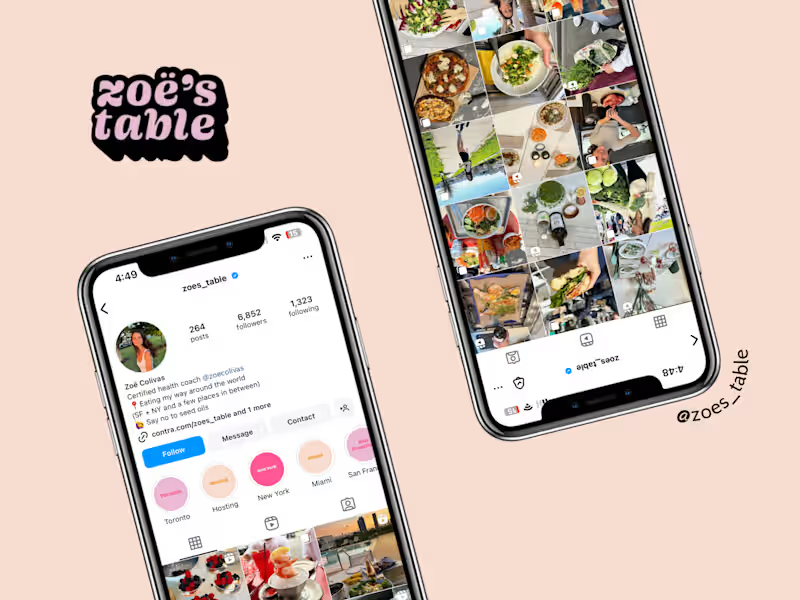
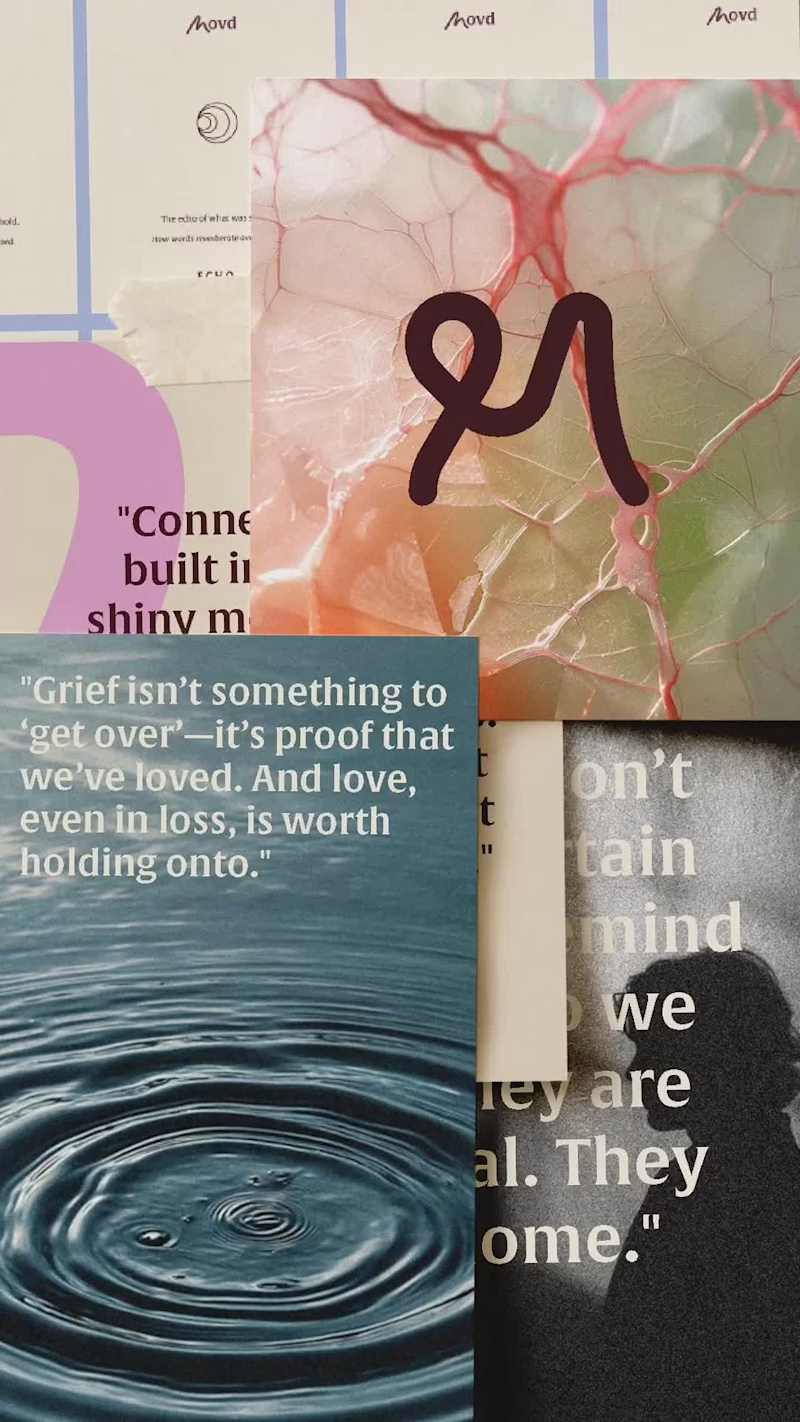
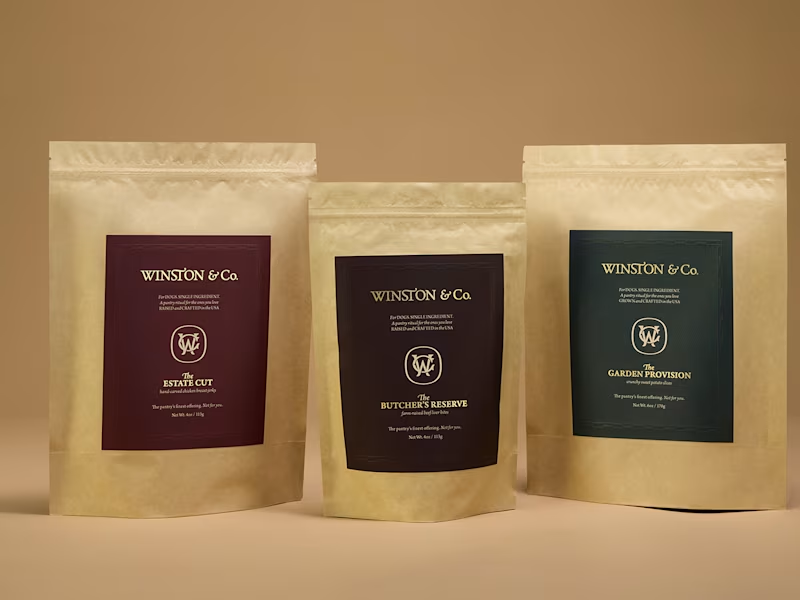
Look for examples of the kind of work you need. Check if they have made similar designs before. This shows they know how to create what you need.
How can I ensure the Canva expert understands my brand?
Share your brand guidelines and examples of designs you like. This helps them know your style. It is important to have the same idea about what looks good.
What information should I provide for a Canva project?
Give all the details about your project. This includes text, images, and color preferences. Clear instructions help the expert make what you want.
How do I set a timeline for the designs with a Canva expert?
Talk about when you need the designs. Set dates for when drafts and final versions should be done. This helps both of you stay on track.
How can I agree on deliverables with a Canva expert?
List what you want them to deliver, like a certain number of graphics. Have a clear agreement with the expert. This makes sure you both know what the end goal is.
What's the best way to communicate with a Canva expert?
Decide on how you will talk, like through email or video calls. Regular check-ins are helpful. Clear communication helps the project run smoothly.
How do I give feedback on designs from a Canva expert?
Give honest and clear feedback. Point out what you like and what you want changed. This helps the designer make the perfect designs for you.
What should I consider for licensing and rights on Canva designs?
Make sure you talk about who owns the designs. It is important to know what you can do with them. Getting this clear avoids misunderstandings later.
How can I request revisions from a Canva expert?
Ask for changes if something is not right. Be specific about what needs to be different. Revisions help get the designs just the way you want them.
Who is Contra for?
Contra is designed for both freelancers (referred to as "independents") and clients. Freelancers can showcase their work, connect with clients, and manage projects commission-free. Clients can discover and hire top freelance talent for their projects.
What is the vision of Contra?
Contra aims to revolutionize the world of work by providing an all-in-one platform that empowers freelancers and clients to connect and collaborate seamlessly, eliminating traditional barriers and commission fees.