What should I consider when looking to hire an 'Adobe Suite' expert?
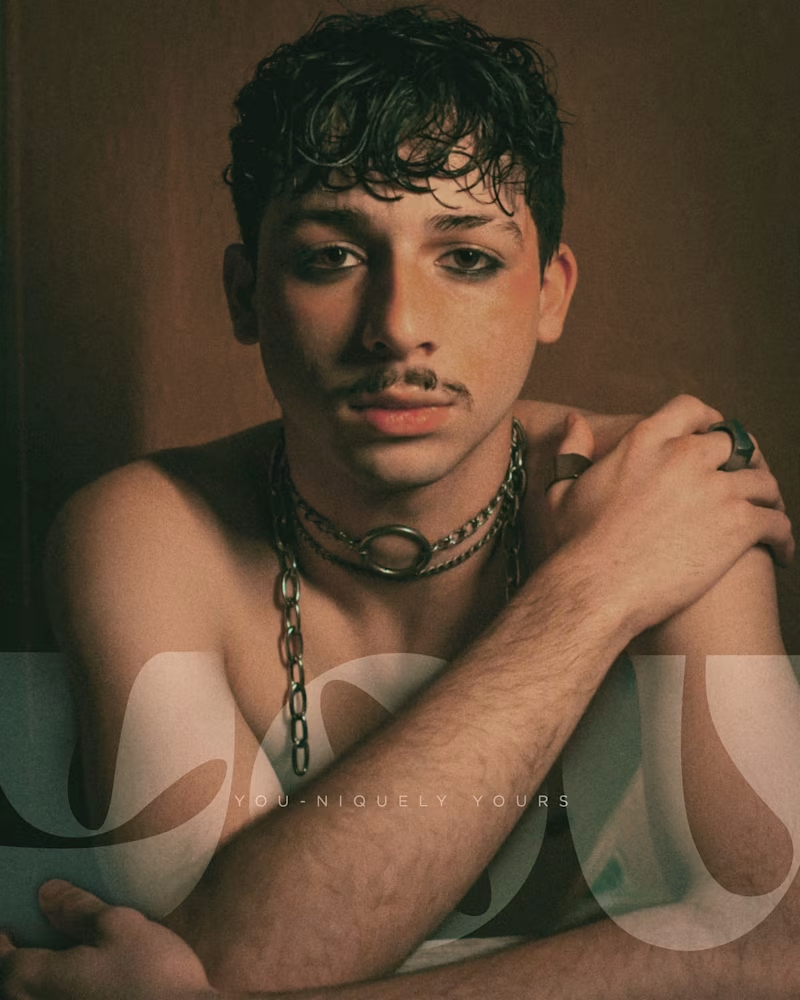
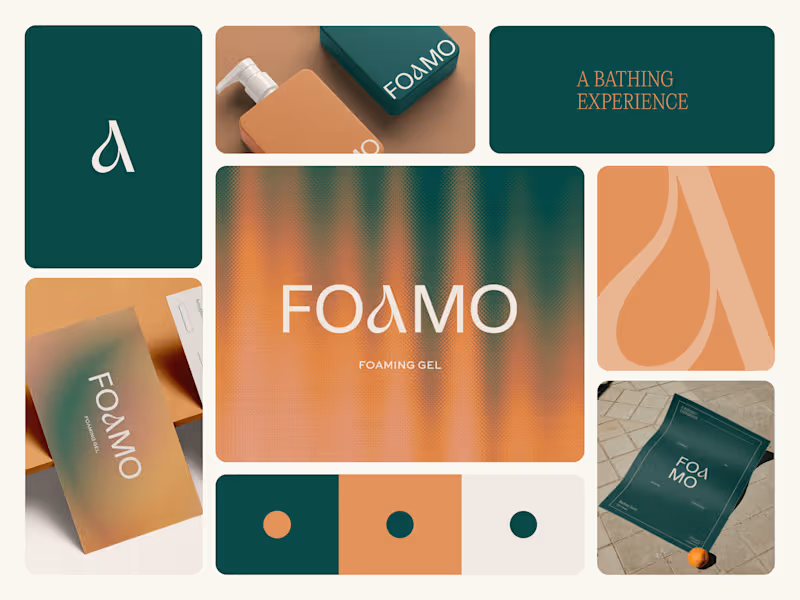
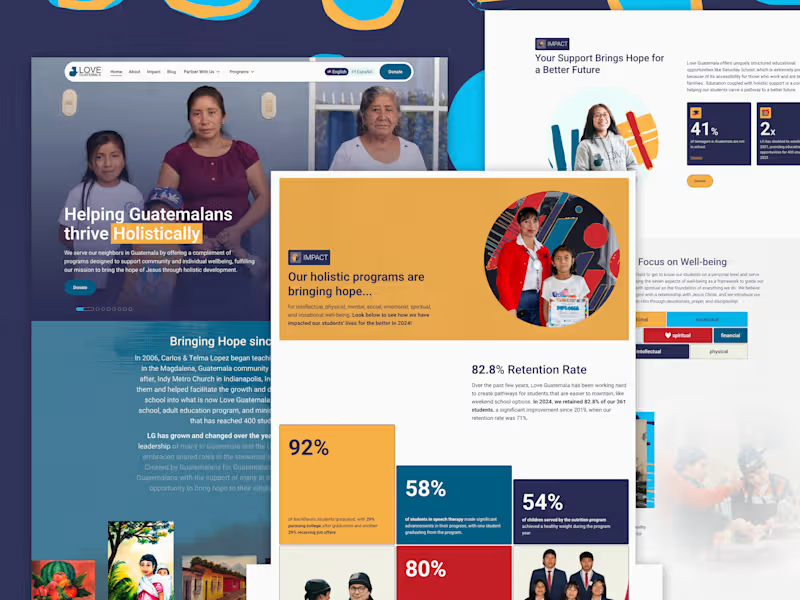
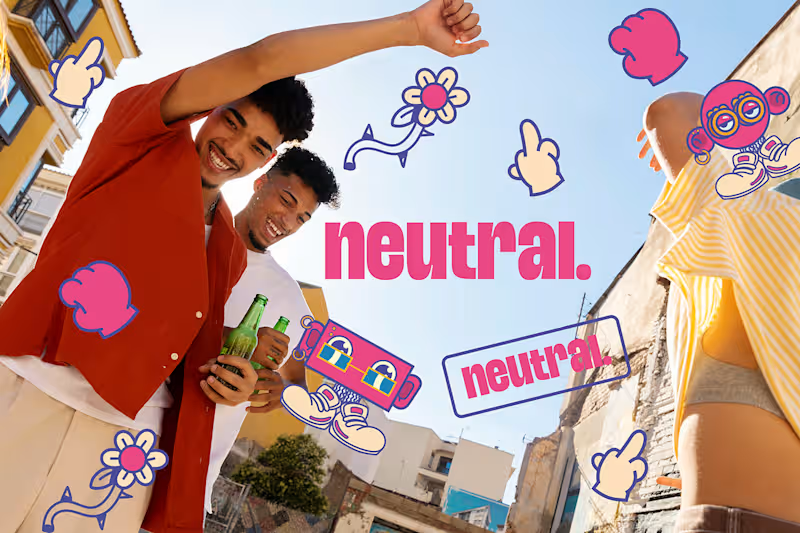
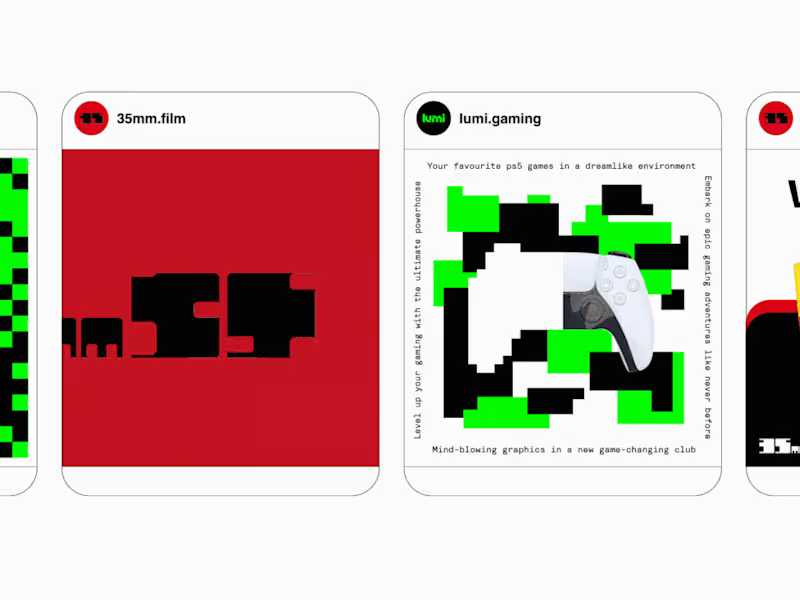
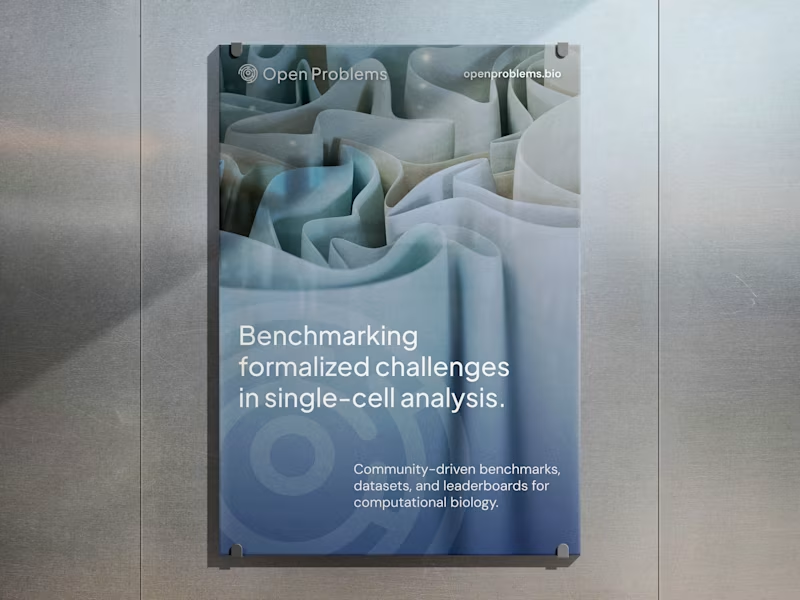
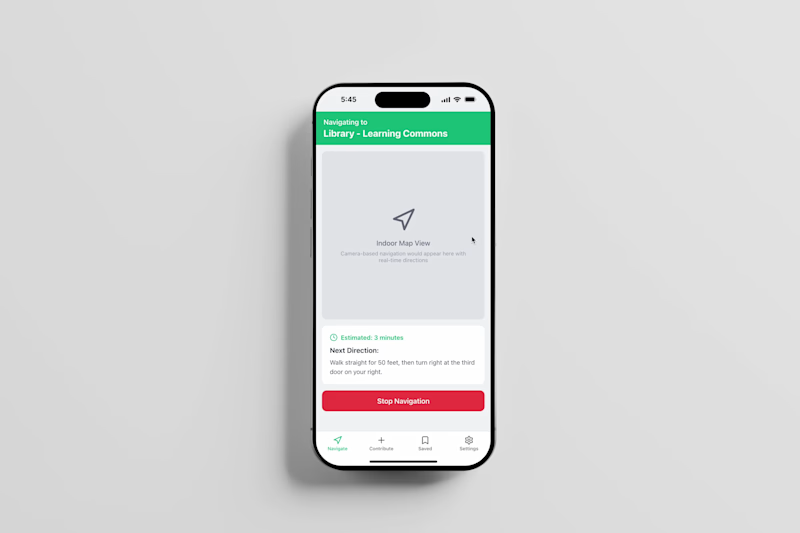
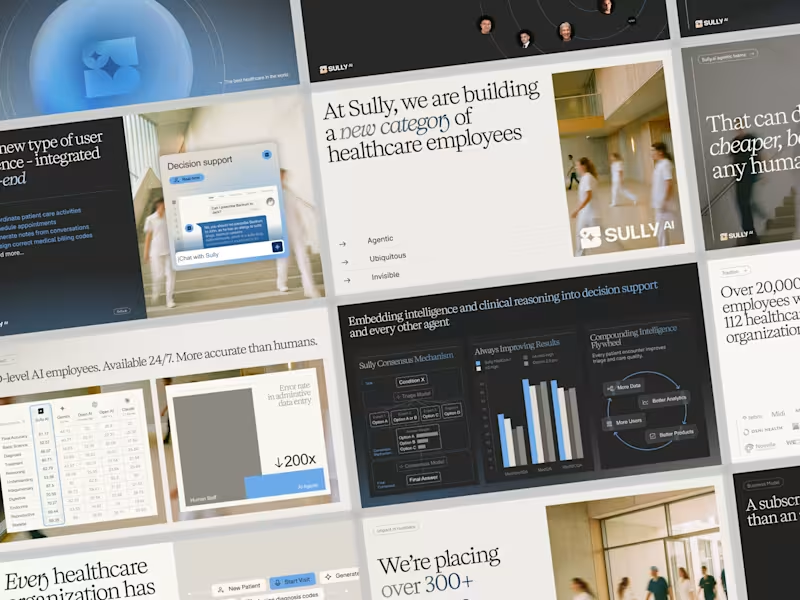
First, make sure the freelancer has a strong portfolio showing work using Adobe Suite tools. Look for examples that match the kind of project you need done, like logo design or video editing. It's also important to check their client reviews for feedback on past projects.
How can I be sure they use the Adobe Suite skillfully?
Ask about their experience with specific Adobe Suite programs like Photoshop, Illustrator, or Premiere Pro. Consider if they have certifications or education related to these tools. This will give you confidence in their ability to manage your project.
How do I set clear project goals with an Adobe Suite expert?
Spend time explaining your vision and the results you want. Both the design style and the timeline are important. Make sure you both agree on key milestones and deadlines to avoid confusion later.
What should I include in the project brief for an Adobe Suite project?
Include details about the project scope, like what kind of designs or edits are needed. Mention any specific software or techniques they should use. Be clear about deadlines and what successful completion looks like.
How can I tell if their past work fits my project needs?
Review the freelancer's portfolio for projects similar to yours. This helps you know if they can meet your needs. You can also ask them about the process they followed for those projects.
How can I ensure good communication during the project?
Agree on how often you will check in and review progress. Decide if you’ll communicate through messages, calls, or video chats. Clear communication helps ensure the project runs smoothly and stays on track.
Why is it important to discuss the tools the freelancer will use?
Understanding which Adobe Suite tools they will use helps gauge their expertise. It also ensures compatibility with your post-project needs. Knowing the tools also helps in assessing additional project requirements.
What key terms should I agree on before starting the project?
Agree on the schedule, deliverables, and any necessary revisions. Clarify any specific style guidelines or company branding needs. These terms help keep the project organized and on track.
How can I make sure the freelancer understands my brand?
Provide access to branding materials like logos or style guides. Spend time explaining your brand's values and mission. This helps the freelancer create deliverables that fit your brand's identity.
Who is Contra for?
Contra is designed for both freelancers (referred to as "independents") and clients. Freelancers can showcase their work, connect with clients, and manage projects commission-free. Clients can discover and hire top freelance talent for their projects.
What is the vision of Contra?
Contra aims to revolutionize the world of work by providing an all-in-one platform that empowers freelancers and clients to connect and collaborate seamlessly, eliminating traditional barriers and commission fees.