

























What does 'Adobe Suite' refer to when hiring an expert?
Adobe Suite is a group of software for creative work. It includes tools for things like making graphics and videos. When hiring, knowing this helps you find someone with the right skills.
Why is it important for a freelancer to have experience with Adobe Suite?
Experience with Adobe Suite means the freelancer knows the tools well. It's important because it helps them work faster and make better designs. They'll be able to deliver what you need for your project.
What are some projects an Adobe Suite expert can help with?
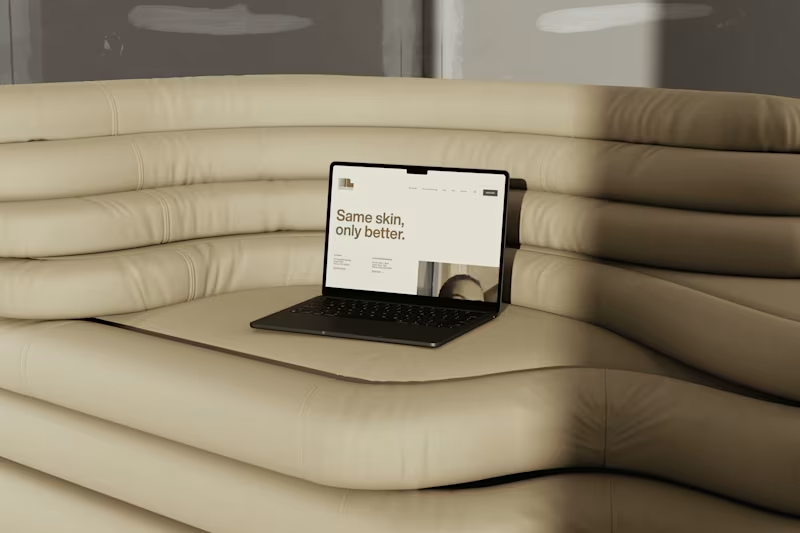
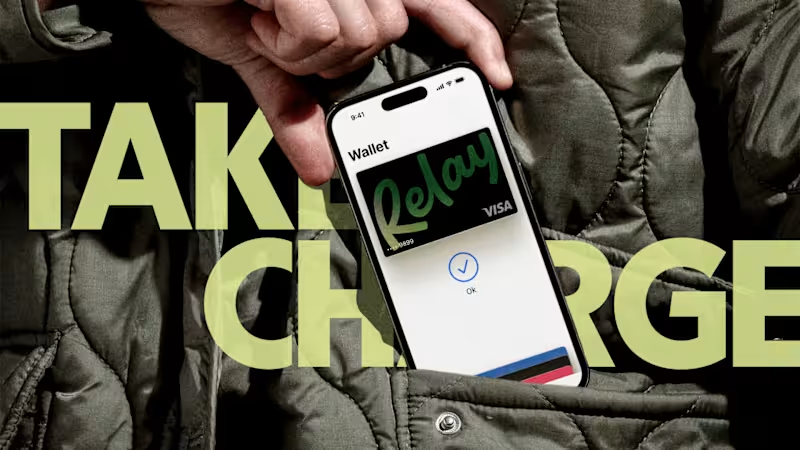
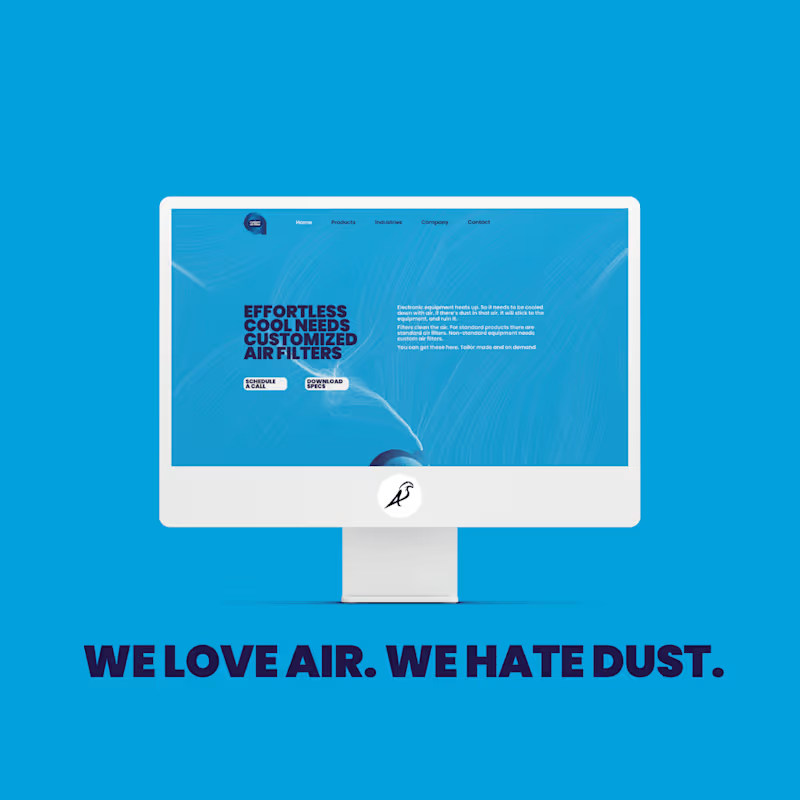
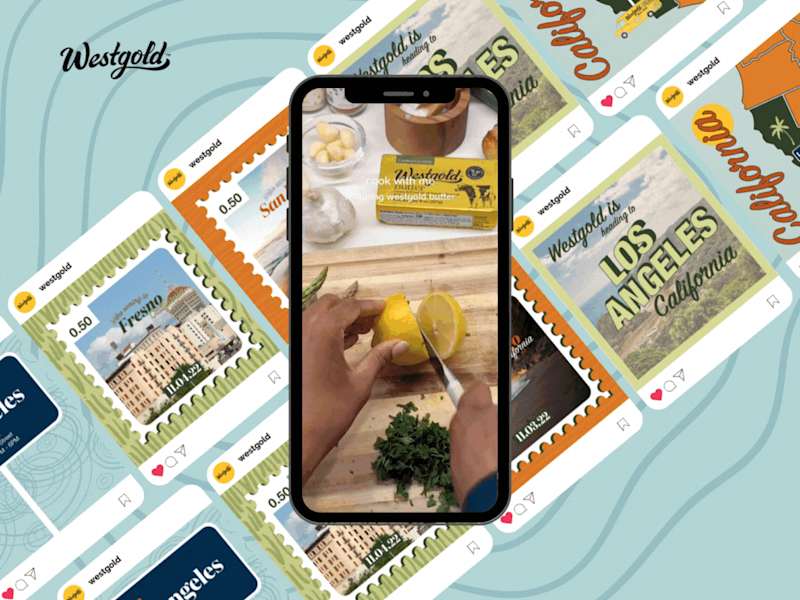
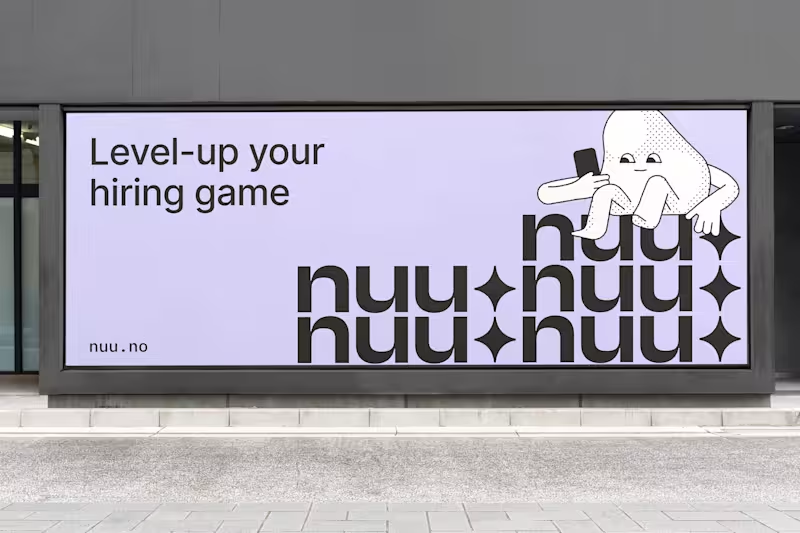
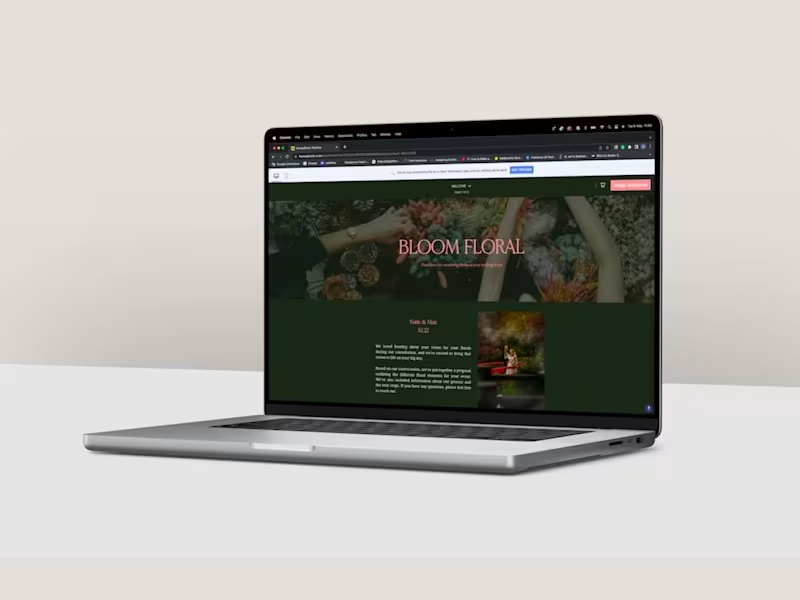
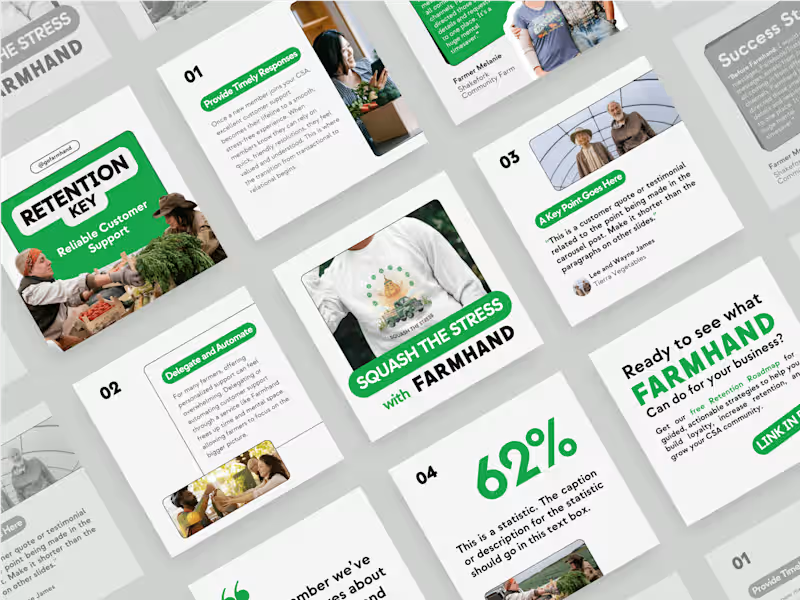
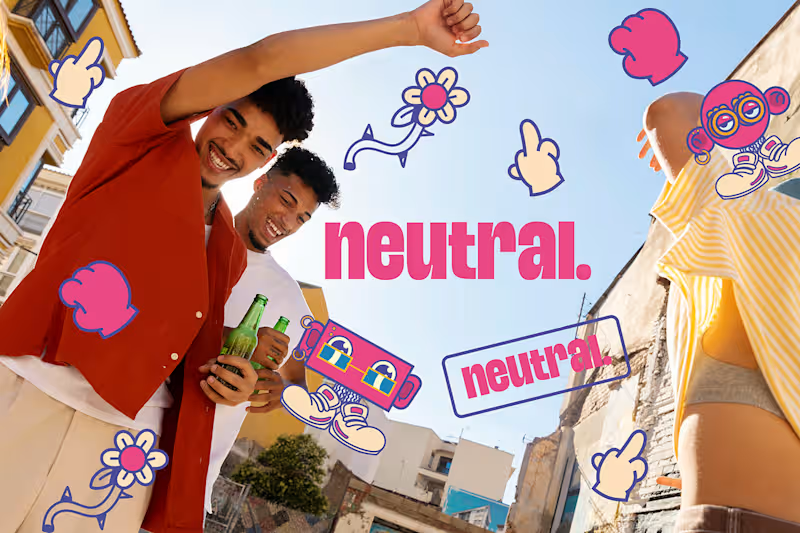
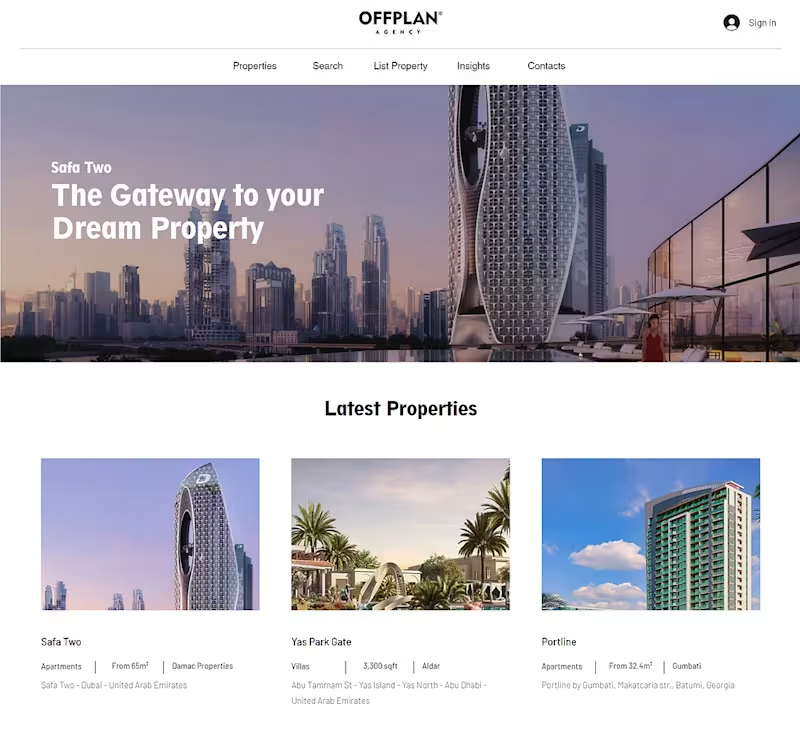
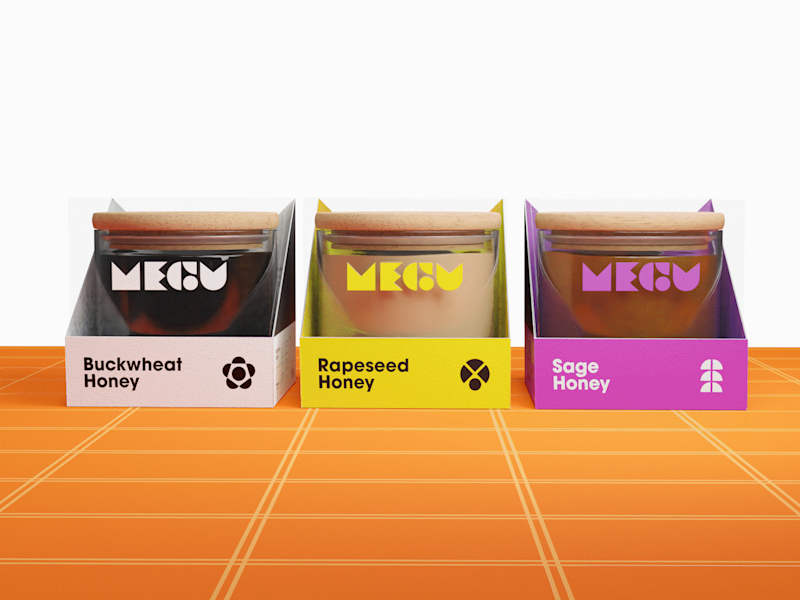
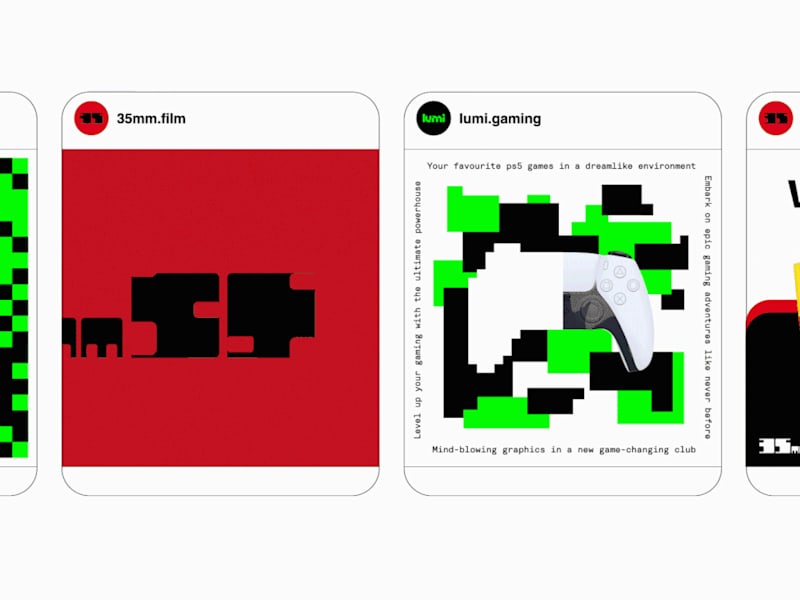
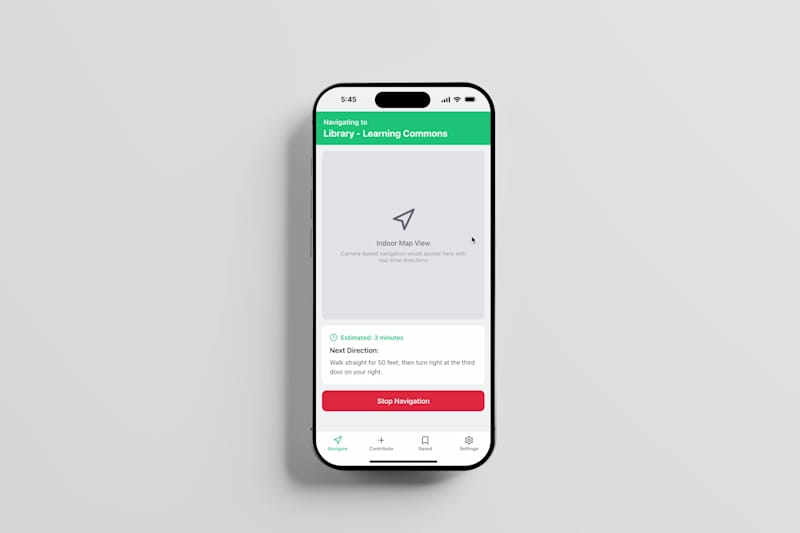
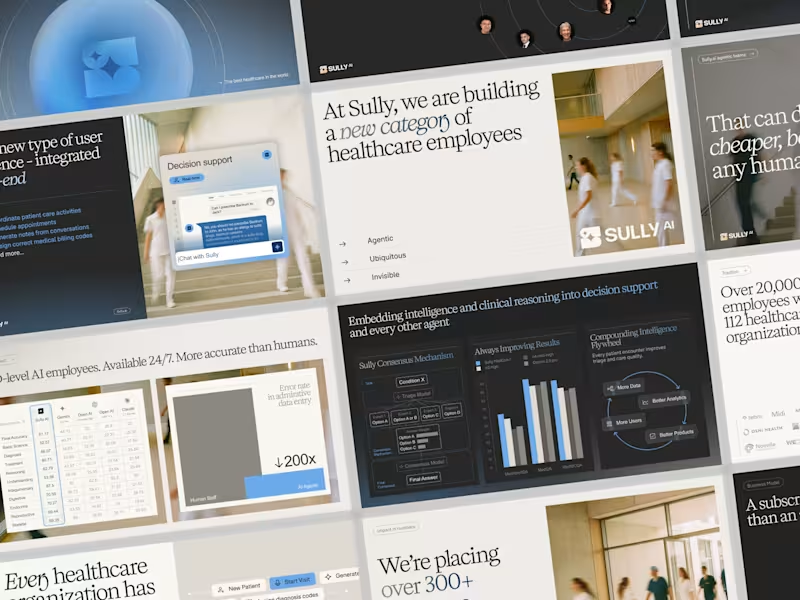
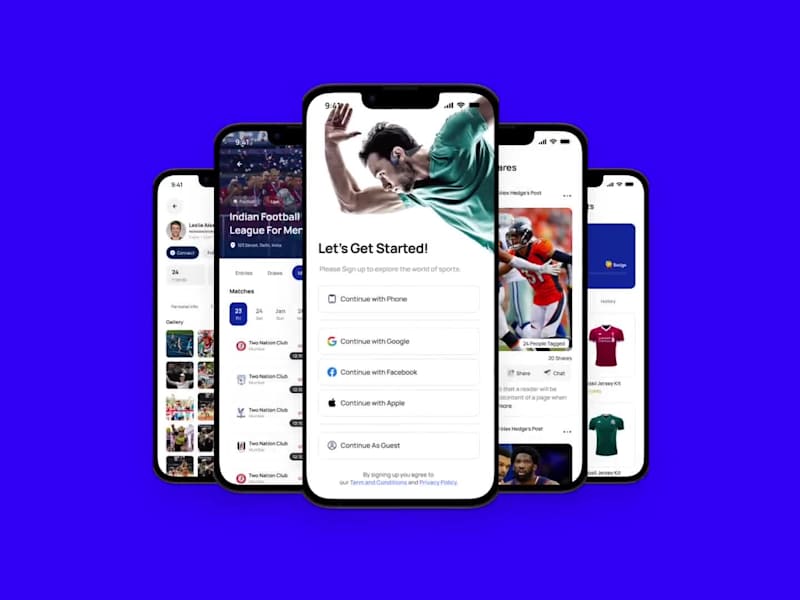
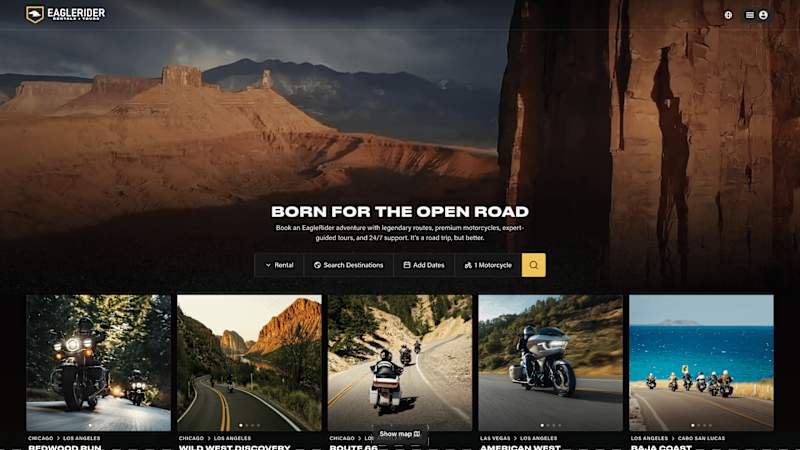
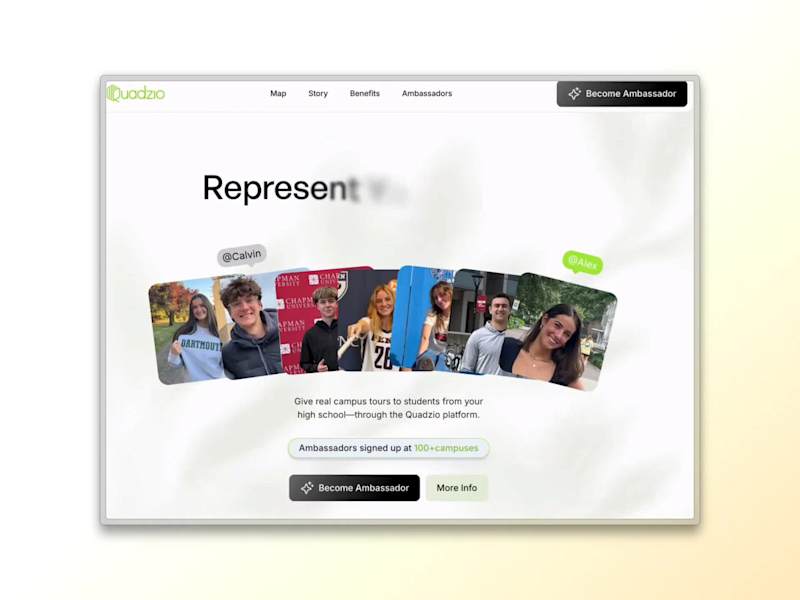
An Adobe Suite expert can create many things like logos, videos, and websites. They can help design business cards and edit films. They make creative ideas come to life based on your needs.
How can you ensure that a freelancer understands your project needs?
Clear communication is key. Explain your project in simple words and images. Make sure they understand what you want as the final result.
What deliverables should you expect from an Adobe Suite project?
Deliverables are the final things you get. For Adobe projects, these can be colorful posters, videos, or web pages. They should be ready to use or send to others.
How can you check if the freelancer's previous work matches your project needs?
Look at their portfolio. A portfolio shows work they did before. If their style fits your project, they might be a good match.
Why is it important to agree on deliverables before starting a project?
Agreeing on deliverables sets expectations. Both you and the freelancer know what to work toward. It helps avoid confusion and makes the project run smoother.
Can freelancers customize designs to your specific branding needs?
Yes, they can make designs that fit your brand. They will use your colors, logos, and style. This makes your brand look consistent everywhere.
How will a freelancer keep you updated on the progress of your project?
Freelancers often share updates through messages or calls. They might send drafts or samples. This helps you see progress and give feedback.
What tools can freelancers use for collaboration on Contra?
On Contra, freelancers can share files and messages easily. They manage tasks so everyone knows what to do. This makes working together smooth and simple.
Who is Contra for?
Contra is designed for both freelancers (referred to as "independents") and clients. Freelancers can showcase their work, connect with clients, and manage projects commission-free. Clients can discover and hire top freelance talent for their projects.
What is the vision of Contra?
Contra aims to revolutionize the world of work by providing an all-in-one platform that empowers freelancers and clients to connect and collaborate seamlessly, eliminating traditional barriers and commission fees.