























What should I know about an Adobe Premiere Pro expert’s experience before hiring them?
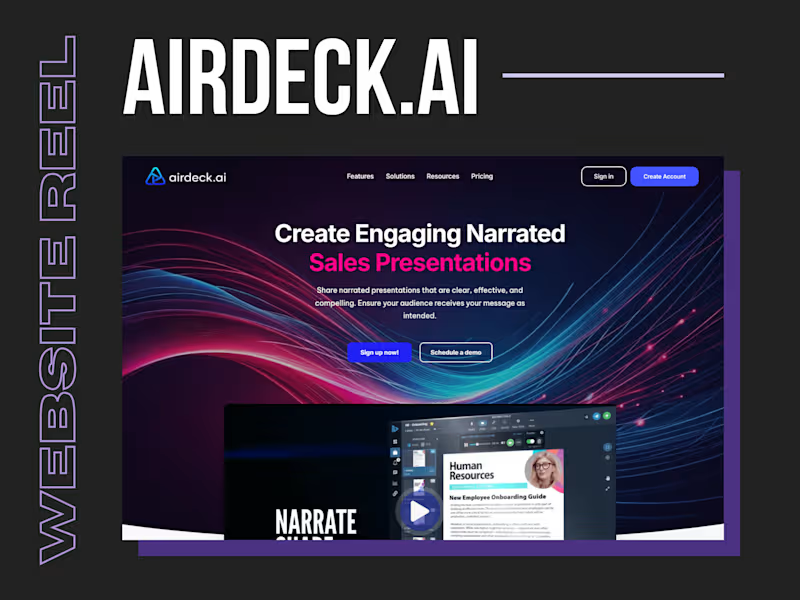
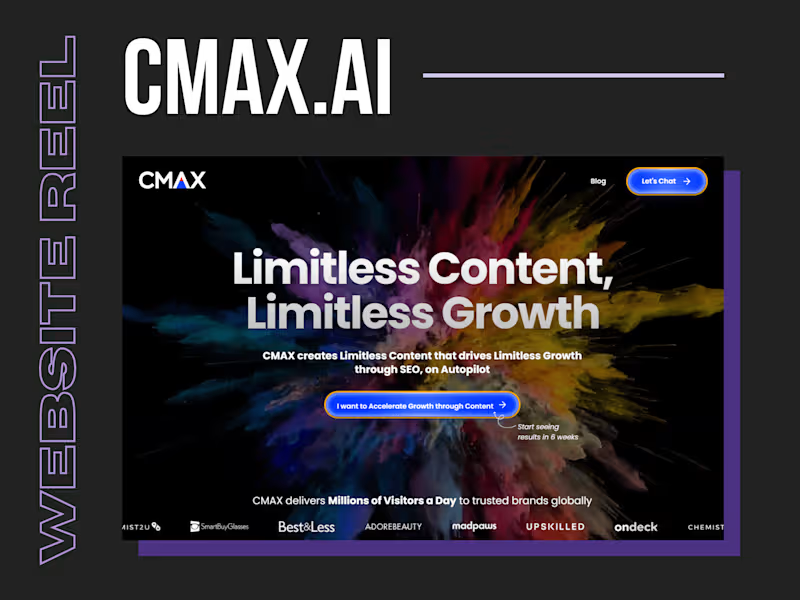
It is important to know about the freelancer’s past projects and work with Adobe Premiere Pro. Check if they have experience in similar projects to yours, like promotional videos or short films. Look at their portfolio to see examples of their video editing skills and creative styles.
How do I discuss project goals with an Adobe Premiere Pro expert?
Start by clearly stating what you want to achieve with your video project. Share any ideas or themes you have in mind, and ask for their input. This helps in making sure everyone understands what the finished video should look like.
What is the best way to agree on video editing deliverables?
Make a list of what the final deliverables should include, such as the length of the video and any special effects. Talk about the format needed for each deliverable, like MP4 or MOV. Agree on milestones where you can review the progress.
How can I ensure the Adobe Premiere Pro expert understands my brand’s style?
Share examples of previous branding material or videos that showcase your style. Provide a mood board or branding guidelines if available. Discuss color schemes, typography, and any specific animations you like.
What’s the process for reviewing drafts and giving feedback?
Decide on how many draft versions will be shared. Set times to review these together and provide feedback constructively. Make sure your comments are clear so the freelancer knows what needs changing.
How soon should I expect the Adobe Premiere Pro expert to start the project?
Discuss the freelancer’s current availability and preferred start date once they accept the project. Consider any deadlines or important dates you have. This helps in setting a realistic timeline for work to begin.
What tools can help track progress on the project?
Use online tools to share files and communicate, like Google Drive or Slack. Regular check-ins can help stay on track. These tools ensure that both parties are updated on the progress of the project.
How do I know if the Adobe Premiere Pro expert can handle complex video edits?
Ask for their experience with advanced effects and AI features in Adobe Premiere Pro. Request to see clips that showcase sophisticated editing skills. This helps determine if they can meet technical requirements.
What is the best way to agree on project timelines with an Adobe Premiere Pro expert?
Work together to create a timeline that breaks down the project into stages. Include deadlines for drafts and the final video. Confirm that both parties are comfortable with the timeline before work begins.
How do I ensure smooth communication with the Adobe Premiere Pro expert?
Choose a preferred communication method, like emails or video calls. Agree on regular check-in times to discuss project progress and queries. This ongoing communication helps keep everything clear and on track.
Who is Contra for?
Contra is designed for both freelancers (referred to as "independents") and clients. Freelancers can showcase their work, connect with clients, and manage projects commission-free. Clients can discover and hire top freelance talent for their projects.
What is the vision of Contra?
Contra aims to revolutionize the world of work by providing an all-in-one platform that empowers freelancers and clients to connect and collaborate seamlessly, eliminating traditional barriers and commission fees.